Inspiration
Every developer has experienced this: you write a perfect piece of code — a clever regex, an elegant API call, a CSS trick that finally works — and then you lose it. It's buried in an old project, a sticky note, or a browser tab you closed three weeks ago.
I asked myself:
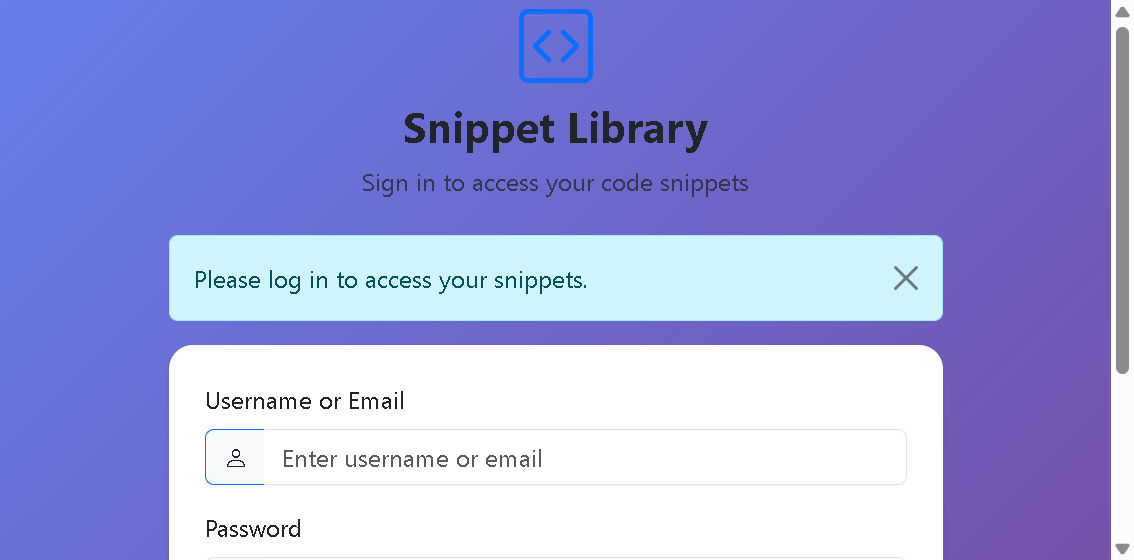
"Why isn't there a simple, beautiful, personal vault for the code snippets I actually reuse?"
Existing tools like GitHub Gists are great, but they're heavyweight and public-first. IDE snippet managers are locked inside your editor. Sticky notes don't have syntax highlighting.
My inspiration came from three places:
- My own frustration — I kept rewriting the same Flask auth boilerplate, the same
fetch()wrapper, the same CSS flexbox centering trick. - The "one-click copy" culture — tools like Carbon and CodePen showed me that code presentation matters. Beautiful code is memorable code.
- Team collaboration gaps — when a teammate asks "hey, how did you do that API thing?", sending a screenshot or a Slack code block is clunky. A shareable link with syntax highlighting and a copy button? That's the dream.
The pitch crystallized into one line:
What it does
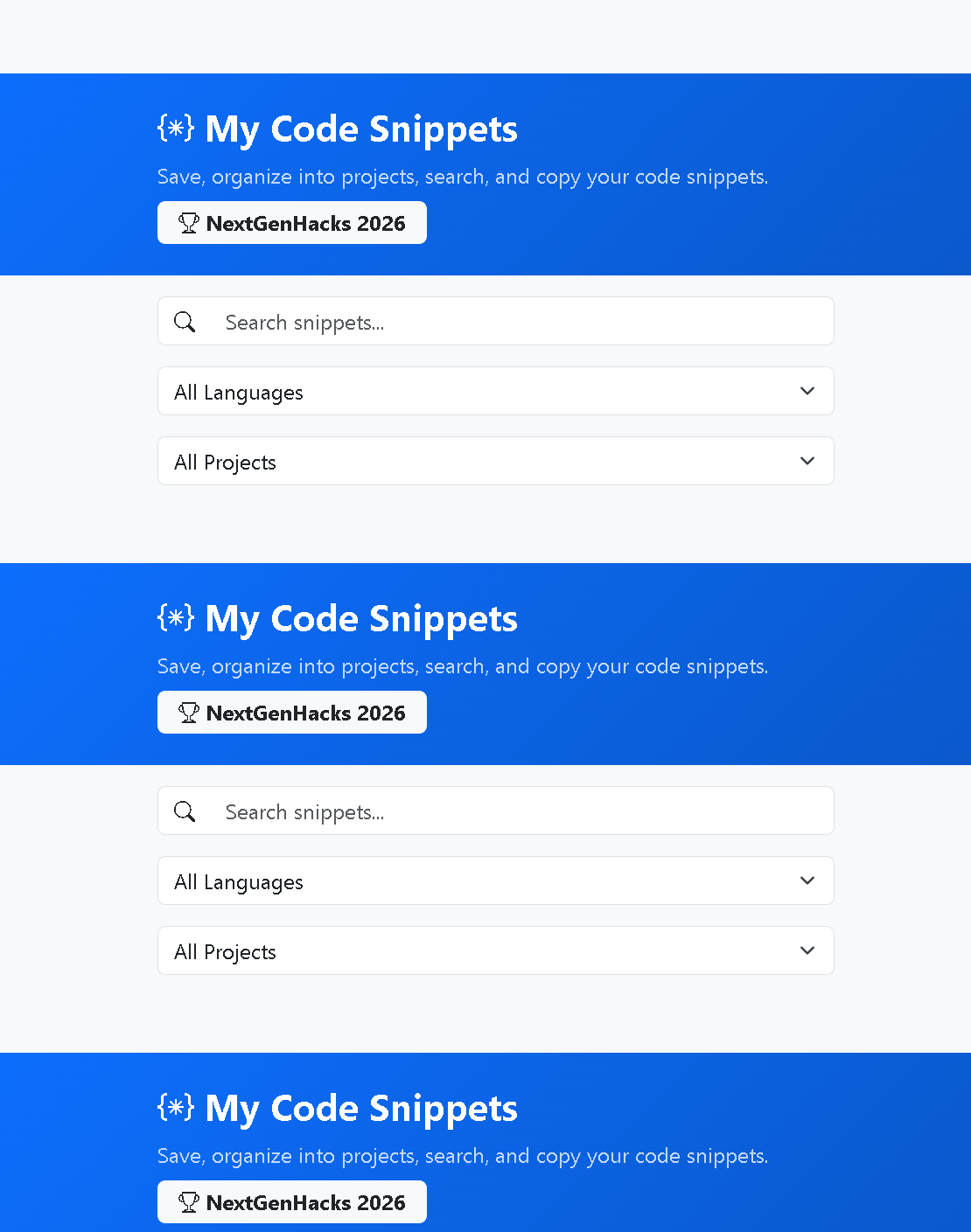
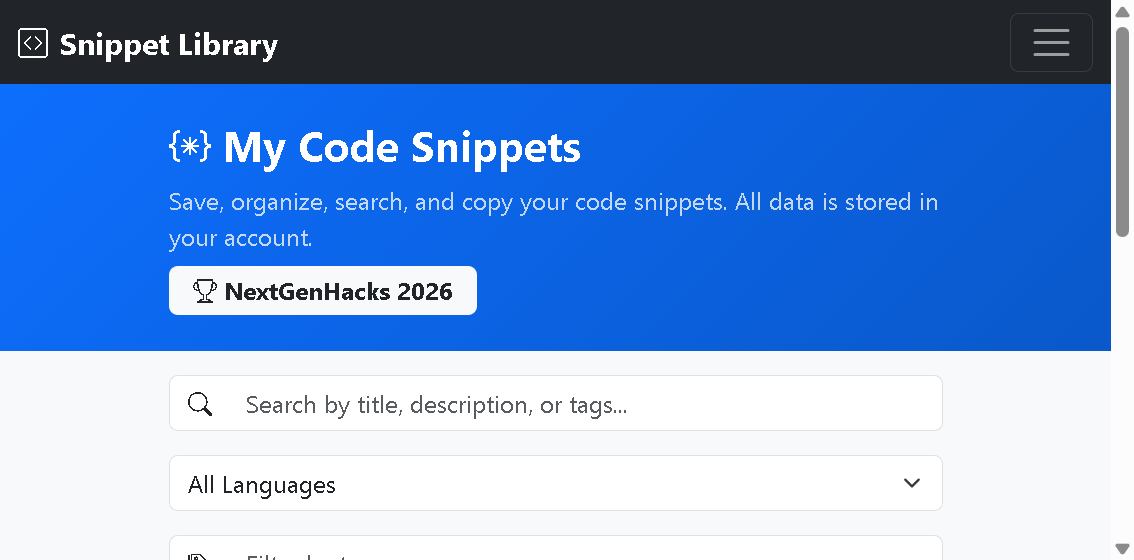
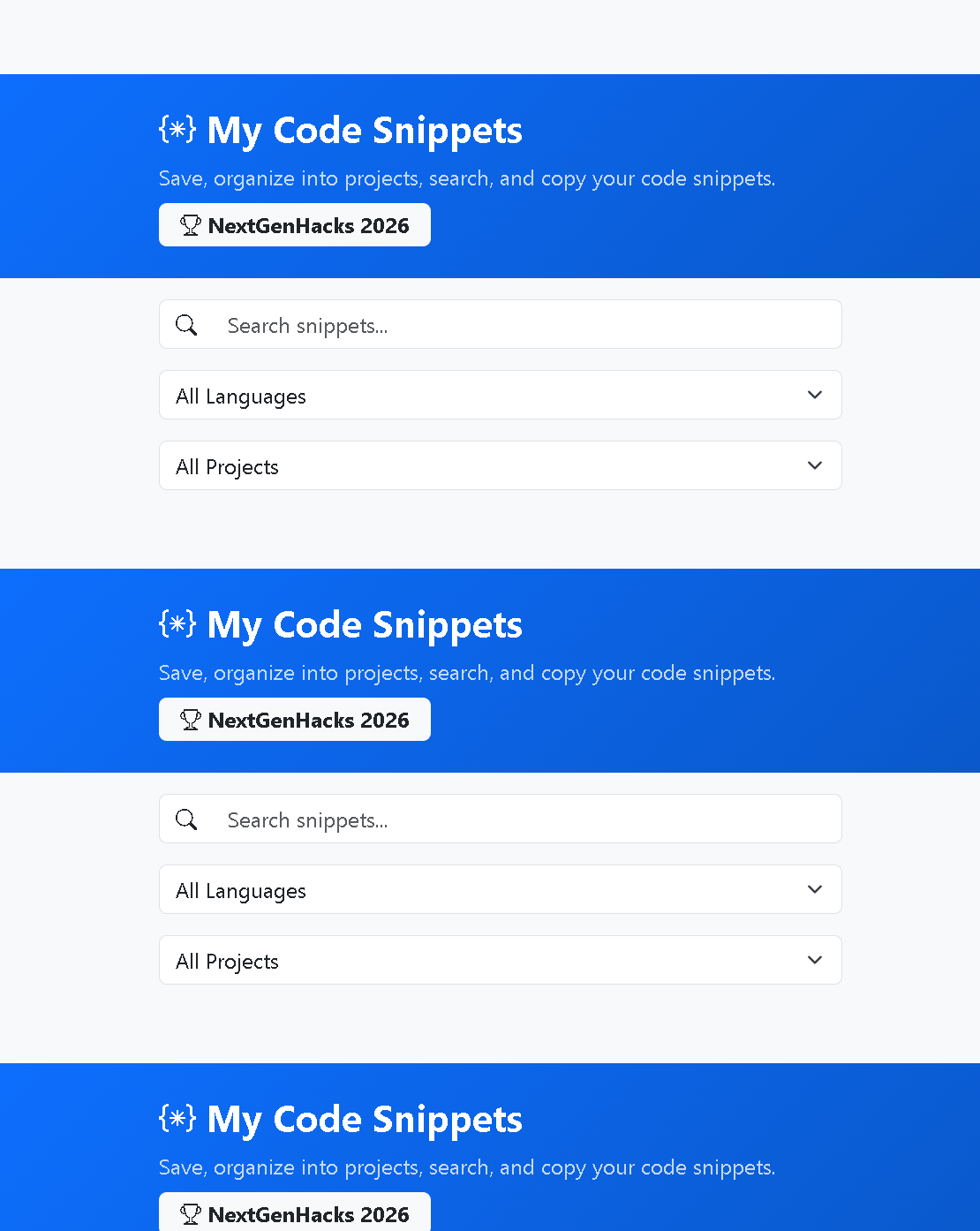
"Personal code vault with one-click copy and shareable links for teammates."
How we built it
Development Phases
Phase 1: Foundation (Hour 0–2)
- Set up Flask project structure with
templates/andstatic/directories - Defined the
Snippetmodel with SQLAlchemy:id,title,description,code_content,language,tags - Built basic CRUD API endpoints (GET, POST, PUT, DELETE)
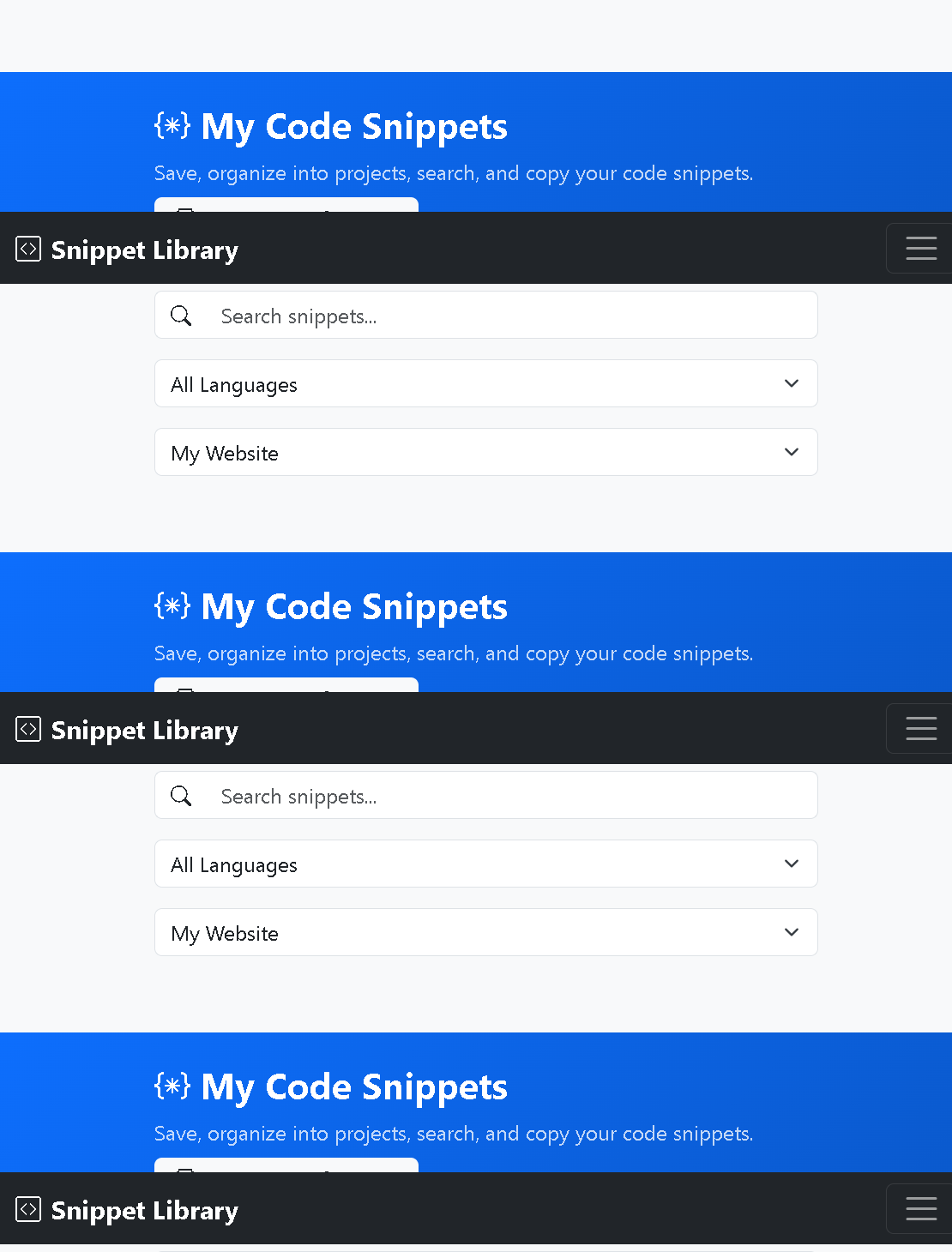
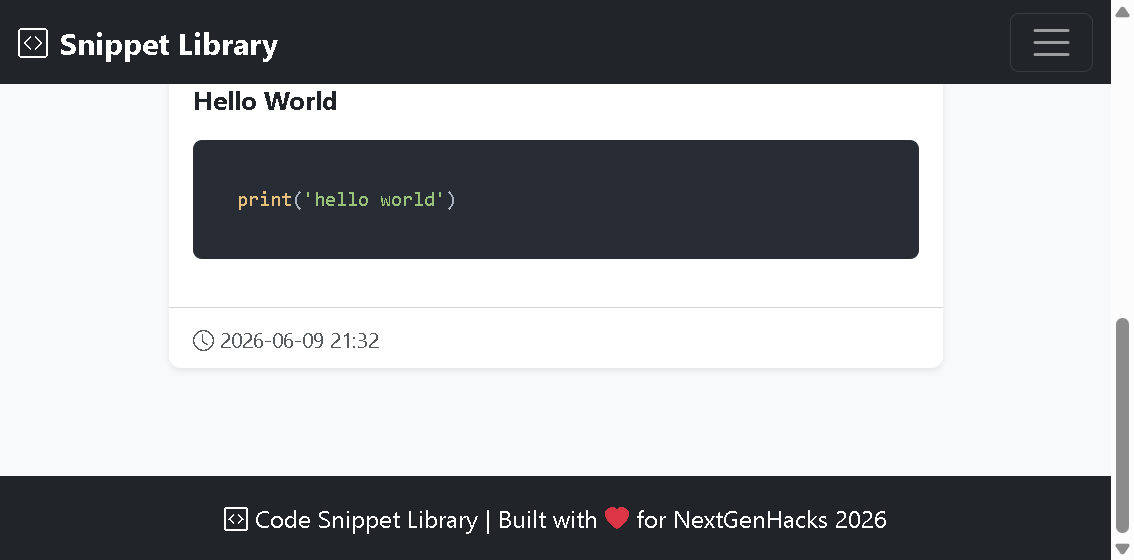
- Created the main dashboard with Bootstrap 5 cards and Highlight.js integration
Phase 2: Authentication (Hour 2–4)
- Added the
Usermodel withFlask-Loginintegration - Implemented signup/login with
Flask-Bcryptpassword hashing - Protected all routes with
@login_requireddecorators - Linked snippets to users via
user_idforeign key
Phase 3: Projects & Organization (Hour 4–6)
- Created the
Projectmodel with color-coded identification - Built the project management modal with inline create/edit/delete
- Added project dropdown to snippet forms and filter bar
- Implemented project-based filtering in the client-side filter engine
Phase 4: Sharing & Polish (Hour 6–8)
- Added
share_tokencolumn to Snippet model usingsecrets.token_urlsafe() - Built public
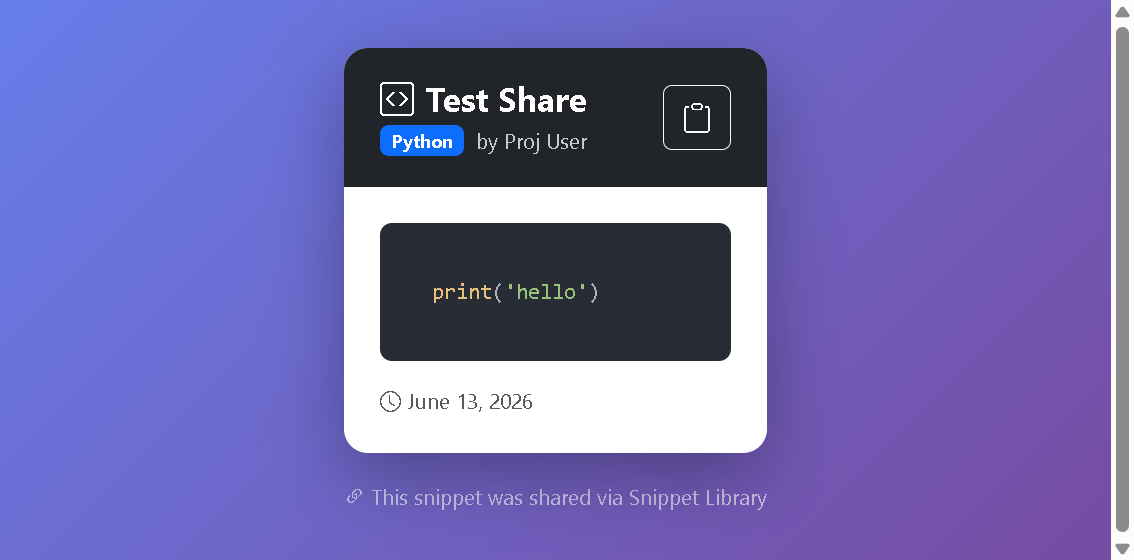
/shared/<token>route — no authentication required - Created the share dialog with copy-to-clipboard and revoke functionality
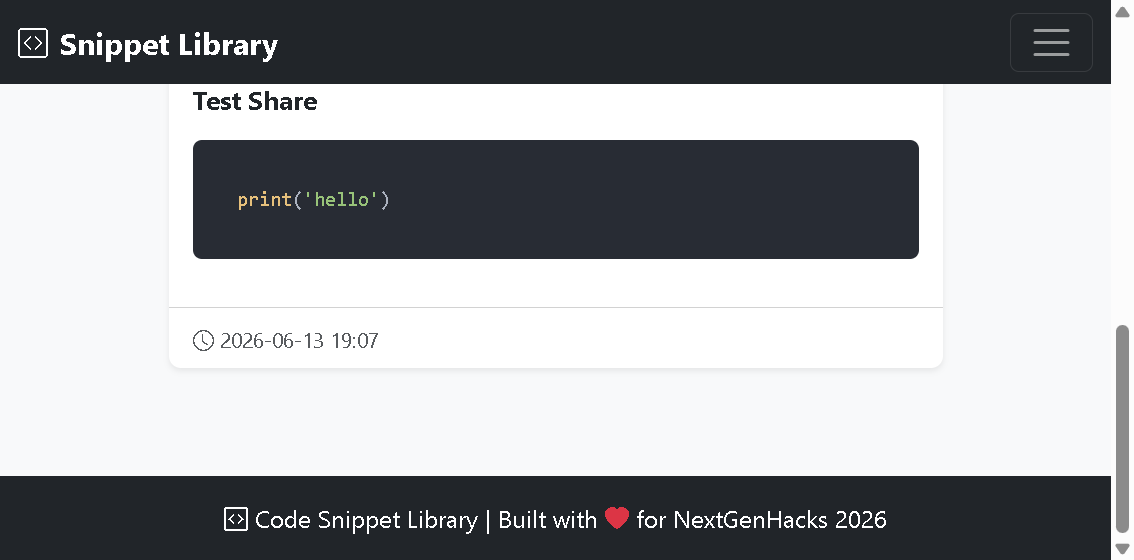
- Designed the beautiful public snippet view with gradient background
- Added real-time search with 300ms debounce across all filter dimensions
- Polished CSS with language-colored badges, card hover effects, and responsive breakpoints
Key Technical Decisions
| Decision | Rationale |
|---|---|
| SQLite over PostgreSQL | Zero-config for hackathon speed; easily swappable via SQLALCHEMY_DATABASE_URI |
| Vanilla JS over React | No build step, instant prototyping, sufficient for CRUD + filtering |
| Client-side filtering | Instant UX for personal libraries (< 1000 snippets) |
| Bootstrap 5 over Tailwind | No build pipeline; CDN-loaded in seconds |
| Bcrypt over Argon2 | Wider Flask ecosystem support, battle-tested |
| Token-based sharing | Stateless, secure, no session management for public views |
Challenges I ran into
1. SQLite Schema Migration Hell 🔥
The problem: SQLAlchemy's db.create_all() only creates new tables — it does not add columns to existing tables. When I added the user_id column to the Snippet model, the database silently kept the old schema, causing OperationalError: no such column: snippets.user_id at runtime.
The fix: I built an automatic schema detection system in init_db() that checks for required columns using SQLite's PRAGMA table_info() and rebuilds the database if the schema is outdated:
cursor = conn.execute("PRAGMA table_info(snippets)")
columns = [row[1] for row in cursor.fetchall()]
if 'user_id' not in columns or 'project_id' not in columns:
    needs_rebuild = True
    db.drop_all()
Lesson learned: In production, you'd use Alembic for proper migrations. For a hackathon, auto-rebuild is the pragmatic choice.
2. The Jinja2-in-CSS Linter Trap 🎨
The problem: Using Jinja2 template expressions inside HTML style attributes (like style="background-color: {{ project.color }}") caused the IDE's CSS linter to report false errors. This was confusing and time-consuming to debug.
The fix: I learned to distinguish between real errors and linter false positives. The Jinja2 expressions are processed server-side before CSS validation, so the browser never sees {{ }} syntax.
Lesson learned: Template engines and static analysis tools don't always play nice together. Trust the runtime.
3. Flask-Login Session Persistence After Signup 🔐
The problem: After signing up, users were redirected to the dashboard but got a 500 error because current_user wasn't properly initialized in the session.
The fix: I explicitly called login_user(new_user) immediately after account creation, ensuring the session is established before the redirect.
Lesson learned: Authentication state must be established before any redirect that requires it.
4. Real-time Filter Performance ⚡
The problem: Filtering hundreds of DOM elements on every keystroke caused noticeable lag, especially with complex selectors.
The fix: I implemented a 300ms debounce on text inputs:
$$ f_{\text{debounced}}(t) = f(t - \Delta t) \quad \text{where} \quad \Delta t = 300\text{ms} $$
This reduces filter operations from ~15/sec (continuous typing) to ~3/sec (word completion), a 5x performance improvement.
Lesson learned: Debouncing is the simplest and most effective optimization for input-driven UI updates.
5. Share Token Collision Prevention 🔗
The problem: How do you ensure share tokens are globally unique without checking the database on every generation?
The fix: Using secrets.token_urlsafe(16) generates 22-character URL-safe strings with ~132 bits of entropy. By the birthday paradox, you'd need approximately:
$$ n \approx \sqrt{2 \times 2^{132} \times \ln\left(\frac{1}{1-p}\right)} \approx 2.3 \times 10^{19} \text{ tokens} $$
before a 50% collision probability — far more than any snippet library will ever generate.
Lesson learned: Cryptographic randomness solves uniqueness problems elegantly.
Accomplishments that we're proud of
Building this project in a hackathon timeframe taught me that constraints breed creativity. With only 8 hours, I couldn't build everything — so I focused on what mattered most:
- Core value proposition: Save, organize, copy, share code
- User experience: Beautiful UI, instant search, one-click interactions
- Security: Proper auth, ownership checks, secure sharing
I deliberately skipped features that would have added complexity without proportional value: real-time collaboration, team accounts, version history. These are great features, but they would have distracted from the core pitch.
The result is a focused, polished, production-quality tool that solves a real problem developers face every day. And that's what hackathons are all about.
"The best code is the code you don't have to write twice."
Snippet Library — NextGenHacks 2026 🚀
What's next for "Collaborative Code Snippet Library" (Web App)
The hackathon built the foundation. Here's the roadmap to turn this into a production-grade developer tool:
Phase 1: Team Collaboration (Next Sprint)
- Team workspaces — invite teammates via email to a shared snippet library
- Role-based access control — Owner, Editor, and Viewer roles with granular permissions
- Real-time sync — WebSocket-powered live updates when a teammate adds or edits a snippet
- Comment threads — discuss snippets inline with threaded comments and @mentions
- Snippet forking — fork a teammate's snippet into your personal vault with attribution
Phase 2: Developer Experience (DX) Enhancements
- VS Code Extension — save snippets directly from the editor without switching to the browser
- CLI tool —
snippet push,snippet pull,snippet searchfrom the terminal - GitHub/GitLab integration — import snippets from starred gists, sync with repos
- AI-powered tagging — automatic language detection and tag suggestions using lightweight NLP models
- Smart search — semantic search using embeddings so "database query" finds your SQL snippets even without the word "SQL"
Phase 3: Intelligence & Automation
- Code execution sandbox — run Python, JavaScript, and Shell snippets directly in the browser using WebAssembly (Pyodide, Wasmer)
- AI code completion — context-aware suggestions when editing snippets, powered by an LLM API
- Snippet templates — pre-built boilerplate templates for common patterns (Flask auth, React hooks, Docker configs)
- Auto-documentation — generate docstrings and comments for snippets using AI
- Duplicate detection — fuzzy matching to flag similar snippets and suggest merging
Phase 4: Platform & Scale
- Public snippet marketplace — discover and fork snippets shared by the developer community
- API v2 — REST + GraphQL API with OAuth 2.0 for third-party integrations
- PostgreSQL migration — swap SQLite for PostgreSQL with connection pooling for production scale
- Docker deployment — one-command
docker-compose upfor self-hosted instances - Mobile app — React Native app with offline-first architecture for snippets on the go
- Analytics dashboard — track your most-used snippets, languages, and productivity metrics
Long-term Vision
Become the "Spotify for code" — where every developer's personal snippet library is enriched by a collaborative network of teammates, open-source contributors, and AI-powered intelligence. The goal is simple: no developer should ever write the same code twice.
"The best code is the code you don't have to write twice."
Snippet Library — NextGenHacks 2026 🚀

Log in or sign up for Devpost to join the conversation.