Inspiration
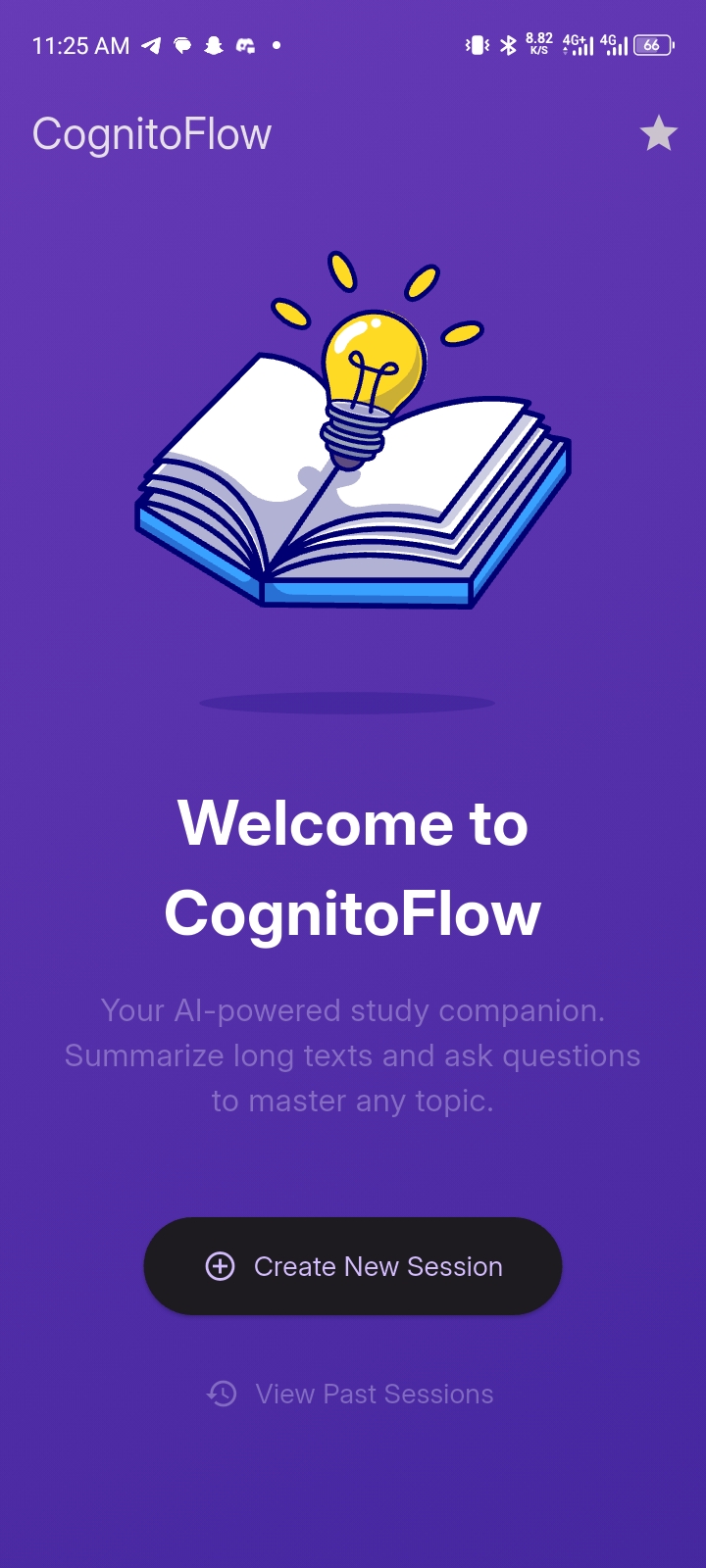
The inspiration for this project, a knowledge session app called "Cognito Flow", came from the desire to create a tool that could quickly summarize large amounts of text and provide an interactive way to ask questions about that content. In an age of information overload, having a personal, AI-powered assistant that can digest complex information and help you navigate it is incredibly valuable. I wanted to build a simple, clean interface that made this technology accessible and easy to use for everyone.
What it does
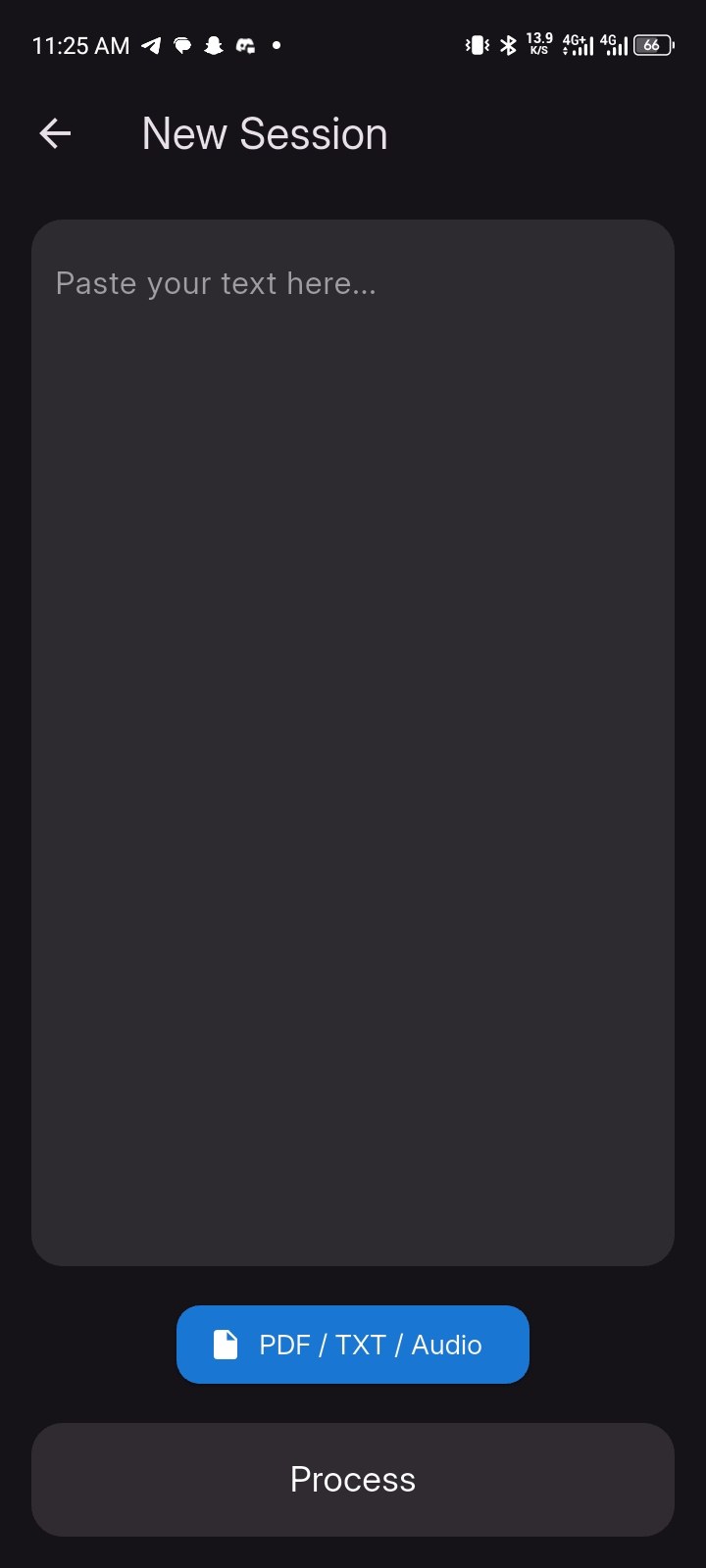
The app, Cognito Flow, is a knowledge management and interactive learning tool. Its core function is to take user-provided text—which could be a document, article, or notes—and create a structured knowledge session around it.
It performs the following key actions:
Content Summarization: It processes the input text to generate a concise summary, allowing the user to quickly grasp the main points of a document. This summary is displayed prominently on the session detail screen.
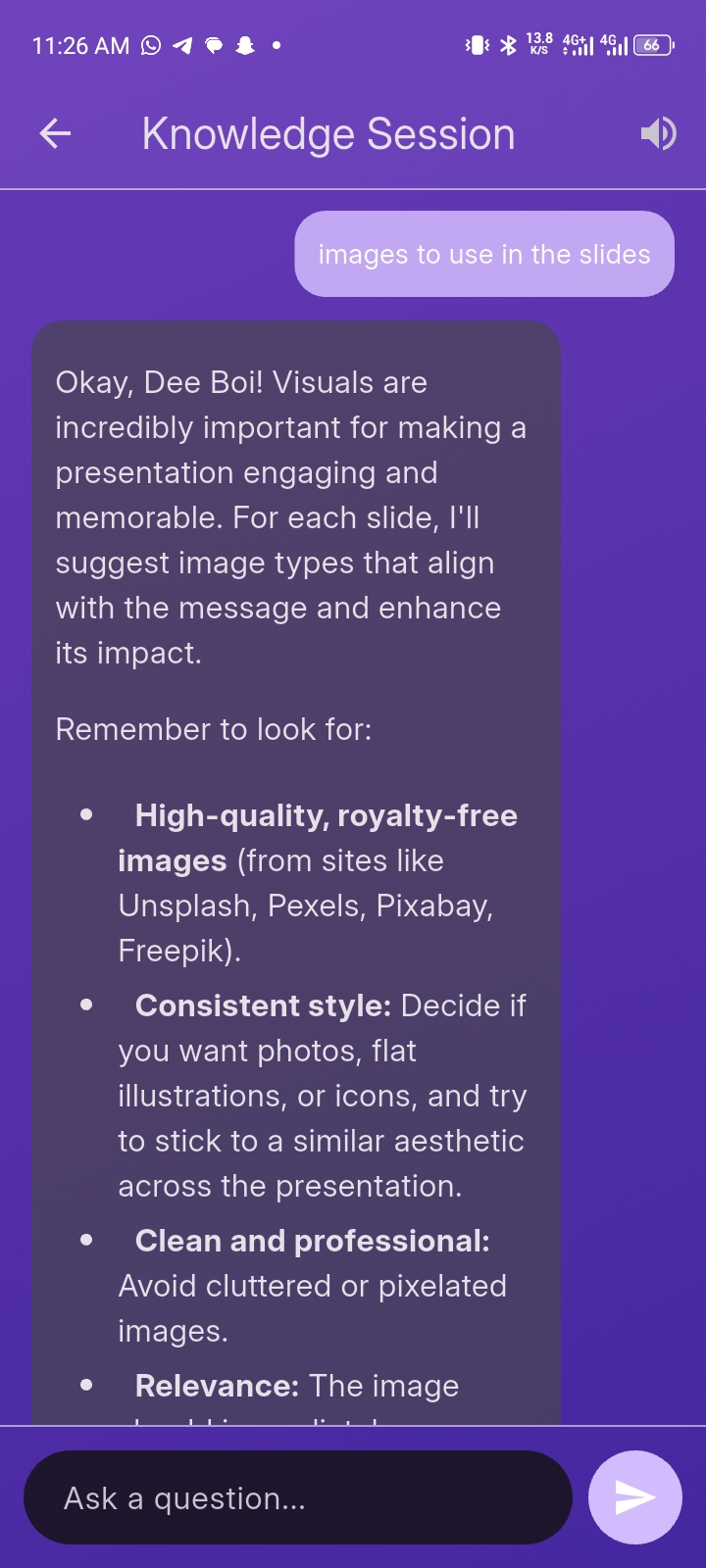
Interactive Q&A: The app acts as an intelligent assistant, allowing users to ask questions about the provided text. It uses the Gemini API to generate accurate and context-aware answers in real time.
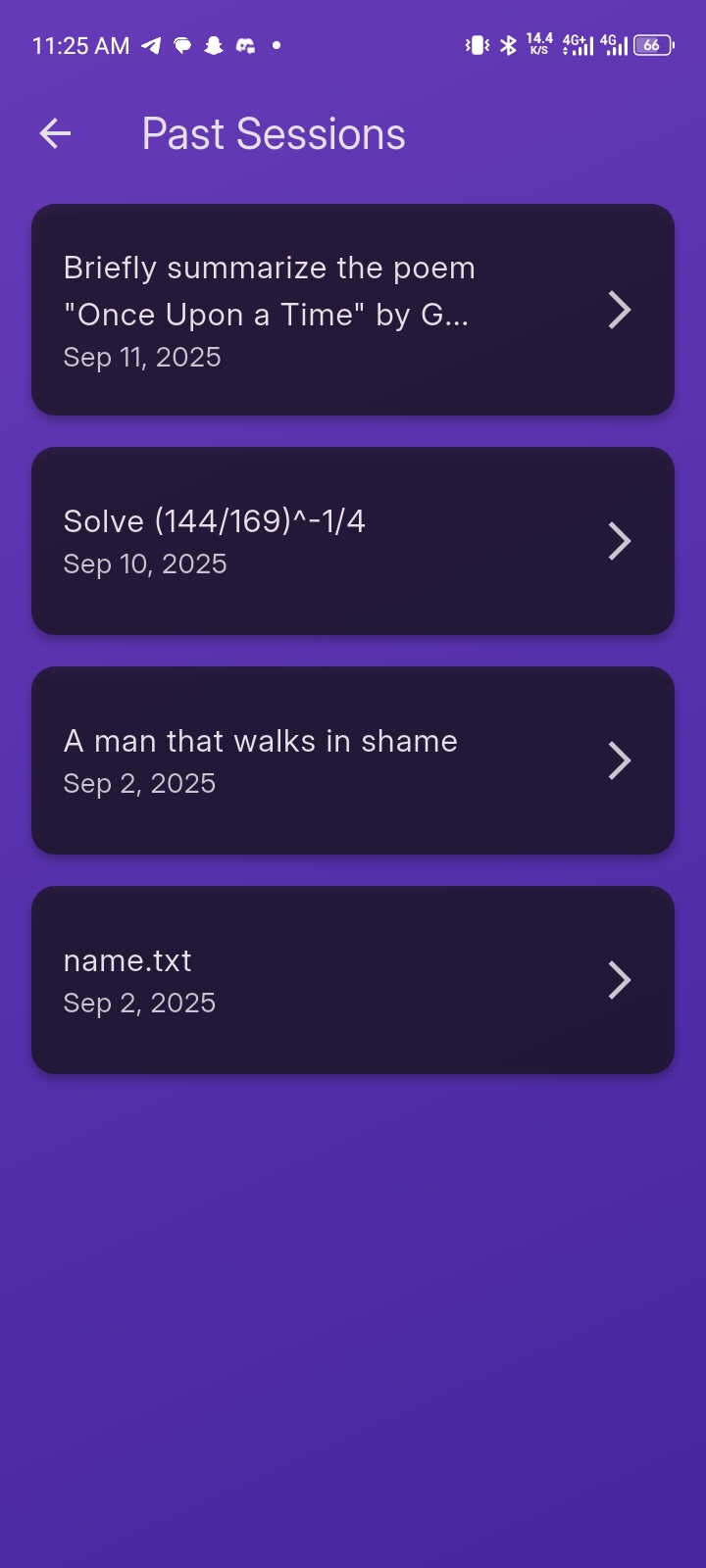
Conversation History: All questions and answers are stored, creating a persistent chat history. This history can be reviewed at any time, providing a record of the user's learning journey and a way to revisit key information.
Data Persistence: The entire session, including the original text, summary, and Q&A history, is saved to a Firestore database. This ensures that the user's data is safely stored and accessible across different devices and app sessions.
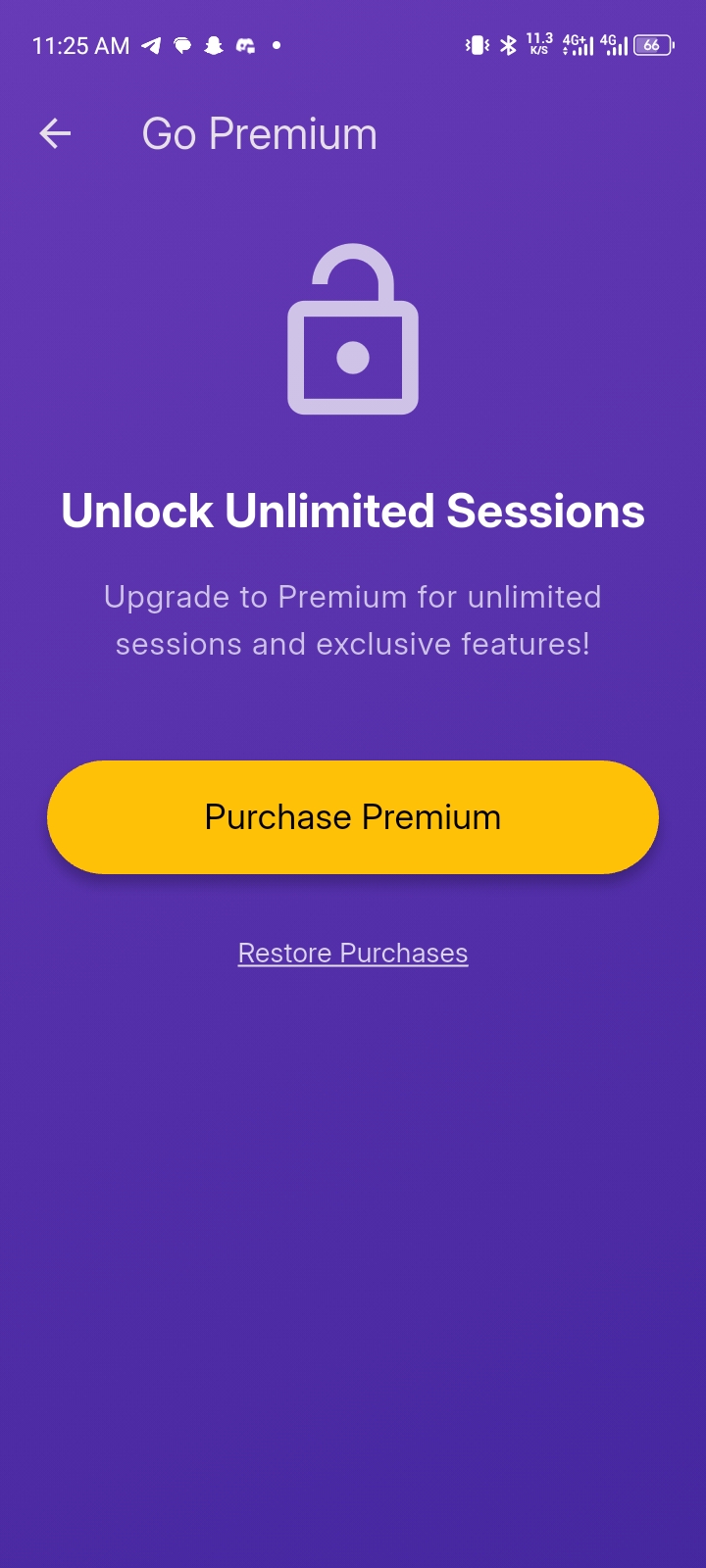
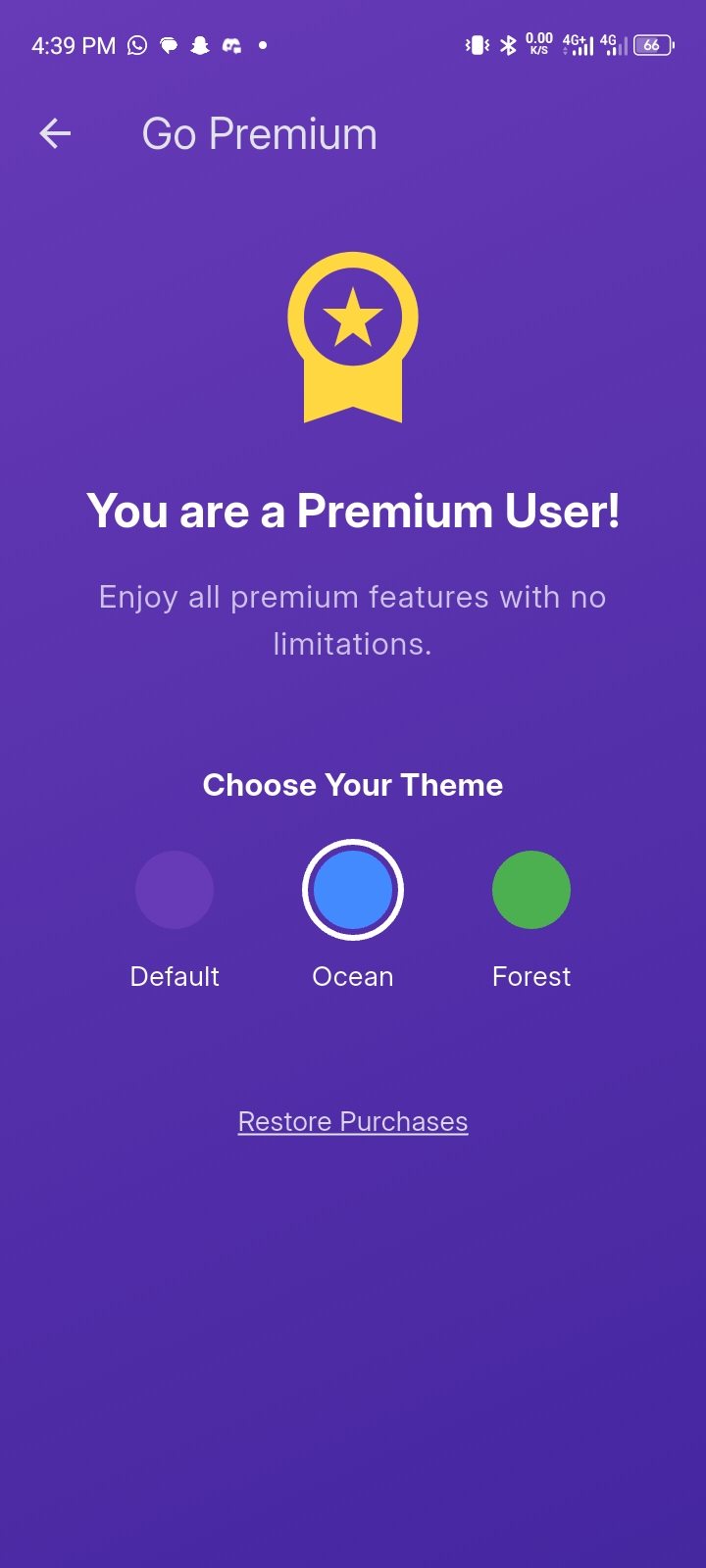
Tiered Access: The app implements a freemium model, allowing free users to create a limited number of knowledge sessions. Users who upgrade to a premium account gain the ability to create unlimited sessions. This feature is managed through a check on the number of existing sessions and the user's subscription status.
How we built it
The project was built in a few logical steps:
UI Scaffolding: I started by laying out the main SessionDetailScreen using a Scaffold and a Column to organize the different sections: the summary card, the QA history, and the input field.
State Management: I set up a StatefulWidget to manage the chat history list and the loading state. The initState method was used to load the existing chat history from the Session object.
Service Integration: I created dedicated service classes, GeminiService and FirestoreService, to handle the heavy lifting of communicating with the Gemini API and Firebase. This kept the UI code clean and focused on presentation.
Implementing Interactivity: I implemented the _askQuestion method to handle user input. This function adds the user's question to the chat history, calls the Gemini service, updates the UI with the answer, and finally saves the entire session to Firestore.
Fixing Layout Issues: As we saw in our conversations, a major part of the process was debugging and fixing a persistent "unbounded height" error. The solution was to use Expanded to give the ListView.builder a bounded height, and to remove unnecessary SingleChildScrollView widgets from around the MarkdownWidget.
Enhancing User Experience: I added a ScrollController to the ListView.builder to ensure that the chat automatically scrolls to the bottom whenever a new message or response is received, making the user experience more intuitive.
Challenges we ran into
When I was building the app, I found the subscription setup to be a real challenge. I had to navigate through the Google Play Console to not only create the subscription but also configure the base plans and various offers. A major hurdle was getting the Google Play Developer API correctly set up to communicate with my back-end.
The most difficult part was integrating Real-time Developer Notifications to keep track of subscription changes, like renewals or cancellations. It took a lot of work to ensure that the system was robust enough to handle the full subscription lifecycle. Ultimately, figuring out how all the different pieces—from the Play Console UI to the backend API—fit together was the key to getting it done.
Accomplishments that we're proud of
Some of my key accomplishments in developing the app include:
Solving the Unbounded Height Error This was a major technical challenge. I am proud of my persistence in debugging the RenderViewport error and finding the correct solution by using the Expanded widget to provide a bounded height. This taught me a lot about Flutter's layout engine and how to handle complex UI constraints.
Seamlessly Integrating the Gemini API I successfully connected the Flutter app to the Gemini API to power the knowledge session feature. This involved setting up the GeminiService to handle asynchronous calls, process the responses, and integrate them into the app's UI, which was a critical part of the app's core functionality.
Building a Clean and Intuitive Chat UI I'm particularly proud of the user interface for the QA sessions. I designed it to be simple and easy to use, and I implemented the ScrollController to ensure that new messages automatically appear in the user's view. This small detail significantly improved the overall user experience and made the app feel polished and professional.
Data Persistence with Firestore I successfully implemented data persistence using Firestore. This was a crucial step to ensure that users' knowledge sessions and chat histories are saved and accessible across different app sessions, making the app a reliable tool for long-term use.
What we learned
Throughout the development of this app, I learned several key things about Flutter and integrating third-party services:
State Management: I learned how to use StatefulWidget to manage dynamic changes in the UI, such as updating the QA chat history and showing a loading indicator.
Asynchronous Programming: I gained a deeper understanding of async/await for handling API calls to the Gemini service and Firestore. This is crucial for building responsive apps that don't freeze the UI while waiting for data.
Backend Integration: I learned how to seamlessly connect a Flutter frontend to a Firebase backend using the cloud_firestore package to store and retrieve user sessions and chat history.
What's next for CognitoFlow: AI Knowledge Navigator
Based on its current capabilities, here are some potential next steps for CognitoFlow: AI Knowledge Navigator:
Enhancing Core Features ✅✅Multimedia Support: Allow users to upload not just text, but also audio files (e.g., lecture recordings, podcasts) and image-based documents (e.g., PDFs, screenshots). The app could then use AI to transcribe the audio and perform OCR on the images to enable the same knowledge session functionality. ✅✅Advanced Q&A: Implement a more conversational and context-aware chat experience. This could include follow-up questions, summarization of the Q&A history, and the ability to generate quizzes or flashcards based on the session content.
New Functionality Collaborative Sessions: Introduce a feature that allows users to share a session with others. This would enable students or colleagues to study or work on a document together, with a shared chat history and synchronized views. ✅✅Knowledge Graph Generation: For each session, automatically generate a visual knowledge graph that maps out the key concepts, entities, and relationships within the text. This would provide a powerful way for users to explore and navigate complex information visually. ✅✅Exportable Content: Give users the ability to export the session's summary and Q&A history in various formats, such as a PDF document or a markdown file, for easy sharing and offline reference.
User Experience Improvements ✅✅Intuitive Onboarding: Create a guided tutorial for new users to demonstrate the app's features and help them get started with their first knowledge session. ✅✅Subscription Management: Build a dedicated screen for managing premium subscriptions, allowing users to upgrade, view their plan details, and manage their payments directly within the app.
✅✅Smart Revision Reminders: Implement a system that analyzes the user's Q&A history and identifies topics they've struggled with. The app could then proactively send push notifications with a quick quiz or a summary of a past session to reinforce learning.
✅✅Concept Connections: A feature that automatically links key concepts within a summary to external resources like Wikipedia, academic papers, or related videos, creating a rich web of interconnected information.
Predictive Q&A: As a user types a question, the app could use the content of the current session to predict and suggest potential questions or topics of interest.
✅✅Customizable Theming: Allow premium users to change the app's color scheme, fonts, and overall visual style to personalize their experience.
Session Tagging & Search: Enable users to add custom tags or keywords to their sessions. This would allow them to easily search and filter through their past sessions, making it simple to find specific information.
✅✅Text-to-Speech: Provide an option for the app to read out the summary and AI-generated answers, which would make the content accessible for users who prefer to listen rather than read.
Direct Export to Flashcard Apps: Beyond simple export, create a direct integration that allows users to send generated flashcards or quizzes to popular spaced-repetition apps like Anki or Quizlet with a single tap.
Cloud Storage Integration: Allow users to connect their personal cloud storage accounts (e.g., Google Drive, Dropbox) to directly import documents or audio files, streamlining the process of creating a new session.
