Inspiration
I was diagnosed with ADHD when I was 4 years old, and I've lived with active management of it ever since. Over the years, I've learned a lot about what actually helps in the moment — not generic advice, but small, specific accommodations: one task at a time instead of a wall of steps, permission to ask "wait, what does that even mean" without judgment, an environment that doesn't fight against how my brain works on a given day.
Talking with neurodivergent friends made it clear I wasn't the only one who felt this gap. Most tools built for productivity or learning assume a baseline of focus and working memory that doesn't hold for everyone, every day. Their feedback shaped how I thought about the project from early on — less about organizing tasks, more about meeting someone exactly where their attention actually is right now.
Cognitive Lens grew out of that: an AI that doesn't just help you plan, but actually senses when things are too much and changes itself in response.
What it does
Cognitive Lens is a cognitive assistant built around one idea: the same explanation, the same task breakdown, the same interface should not look the same for everyone, or even for the same person on every day.
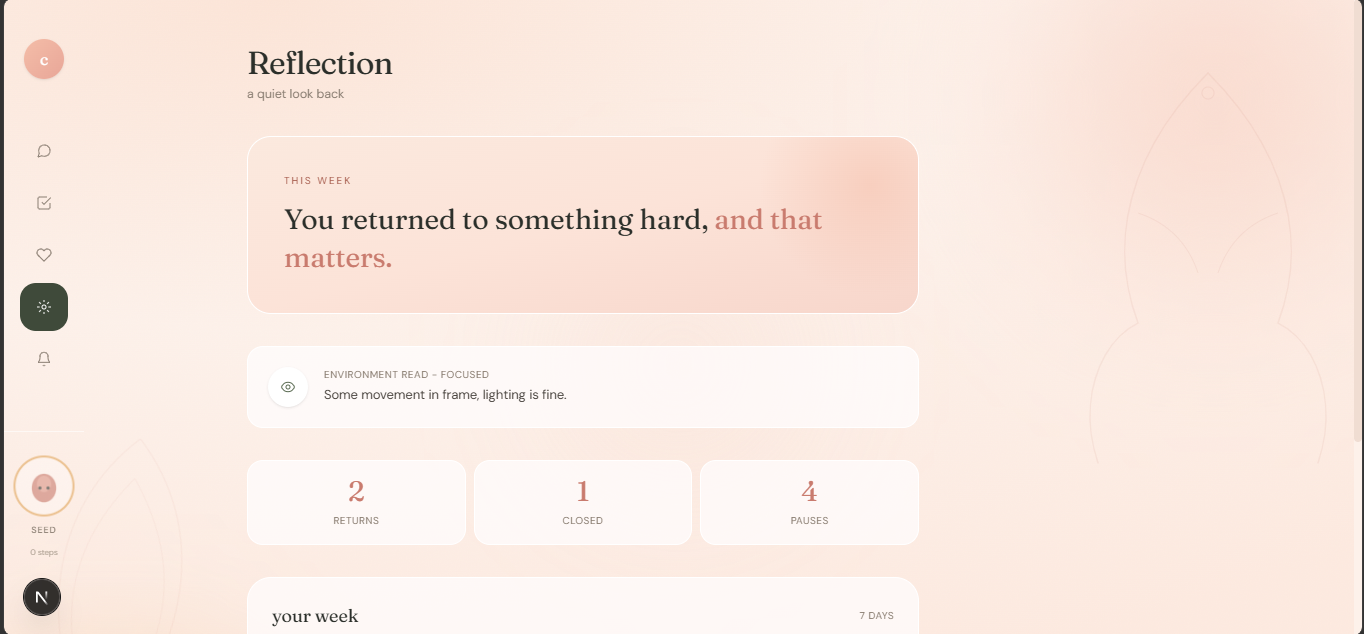
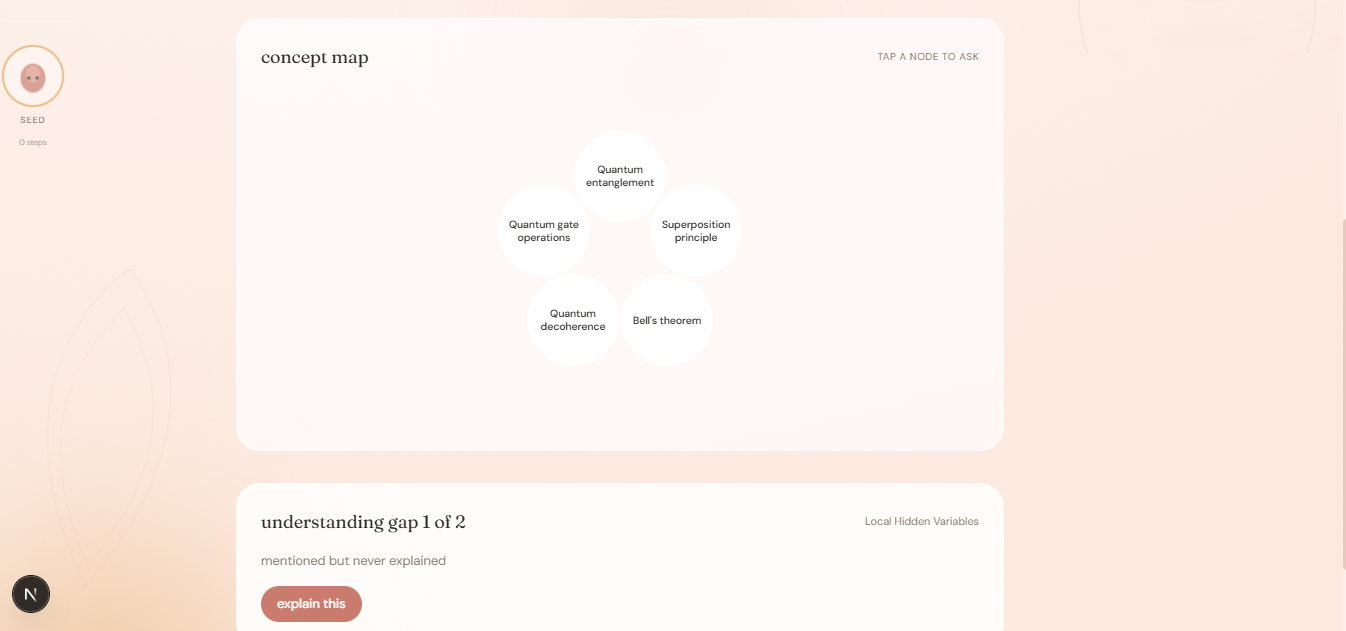
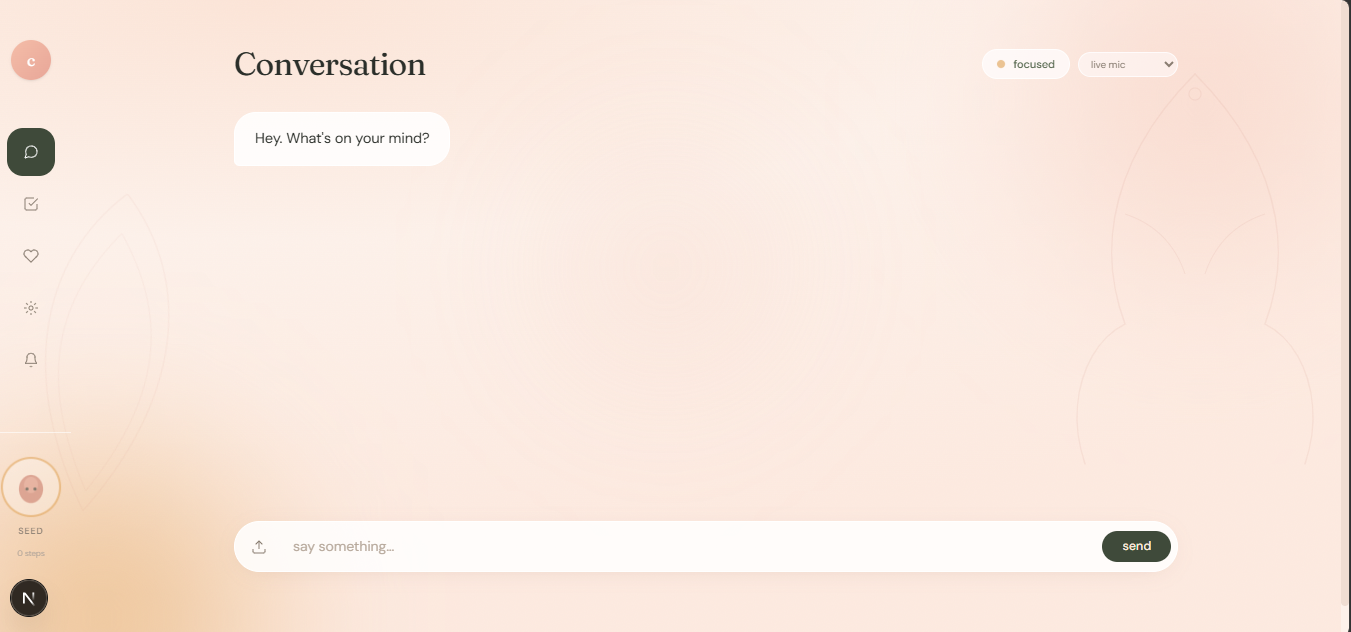
Adaptive chat and step breakdown — describe a task, and it's broken into small, doable steps. When the environment reads as overwhelming (via live noise sensing), the interface responds in kind: fewer steps shown at once, the current step enlarged and sharp, everything else blurred out of the way. Gap-finding tutor — instead of assuming you already know the background for a topic, it identifies the specific concepts that are genuinely unclear, walks you through them one at a time, lets you take your own notes, and generates a report built from what you actually understood — not a canned summary. Environment Intelligence — a live camera and microphone read of your actual physical space feeds directly into how the AI teaches and how the interface presents information: brighter, denser content when your space is calm and focused; simplified, high-contrast, single-step content when it's not. Browser extension — brings dyslexia-friendly fonts, adjustable text size, high contrast, and Read Aloud to any webpage, plus an on-page structure extractor that turns a dense article into digestible notes you can download. How we built it
The core is a multi-agent pipeline: a Structure agent, a Dependency agent (which finds the "gaps"), a Decision engine that builds step-by-step plans, and an Environment agent that folds live camera/mic data into the reasoning itself — not just the display. These run through an orchestrator that routes each message to the right combination of agents depending on whether it's a physical task, a content-writing request, or a learning topic.
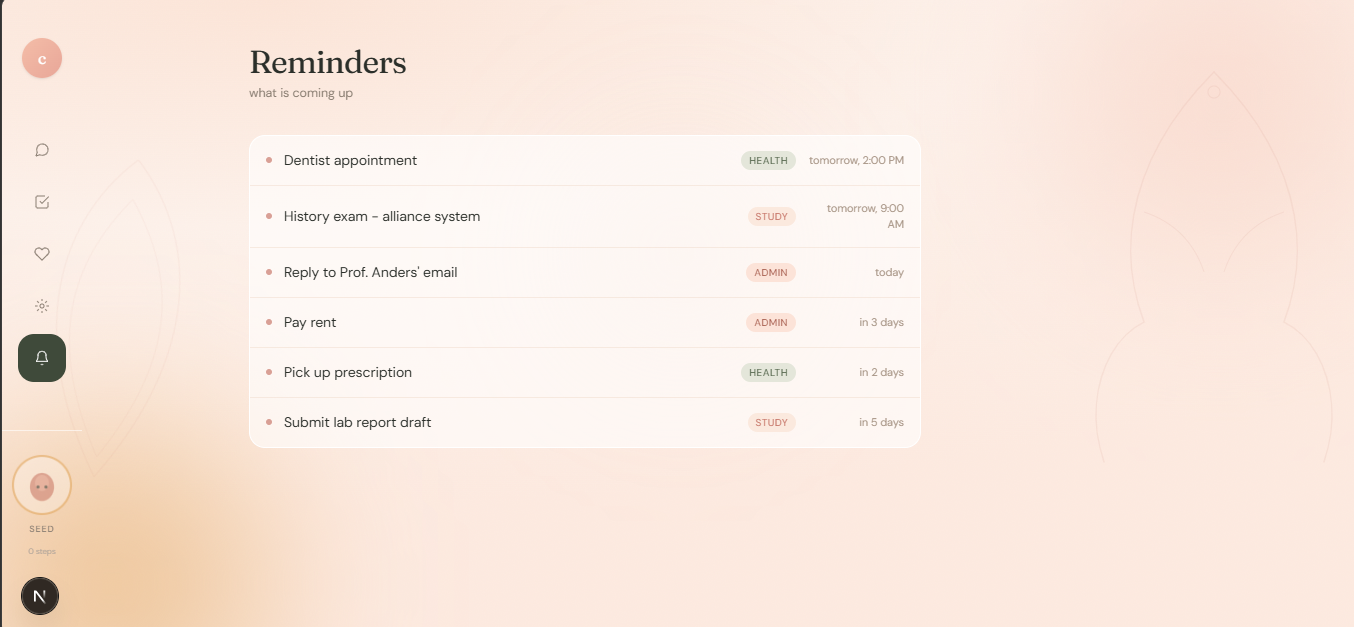
The frontend is built in Next.js, with a calm, warm visual language (blush, sage, terracotta) meant to feel like a quiet workspace rather than another dashboard. The browser extension is a separate Manifest V3 build that reads and restructures any webpage client-side.
Challenges we ran into
Building on free-tier models and tools meant constantly working around real limits — rate limits that would silently cause a feature to "just not respond," models that occasionally returned malformed JSON under load, and a genuinely tricky Chromium browser security policy (Private Network Access) that blocked the extension's background script from reaching a local server, which took real digging to properly understand and work around.
Beyond the technical side, the harder challenge was resisting the pull toward generic "break it into a to-do list" AI, and holding onto the actual differentiator: an assistant that notices when someone is struggling and changes itself, not just its output.
Accomplishments that we're proud of
Getting the gap-finding tutor working end-to-end — a real AI that identifies what you don't understand instead of assuming, walks you through it, and writes back what you said, not a script — is the piece I'm proudest of. It's not something bolted onto an existing to-do app; it's a genuinely different way of thinking about what a learning assistant should do.
I'm also proud that the environment-awareness isn't just a background gimmick — it measurably changes the AI's own behavior, not just a color on screen.
What we learned
Building for neurodivergent users taught me that "accessible" isn't one setting — it's a spectrum of moment-to-moment needs, and a tool that's genuinely helpful has to be able to shrink and simplify itself, not just offer a fixed set of accommodations once and forget them.
What's next for Cognitive Lens
Right now, Cognitive Lens lives in the browser. The long-term vision is much bigger: growing this into a full operating layer for neurodivergent users — a smart-home and OS-level system where the same sensing and adaptation that happens in a browser tab today extends to how your whole environment responds: lighting, notifications, task reminders, and device behavior all adjusting the way this interface already does, so support isn't confined to one app, but built into the spaces someone actually lives and works in.


Log in or sign up for Devpost to join the conversation.