Inspiration
I have ADHD. I know what it's like to be sitting in front of a page, completely stuck, and not even be able to name what I'm stuck on — let alone type out a clear question to ask for help. By the time I'd usually reach for help, I'd already lost the thread, lost focus, or just quietly given up and moved on.
Most learning tools assume you'll ask when you're confused. But for a lot of neurodivergent learners, that's exactly the part that doesn't work — the gap between "I'm lost" and "I can articulate what I'm lost about" is where people fall through the cracks. I wanted to build something that didn't wait for that question — something that could notice the stall itself, before I have to find the words.
Cognitive Lens is that idea, built out: a learning assistant designed with, not just for, people who think differently.
What it does
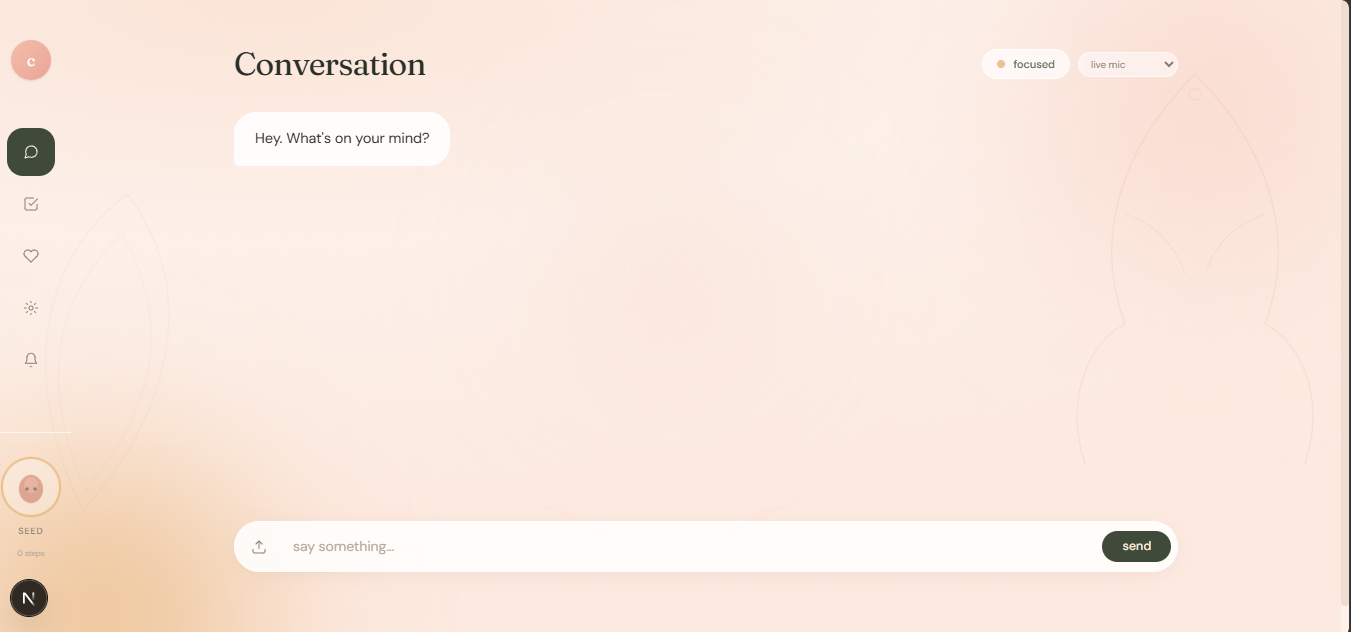
Cognitive Lens is a learning assistant that reacts to signals you didn't consciously give it, not just the questions you type.
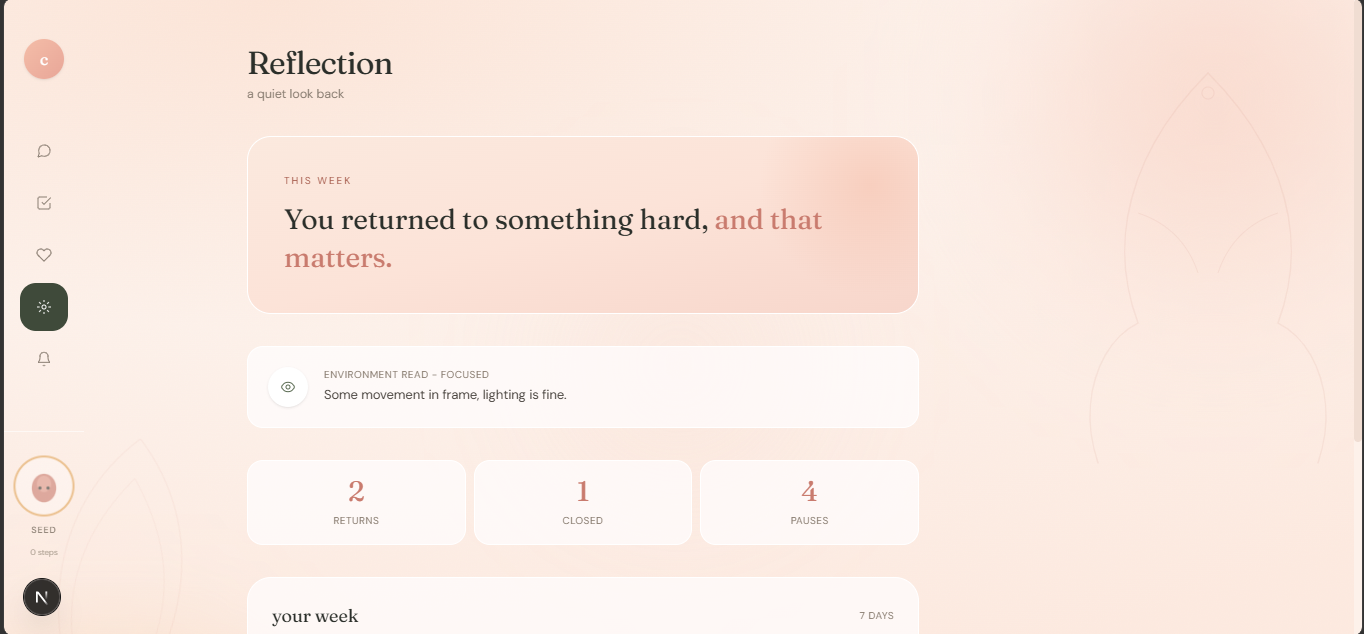
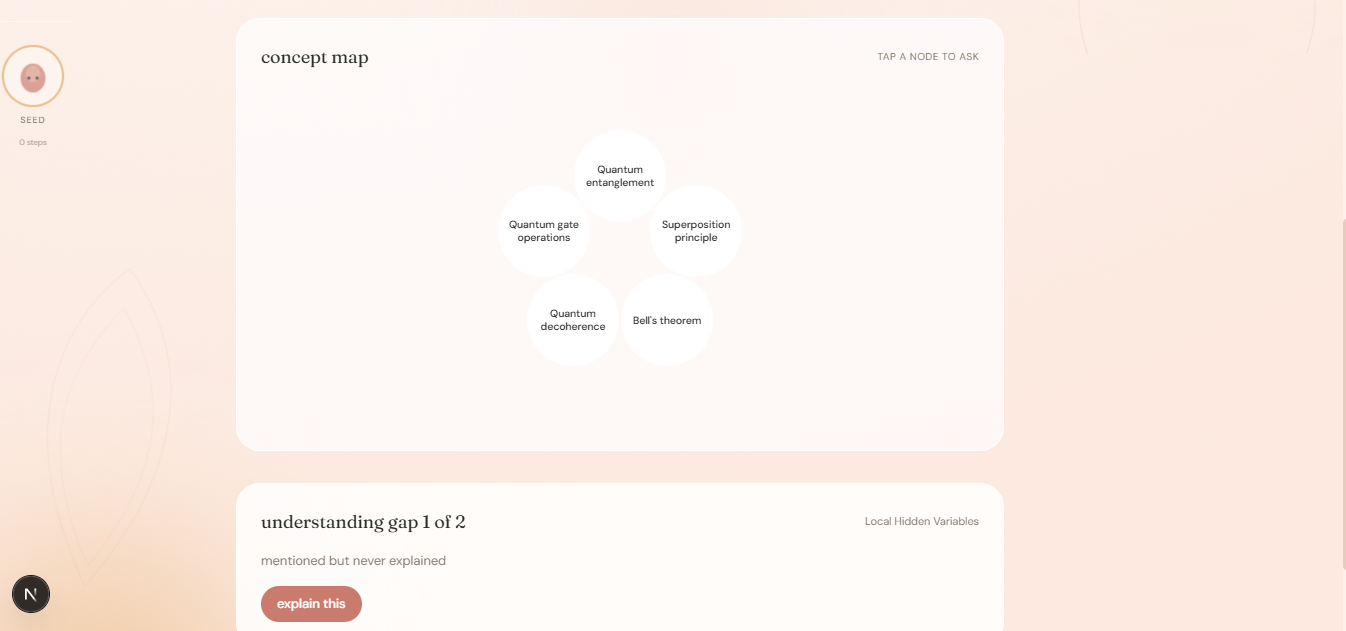
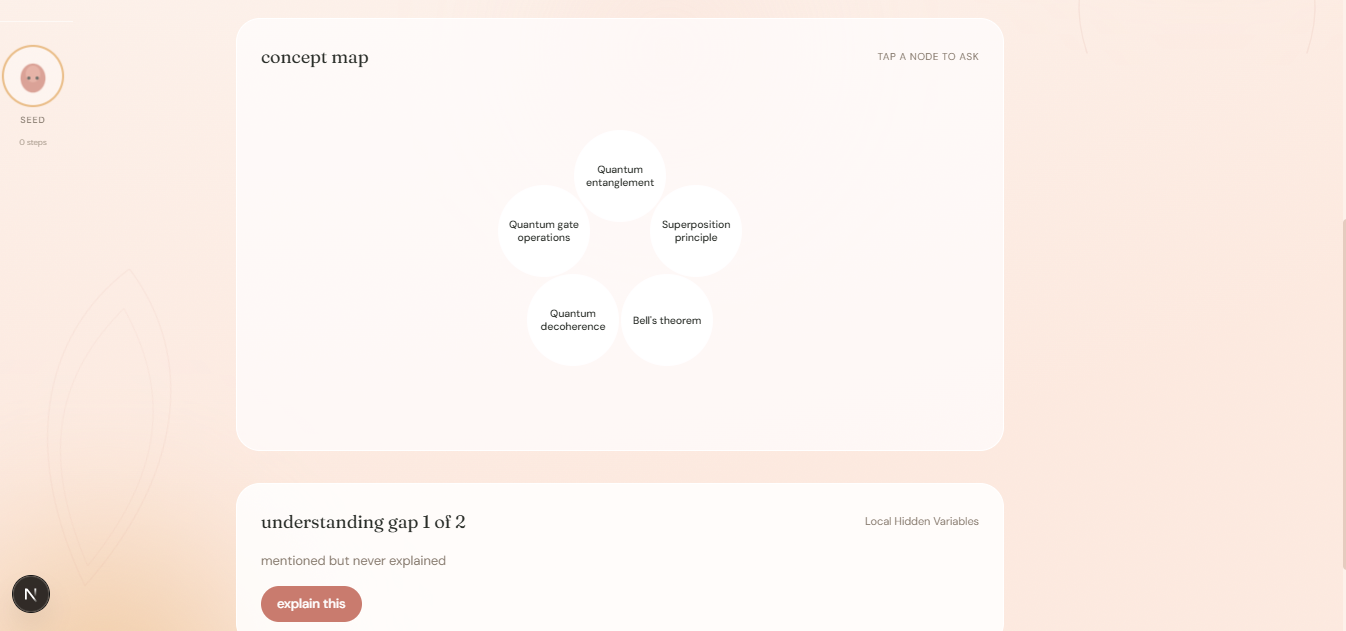
Gap-Finding Tutor: upload any material (PDF, image, or text) and Cognitive Lens runs a Dependency Engine that finds concepts the material uses but never explains — the actual gaps in your understanding, not just a generic summary. It walks you through those gaps one at a time, has you take your own notes, and ends by having you write your own explanation back — active recall, not passive reading. Hesitation tracking: as you type, Cognitive Lens watches for pauses and repeated corrections — pure client-side keystroke timing, no model call, zero misfire risk. When it notices you stalling on a word or idea, it surfaces that as a live signal and feeds it directly into what the AI prioritizes explaining, without you having to say "I don't get this part." Environment-aware responses: a Decision Engine reads live conditions (lighting, clutter, noise) through your webcam and adapts its response style in real time — smoothed and hysteresis-protected so it doesn't flicker on a single noisy frame. Face/attention tracking: real-time, in-browser face landmark detection (MediaPipe, nothing leaves your device) picks up when your attention has drifted, and can tie that back to the specific concept you were reading when it happened. Accessibility extension: a companion browser extension applies dyslexia-friendly fonts, font-size control, high-contrast mode, and read-aloud site-wide. How we built it
Next.js (TypeScript, Tailwind) on the frontend, Groq for the language model layer (openai/gpt-oss-120b/-20b), Supabase for storage. The core is a multi-agent orchestrator: a Structure Agent, a Dependency Engine, a Decision Engine, and an Accessibility Agent all run per-request and feed into a single response. Hesitation signals and environment state are threaded through as first-class context to the Dependency Engine, not bolted on as an afterthought — they change what the model decides to explain, not just how it's phrased. Face/attention tracking runs entirely client-side via MediaPipe's WASM-based Face Landmarker, so no video or biometric data is ever sent to a server.
Challenges we ran into
Environment scoring was originally a single-frame, first-match-wins check — a room that was both dim and cluttered could only ever report one condition, and a single noisy camera frame could flip the whole state. We rewrote it with exponential moving average smoothing and per-condition hysteresis so it reflects reality instead of frame-to-frame noise.
We also hit real file-transfer corruption bugs on multi-line TypeScript generics during rapid iteration, and had to debug a routing issue where our two frontends (an early functional UI and a newer, nicer one) briefly pointed at the wrong one before a demo — a good reminder that speed and correctness fight each other under deadline pressure, and to verify state directly instead of assuming.
Accomplishments that we're proud of
Getting hesitation-tracking wired end-to-end — from a raw keystroke event, through the AI's actual reasoning about what to explain, to a live on-screen confirmation the user can see happening in real time — with zero model calls and zero misfire risk. It's a small piece of engineering, but it's the core proof of the whole thesis: the app can notice something the user never explicitly said.
What we learned
The most convincing AI features aren't the ones that do more talking — they're the ones that notice more listening. Every unprompted signal we added (environment, hesitation, attention) followed the same shape: catch something real, react specifically, never overclaim what the signal actually means. We also learned to be honest with ourselves about what's genuinely working end-to-end versus what's a compelling mockup of a direction we're headed — and to be upfront about which is which rather than blur the line.
What's next for Cognitive Lens
V1 (this submission): hesitation-tracking feeding the Dependency Engine, environment-aware response adaptation, real-time face/attention tracking, the Gap-Finding Tutor walkthrough, document upload and parsing, and the accessibility browser extension.
V2: closing the loop between attention tracking and the concept map — so when the system detects you've drifted while reading, it doesn't just note it, it highlights the exact concept node you lost focus on, live, without you needing to ask. We'd also like to bring in real neurodivergent users for structured testing (not just design input) to validate the hesitation and environment thresholds against real usage patterns, not just our own testing, and do a full visual design pass so the interface itself feels calmer rather than like "another AI dashboard."

Log in or sign up for Devpost to join the conversation.