-
-
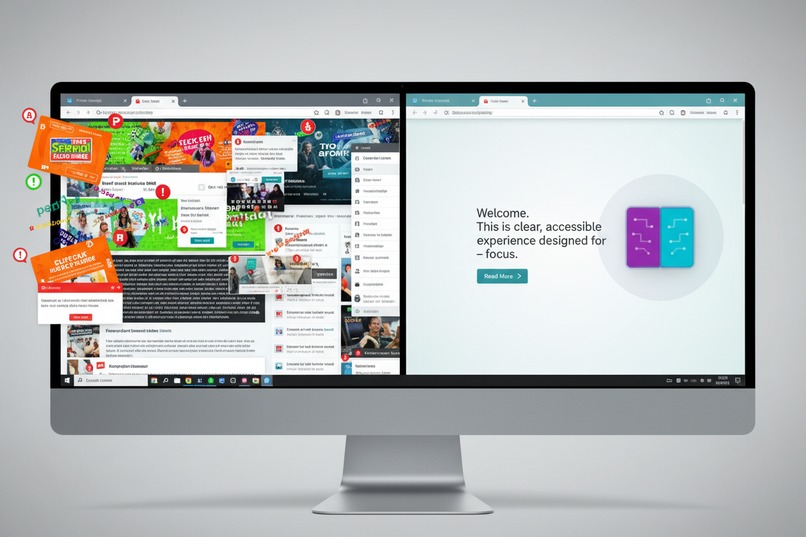
CogniRead - making the web cognitively accessible for everyone
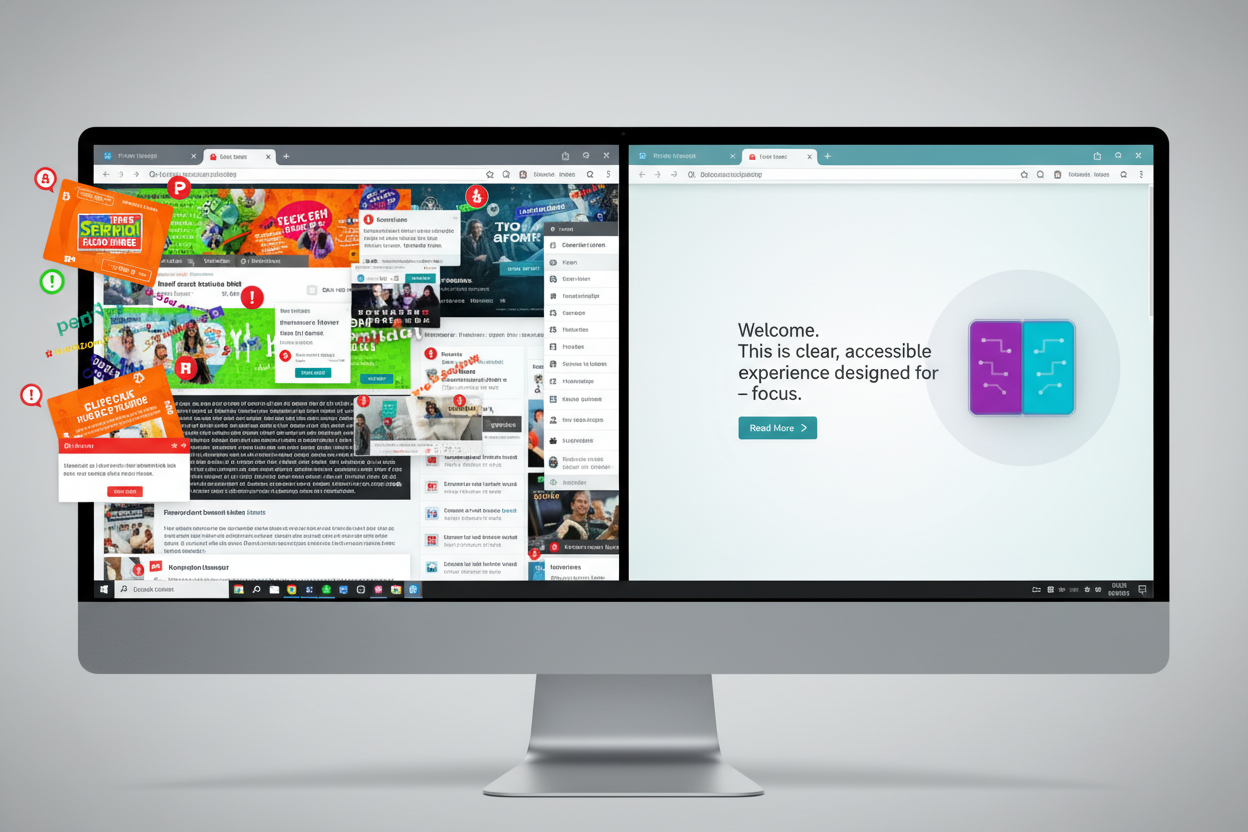
Inspiration
- 15-20% of the population has learning differences
- 300+ million people worldwide with dyslexia
- 366 million adults with ADHD globally
- 75 million people on autism spectrum
- Web content is designed for neurotypical readers
- Current accessibility tools focus on visual/hearing impairments, not cognitive accessibility
- Students and professionals with ADHD/dyslexia spend 3-5x longer reading and frequently miss key information
- I suffer from ADHD
What it does
🎯 Focus Mode
- Highlights one paragraph at a time
- Dims surrounding content to reduce distractions
- Navigate with arrow keys or click
- Perfect for ADHD users who struggle with information overload
- Keyboard shortcut:
Ctrl+Shift+F(Mac:Cmd+Shift+F)
📝 TL;DR Mode
- AI-generated bullet-point summaries
- Extract key points from long articles
- Reduces cognitive load for complex topics
- Keyboard shortcut:
Ctrl+Shift+T(Mac:Cmd+Shift+T)
🧒 Simplify Text Slider
- Simplifies complex text to basic language anyone can understand
- Perfect for scientific articles, legal documents, or technical content
- Breaks down complex sentences into simple, short ones
- Replaces jargon with everyday words
- AI-powered with fallback simplification when AI unavailable
📄 Distraction-Free Mode
- Ctrl+Shift+D
- Transforms pages into clean reader view by removing ads, sidebars, and navigation. Safari Reader Mode for any website with customizable fonts and themes.
📖 Dyslexia-Friendly Mode
- Enhanced font and spacing
- Increased letter spacing (0.12em)
- Larger line height (1.8)
- Uses Comic Neue font (dyslexia-friendly)
💡 Show Definitions
- Automatically highlights difficult words in yellow
- Hover over highlighted words for simple explanations
- AI-powered definitions in elementary vocabulary
- Context-aware explanations
- Helps build vocabulary while reading
💬 Literal Language Mode
- Converts idioms and figurative language to literal meanings
- Essential for autism spectrum users who interpret language literally
- Database of 100+ common English idioms
- Example: "It's raining cats and dogs" → "It's raining very heavily"
- Helps non-native English speakers understand expressions
📈 Progress Tracking
- Visual progress bar at top of page
- Shows reading completion percentage
- Motivates users to finish articles
🎨 Smart Content Analysis
- Flesch Reading Ease scoring
- Identifies difficult terminology
- Calculates cognitive complexity (1-10 scale)
- Estimates reading time
Context menu integration
Several functions are embedded at this level.
+ More!
How we built it
Visual Studio Code, AI Pair-Programming Agent, Chrome Developer Extension Guides, FIGMA, and vibe coding.
Challenges we ran into
- Some slight CSS and JScript issues. Most issues were upfront, identifying the proper way to setup an extension, which settings in Chrome to use APIs and LLM
Accomplishments that we're proud of
- To build something that serves almost a 1/5th of the world's population when they're severly under served.
What we learned
- Chrome's new APIs and on-device LLM are awesome!!!
- A lot of people suffer from learning on the web and I hope this helps them.
- Heck, I guess I can write an extension!
What's next for CogniRead
- [ ] Options page for global settings
- [ ] Reading statistics and progress tracking
- [ ] Custom color themes for visual preferences
- [ ] Export summaries for note-taking
- [ ] Integration with text-to-speech
- [ ] Support for PDF documents
- [ ] Multi-language support
- [ ] Reading speed adjustment
- [ ] Saved reading positions
- [ ] Chrome Web Store publication

Log in or sign up for Devpost to join the conversation.