-
-
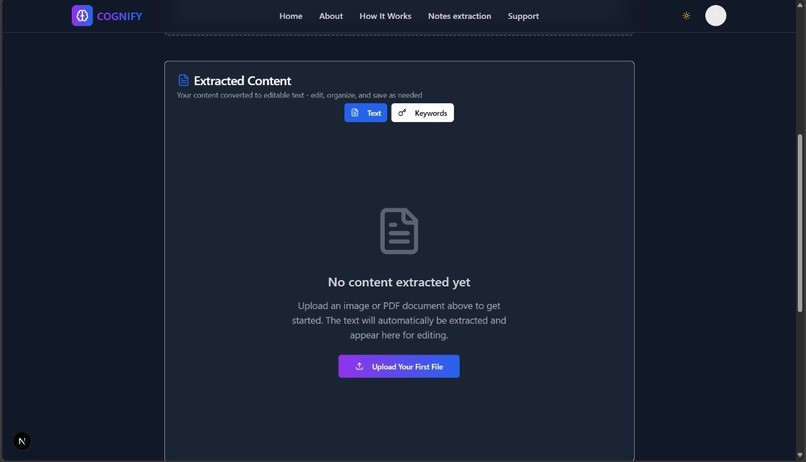
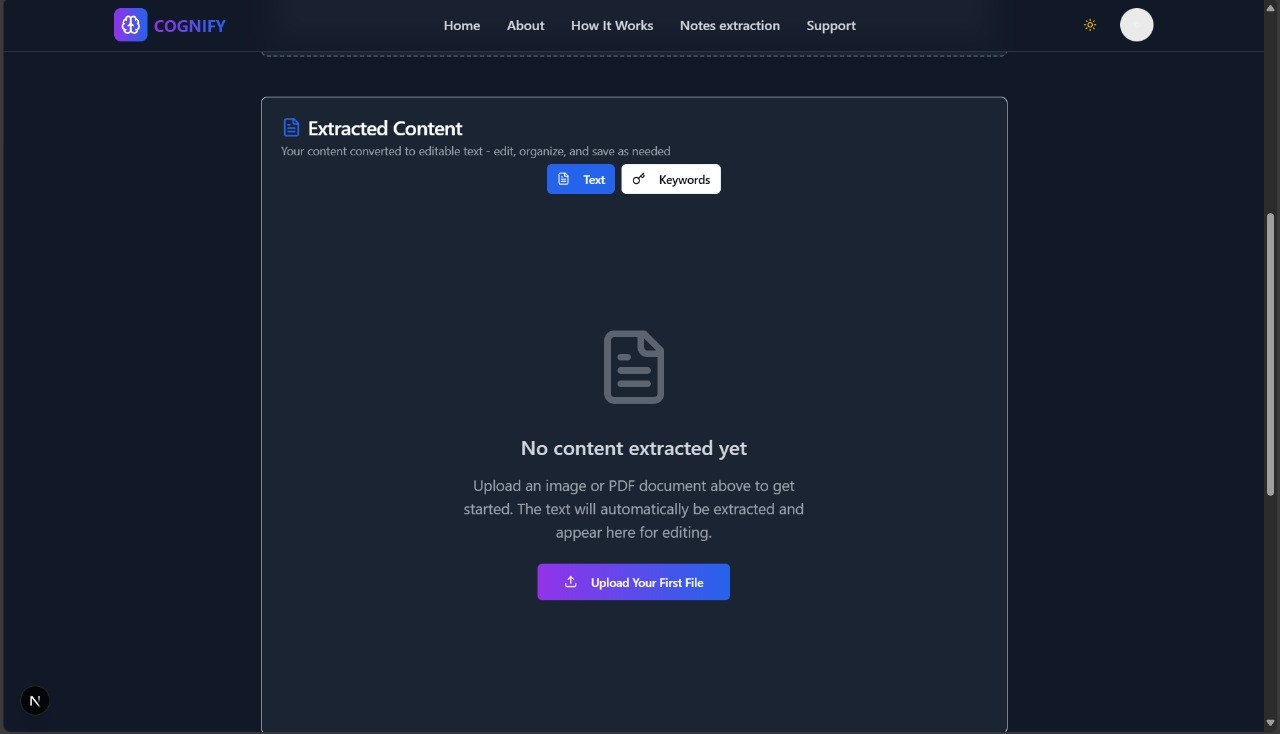
upload pdf file to extract content
-
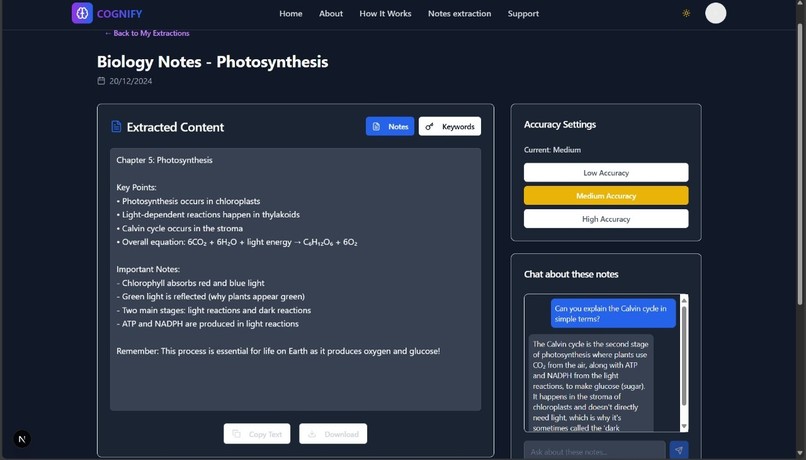
chatting page
-
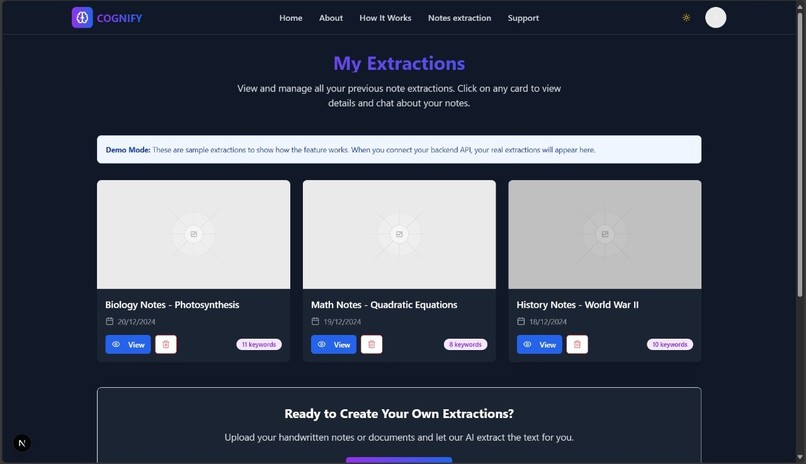
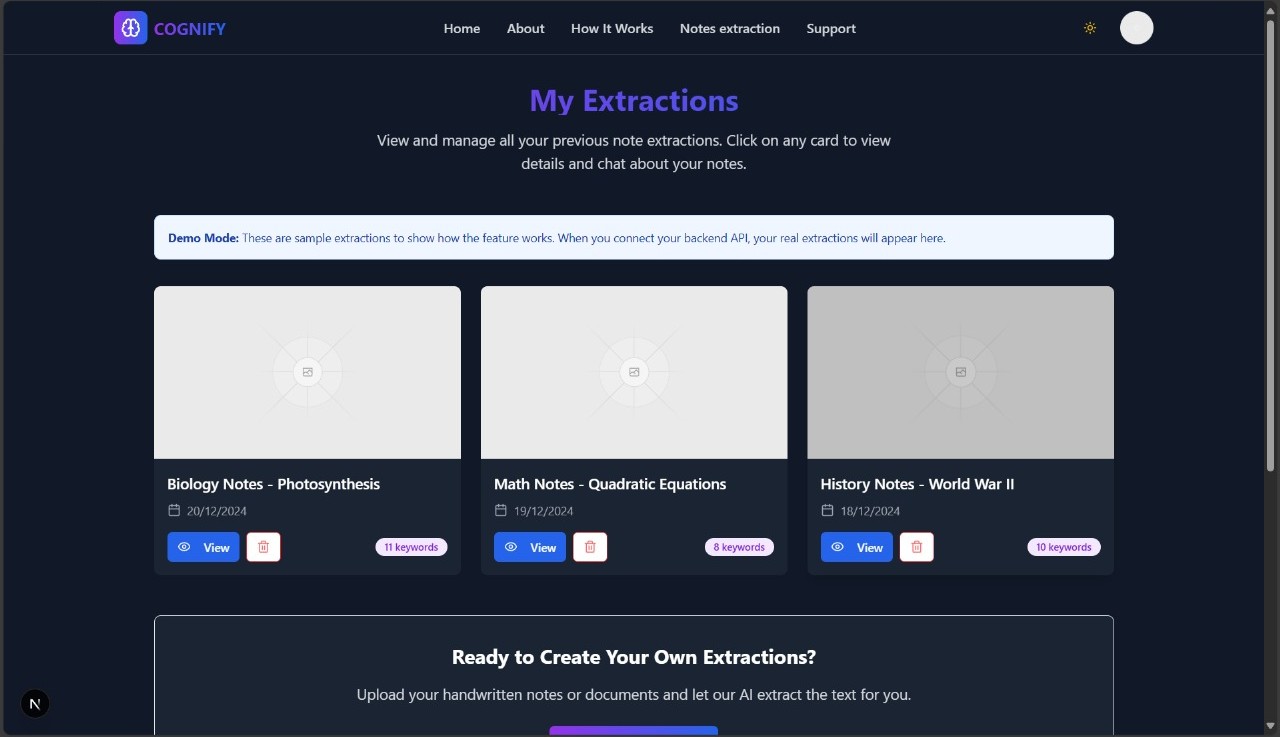
Display all extractions

Inspiration
We’ve all encountered PDFs packed with knowledge — scanned notes, research papers, handwritten formulas — but they remain static, hard to search, and nearly impossible to use in intelligent systems. The idea behind Cognify came from a simple question: "What if we could bring these documents to life?"
The inspiration struck both from a personal and technical lens. One of us was driven by experiences with outdated learning resources and cluttered research material. We realized how much valuable information was locked away in static formats. This sparked our interest in document intelligence and information retrieval — fields that are becoming critical in modern AI ecosystems.
Cognify was born out of a desire to unlock the hidden value in PDFs and make that information accessible, searchable, and ready for modern AI tools — whether for learning, analysis, or automation.
What it does
Cognify transforms any PDF — whether it's a scanned textbook, handwritten notes, or a technical report — into:
- High-resolution page images
- Extracted structured text using Azure OCR
- Cloud-stored content that's searchable, analyzable, and AI-ready
It acts as the invisible backend engine that powers document understanding for educational platforms, legal archives, research assistants, and more.
For end-users, it’s not just another converter — Cognify enables a whole new way to interact with documents, paving the way for AI tools like chatbots, search engines, and learning assistants to function intelligently on previously unusable data.
How we built it
We followed a modular and iterative approach to building Cognify, balancing research, experimentation, and engineering execution. Here's how we designed the pipeline:
- PDF Upload – Users upload a PDF through API or UI.
- PDF-to-Image Conversion – Pages are rendered into high-quality images (300 DPI) using
pdf2imageand Poppler. - OCR Processing – Each image is passed to Azure's Read OCR API for accurate text extraction.
- Cloud Storage – Images and extracted content are stored securely on S3 and managed using Appwrite.
- Access Control – Fine-grained public/private access is controlled using Appwrite permissions.
We also adopted a planning-first approach: beginning with identifying user pain points, selecting the right technologies, and validating each module independently.
Challenges we ran into
- Poppler Setup: Installing and configuring Poppler across different platforms — especially Windows — was time-consuming and required specific workarounds.
- Handling Remote PDFs: Since
pdf2imagedoesn’t support URLs directly, we implemented logic to fetch and temporarily store files for processing. - OCR Limitations: Azure OCR is excellent with text, but lacks layout context and visual understanding, requiring manual workarounds for diagrams and spacing.
- Secure Sharing: Appwrite permission models are powerful but complex, and required precise role-based configuration to balance public access and privacy.
- Learning Curve: Getting familiar with cloud OCR services and integrating them with real-time pipelines demanded both experimentation and documentation deep-dives.
Accomplishments that we're proud of
- Developed a fully functional end-to-end system that turns static PDFs into intelligent data streams.
- Achieved clean OCR results even from scanned handwritten notes.
- Designed a modular and reusable pipeline suitable for diverse domains — from education to research archiving.
- Learned and implemented new technologies like Azure OCR, Appwrite, and document rendering in real-world workflows.
- Managed to strike a balance between technical accuracy, performance, and user accessibility.
What we learned
This project was an immense learning opportunity for both of us. Here are some key takeaways:
- Mastered working with Azure AI Vision OCR, including handling both printed and handwritten inputs.
- Understood the nuances of PDF rendering, DPI scaling, and OCR optimization.
- Designed a scalable, secure, and modular backend workflow.
- Learned to use Appwrite for authentication, access control, and secure file storage.
- Gained a broader understanding of how intelligent document processing can unlock value across industries.
What's next for Cognify
We’re just getting started. Cognify has laid the foundation, and now we aim to build intelligent experiences on top of it:
- AI-powered Q&A: Let users query PDFs directly, getting intelligent, context-aware answers.
- Auto-tagging and summarization using large language models (LLMs).
- Visual understanding: Integrate diagram recognition and layout-parsing using computer vision.
- Educational Tools: Generate learning summaries, flashcards, and revision notes automatically.
- Real-time chatbot integration: A conversational assistant trained on user-uploaded documents.
Cognify isn't just a document processor — it's the bridge between unstructured archives and intelligent systems.


Log in or sign up for Devpost to join the conversation.