-
-
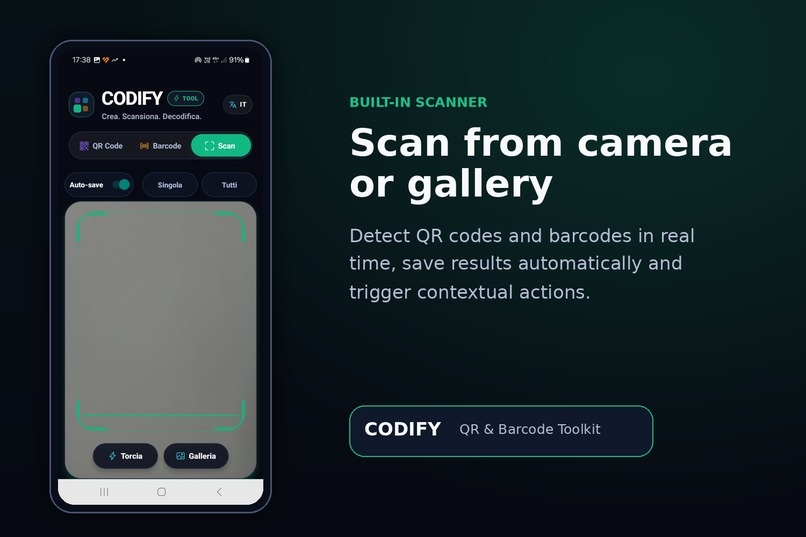
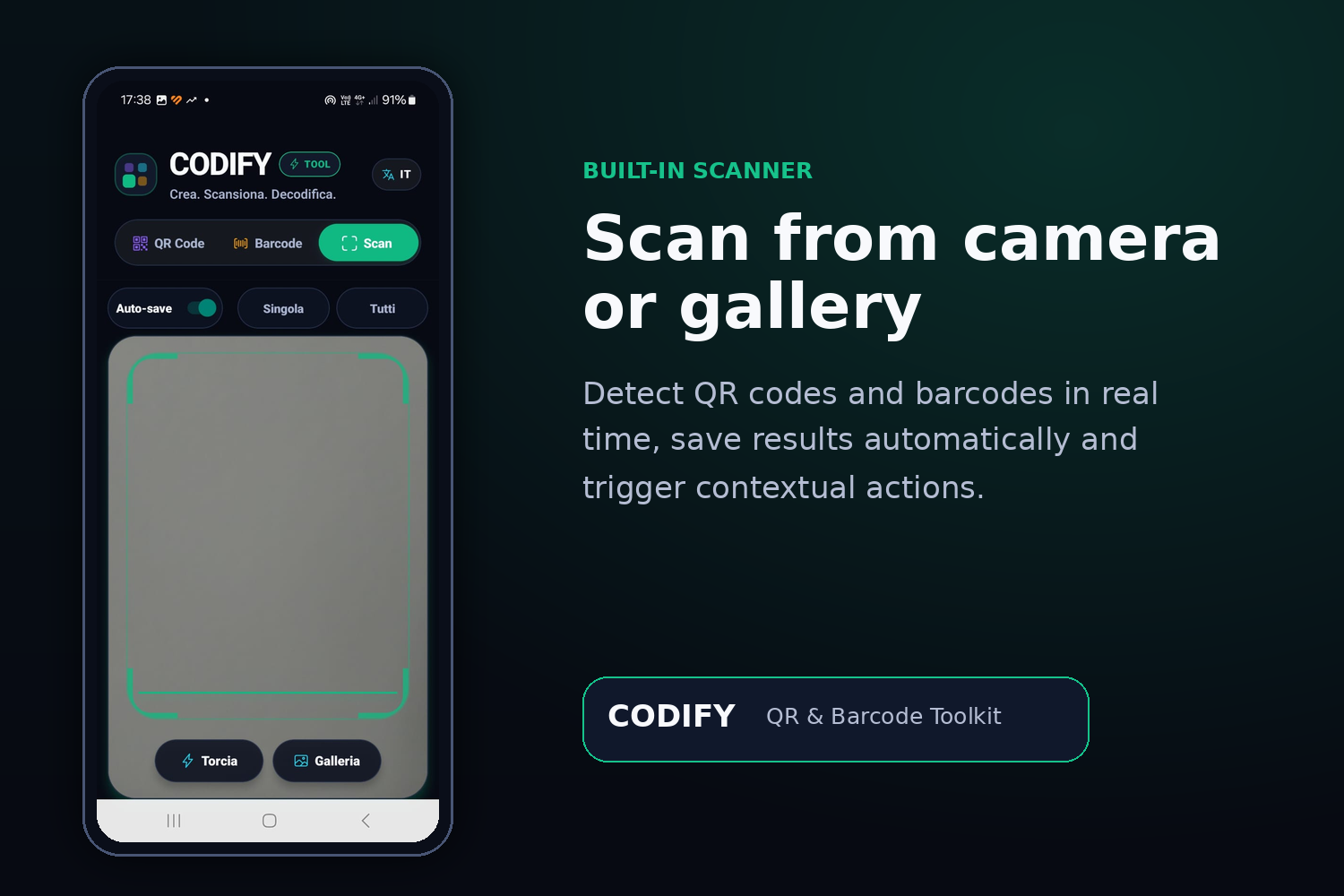
Scan
-
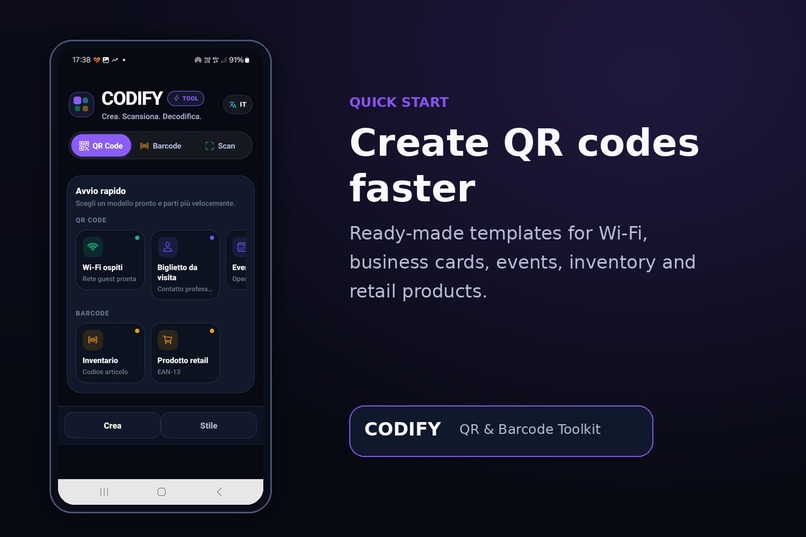
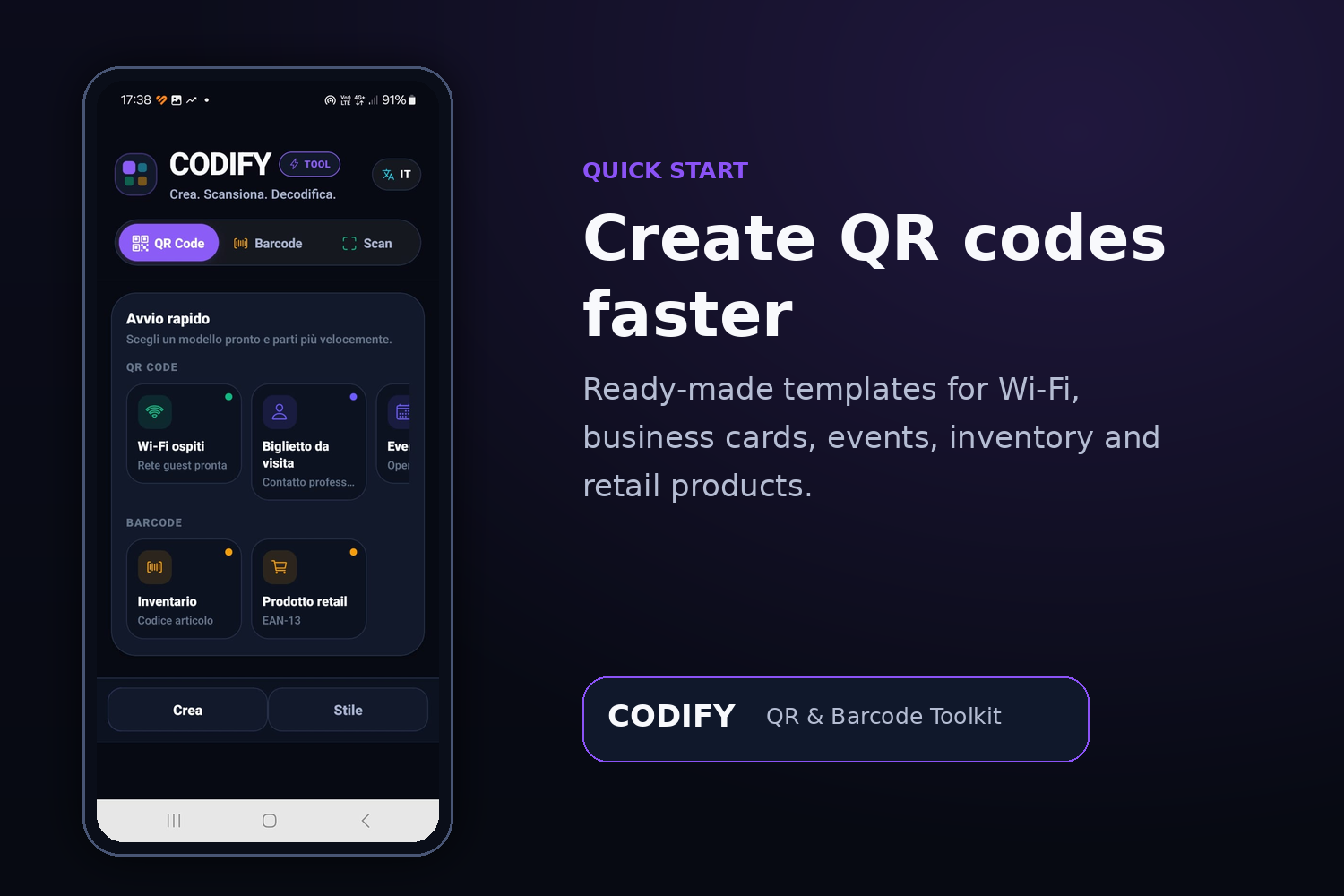
QRcode
-
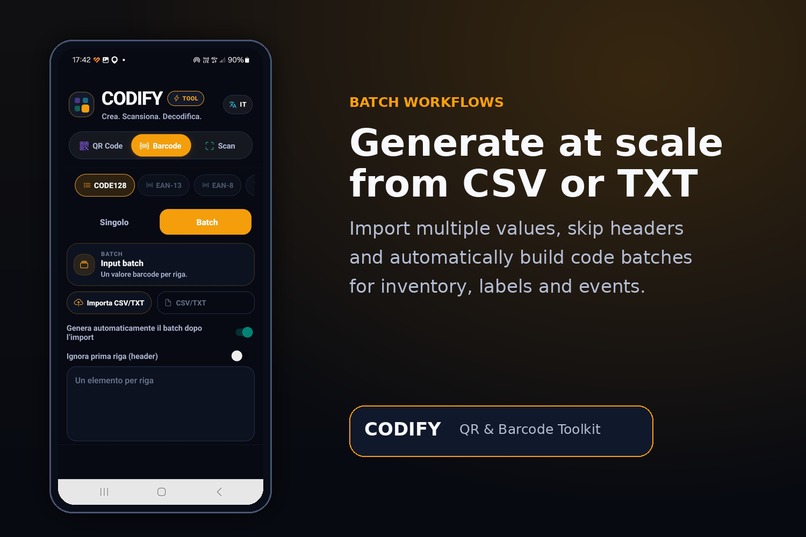
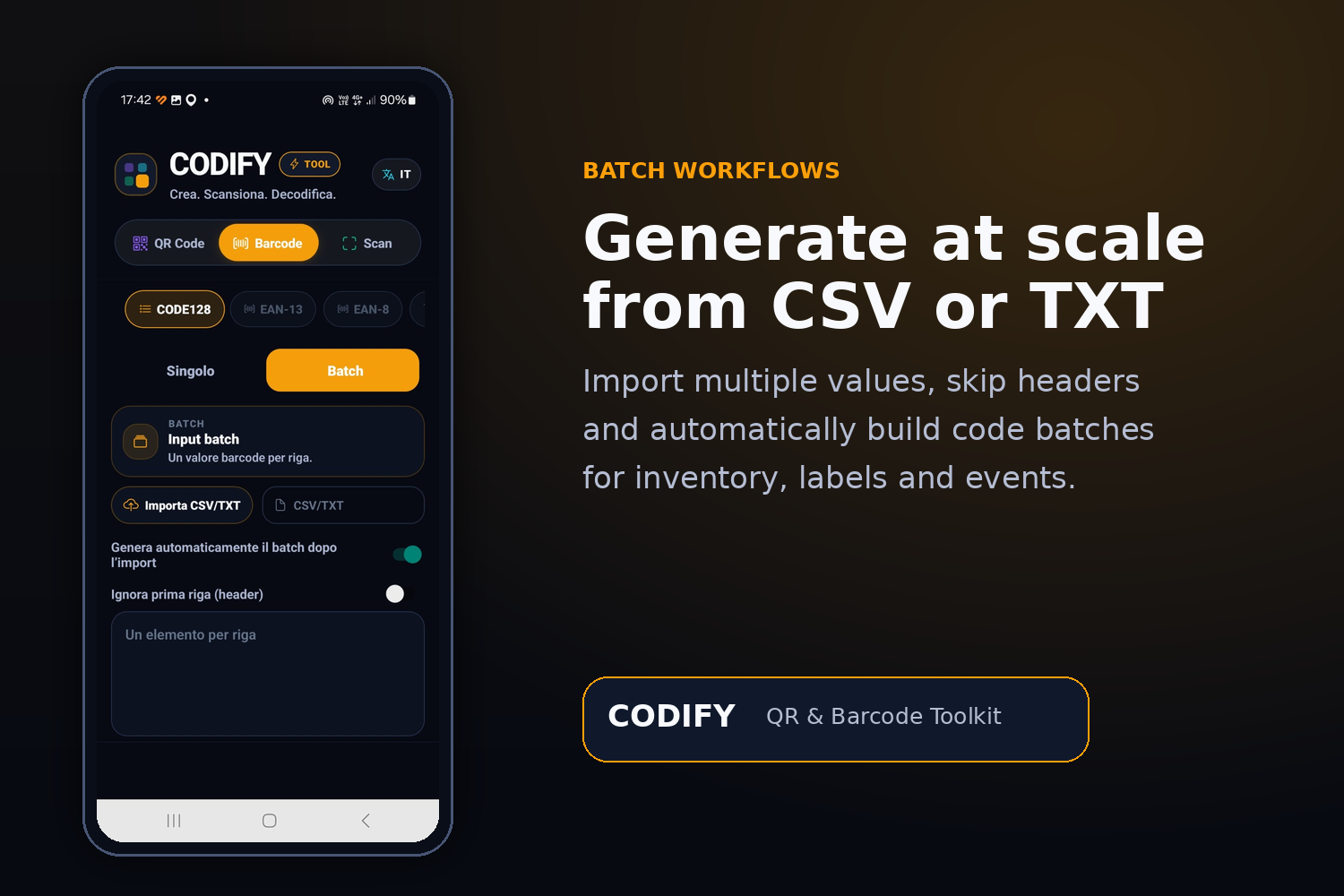
Batch
-
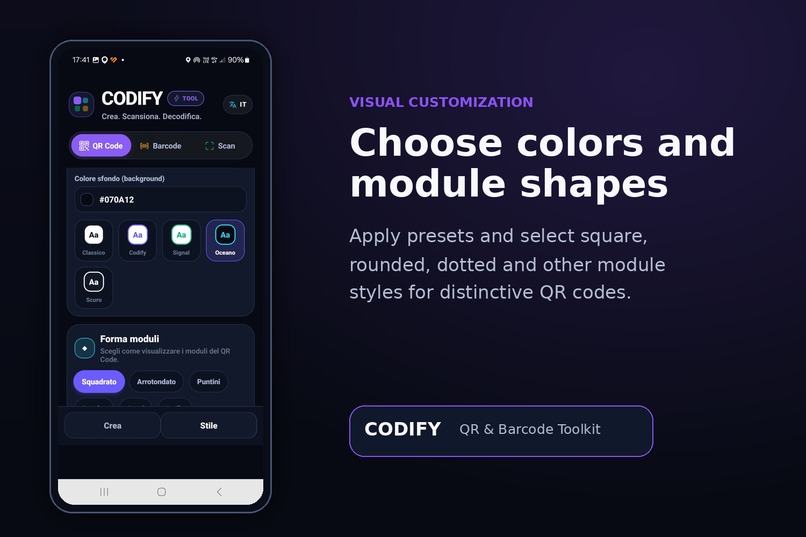
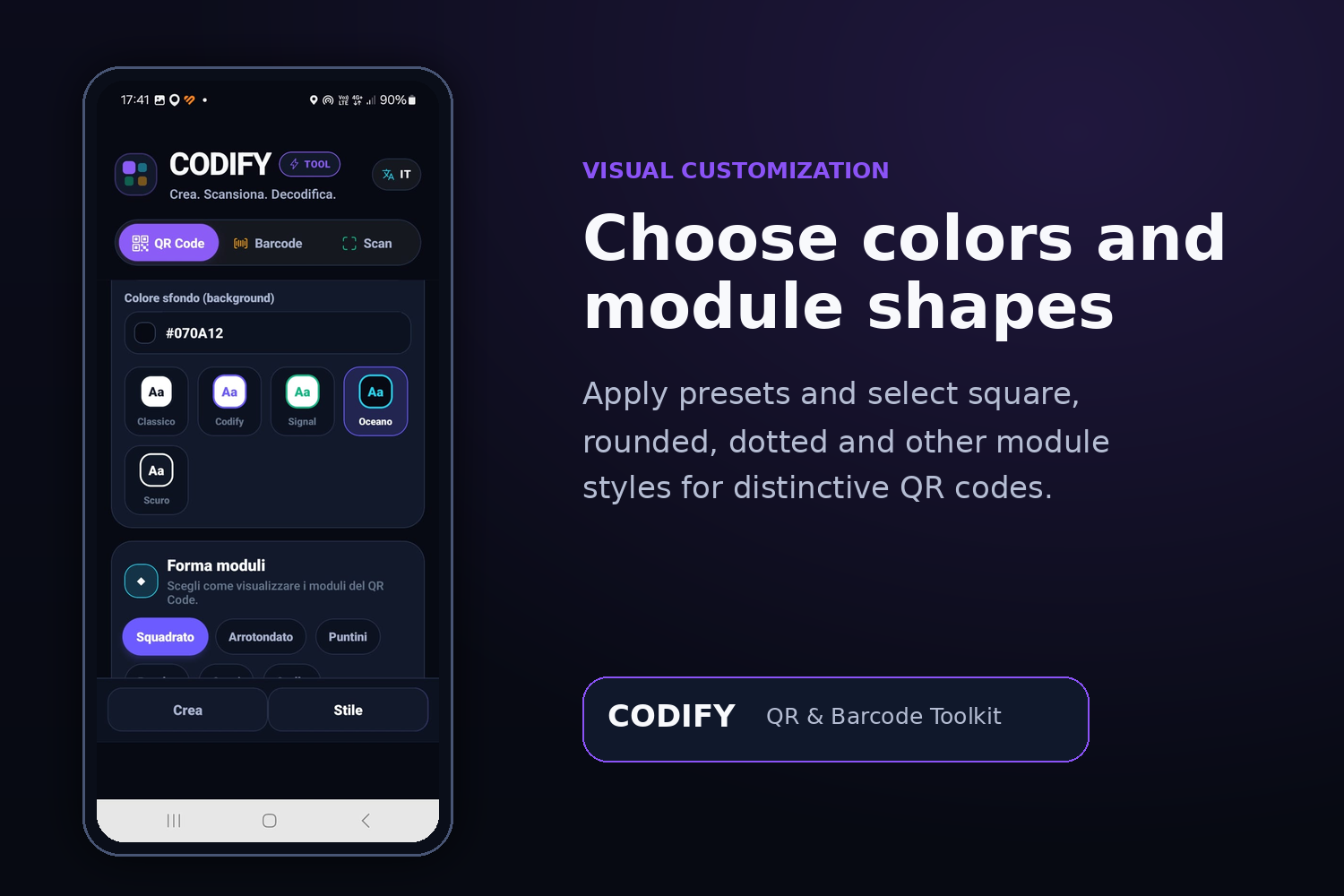
Style preesets
-
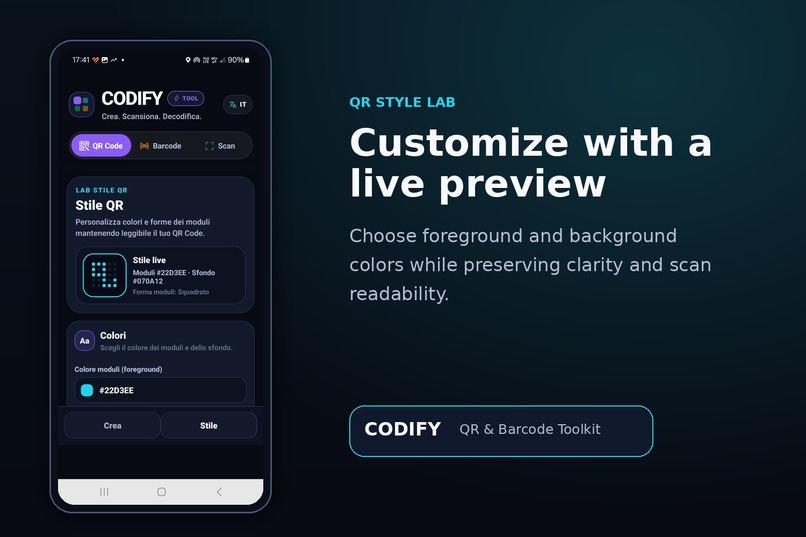
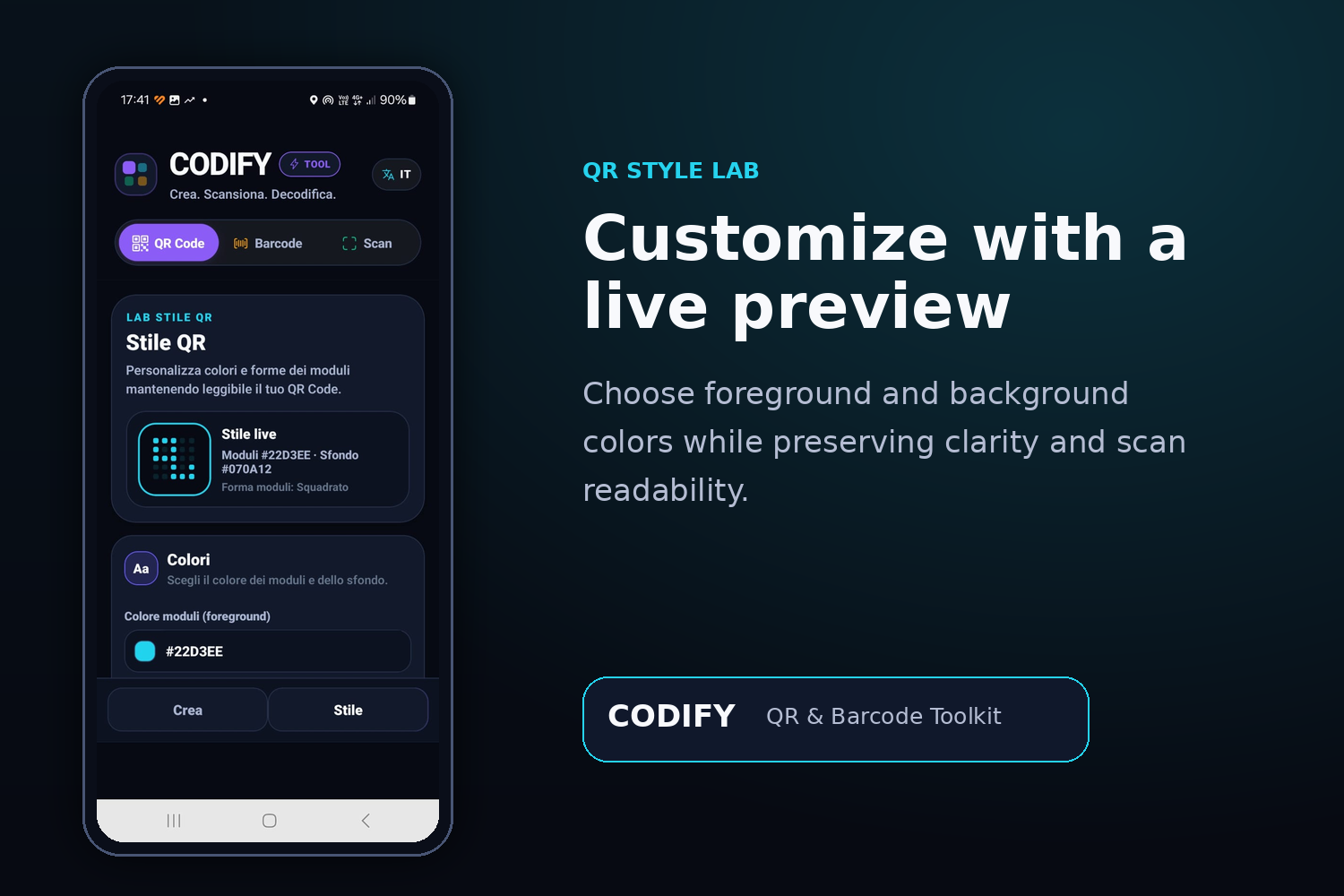
Style live
-
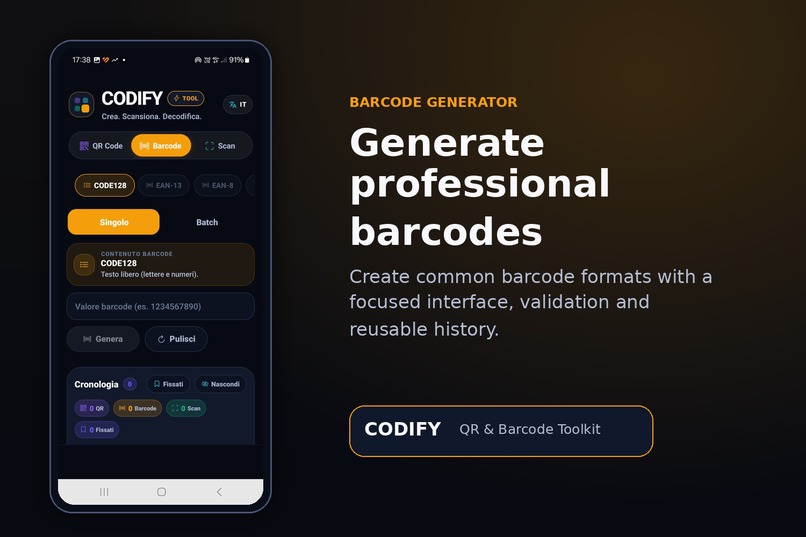
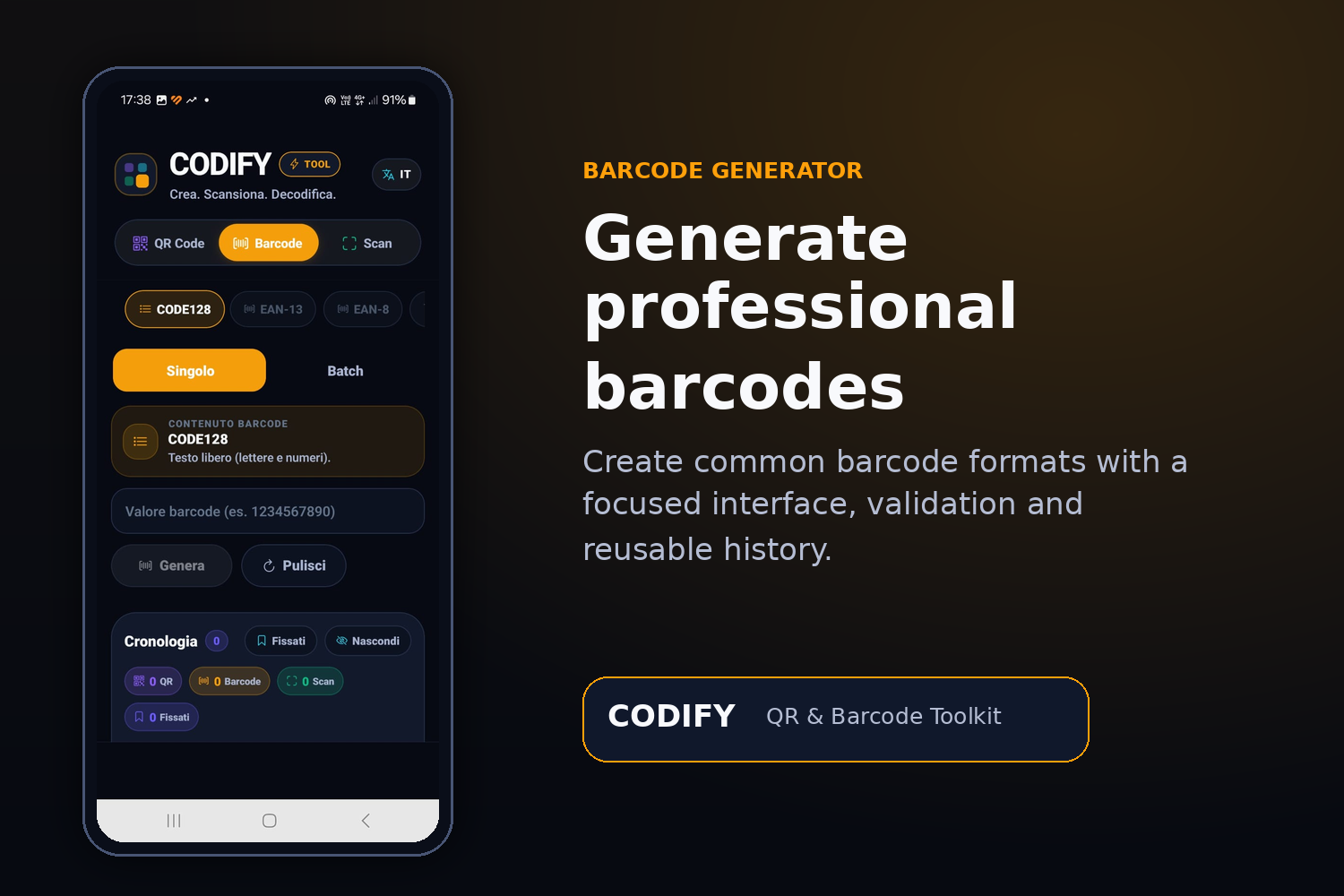
Barcode
Inspiration
QR codes and barcodes are used every day in education, small businesses, events, inventories and information sharing. However, many existing tools solve only one part of the workflow: they generate a code, scan it, or export it, often requiring several different applications.
I created Codify — QR & Barcode Toolkit to bring these operations together in one practical mobile experience. The goal is to make advanced QR and barcode workflows accessible not only to developers, but also to teachers, students, small organizations and non-technical users.
What it does
Codify allows users to:
- create QR codes for text, URLs, email, phone calls, SMS, Wi-Fi networks, contacts, events and locations;
- generate common barcode formats, including Code 128, EAN-13, EAN-8, UPC, Code 39 and ITF-14;
- scan codes using the device camera or an image from the gallery;
- customize QR codes with colors, module styles and logos;
- import CSV or TXT data and generate multiple codes in batches;
- export generated items as images, PDF files or ZIP archives;
- save, pin, reuse and manage previously generated or scanned codes;
- quickly perform contextual actions such as opening a link, calling a number, sending an email or viewing a location;
- use the application through a multilingual interface.
The project is designed as a real mobile product rather than a temporary prototype and is being prepared and tested for distribution through Google Play.
How I built it
Codify was developed with JavaScript, React Native and Expo for Android.
The application evolved from an initial monolithic implementation into a layered architecture that separates:
- application controllers and navigation;
- presentation screens and ViewModels;
- QR, barcode, scanner, history and export domain logic;
- storage, camera, file-system and sharing adapters;
- reusable interface components;
- translations and theme configuration.
This structure made it possible to improve individual parts of the application without destabilizing features that were already working.
OpenAI Codex supported the engineering workflow by helping inspect the codebase, identify oversized or tightly coupled components, propose incremental refactoring plans, trace potential regressions and improve performance-sensitive areas. Instead of replacing the development process, Codex acted as a technical collaborator: each proposed change was reviewed, applied incrementally and tested on the application.
Challenges I faced
One major challenge was supporting many different workflows without making the interface overwhelming. Single-code generation, batch processing, scanning, history and exports all require different states and interactions.
Performance was another important challenge. QR rendering, animated history lists and large batch exports can become expensive on mobile devices. I therefore worked on memoization, more stable callbacks, smaller ViewModels and reduced memory pressure during exports.
The scanner also required careful handling because camera permissions, gallery scanning, repeated detections and different barcode formats behave differently across Android devices.
A further challenge was refactoring a working application without breaking stable functionality. For this reason, the project followed a low-risk, incremental approach with verification after each meaningful change.
Accomplishments that I am proud of
- Turning a simple QR and barcode utility into an integrated mobile toolkit.
- Supporting both individual and batch workflows in the same application.
- Building reusable history and quick-action features.
- Adding QR styling and logo support while preserving readability.
- Improving the architecture without changing the public behavior of stable features.
- Reducing memory pressure in batch ZIP exports.
- Preparing a functioning application for real Google Play users rather than producing only a demonstration.
What I learned
I learned that AI-assisted development is most effective when it is combined with clear constraints, small changes and continuous validation.
Codex was particularly valuable for understanding dependencies across a growing codebase and for transforming broad improvement goals into concrete, ordered interventions. At the same time, device testing remained essential: mobile performance, camera behavior and touch interactions cannot be evaluated from source code alone.
I also learned that good architecture is not an end in itself. Its value is the ability to improve a product faster, reduce regressions and offer users a more reliable experience.
What's next for Codify — QR & Barcode Toolkit
The next steps are to:
- complete the multilingual expansion;
- improve accessibility and support for different screen sizes;
- make batch generation and export more memory-efficient;
- strengthen scanner reliability across Android devices;
- add clearer guidance for first-time users;
- continue simplifying the architecture while preserving stable behavior;
- explore intelligent assistance for validating code contents, suggesting the most appropriate QR type and explaining scan results safely.
The long-term goal is to make Codify a dependable, privacy-conscious toolkit for creating, scanning and managing machine-readable information in everyday situations. Inspiration
Built With
- android
- architecture
- asyncstorage
- barcode
- code
- codex
- file
- internationalization
- javascript
- jszip
- mobile
- native
- openai
- pdf-lib
- qr
- react
- sharing
- svg
- system
- viewmodel
