


Codi - Flutter & Serverpod AI Butler
Inspiration
We realized most AI coding tools assume you have a laptop and VSCode. That locks out about 6 billion people who only access the internet through phones. We strongly believe that the next generation of builders shouldn't be limited by their hardware. If you have a smartphone, you should be able to build software.
The "aha moment" came when we realized that mobile users don't just want a code editor on their phone—typing code on a touchscreen is terrible. They need a high-level commander. We saw that by combining generative UI for app building with browser automation for executing tasks, we could create a complete "AI Butler" that acts as your hands and eyes on the web. This allows a user to say "build me a store" or "find me the cheapest flights" and have Codi handle the complexity.
What it does
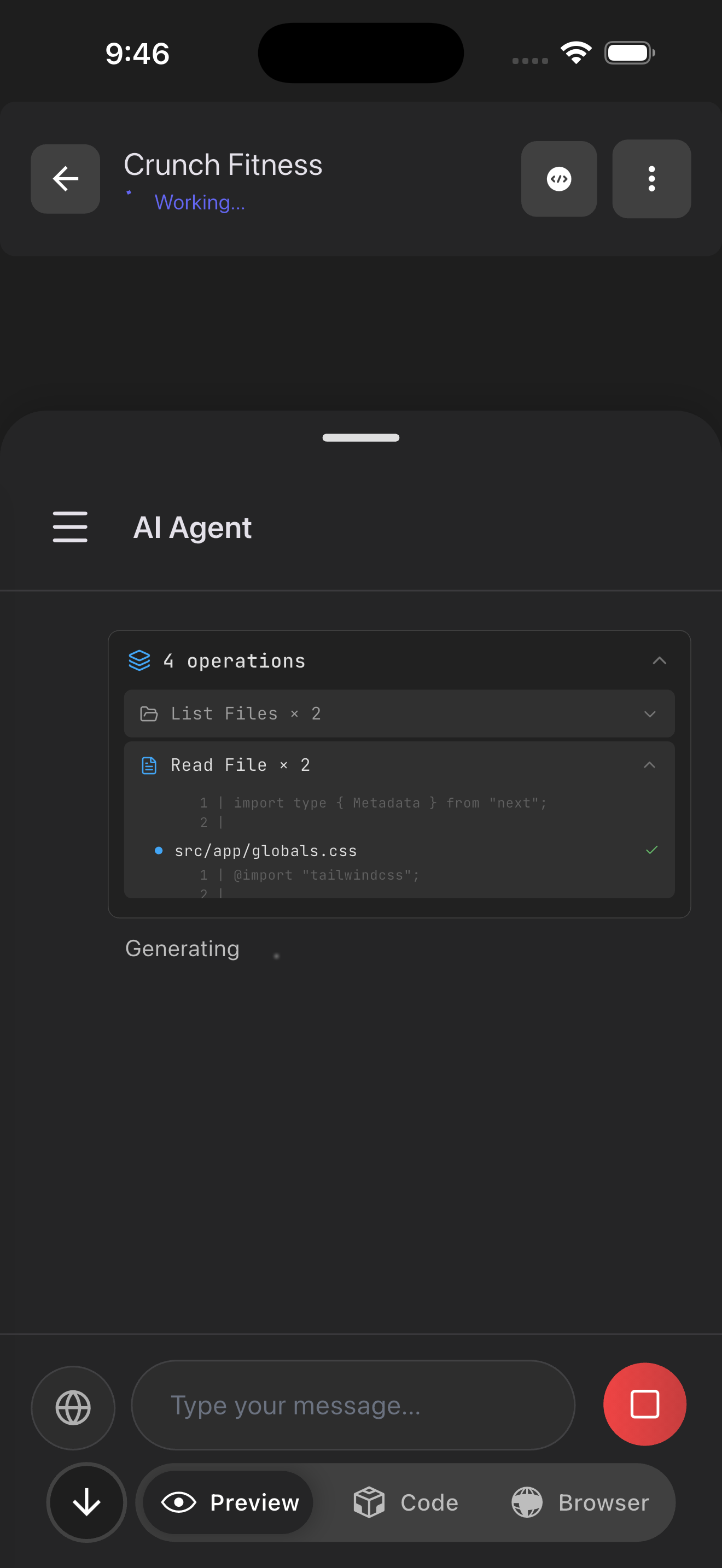
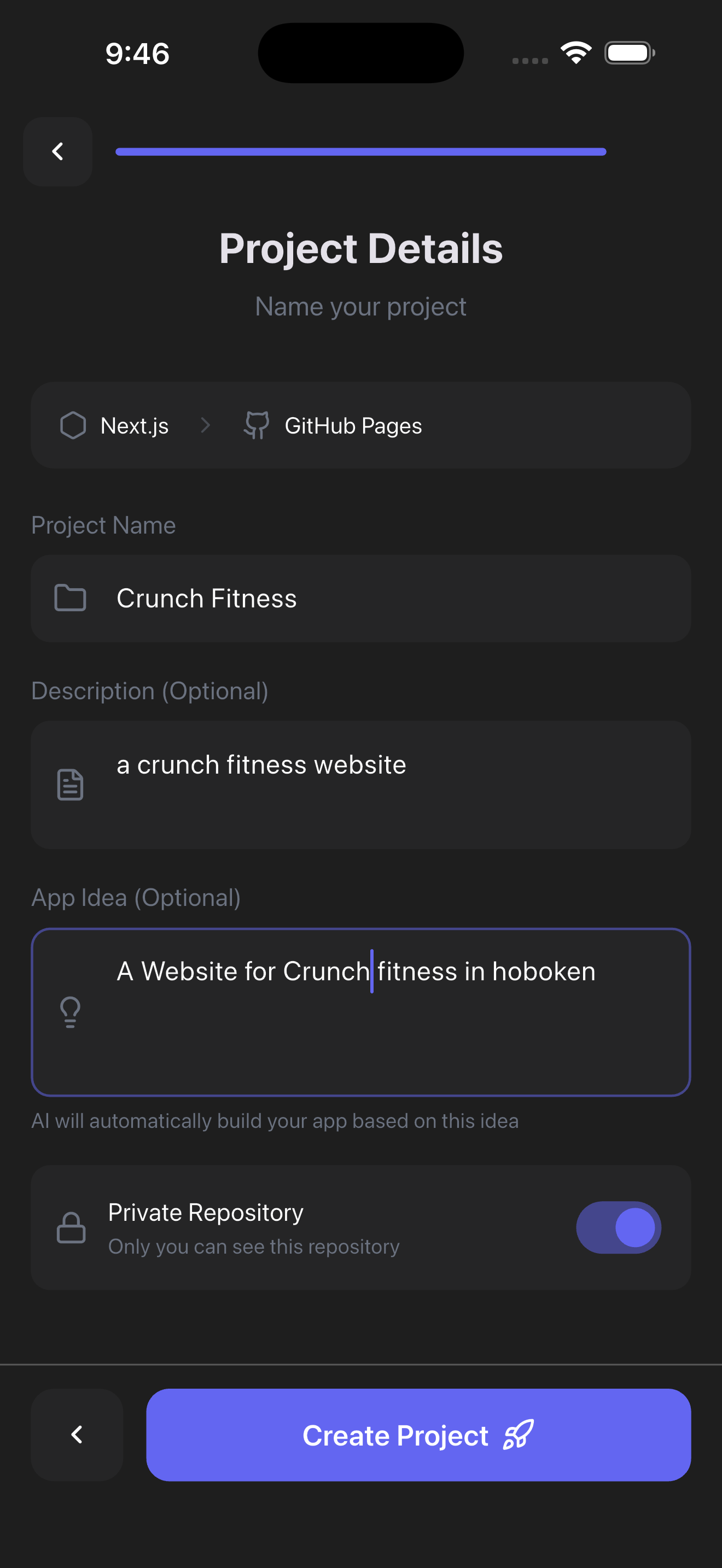
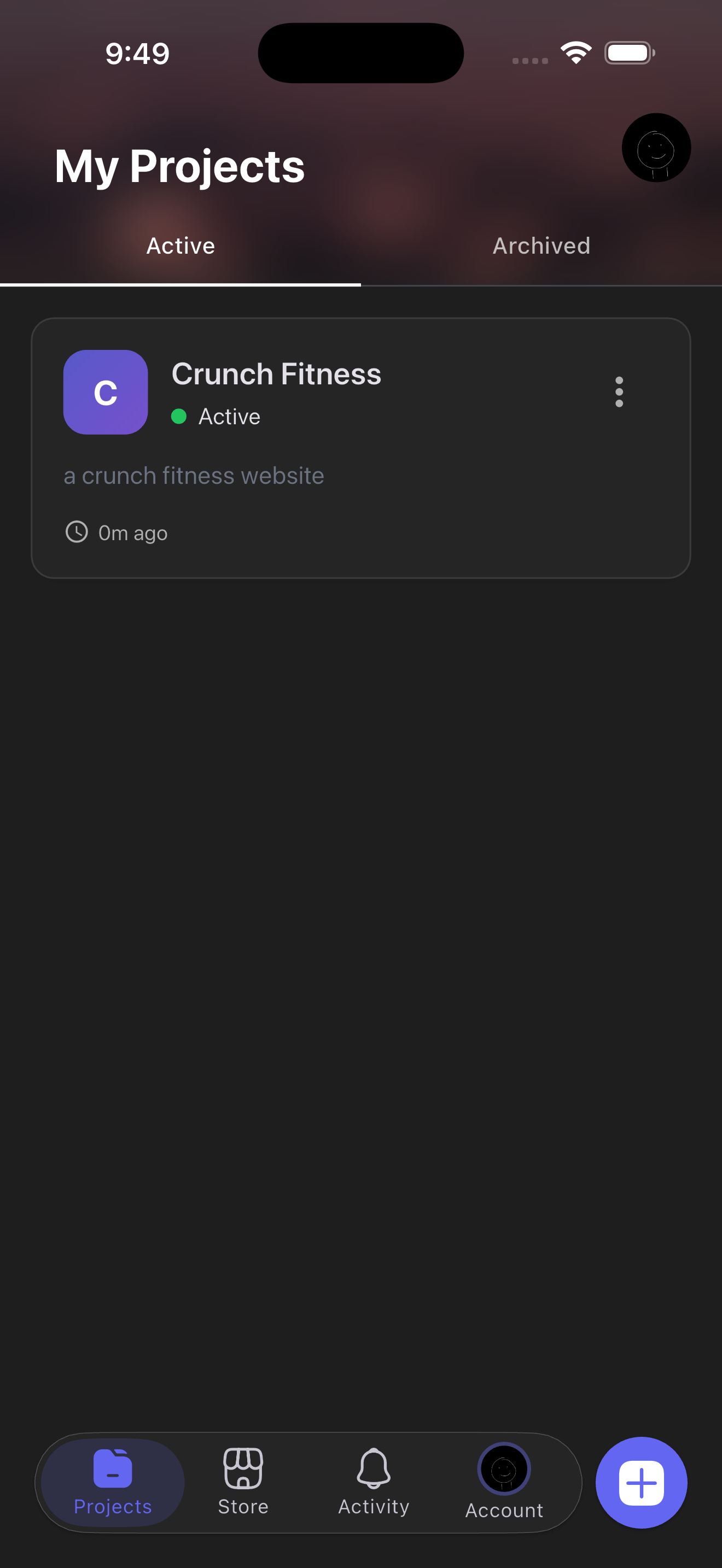
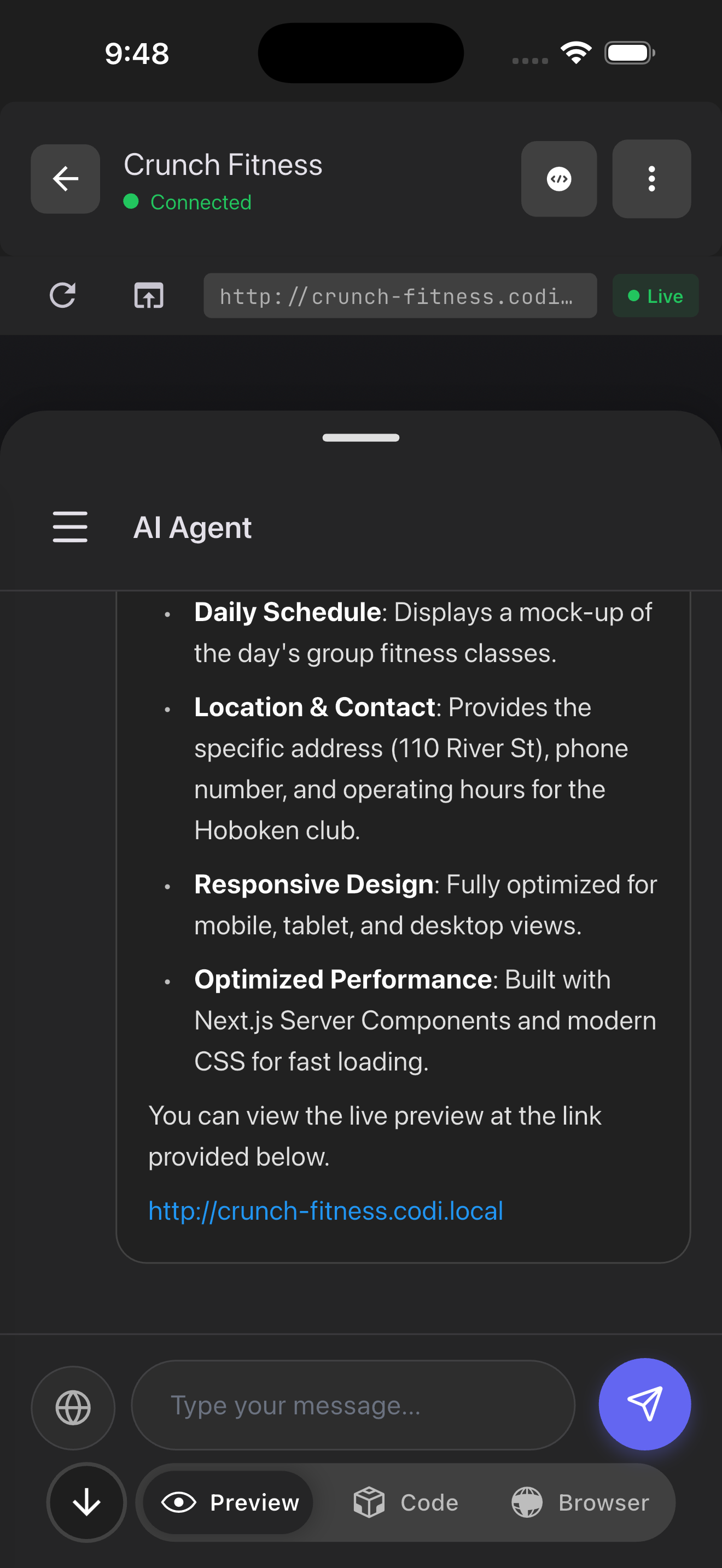
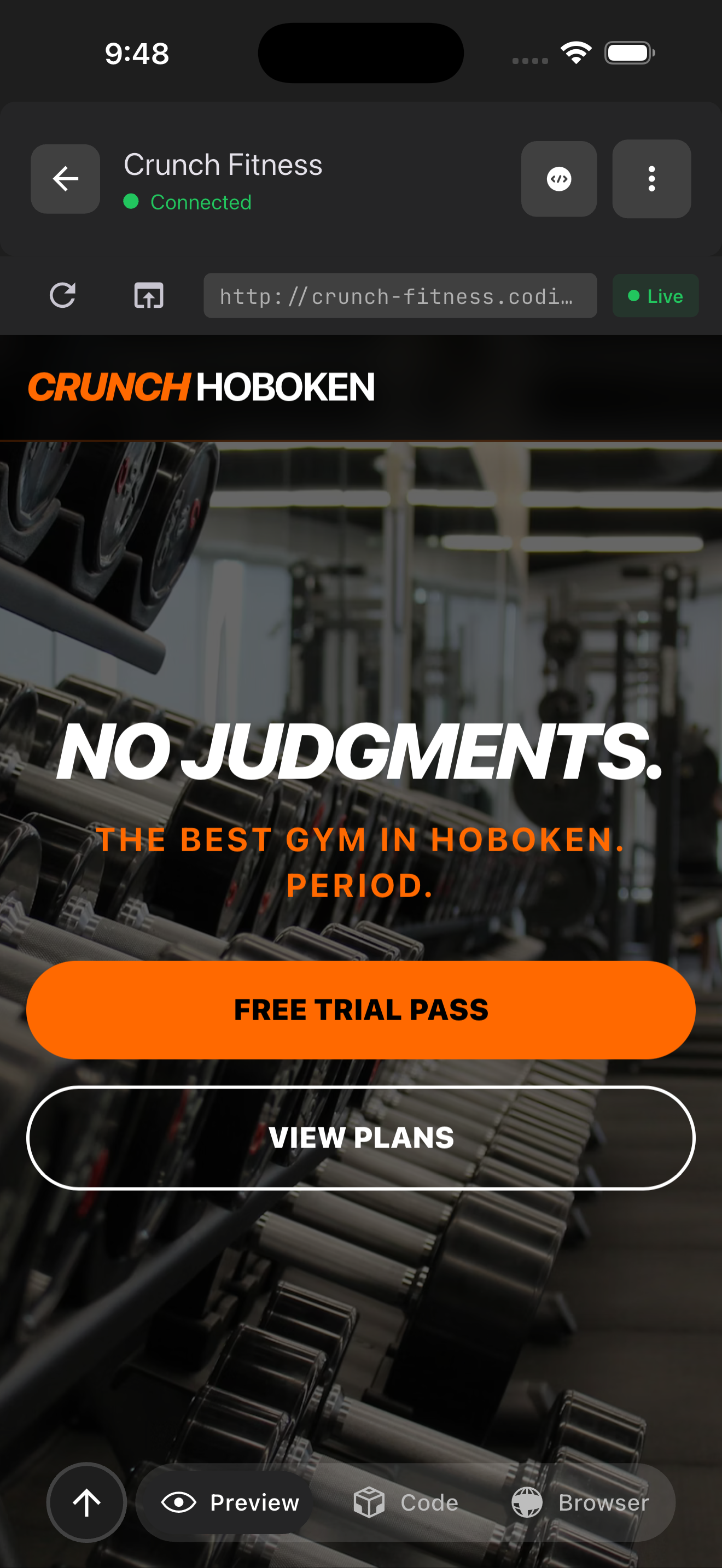
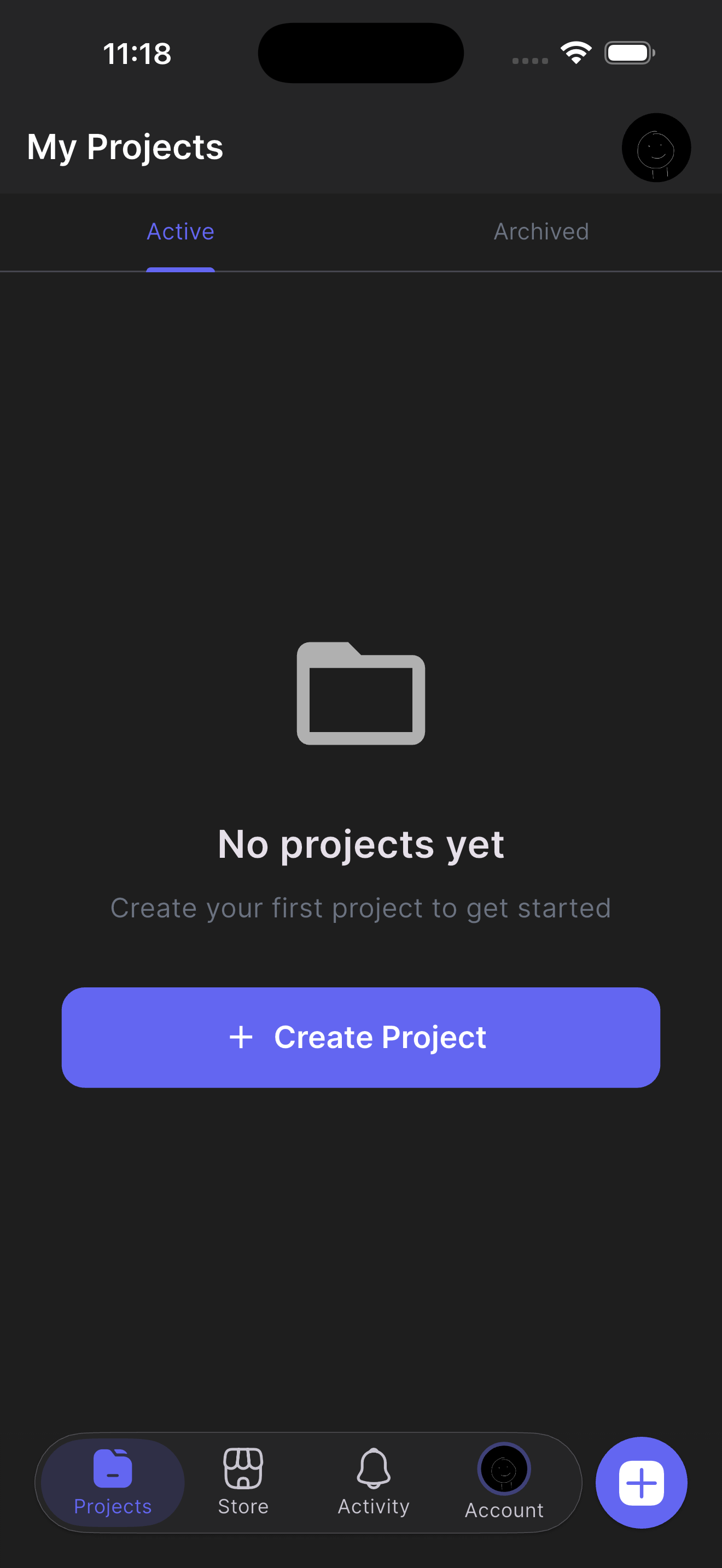
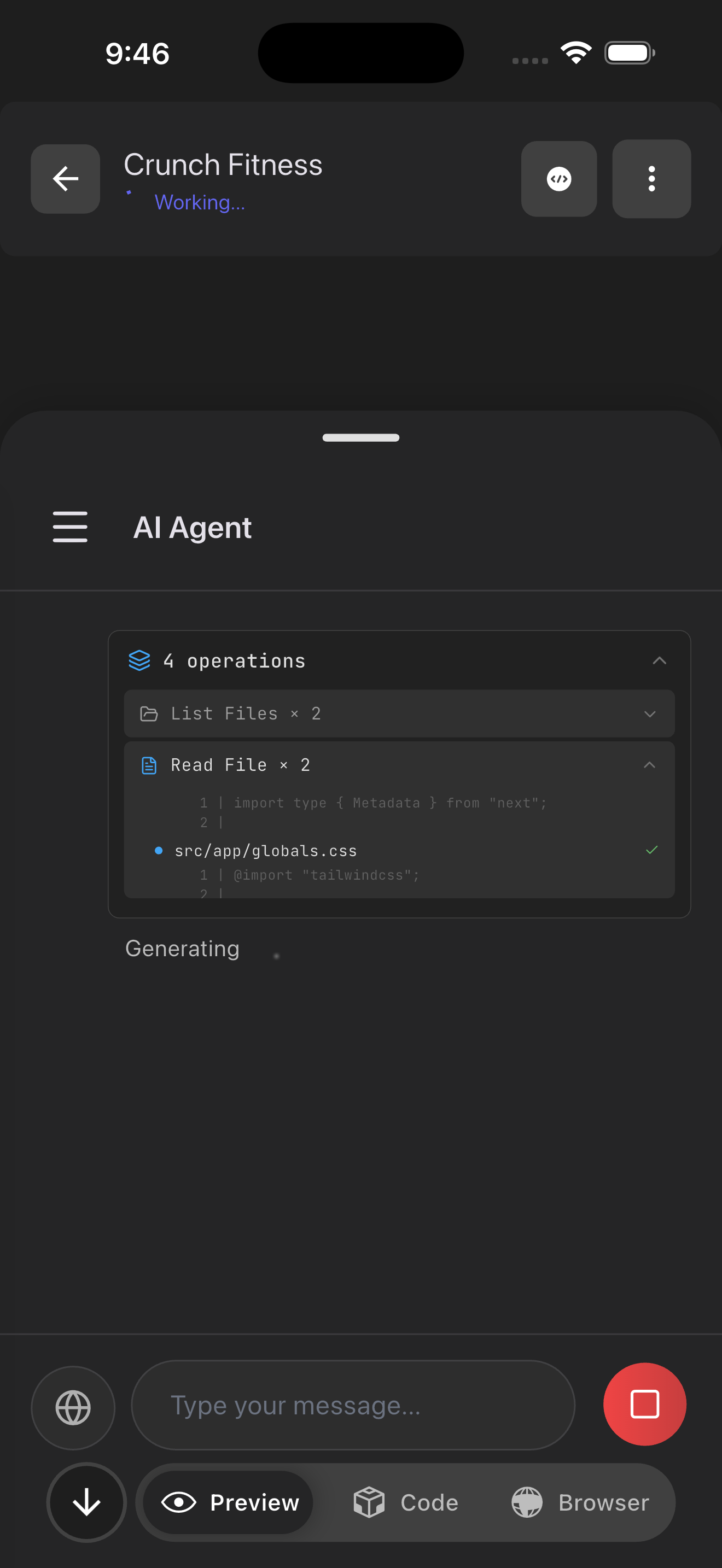
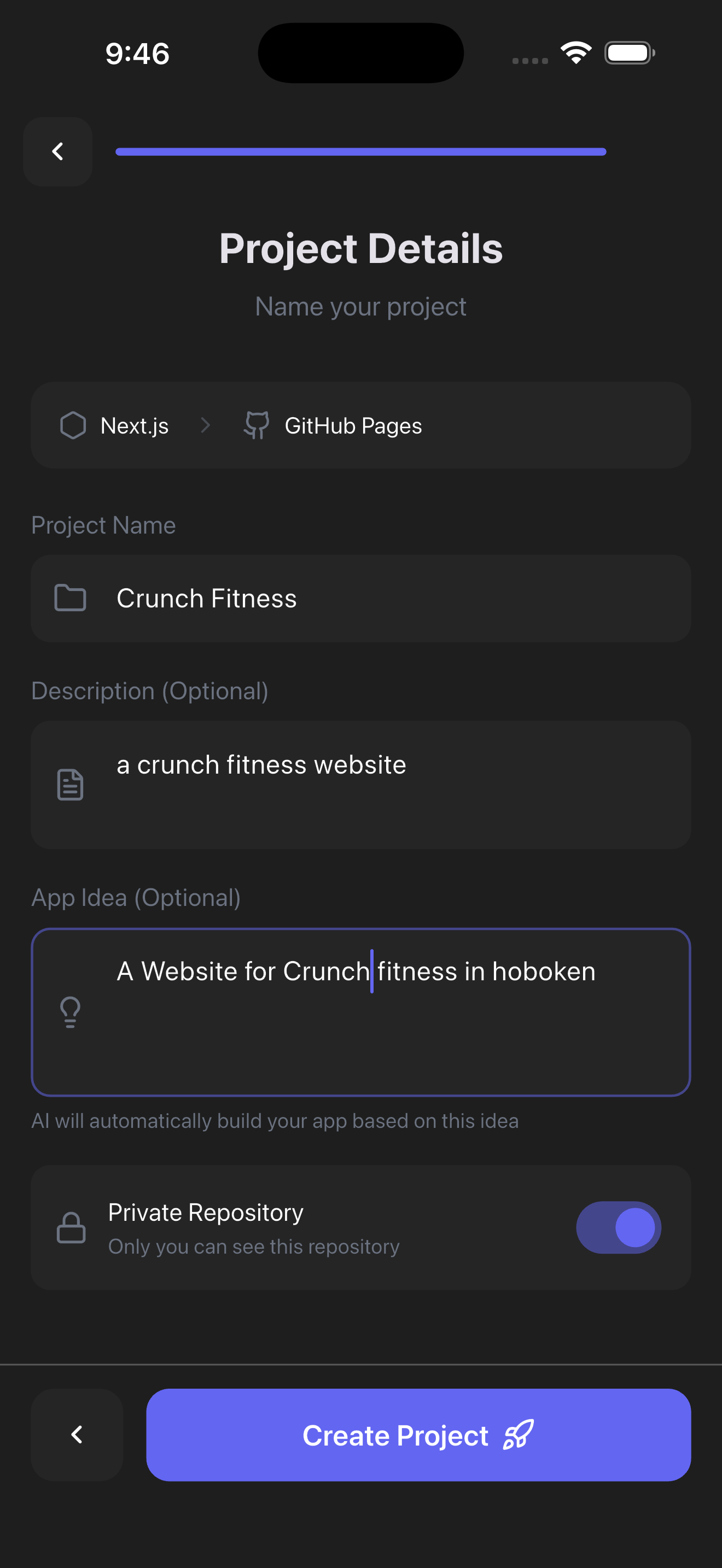
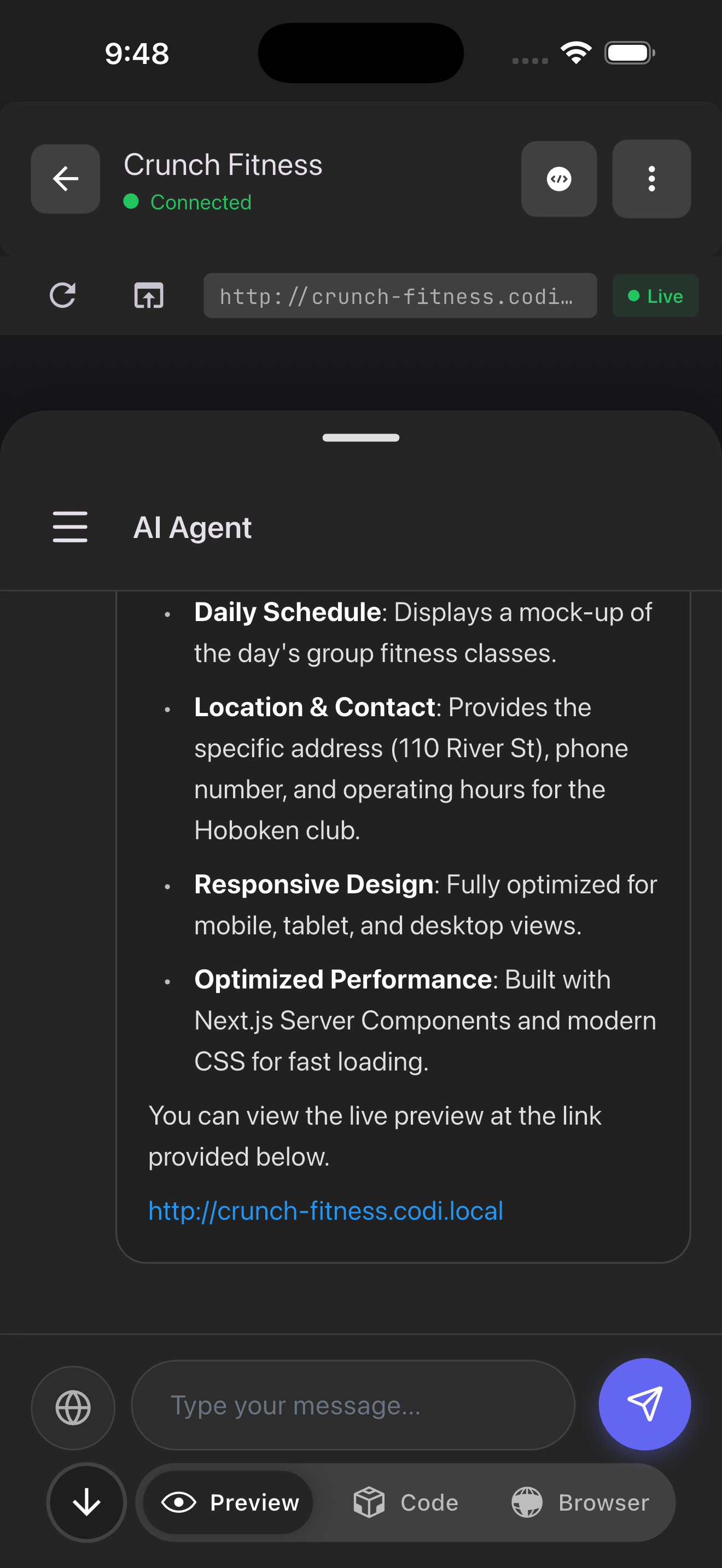
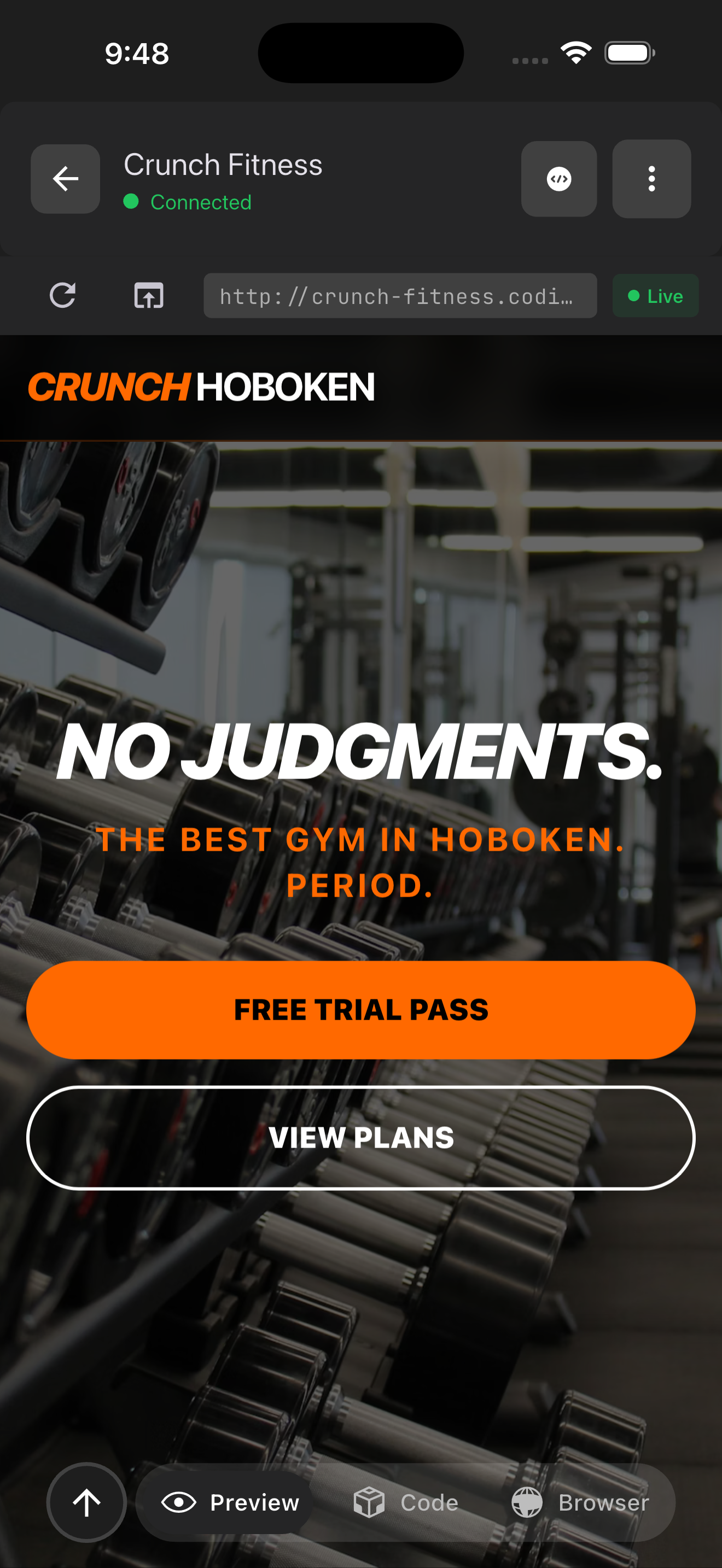
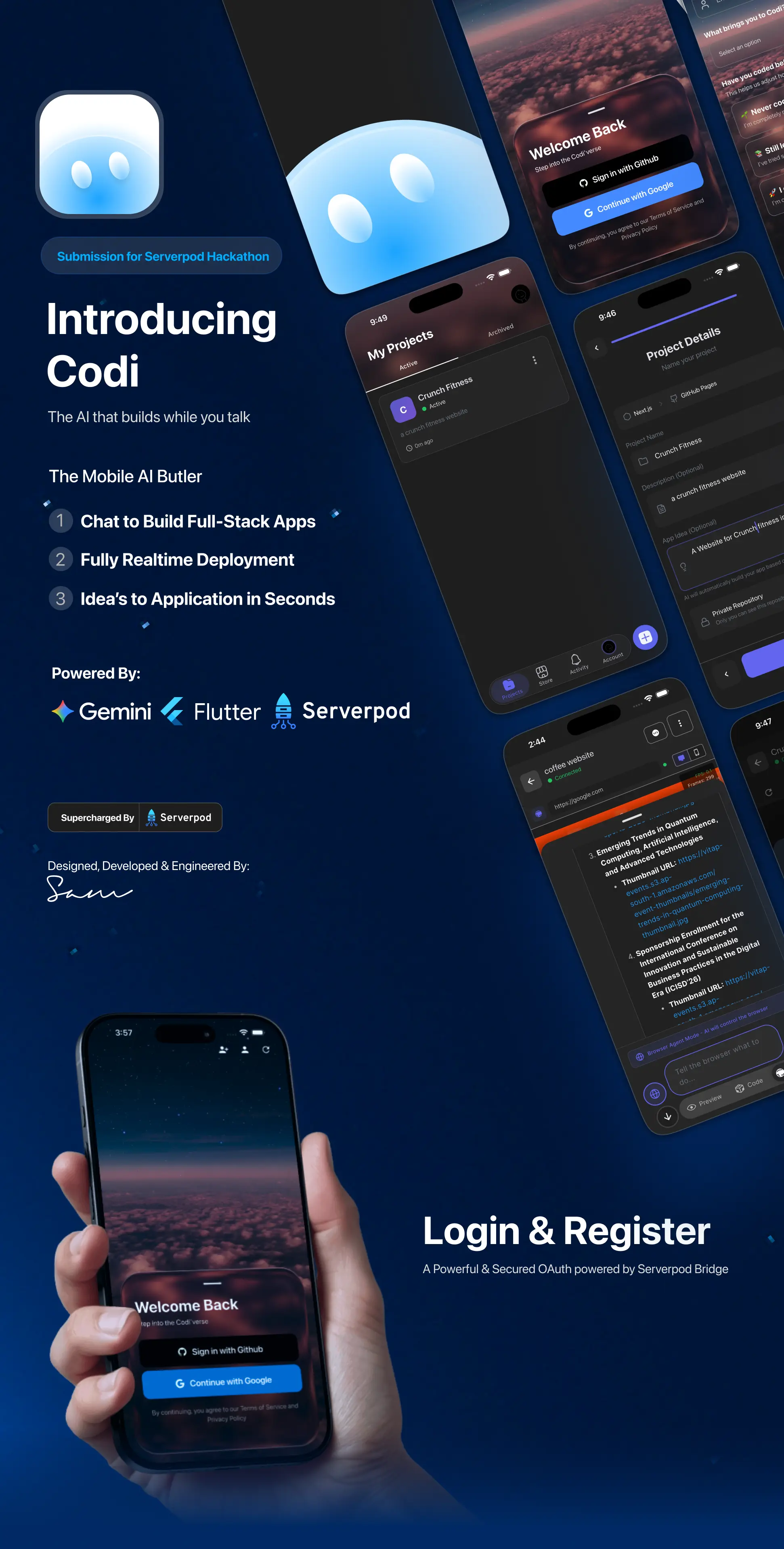
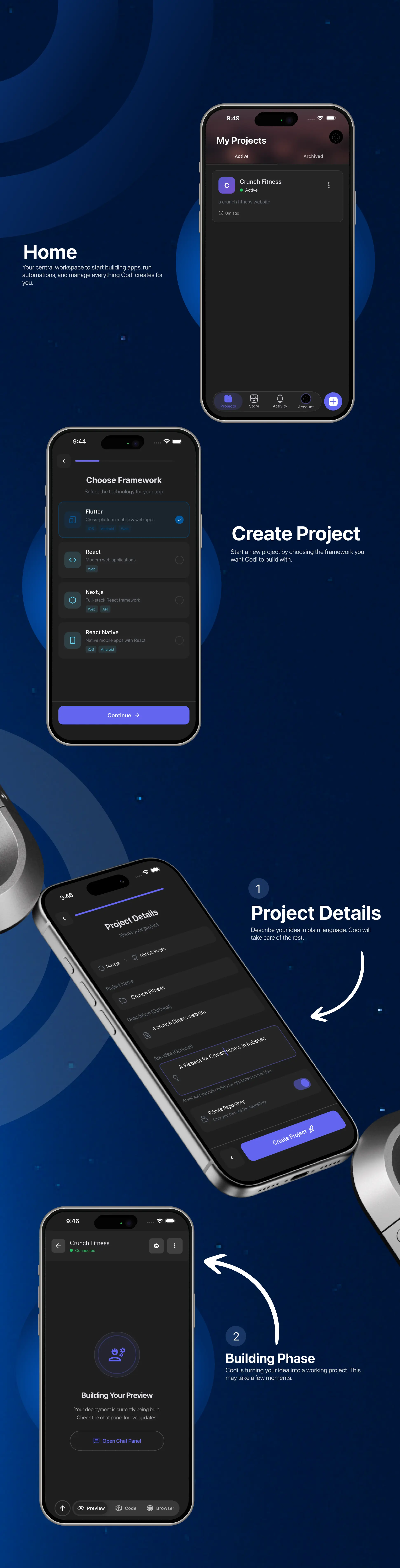
Codi has two core capabilities that work together to turn your phone into a powerful workstation. First, it features an AI App Builder. You can simply chat with Codi to generate full-stack applications. For example, a student in rural India can chat "build a marketplace for local artisans," and Codi will generate the frontend, set up the database schema, and deploy a working app that they can share instantly. It handles the scaffolding, data modeling, and UI code automatically.
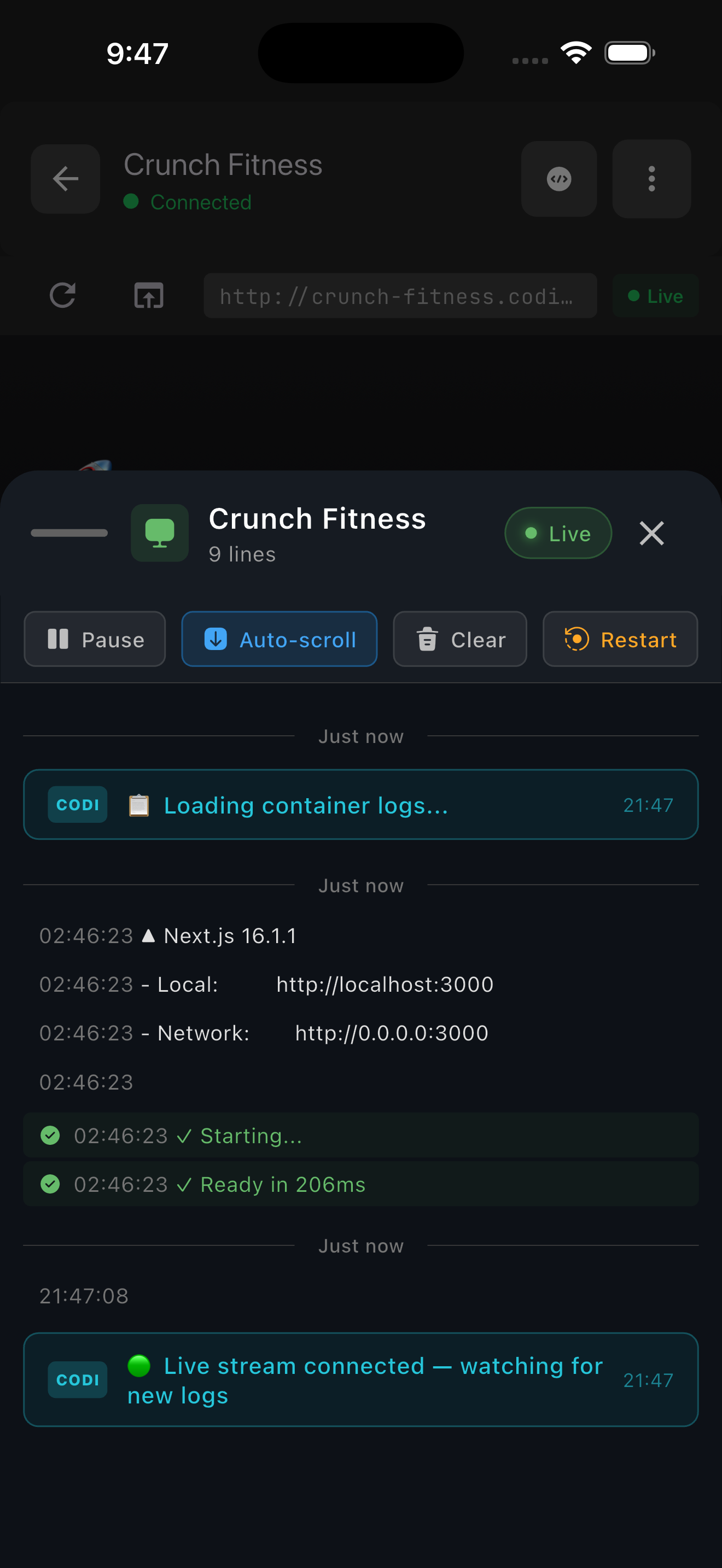
Second, Codi acts as an AI Browser Automation Agent. It doesn't just look up information; it actually performs tasks on real websites. You can ask it to logs in to portals, fill out forms, or scrape complex data. Because Codi runs on a server but streams the interactive session to your phone, you get a desktop-class browsing agent without draining your battery or needing a powerful device.
The interface is completely conversation-driven. Unlike distinct "tools" you have to learn, Codi feels like chatting with a senior engineer. You describe the outcome, and Codi figures out whether it needs to write code, deploy a database, or browse the web to make it happen.
How we built it
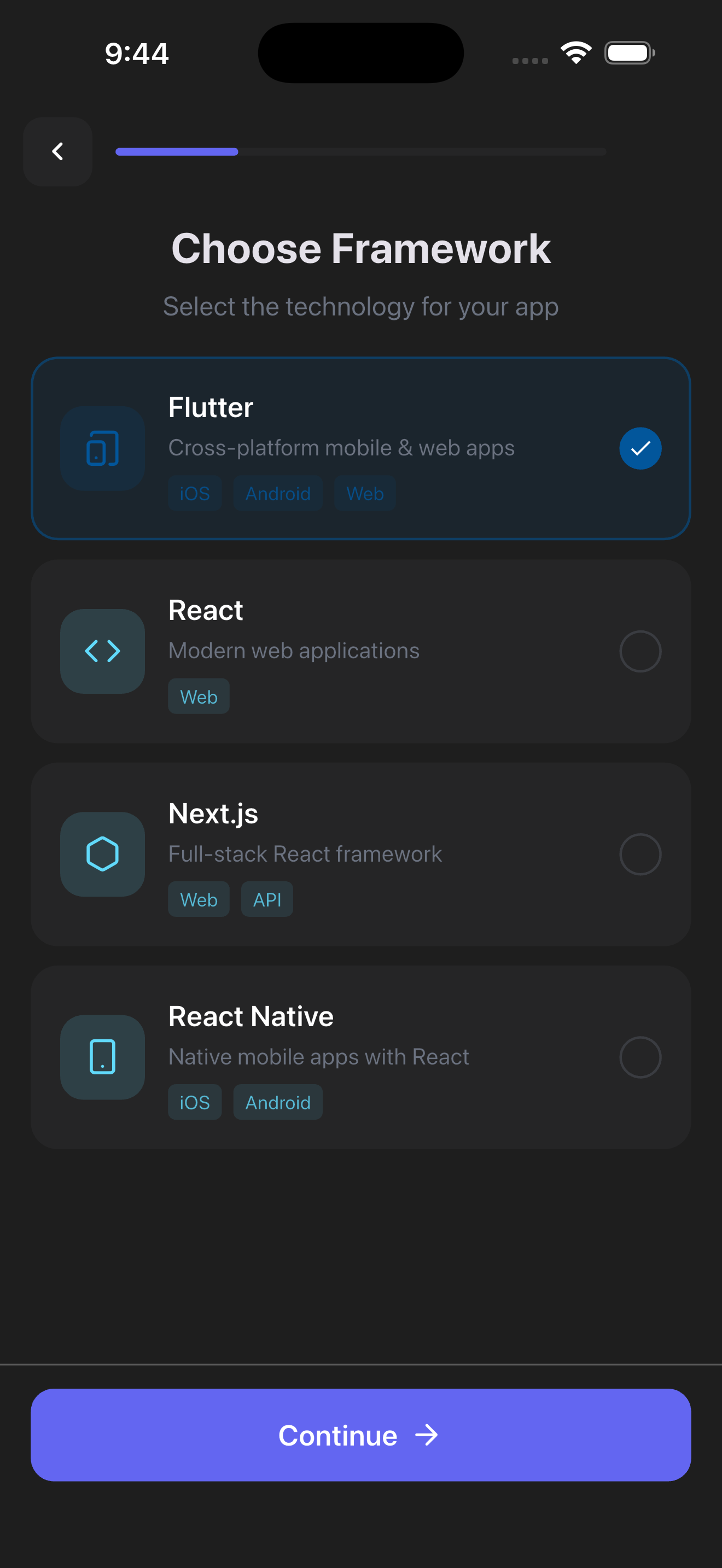
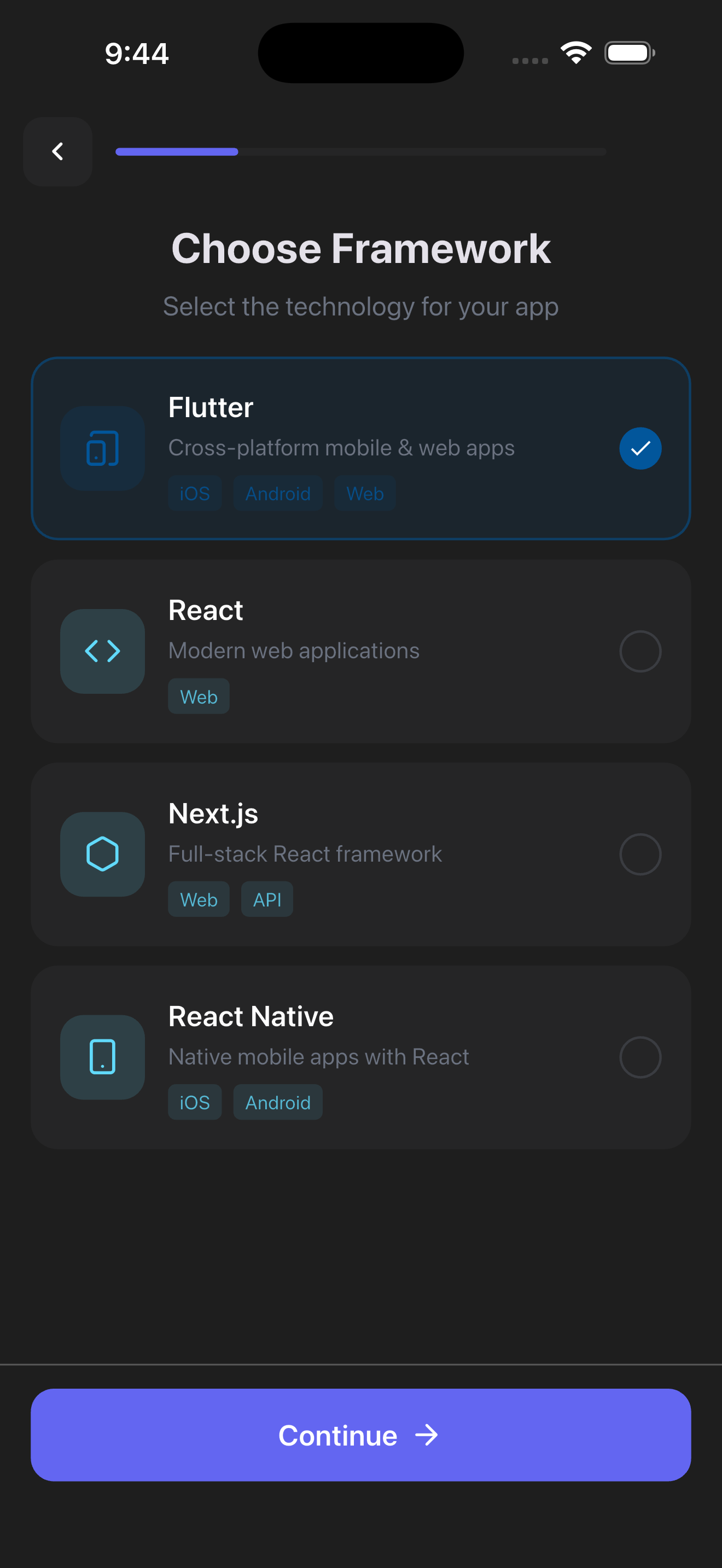
We architected Codi with three distinct layers to ensure scalability and performance. The frontend is built with Flutter, which allows us to deliver a native, buttery-smooth experience on both iOS and Android from a single codebase.
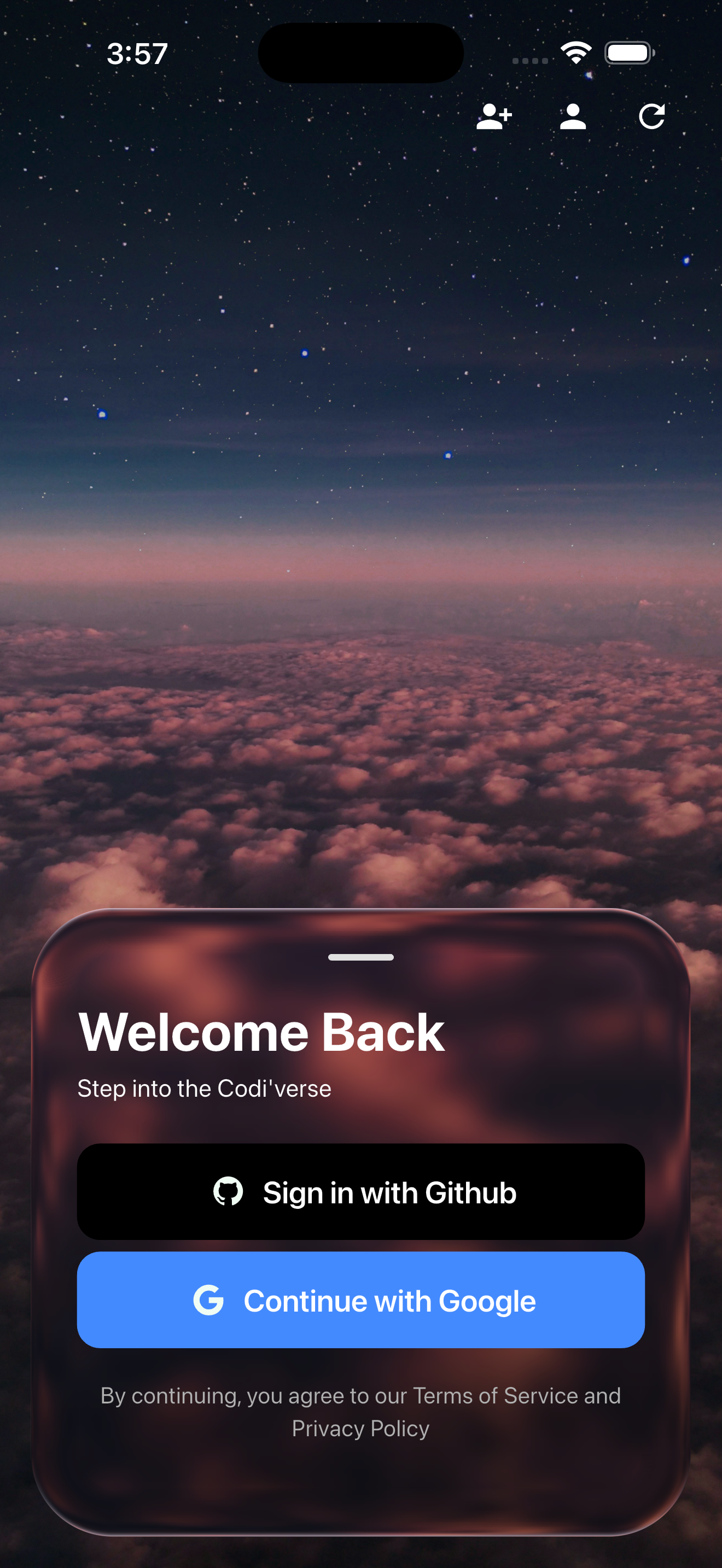
The backbone of our system is Serverpod. We chose Serverpod because we needed a strictly typed backend that plays perfectly with Dart. It handles the orchestration between the user's mobile device and our heavy logic. Authentication, real-time streaming, and database management are all managed here. The clean separation of concerns in Serverpod allowed us to move fast without breaking things, as the generated client code kept our frontend in perfect sync with our backend.
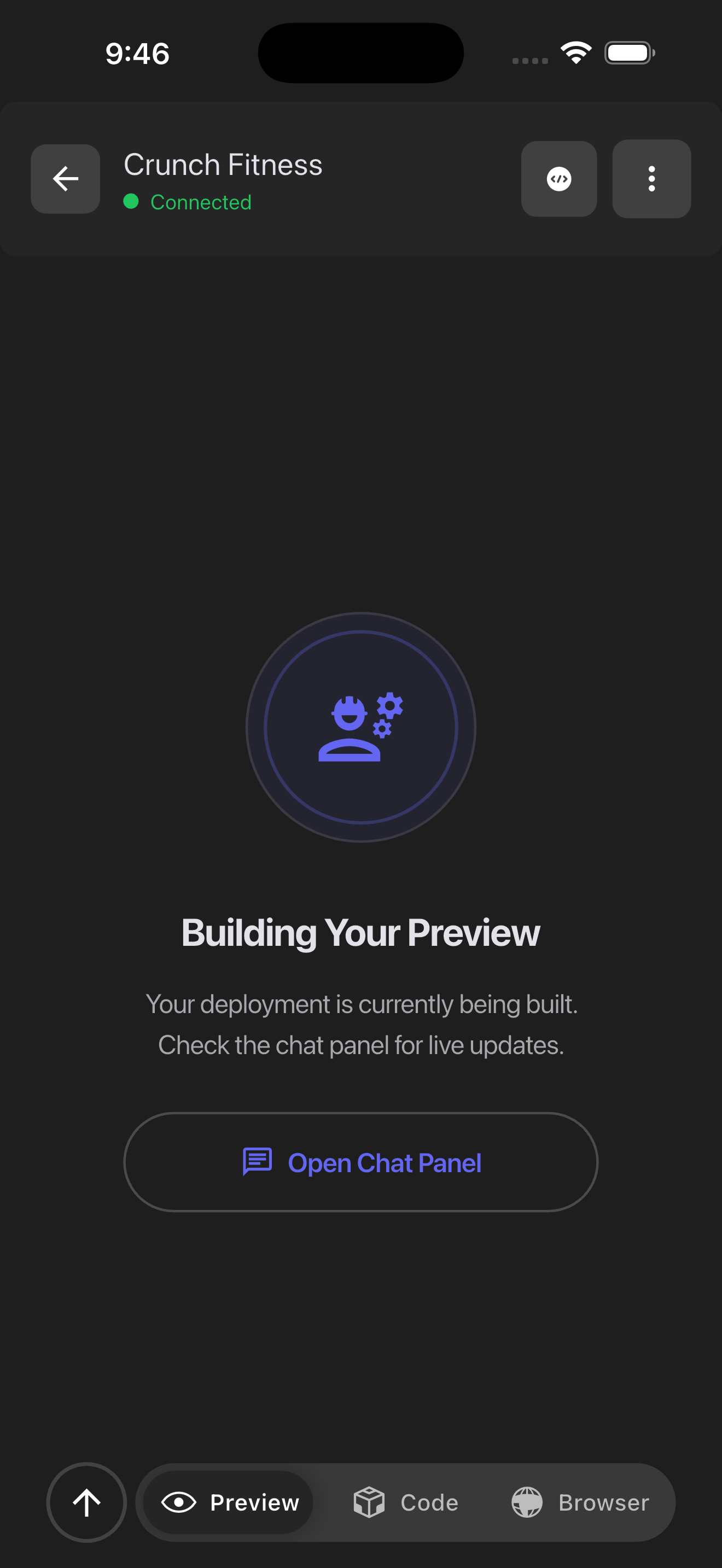
For the AI execution layer, we used Python. While Serverpod handles the traffic, the heavy lifting of code generation and browser automation (via Playwright) happens in isolated Python environments. Serverpod communicates with these Python workers to dispatch tasks. We used a message queue architecture so that long-running tasks—like "build an entire app"—don't block the user's chat interface.
Challenges we ran into
One of the hardest parts was orchestrating the AI reasoning limits. Getting the AI to understand state—remembering that it just created a database table 3 turns ago and now needs to populate it—was tricky. We had to build a robust context management system that feeds the relevant history to the model without blowing up the token window.
We also faced significant constraints with the mobile UI. Displaying a complex generated app or a desktop browser stream on a small phone screen requires careful design. We spent a lot of time refining the streaming protocols to ensure the browser automation felt responsive even on 4G networks, and we had to design the generated apps to be responsive by default.
Integration was another hurdle. Connecting a Dart-based Serverpod backend with a Python AI execution environment led to some initial friction with serialization and type matching. We had to write a robust translation layer to ensure that data sent from Flutter made it intact to the Python workers and back.
Accomplishments that we're proud of
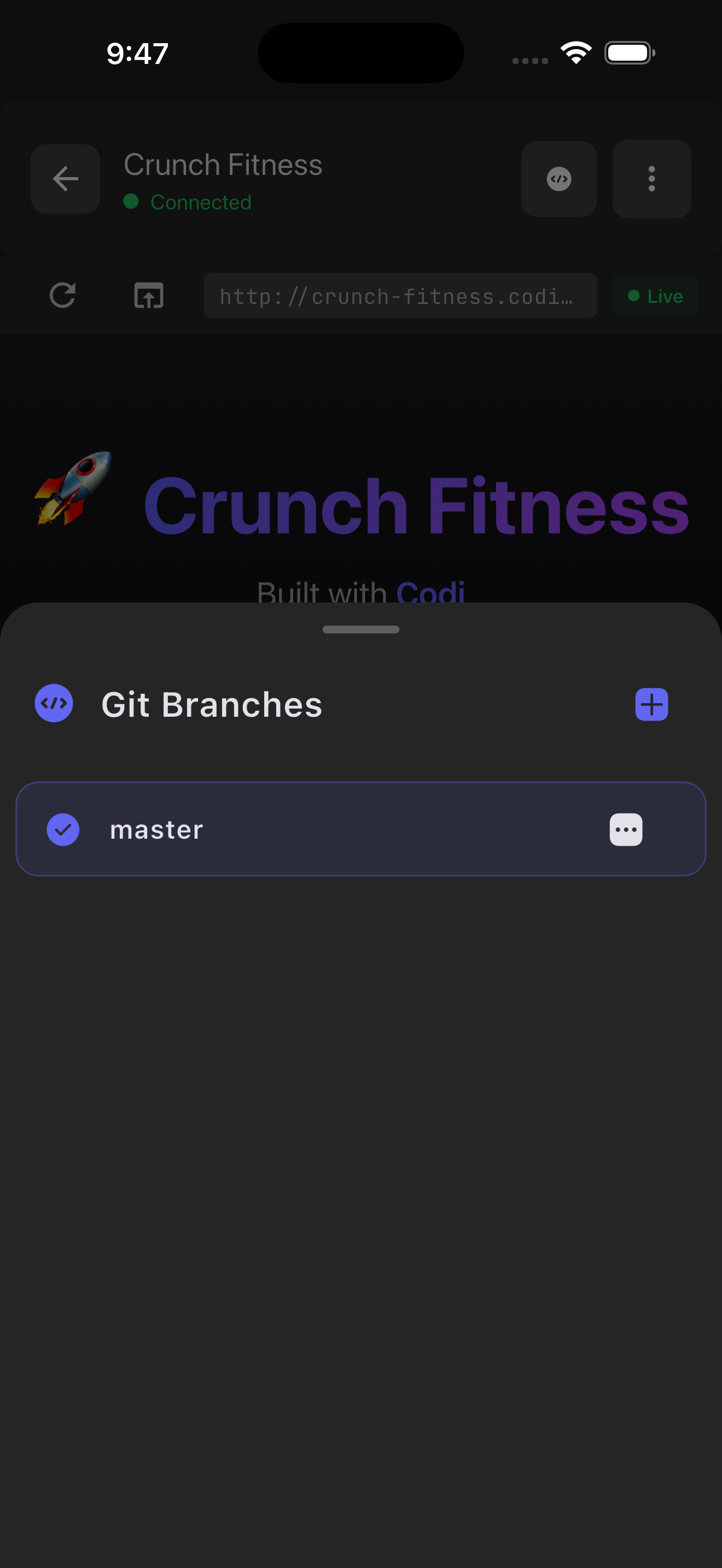
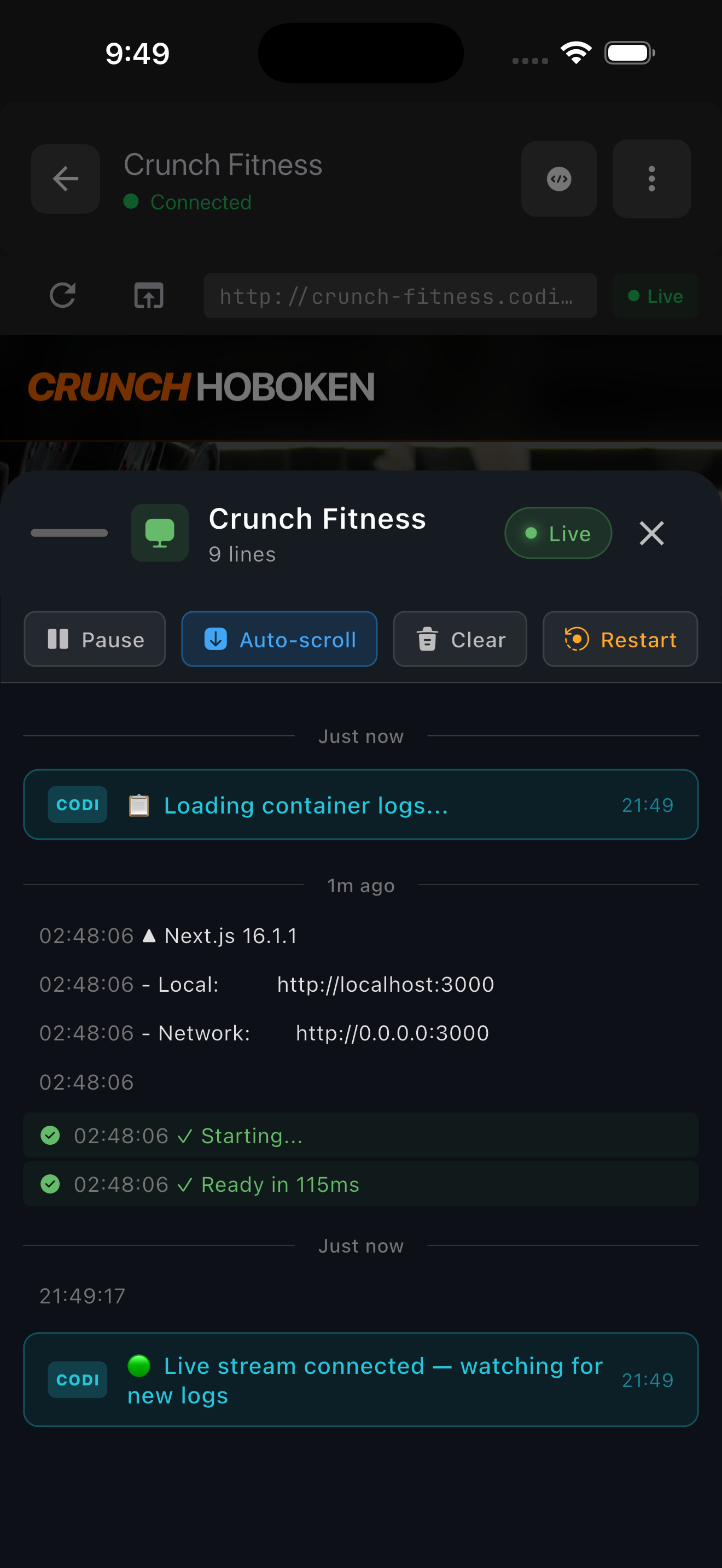
We are incredibly proud of getting the full orchestration pipeline working end-to-end. Seeing the first successful flow—where a message sent from a phone triggered a Serverpod endpoint, which spun up a Python worker, generated valid Flutter code, and hot-reloaded it back to the user's device—was a massive win for the team.
We also managed to solve the "context loss" problem in long conversations by implementing a smart summarization engine. This keeps Codi "aware" of the project goals even after hundreds of messages.
Most importantly, we built a tool that feels truly mobile-native. It doesn't feel like a port of a desktop tool; it feels like it belongs in your pocket. We managed to hide all the complexity of Docker containers, compilers, and web drivers behind a simple chat bubble.
What we learned
We learned deep lessons about the capabilities of Serverpod. Initially, we treated it just as an API layer, but we quickly realized its power in managing real-time connections via web sockets was critical for the "live" feel of the AI agent.
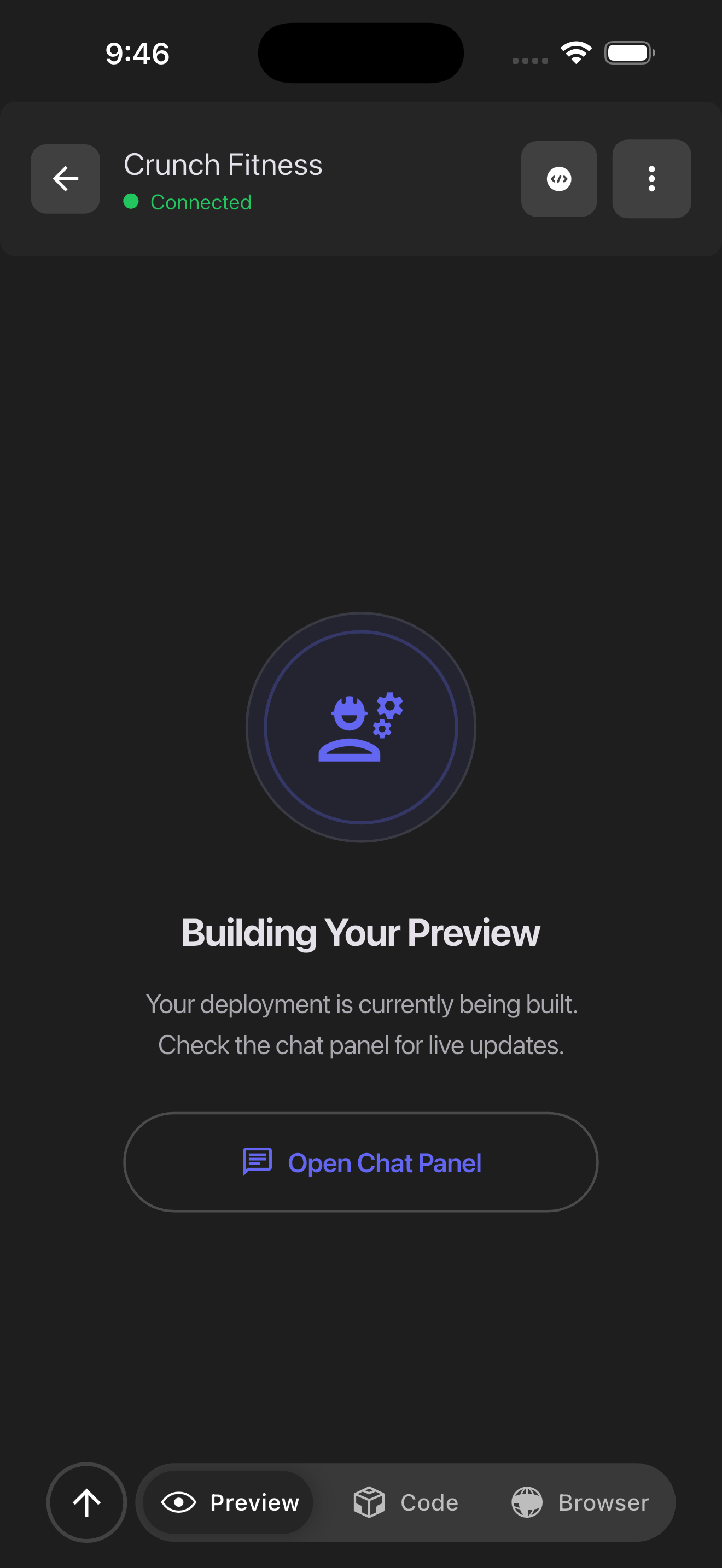
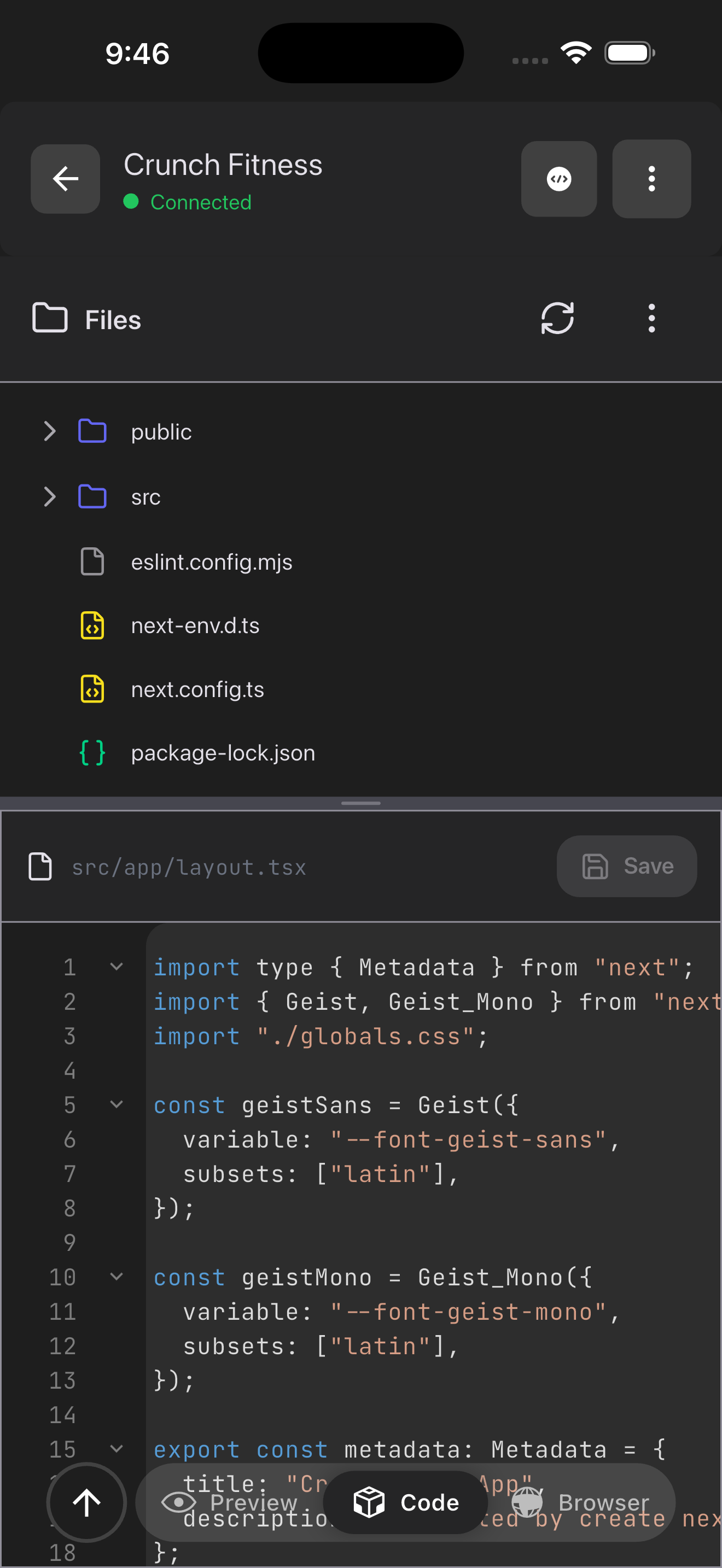
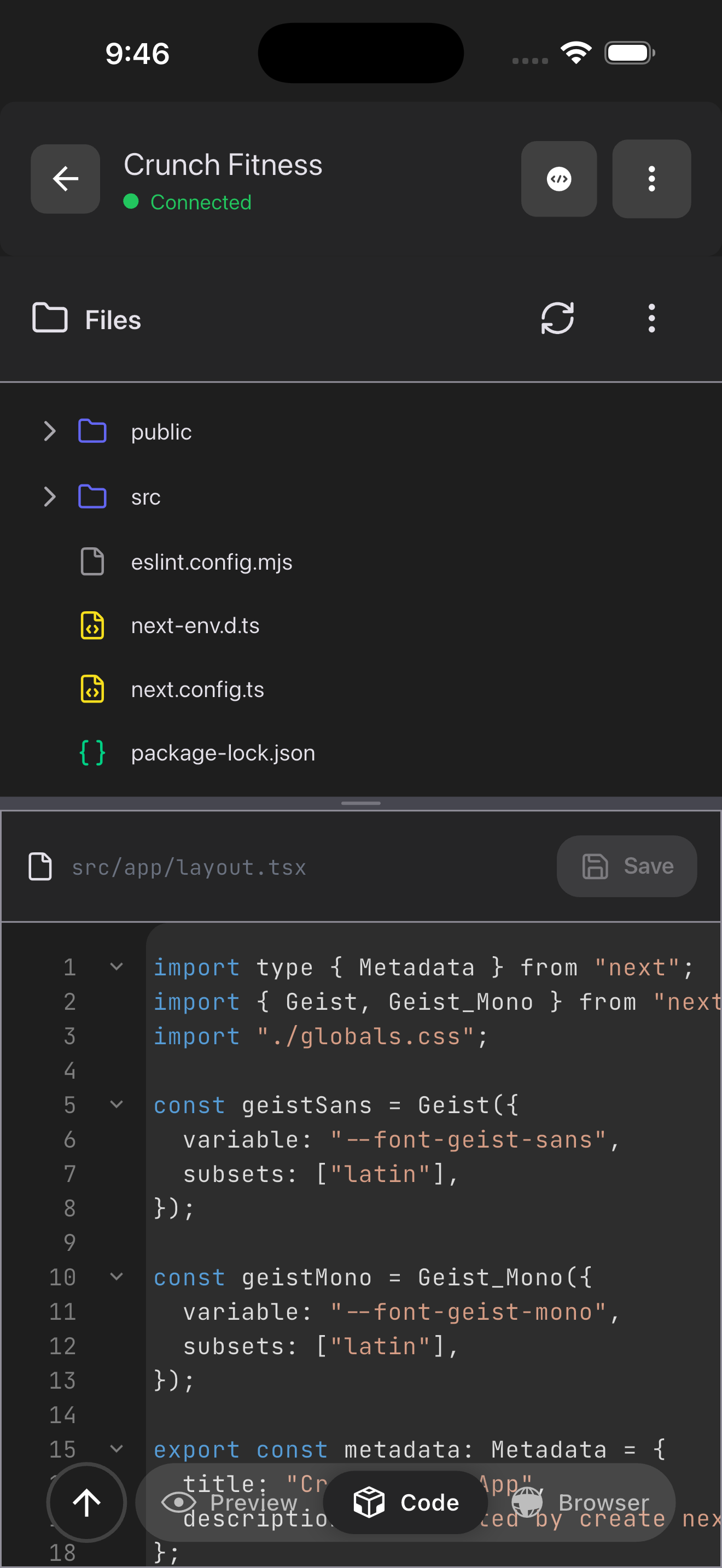
On the product side, we learned that users care less about the "code" and more about the "app." Early versions showed too much code to the user, which was overwhelming on a small screen. We pivoted to focusing on the preview and the result, hiding the code unless explicitly asked for. This shifted our perspective from building a "mobile IDE" to building a "mobile app factory."
What's next for Codi
Immediate improvements will focus on "self-healing" code. Right now, if Codi generates code with a bug, the user has to spot it. We want to implement a feedback loop where Codi runs the build, catches the error log itself, and fixes the code before the user even sees it.
Long-term, we envision Codi as a platform for other creators. We want to allow users to share the "recipes" or "blueprints" of apps they've built so others can clone and remix them. We plan to validate this by launching a beta to a small group of students in coding bootcamps who rely on shared computers, giving them the freedom to code from home on their phones.



Log in or sign up for Devpost to join the conversation.