Team: Samuel Philip
One-Liner: Full-stack development on smartphones for 6 billion mobile-first users, powered entirely by Gemini 3.
Problem
Current AI coding tools (Cursor, GitHub Copilot, Windsurf) require laptops and desktop IDEs. 6 billion people access the internet primarily through mobile devices and are completely excluded from AI-assisted development. Students in bootcamps, builders in emerging markets, and anyone without access to powerful desktop hardware cannot use these tools.
Solution
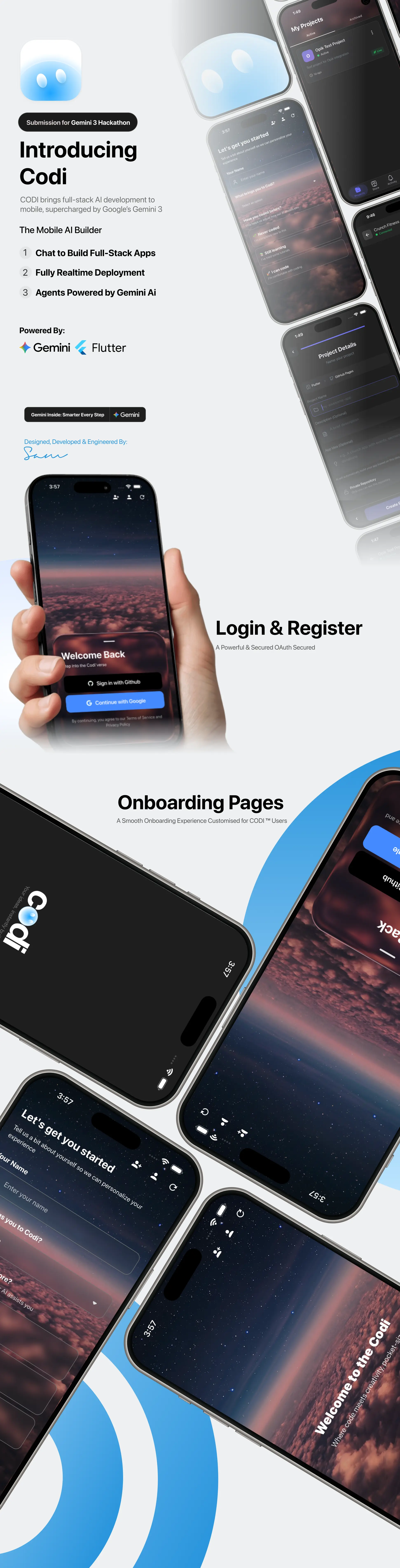
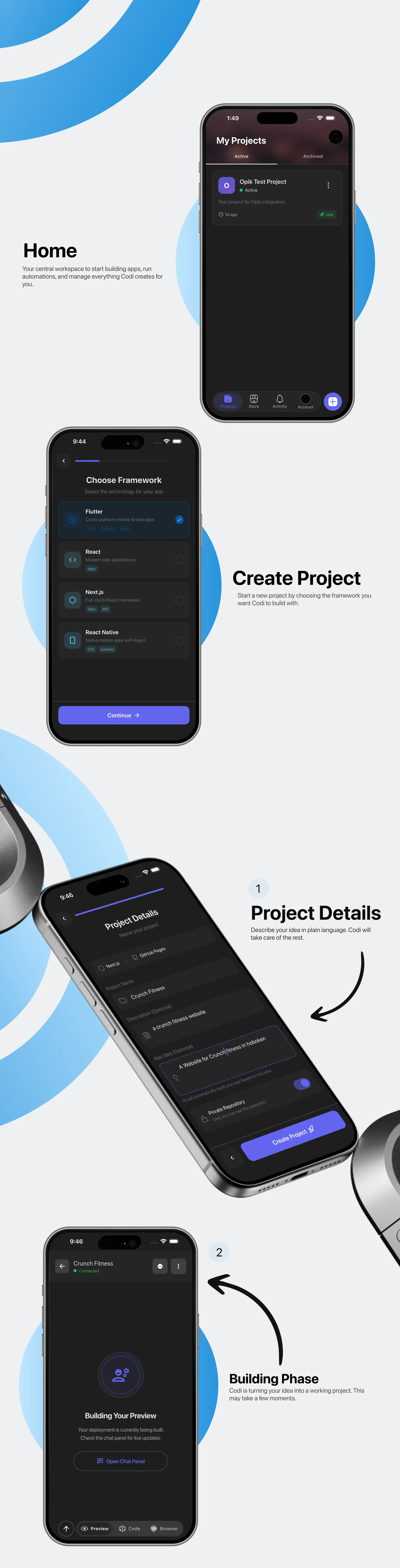
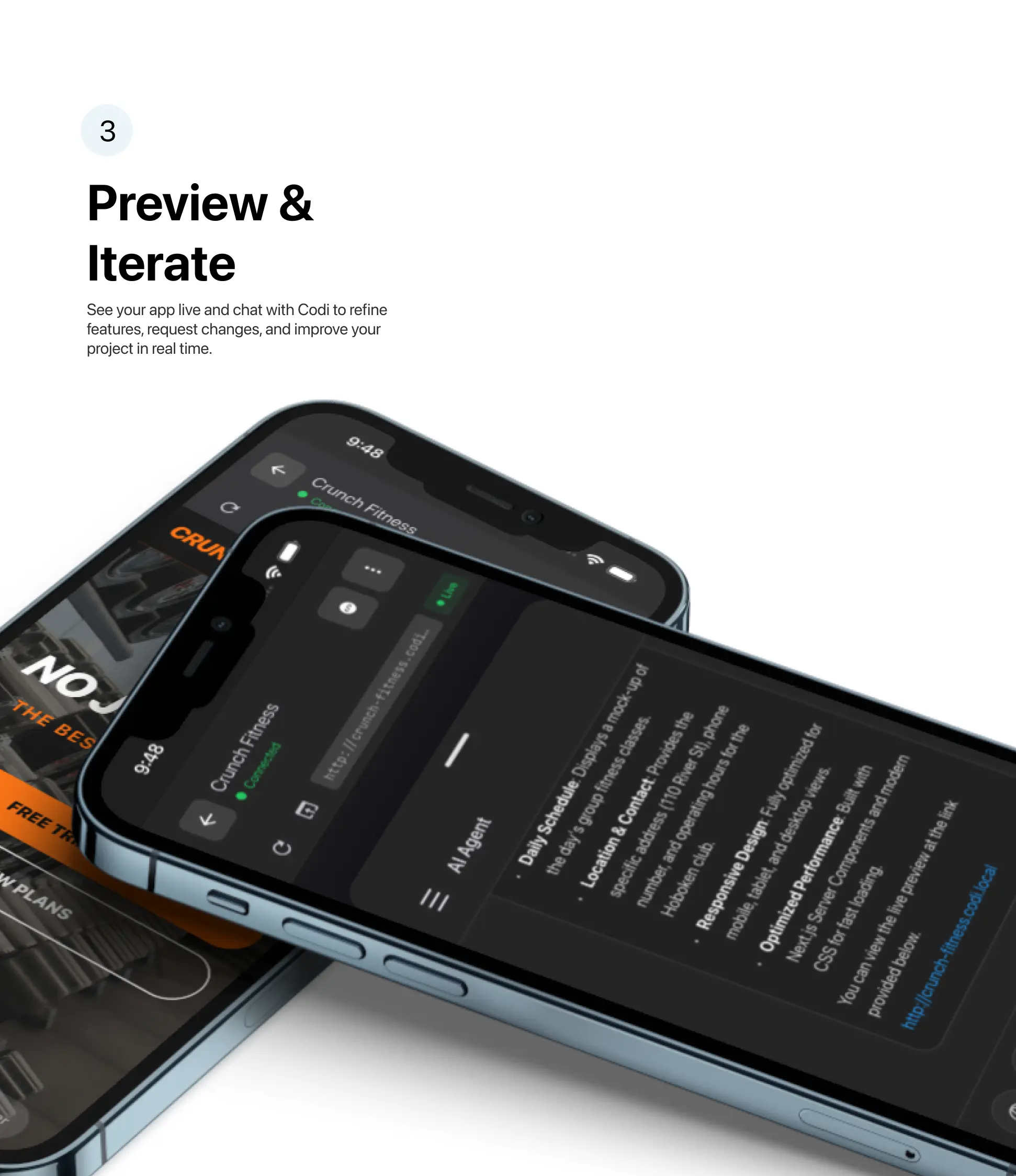
CODI brings Gemini 3 to smartphones:
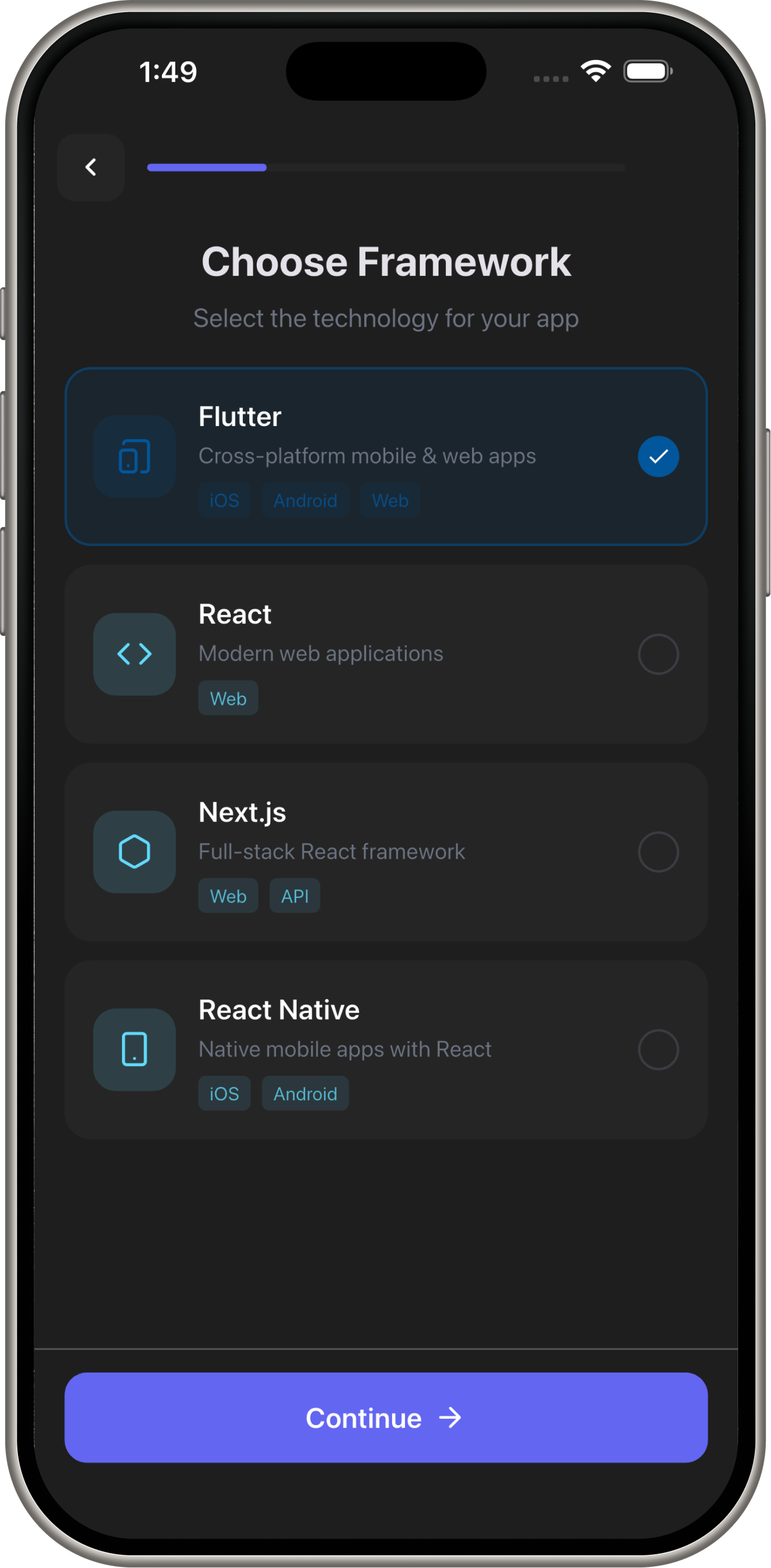
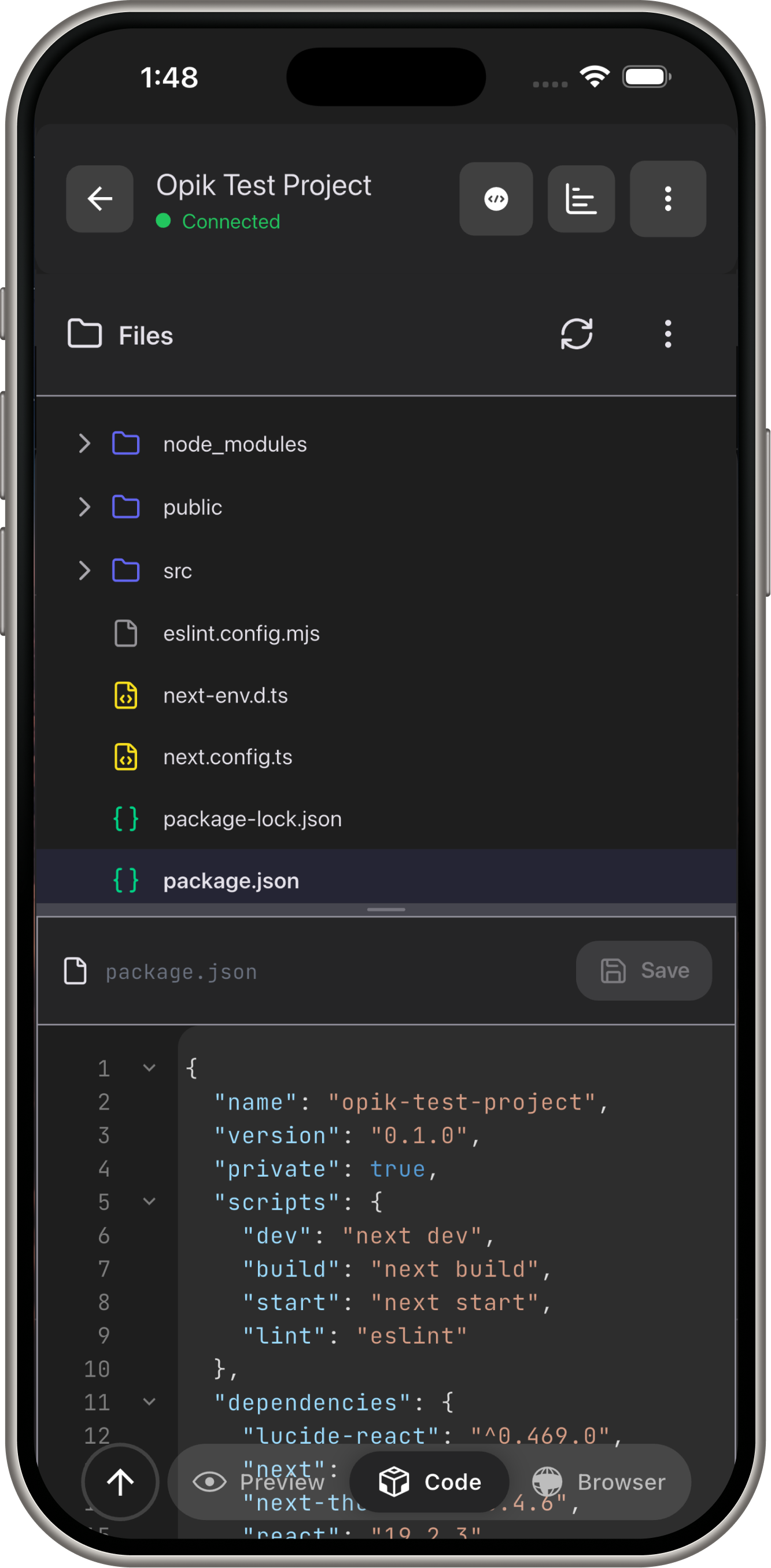
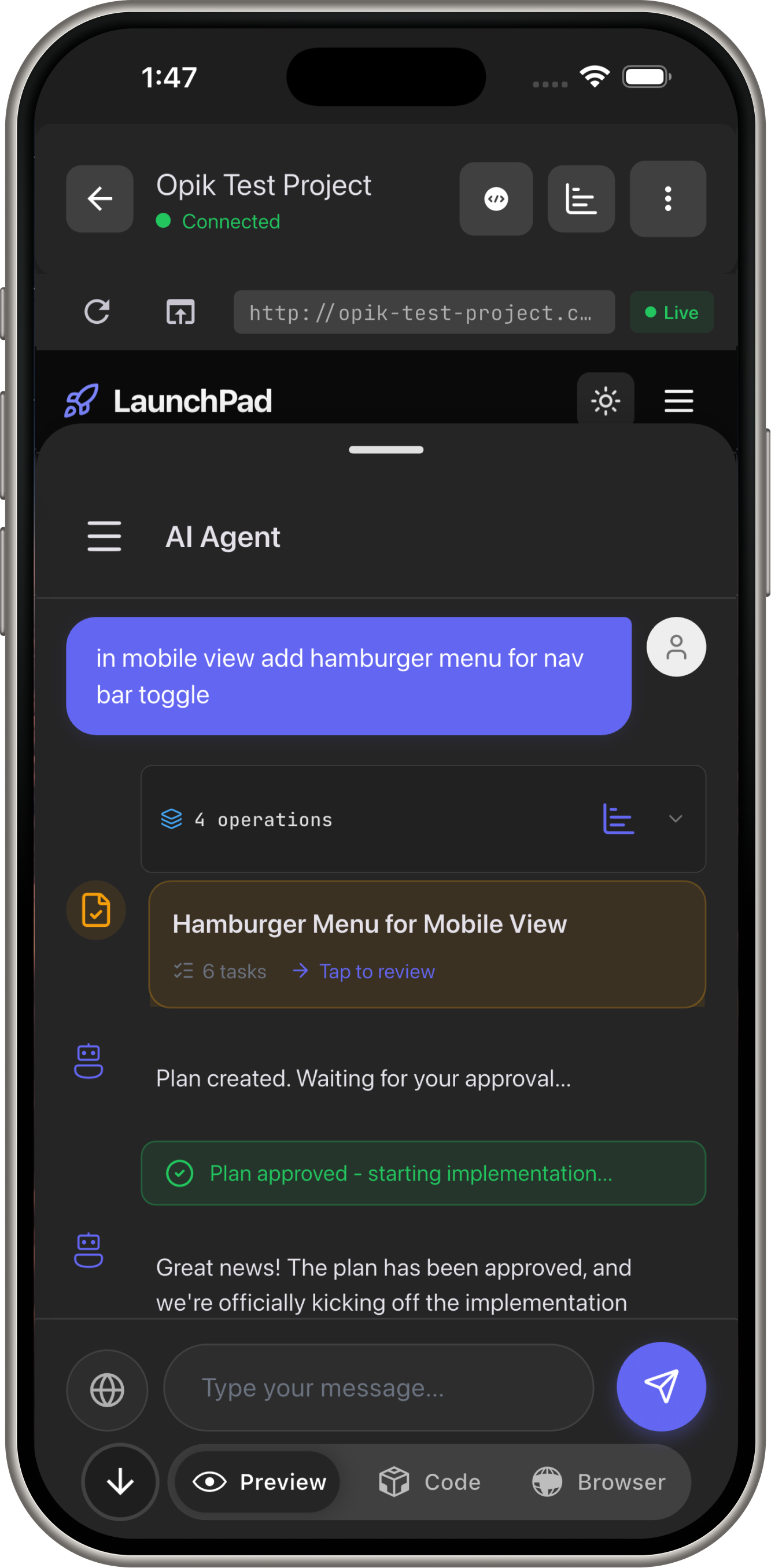
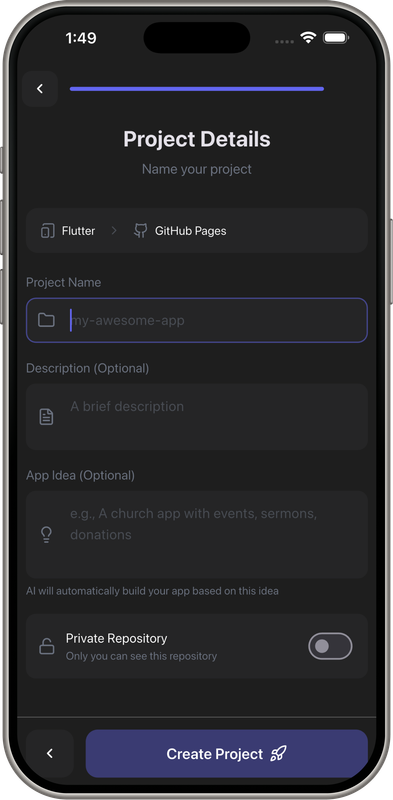
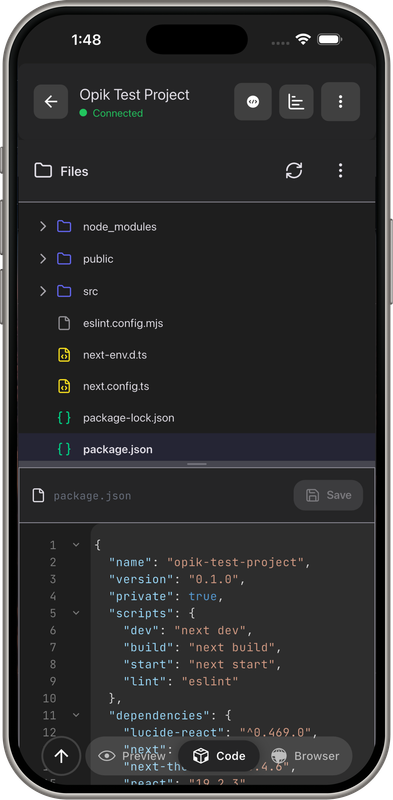
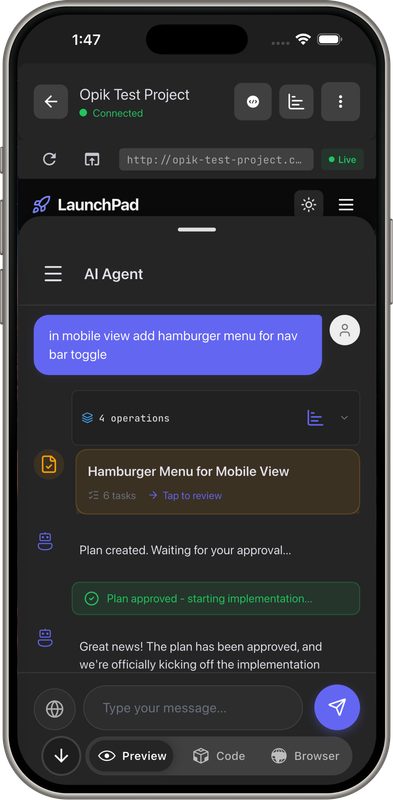
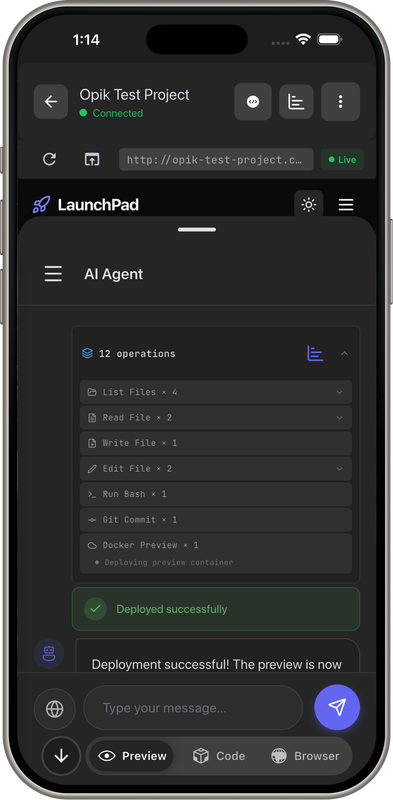
- AI App Builder: Chat → Full-stack apps (Flutter, Next.js, React)
- Browser Automation: Gemini vision navigates websites, fills forms, extracts data
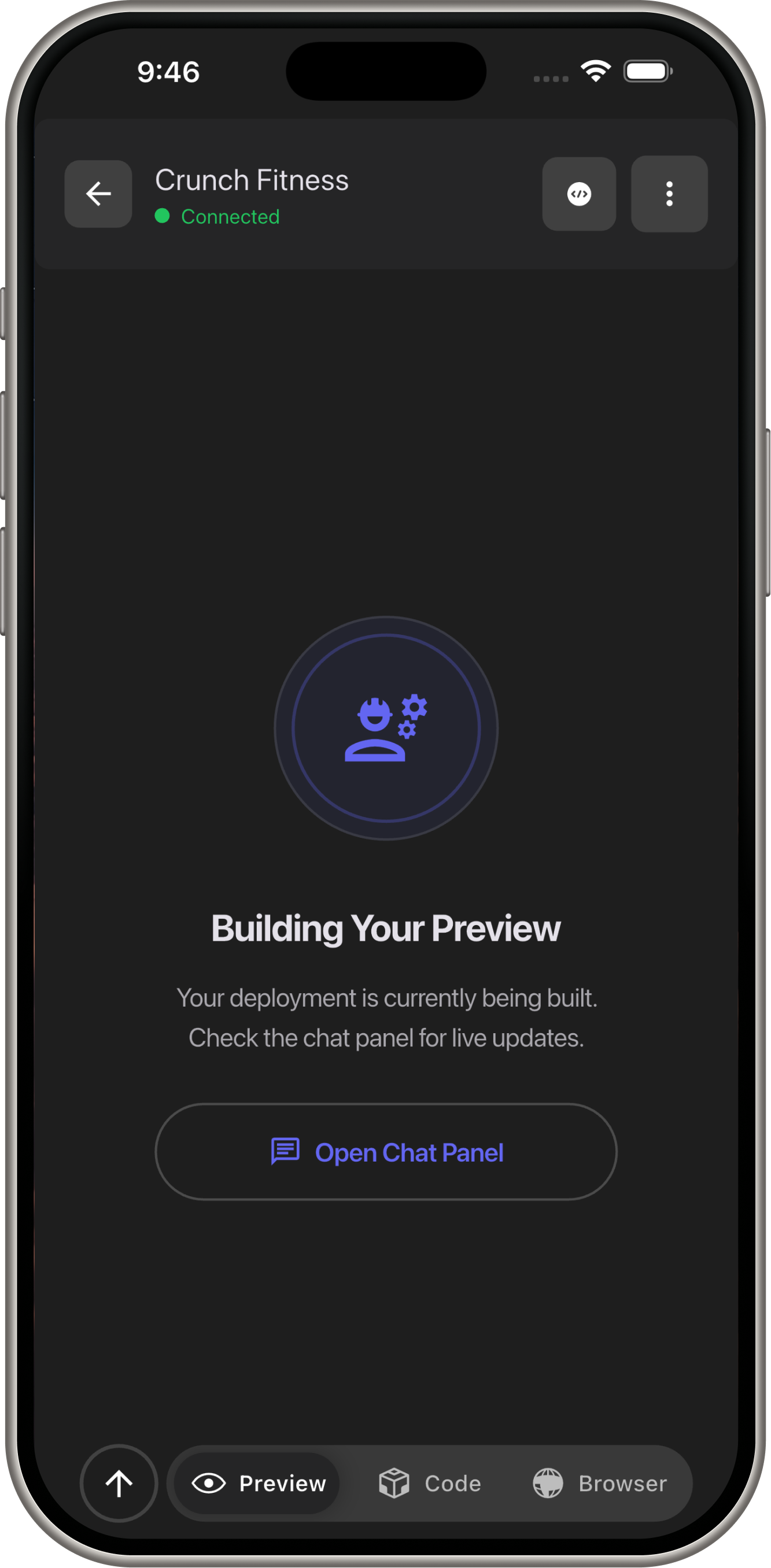
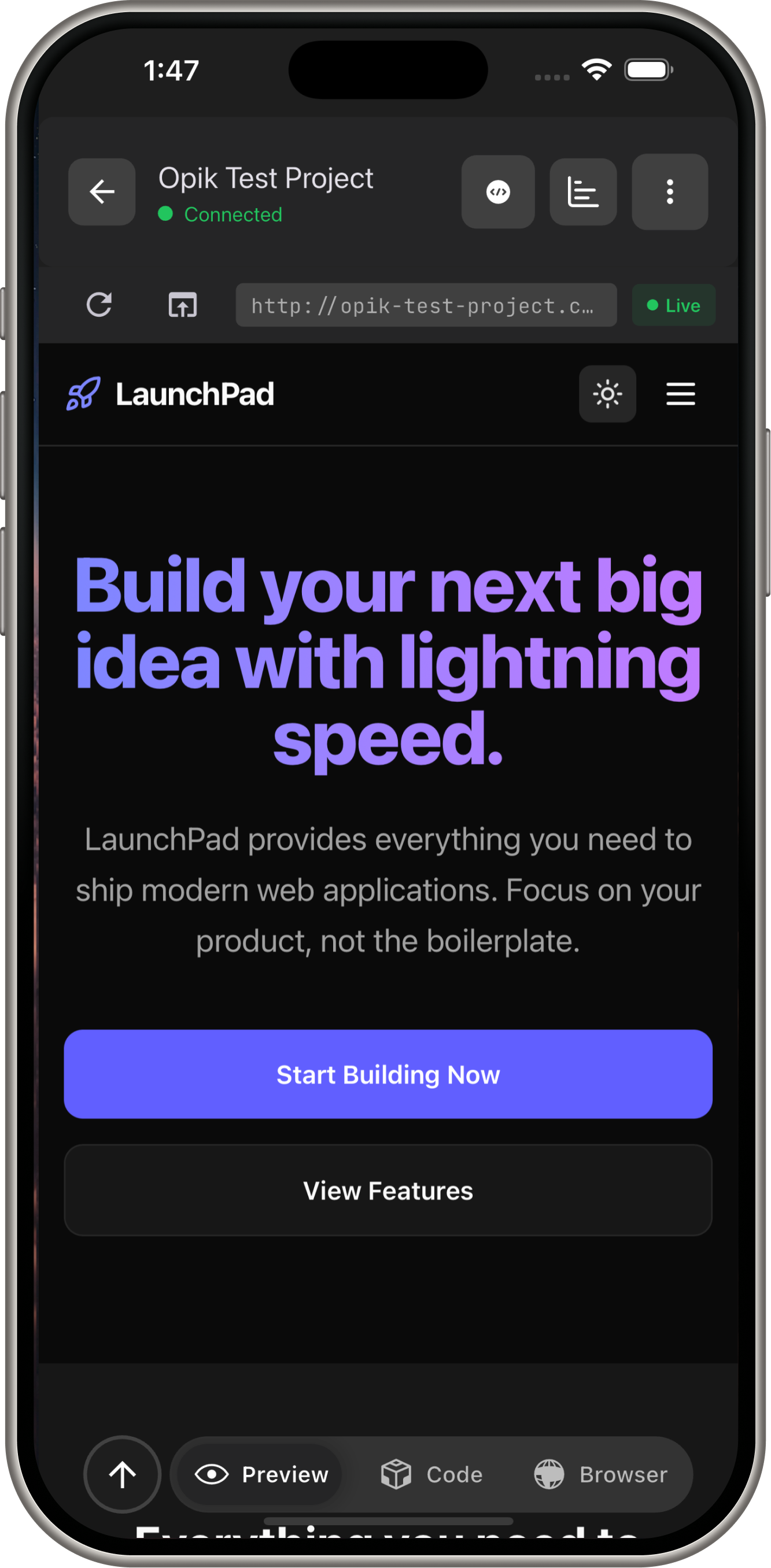
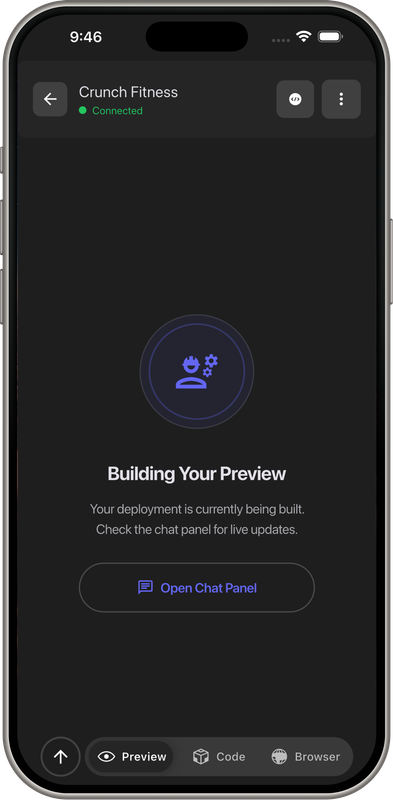
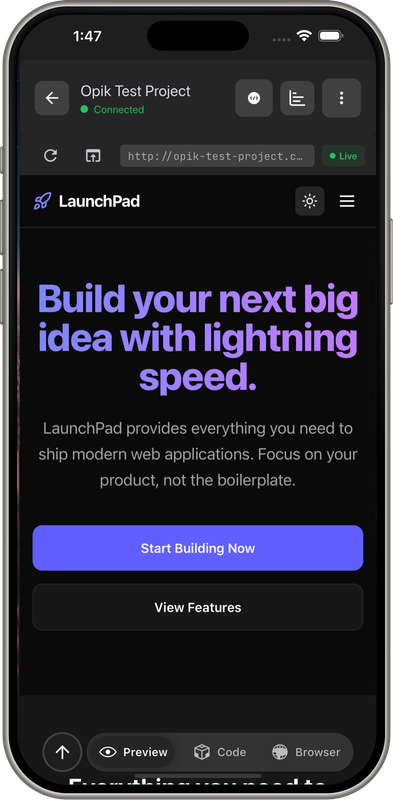
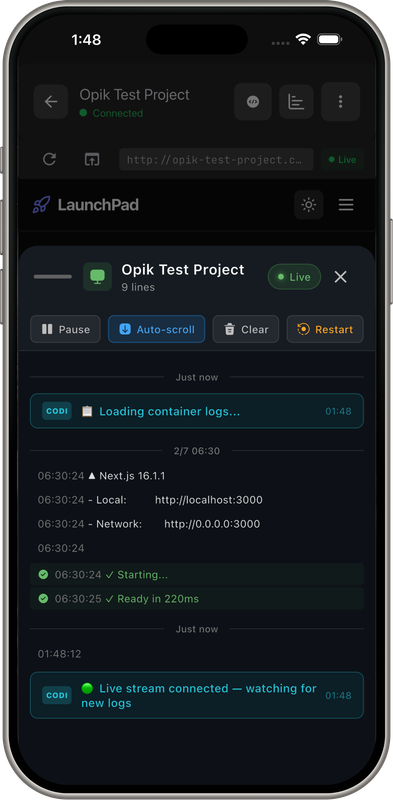
- Instant Deployment: Preview URLs in seconds
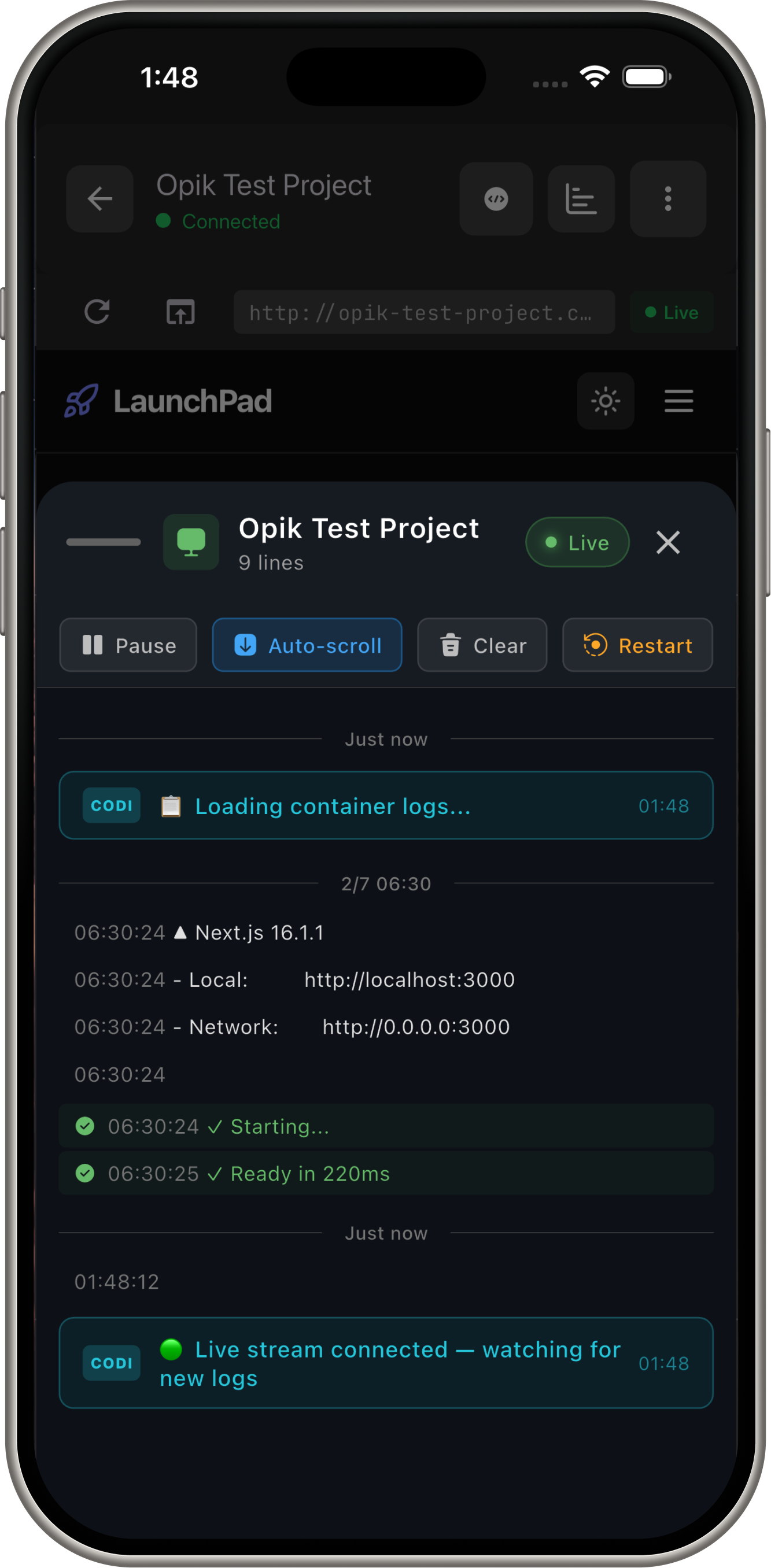
Everything runs server-side and streams to mobile devices in real-time.
Why Gemini 3?
Speed + Intelligence Combination
- Flash (gemini-3-flash-preview): Real-time tool execution (<1s response), streaming to mobile
- Pro (gemini-2.0-flash): Complex planning, architecture decisions (when depth matters)
- Function Calling: Orchestrates 11 development tools seamlessly
- Long Context: Understands entire codebases at once
- Vision (gemini-2.5-computer-use): Browser automation via screenshot analysis
Why Not Other Models
GPT-4: No vision-based computer use API, expensive at scale, slower for tool calling
Claude: Strong on code, but no mobile-first streaming optimization, limited tool support
Gemini: Unmatched speed-to-quality ratio for production AI coding, native function calling, computer use vision
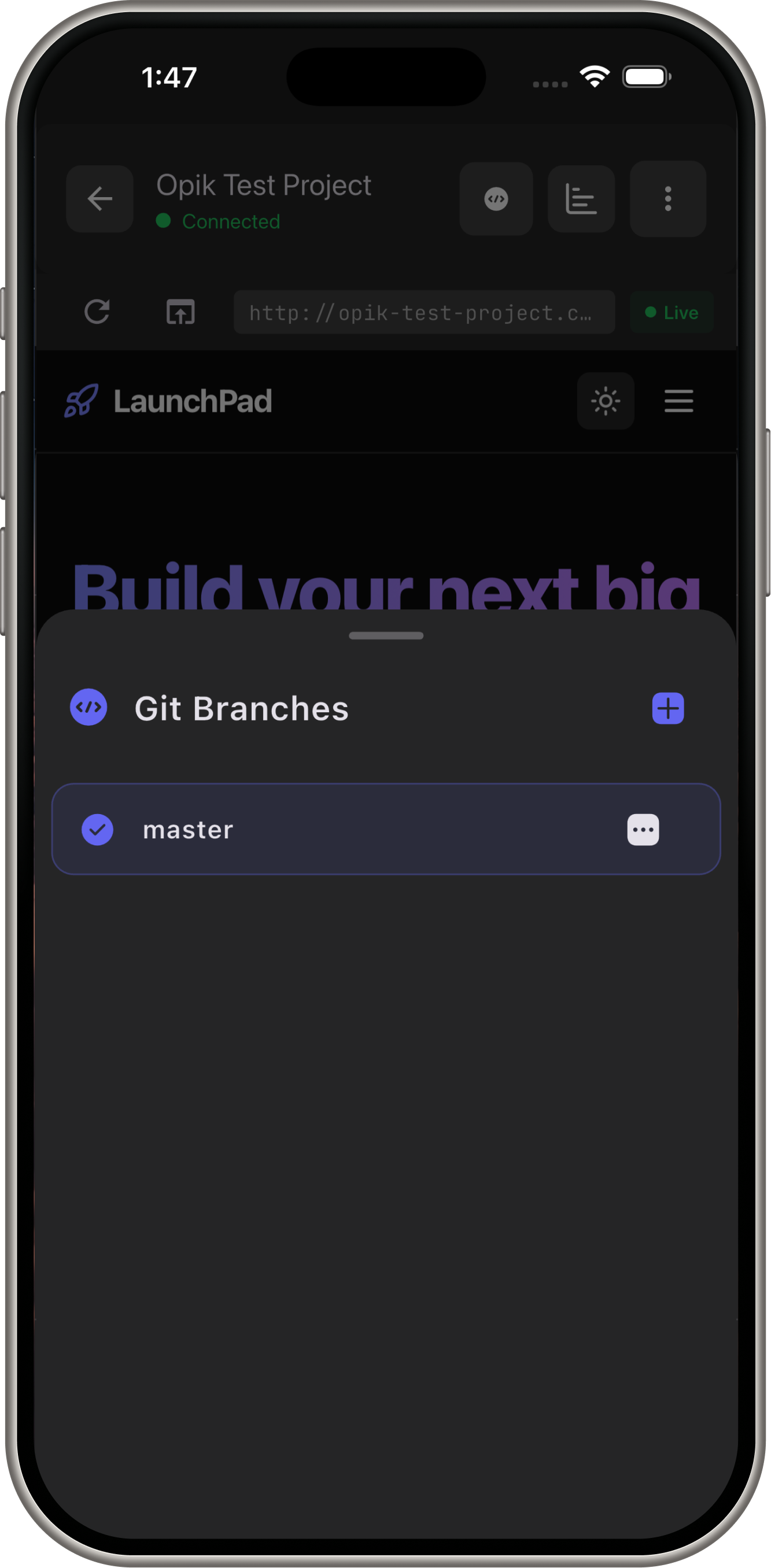
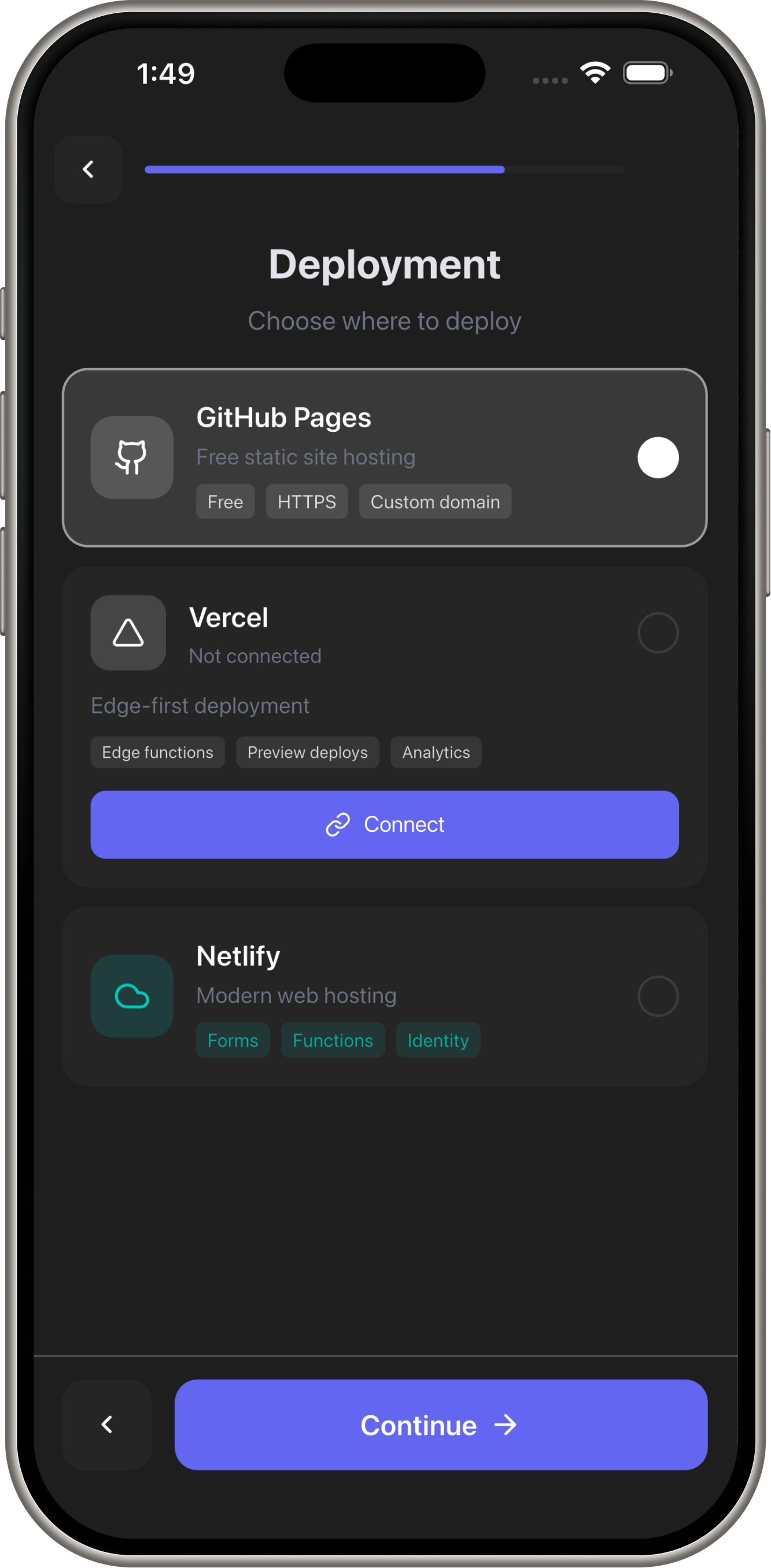
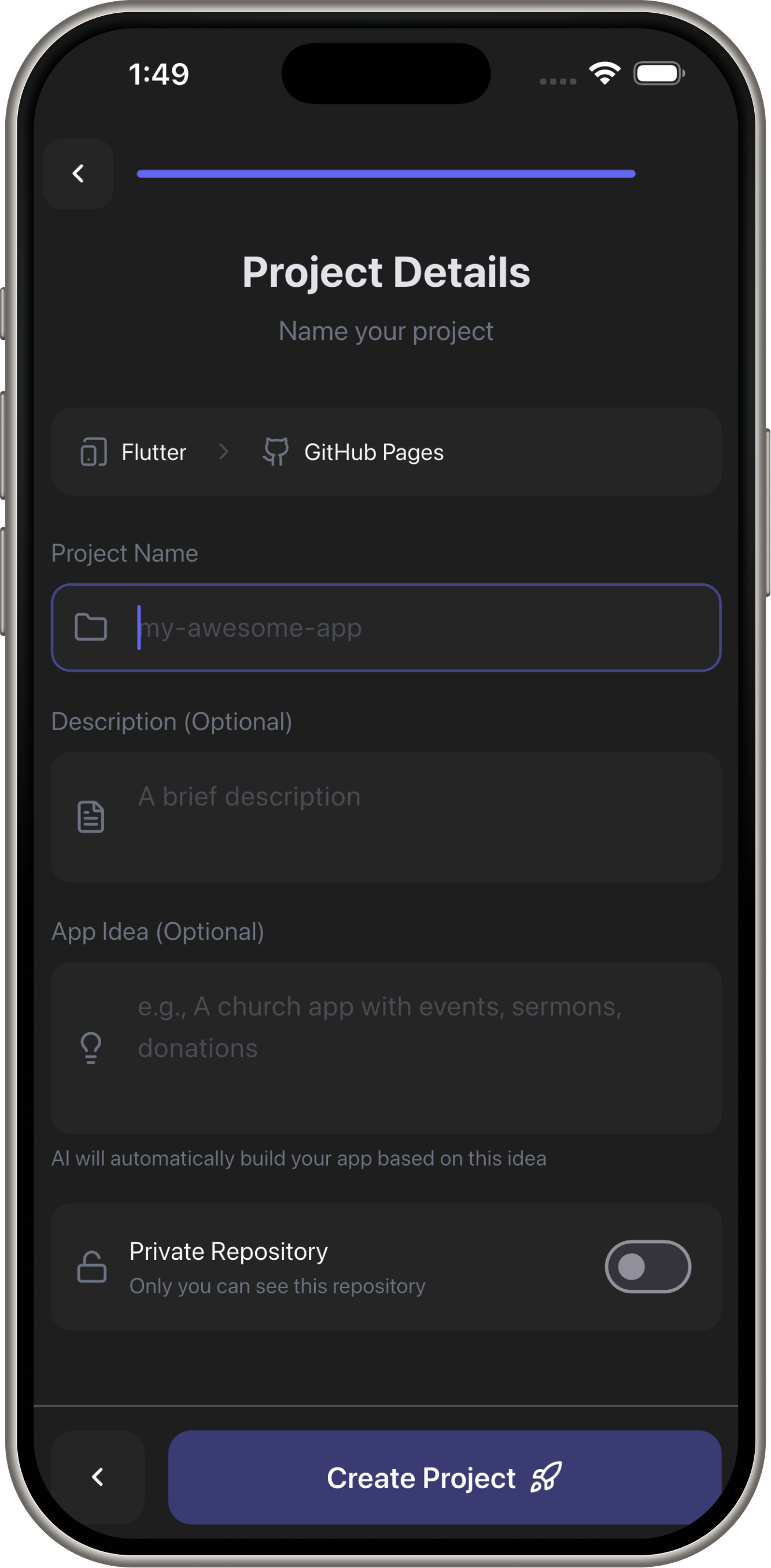
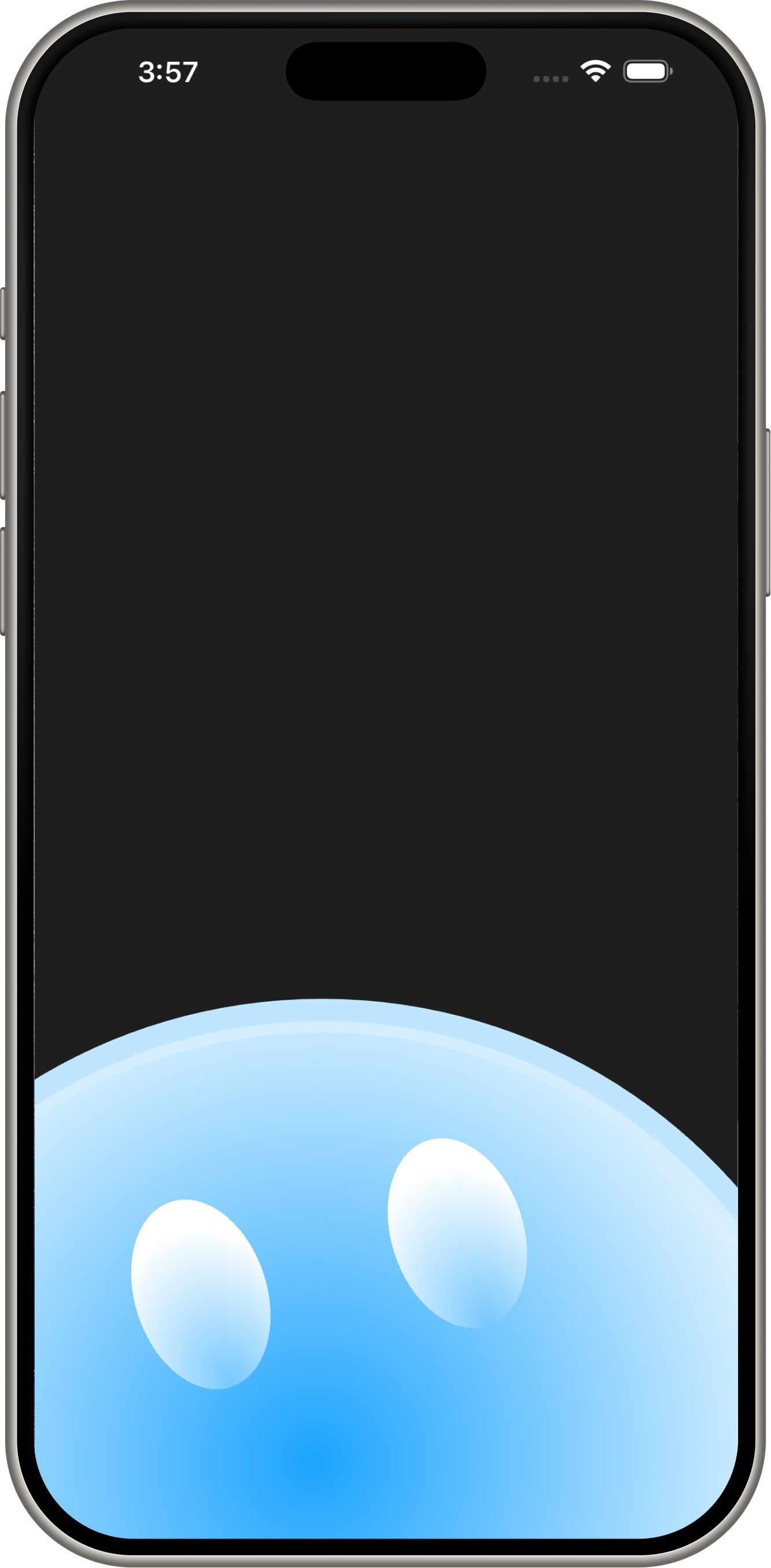
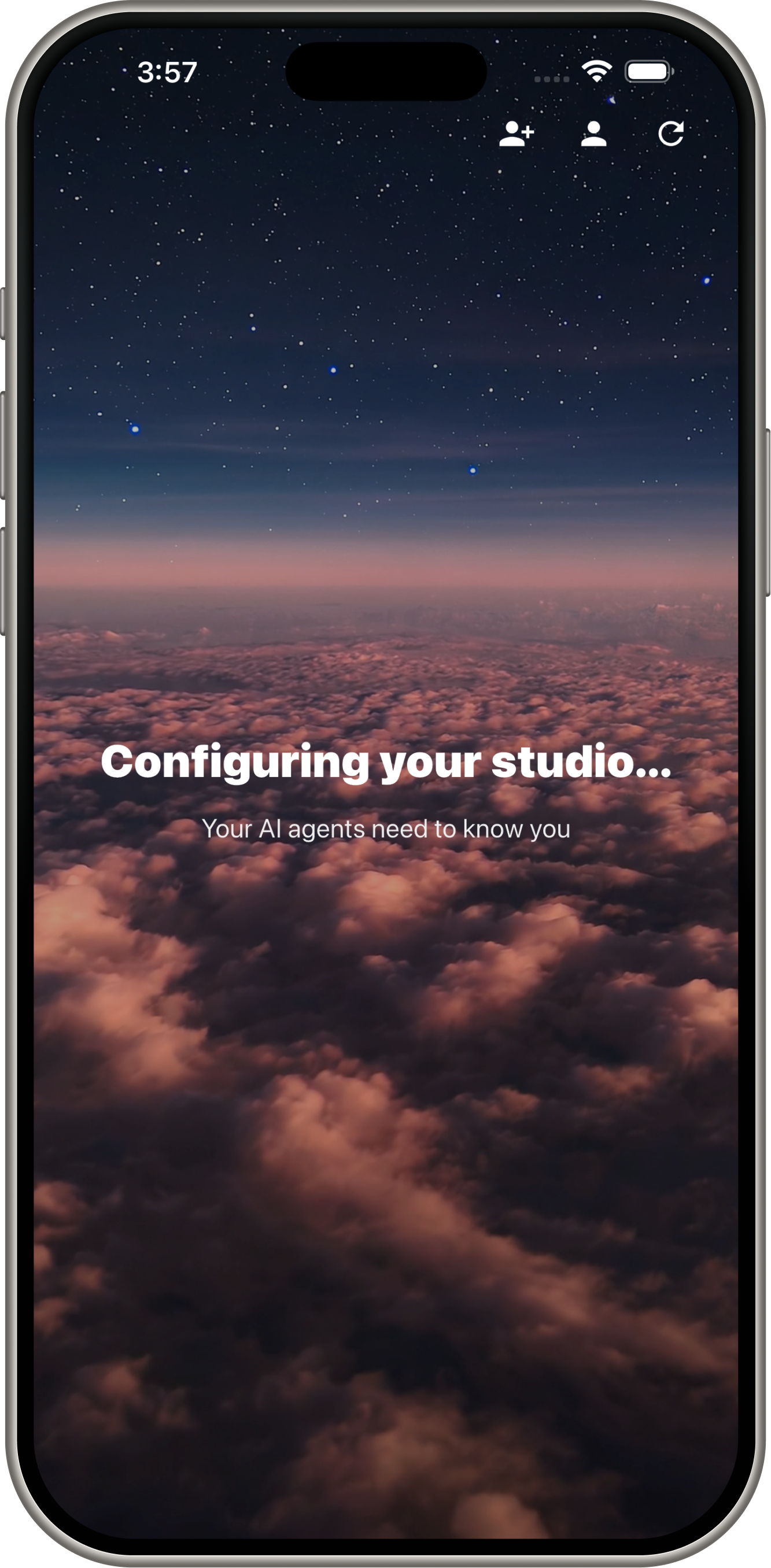
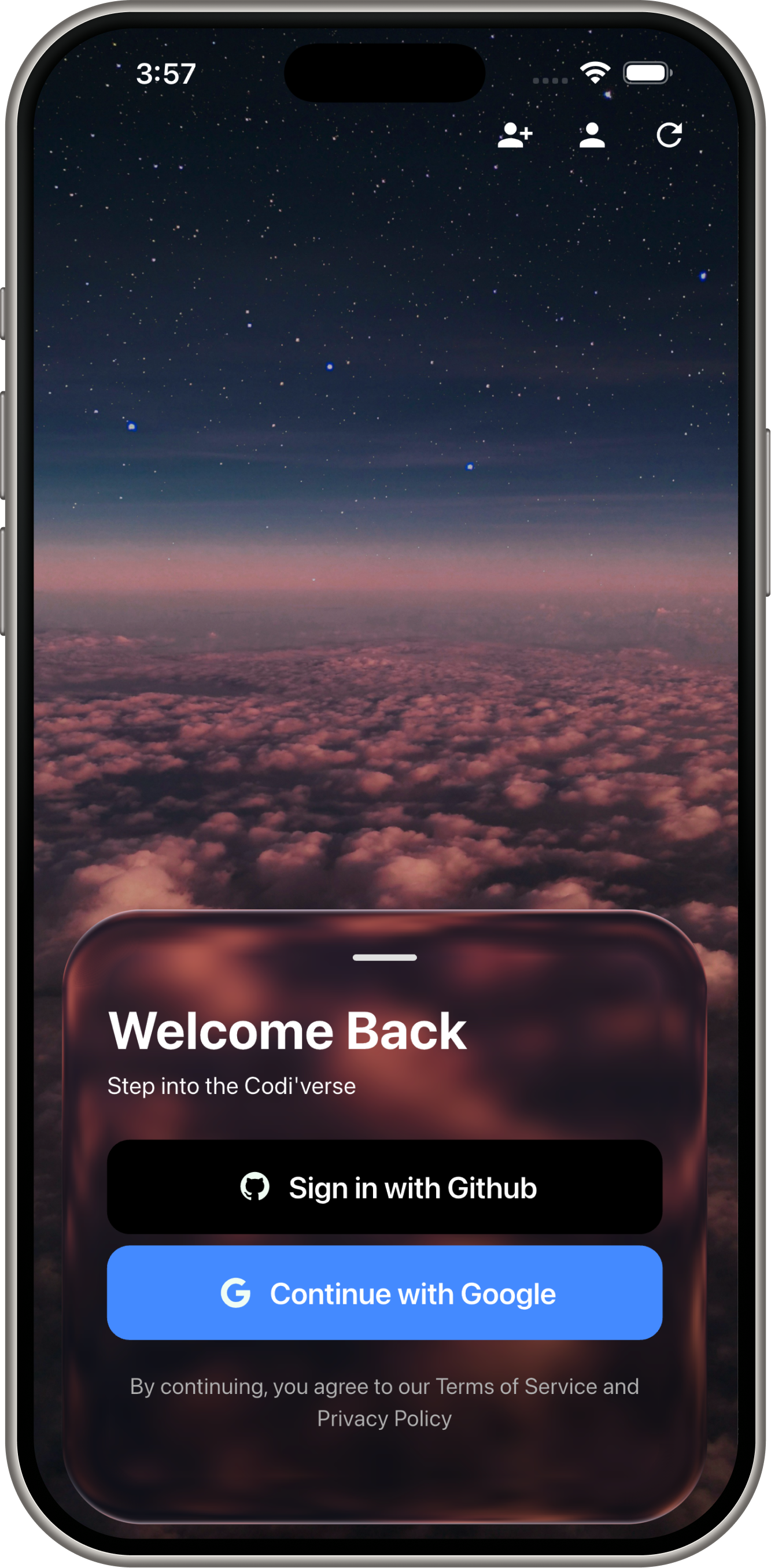
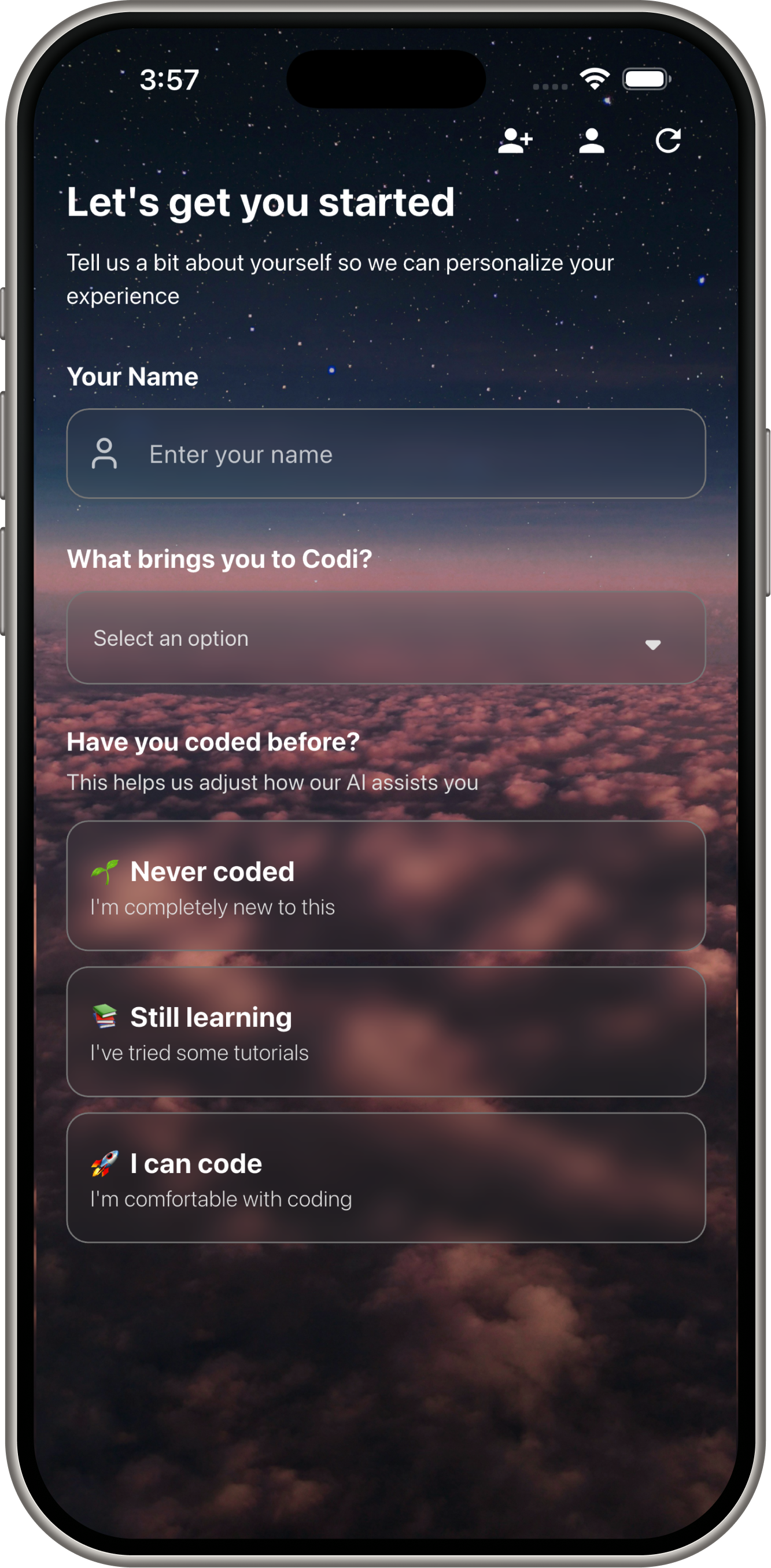
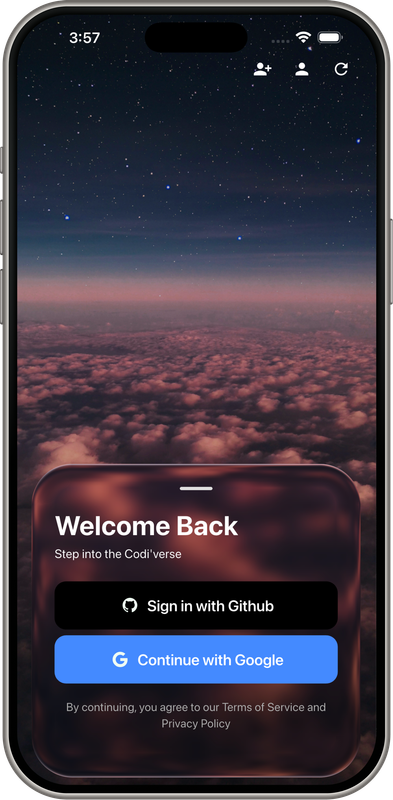
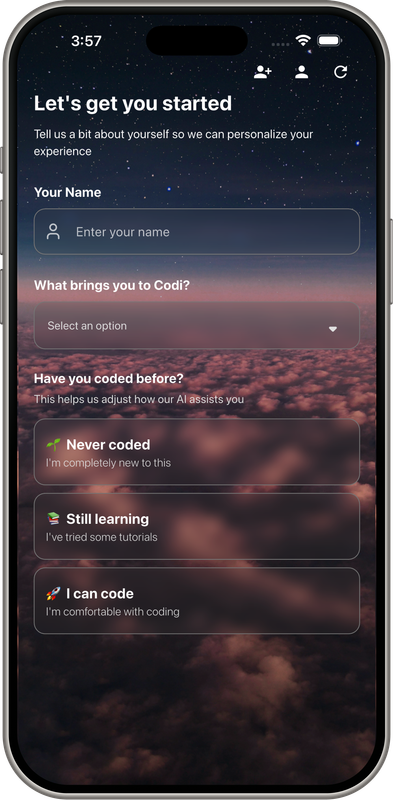
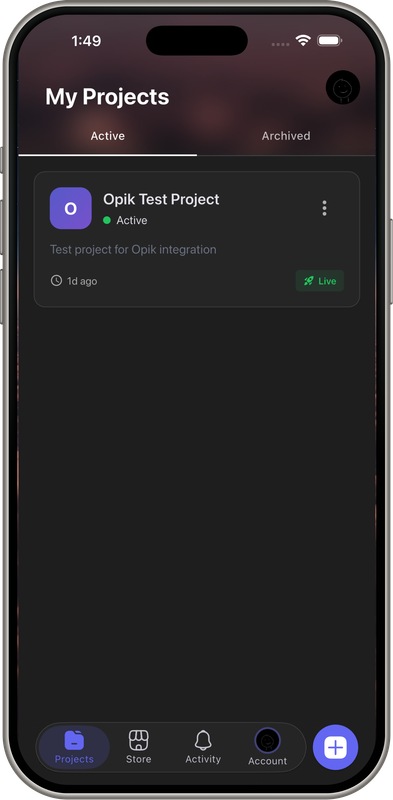
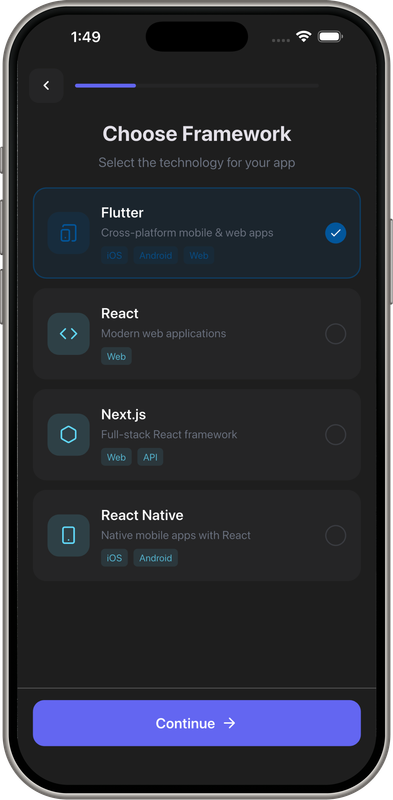
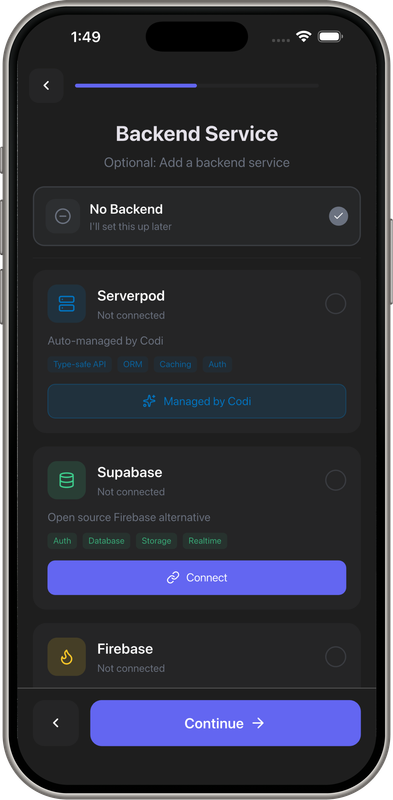
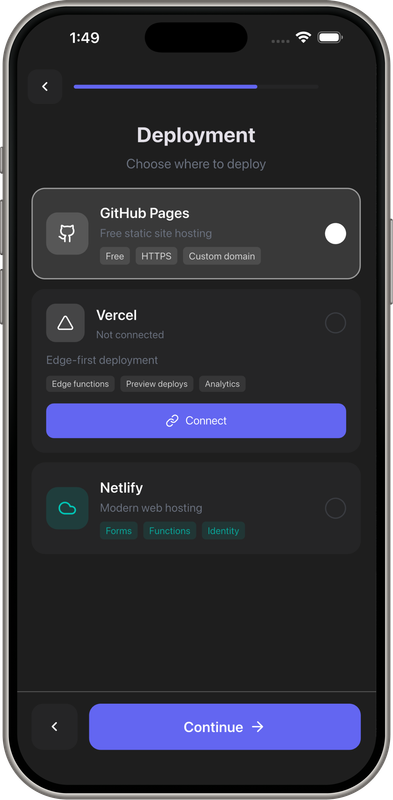
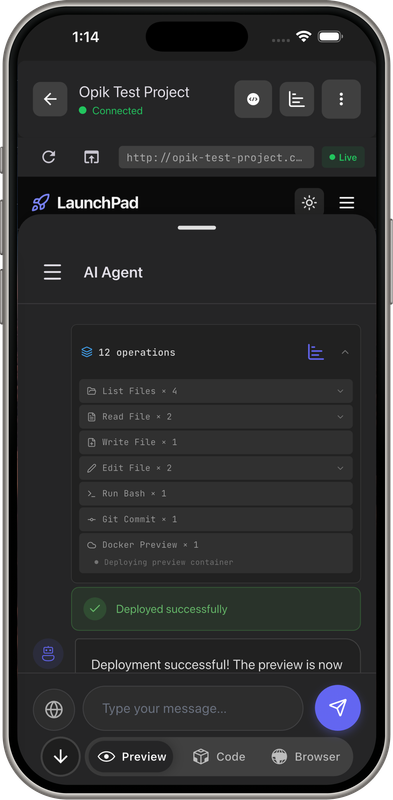
Demo Screens
 |
 |
 |
 |
 |
 |
 |
 |
 |
 |
 |
 |
 |
 |
 |
 |
 |
 |
 |
 |
Architecture
Gemini at the Core
User (Mobile) → WebSocket → FastAPI Backend → Gemini 3 → Tools → Code/Deploy
                              ↓                    ↓
                         Gemini Flash        Gemini Pro
                         (Tool Exec)         (Planning)
Tech Stack:
- Backend: FastAPI + PostgreSQL + Redis + Docker
- Frontend: Flutter (iOS/Android)
- AI: Gemini 3 Flash + Pro with function calling
- Deploy: Vercel, Docker previews, GitHub Pages
How It Works
1. ReAct Agent Loop (Gemini-Powered)
class CodingAgent:
    def __init__(self, model="gemini-3-flash-preview"):
        self.llm = ChatGoogleGenerativeAI(
            model=model,
            temperature=1.0,  # Creative for code generation
            convert_system_message_to_human=False,
        )
        self.max_iterations = 50
Flow:
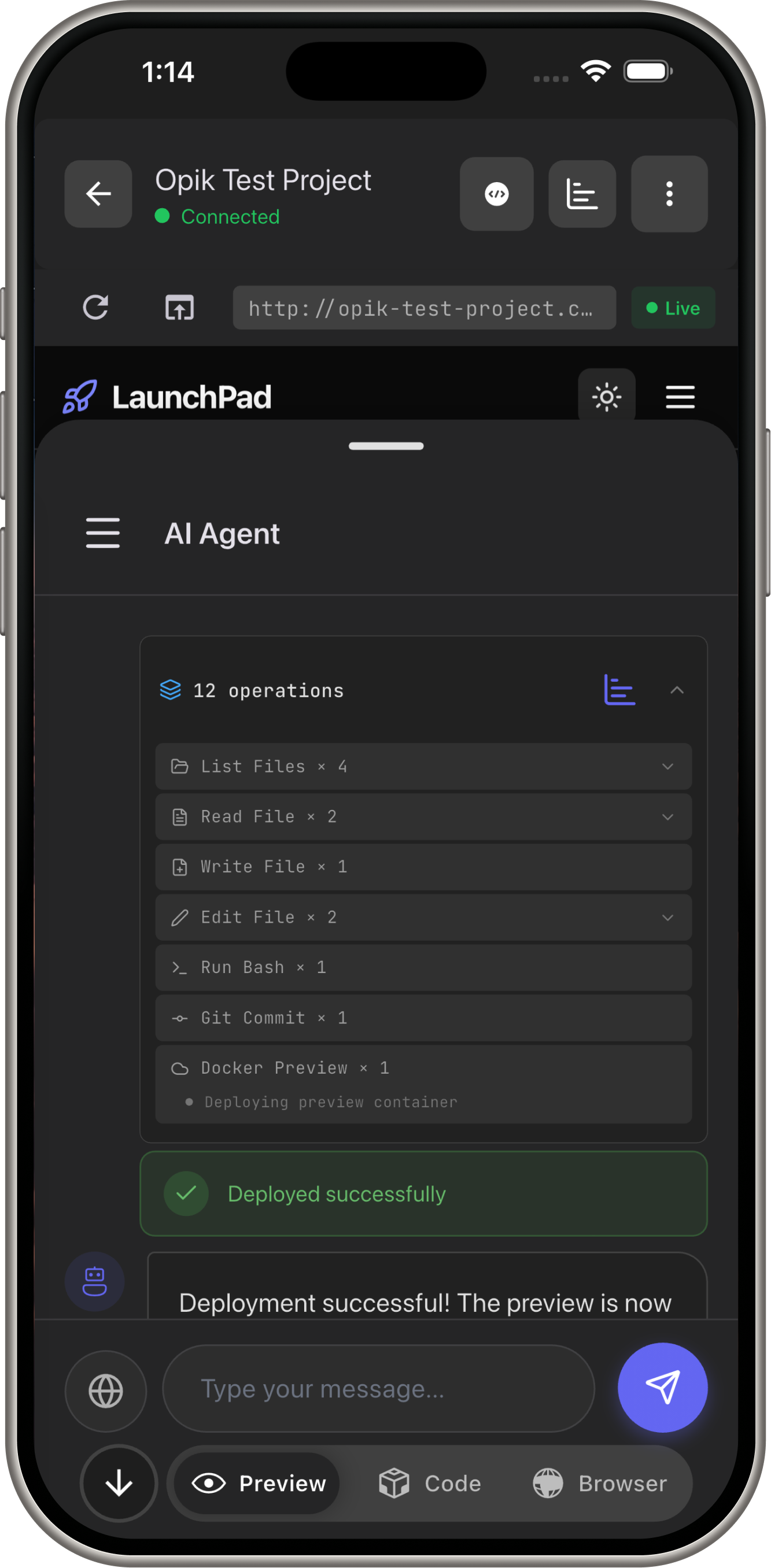
- User: "Add login page to my Flutter app"
- Gemini (Flash): Reasons → Calls
write_filetool → Createslogin_page.dart - Gemini: Calls
edit_file→ Updates routing inmain.dart - Gemini: Calls
docker_preview→ Deploys preview URL - User: Sees live app in 15 seconds
2. Function Calling (11 Tools)
Tool Schema (JSON format for Gemini):
TOOLS = [
    {
        "name": "read_file",
        "description": "Read file contents with line numbers",
        "input_schema": {
            "type": "object",
            "properties": {
                "path": {"type": "string"},
                "offset": {"type": "integer"},
                "limit": {"type": "integer"}
            },
            "required": ["path"]
        }
    },
    # ... 10 more tools
]
Tool Execution:
# Bind tools to Gemini model
llm_with_tools = self.llm.bind_tools(tool_schemas)
response = await llm_with_tools.ainvoke(messages)

# Extract function calls from response
for tool_call in response.tool_calls:
    tool_name = tool_call["name"]
    tool_args = tool_call["args"]

    # Execute tool
    result = await execute_tool(tool_name, tool_args, context)

    # Send result back to Gemini
    messages.append(ToolMessage(content=result, tool_call_id=tool_id))
Tools Gemini Uses:
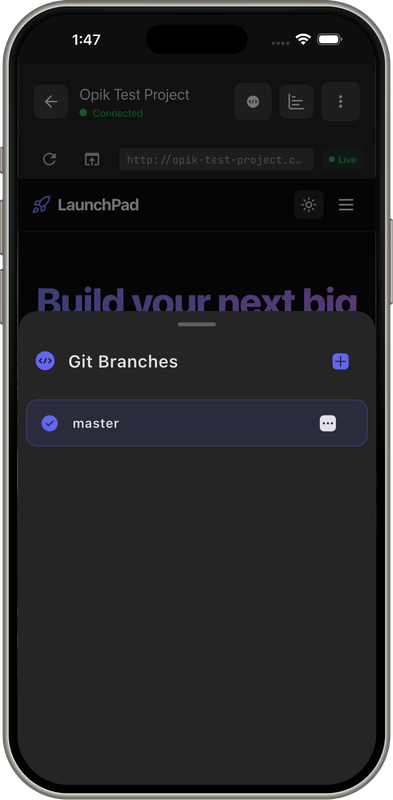
read_file,write_file,edit_file- Code manipulationrun_bash- Testing, building, npm installgit_commit- Version controldocker_preview- Instant deploymentserverpod_*- Backend (models, APIs, migrations)
3. Streaming to Mobile
WebSocket Streaming (Real-time updates):
async def _broadcast_tool_execution(self, tool_name: str, message: str):
    await self.connection_manager.broadcast_to_project(
        self.project_id,
        {
            "type": "tool_execution",
            "tool": tool_name,
            "message": f"Writing to {path}",
            "timestamp": datetime.utcnow().isoformat(),
        },
    )
Optimizations for Mobile:
- Token streaming (progressive rendering)
- JPEG compression for browser screenshots (60% quality for 30 FPS)
- Backpressure handling for slow networks
4. Browser Automation (Gemini Vision)
Computer Use Agent (Gemini 2.5):
class ComputerUseAgent:
    def __init__(self):
        self.client = genai.Client(api_key=settings.gemini_api_key)
        self.model = "gemini-2.5-computer-use-preview-10-2025"

    async def run(self, user_message: str):
        # Capture screenshot (PNG for model)
        screenshot_png = await self._page.screenshot(type="png")

        # Send to Gemini with Computer Use tool
        config = types.GenerateContentConfig(
            tools=[
                types.Tool(
                    computer_use=types.ComputerUse(
                        environment=types.Environment.ENVIRONMENT_BROWSER
                    )
                )
            ],
            thinking_config=types.ThinkingConfig(include_thoughts=True),
        )

        # Gemini analyzes screenshot and executes actions
        response = self.client.models.generate_content(
            model=self.model,
            contents=[
                Content(
                    role="user",
                    parts=[
                        Part(text=user_message),
                        Part.from_bytes(data=screenshot_png, mime_type="image/png")
                    ]
                )
            ],
            config=config,
        )

        # Execute actions (click, type, scroll)
        for part in response.candidates[0].content.parts:
            if part.function_call:
                await self._execute_action(part.function_call)
What It Does:
- Screenshots webpage → Gemini analyzes layout → Identifies elements → Executes actions
- Use cases: "Find cheapest flights NYC→Tokyo", "Download my transcript from portal"
Mobile Streaming Optimization:
async def _stream_loop(self):
    """30 FPS streaming to mobile"""
    while not self._stop_requested:
        # Capture JPEG for mobile (fast)
        screenshot_bytes = await self._get_screenshot(format="jpeg", quality=60)

        # Broadcast frame
        await self._broadcast("browser_frame", {
            "image": base64.b64encode(screenshot_bytes).decode(),
            "format": "jpeg",
        })

        # 30 FPS = 33ms per frame
        await asyncio.sleep(0.033)
Key Innovations
1. Flash/Pro Model Switching
Flash (80% of tasks): Tool execution, chat, edits - speed critical
Pro (20% of tasks): Initial planning, complex debugging - depth critical
# Flash for fast tool execution
agent = CodingAgent(model="gemini-3-flash-preview", temperature=1.0)

# Pro for status messages (creative, natural)
status_llm = ChatGoogleGenerativeAI(model="gemini-2.0-flash", temperature=0.7)
Why This Works:
- Flash: 0.5-1.5s latency → users see instant responses
- Pro: 2-5s latency when quality matters more than speed
2. Mobile-First Streaming
Gemini Flash's speed + WebSocket = real-time coding on 4G networks
Optimizations:
- Token streaming: Partial responses render immediately
- JPEG compression: 60% quality maintains clarity, 3x smaller than PNG
- 30 FPS streaming: Smooth browser automation feels native
3. Automatic Tracing (Production-Ready)
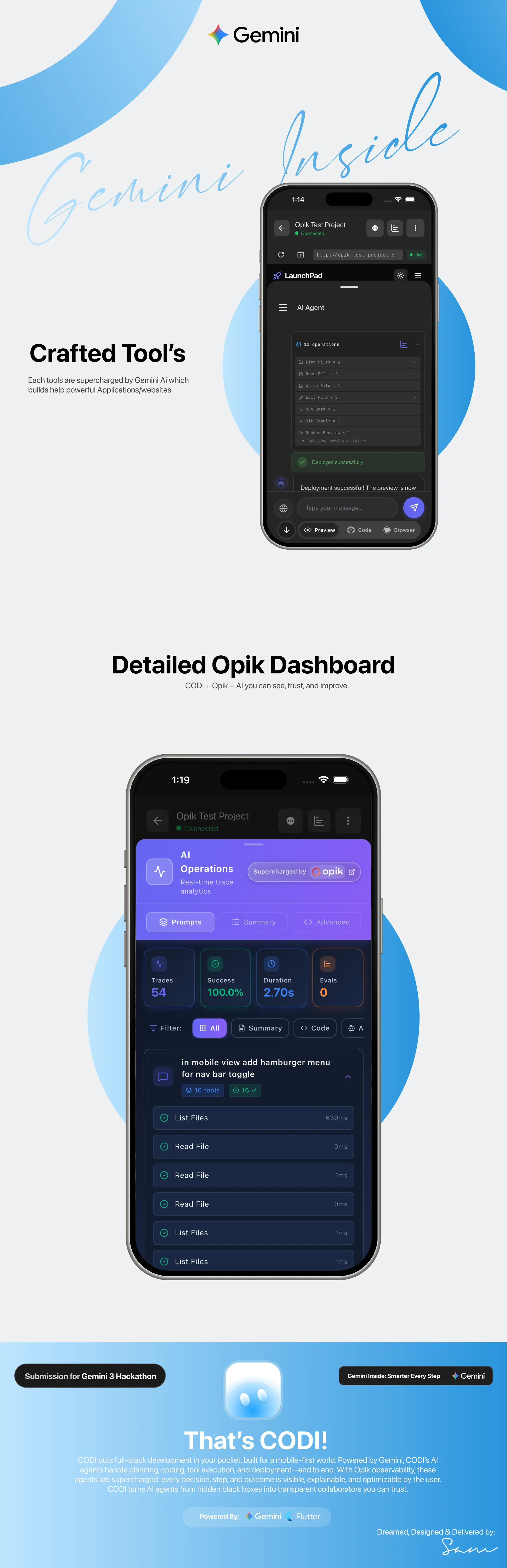
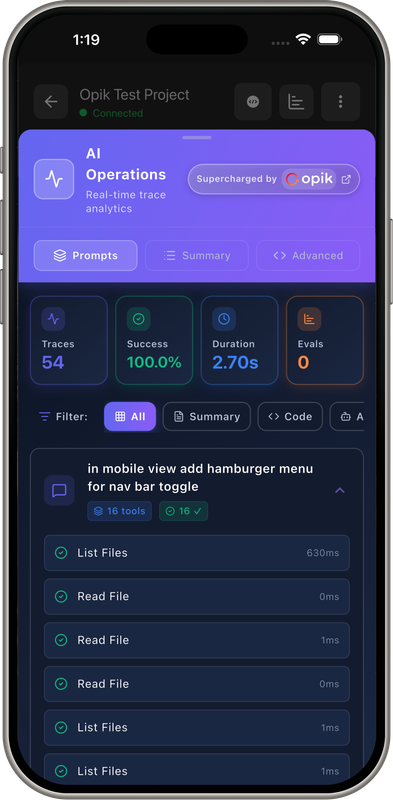
Every tool execution automatically traced with Opik:
from opik import track

def track_tool(tool_name: str):
    def decorator(func: Callable):
        # Apply Opik cloud tracking
        opik_tracked_func = track(name=f"tool_{tool_name}")(func)

        async def wrapper(*args, **kwargs):
            start_time = datetime.utcnow()
            try:
                result = await opik_tracked_func(*args, **kwargs)
                # Save to database for user-facing queries
                await _save_tool_trace_to_db(
                    tool_name=tool_name,
                    status='success',
                    duration_ms=(datetime.utcnow() - start_time).total_seconds() * 1000,
                )
                return result
            except Exception as e:
                await _save_tool_trace_to_db(status='error', error=str(e))
                raise
        return wrapper
    return decorator

# Usage
@track_tool("write_file")
async def write_file_impl(path: str, content: str, context: AgentContext):
    # Implementation
    return f"Wrote {len(content)} bytes to {path}"
Result: Zero-overhead observability when disabled, automatic quality tracking when enabled.
Real-World Impact
Target Users
- Students in coding bootcamps (no laptop access)
- Developers in emerging markets (India, SE Asia, Africa)
- 6 billion mobile-first internet users
Example Use Cases
Student in Mumbai: Practices Flutter during train commute
Entrepreneur in Lagos: Builds delivery app MVP without technical co-founder
Freelancer in Manila: Rapid prototypes for clients, shows live previews instantly
Challenges Solved
1. Streaming Latency
Challenge: Mobile networks are slow, users need instant feedback
Solution: Gemini Flash (0.5-1.5s) + chunked tokens + progressive UI
2. Context Management
Challenge: Agents forget previous conversations
Solution: Gemini long context window + Mem0 vector memory
async def _load_memories(self, user_message: str):
    memories = await self.mem0_service.search_memories(
        query=user_message,
        user_id=f"user_{self.context.user_id}_project_{self.context.project_id}",
        limit=10,
    )
    return "\n".join([f"- {m['content']}" for m in memories])
3. Tool Reliability
Challenge: Function calls fail with ambiguous schemas
Solution: Clear JSON schemas + error handling + retry logic
4. Bandwidth
Challenge: Sending full-resolution screenshots crashes mobile
Solution: JPEG compression (60% quality) + efficient prompts + caching
What Makes This Special
First mobile-first AI coding platform on Gemini 3
Production-ready (not a demo - full auth, projects, deployment)
Advanced Gemini features (function calling, streaming, vision, dual models)
Massive market (6B underserved mobile users)
Open source (reusable for community)
Try It
- GitHub: github.com/ineffablesam/codi
Built with: Gemini 3 Flash • Gemini Computer Use • Gemini 2.0 Flash • FastAPI • Flutter • Docker • PostgreSQL • Redis
How to Test CODI Locally
Prerequisites
- Docker Desktop installed and running
- Git installed
- Gemini API key from Google AI Studio
Quick Setup (5 minutes)
1. Clone and Configure
git clone https://github.com/ineffablesam/codi.git
cd codi
2. Configure Backend Environment
cd codi-backend
cp .env.example .env
Edit codi-backend/.env and add your keys:
# Required: Get from https://aistudio.google.com/app/apikey
GEMINI_API_KEY=your_gemini_api_key_here

# Optional: For Opik tracing (get from https://www.comet.com/signup)
OPIK_API_KEY=your_comet_opik_api_key_here
OPIK_WORKSPACE=codi

# Generate encryption key (run this command):
# python -c "from cryptography.fernet import Fernet; print(Fernet.generate_key().decode())"
ENCRYPTION_KEY=your_fernet_key_here
3. Configure Frontend Environment
cd ../codi_frontend
cp .env.example .env
Edit codi_frontend/.env:
# Point to your local backend
API_BASE_URL=http://localhost:8000
4. Start Backend (Automated)
cd ..
chmod +x codi.sh
./codi.sh
Select Option 1: Start Backend - this will automatically:
- Set up Docker network
- Start PostgreSQL, Redis, Qdrant (vector DB)
- Start FastAPI backend
- Start Celery workers
- Initialize database migrations
Wait until you see: Backend started successfully.
5. Start Frontend
cd codi_frontend
flutter pub get
flutter run
Select your device (iOS simulator, Android emulator, or web browser).
Verify Setup
- Backend health check: Visit http://localhost:8000/docs (FastAPI Swagger UI)
- Create account: In the Flutter app, sign up with GitHub OAuth or create account
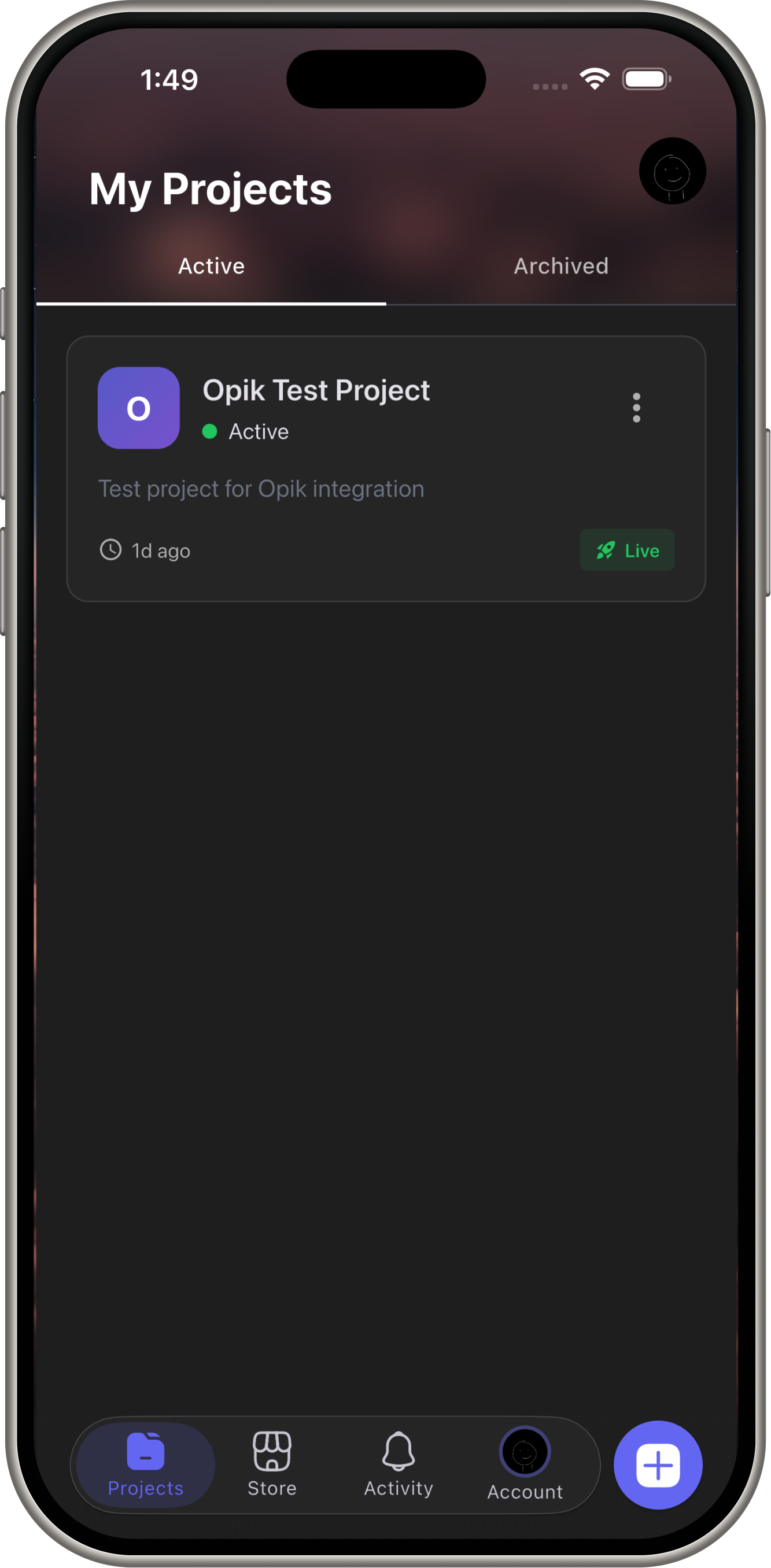
- Create project: Tap "New Project" → Select Flutter template
- Test AI chat: Send message: "Add a button that says Hello World"
- View preview: Gemini will write code, commit, and deploy preview URL
Troubleshooting
Docker issues: Make sure Docker Desktop is running, then run ./codi.sh → Option 8 (Setup Network)
Port conflicts: If port 8000 or 5432 is in use, stop conflicting services or modify docker-compose.yml
Flutter errors: Run flutter clean && flutter pub get
Gemini API errors: Verify your API key is correct in codi-backend/.env
Making AI-assisted development accessible to the entire world, one smartphone at a time.


Log in or sign up for Devpost to join the conversation.