-
-
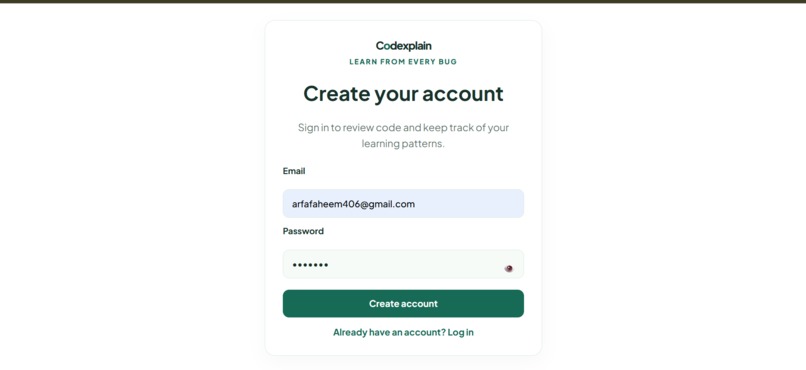
Account creation page
-
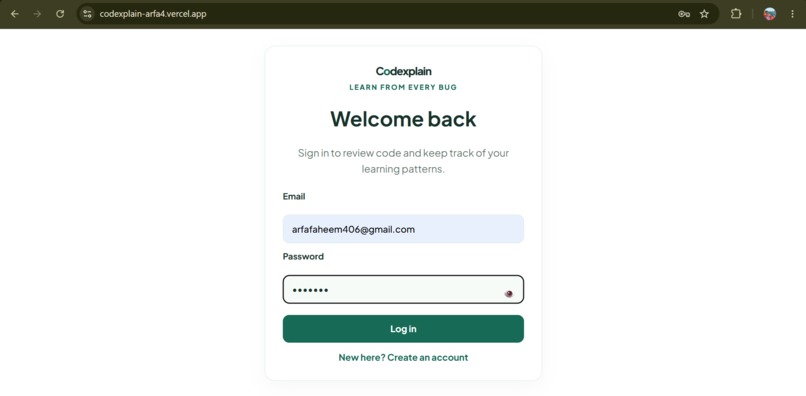
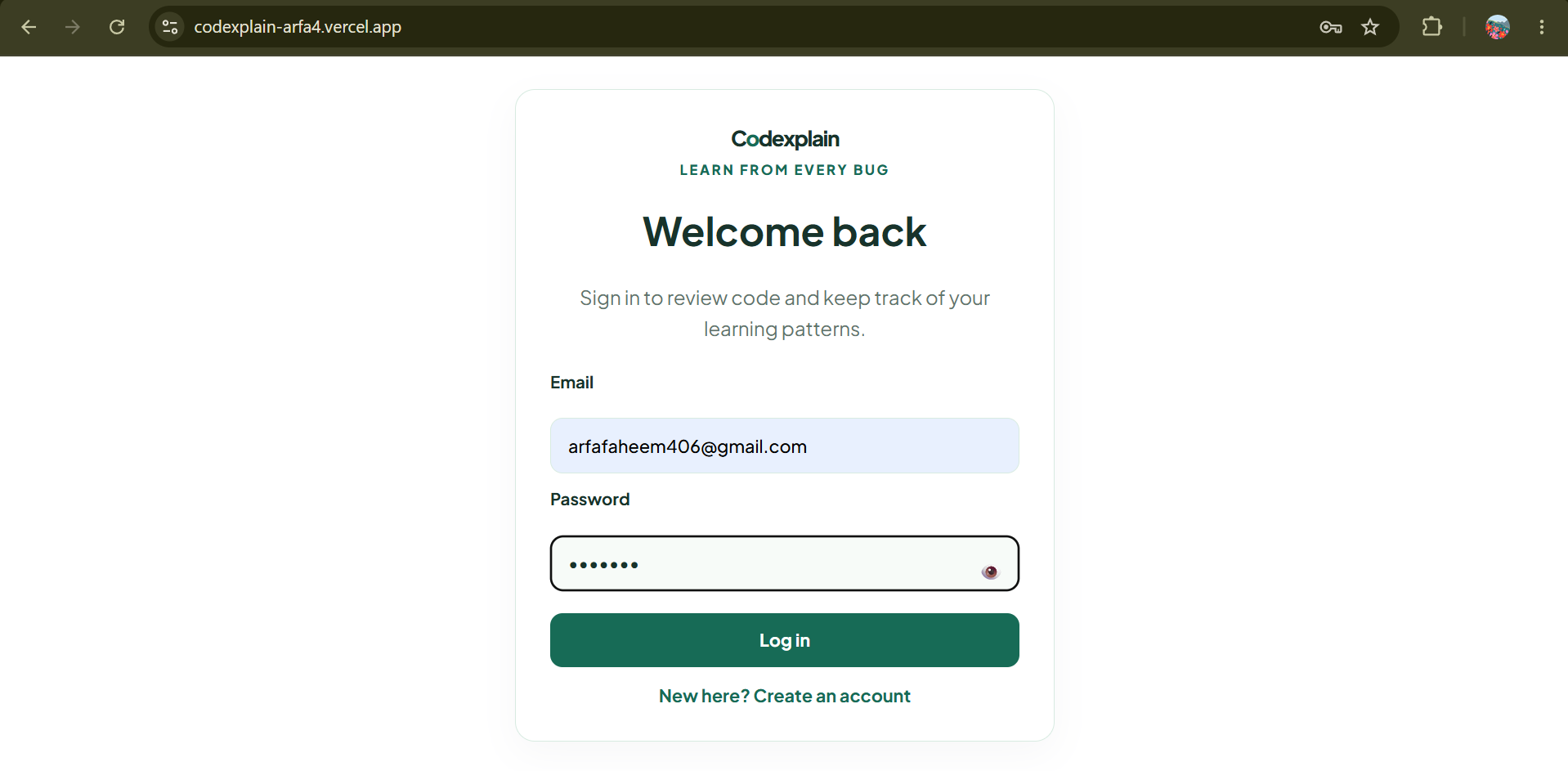
Login page
-
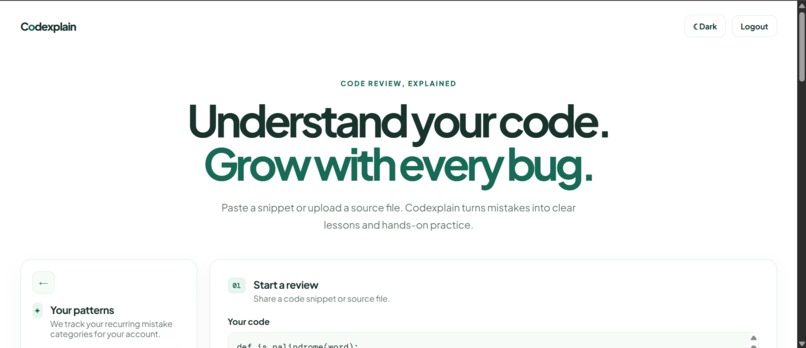
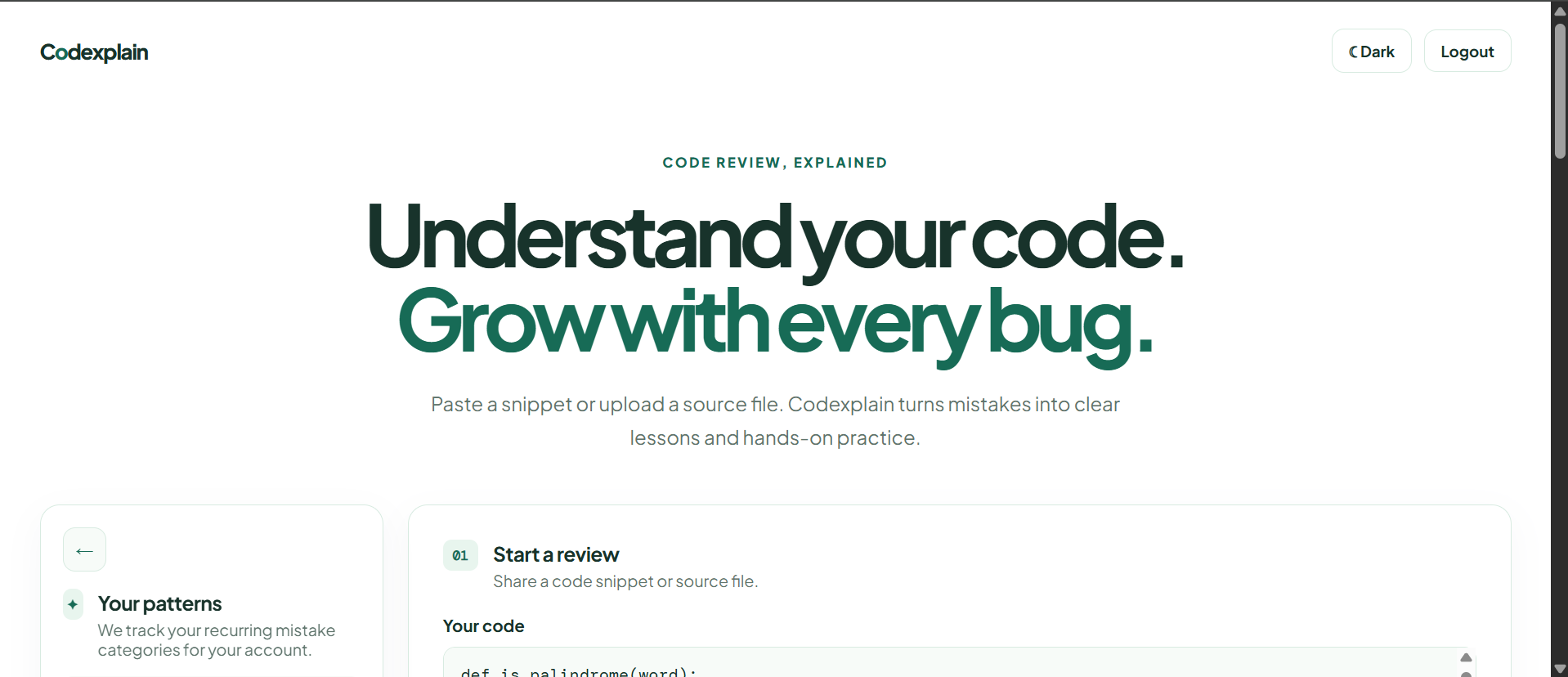
Starting page
-
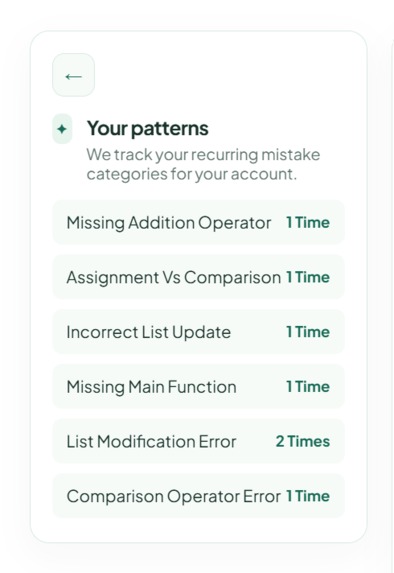
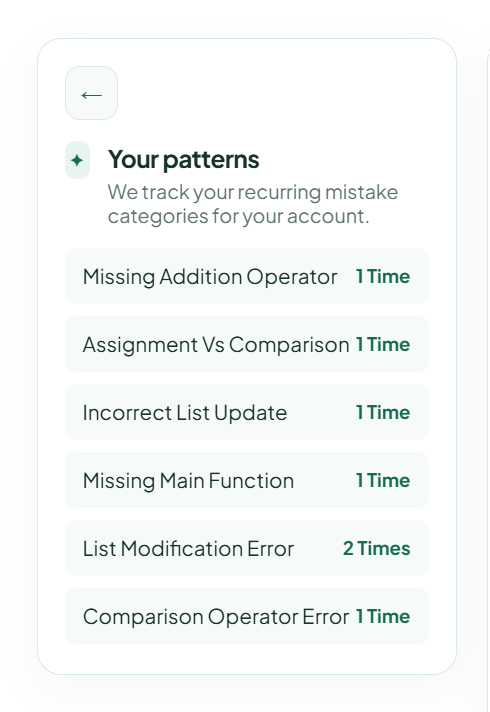
Persistence Mistake Tracker
-
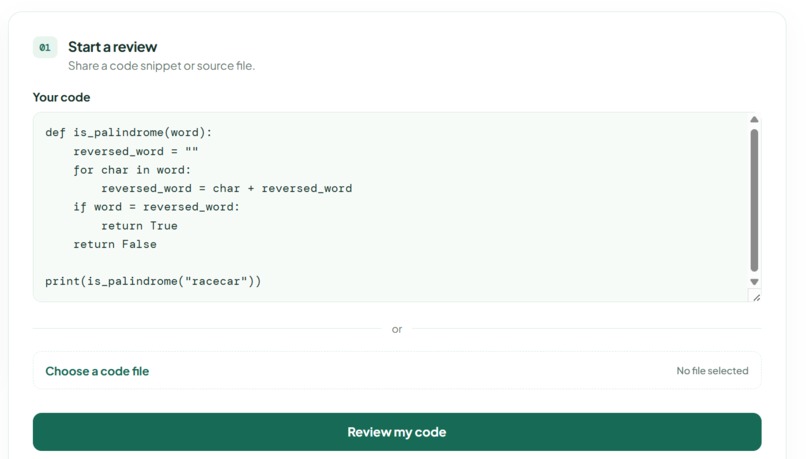
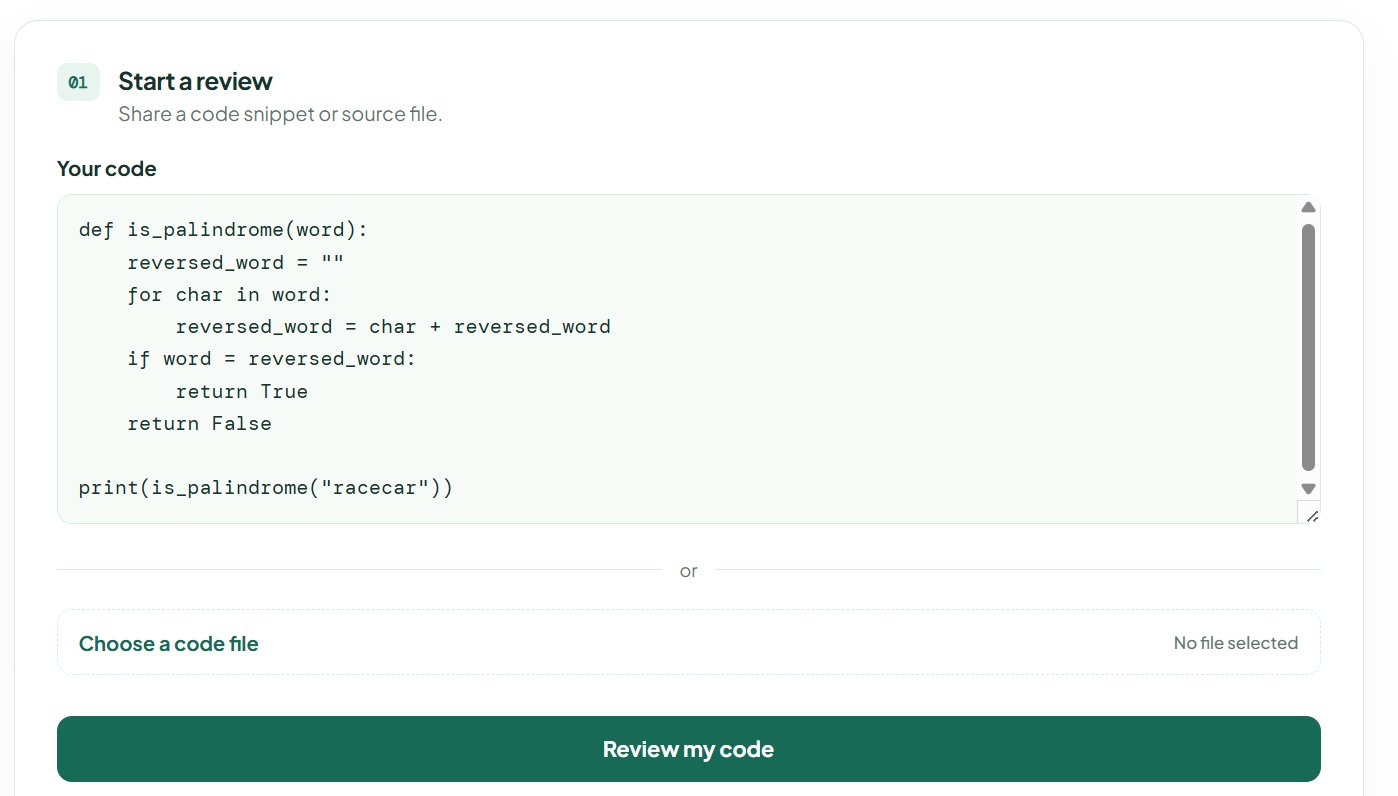
Code review option
-
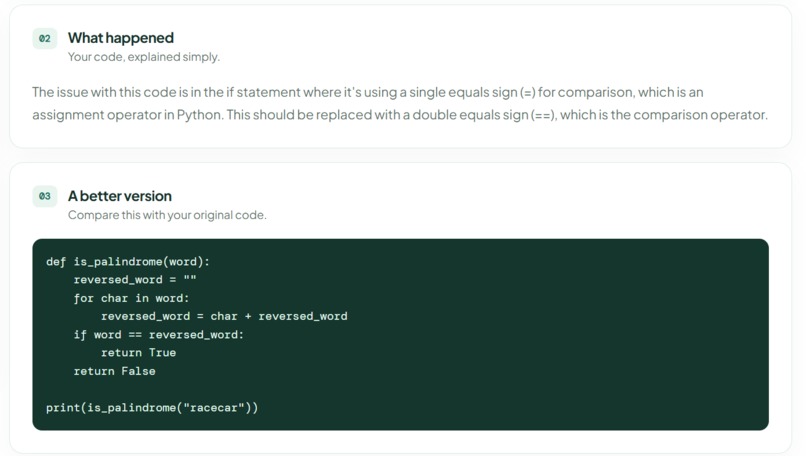
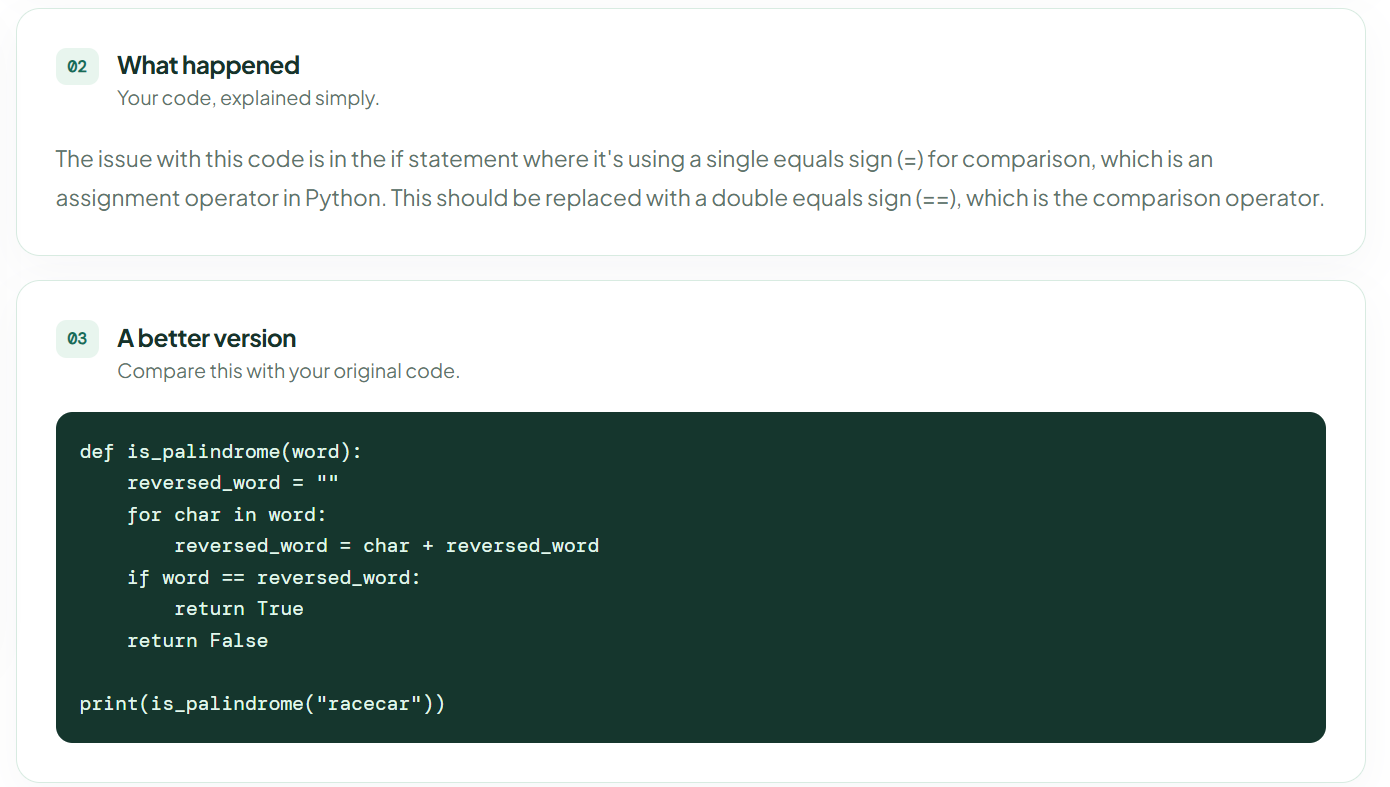
Result of review
-
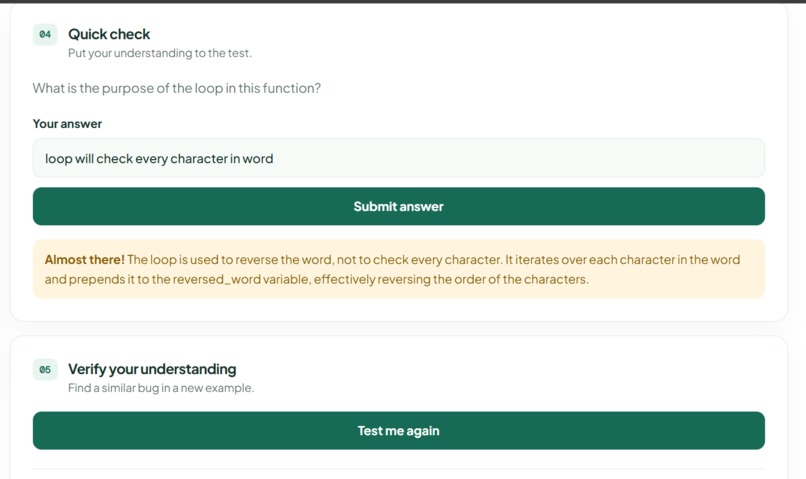
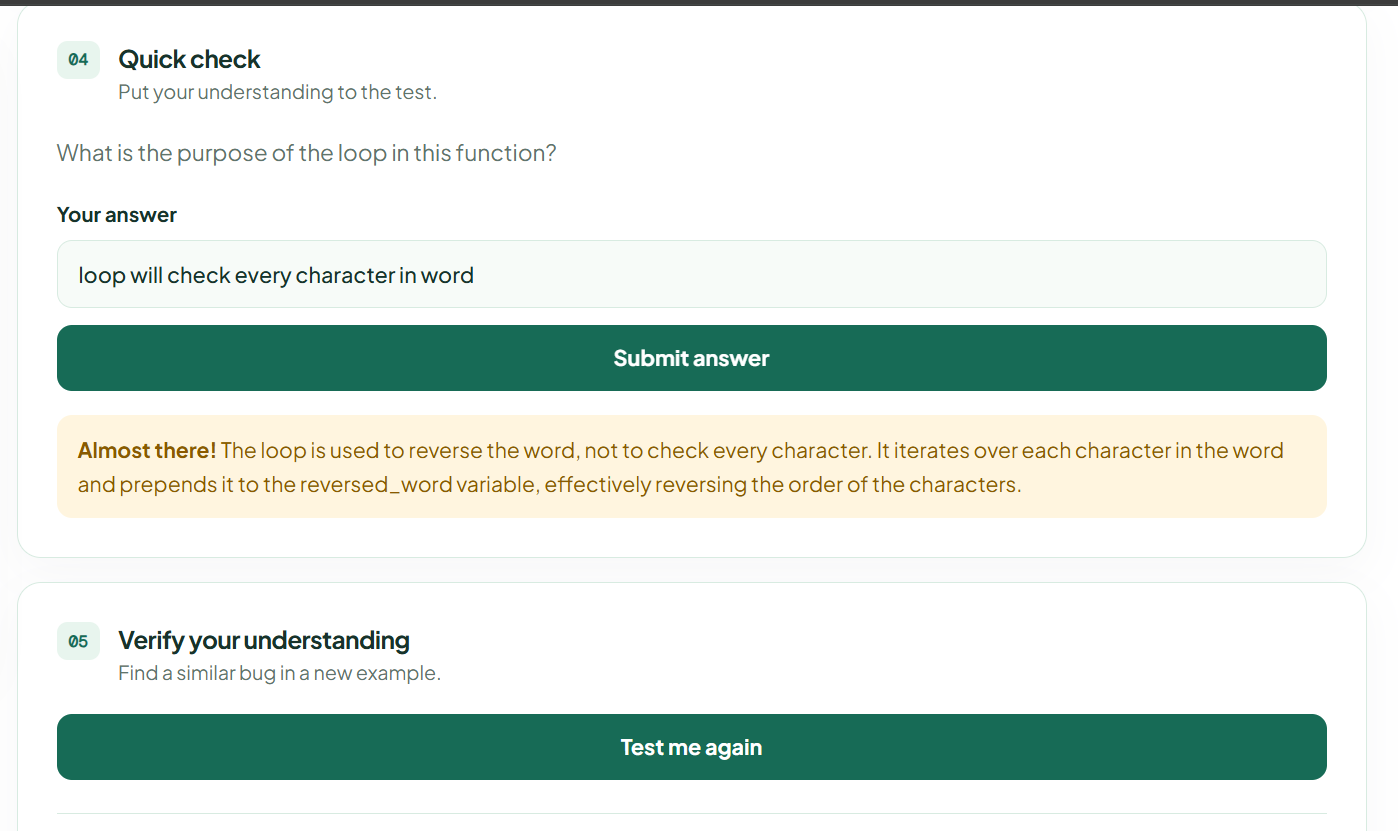
Test for user's understanding
Inspiration
As a student of Bachelor of Science in Artificial Intelligence I noticed that students, including myself use Artificial Intelligence tools like ChatGPT in a way. We ask for a fix copy it and then move on without understanding what went wrong. The problem goes away. The same mistake comes up again in the next project. I wanted to create something that works like a teacher who actually explains things instead of just fixing them. I want Codexplain to be like a mentor to the students.
What it does
Codexplain is a tool that lets students paste or upload their code and get more than a fix. Here are some things it does:
It gives an explanation of why the mistake happened in simple words that are easy to understand.
It shows a corrected version of the code. Only after explaining what went wrong.
It asks a quiz question to check if the student really understood the concept and it checks the answers using Artificial Intelligence.
It has a "Verify Mode" where the Artificial Intelligence generates a code example with the same mistake in a different place so the student has to show they really understand the concept and did not just memorize the fix.
It keeps track of the students mistakes over time so they can see what they need to work on and how they are improving.
How I built it
I used Codex, which's a type of Artificial Intelligence to build the basic structure of the application. I used React for the frontend and Express for the backend. I also used the Artificial Intelligence to test and improve the logic of the code review. The actual review and explanation features are powered by Groqs Llama model. I added Supabase for authentication and storage so each students progress is tied to their account. I deployed the frontend on Vercel and the backend on Railway. I made sure they can communicate securely.
Challenges I ran into
Getting the Artificial Intelligence to teach of just fix was not easy. At first it would. Find problems that were not there or give general advice instead of a specific explanation. I also had some problems when I was deploying the application. I had to configure Supabase fix a missing file that was breaking my build and correct a misconfiguration that was showing my raw backend code instead of the actual application. Working through these problems one by one taught me a lot about the difference between testing on my computer and deploying a real application that people can use.
Accomplishments that I'm proud of
I am proud of building a working application that people can use, not a demo. The "Verify Mode" feature turned out well it generates a new and different example each time, which makes it feel like a real test of understanding.
What I learned
I learned that the way you design the prompts for the Artificial Intelligence is very important it can make the difference between a feature that feels helpful and one that feels generic. I also learned that testing is crucial you have to test all the scenarios before you can trust that a feature is working correctly. I got to experience the challenges of deploying a full-stack application from managing environment variables to configuring the root directory.
Whats next for Codexplain
Next I plan to add support for programming languages build a more detailed dashboard to show the students progress over time and create a view, for teachers so they can see how their students are doing and what they need to work on. Codexplain will keep helping students learn from their mistakes. Become better programmers.
Built With
- codex
- express.js
- gpt-5.6
- javascript
- node.js
- python
- railway
- react
- supabase
- vercel


Log in or sign up for Devpost to join the conversation.