🚀 About Codexa
Inspiration
Understanding a new GitHub repository is one of the biggest challenges faced by students and developers.
When opening a real-world project, users are often overwhelmed by hundreds of files, complex architectures, and unfamiliar code with no clear starting point. Most tutorials teach concepts individually, but very few help users understand how those concepts work together inside actual systems.
We wanted to solve this problem by creating a platform that makes learning codebases visual, structured, and interactive.
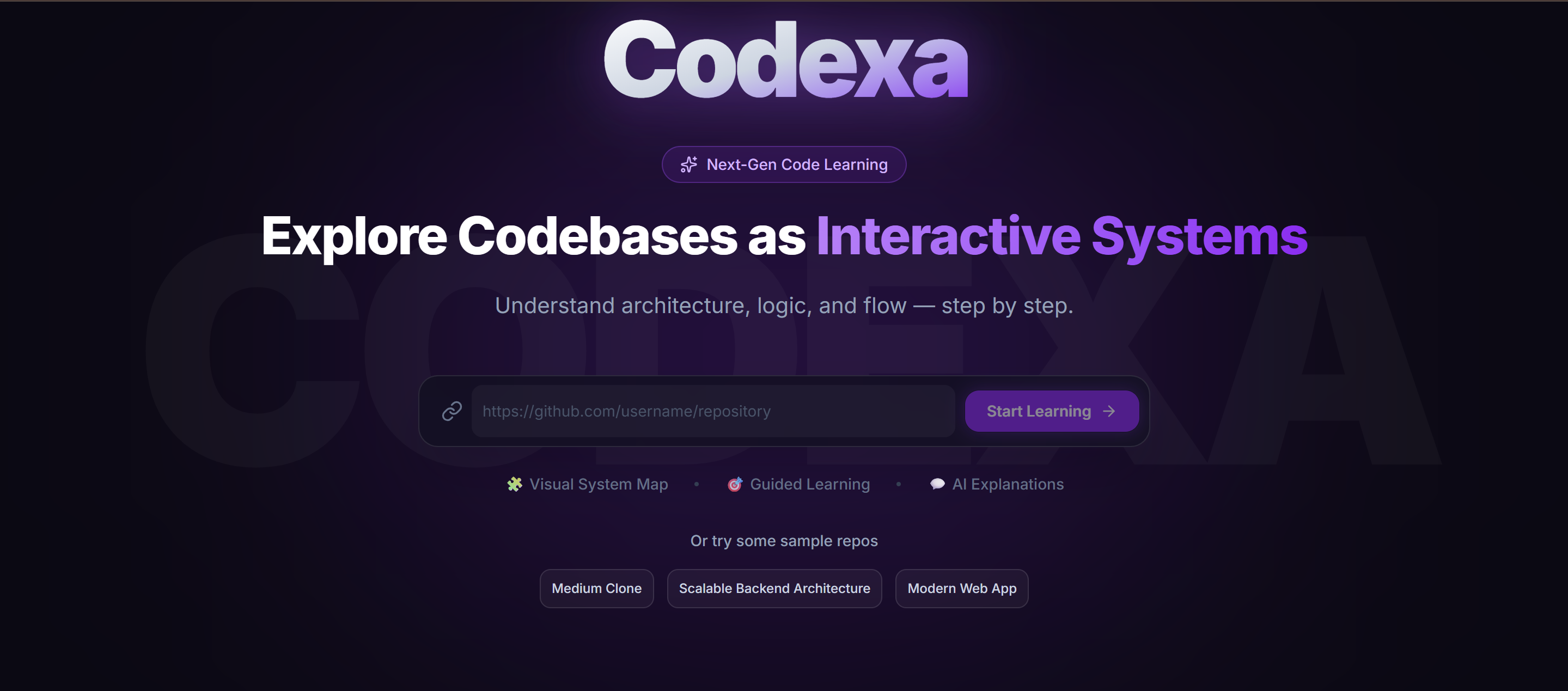
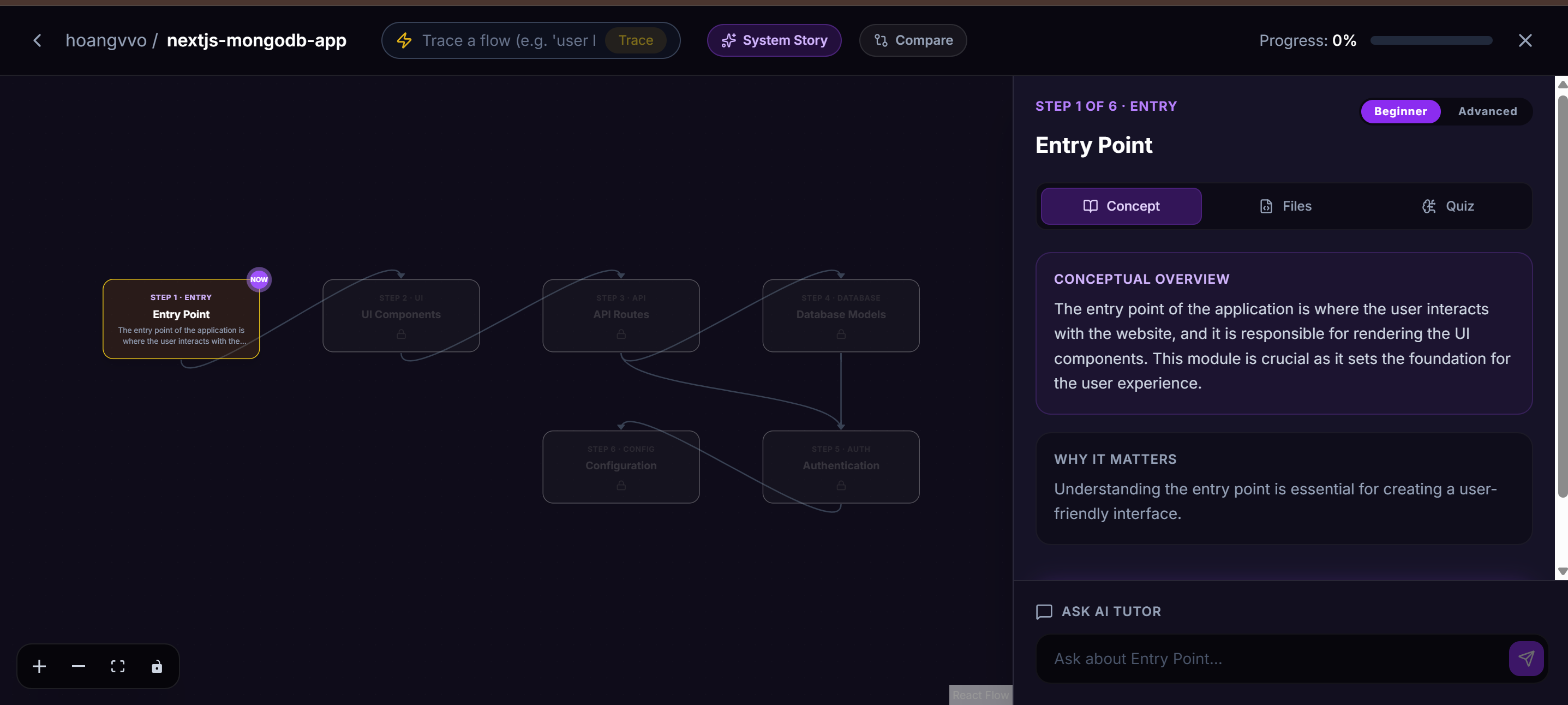
This idea led to Codexa — an AI-powered platform that transforms GitHub repositories into interactive system maps where users can explore concepts, understand flows, and learn step by step.
💡 What It Does
Codexa converts repositories into a guided learning experience.
Instead of reading random files, users explore:
- 🧩 Interactive concept maps
- 🎯 Guided learning paths
- 💬 AI-powered explanations
- ⚖️ Concept comparison
- 🔁 Flow tracing
- 🎬 Full repository “System Story” generation
The goal is to help users understand systems, not just code.
🛠 How We Built It
Codexa was built using:
- Next.js
- React
- TypeScript
- Tailwind CSS
- Framer Motion
- React Flow for visual system mapping
For the AI layer, we used Groq-powered LLMs to:
- Analyze repositories
- Extract important concepts
- Generate explanations
- Create learning flows
- Power contextual AI tutoring
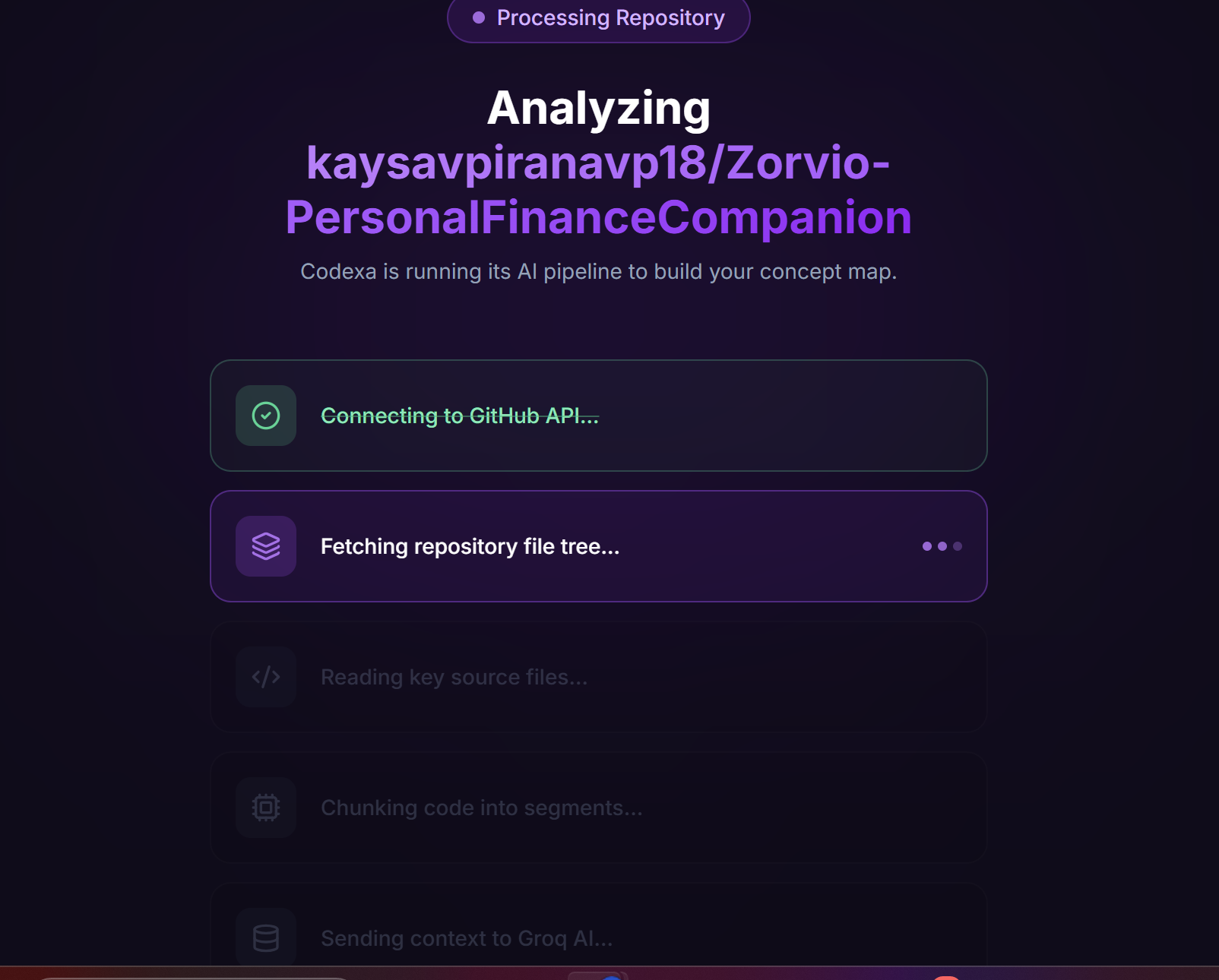
The overall pipeline works like this:
GitHub Repository
        ↓
Repository Analysis
        ↓
Concept Extraction
        ↓
AI Understanding
        ↓
Interactive System Map
We also implemented retrieval-based contextual understanding so that AI explanations remain grounded in the actual repository structure and code.
🧠 What We Learned
Building Codexa taught us a lot about:
- Prompt engineering
- Repository structure analysis
- Context-aware AI systems
- Interactive learning UX
- AI-assisted developer tooling
One major insight we discovered was:
Users do not want to read code first — they want to understand the architecture and relationships behind the code.
This realization shaped the entire concept-map approach of Codexa.
⚠️ Challenges We Faced
One of the biggest challenges was handling large repositories.
Initially, sending too many files into the AI model produced noisy and inconsistent outputs. Large repositories also created token limitations and irrelevant context problems.
To solve this, we implemented:
- Score-based file filtering
- Concept prioritization
- Repository chunking
- Structured AI prompts
Another challenge was ensuring the AI explanations remained beginner-friendly while still being technically accurate.
We iterated heavily on prompt design and output structuring to create explanations that were both educational and easy to understand.
🎯 Impact
Codexa is especially useful for:
- Students learning real-world development
- Beginners exploring open-source projects
- Developers onboarding into unfamiliar codebases
By combining AI with guided visualization, Codexa makes complex systems easier to understand and significantly reduces the learning curve of large repositories.
🔥 Conclusion
Codexa transforms how developers learn codebases — from reading files to exploring systems.
Instead of getting lost in folders and files, users can now visually understand architecture, relationships, and workflows in a much more intuitive way.
Built With
- groq
- nextjs
- react
- reactflow
- shadcnui
- tailwindcss
- typescript

Log in or sign up for Devpost to join the conversation.