-
-
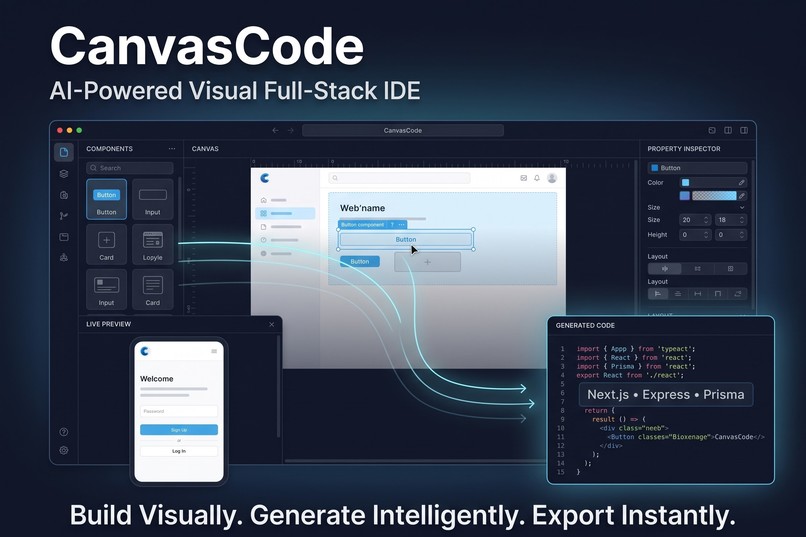
Thumbnail
-
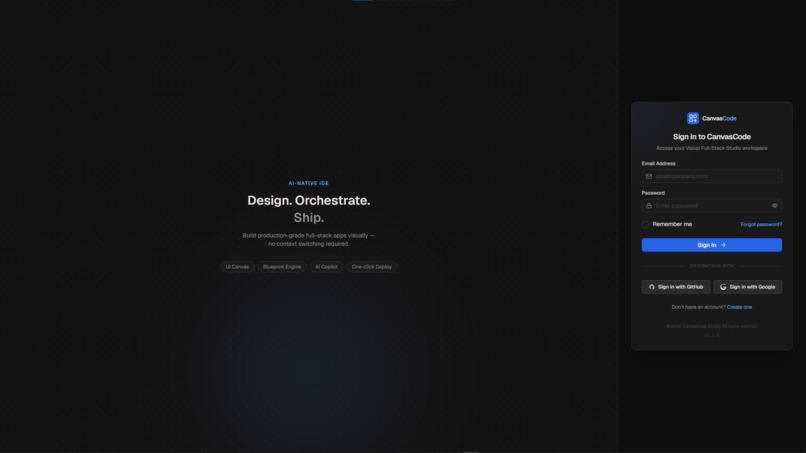
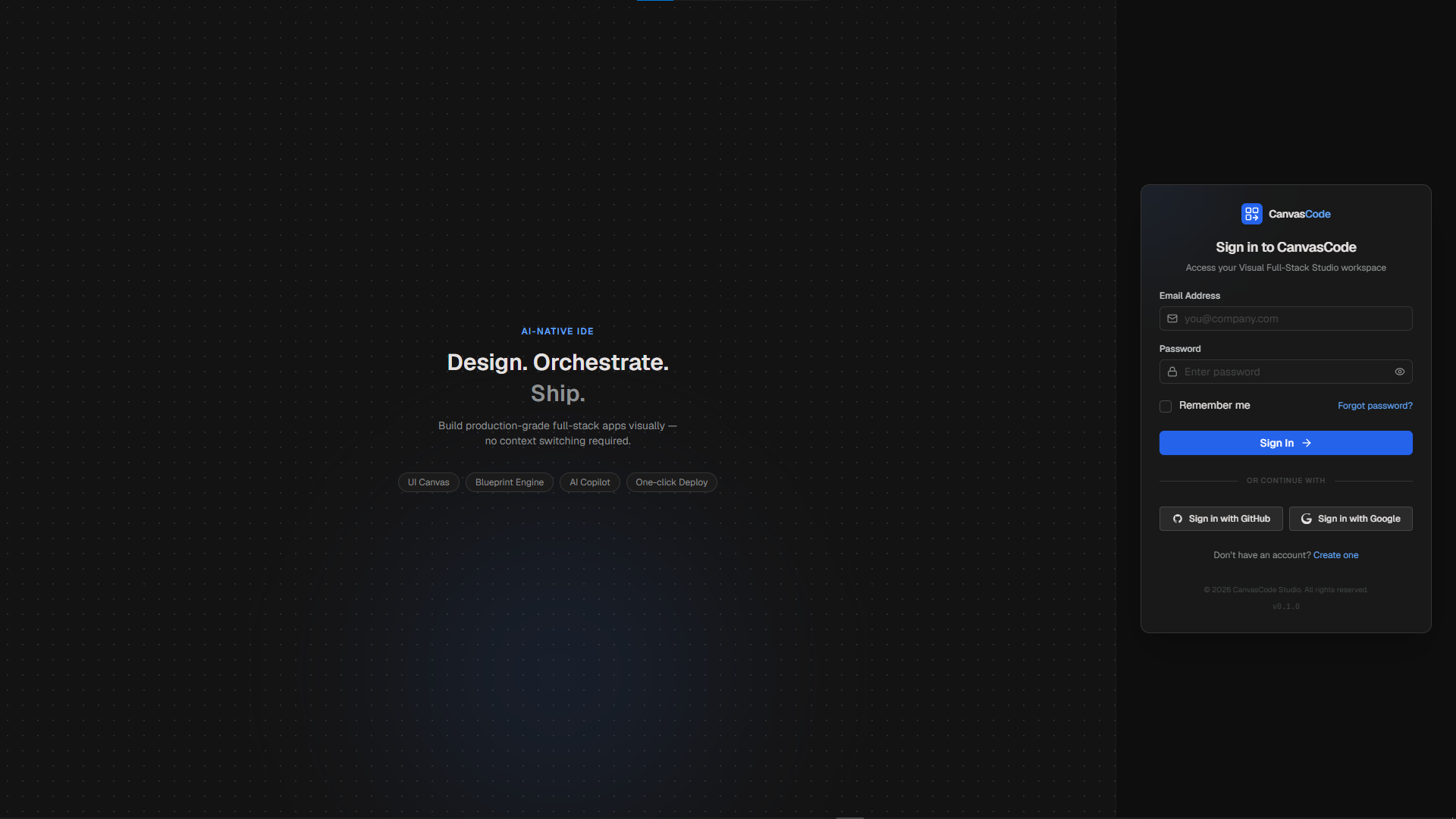
LOGIN
-
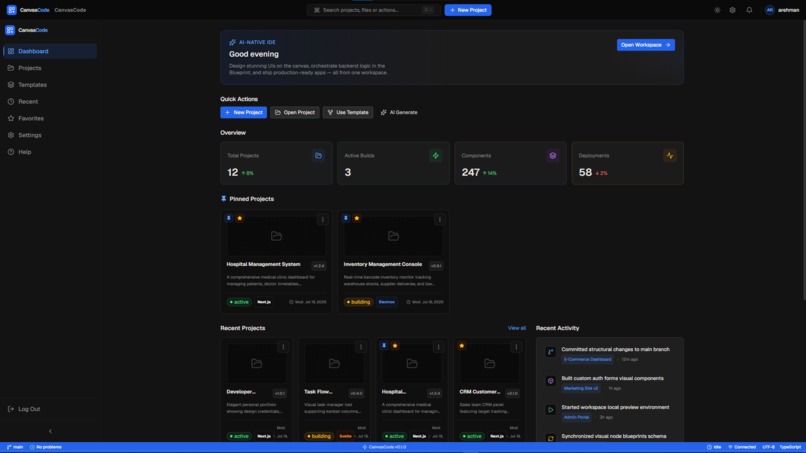
DASHBOARD
-
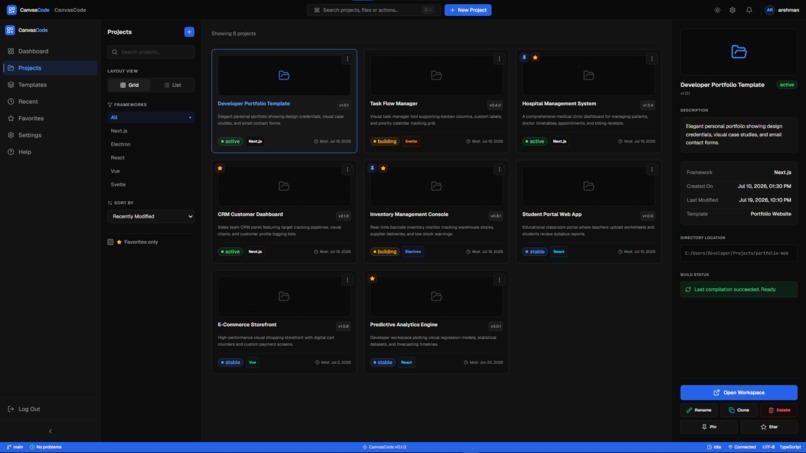
PROJECT GALLERY
-
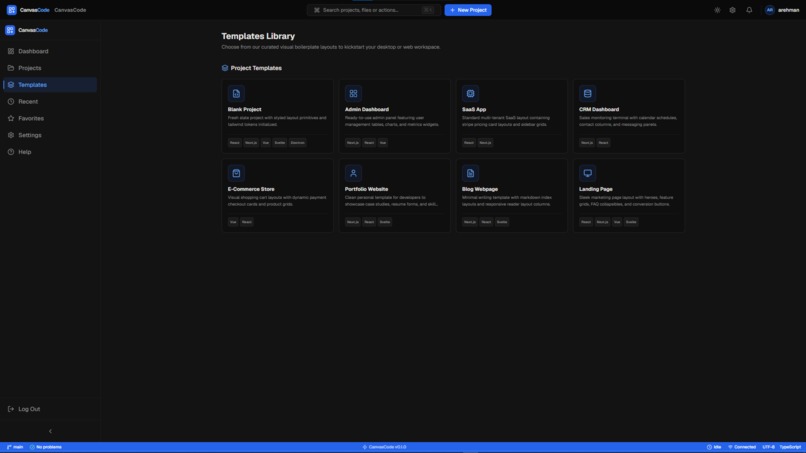
USABLE TEMPLATES
-
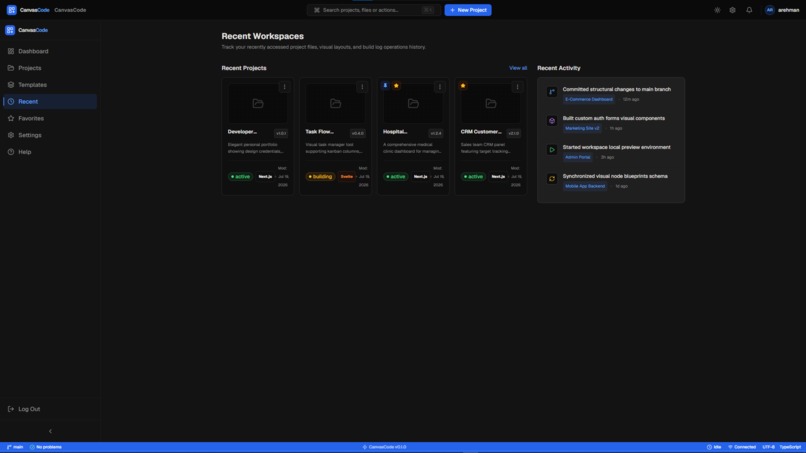
RECENT WORKSPACE
-
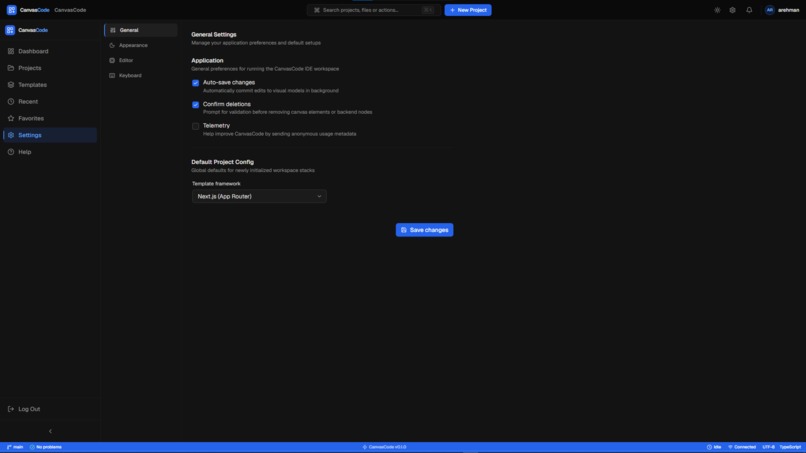
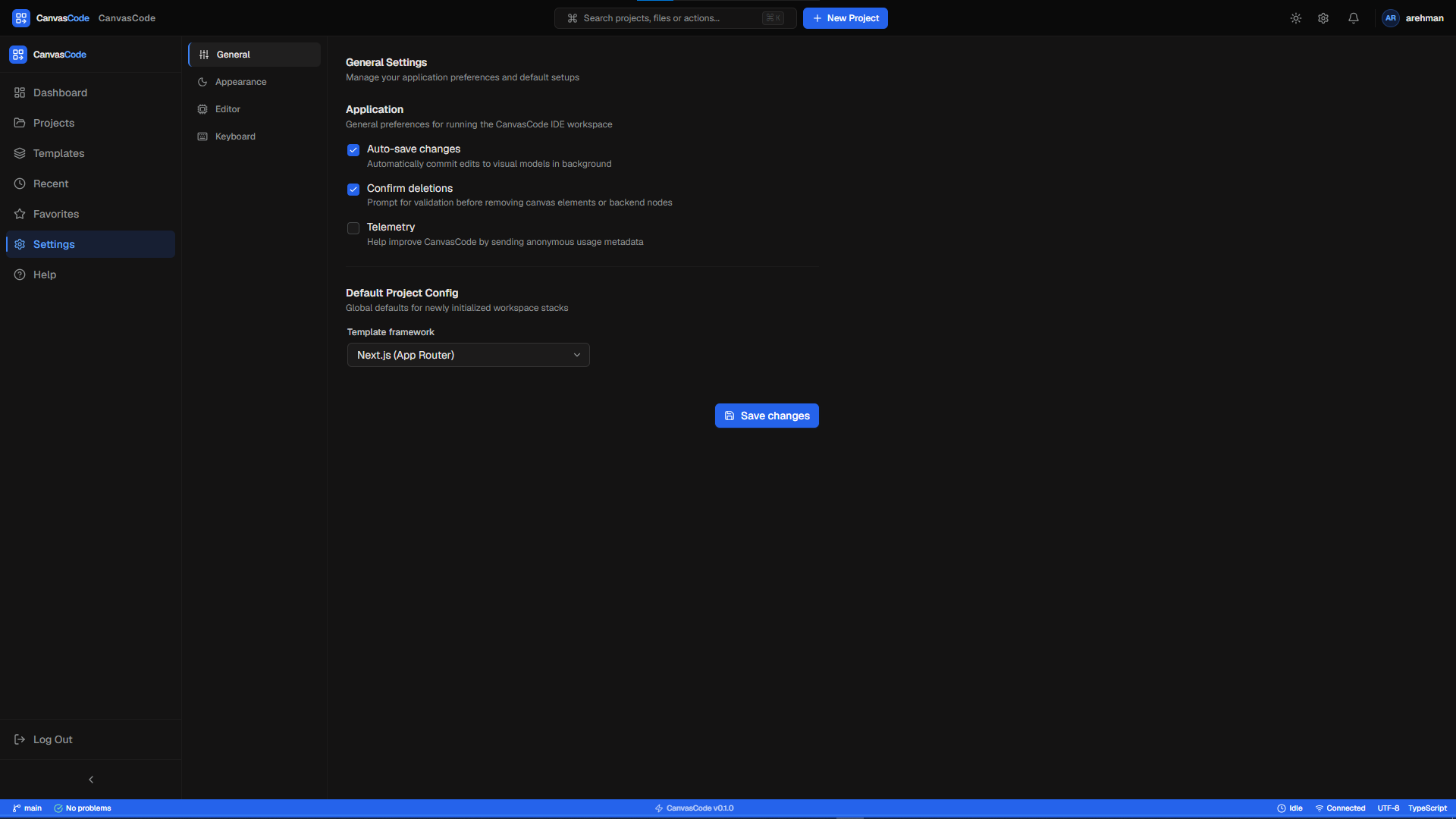
SETTINGS
-
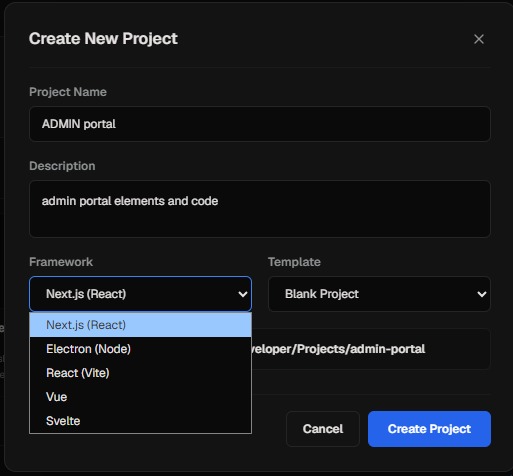
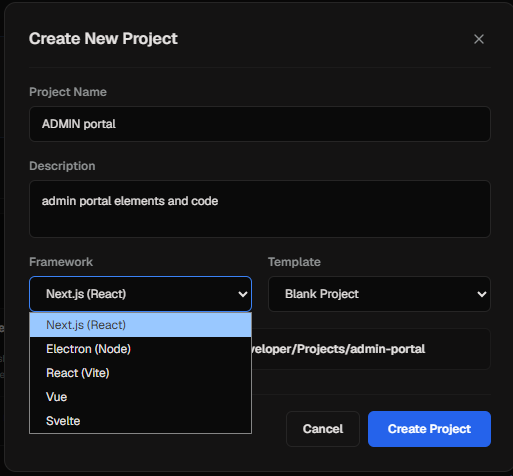
NEW PROJECT OPTIONS
-
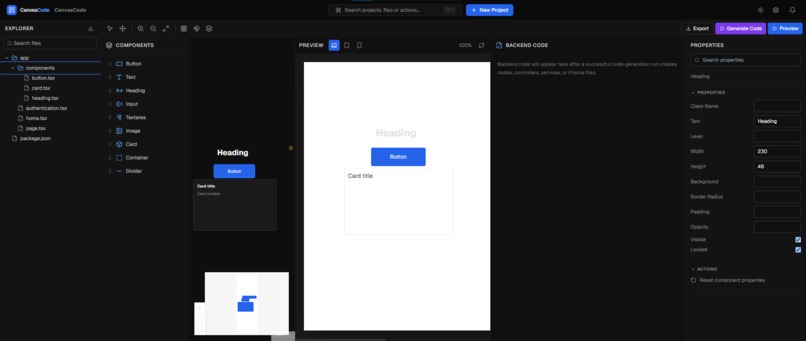
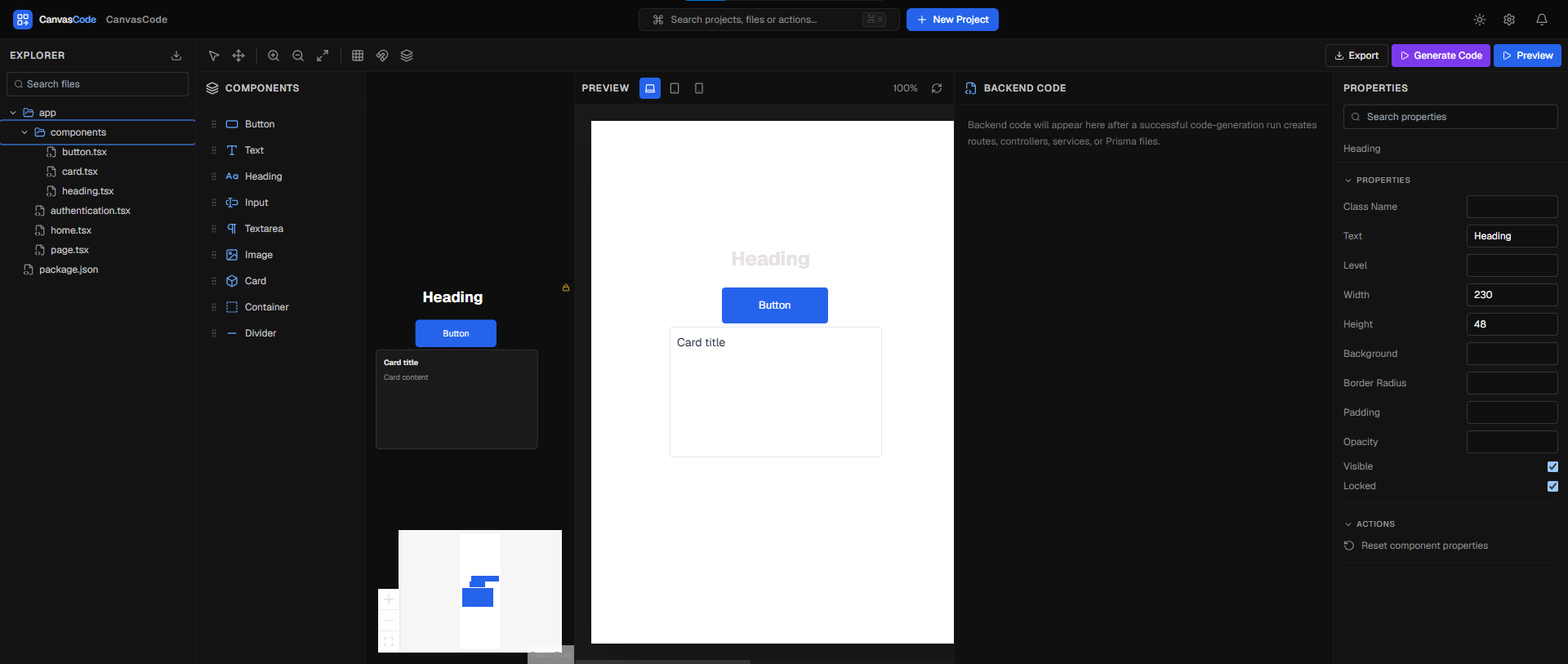
Generated CODE through UI elements
-
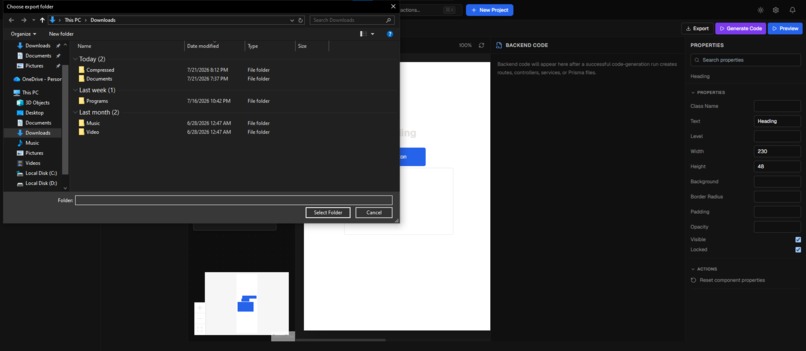
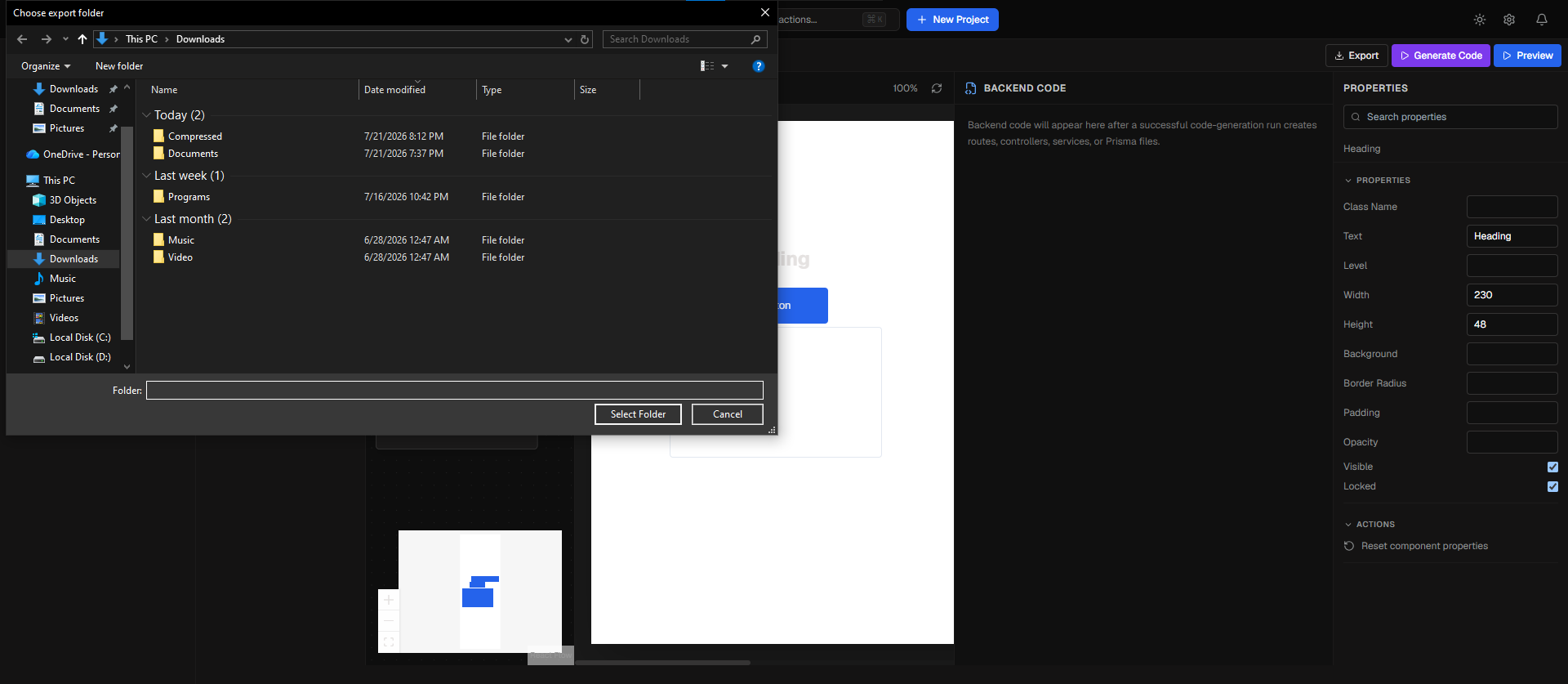
EXPORT OPTIONS
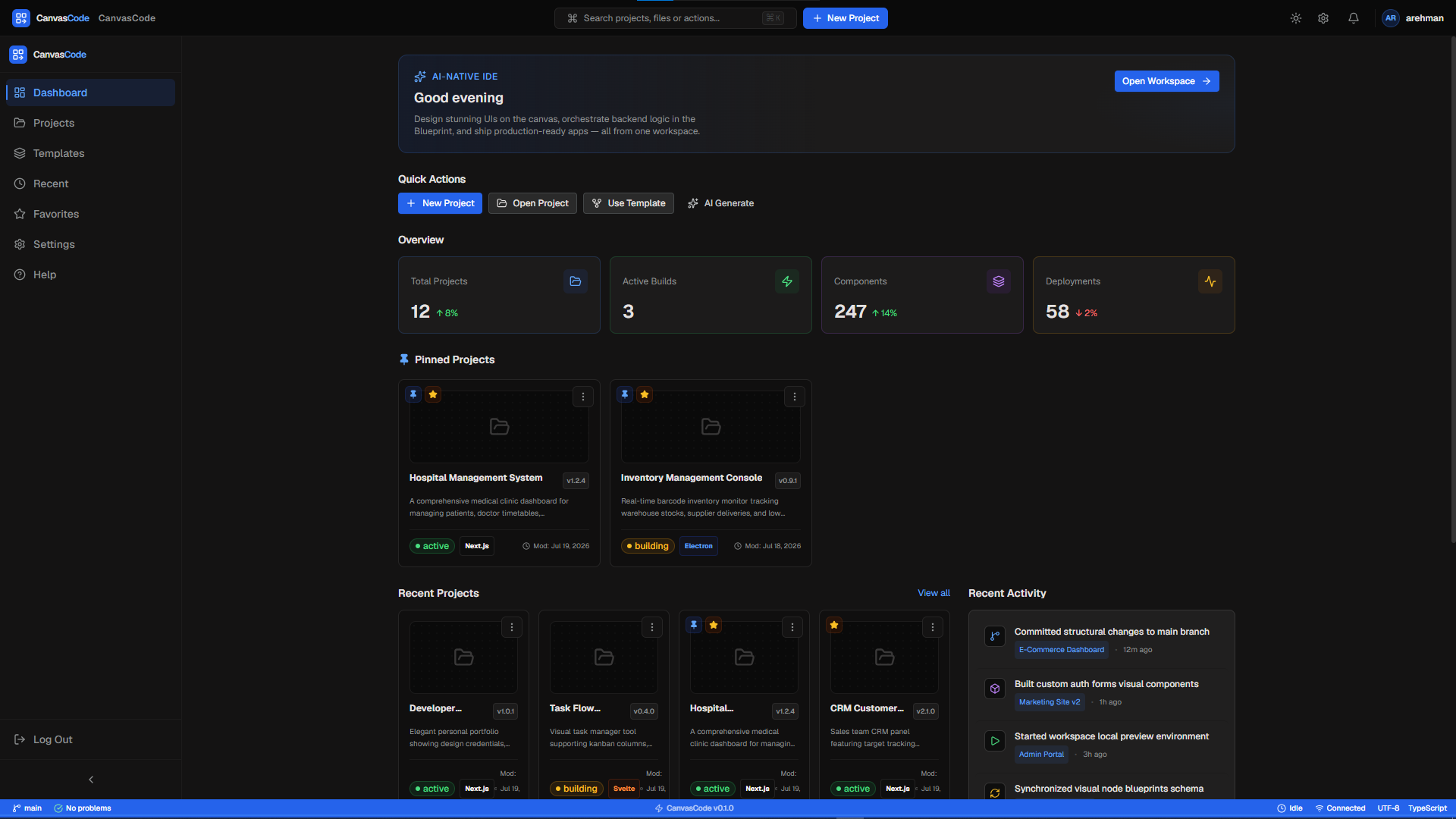
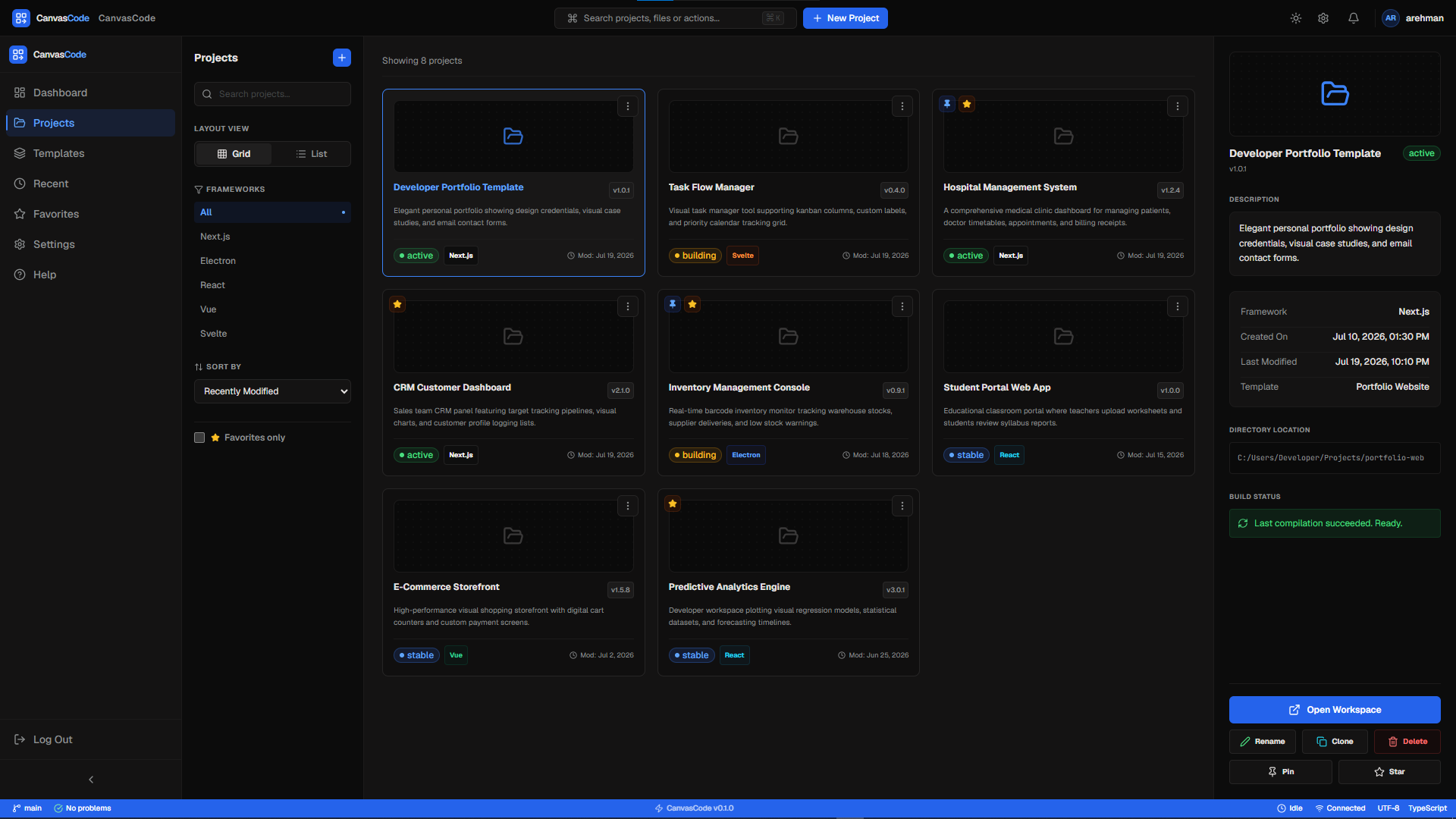
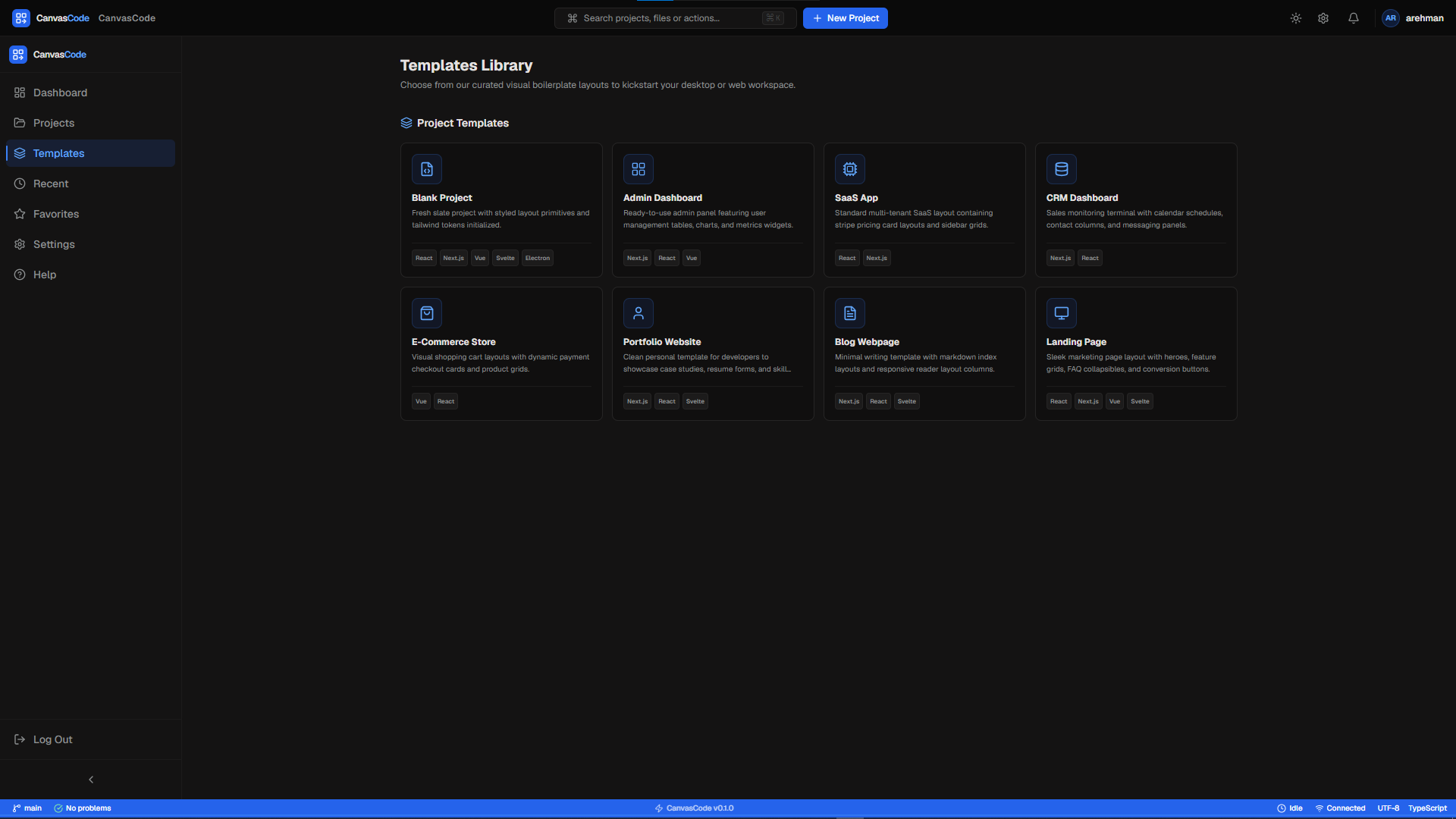
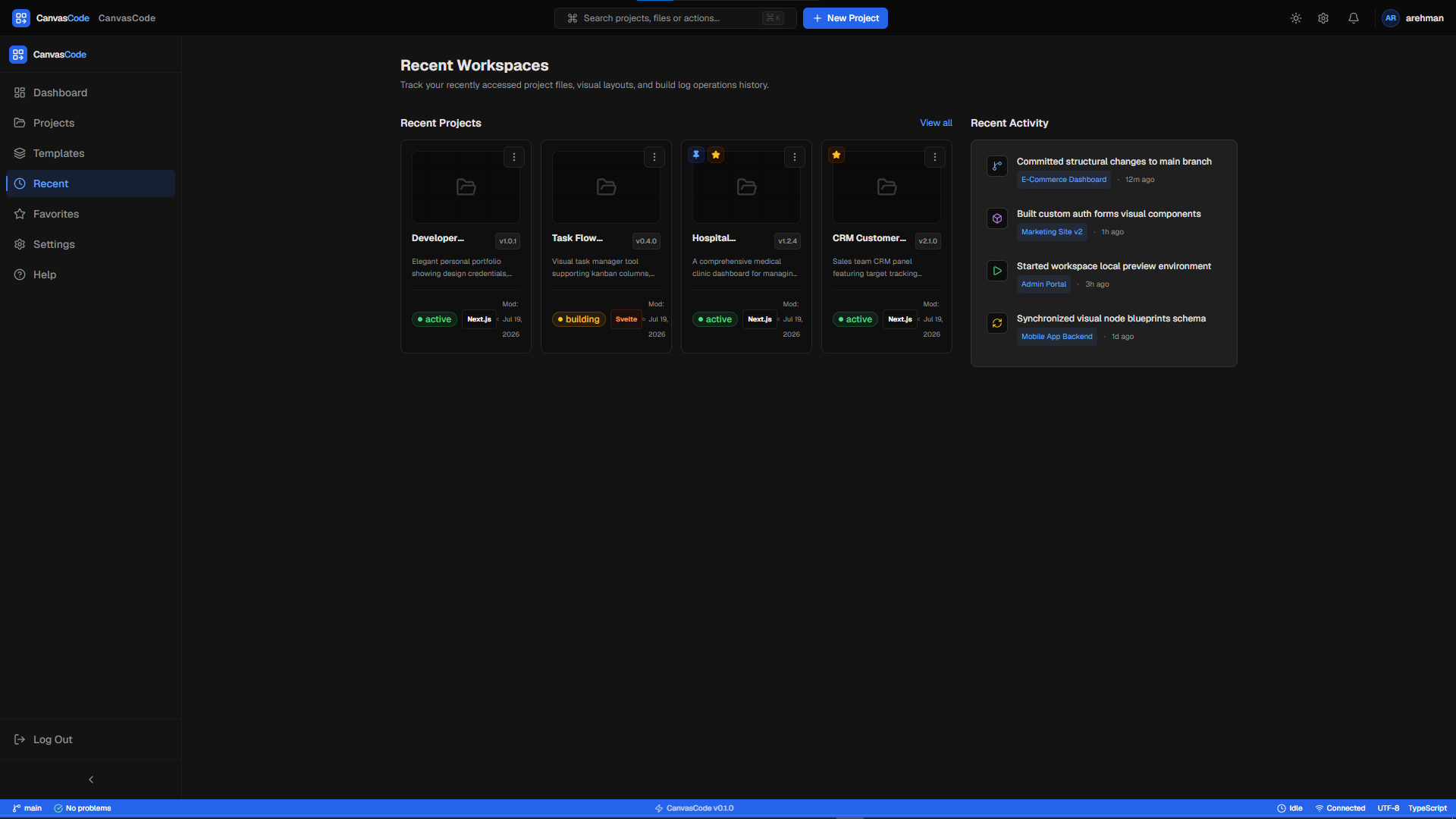
Inspiration
Modern AI coding tools have made software development much faster, but they come with a big challenge. Developers often have to switch between design tools, IDEs, backend development, and AI chat interfaces. Many AI builders generate frontend code in isolation or need complicated prompts, making it hard to create complete and maintainable full-stack applications.
We aimed to rethink this workflow from the beginning.
Our vision was to create a desktop application that lets developers design applications visually with drag-and-drop components. This way, AI can understand the entire project structure and turn it into a production-ready full-stack application. Instead of taking over developers’ roles, we wanted to create a tool that boosts their productivity while allowing them full control of the development process.
This vision became CanvasCode.
What it does
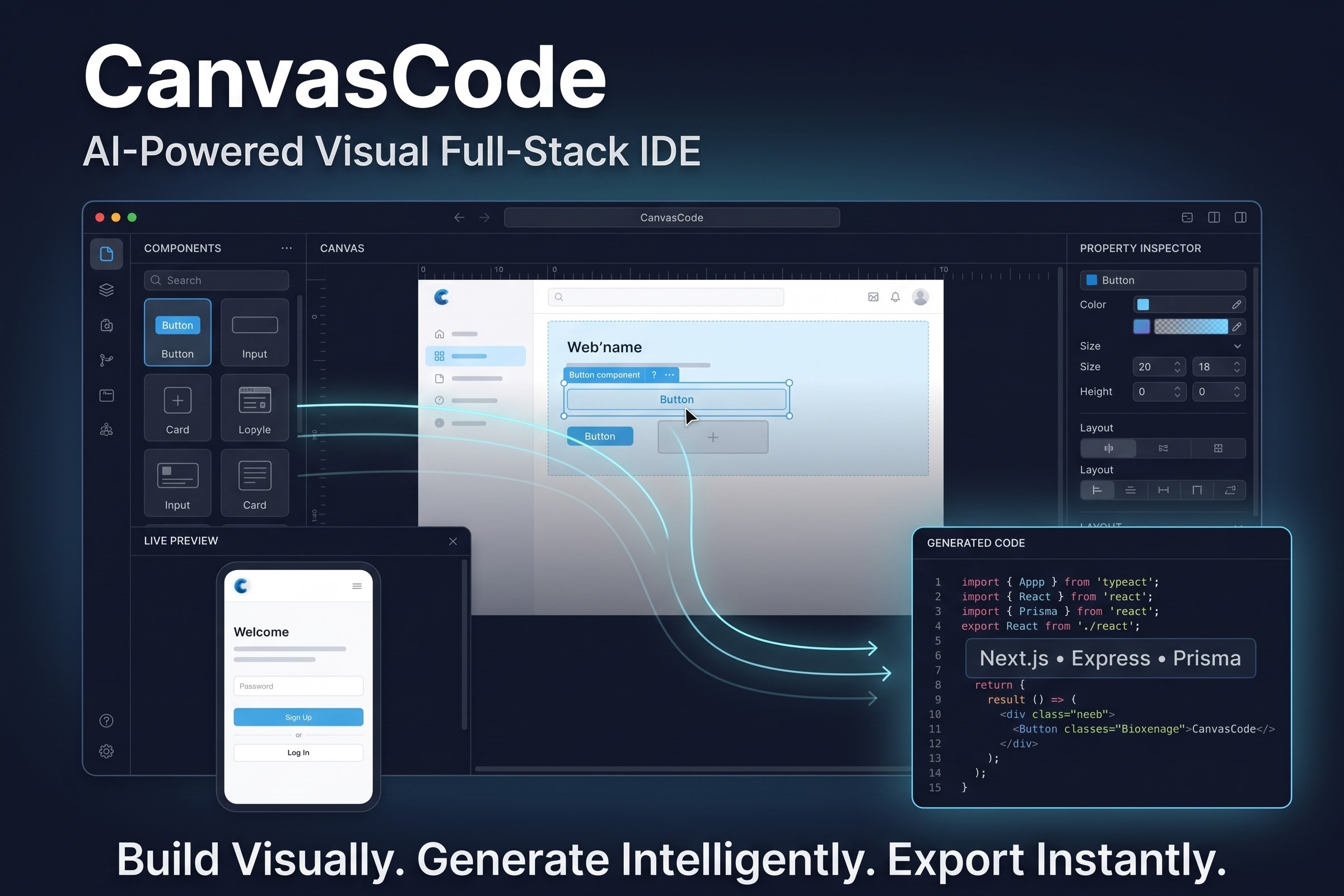
CanvasCode is an AI-powered visual development environment for full-stack applications. It combines a drag-and-drop interface with smart code generation.
Developers can build their application's user interface visually using reusable components on a design canvas. Each action is internally represented as a structured application model, so the system understands the entire project, not just individual UI elements.
When the developer compiles the project, CanvasCode analyzes the whole application and generates a production-ready full-stack codebase. This includes frontend pages, backend APIs, routing, state management, and database schemas.
Developers can also explore the generated backend through a visual blueprint. This feature lets them inspect, understand, and modify the generated application before exporting it as a standard project.
How we built it
CanvasCode was designed as a desktop application using a modern TypeScript-based structure.
Our frontend is created with React, Next.js, Tailwind CSS, Shadcn UI, and React Flow for a responsive visual development experience.
The desktop environment runs on Electron, which allows developers to work locally while managing projects, workspaces, and exports easily.
For the backend, we use Node.js, Express.js, Prisma ORM, and SQLite to organize project data and the resources we generate.
We integrated AI features using OpenRouter, which enables the application to work with compatible large language models for smart code generation.
During development, OpenAI Codex acted as our main AI engineering assistant. Codex helped us speed up implementation by scaffolding application modules, implementing backend logic, generating reusable TypeScript components, organizing project architecture, debugging complex issues, and quickly iterating on features. This AI-assisted approach let us focus more on system design, user experience, and architectural choices while minimizing repetitive engineering work.
Challenges we ran into
Creating CanvasCode involved solving several engineering challenges.
One of the biggest hurdles was designing an architecture that separates visual editing from AI-powered code generation while keeping both systems in sync.
Managing complex application states across the canvas, property inspector, preview, compiler, and generated project required careful planning to maintain consistency throughout the workflow.
Another challenge was creating a flexible architecture that could support future AI providers without tying the application to a single model or service.
Building a desktop application that merges visual editing, AI orchestration, code generation, and project management into a cohesive experience also demanded significant focus on modularity and maintainability.
Accomplishments that we're proud of
We successfully created a modular desktop application that merges visual design with AI-assisted software engineering.
Some of our key achievements include:
- Building a responsive drag-and-drop visual editor.
- Designing a scalable compiler pipeline for AI-assisted code generation.
- Creating a modular architecture that clearly separates frontend, backend, AI orchestration, and project management.
- Integrating OpenAI Codex into our development workflow to speed up implementation while ensuring architectural quality.
- Offering a desktop-first experience that keeps developers in control of every stage of application development.
What we learned
This project highlighted the importance of a modular software architecture, maintainable state management, and careful AI integration.
We also discovered that AI works best when it supports human decision-making instead of replacing it. Using OpenAI Codex as an engineering assistant let us iterate faster, tackle implementation challenges more effectively, and spend more time improving the developer experience.
Perhaps the biggest lesson is that the future of software development relies on combining human creativity with AI-assisted engineering, rather than treating them as separate processes.
What's next for CanvasCode
Our vision goes far beyond this hackathon.
Future versions of CanvasCode will include:
- Incremental AI compilation for large projects.
- Support for multiple frameworks beyond React and Next.js.
- Intelligent code refactoring and optimization.
- AI-assisted debugging and testing.
- A marketplace for custom components.
- A plugin ecosystem.
- Real-time collaboration.
- Cloud synchronization.
- One-click deployment to major cloud platforms.
Our long-term goal is to make CanvasCode a complete AI-powered visual development platform. We want to help developers build production-ready software faster without compromising flexibility, clarity, or code quality.
Accomplishments that we're proud of
What we learned
What's next for CanvasCode
Built With
- codex
- css
- css3
- editor
- electron
- express.js
- flow
- html5
- javascript
- monaco
- next.js
- node.js
- openai
- openrouter
- orm
- prisma
- react
- shadcn
- sqlite
- tailwind
- typescript
- ui
- vite
- zustand

Log in or sign up for Devpost to join the conversation.