-
-
The goal for this project iMessage is the only essential app you need
-
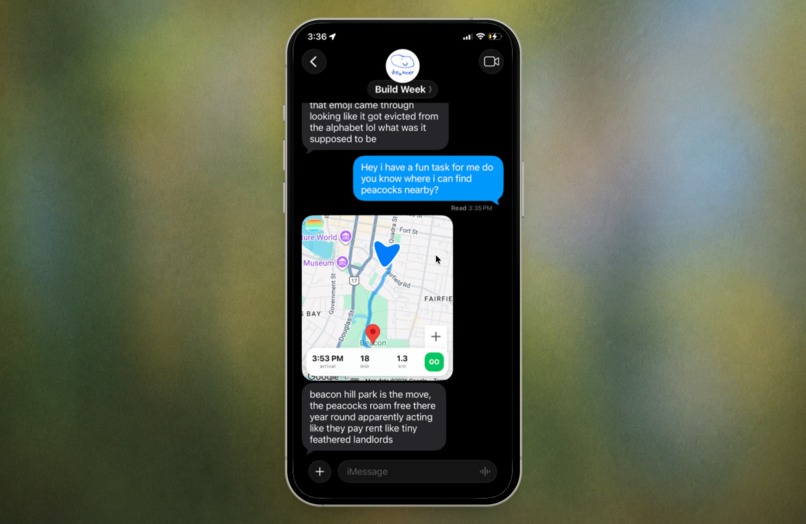
Here is an image of Maps. The agent has your location and suggest places to go
-
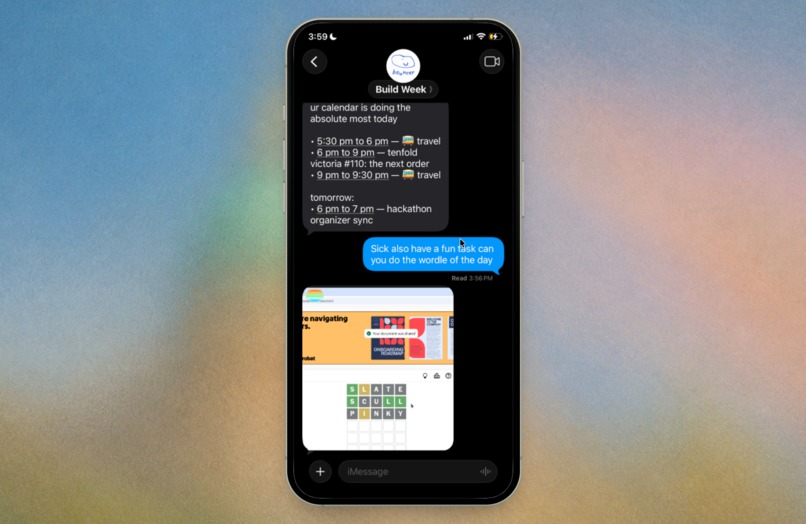
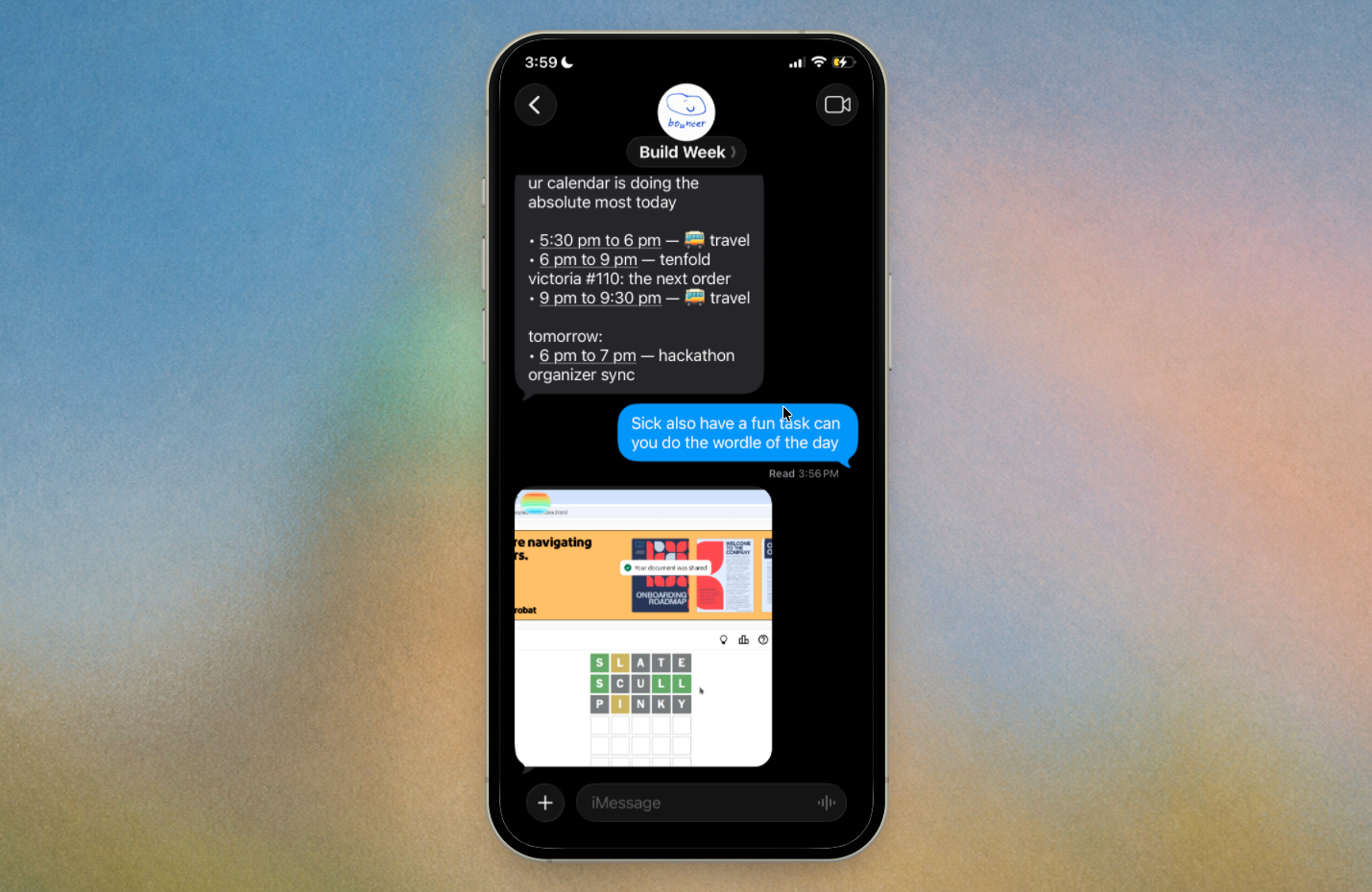
Image of the iMessage agent using computer use trying to solve Wordle
-
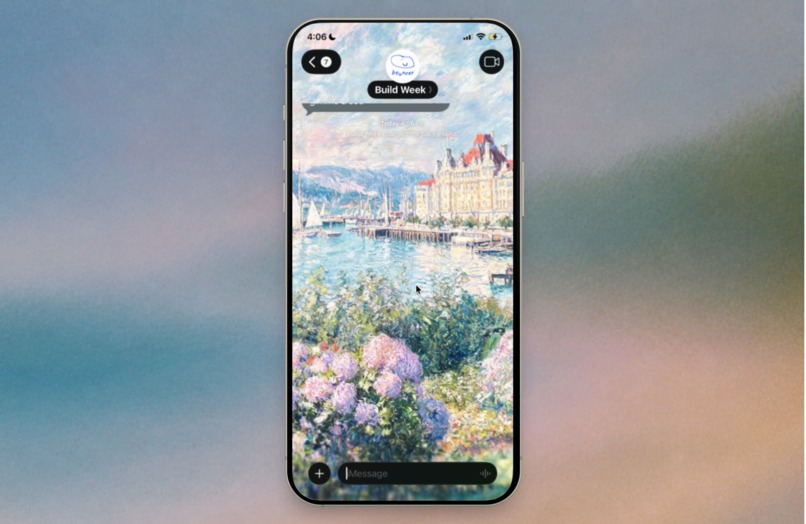
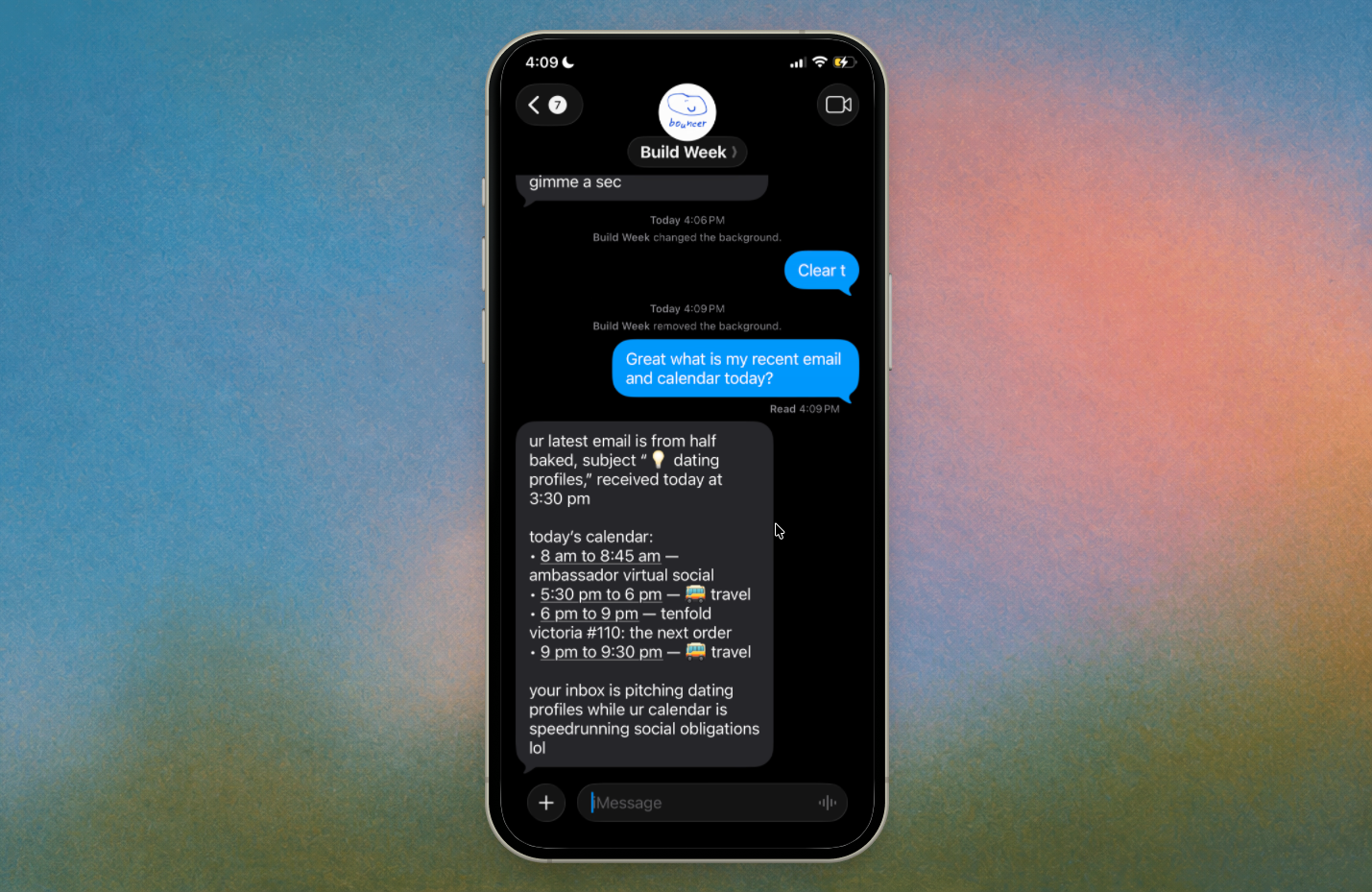
Change the background of the iMessage using the chatgpt-image-2 model
-
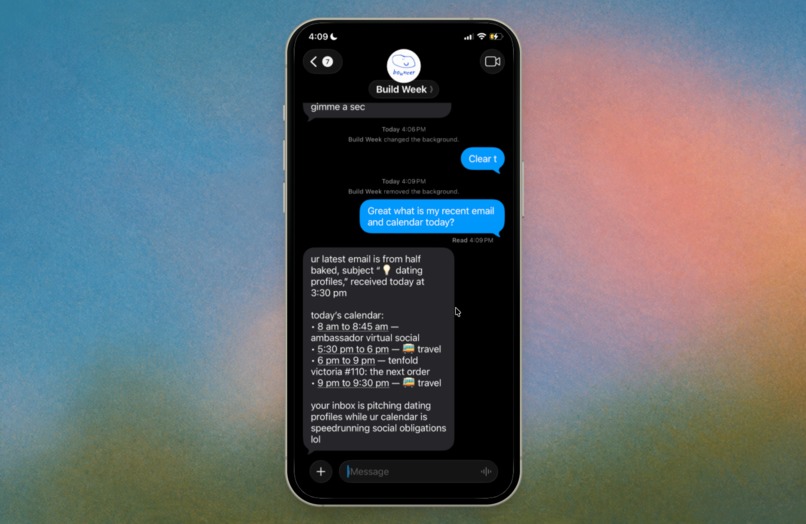
Connect your Gmail and Calendar and +1000 integration powered by Composio



Inspiration
This is an opinionated project where I think that you don't need another application, you just need one app. Instead, I put my agent application in iMessage, and the product is the harness. I am a minimalist on my MacBook. I only have three apps in my dock, and I've been looking for an "everything app." The best application was probably ChatGPT. I can query the agent and use a web browser without leaving my application, and I wanted to do that on mobile using iMessage. The reason why I picked iMessage is that it is the communicator I use to talk to my friends and also talk to my agent. I feel like every piece of software can be abstracted into a chat with interactive UI/UX design to keep the magic.
What it does
There are some core features that the agent can do. It can text and connect to your Gmail and Calendar to do all of your admin for you. Features it has include:
Computer use
The agent can surf through the browser on its own, and you can watch it in real time.
Maps
In iMessage, you can share locations with your agent, and it can help you find things around town.
MCP Integration
For integrations with Mail, Calendar, and Notion, I'm using Composio to integrate all of the software I use on my computer, and you just text the agent the integration and it will do it.
How we built it
Our goal for this project is that we don't want you to leave iMessage. We don't even want you to go to an external link to Safari to do something, and we wanted to keep everything embedded in iMessage. We use the Photon.code framework for this.
For all of the integrations, we use Composio. It's incredible that you can ask the agent to connect to Gmail or Google Calendar just by prompting it.
For computer use, we give the AI a real Linux desktop in Docker. It looks at screenshots, clicks and types like a person, and you can watch it live from iMessage. We start a task on a shared XFCE desktop. You get a live viewer link, and the status is saved so you can ask how it's going.
For maps, we used Google Maps and the Photon.codes SDK, which is essentially a web iframe so you can see it in real time.
For the inference provider, we use the ChatGPT 5.6 Terra model on GMI Cloud. The reason why is that I happen to have a lot of credits with them for orchestration.
Challenges we ran into
recording and screenshots both grab the X11 display. When they ran at the same time, still captures hung and Docker wedged. Fix: pause the recorder, take one PNG still for the model, then resume.
Accomplishments that we're proud of
My favourite feature is computer use. Watching it in real time and seeing the agent use its own computer is amazing on my iPhone. I also really like the UI/UX aspect of watching it do stuff. For example, here it is playing Wordle:
Agent playing Wordle: https://x.com/alhwynn/status/2079025090336067920?s=20
I also think it would be so cool if you could share your location with your agent and have it help you find tasks that you need.
For example, ask the agent to find where you can find peacocks in your city, and it knows:
Agent Location: https://x.com/alhwynn/status/2079411518307999828?s=20
Personally, I've been using this agent harness for myself, so I have a specific way I want it to write in iMessage to keep things simple. It should feel like you're talking to a friend, with less punctuation, no em dashes, and no capital letters. I also gave it a personality. Sometimes it'll roast you for fun, and your agent can be opinionated too.
What we learned
Computer use is an OS problem first. Recording and screenshots both grab the X11 display running them together hung captures and wedged Docker. So the solution was Pause the recorder and take hte screenshot then resumes the recording after that
What's next for iMessage is all you need
After this submission, I'm going to work on making computer use faster and fixing the authentication problem. The biggest problem with computer use is authentication and detecting whether it's a bot as well. That's what my computer use cloud agent has been focused on.
Built With
- chatgpt-5.6-terra
- codex
- composio
- convex
- cursor
- docker
- exa
- gmi-cloud
- maps
- photon
- typescript

