Inspiration
Developers spend long hours inside the same work surface. I wanted Codex to feel more personal and energizing, but without the usual tradeoff of unsafe themes: broken layouts, unreadable text, hidden controls, high GPU usage, or patching a signed desktop app.
Codex Dream Skin started as a cyberpunk cat-themed interface idea, then evolved into a safer workflow engine for designing, applying, debugging, and restoring Codex desktop themes.
What it does
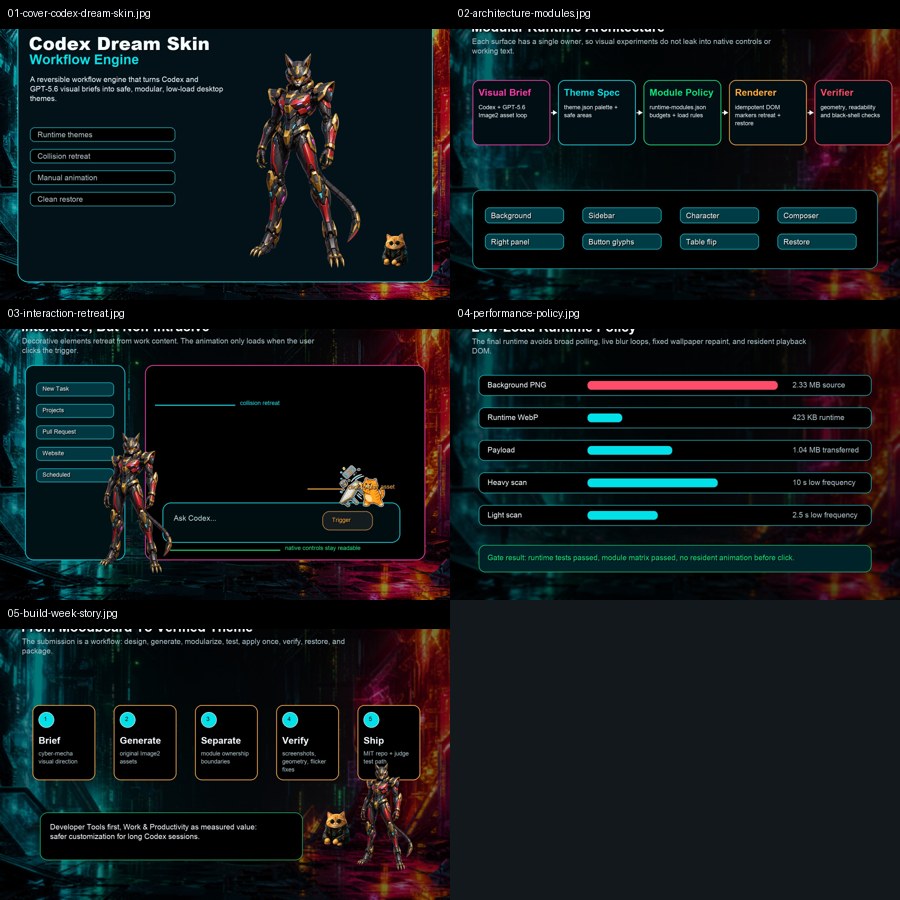
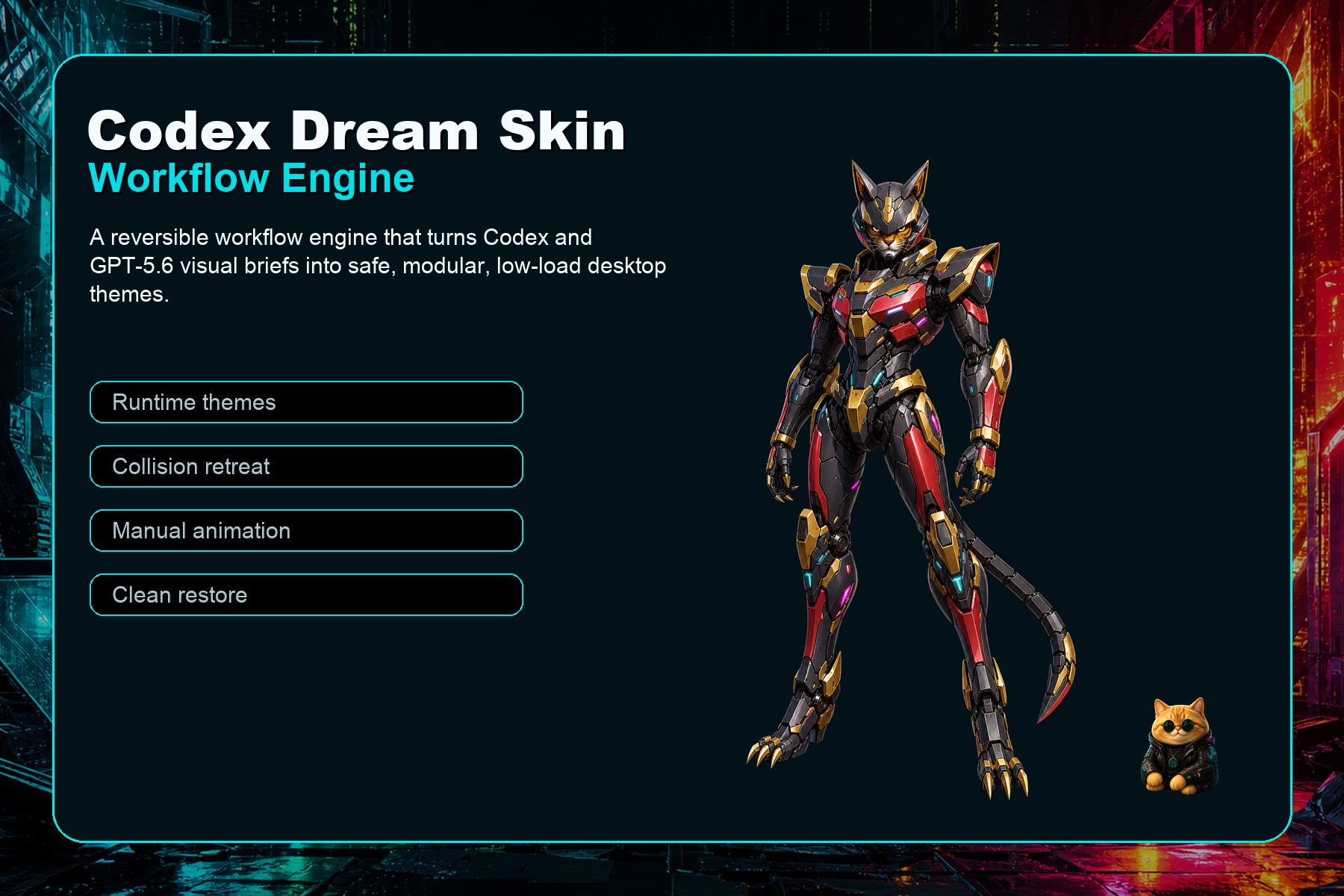
Codex Dream Skin Workflow Engine turns a visual brief into a structured, reversible Codex desktop theme.
The current sample theme includes:
- A cyberpunk cockpit-style background
- Original Image2-generated cyber-mecha cat character art
- A small orange hacker-cat sidebar badge
- Pet-inspired semantic UI icons
- Glass-style composer, sidebar, and right panel surfaces
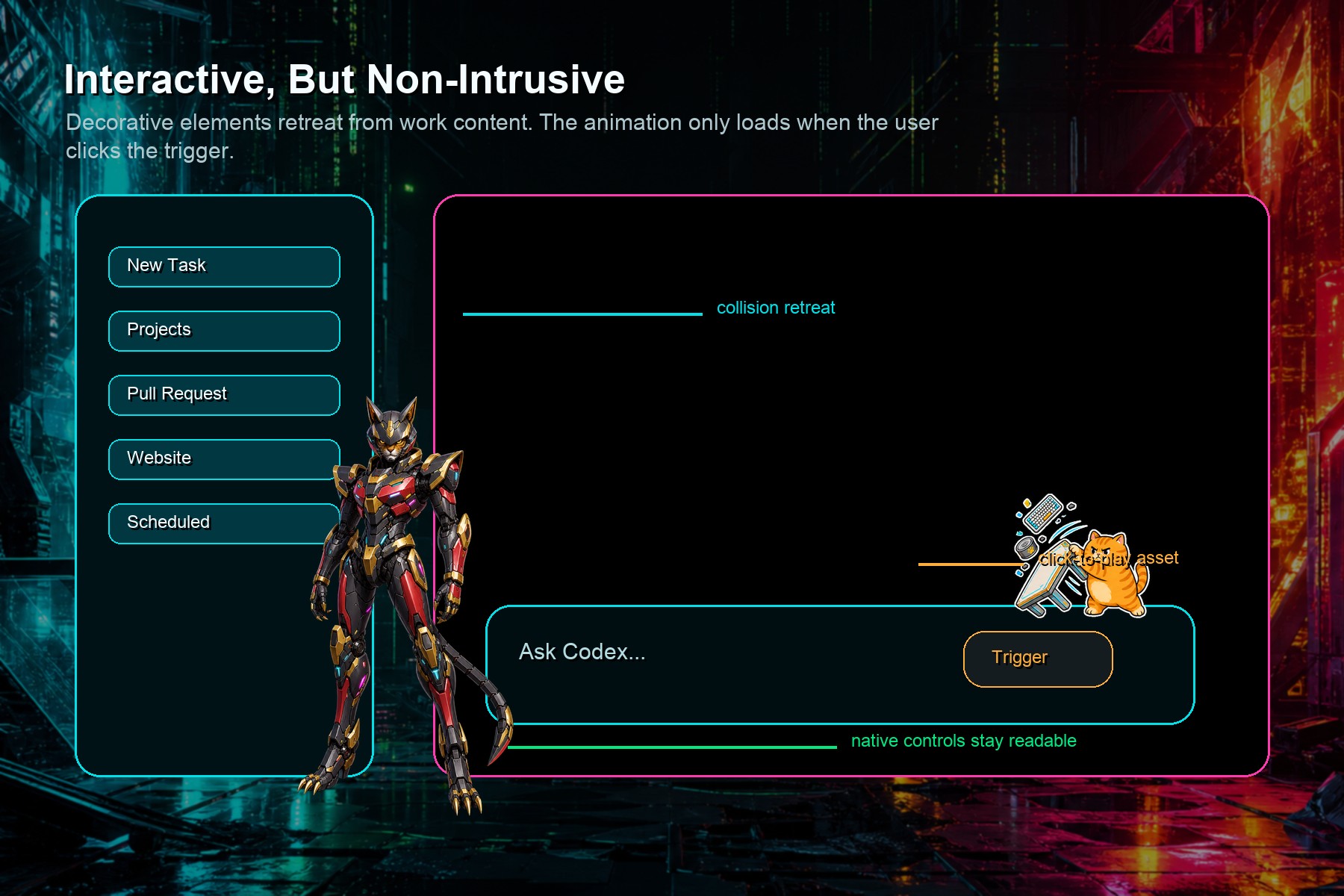
- A collision retreat system so decorative characters move away from text and panels
- A manual table-flip cat animation that loads only when clicked
- Runtime verification, performance gates, and a clean restore path
This is not just a static CSS skin. It is a modular workflow for safe developer-environment personalization.
How I built it
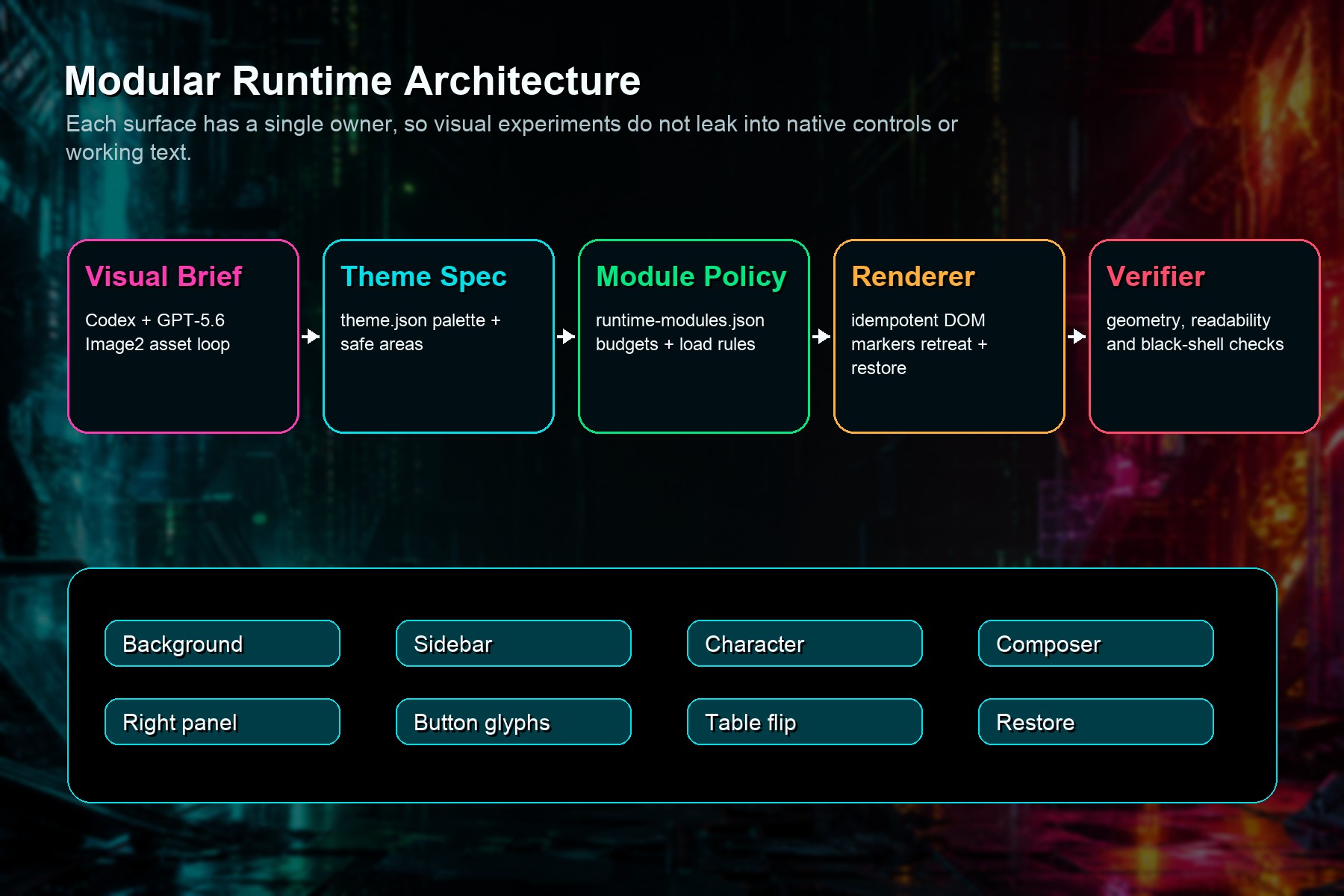
I built the project around a local, reversible runtime architecture.
The official Codex desktop app is not modified. The project does not patch ChatGPT.app, app.asar, signatures, authentication files, API keys, model settings, or user data. Instead, it applies the theme through local Chromium DevTools Protocol access on 127.0.0.1.
The core files are:
theme.jsonfor palette, assets, safe areas, characters, and module switchesruntime-modules.jsonfor module policy, payload groups, event policy, and budgetstheme.cssfor stable visual surfacesrenderer-inject.jsfor DOM markers, collision retreat, manual animation lifecycle, cleanup, and restoreinjector.mjsfor CDP discovery, content-hash caching, one-shot apply, verification, and screenshots
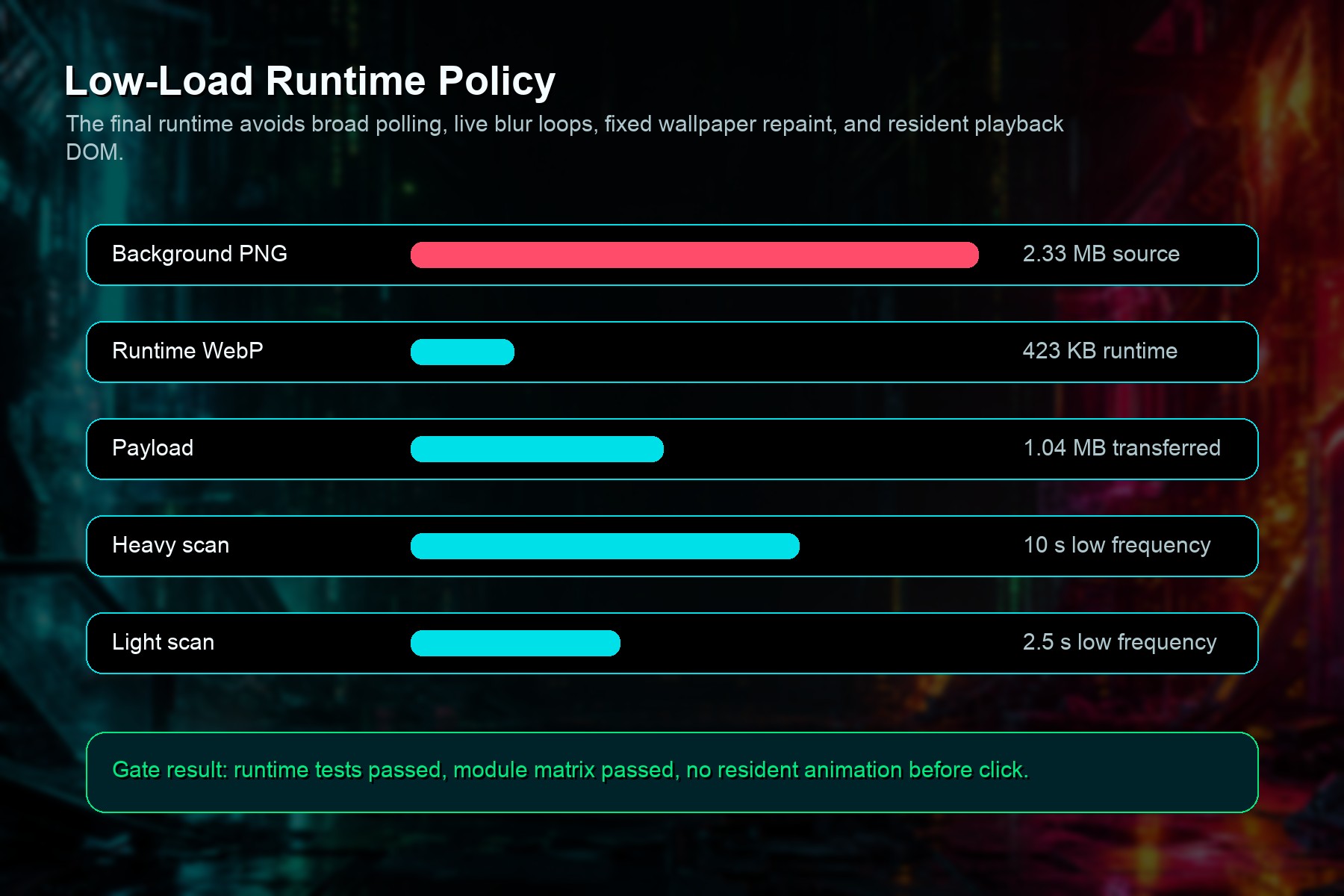
The runtime uses independent asset groups, so unchanged visual assets do not need to transfer again. The table-flip animation is not resident during idle state. It loads only after the angry trigger icon is clicked, plays once, then releases the playback node and payload reference.
How Codex and GPT-5.6 were used
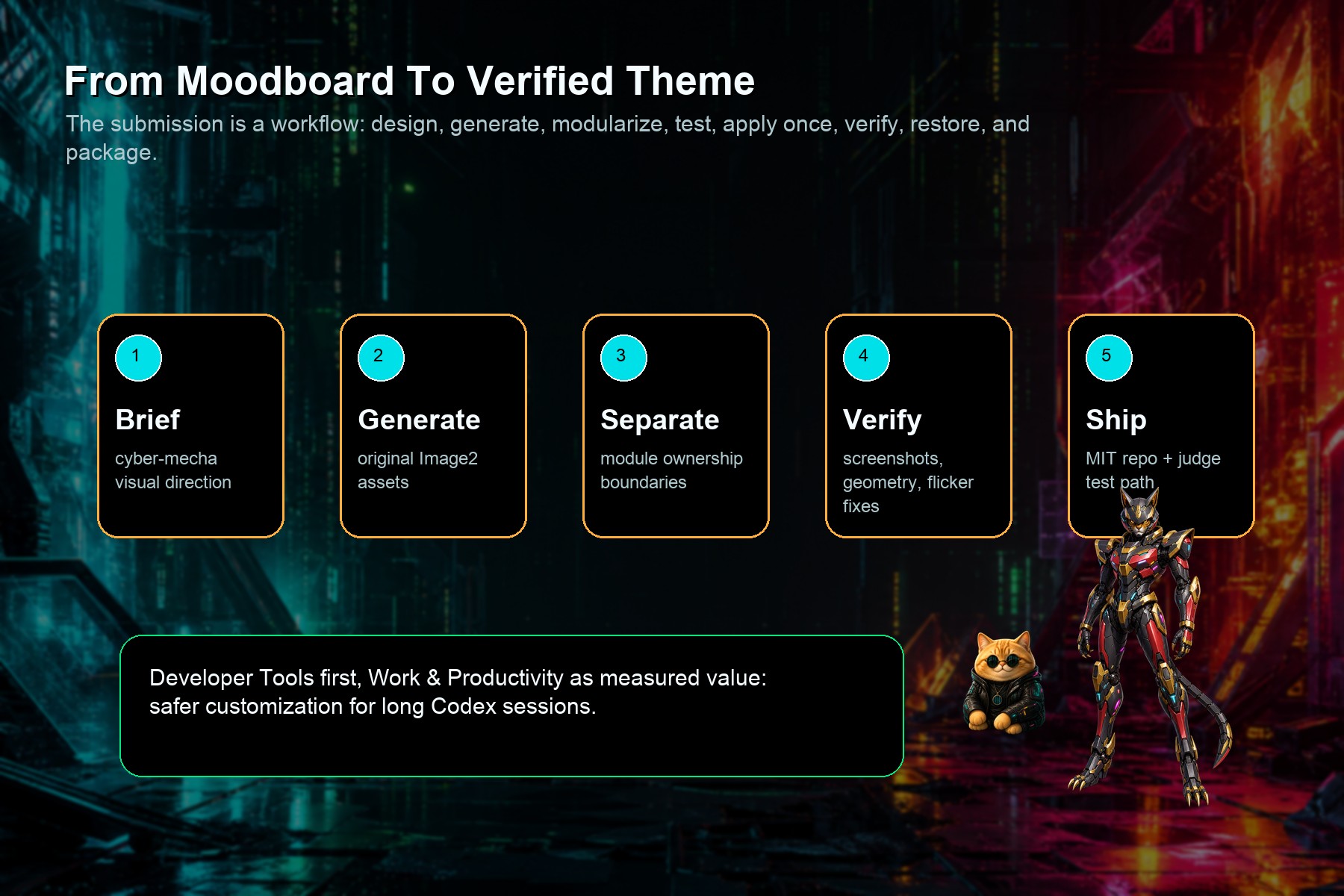
Codex and GPT-5.6 were used throughout the project as the design and engineering loop.
They helped convert the visual brief into structured modules, generate and select original Image2 assets, diagnose screenshots and screen recordings, identify black-frame and transparency defects, refactor the runtime into smaller modules, reduce polling and GPU-heavy effects, write regression checks, and maintain a development log with direct causes, root causes, and guardrails.
The most important part was not only generating a theme, but using Codex to repeatedly inspect failures, isolate the owning layer, patch the smallest module, verify the live renderer, and record the result.
Challenges
The hardest problems were visual layering and performance.
Early versions covered too much of the workspace, caused black frame artifacts, or let text bleed through translucent panels. The composer area was especially difficult because the visible black band came from independent native footer gradient siblings, not from the composer element itself.
Another challenge was avoiding unnecessary runtime load. The project had to remove live backdrop blur, fixed wallpaper layers, idle animation, and resident injector daemons while keeping the interface visually rich.
What I learned
I learned that safe theming for a real developer tool needs engineering discipline, not just visual styling.
A good theme engine needs clear module ownership, measurable budgets, rollback paths, live verification, and strong boundaries between decoration and work content. Personalization is useful only if it stays readable, reversible, and lightweight.
What's next
Next steps are to turn the workflow into a broader theme studio:
- More reusable theme templates
- A guided visual-brief-to-theme pipeline
- More asset validation and compression tools
- Safer cross-platform support
- Public theme packages that other developers can adapt without changing the official app
Built With
- bash
- chromium
- codex
- css
- developer
- devtools
- electron
- engine
- gpt-5.6
- image2
- javascript
- macos
- node.js
- openai
- protocol
- theme
- tools
- webp
- workflow

Log in or sign up for Devpost to join the conversation.