Inspiration
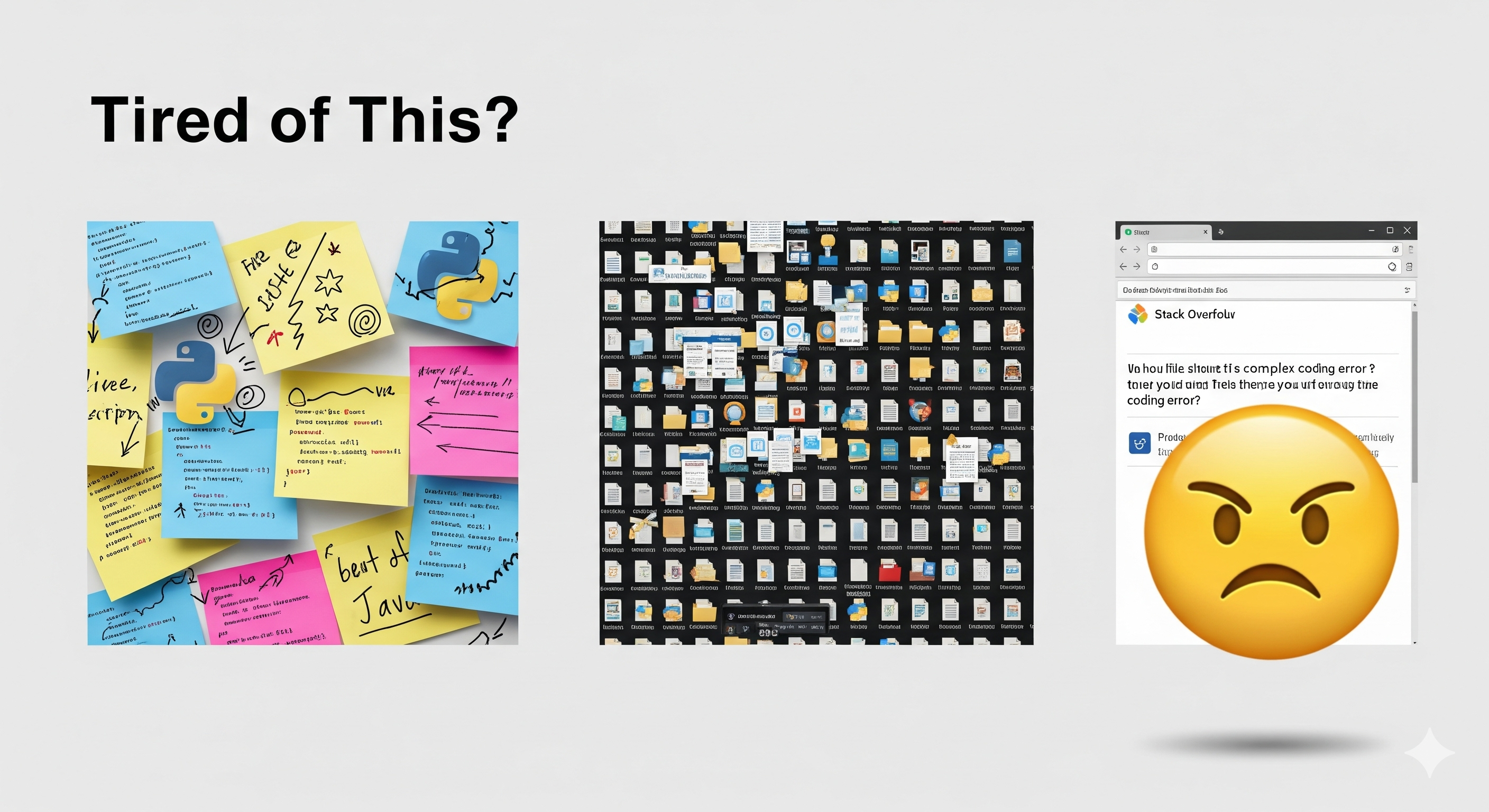
As developers, we've all been there: spending hours reading tutorials, watching videos, and copying code snippets into scattered notes. Later, when we need that knowledge, we can't find it or remember why it mattered. The problem isn't just organization—it's that most coding content is buried in marketing fluff, outdated practices, and walls of text that make learning inefficient.
We built CodeVault to solve the fundamental problem: How do students effectively capture, understand, and retrieve coding knowledge?
What it does
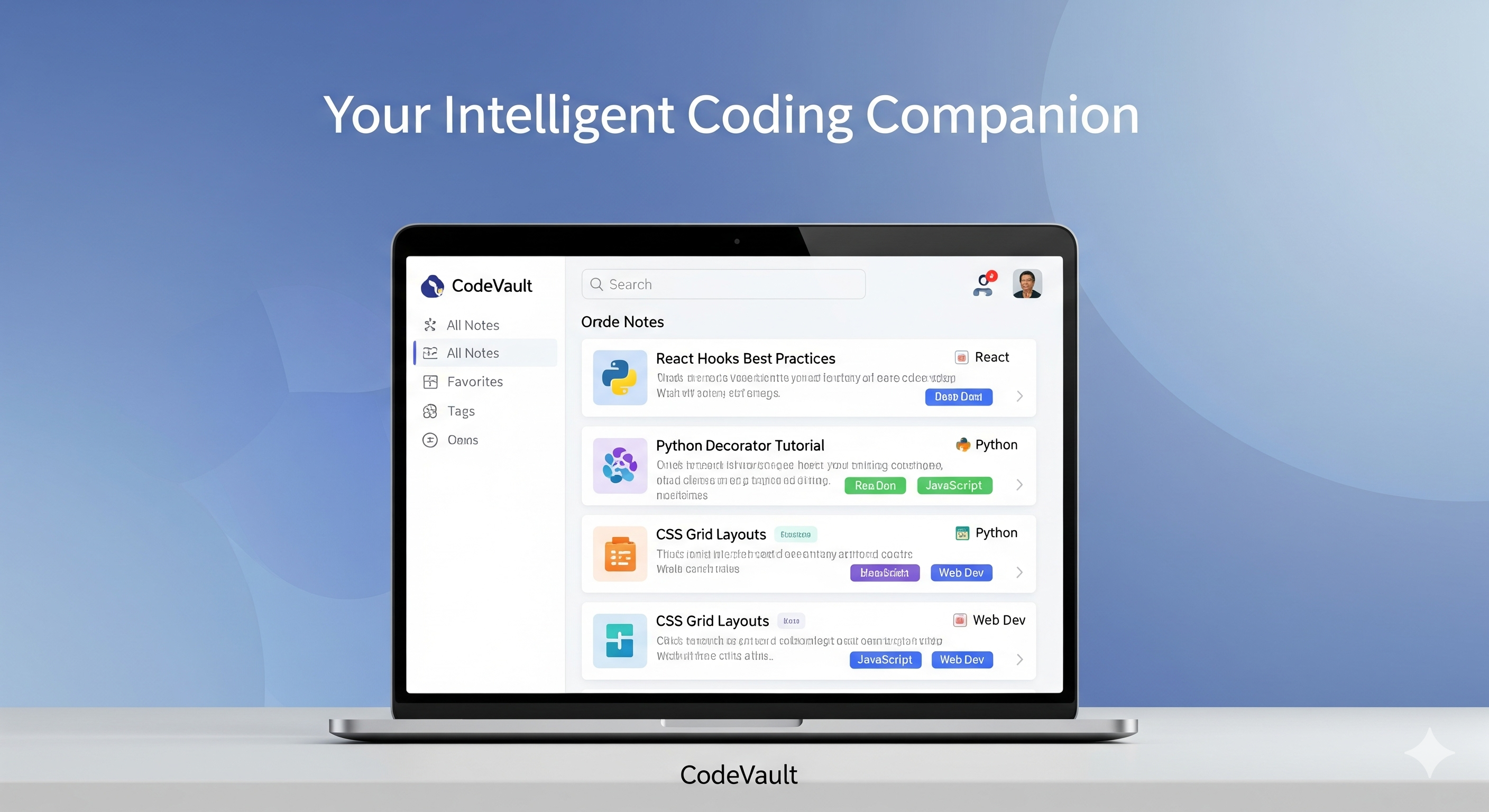
CodeVault is an intelligent browser extension that transforms how developers learn from online content:
🧠 Smart Content Analysis
- Duplicate Detection: Before creating a note, CodeVault checks if you've already saved similar content, preventing redundant notes
- Deprecation Checking: Identifies outdated practices (like class components vs hooks) and suggests modern alternatives
- Context Awareness: Understands the full page context to extract meaningful insights, not just raw code
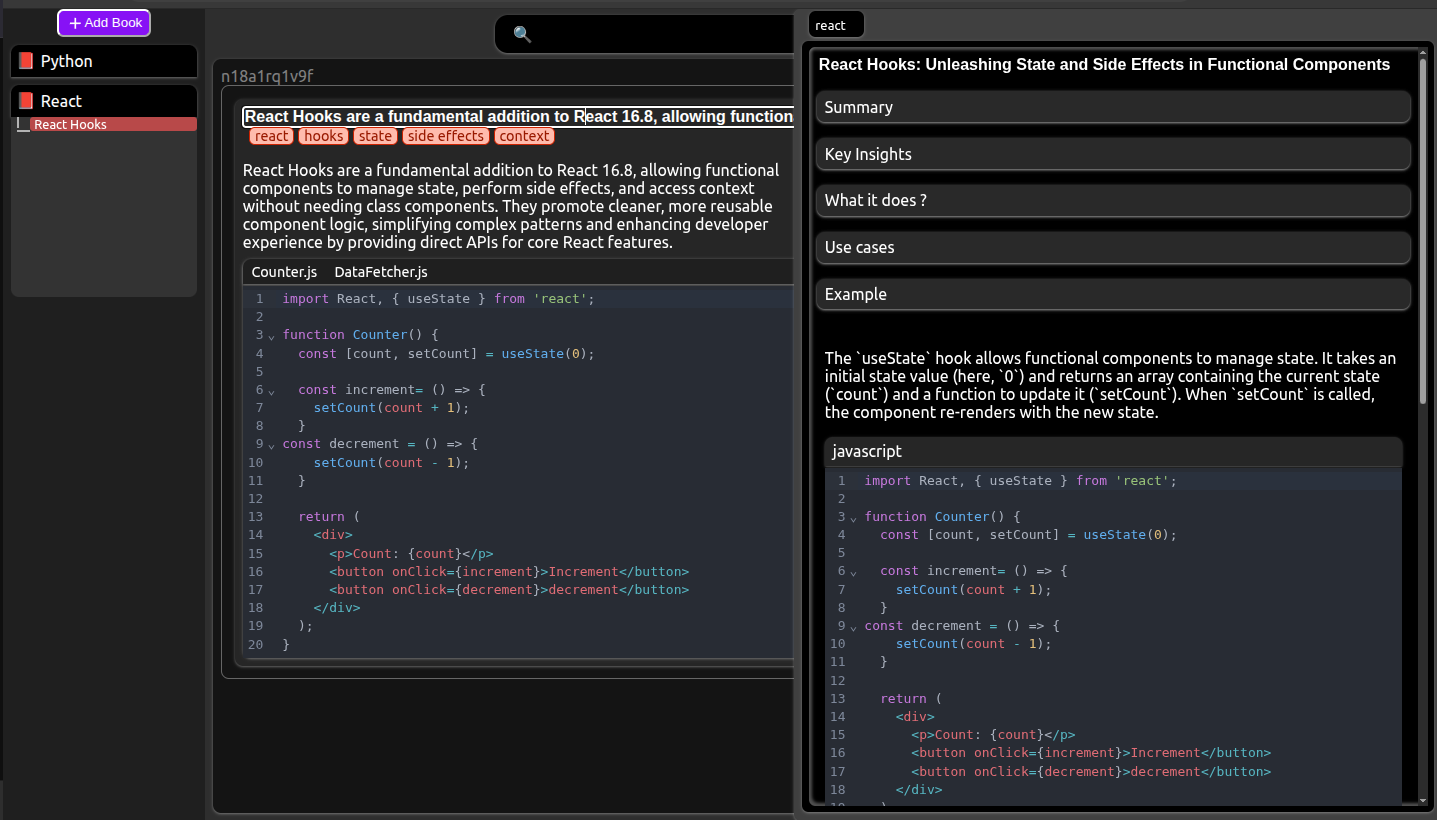
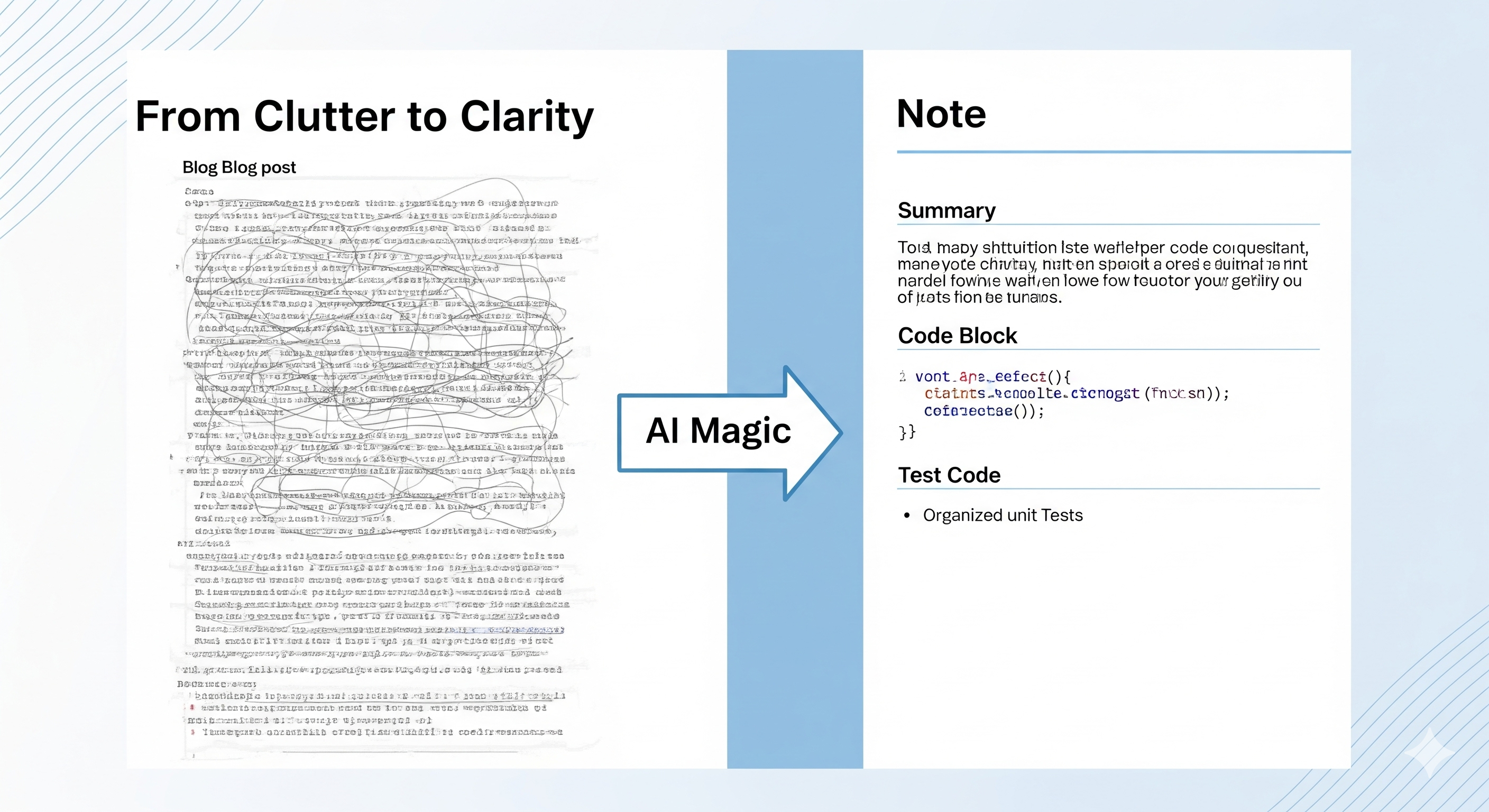
📝 AI-Powered Note Creation
When you're reading a blog on Medium, Dev.to, documentation, or watching coding tutorials, CodeVault automatically:
- Extracts key insights and creates TL;DR summaries
- Identifies what the code does and when to use it
- Detects required libraries and assumed environments
- Generates complete, runnable code blocks (adds missing imports and setup)
- Creates working test code with placeholders for easy experimentation
- Suggests alternatives and shows related concepts
- Generates Mermaid diagrams for visual understanding
- Curates useful links for deeper learning
✂️ Multi-Block Code Selection
Users can manually select multiple code blocks from any webpage. The AI intelligently analyzes their relationship:
- Sequential Steps: Setup → Execute → Error handling
- Alternative Approaches: Different ways to solve the same problem
- Progressive Enhancement: Basic → Optimized → Production-ready
- Complementary Pieces: Hook + Component + Provider patterns
Each code block gets metadata about its role (setup, core logic, usage example), dependencies, and order in sequence.
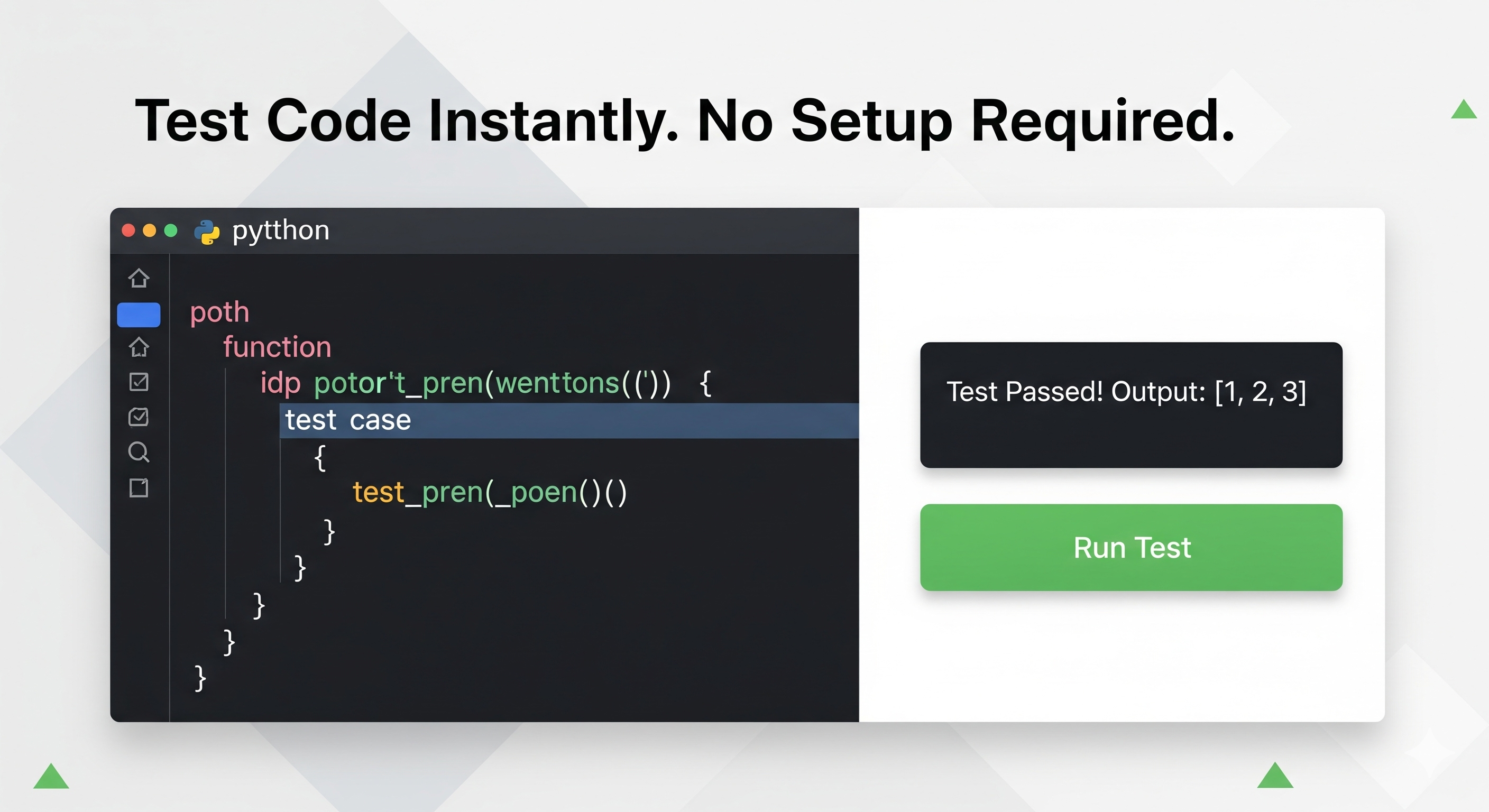
🧪 Instant Code Testing
- Visual Testing: HTML/CSS/JS code runs in StackBlitz for live UI preview
- Terminal Execution: Backend code executes via Piston API with real output
- Test results are saved with execution time, output, and errors
- One-click testing with automatic code block substitution
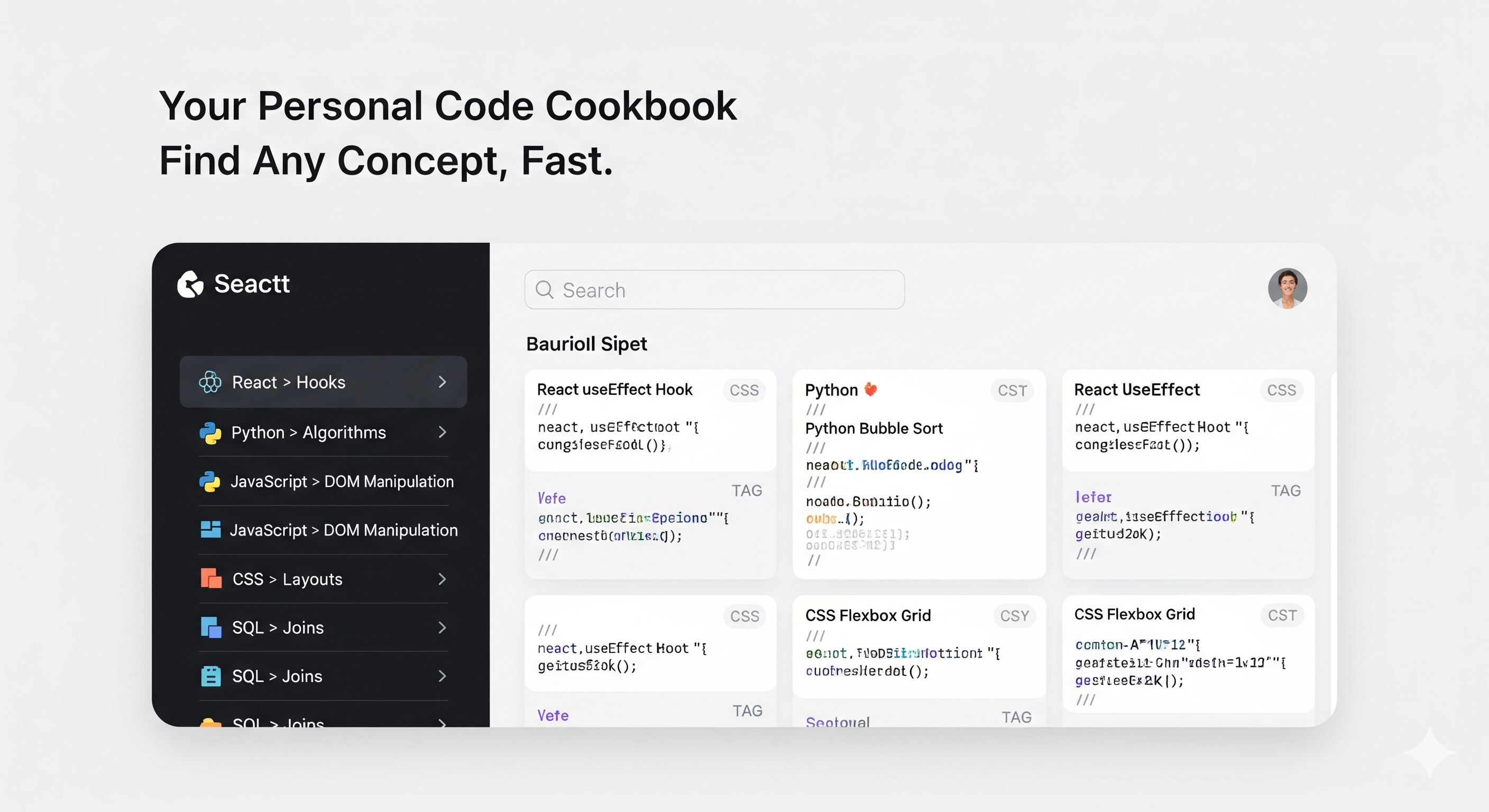
📚 Intelligent Organization
- AI suggests where to save notes in your cookbook structure
- Nested chapter system (e.g., React > Hooks > State Management)
- Automatic categorization and tagging
- Semantic search using text embeddings
- Filter by tested/starred/difficulty/framework
💬 Conversational Enhancement
Students can chat with their notes:
- "This code gives error: Cannot read property 'map' of undefined"
- "Explain why we use useEffect here"
- "Fix the bug in block 2"
The AI updates notes with error solutions, better explanations, and corrected code—building a living knowledge base.
📊 Personalized Cookbook View
- Visual card grid organized by categories
- Each card shows code preview, use cases, and quick actions
- Floating detail panel with tabbed sections:
- Snippets Tab: Code blocks with explanations (Jupyter-style)
- Use Cases Tab: When and why to use this pattern
- Test Code: Interactive testing environment
- Issues History: Errors encountered and solutions
- Detailed Explanation: Deep dive into concepts
- Breadcrumb navigation to jump between sections
- Multi-tab support for comparing multiple notes
How we built it
Core Architecture
- Extension Framework: Vanilla JavaScript with class-based architecture for separation of concerns
- Content Extraction: Readability API for clean page content, YouTube transcript extraction
- UI Layer: LitElement with modern CSS nesting and light/dark themes
- State Management: In-memory storage with Firebase Firestore for persistence
AI Integration
- Prompt Engineering: Structured prompts with explicit JSON schemas to minimize AI errors
- Multi-Model Support: Firebase Genai (Gemini), with architecture supporting OpenAI, Claude, Grok
- Context Management: Firebase chat sessions maintain conversation history for iterative refinement
- Embeddings: Cohere/Gemini for semantic search across notes
Code Execution
- Piston API: Executes Python, JavaScript, Java, C++, Go, and 20+ languages in sandboxed environments
- StackBlitz Integration: Renders HTML/CSS/JS with live preview
- Template System: Uses
/*!CODE_BLOCK_1!/placeholders for dynamic code substitution
Smart Prompts
We built PromptBuilder class with highly detailed prompts:
- Note creation prompt: 150+ lines of instructions for consistent output
- Multi-block analysis: Handles 4 relationship types with scenario examples
- Deprecation checking: Compares against modern best practices
- Organization logic: AI decides folder structure based on content semantics
Challenges we ran into
1. AI Response Consistency
Early iterations produced inconsistent JSON structures. Solution: We built explicit schemas in prompts, added response cleaning logic to strip markdown, and implemented retry mechanisms for malformed responses.
2. Code Completeness
AI often generated incomplete code snippets (missing imports, assuming existing setup). We solved this by instructing the AI to "make every block self-contained and runnable" with examples of complete vs incomplete code.
3. Multi-Block Relationship Detection
Understanding why a user selected multiple blocks together was hard. We created a sophisticated prompt that identifies 4 relationship patterns (sequential, alternative, complementary, progressive) with explicit scenario examples.
4. Context Window Management
Long articles exceeded token limits. Solution: Strategic truncation while preserving full context for selected code blocks, prioritizing user's selection over background content.
5. Code Execution Security
Running arbitrary code is risky. We mitigated this by using Piston's sandboxed API and StackBlitz's isolated iframes, never executing code directly in the extension context.
Accomplishments that we're proud of
✨ Zero-config AI Integration: Students don't need API keys or technical setup—it just works
🎯 Intelligent Deduplication: We're preventing note clutter before it happens, not after
🔄 Living Knowledge Base: Notes evolve with student questions, creating personalized documentation
🧪 Test-Driven Learning: One-click code execution with real output helps students verify understanding
🎨 Relationship-Aware Notes: Understanding how code blocks work together, not just individual snippets
📐 Educational Focus: Every prompt is designed to teach, not just describe—explanations focus on "why" and "when," not just "what"
What we learned
Technical Learnings
- Prompt engineering is as important as code architecture—precise instructions dramatically improve AI output quality
- JSON schemas in prompts are more reliable than hoping for consistent responses
- Context management in chat sessions requires careful history pruning to avoid token bloat
- Browser extension storage has limitations—Firebase integration was necessary for scalable persistence
UX Learnings
- Students want notes that answer "why" and "when," not just "what"
- Visual organization (cookbook metaphor) is more intuitive than folder trees
- Multi-select code blocks is more natural than "extract all code"—users know what's important
- Test results should be persistent, not ephemeral—they become part of the learning artifact
AI Learnings
- AI excels at synthesis but needs explicit structure guidelines
- Relationship detection requires teaching AI through examples, not abstract instructions
- Error correction works better conversationally than through regeneration
- Embeddings enable "concept search" that keyword search can't match
What's next for CodeVault
Short-term (Post-Hackathon)
- Advanced Flashcards: AI-generated spaced repetition questions with natural language answer checking
- Offline Mode: Local LLM support for privacy-conscious users
- Browser Sync: Share cookbooks across devices
- Export Options: Markdown, PDF, Notion-compatible formats
Medium-term
- Collaborative Cookbooks: Share notes with teams, add comments and ratings
- Video Timestamp Linking: Jump directly to YouTube moments from notes
- Smart Reminders: "You haven't reviewed React Hooks in 2 weeks"
- GitHub Integration: Auto-save code blocks as gists
Long-term Vision
- Learning Paths: AI suggests note sequences based on your goals
- Skill Graphs: Visualize your knowledge coverage and gaps
- Code Evolution Tracking: See how your understanding of patterns improves over time
- Community Marketplace: Discover and import curated cookbooks from expert developers
Technical Improvements
- Self-hosted Piston API for unlimited code execution
- WebAssembly-based local code execution for instant testing
- Vector database integration for faster semantic search
- Real-time collaborative editing with CRDTs
Built With
- css3
- firebase-ai-logic
- javascript
- web-components

Log in or sign up for Devpost to join the conversation.