-
-
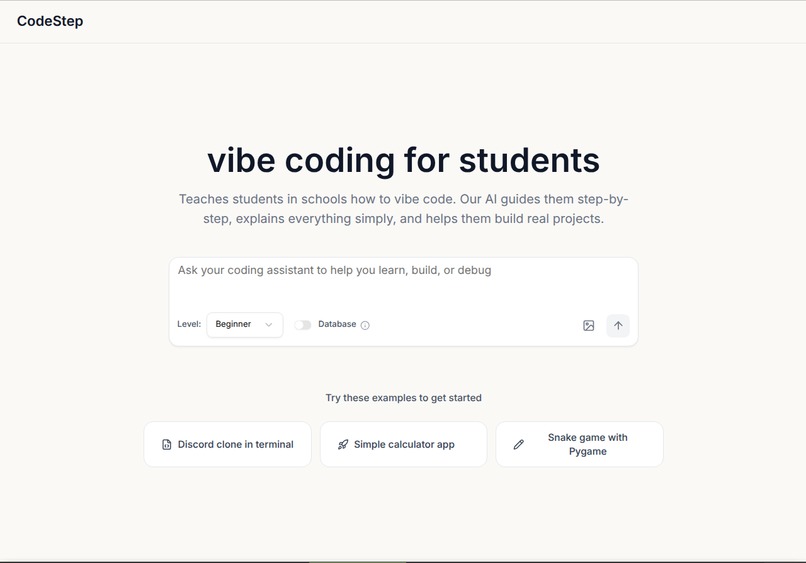
CodeStep UI: Guiding students through step-by-step coding with interactive visuals.
-
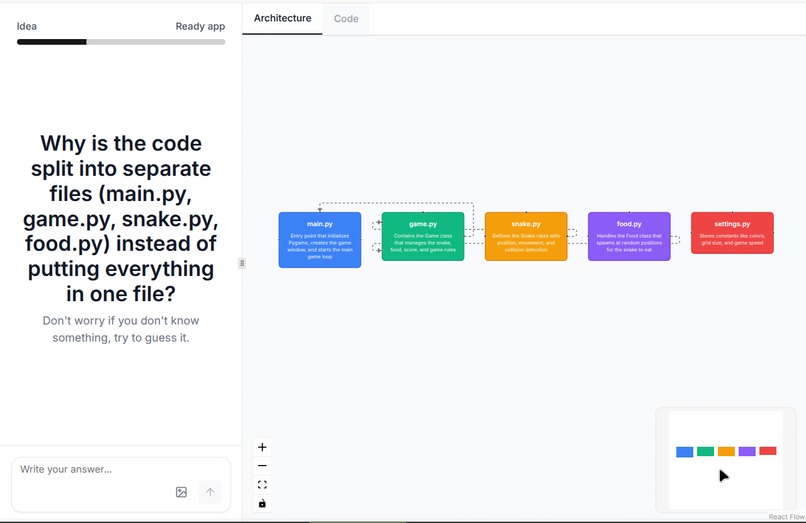
CodeStep UI Diagram
Inspiration
I've seen many beginners rely on AI just to bring their ideas to life. But they often fall into the trap of ignoring the details of how their code components interact — turning them into conduits rather than true programmers. Inspired by this gap, CodeStep was created to transform how students and enthusiasts learn programming through guided, step-by-step interaction with real code. By combining interactivity with AI guidance, CodeStep helps users understand not only what the code does, but how each piece connects to build the final application — and how every change can shape the outcome.
What it does
CodeStep is an interactive AI assistant powered by the Groq API. Users can describe their project, and CodeStep presents the architecture with questions to check the user's understanding, then provides the code in step-by-step chunks. It explains each part before moving on.
Features:
- Step-by-step project generation: Users provide a prompt and the app generates the architecture of the project, divided into manageable chunks.
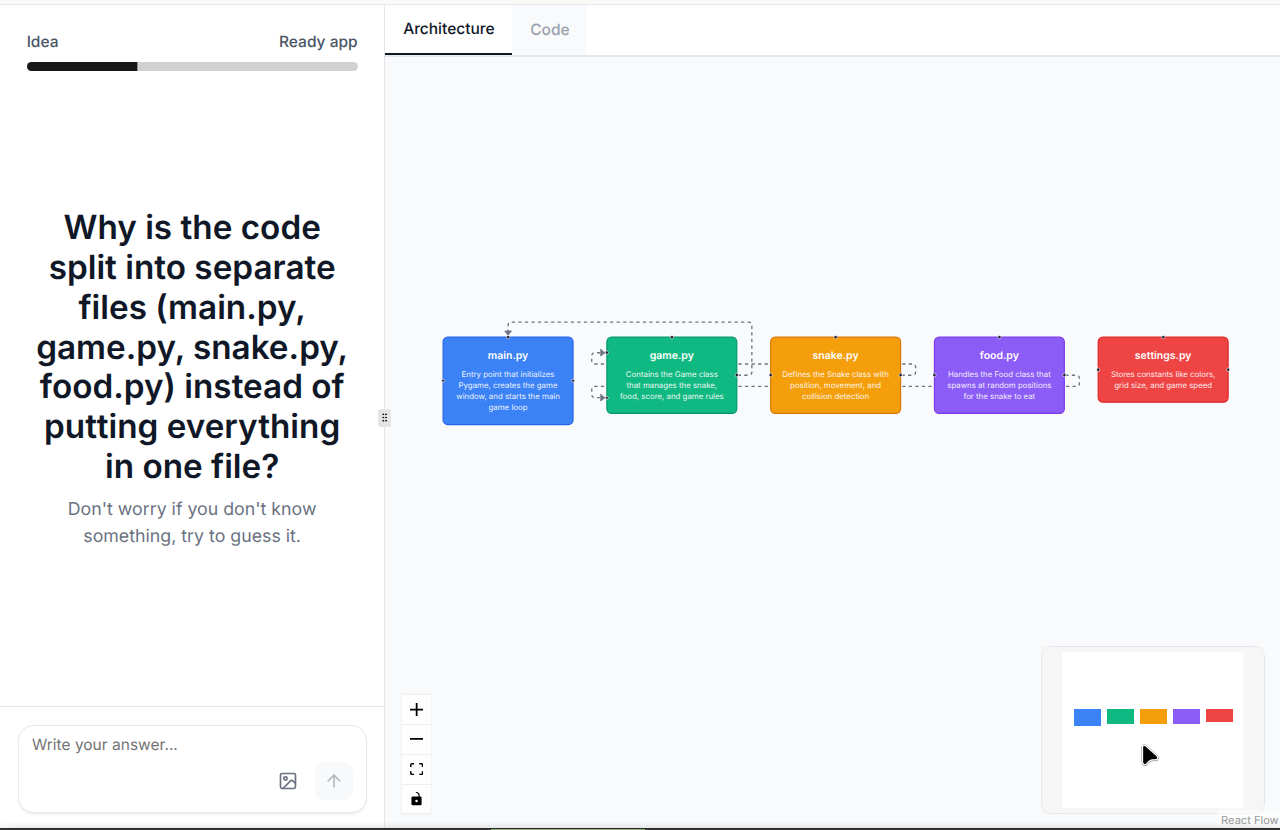
- Architecture-based questions: After reviewing the architecture, users answer questions to check their understanding before moving on.
- AI-powered guidance: Provides hints and support until the user answers the questions correctly, ensuring understanding before coding.
- Code with explanation: Once the user completes the questions, the app provides the corresponding code along with clear explanations of what it does.
- Visual connections: Steps are linked through clean, intuitive diagrams to help users see how each part relates to the others.
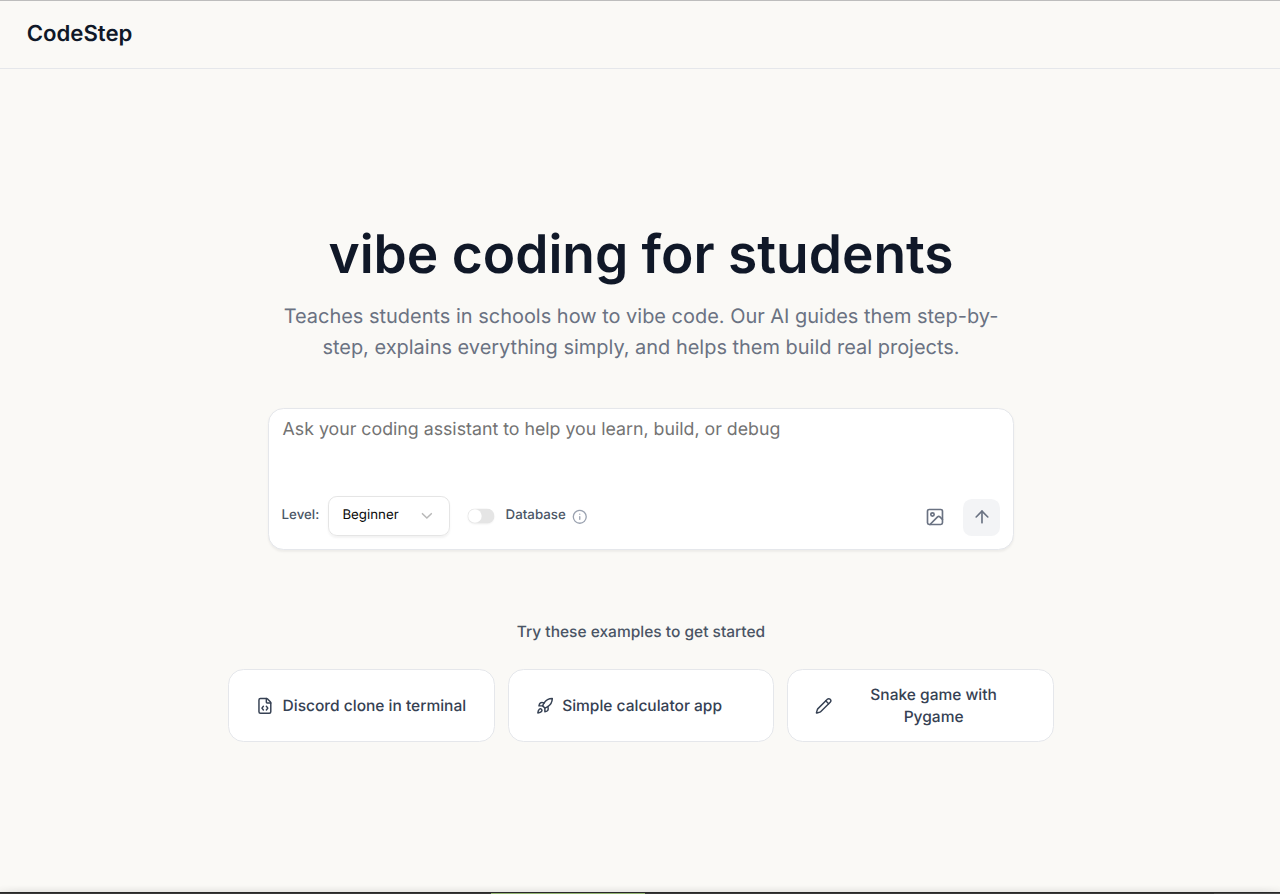
- User-friendly interface: Simple and visually clean interface to make learning programming less overwhelming.
How we built it
- Front-end: Next.js (React) for building the interface – connected to the backend through Vercel for seamless integration
- Back-end / APIs: Python's Flask (
Blueprint,request,jsonify) – handles routes and requests; deployed using Vercel Functions for serverless execution - AI Engine: Groq API – reliable models used for AI coding and processing tasks
- Data Validation & Typing: Pydantic (
BaseModel,Literal,List,Optional) – ensures structured data - Environment & Configuration:
dotenv(load_dotenv),os– manages environment variables - Data Handling:
json– for reading/writing JSON files - File Handling & Processing:
subprocess,zipfile– executing scripts and packaging.
Challenges we ran into
- Keeping context between questions — because our app teaches “vibe” coding step-by-step, the AI needs to know the code it previously wrote so it can produce the next incremental change.
- Applying code changes to specific lines in the UI — the code UI must show inserted/updated lines precisely, and wiring that flow from Back-end → Front-end was difficult.
- Export project feature is still a work in progress — we’re still struggling with it but plan to ship it in the future.
- Creating Blueprints to separate the Flask endpoints into different files.
Accomplishments that we're proud of
- We built an AI-powered assistant fully functional in under 72 hours.
- We made our app visually engaging by creating diagrams similar to mind maps to show how each connects to the others.
- We managed to learn how to connect a Python Back-end with a JavaScript Front-end through Vercel.
What we learned
- We learned Flask Blueprints: setting up routes in a way that makes them organized and easy to expand.
- We learned File Handling & Memory: managing temporary files and structuring a ZIP archive in memory.
- We learned how to connect a Python Back-end to a JavaScript Front-end and how to work better together using Git/GitHub, including improved commit and PR practices.
What's next for CodeStep
- We will add more user customization features.
- We will add multilingual support so that projects are accessible worldwide.
- We will improve coding models and enhance the UI to make it more student-friendly.
- We will add questions between steps to check if users understand the material.

Log in or sign up for Devpost to join the conversation.