Inspiration
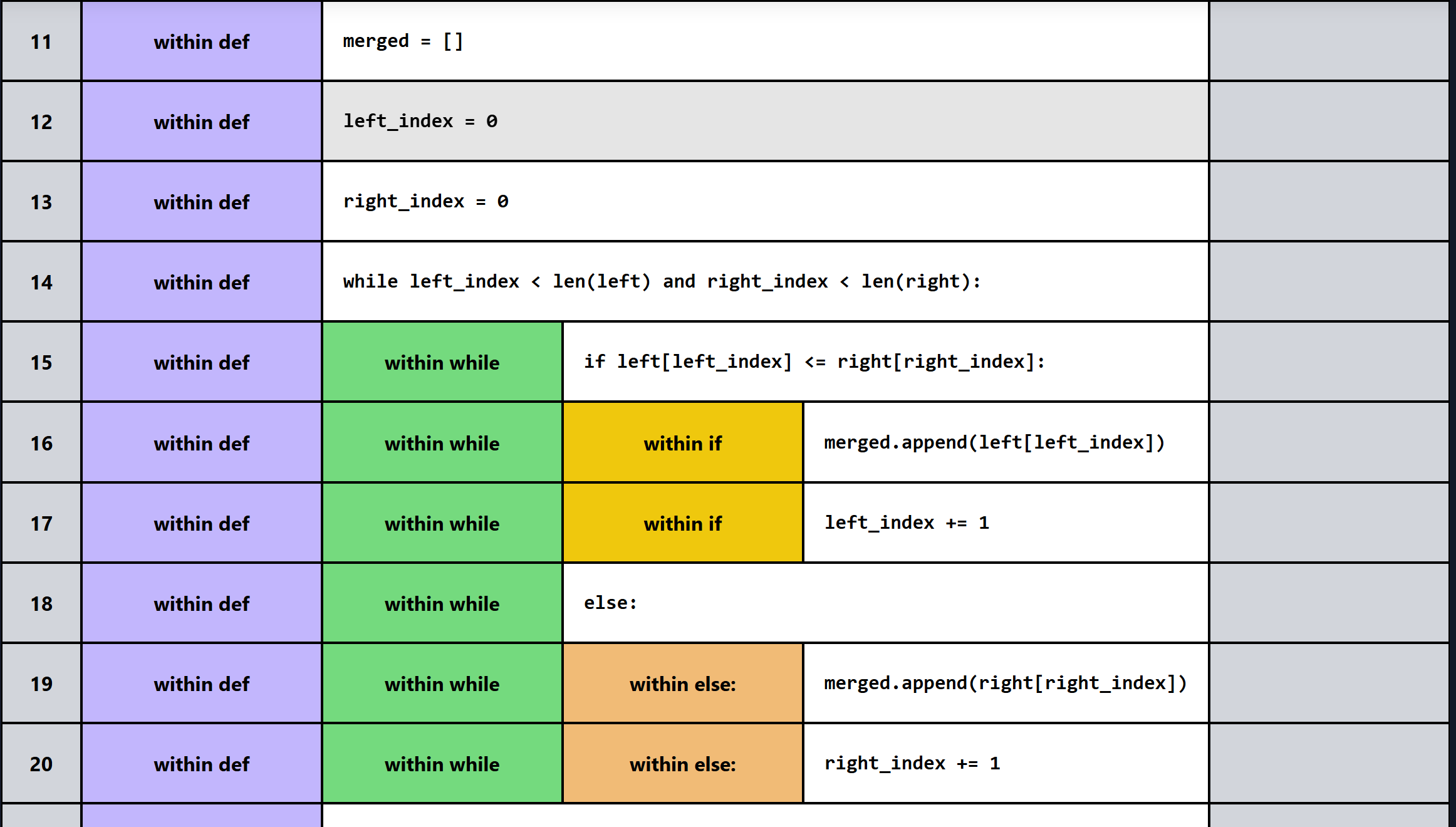
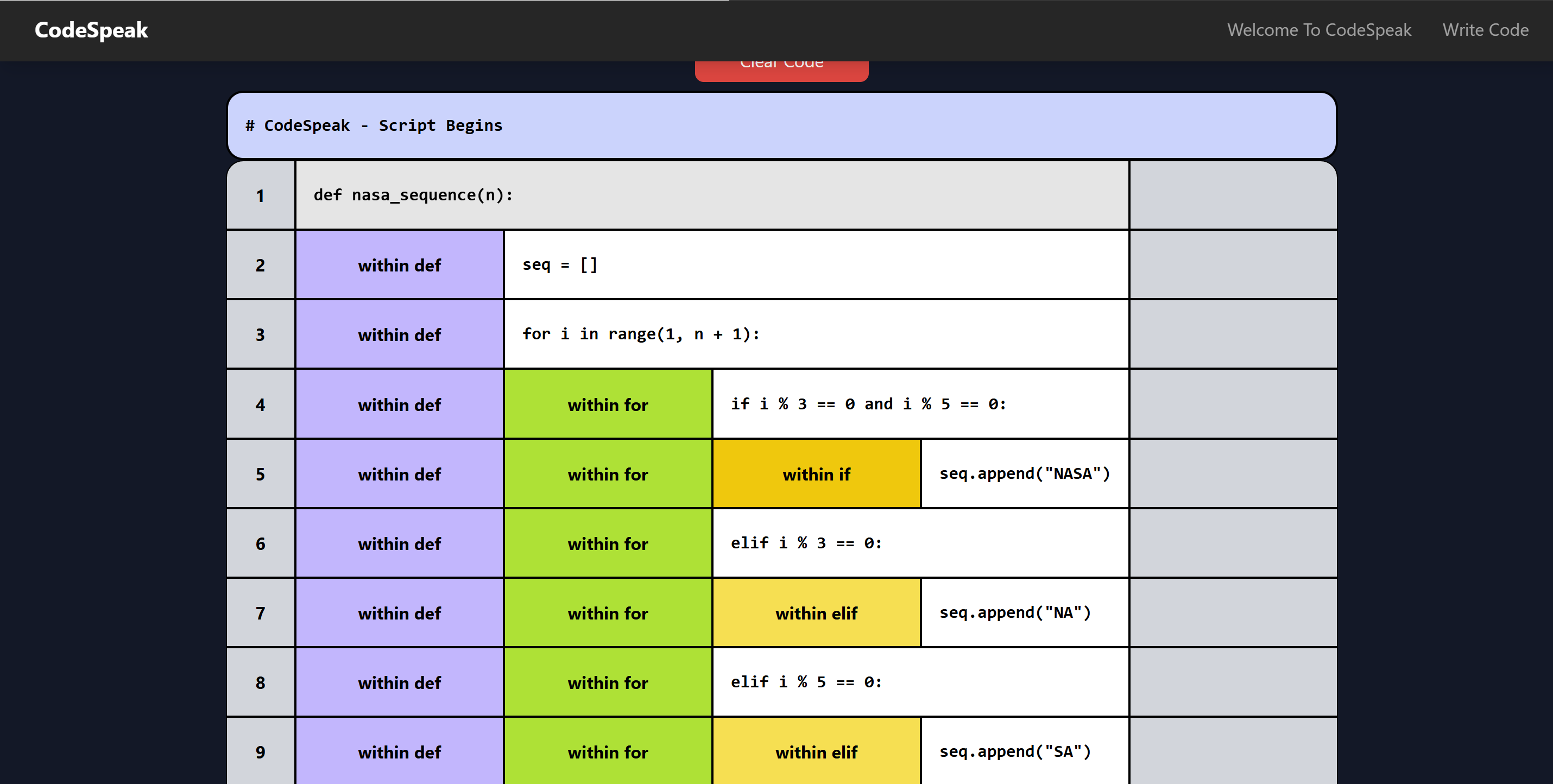
According to faculty at Penn State University, less than one percent of blind users or students learn programming because of this unreasonable burden they have to climb. To combat this, researchers at Penn State—led by Assistant Professor Syed Billah—designed an IDE specifically for blind and low-sight individuals. The result was the Grid Editor, a spreadsheet-like interface with rows and columns. It prioritized minimal visual clutter and used audio cues and keyboard shortcuts to help visually impaired users navigate and code more effectively.
What it does
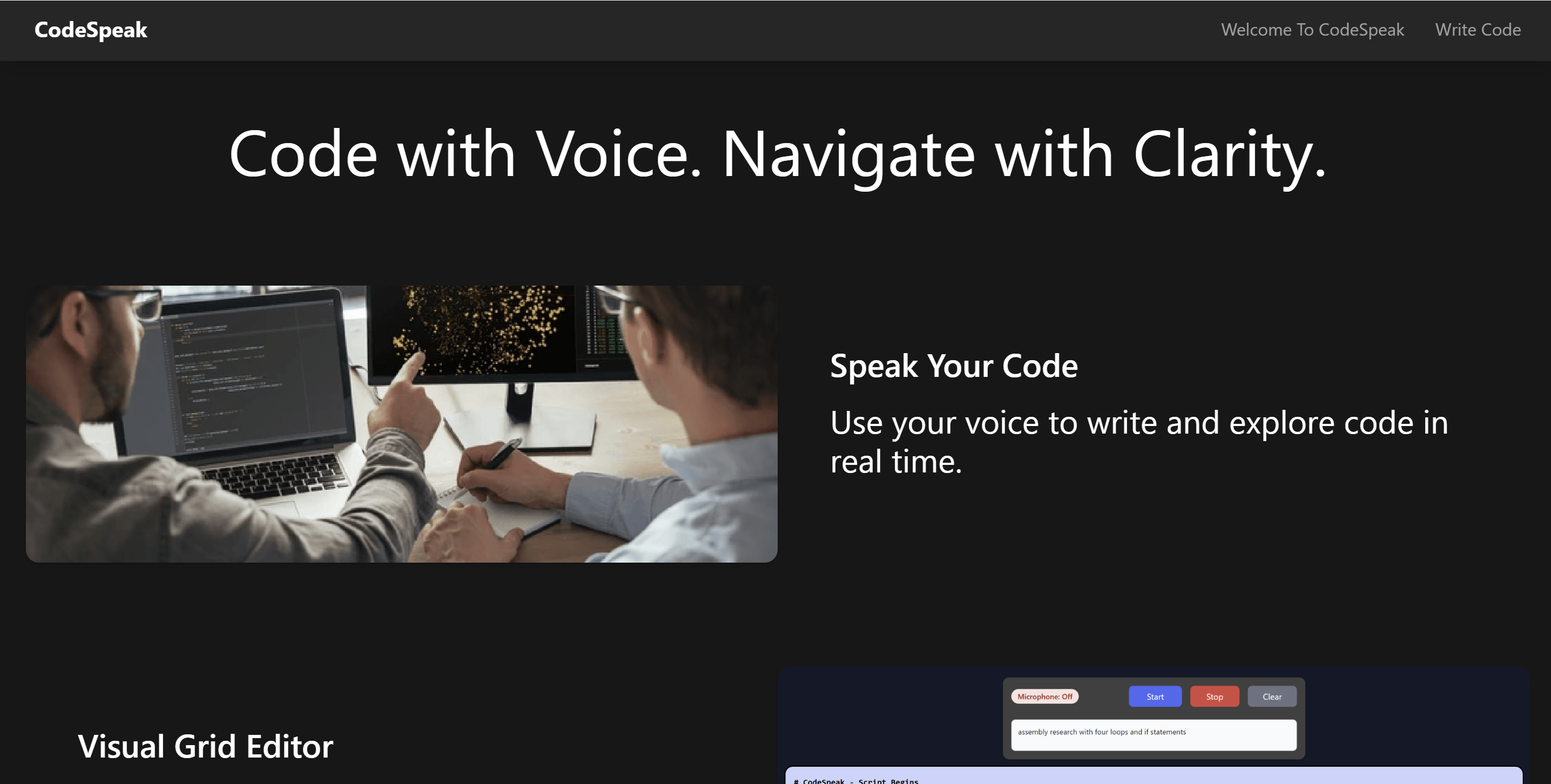
We built our own version of the Grid Editor, improving on the original Penn State design by integrating generative AI. CodeSpeak allows visually impaired coders to have a real-time, back-and-forth conversation with an AI model—asking for clarification, help with bugs, or code generation. This enables users to work through problems without excessive frustration and stay productive in a world where AI tools are increasingly standard.
CodeSpeak also allows users to manually insert, delete, and edit individual code blocks, so they can make fast adjustments without needing an AI call—saving both time and mental effort. Ultimately, CodeSpeak is designed to empower blind and low-sight coders to engage with computer science in a competitive, accessible, and enjoyable way.
How we built it
CodeSpeak is a browser-based IDE, eliminating the need for local installation and providing instant access to all core features. The frontend is built with React and served using Vite for fast development and performance. On the backend, we used Python with Flask for the core API, SQLAlchemy for database management, and Node.js for additional server-side tasks.
We also integrated Google Cloud services, using Cloud Storage to handle intermediate data and Google’s Text-to-Speech API to generate real-time audio feedback for code blocks. For the AI component, CodeSpeak uses Google’s Gemini model to support natural language understanding and code generation. Model responses are verified through a classification-based neural network to ensure optimal quality and reduce hallucinations — helping users get accurate and reliable feedback while coding.
Challenges we ran into
One major challenge we faced was connecting the backend to the frontend, particularly when working with Google Cloud Storage to transfer speech audio files. Interfacing with the Google Cloud Storage API required Node.js, which was not part of our initial frontend stack. To resolve this, we created an intermediary Express endpoint running on a Node.js server. This endpoint fetched the audio files from Google Cloud Storage and passed them to the Vite-powered frontend, enabling audio playback without disrupting the overall architecture.
Another significant challenge was training our classification model. We didn’t have access to a suitable dataset with labeled positive and negative examples of code. To overcome this, we hand-crafted our own examples using prompt engineering and then validated them using syntactic tests to ensure correctness. It was a time-consuming process, but it gave us a working foundation for our neural network.
Accomplishments that we're proud of
All aspects of CodeSpeak were very technical and difficult to implement. One that we are very proud of is the frontend UI. One of the challenges in building an app for visually impaired people is ensuring it is easy to read, which usually involves reducing the number and complexity of components, while still ensuring the app effectively communicates its purpose and operation. The frontend of CodeSpeak does exactly that. The main page is visually attractive, while still showing the full complexity of the algorithm. Another challenge we faced was that it was computationally costly to upload the embeddings for the training dataset of the model and it was causing us to reach API Limits quickly on Gemini. So to overcome this issue, we utilized a technique known as asynchronous processing which allowed multiple embeddings to be created at once instead of a single embedding with our traditional synchronous techniques. In addition, we also utilized the timer function so that a certain amount of embeddings are created at a time and after the API timer resets, more embeddings can be generated. As a result, it allowed us to utilize all our embeddings which were used as a dataset for our classification neural network.
On the backend side, we also faced a tough problem with embedding uploads for our AI model. Uploading the entire training dataset was computationally expensive and quickly hit the API rate limits for Gemini. To get around this, we implemented asynchronous processing, which let us create multiple embeddings in parallel rather than one at a time. We also built a timing system to stagger requests so that we could generate batches of embeddings safely after the API reset. This let us get the full dataset processed and ready for our classification neural network — something that wasn’t possible at first.
What we learned
This project was a huge learning experience for all of us. From building custom React components to parsing code with Python, we had to stretch our skills across both frontend and backend development. We also learned a lot about how AI models are trained and how to integrate them into a real product—especially when it comes to fine-tuning responses and managing model inputs like embeddings.
One of the most eye-opening parts of the experience was designing for accessibility. We had to put ourselves in the shoes of someone with partial or no sight and really think about how they would interact with an interface. That meant rethinking things like layout, color contrast, spacing, and keyboard interaction. It wasn’t always easy, but it gave us a new perspective on inclusive design—and it’s something we’ll carry into future projects.
We also learned a lot about neural networks—not just in theory, but in practice. We explored techniques like clustering and classification in the context of code understanding, and experimented with how to apply them to problems like identifying patterns in code structure or user interaction.
What's next for CodeSpeak
The next feature we want to build is the ability to add and delete entire lines of code. Right now, you can change or remove individual statements, but you can’t add new lines or get rid of whole ones. This becomes a problem if someone wants to insert a missing step the AI forgot, or start a project from scratch without relying on AI-generated templates.
We also ran into issues with the speech-to-text tool. It's not always accurate — if someone slurs their words or uses technical terms like “for loop” or “function,” the system might misinterpret them. This can lead to the wrong prompt being sent to the AI. In the future, we’d like to fix this by either switching to a better speech recognition system or building one ourselves that’s trained for programming and accessibility.
Built With
- express.js
- flask
- gemini-api
- google-cloud
- google-text-to-speech-api
- javascript
- keras
- matplotlib
- node.js
- numpy
- python
- react
- scikit-learn
- sqlalchemy
- tailwindcss
- tensorflow
- vite

Log in or sign up for Devpost to join the conversation.