-
-
starting screen
-

chat ai screen
-
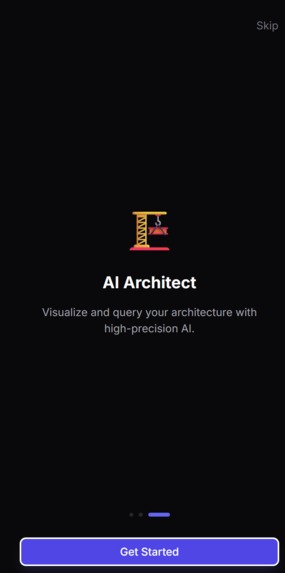
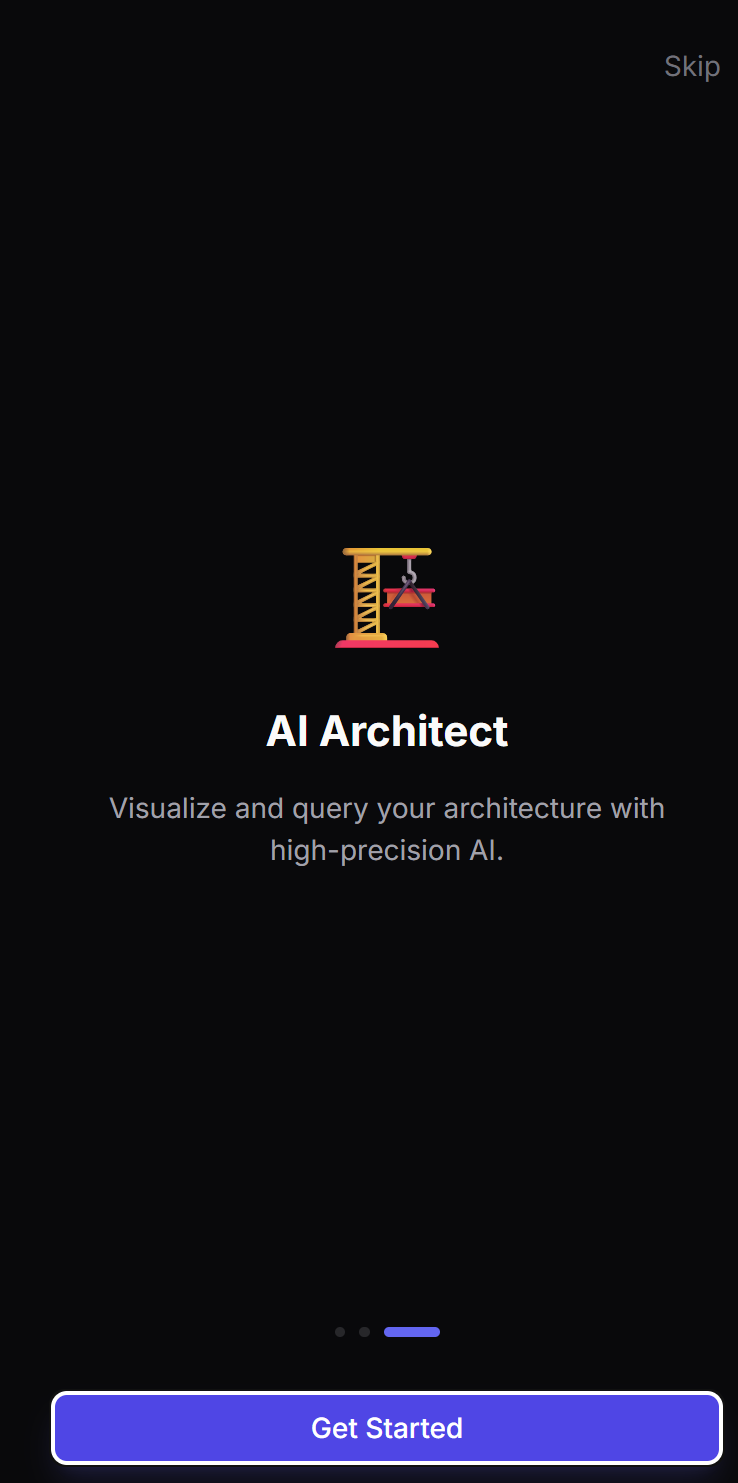
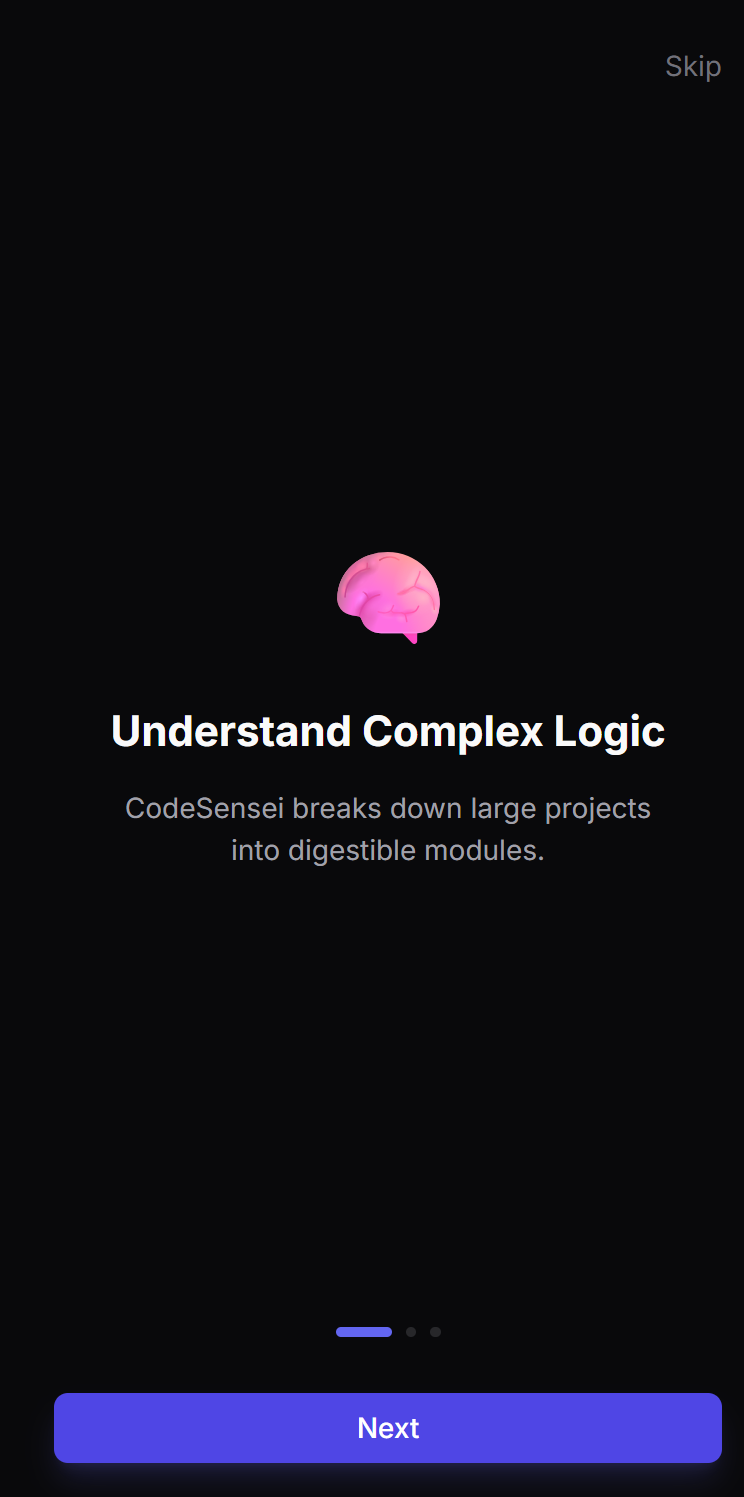
guide 3
-
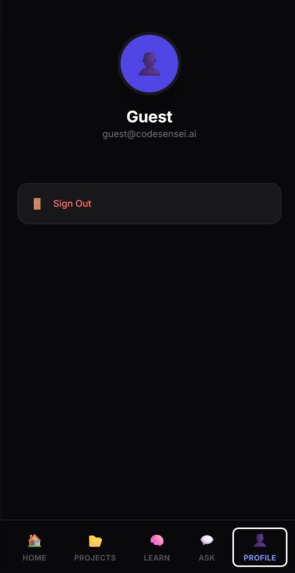
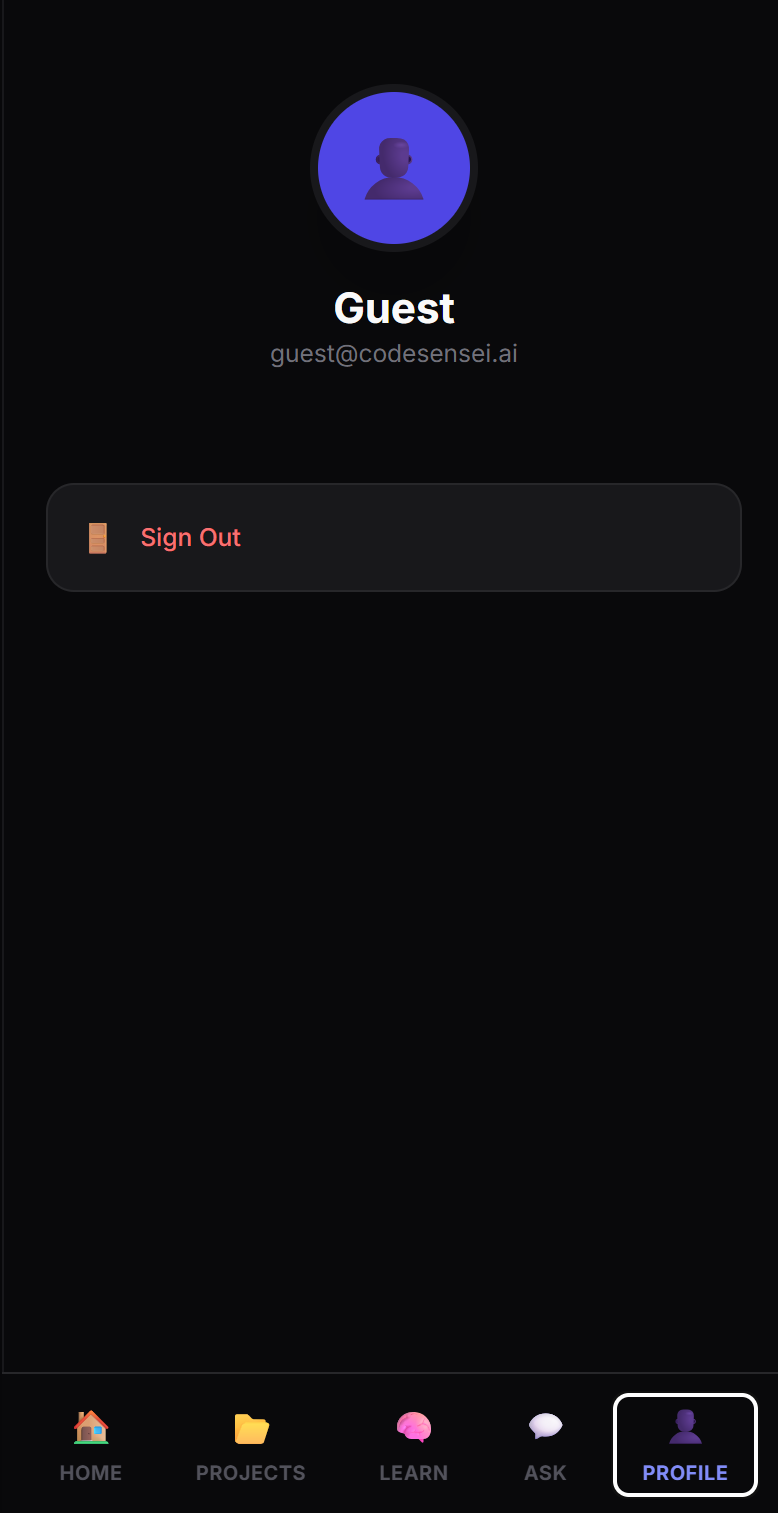
Profile screen
-
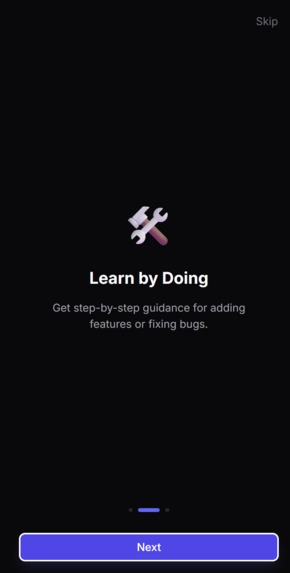
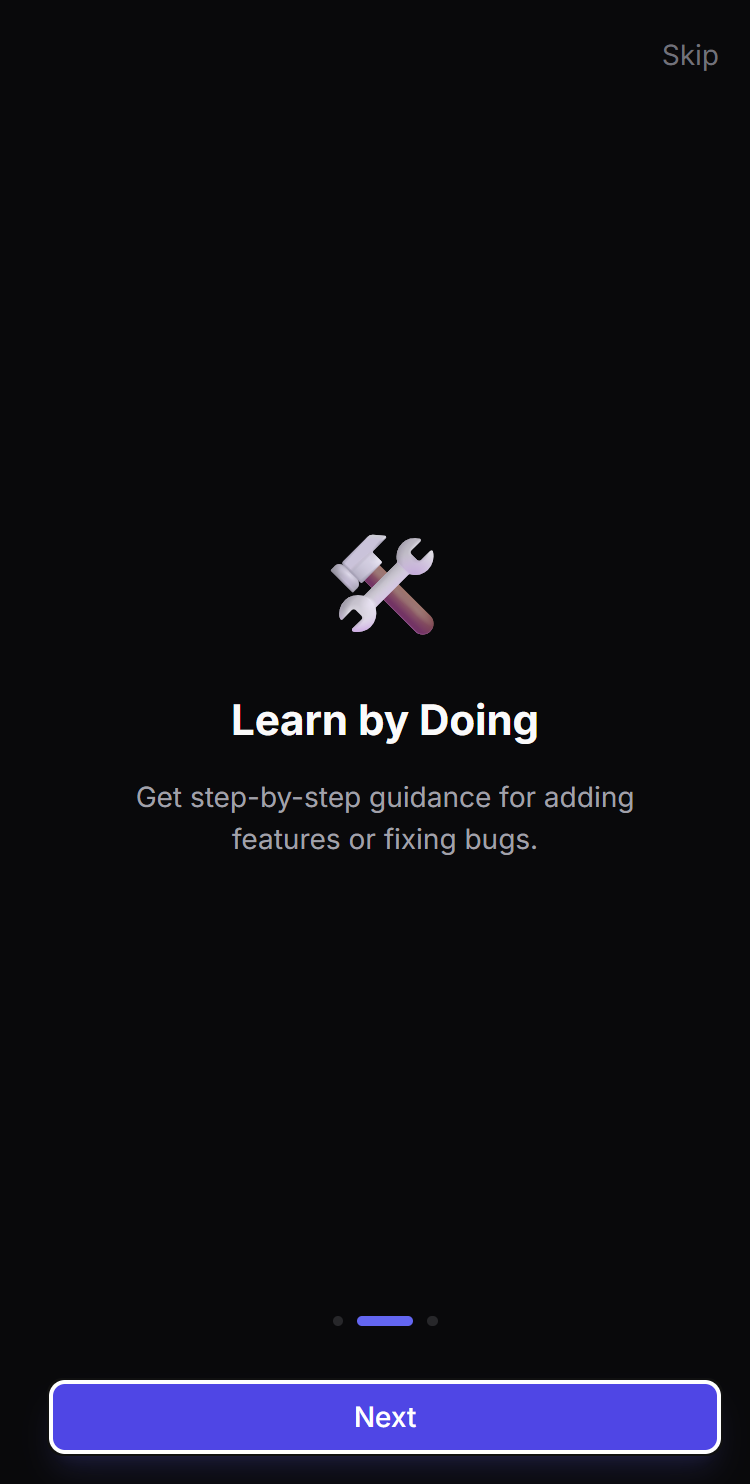
guide 2
-
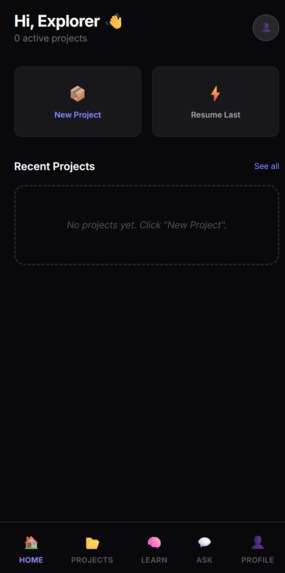
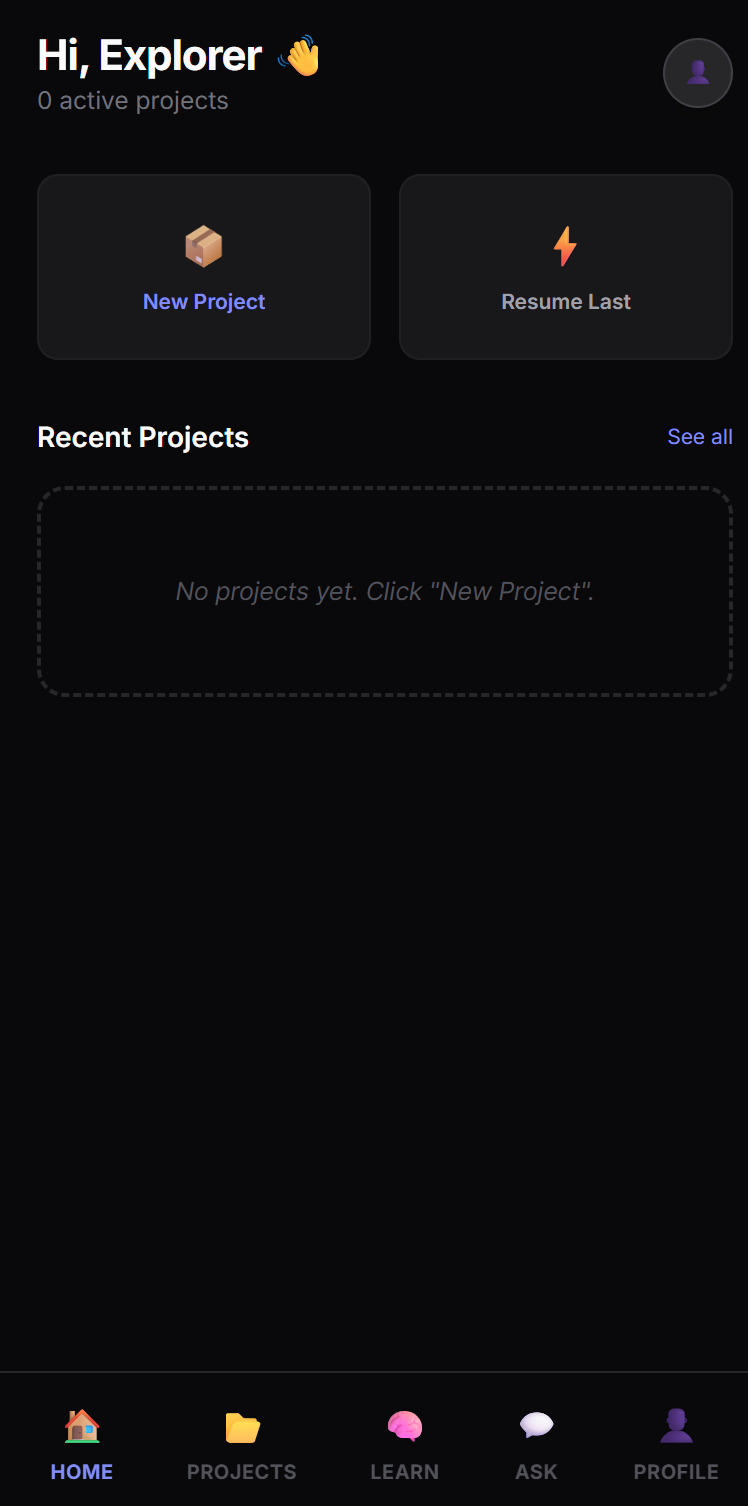
Home screen
-
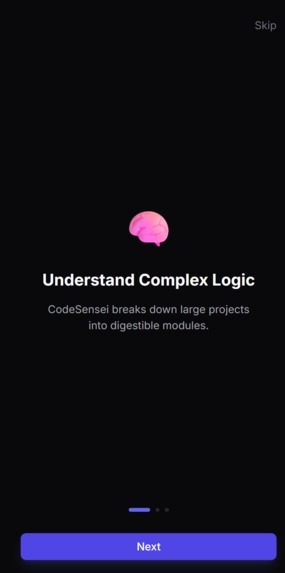
guide screen
-
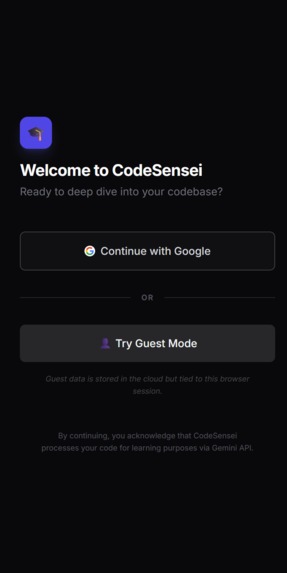
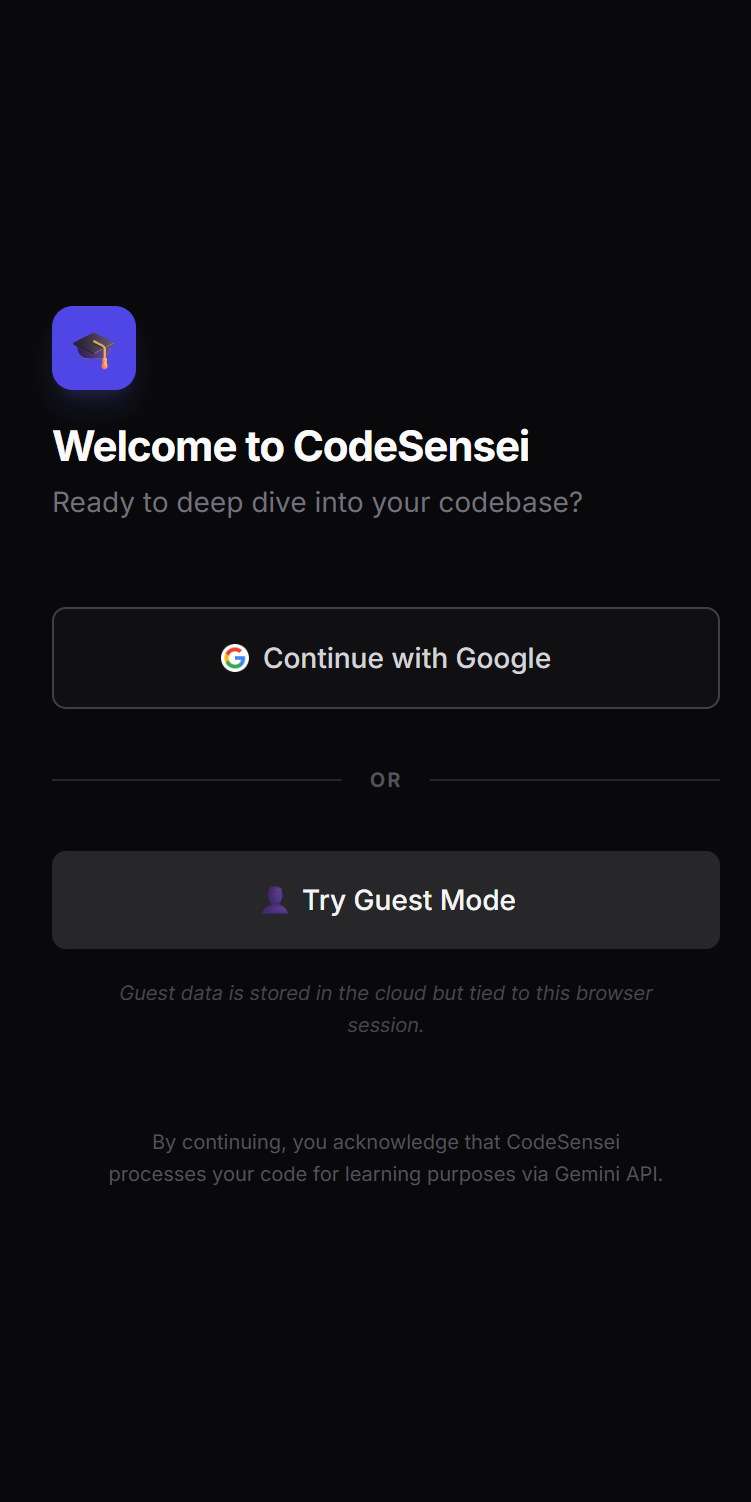
Login Screen
-
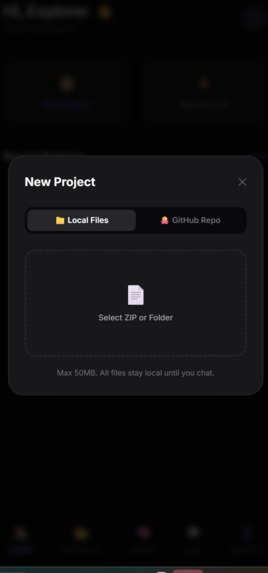
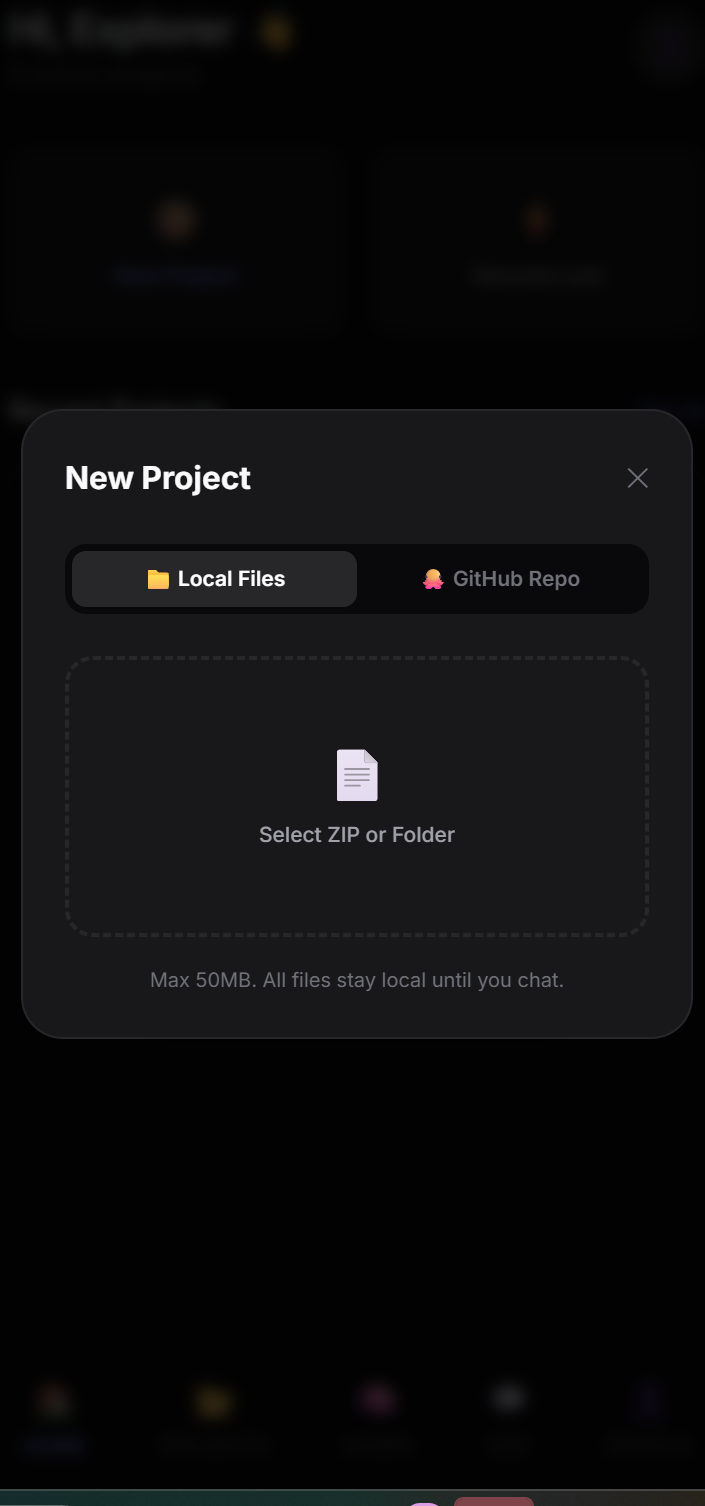
upload repo or file screen

Project Name: CodeSensei
Tagline: The AI-powered mentor that bridges the gap between complex codebases and developer comprehension.
💡 Inspiration
As engineering students, we observed a frustrating mathematical reality during internships and hackathons:
$$\lim_{new\_codebase \to unknown} \frac{time\_to\_productivity}{confidence} \to \infty$$
We repeatedly faced the same challenge: understanding an unfamiliar codebase takes far more time than actually writing code. Before contributing anything meaningful, we spent days blindly navigating file structures, figuring out entry points, and deciphering architecture.
Most existing tools were either too basic (file explorers) or too complex (enterprise tools). There was a clear gap for learners. We built CodeSensei to be the AI mentor we wished we had—an assistant that explains real-world code patiently, clearly, and contextually, just like a senior developer guiding a junior.
🚀 What it does
CodeSensei is a production-ready educational tool that transforms static code into an interactive learning experience.
⚡ Dual-Source Integration: Seamlessly upload local projects or pull directly from public GitHub repositories.
🏗️ Instant Architecture Analysis: Before reading a single line of code, users get a high-level breakdown of how the app is structured.
🧠 Context-Aware Mentorship: An AI chat interface grounded in the specific project's context—ask "Where is authentication handled?" and get a precise answer pointing to the exact file.
📝 Learn by Task: The AI generates starter tasks based on the codebase complexity to help users ramp up gradually.
📈 Journey Tracking: Monitors progress as users master different modules of the system.
⚙️ How we built it
We utilized the full power of the Google Cloud ecosystem, prototyping our logic in Google AI Studio before deploying to production.
$$\text{CodeSensei} = \text{Frontend}_{\text{React}} + \text{Backend}_{\text{Firebase}} + \text{Intelligence}_{\text{Gemini}}$$
AI Orchestration (Google AI Studio & Gemini API): We used Google AI Studio to fine-tune our system instructions and test prompt chains. The app uses the Gemini API to analyze code structure, generating explanations that strike a balance between technical accuracy and educational clarity.
Frontend: Built with React 18 and Tailwind CSS for a responsive, clean UI that mimics a modern IDE experience.
Backend & Real-time Database: We leveraged Firebase Firestore to store chat history and analysis results in real-time, allowing for a seamless user experience across devices.
Auth & Security: Firebase Authentication handles user sessions, ensuring secure access to uploaded projects.
Deployment: The application is containerized and deployed on Google Cloud Run for scalability and reliability.
🚧 Challenges we ran into
The biggest technical hurdle was managing the limitations of LLM context windows against massive repositories.
$$\text{Constraint: } context_{window} < codebase_{size}$$
We couldn't just feed an entire repo into the prompt. We solved this by:
Intelligent Chunking: parsing the file tree to prioritize entry points (like App.js or main.py).
Summarization Chains: Using Gemini to summarize folder structures before diving into file specifics.
GitHub Rate Limits: Implementing caching strategies to minimize API calls during repetitive testing.
UX Simplification: Balancing the power of the tool with a UI simple enough for a beginner student to use immediately.
🏆 Accomplishments that we're proud of
✅ Deployed to Production: This isn't just a localhost demo; it's live on Cloud Run.
✅ Dual Upload System: Successfully bridging local file uploads and GitHub API integration.
✅ Grounded AI: Tuning the model to say "I don't know" rather than hallucinating when context is missing.
✅ Mobile Responsive: A fully functional UI that works on phone, tablet, and desktop.
📚 What we learned
$$\text{Effective AI} = \text{Reasoning} + \text{Context} + \text{Restraint}$$
Prompt Engineering: We learned that AI is most effective when instructions are constrained. Using Google AI Studio helped us iterate faster on prompts than testing via code alone.
State Management: Handling real-time file uploads and chat streams simultaneously required deep learning of React hooks and Firebase listeners.
The "Senior Dev" Persona: We learned how to tune the AI's tone to be encouraging rather than purely technical, which is crucial for the education sector.
🔮 What's next for CodeSensei
1 Month: Classroom Mode allowing professors to upload a "master repo" and track student understanding.
3 Months: VS Code Extension to bring the mentor directly into the editor.
6 Months: Visual Flow Generation using Mermaid.js generated by Gemini to visualize data flow instantly.
🛠️ Built With
Google AI Studio
Gemini API
Firebase (Auth, Firestore, Storage)
Google Cloud Run
React
Tailwind CSS
GitHub API
🔗 Try it out
GitHub Repo: https://github.com/karankailashrathod9765/codesensei
Built With
- ai
- cloud-firestore
- firebase-authentication
- firebase-hosting
- firebase-storage
- git
- github
- github-graphql-api
- github-rest-api
- google-gemini-api
- googleaistudio
- javascript-(es6+)
- lucide-react
- mermaid.js
- npm
- react-18.2
- react-hook-form
- react-query
- react-router-dom-6
- real-time)-?-**file-storage:**-firebase-storage-?-**hosting:**-firebase-hosting-?-**ai/ml-services:**-google-gemini-api-(gemini-1.5-pro/flash)-?-**version-control:**-github-&-github-api-v4-?-**ci/cd:**-github-actions
- tailwind-css-3.3
- typescript
- vercel
- zustand

Log in or sign up for Devpost to join the conversation.