-
-
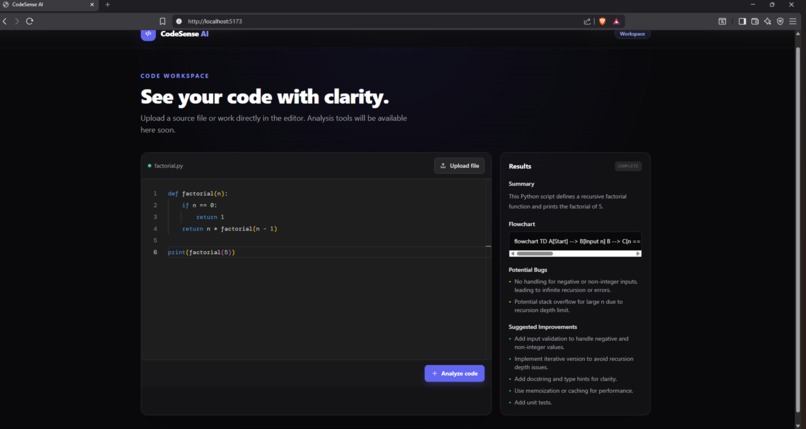
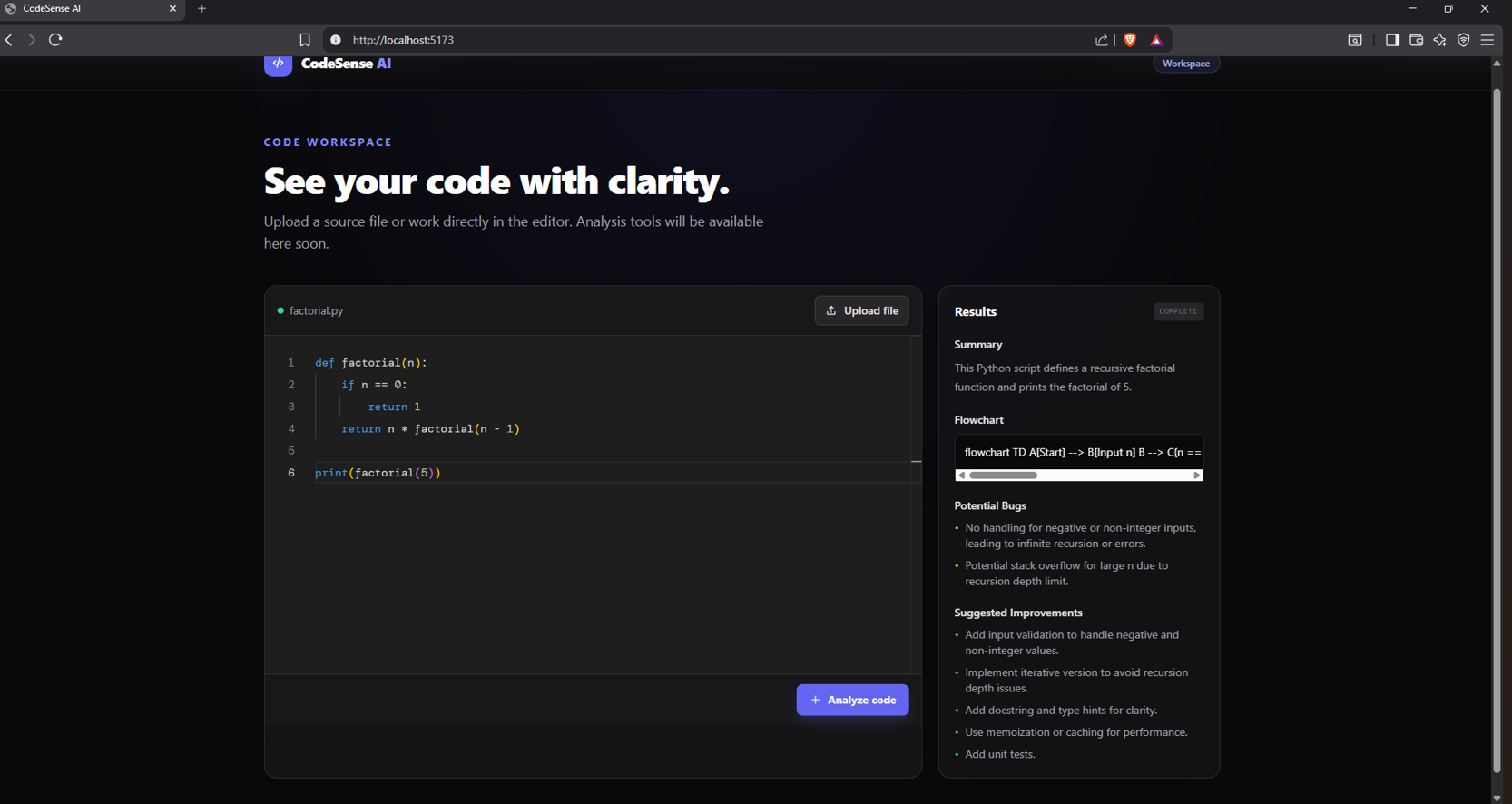
CodeSense AI home page
Inspiration
Developers often spend a significant amount of time understanding unfamiliar codebases and debugging complex logic. I wanted to build a tool that makes code easier to understand by using AI to explain source code, identify potential issues, suggest improvements, and generate visual flow diagrams.
What it does
CodeSense AI is an AI-powered code analysis and visualization platform. Users can paste code into the editor, choose an analysis option, and receive AI-generated explanations, improvement suggestions, bug detection, and Mermaid flowchart visualizations that make code easier to understand.
How I built it
I built CodeSense AI using React, Vite, Express.js, Monaco Editor, GPT-5.6 through OpenRouter, and Mermaid.js. Codex assisted during development by helping implement features and improve the application.
Challenges I ran into
One challenge was integrating AI responses with code visualization while keeping the interface responsive and easy to use. Another challenge was creating a clean workflow that delivers useful analysis quickly.
Accomplishments that I'm proud of
I'm proud of building a complete AI-powered application from idea to deployment, integrating GPT-5.6 for intelligent code analysis, and creating a polished demonstration within the Build Week timeframe.
What I learned
This project helped me gain experience integrating large language models into web applications, designing AI-assisted developer tools, and improving full-stack development skills.
What's next for CodeSense AI
Future improvements include support for additional programming languages, repository analysis, code review automation, project-wide visualization, and collaborative AI-assisted development features.
Built With
- editor
- express.js
- gpt-5.6
- javascript
- mermaid.js
- monaco
- node.js
- openrouter
- react
- vite

Log in or sign up for Devpost to join the conversation.