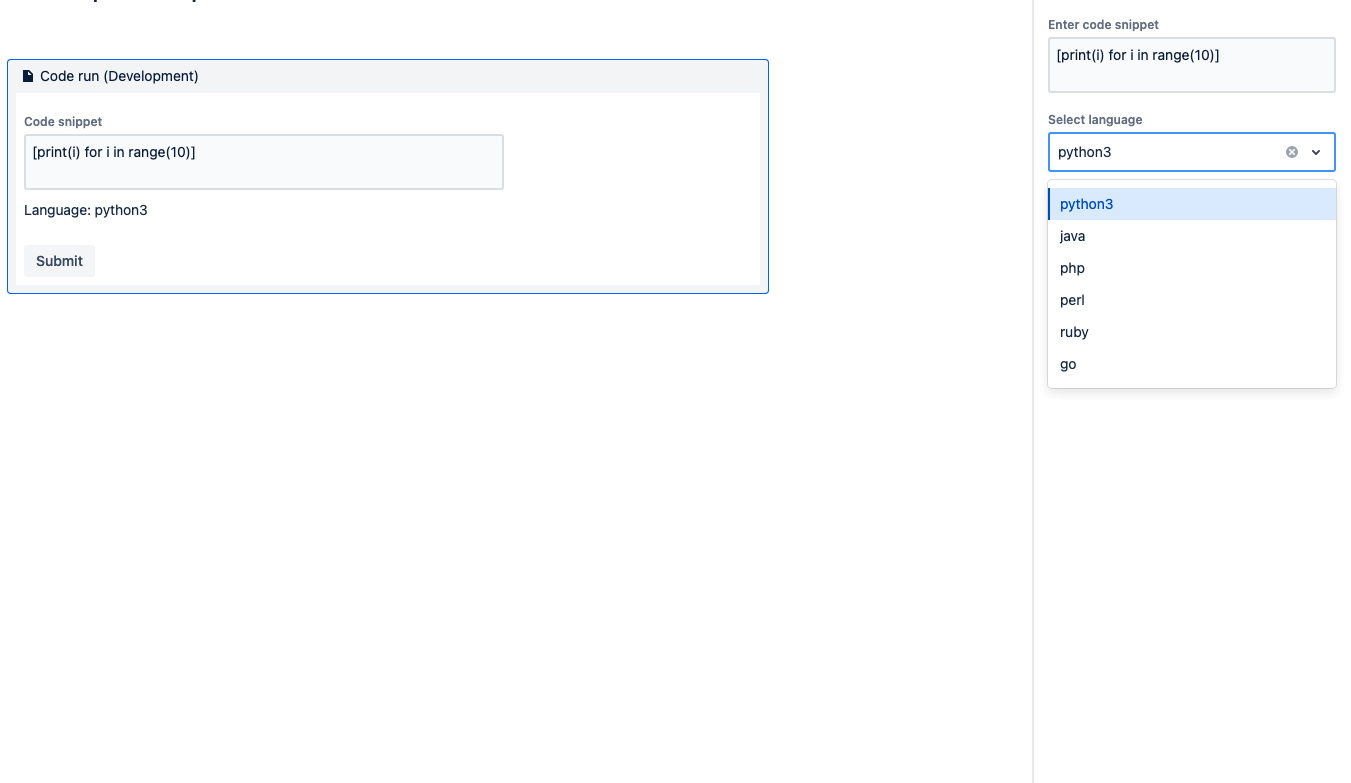
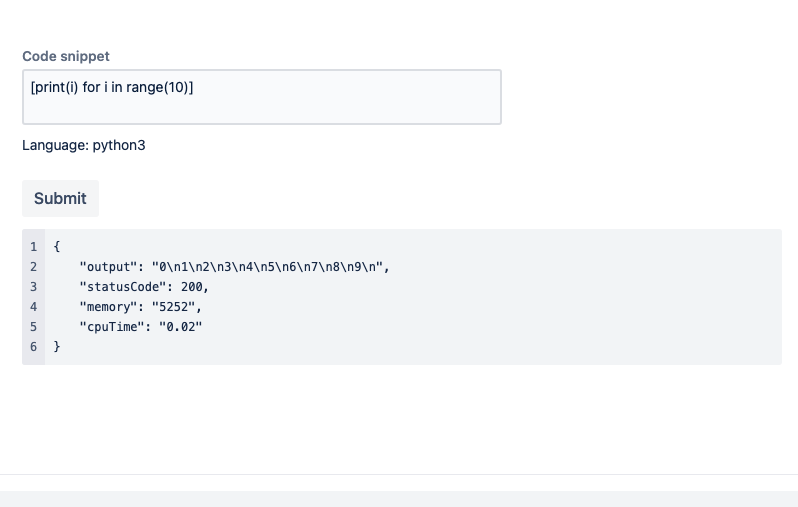
Code Run
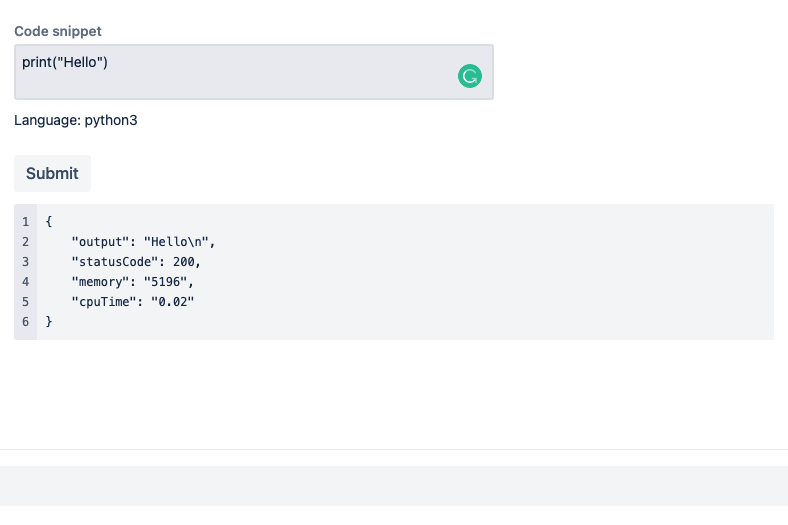
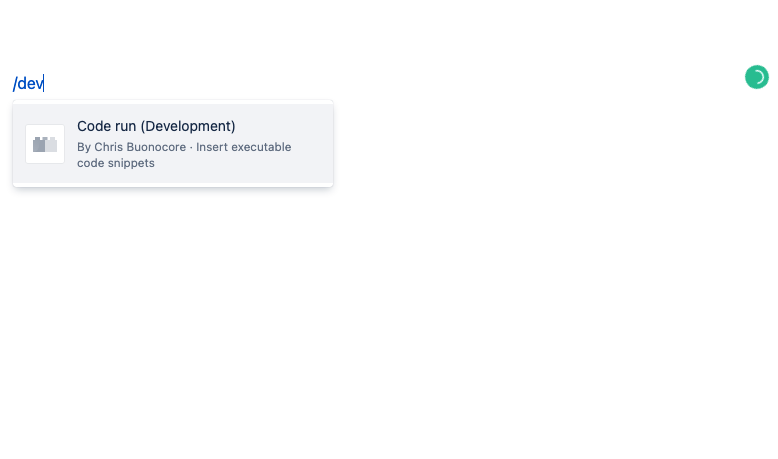
A base Atlassian Forge app for running code snippets directly within Confluence wiki as a Macro.
Walkthrough: https://docs.google.com/document/d/1T6YpFPKhRRCfXo9y-_TKKegKmSlel3KBQq56gK0-ty0/edit?usp=sharing
Use cases
- Developer tutorials and instructions.
- Ping servers for health.
- Poll remote API's for data.
- Anything you can use remote code execution from within a wiki context without requiring IDE's or other developer tooling installed on the machine.
- Create a matrix of scripts that allow querying several different data sources at the same time.
Currently supports 6 languages in languages.ts - more can be added.
Features
- Configure your initial script for the confluence page user.
- Select language for the snippet from the MacroConfig.
- User or viewer of the confluence page can edit or tweak the macro script on the fly!
Example of user demand/request:
Requirements
See Set up Forge for instructions to get set up.
Quickstart
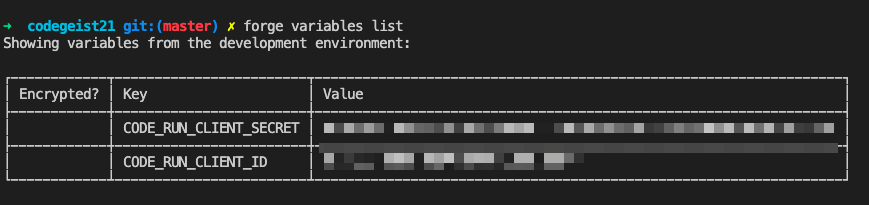
Once you have logged into the CLI (forge login), follow the steps below to install the app onto your site:
- Clone this repository
- Run
forge registerto register a new copy of this app to your developer account - Run
npm installto install your dependencies - Run
forge deployto deploy the app into the default environment - Run
forge installand follow the prompts to install the app
Follow the guide available on the github here! https://github.com/cbonoz/codegeist21


Log in or sign up for Devpost to join the conversation.