-
-
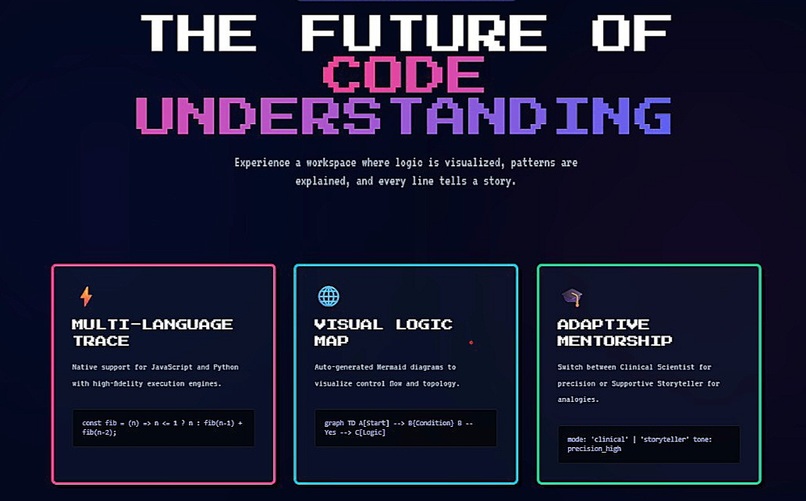
CoderTutor
-
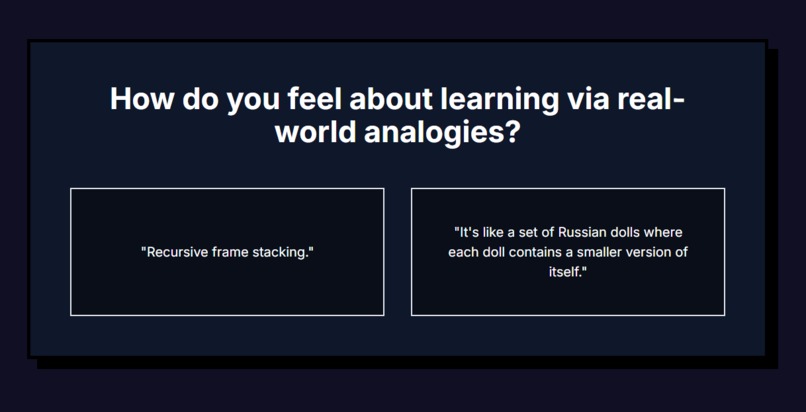
Choose Your Learning Style
-
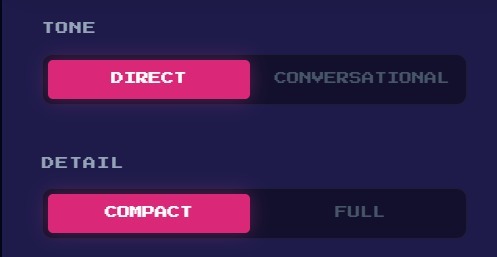
Switch Your Learning Style Anytime
-
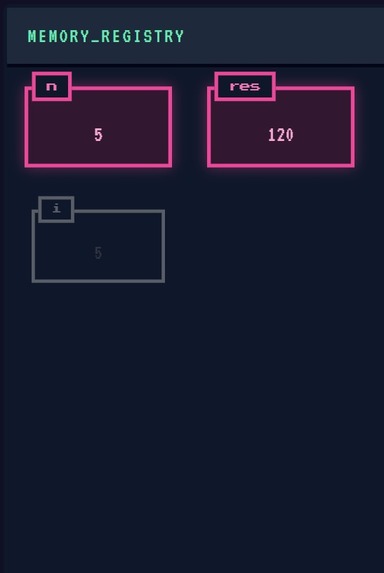
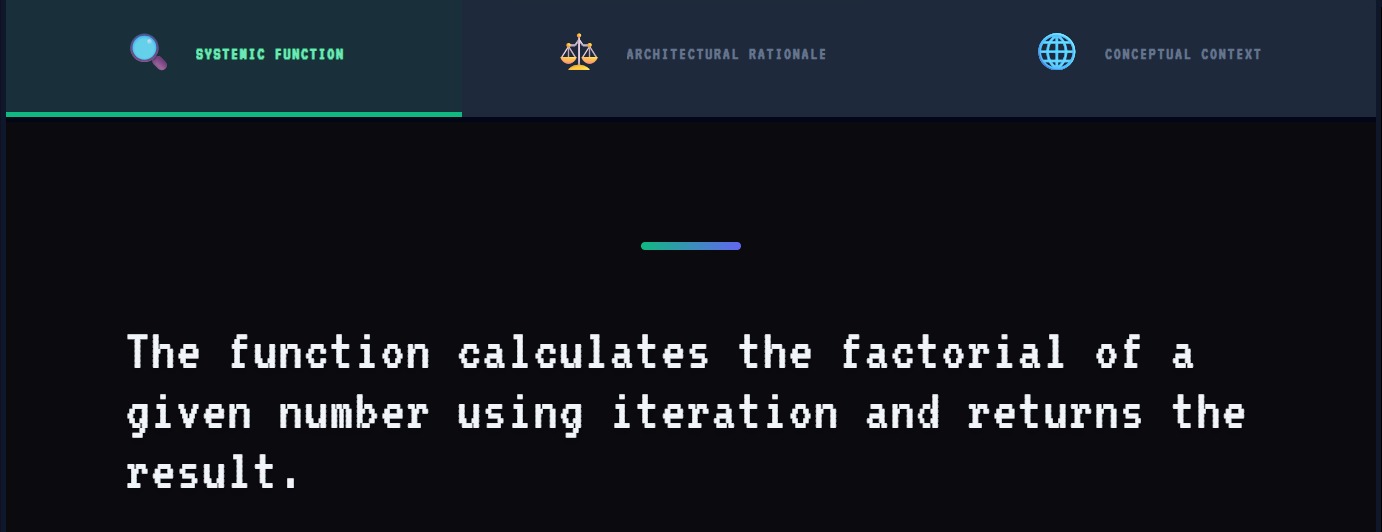
Visualize Code
-
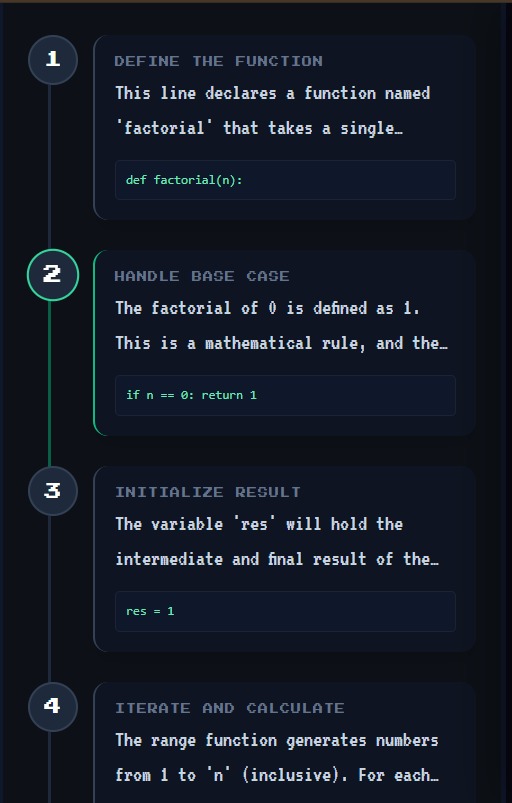
Understand Every Step
-
Understand Every Step
-
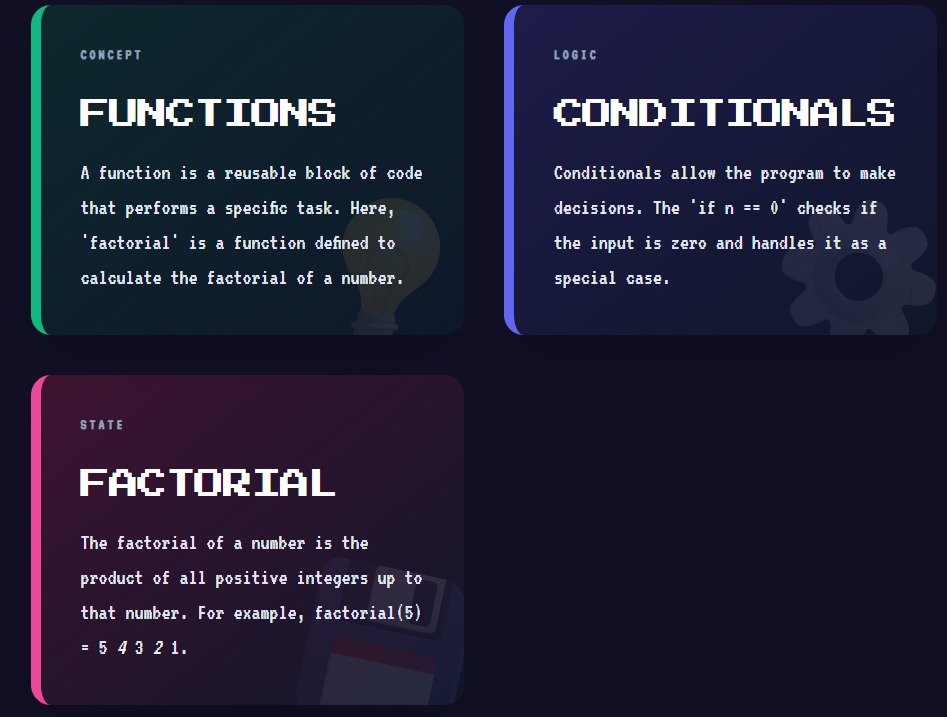
Understand Your Code's Logic
-
Understand Your Code's Logic
-
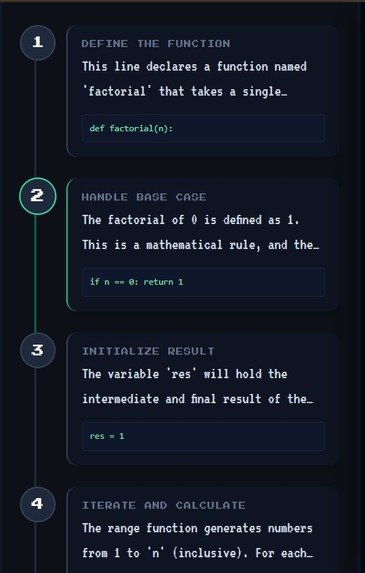
Get Detailed Explainations
-
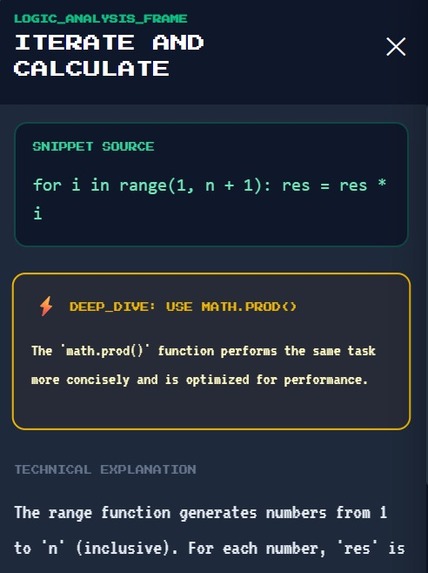
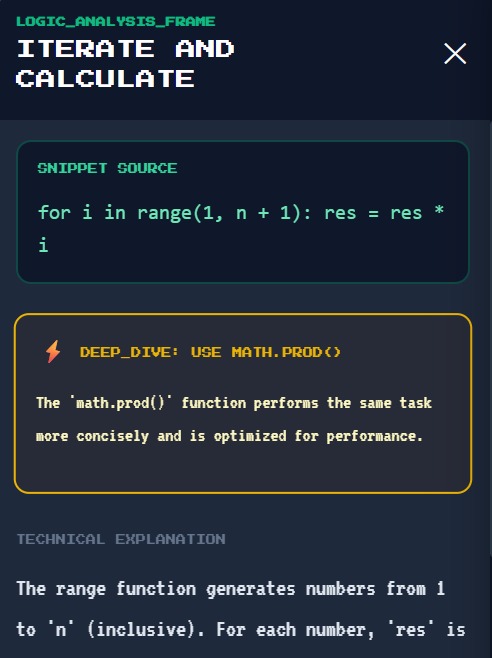
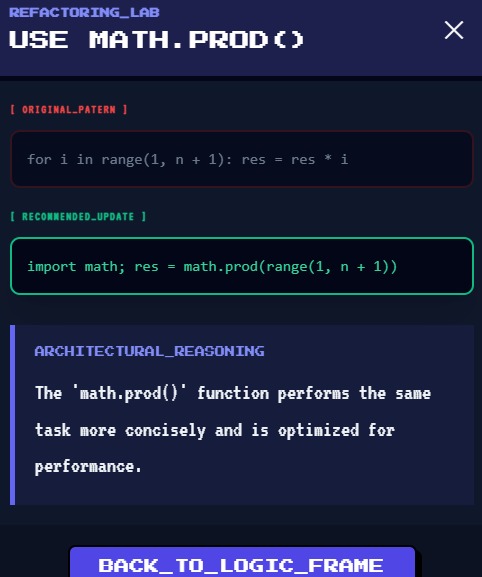
Learn Suitable Replacements
-
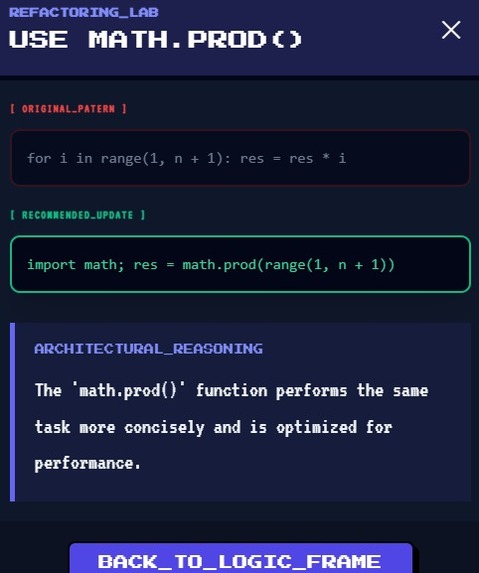
Learn Suitable Replacements
-

Switch to your preferred UI
-
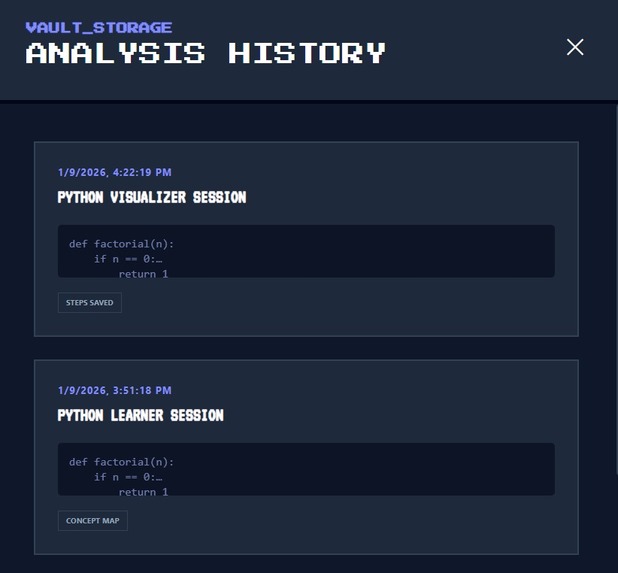
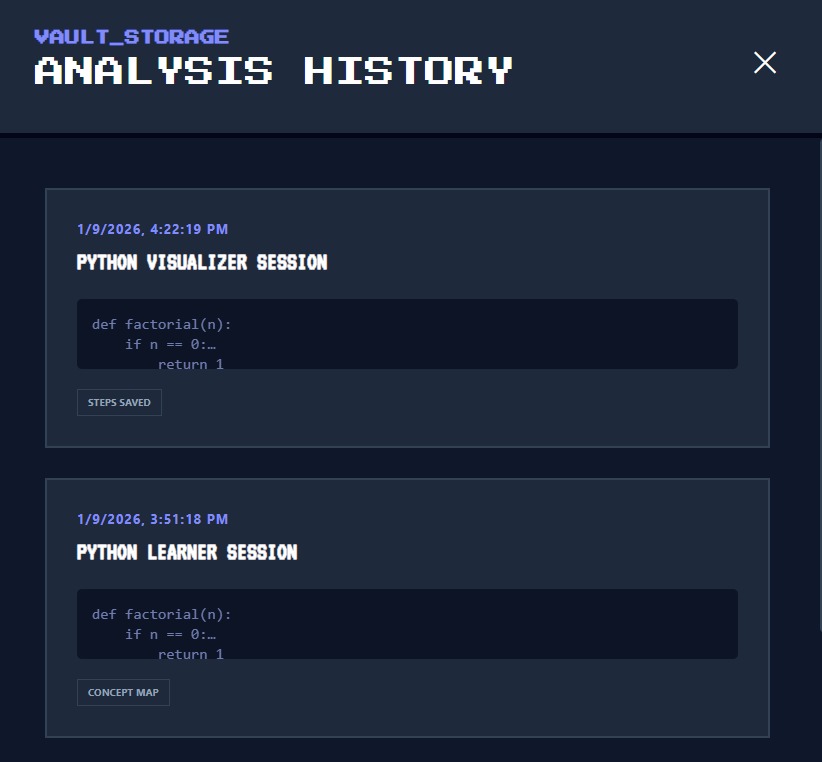
Save Your History
-
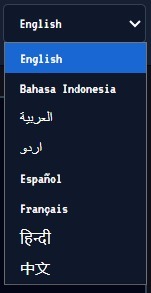
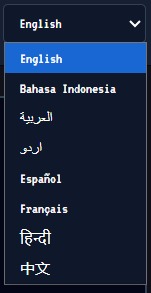
Learn in Your Native Language
-
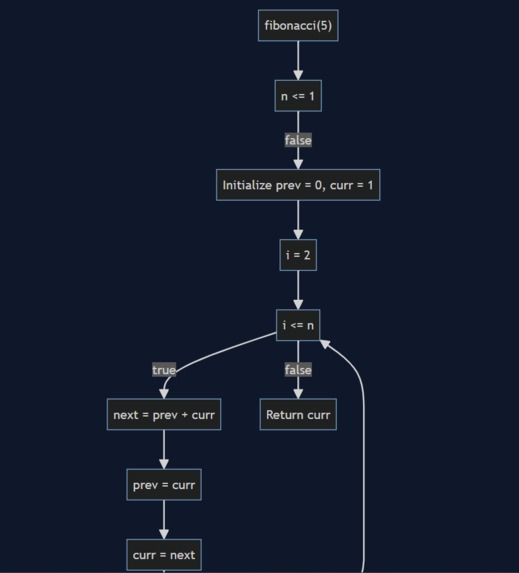
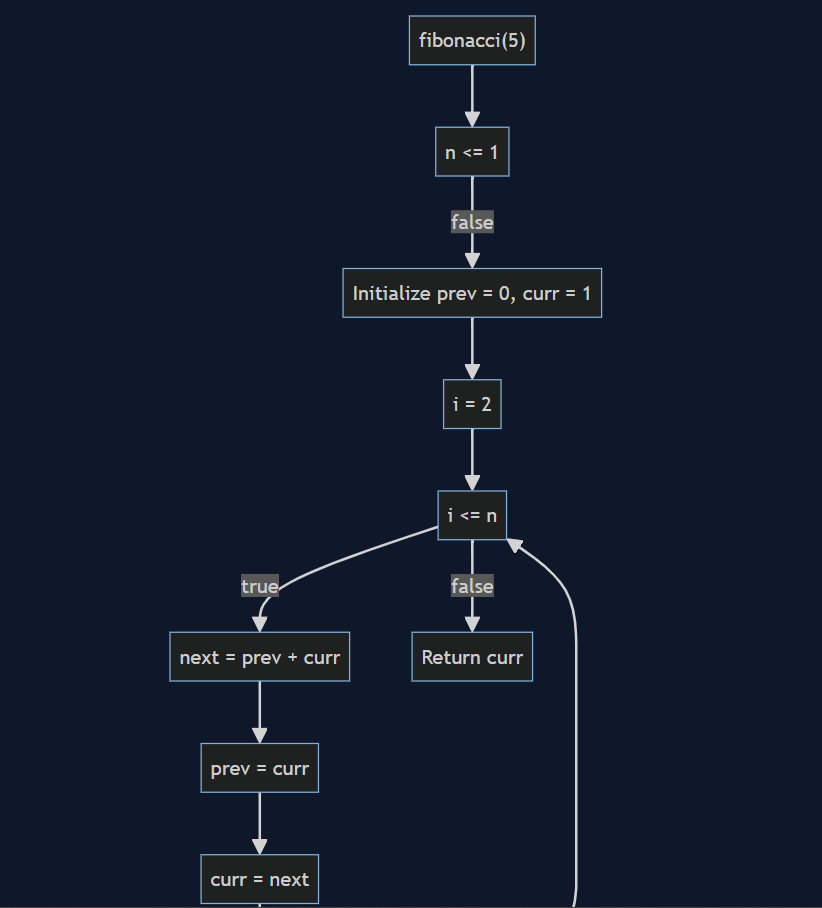
Turn Code Into Flowcharts
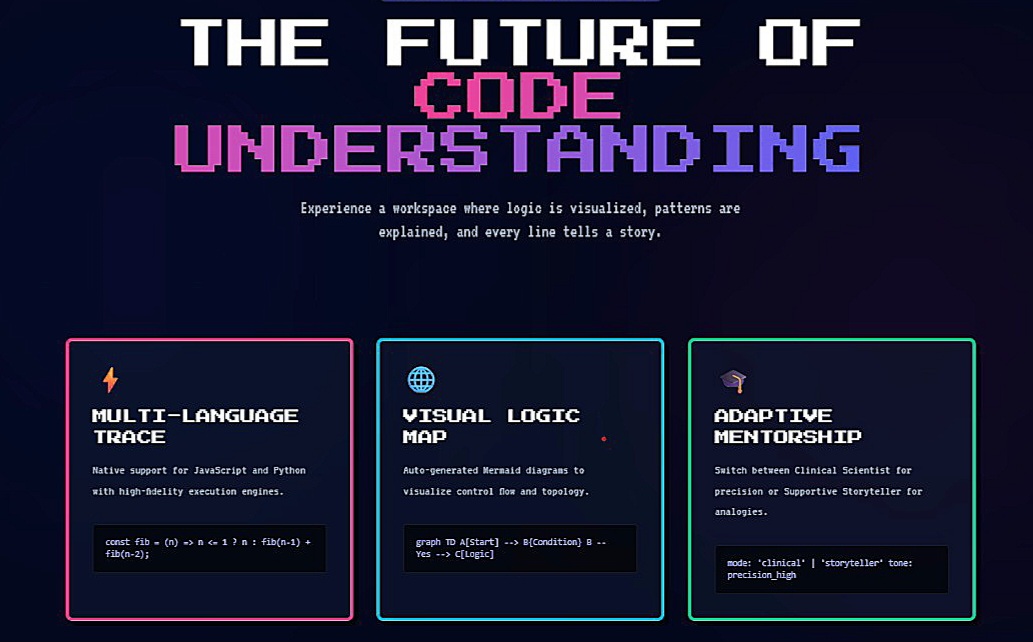
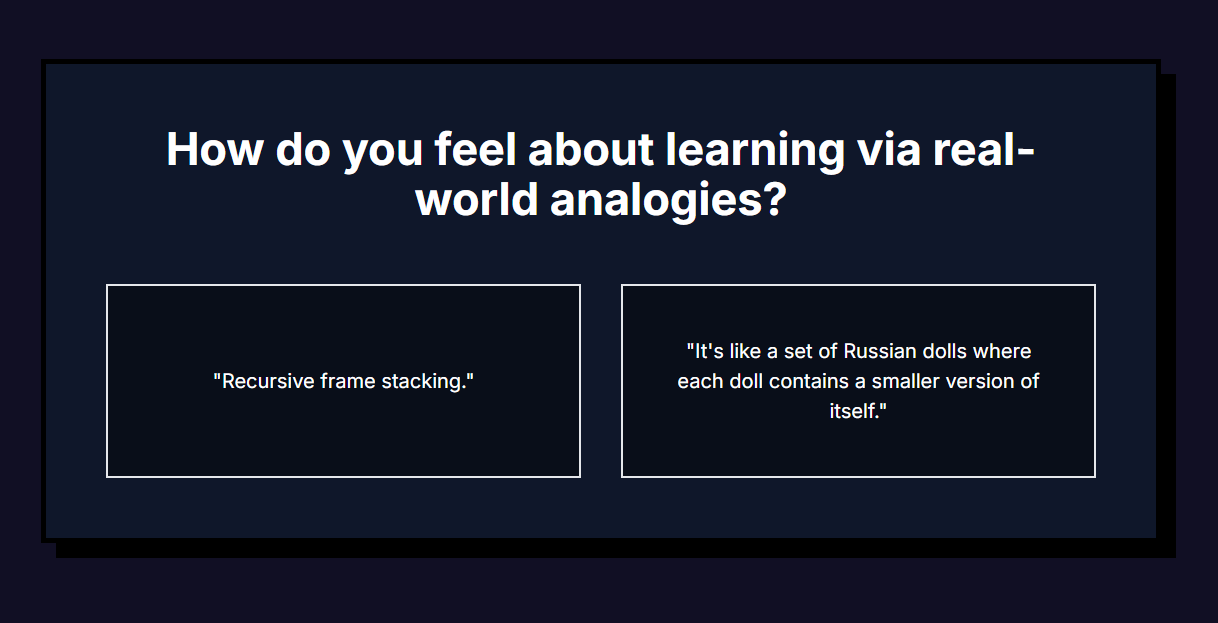

The Story of Coder Tutor: Seeing the Invisible
Inspiration
We’ve all been there: staring at a recursive function or a complex algorithm that works, but we have no idea why.
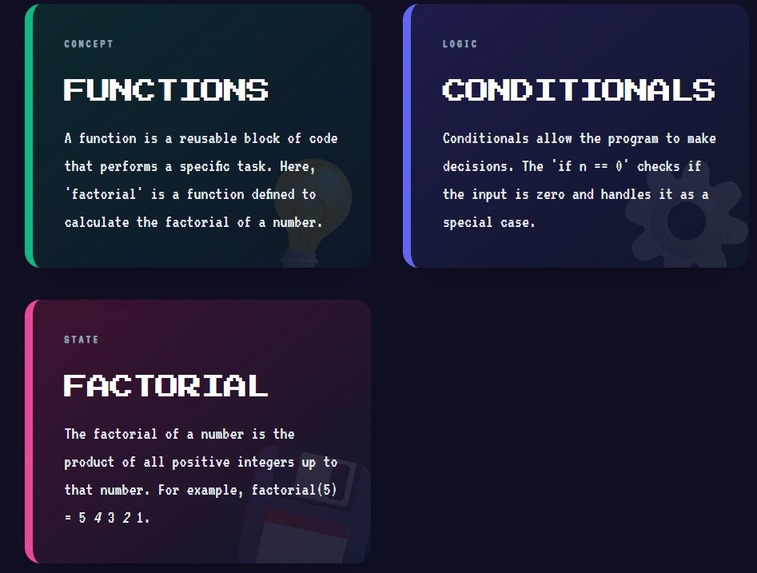
Most tutorials teach you the syntax (the "grammar" of code), but they fail to teach the logic (the "story" of the code).
I wanted to build something that felt less like a textbook and more like a "Mission Control" for your brain.
I was inspired by Dual Coding Theory — the concept that we learn best when verbal and visual information are synchronized.
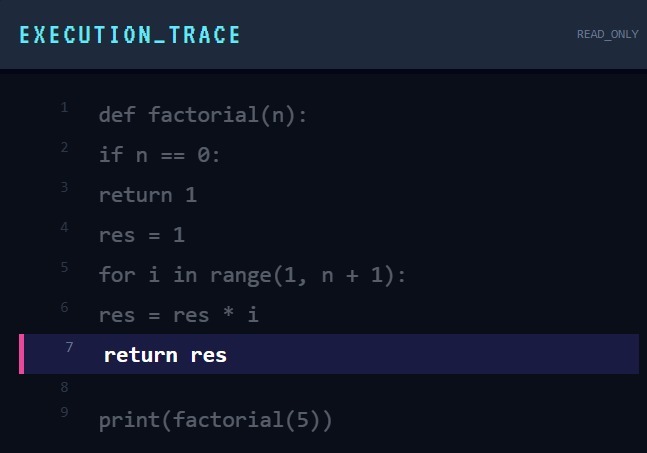
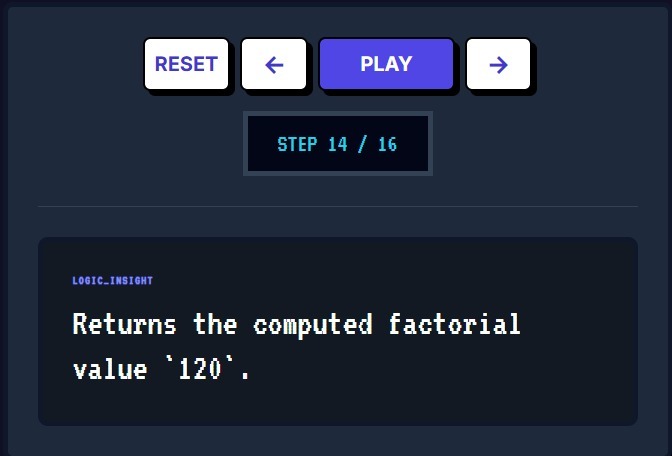
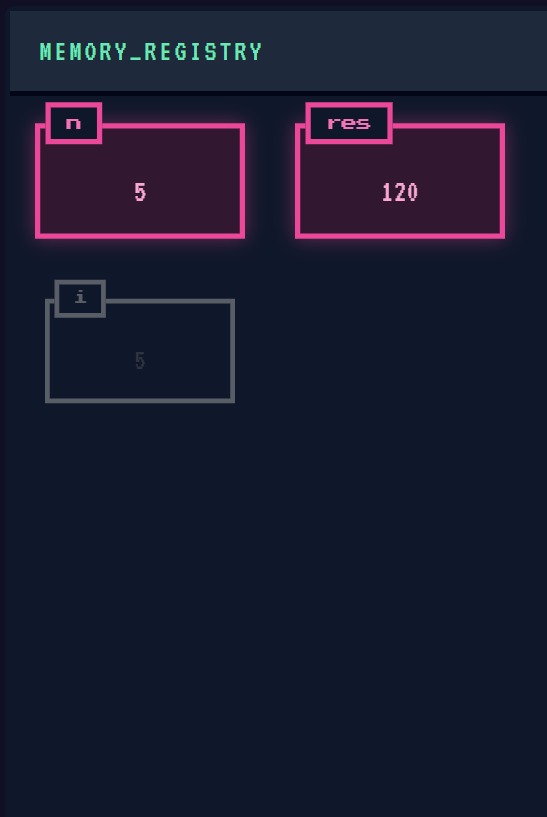
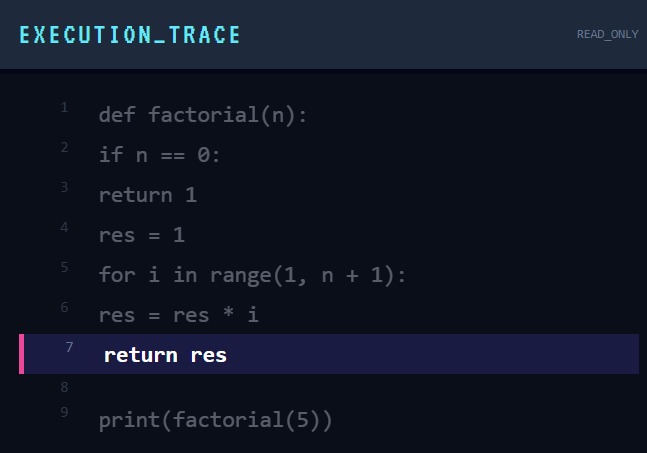
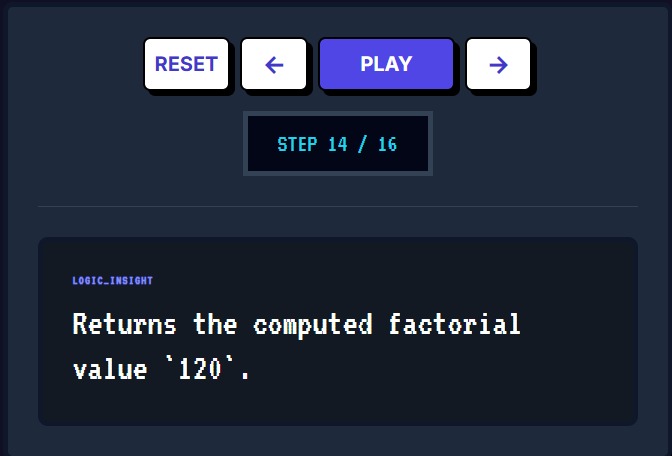
I wanted to create a space where code wasn't just text on a screen, but a living, breathing flowchart that you could walk through line-by-line.
How I Built It
The project is built on a modern stack with a retro soul:
- The Brain: React 19 and Tailwind CSS were used to craft a "Pixel-Art" aesthetic.
- The Eyes: Mermaid.js handles the dynamic generation of flowcharts.
- The Engine: Pyodide executes real Python code directly in the user's browser.
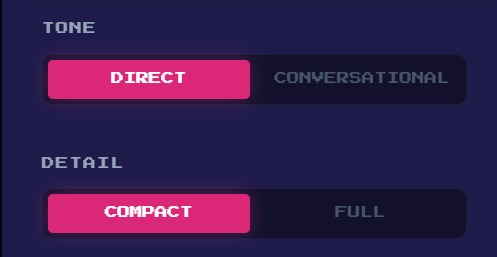
- The Voice: An Azure AI Bridge connects to LLMs using "Tone Profiles" so explanations can sound like a precise Scientist or a metaphorical Storyteller.
The Logic & Math
To ensure the tutor was actually helpful, I focused on teaching computational complexity. When a user writes a nested loop, the tutor explains execution growth using inline math like: \( O(n^2) \) If a student compares a linear search and a binary search, the app visualizes the difference between: \( O(n) \) and \( O(\log n) \) Displayed visually as: $$ O(n) \quad \text{vs.} \quad O(\log n) $$ Seeing that logarithmic curve alongside live execution makes the "Aha!" moment happen much faster.
Challenges I Faced
The road wasn't all neon gradients and smooth animations.
- The Sync Problem: Synchronizing line-by-line Python execution with UI animations was extremely difficult. I built a custom
debugEngineto record execution state at every step. - AI Hallucinations: Early versions of the AI occasionally explained code incorrectly. I fixed this by enforcing a strict "Logic Deconstruction" step before explanations were generated.
- Performance: Running a Python environment and a high-fidelity visualizer in a single browser tab pushed memory limits and required careful optimization.
Key Innovation
Most AI coding tools generate explanations that can be incorrect or generic.
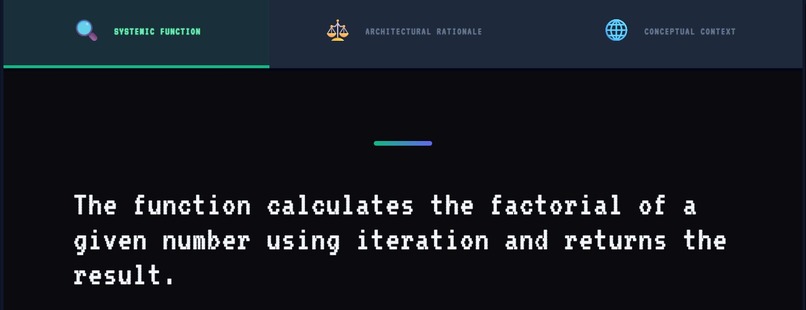
CoderTutor solves this by binding AI explanations to real runtime execution data, ensuring that every explanation is grounded, step-by-step accurate, and verifiable.
What I Learned
This hackathon taught me that UI/UX is a pedagogical tool.
A button isn’t just a button — when placed correctly, it can reduce a learner’s cognitive load.
I learned how to bridge the gap between low-level execution and high-level comprehension.
Most importantly, I learned that the best way to understand a problem is to try and teach it — or, in this case, to build a machine that can teach it for you.
Roadmap
- Multi-language Support: Expanding beyond Python to Java and C++.
- Collaborative Classrooms: Allowing a teacher to "broadcast" their execution trace to students.
- Mobile "Quick-Logic": A simplified mobile view for reviewing saved sessions.
Built With
- azureai
- mermaid.js
- pyodide
- react
- typescript


Log in or sign up for Devpost to join the conversation.