-
-
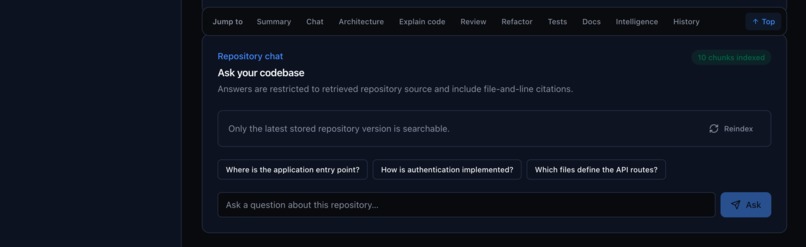
Repository chat
-
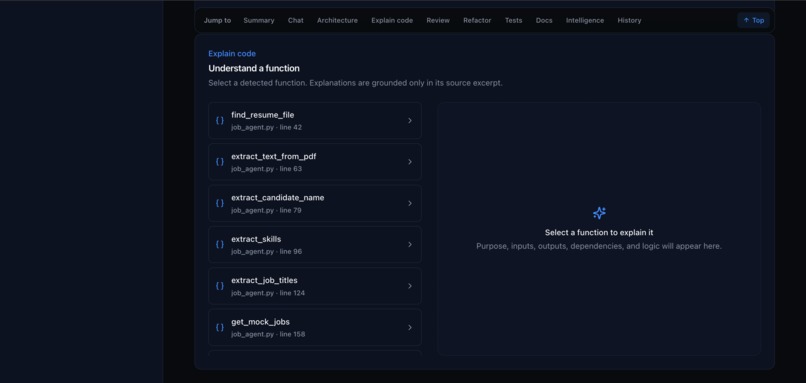
Explain code
-
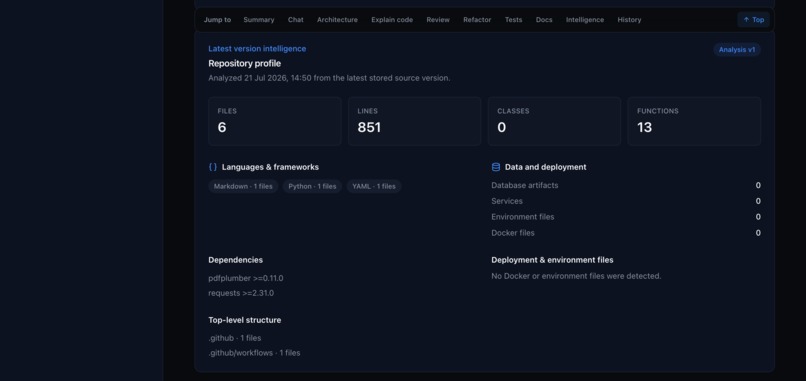
Latest version intelligence
-
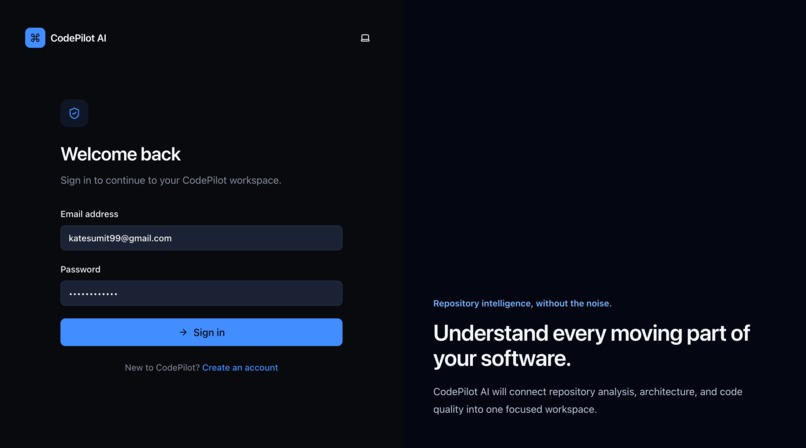
Opening Window
-
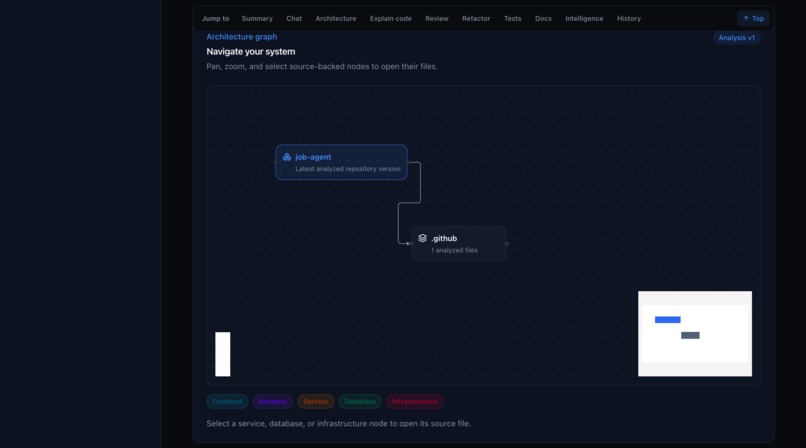
Architecture graph
-
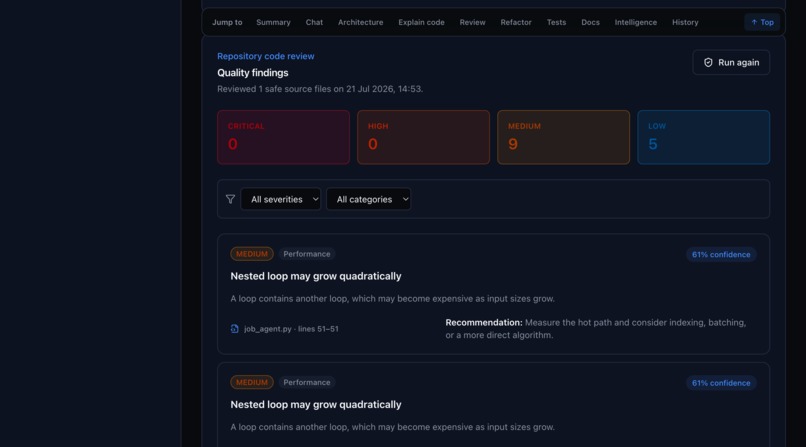
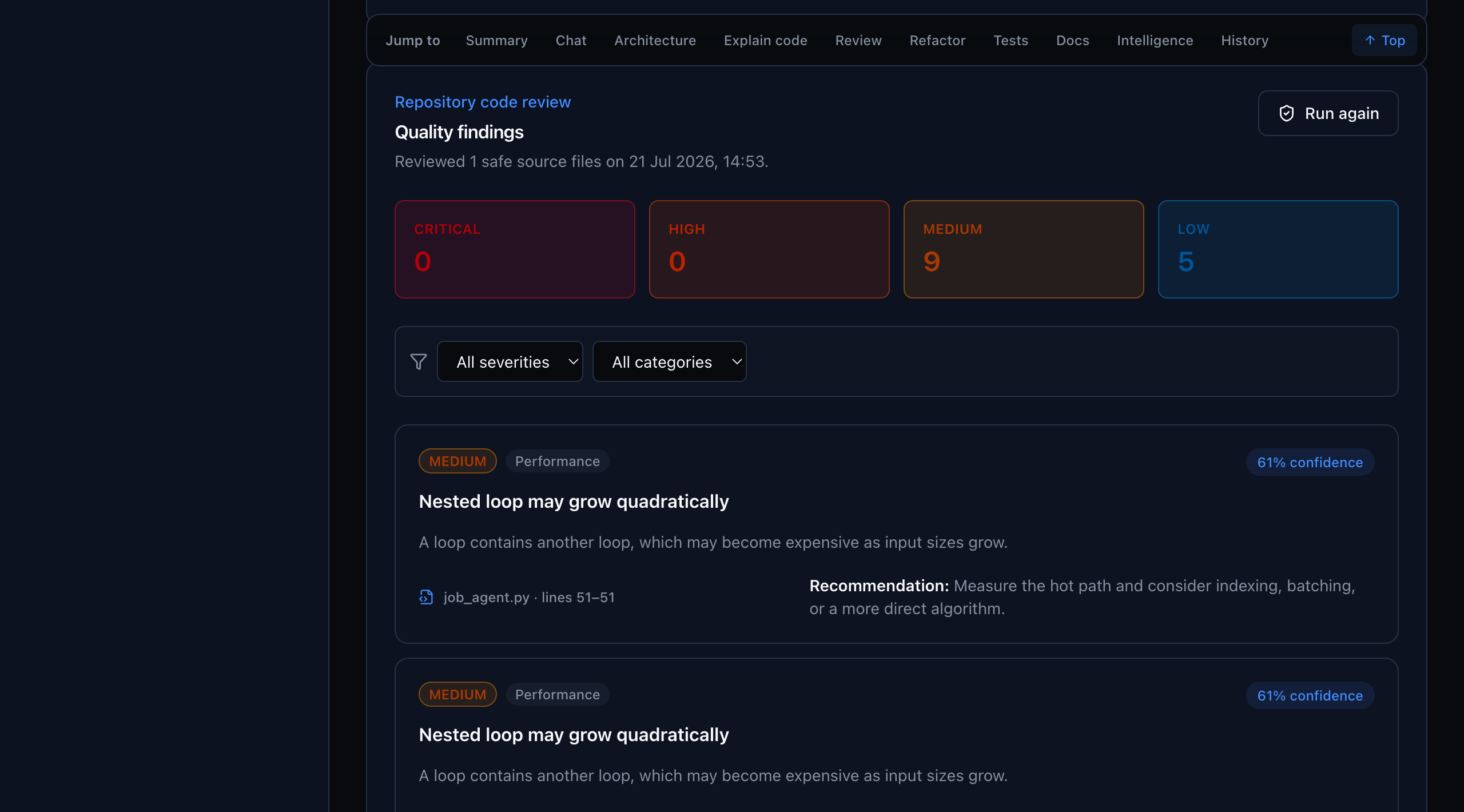
Repository code review
-
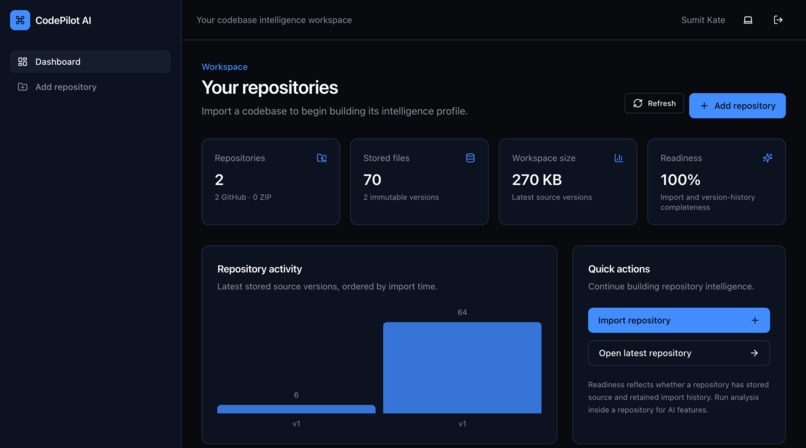
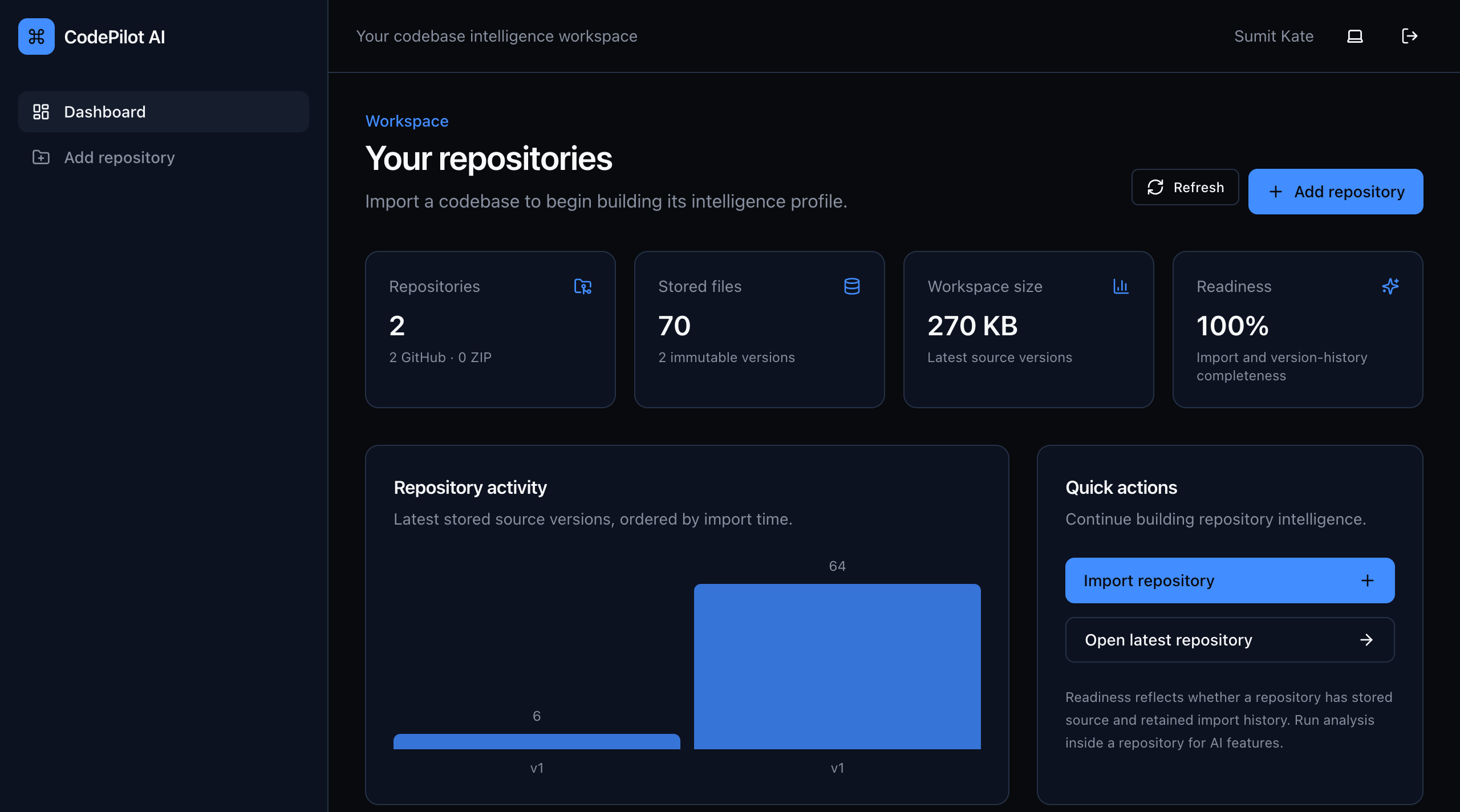
Dashboard
-
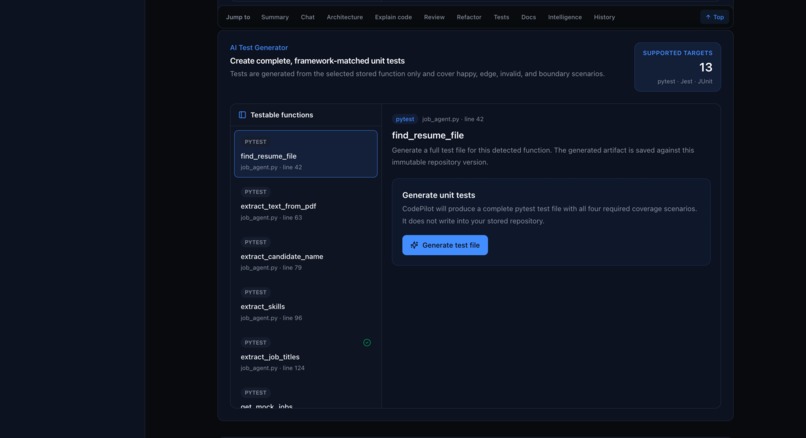
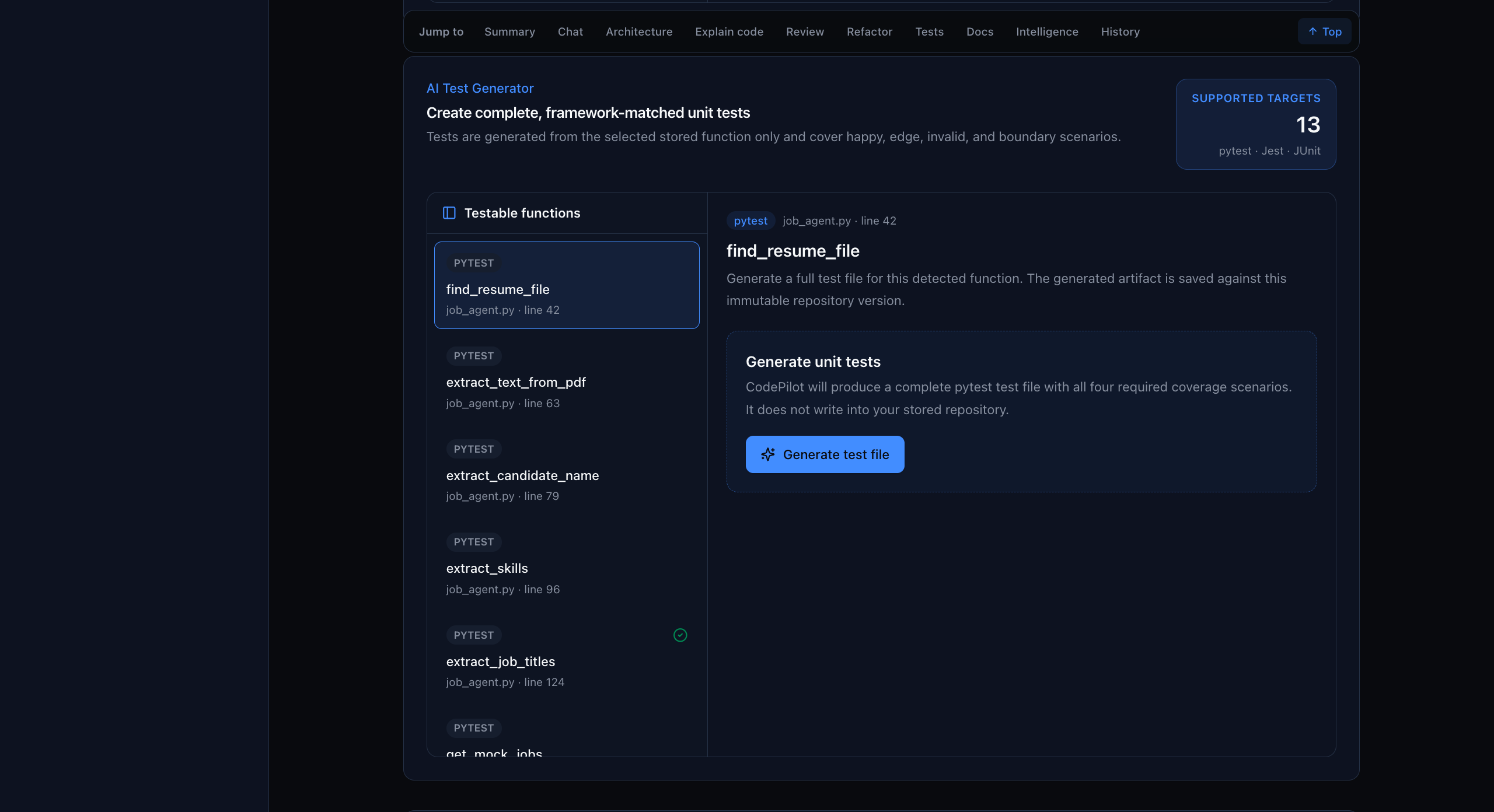
AI Test Generator
-
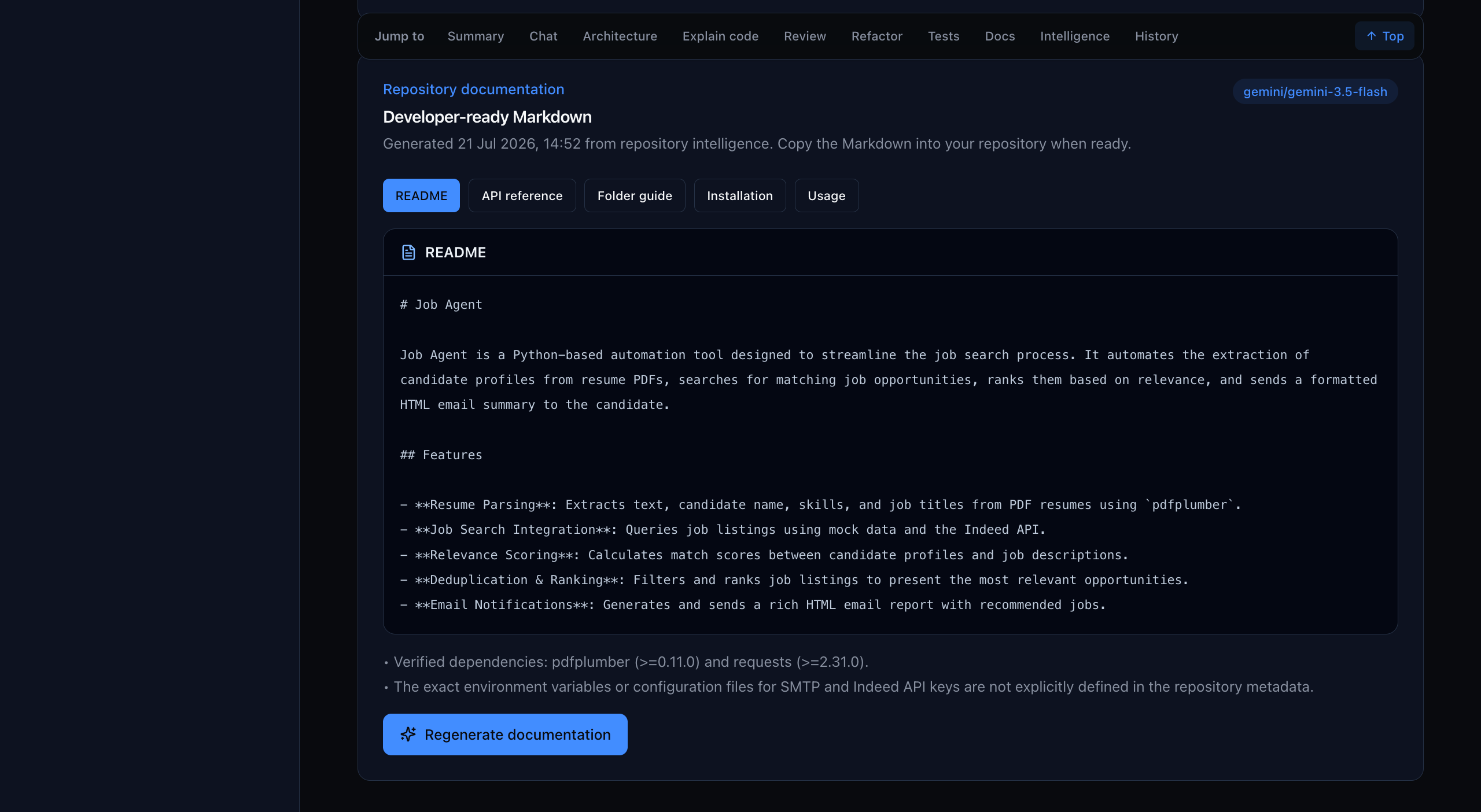
Repository documentation
-
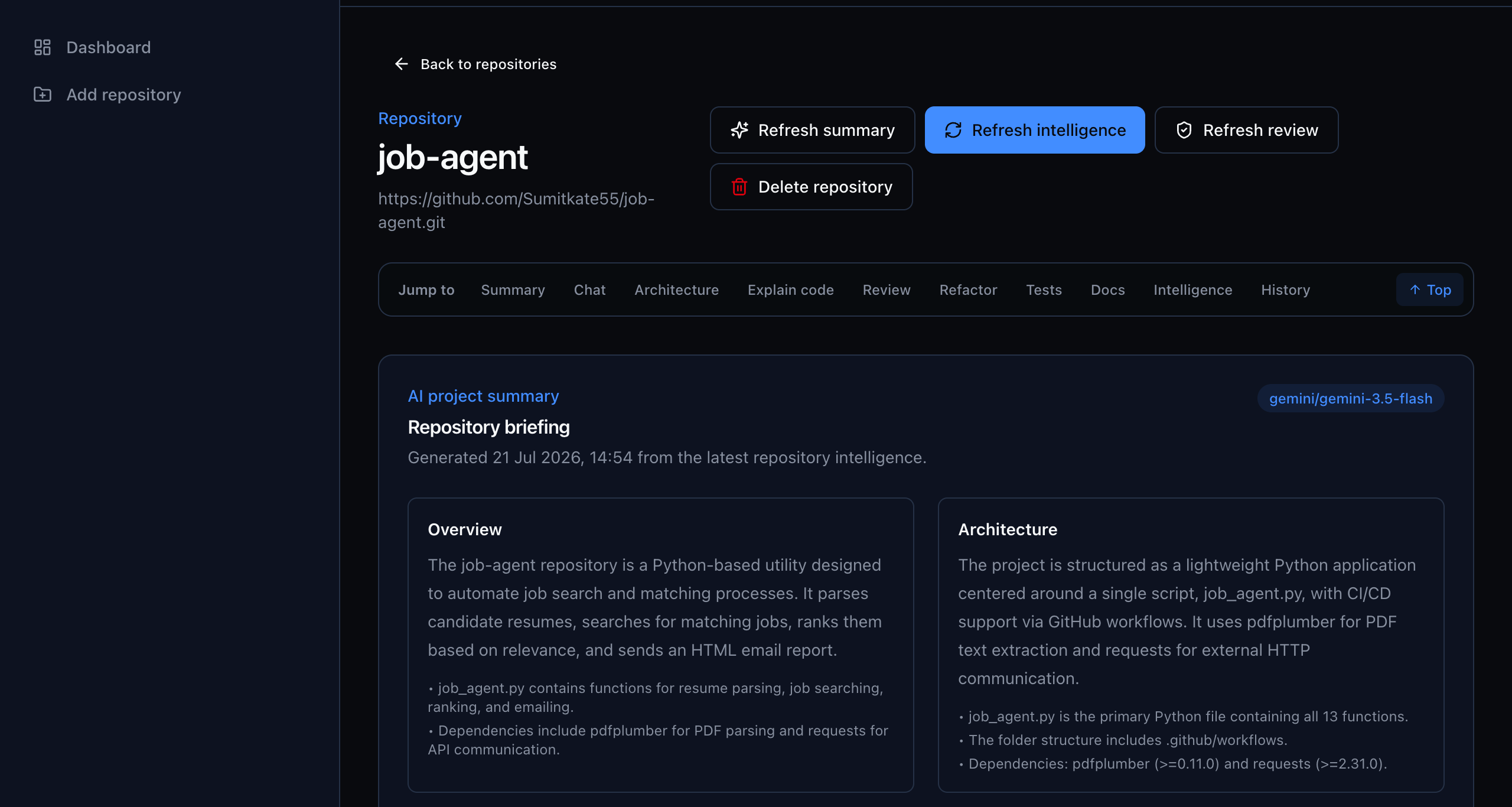
AI project summary
-
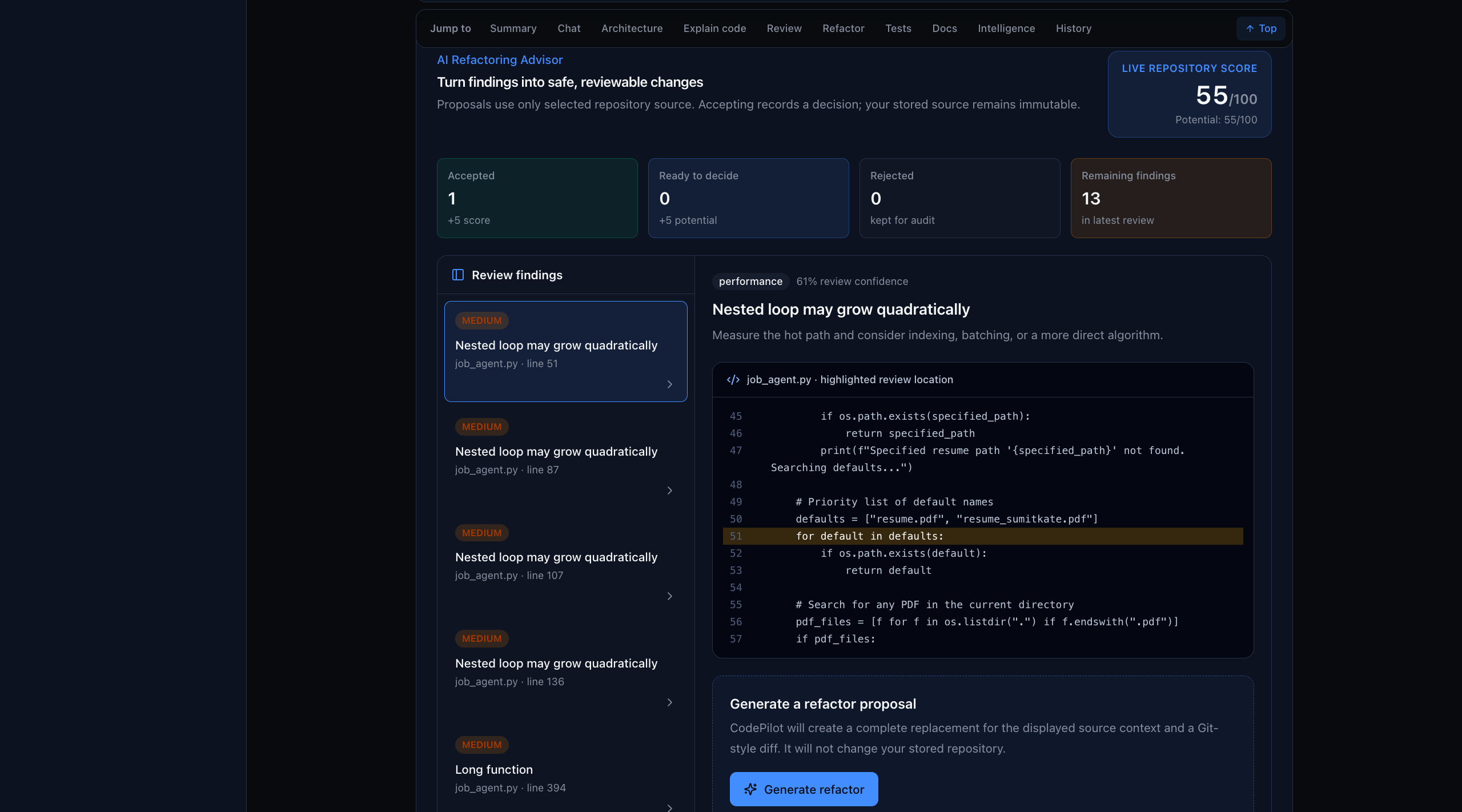
AI Refactoring Advisor
Inspiration
Understanding an unfamiliar codebase is slow. A developer has to jump between folders, APIs, database models, configuration files, and documentation before they can safely make a change. I built CodePilot AI to turn that fragmented process into one private engineering workspace.
What it does
CodePilot AI accepts a public GitHub repository or ZIP upload and creates a structured, searchable view of the codebase.
It provides:
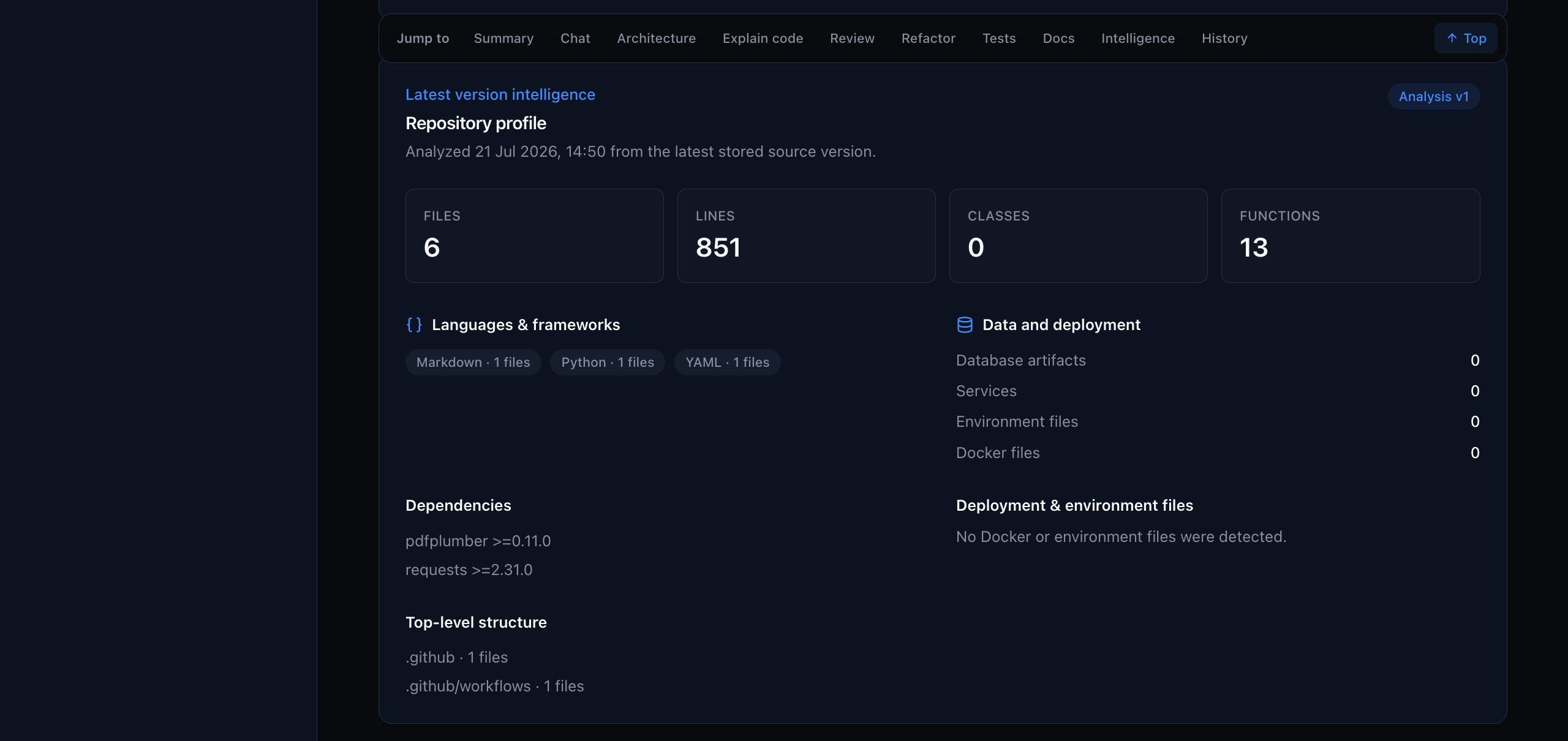
- Repository intelligence: languages, frameworks, dependencies, folder structure, functions, classes, services, Docker, environment, and database signals.
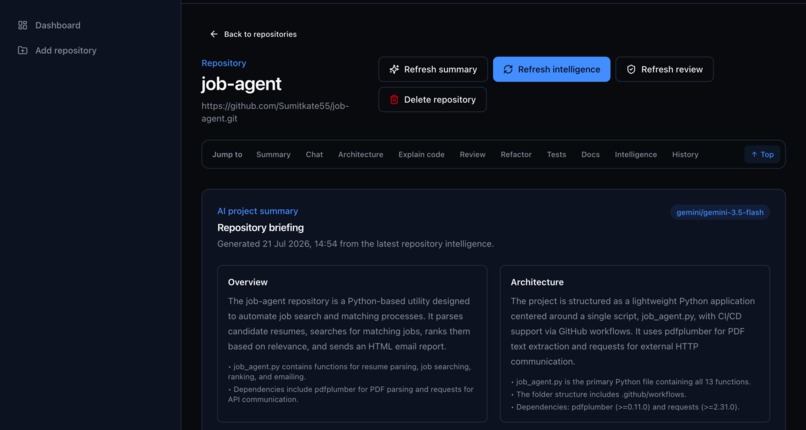
- AI project summaries covering architecture, features, and application flows.
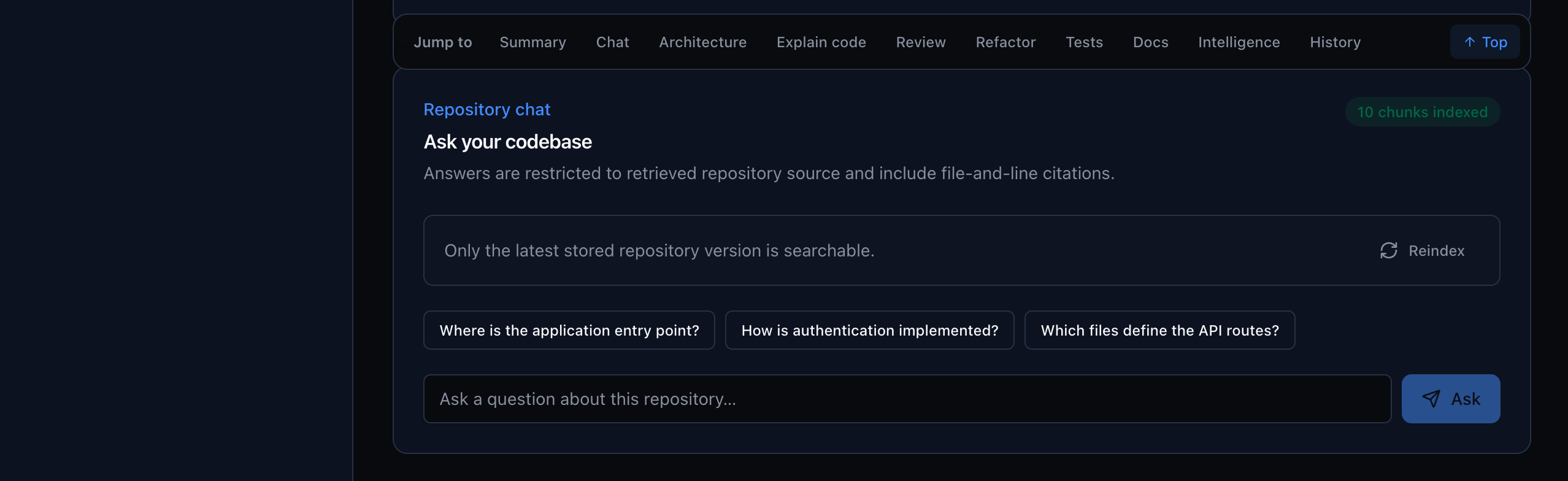
- Citation-grounded repository chat using RAG: answers are based on retrieved repository source and include file-and-line references.
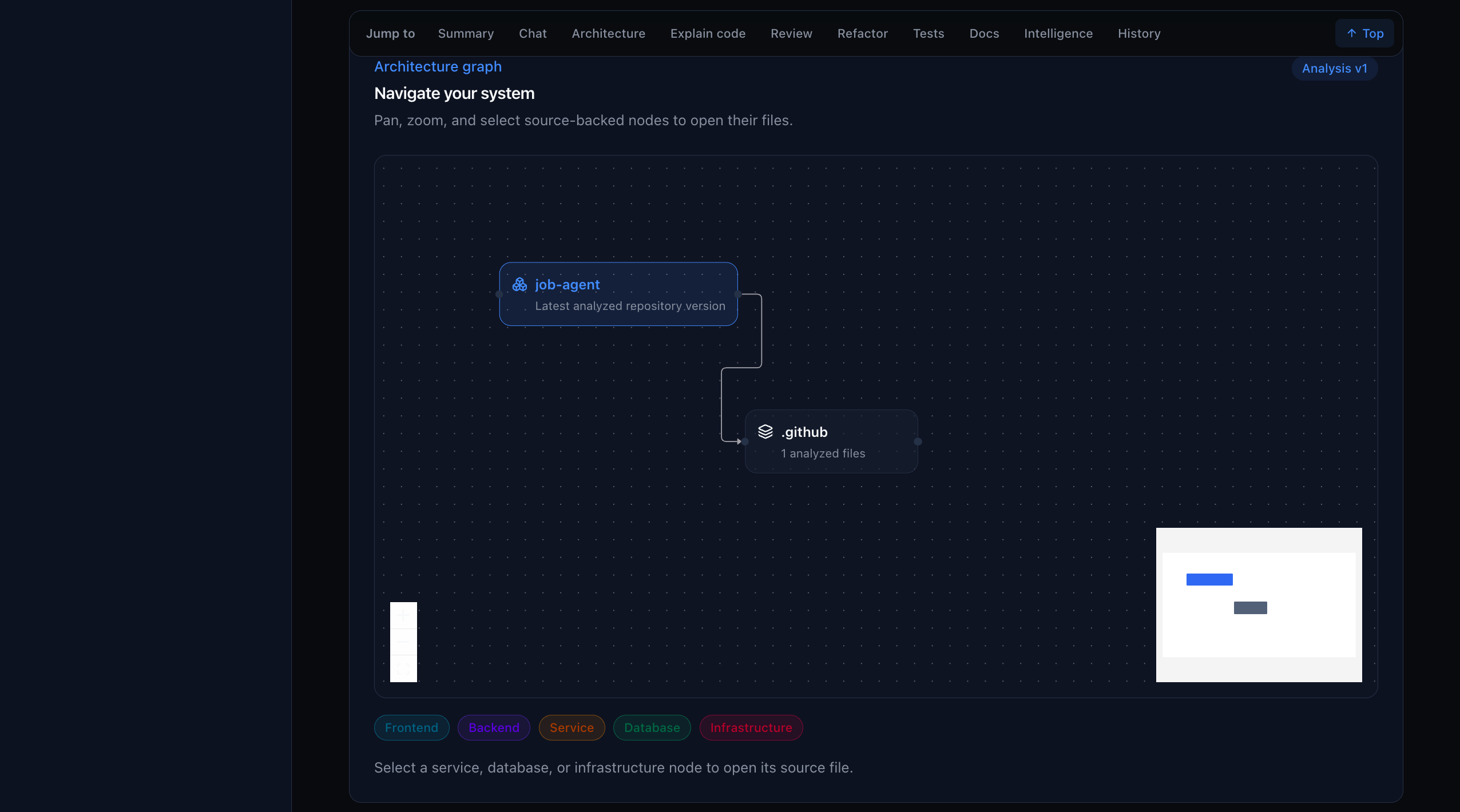
- An interactive architecture graph for exploring frontend, backend, services, and data connections.
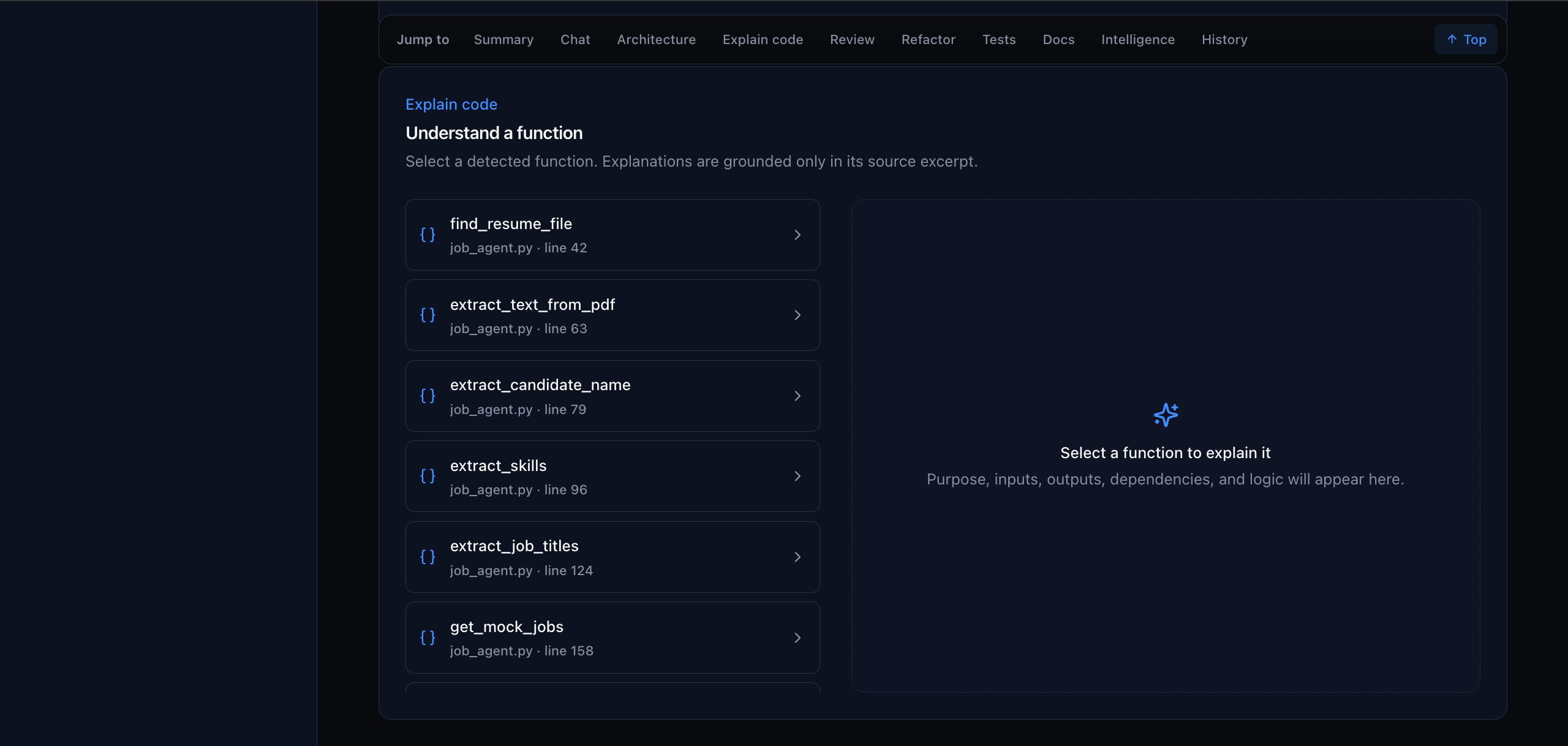
- Explain Code for understanding a selected function’s purpose, inputs, outputs, dependencies, and logic.
- Repository-wide code review with severity, confidence, and recommendations.
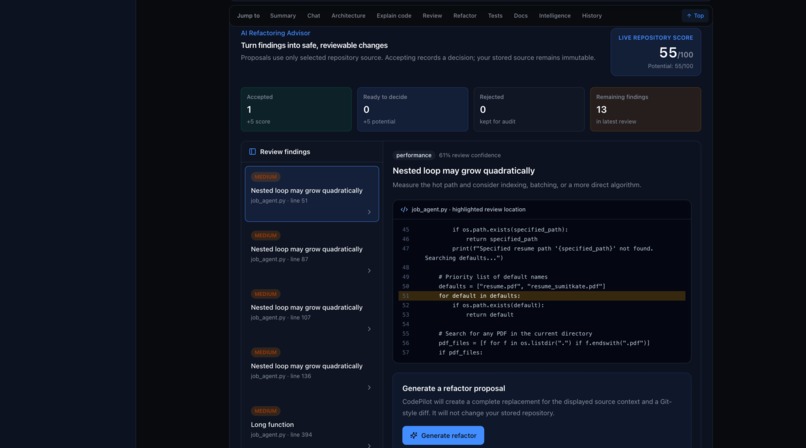
- An AI Refactoring Advisor with impact analysis, generated diffs, and accept/reject workflow.
- Unit-test generation for pytest, Jest, and JUnit.
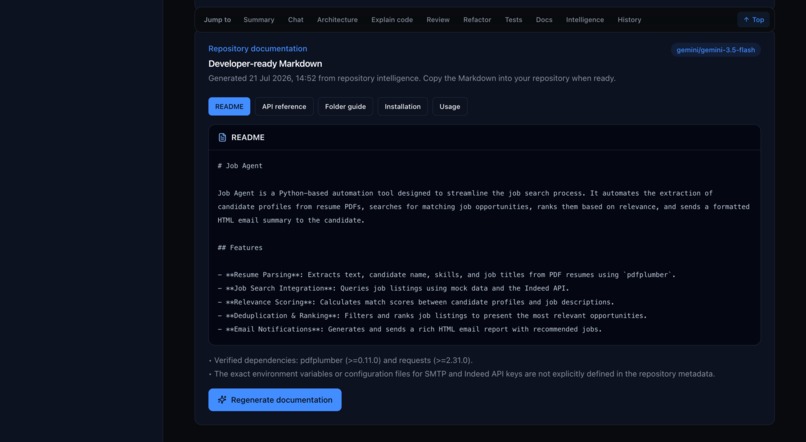
- Generated README, API, installation, folder, and usage documentation.
- Dashboard, repository history, protected accounts, and secure repository ownership.
How we built it
The frontend is built with React, Vite, Tailwind CSS, React Query, Zustand, Framer Motion, and React Flow. The backend is FastAPI with Clean Architecture, SQLAlchemy, Alembic, PostgreSQL, JWT authentication, and Docker.
For AI features, CodePilot AI uses a provider abstraction. The hosted demo uses Gemini server-side, while local development can use Ollama without paid OpenAI credits. Repository embeddings are stored in Qdrant. Sensitive and credential-like files are excluded before indexing.
The project is deployed as a normal web application: React frontend on Vercel, FastAPI backend on Railway, with PostgreSQL, Qdrant, and repository storage kept behind the API.
How I used Codex and GPT-5.6
Codex with GPT-5.6 was central to the development workflow. I used it iteratively: first to inspect the repository and plan each phase, then to implement backend and frontend features while preserving Clean Architecture boundaries.
Codex helped accelerate implementation of FastAPI routes, React workspace panels, repository analysis, RAG workflows, authentication, Docker deployment, provider abstraction, tests, linting, migrations, and documentation. It also helped diagnose deployment and free-tier model issues, improve error messages, and verify the complete workflow with real repository imports.
The key decision was to separate deterministic features—repository analysis, architecture generation, and static review—from AI generation. This means the project still provides real value even if an AI provider temporarily reaches a quota limit.
Challenges I ran into
The main challenge was making AI features useful without letting them hallucinate. I solved this for repository chat by retrieving only relevant indexed source chunks from Qdrant, requiring citations, and returning a limitation instead of inventing an answer when evidence is insufficient.
Another challenge was provider reliability and free-tier quotas. I designed the AI layer so Gemini and local Ollama can be swapped without rewriting the application. I also added retry-friendly, actionable error handling and request pacing for the hosted free-tier provider.
Security was equally important: repositories are scoped to the signed-in owner, source versions are immutable, secret-like files are excluded before indexing, and API/database/provider credentials stay server-side.
Accomplishments that I’m proud of
I am proud that CodePilot AI is not only a chat interface. It combines secure repository intake, engineering intelligence, interactive system visualization, deterministic review, grounded RAG chat, AI-assisted refactoring, testing, and documentation into one working workflow.
I am also proud of the production-minded design: protected routes, JWT refresh tokens, private backend services, persistent storage, clear setup documentation, Docker support, tests, and a live deployed demo.
What I learned
This project taught me that AI developer tools are strongest when they are grounded in real source code and combined with deterministic analysis. I learned how to design a full-stack Clean Architecture application, build an end-to-end RAG pipeline, manage repository safety boundaries, deploy a multi-service application, and make provider failures understandable instead of silent.
What's next
Next, I would add GitHub OAuth, pull-request integration, background jobs for large repositories, incremental indexing, stronger language parsers, team workspaces, and optional paid model providers for higher-volume production usage.
Live demo: https://codepilot-ai-hackathon.vercel.app
Source code: https://github.com/Sumitkate55/CodePilot-AI
Built With
- alembic
- axios
- clean-architecture
- codex
- docker
- fastapi
- framer-motion
- github
- google-gemini
- javascript
- jwt
- ollama
- postgresql
- python
- qdrant
- rag
- railway
- react
- react-flow
- react-query
- sqlalchemy
- tailwind-css
- vercel
- vite
- zustand


Log in or sign up for Devpost to join the conversation.