-
-
-
-
-
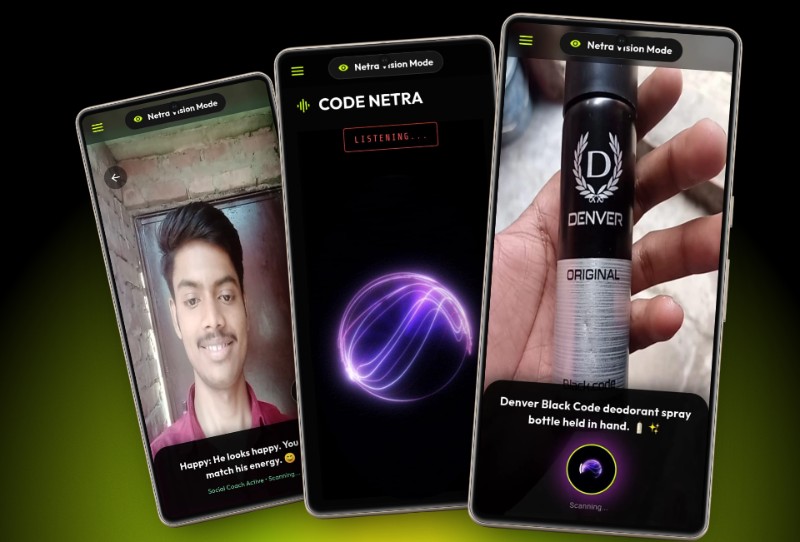
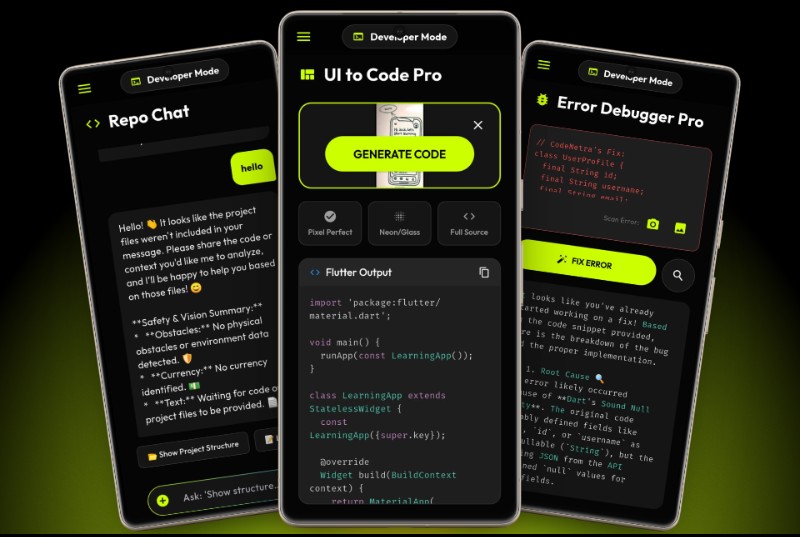
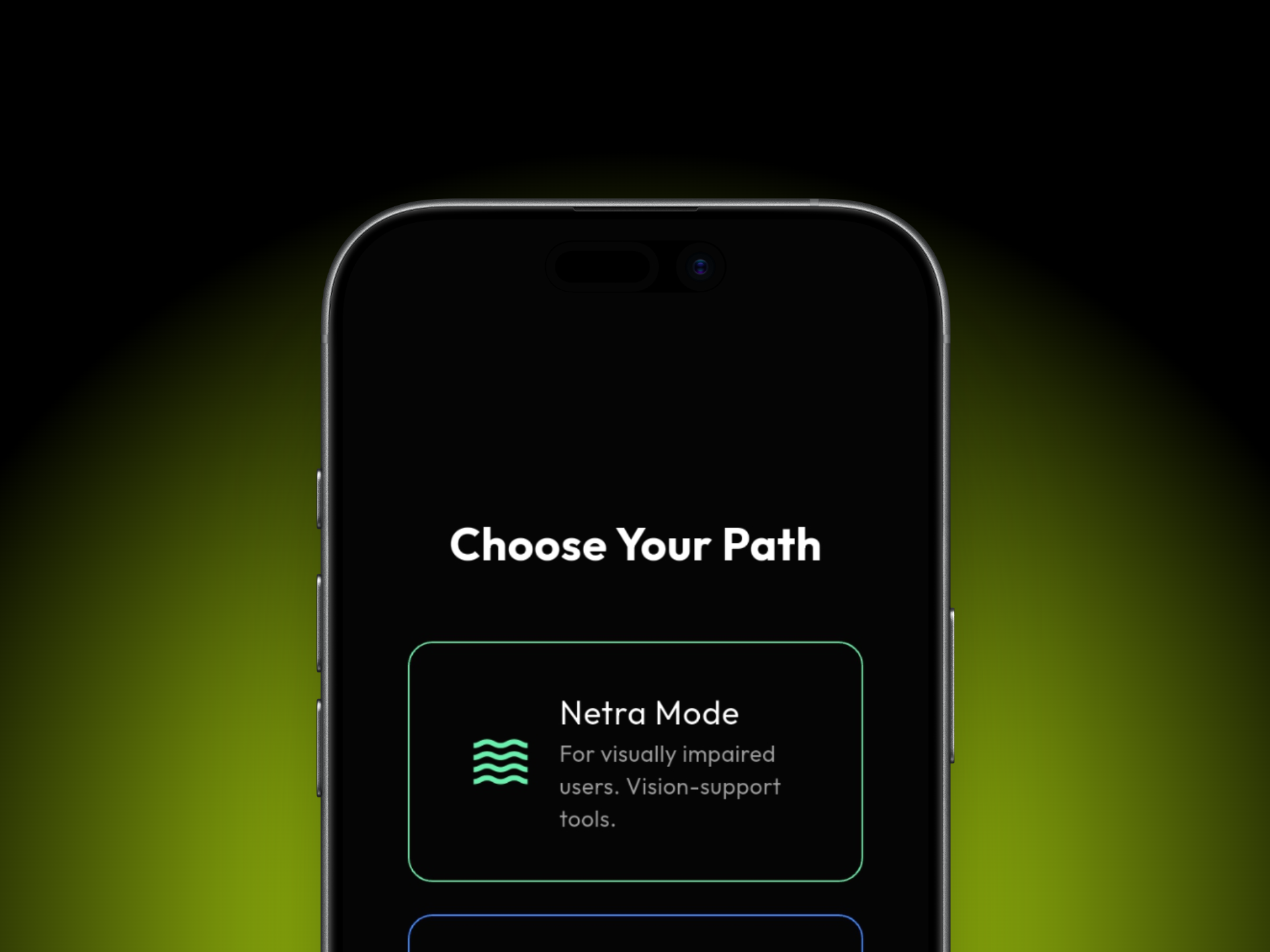
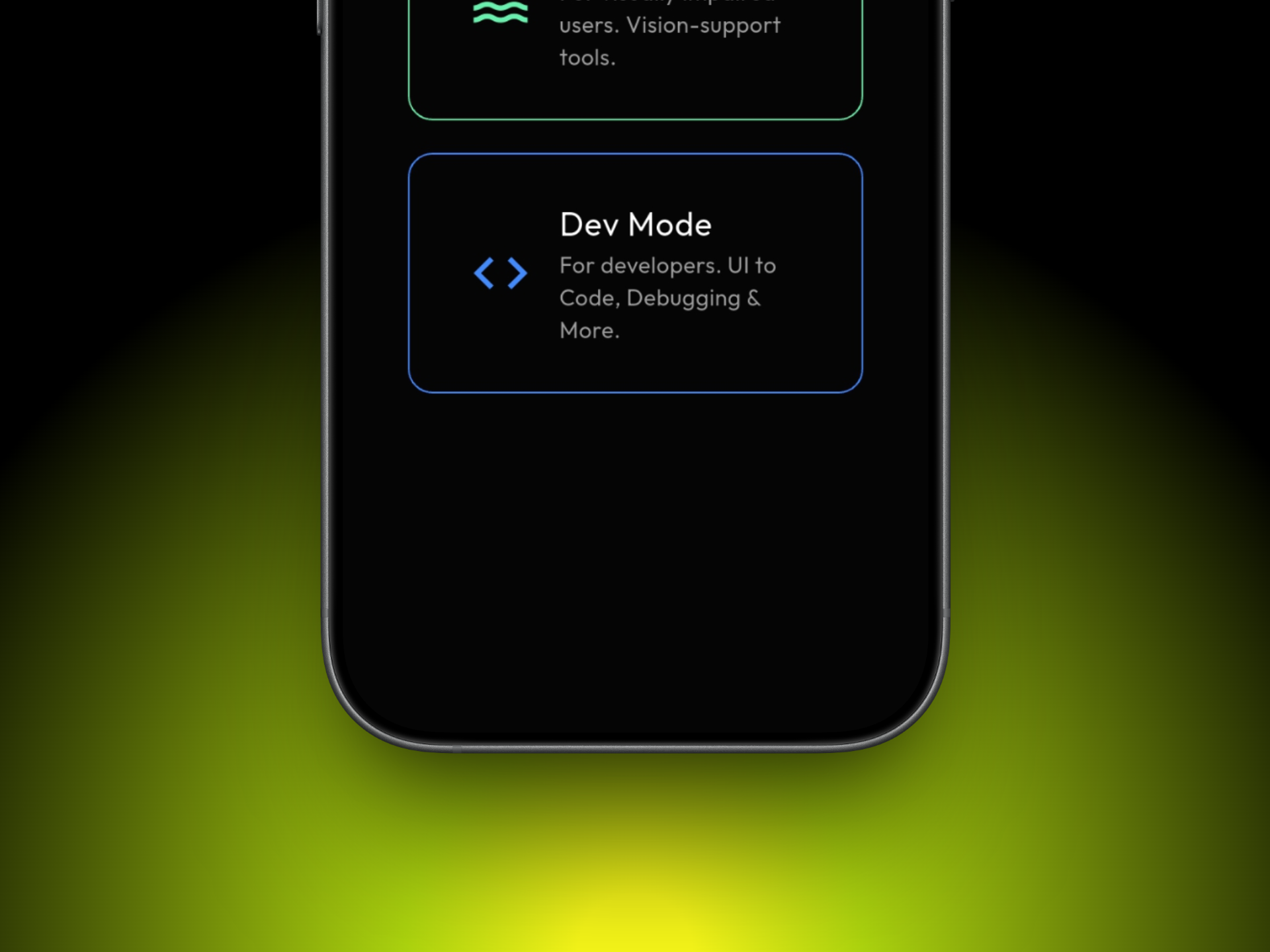
Tow moods
-
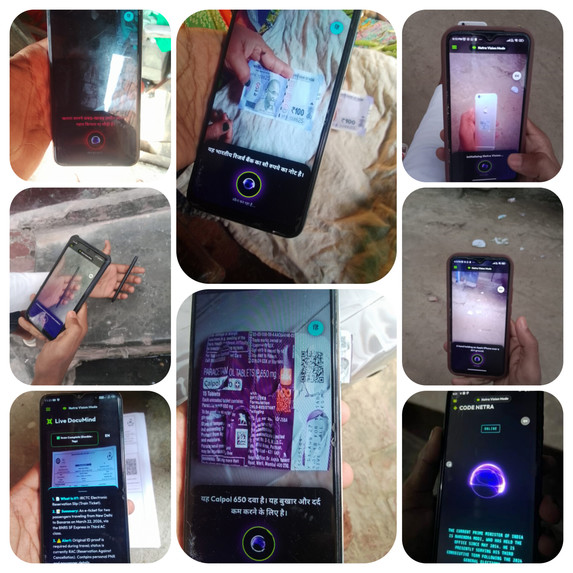
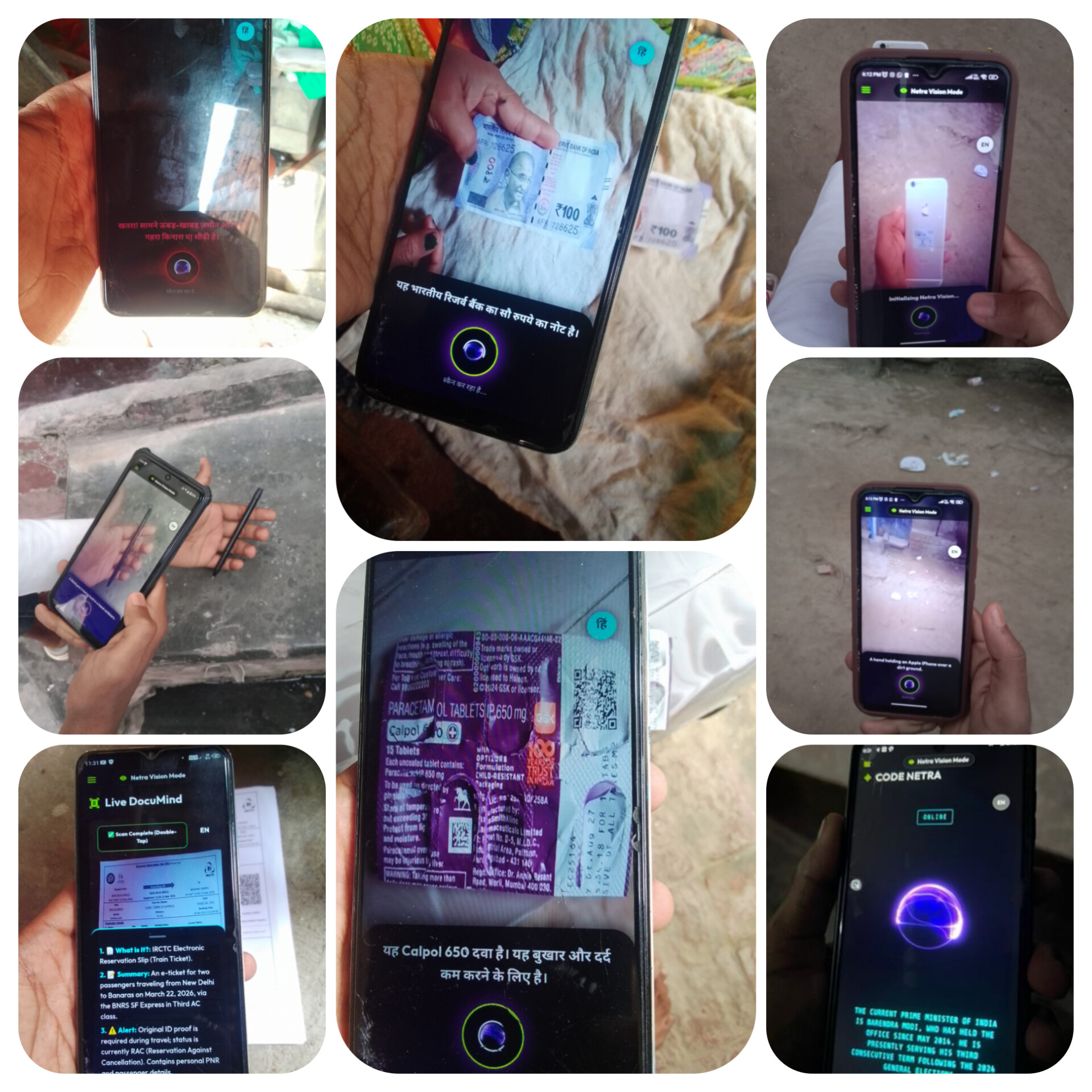
Live Testing
-
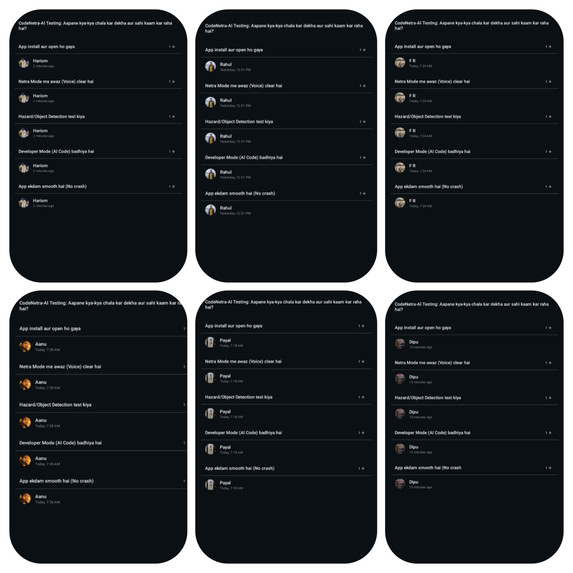
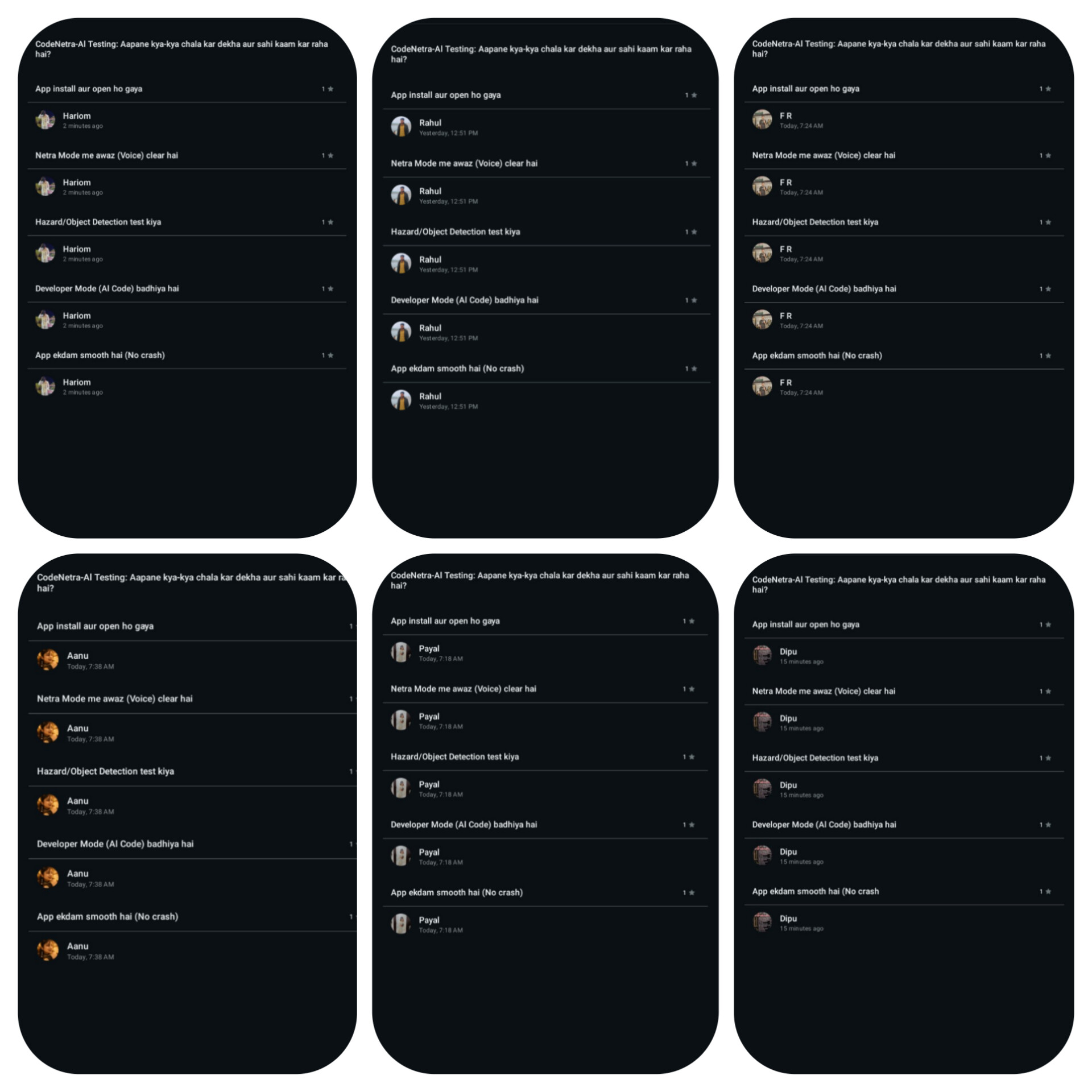
Users feedback
-
-
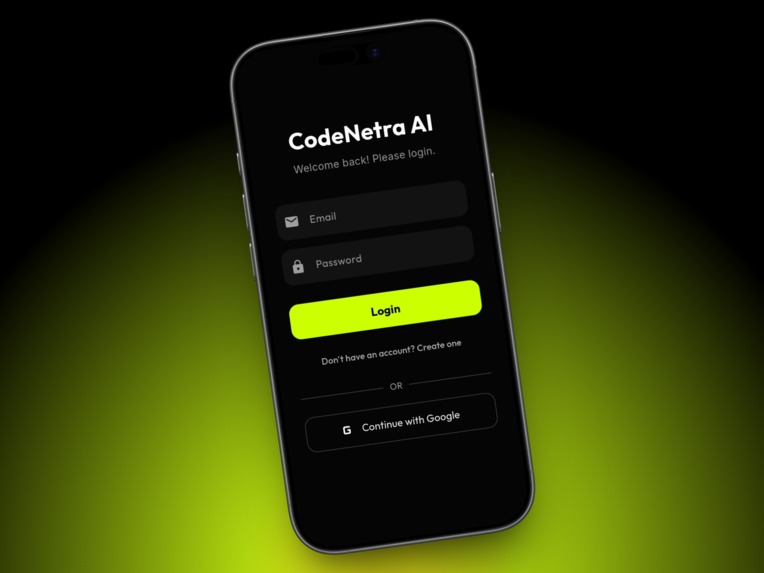
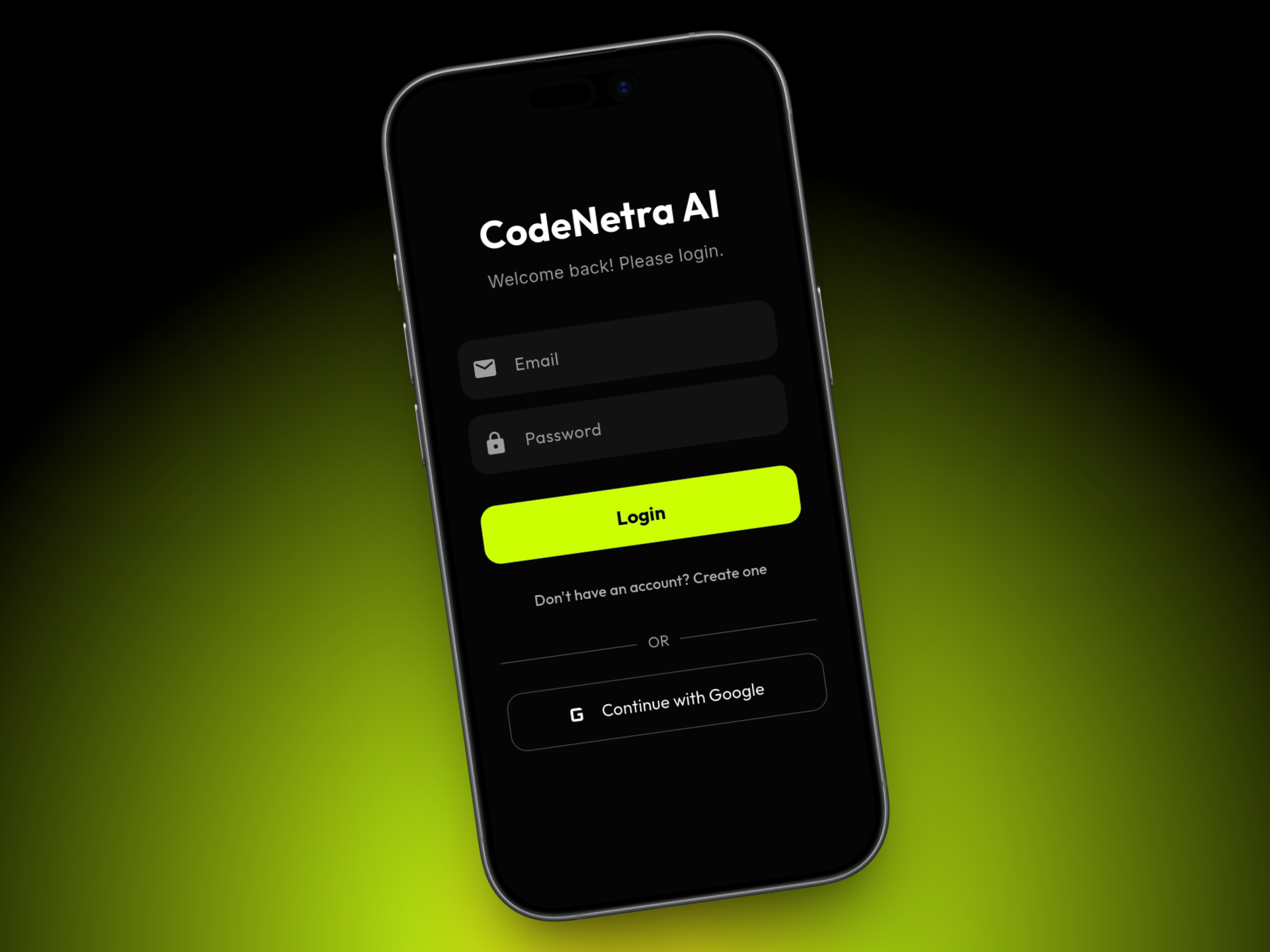
Login page
-
-
-
-
-
-
💡 Inspiration
Programming is often called a "superpower," but for the 2.2 billion visually impaired people globally, modern IDEs act as kryptonite. Traditional screen readers just read code line-by-line; they don't understand the logic or the UI structure.
On the other hand, sighted developers waste 30-50% of their time debugging syntax errors and searching StackOverflow.
We asked ourselves: What if an AI could act as "Digital Eyes" for the blind and a "Smart Brain" for developers? This question gave birth to CodeNetra-AI.
🚀 What it does
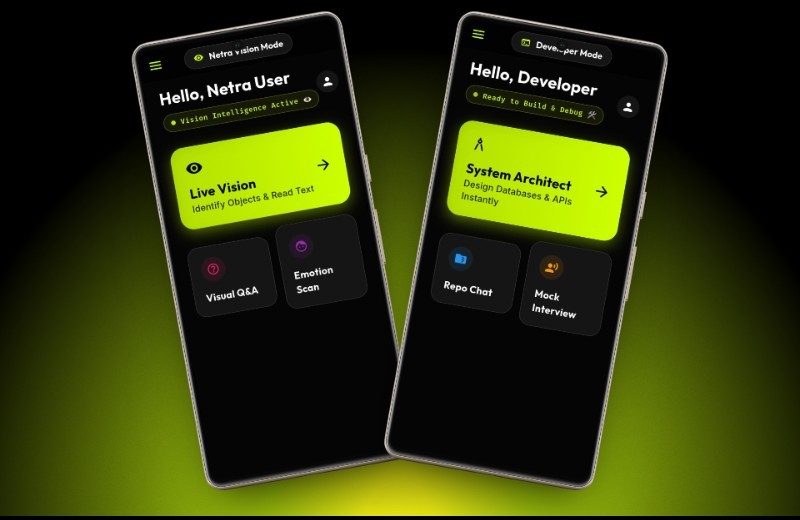
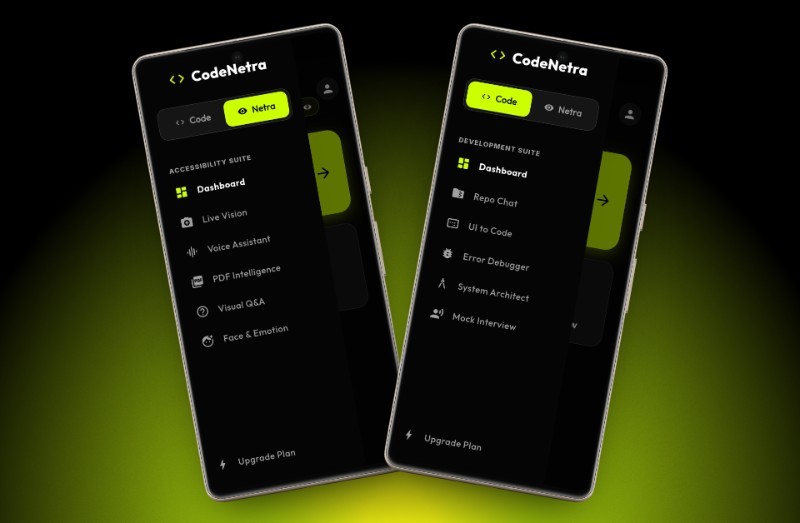
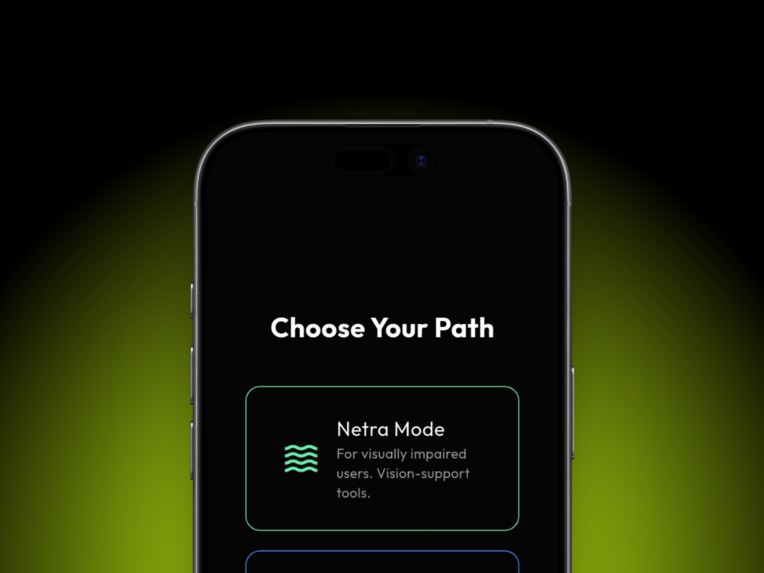
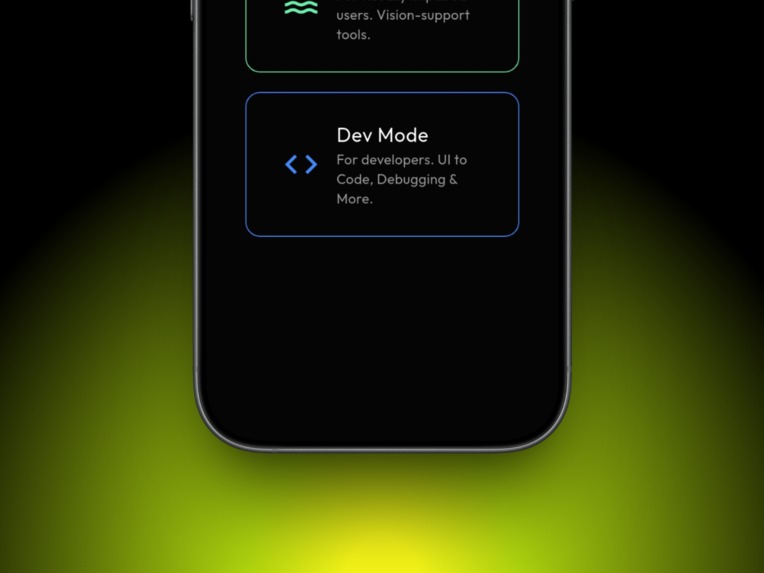
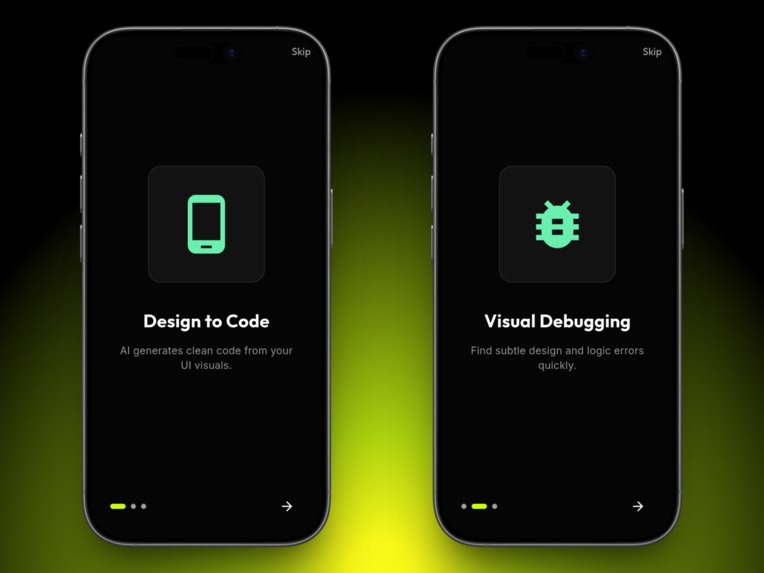
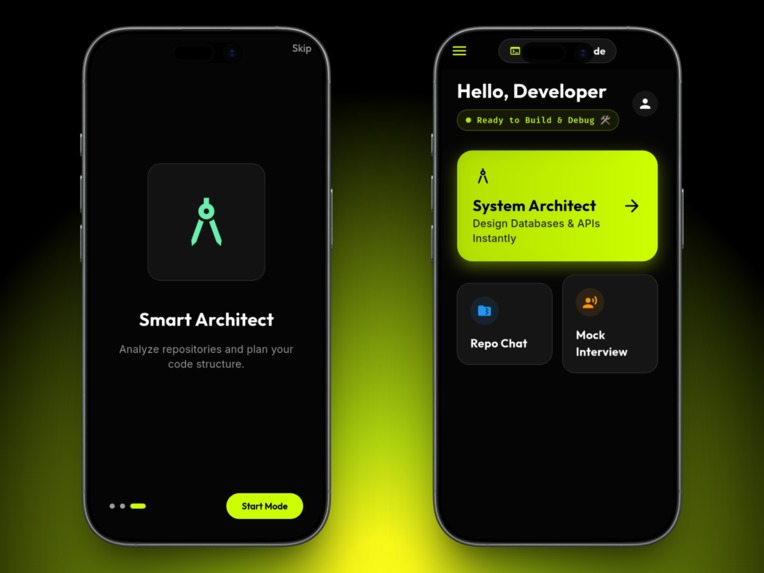
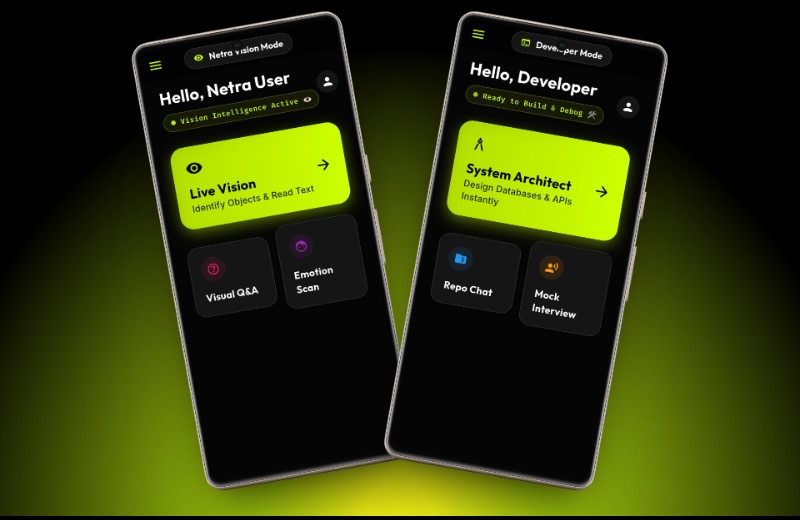
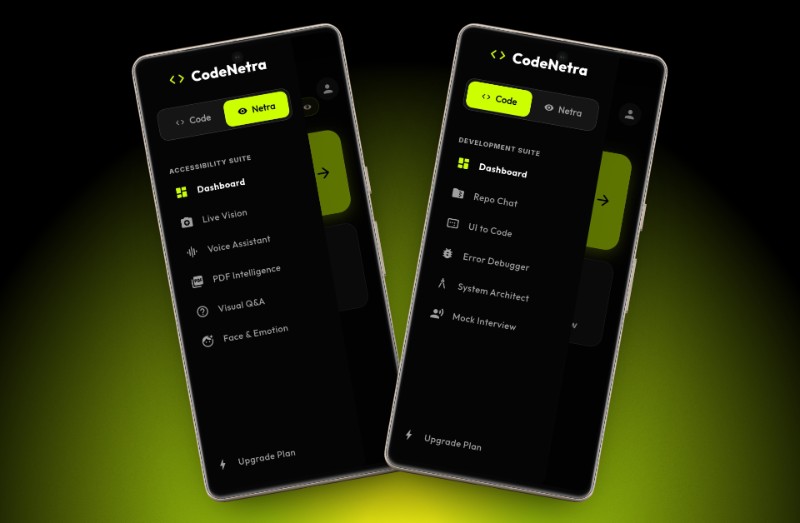
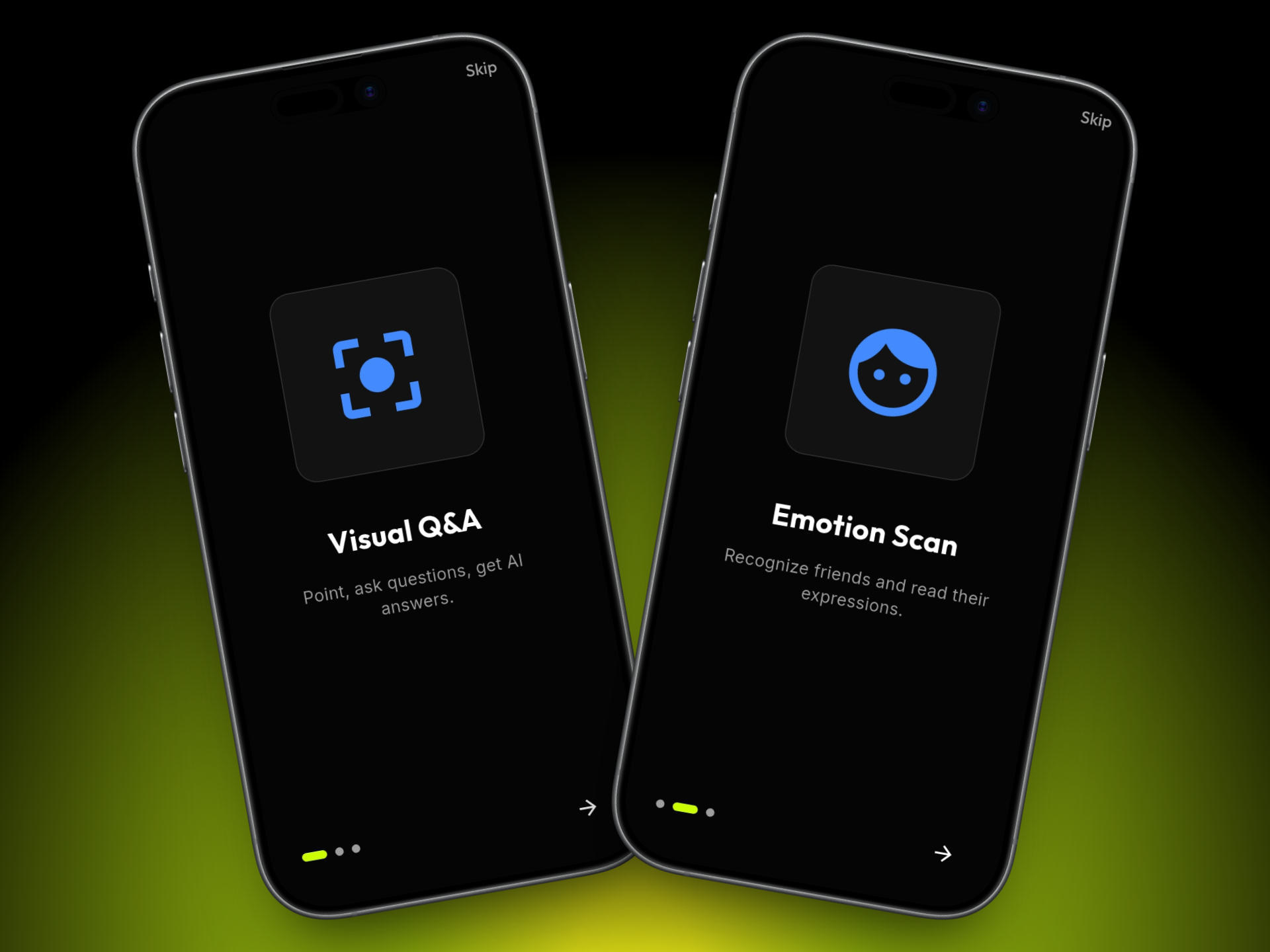
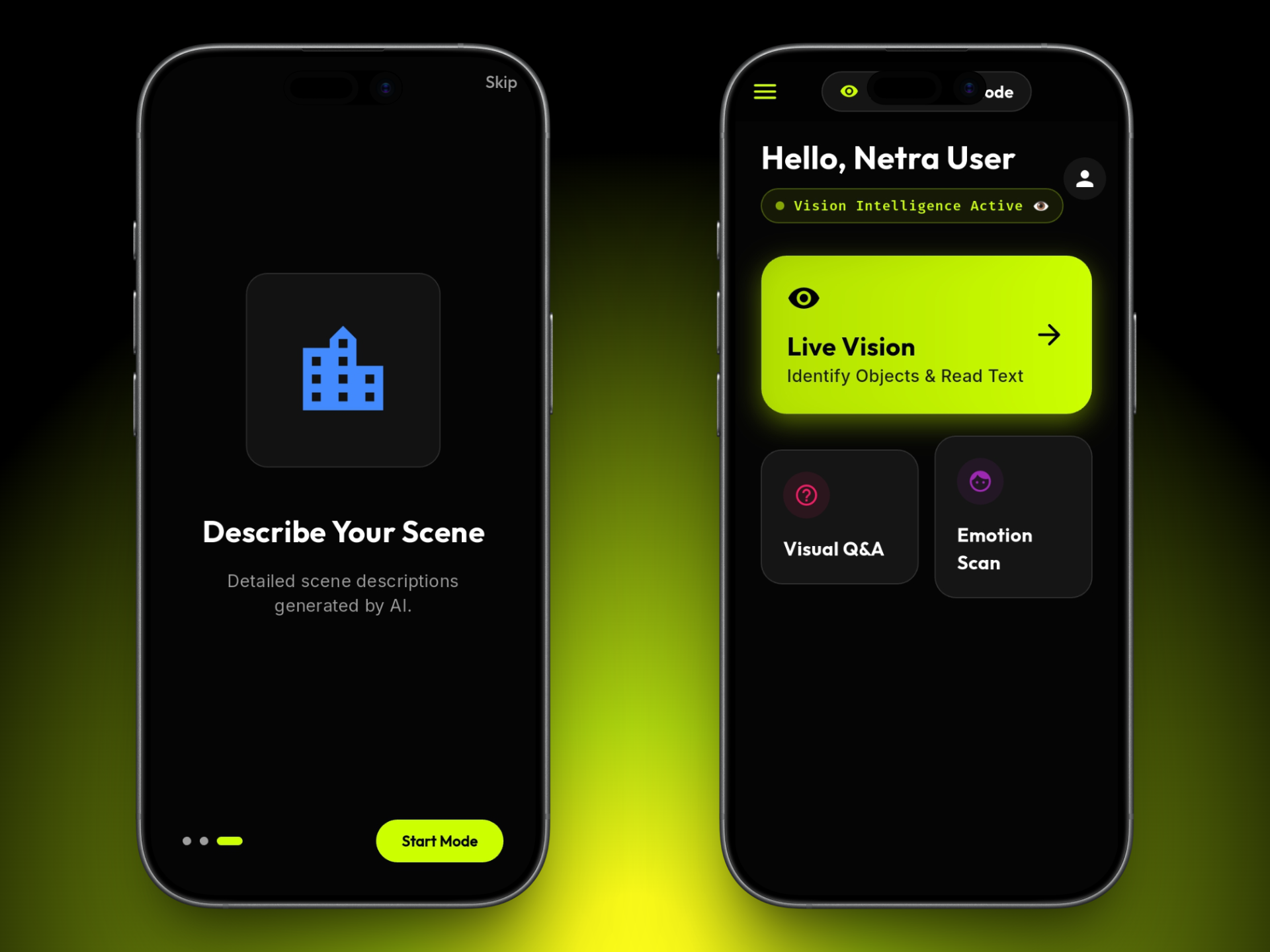
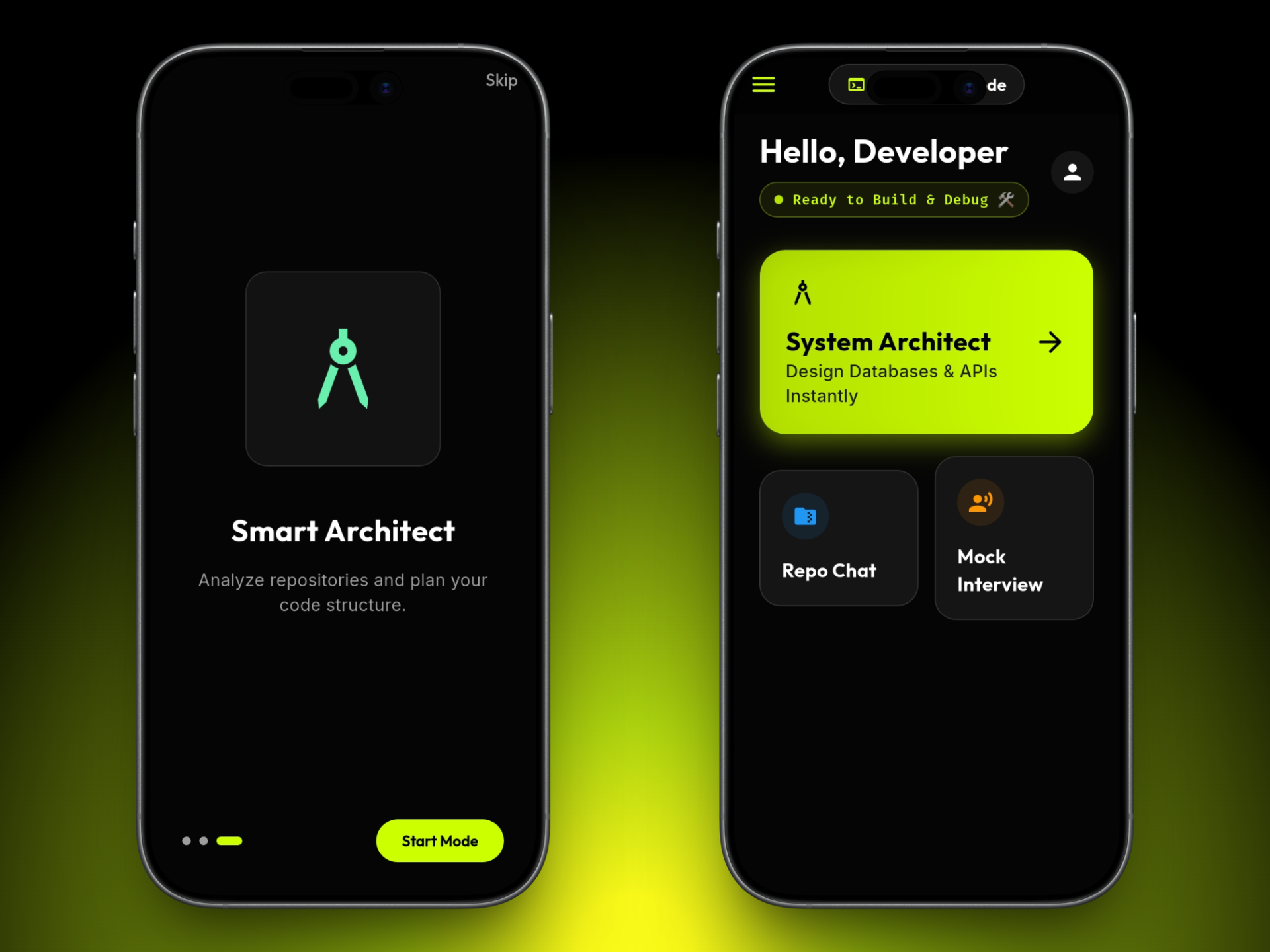
CodeNetra-AI is a Dual-Mode Intelligent Assistant that bridges the gap between accessibility and productivity.
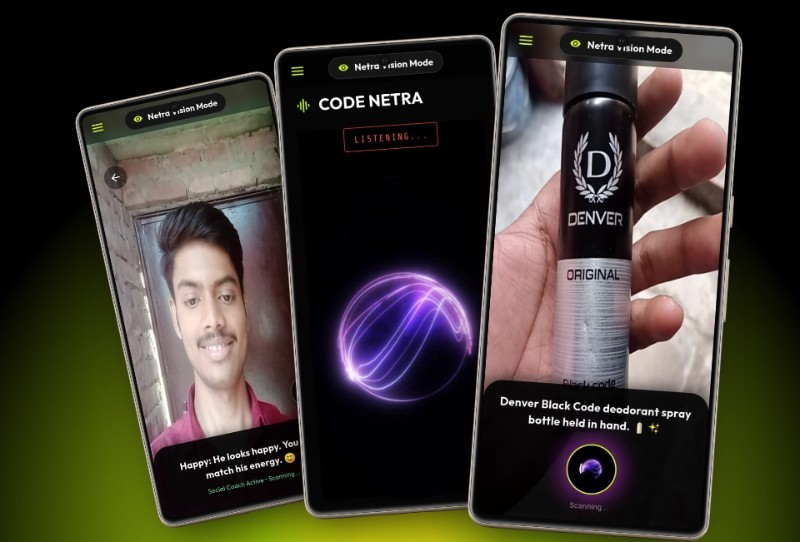
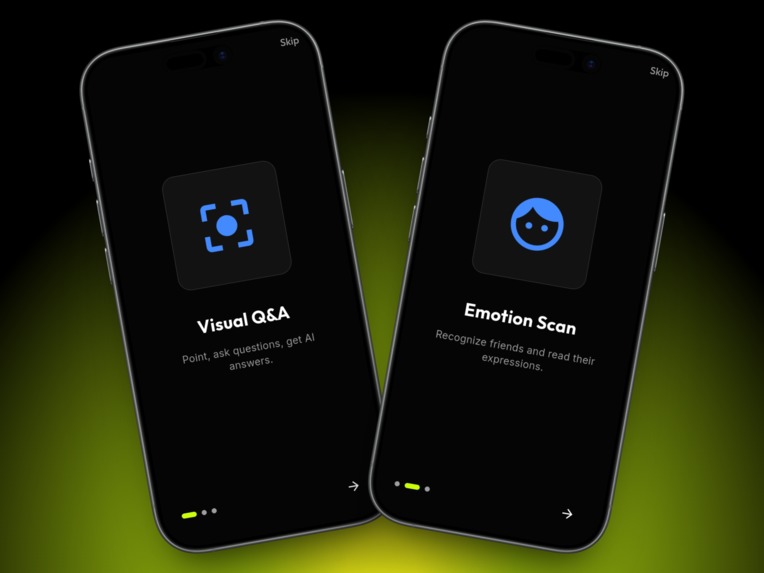
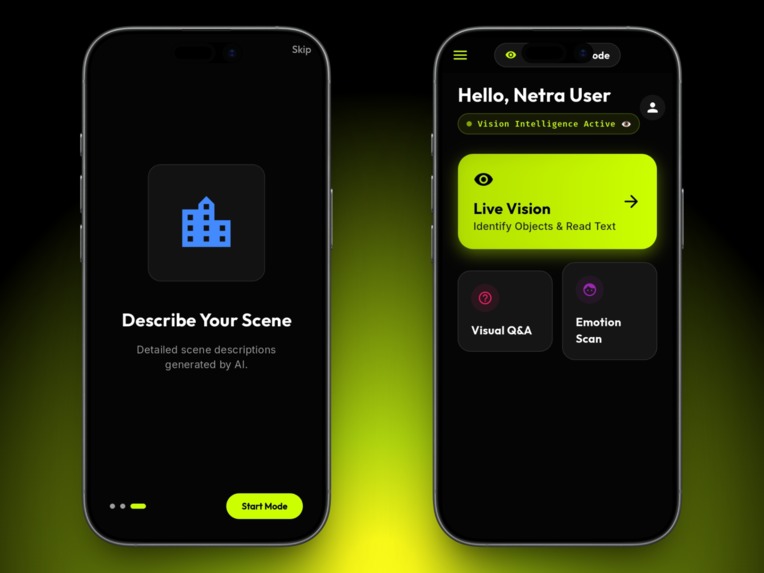
1. 👁️ Netra Vision Mode (Accessibility First)
Designed for visually impaired developers.
- Voice-Controlled IDE: Users can write code, navigate directories, and run commands using only their voice.
- UI Describer: Using Gemini 1.5 Flash (Multimodal), the app captures the screen and audibly describes the UI layout, colors, and accessibility flaws, allowing blind developers to build frontend UIs confidently.
- Error narration: Instead of reading "Error at line 40", it explains why the error occurred and suggests a fix verbally.
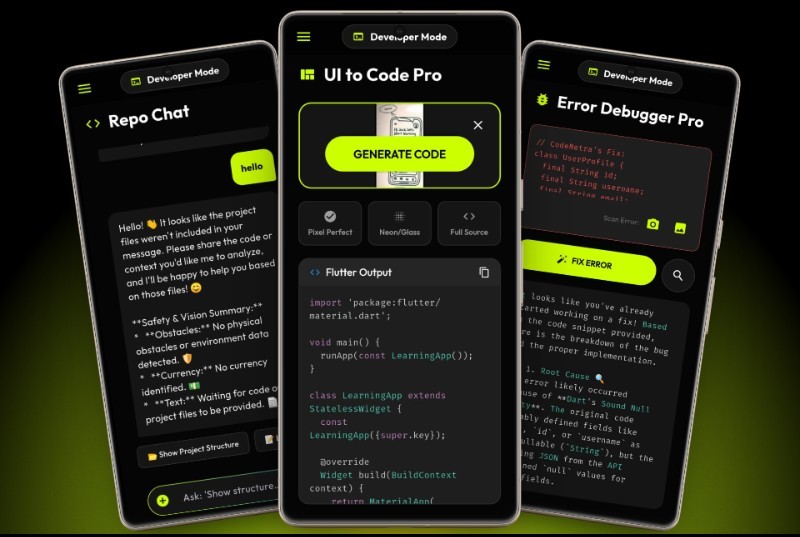
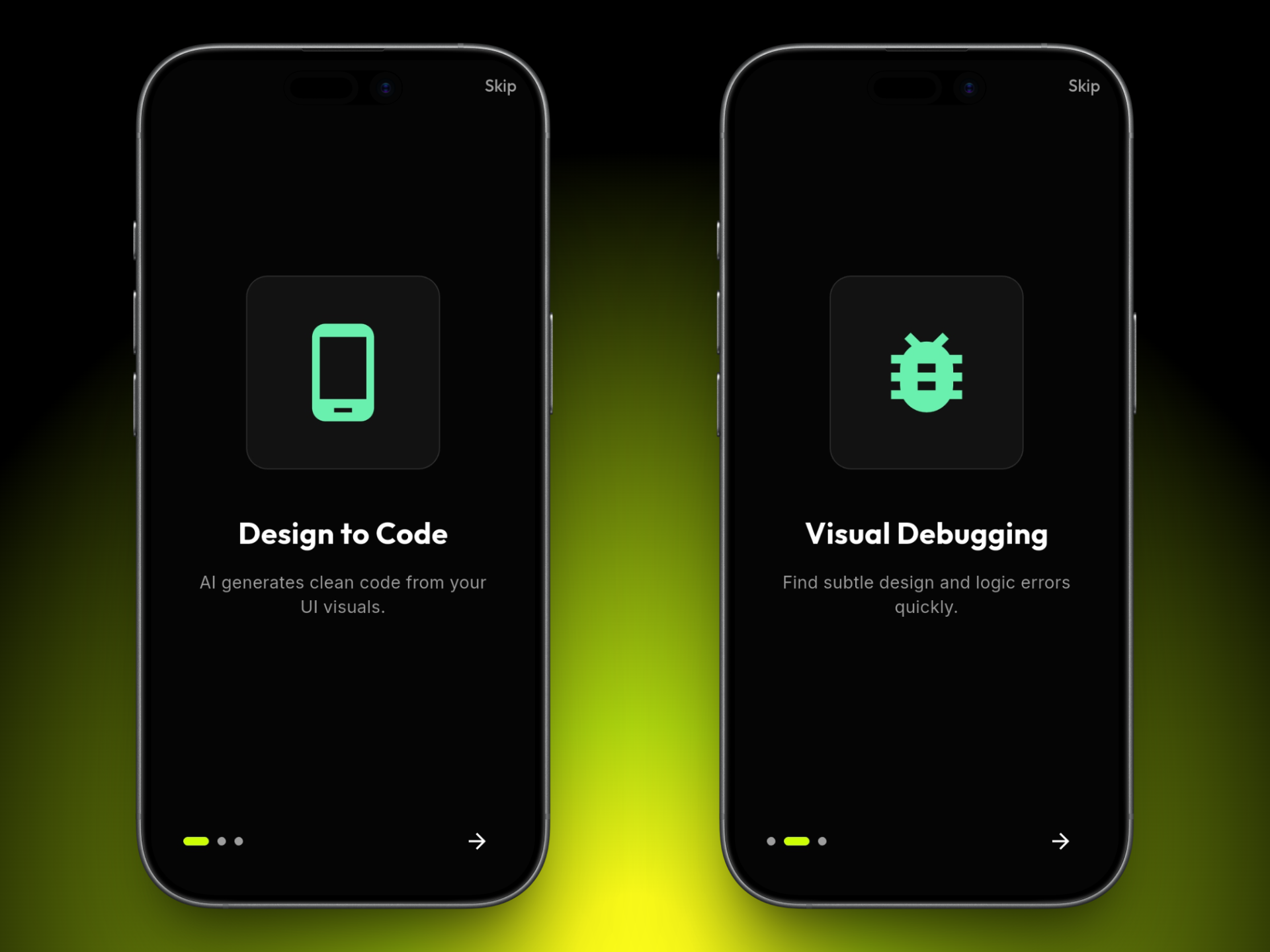
2. ⚡ Dev Intelligence Mode (Productivity)
Designed for all developers.
- The "Floating Bubble": An unobtrusive overlay that sits on top of any IDE (VS Code, Android Studio, IDX).
- Smart Screen Debugging: When you encounter an error, just tap the bubble. It captures the screen, analyzes the stack trace using AI, and speaks out the solution instantly. No more copy-pasting errors into Google!
⚙️ How we built it
- Frontend: Built with Flutter to ensure a smooth cross-platform experience (Android/iOS).
- AI Engine: We utilized Google's Gemini 1.5 Flash API. Its speed and multimodal capabilities (processing text + images) made real-time screen analysis possible.
- Voice Interface: Integrated
speech_to_textfor input and high-quality Text-to-Speech (TTS) engines for output. - Backend: Firebase for user authentication and storing user preferences.
🚧 Challenges we ran into
- Latency: Real-time voice interaction requires near-zero delay. Initially, the API response was slow, but switching to the Gemini 1.5 Flash model reduced latency significantly.
- Background Services: Keeping the "Floating Bubble" active while other heavy apps (like IDEs) were running was tricky. We had to optimize Isolate communication in Dart to prevent app crashes.
- Screen Capture Permissions: Handling privacy-focused screen capture permissions across different Android versions required writing custom native platform channels.
🏆 Accomplishments that we're proud of
- Successfully implementing a completely hands-free coding workflow.
- Creating a solution that serves two very different user groups (Blind users & Power users) in a single app.
- Integrating Multimodal AI effectively on a mobile device.
🔮 What's next for CodeNetra-AI
- Offline Mode: Implementing on-device AI models (Gemini Nano) for privacy and offline usage.
- Full IDE Integration: Building a plugin directly for VS Code.
- Global Languages: Adding support for Hindi, Spanish, and French voice commands to make coding accessible globally.

Log in or sign up for Devpost to join the conversation.