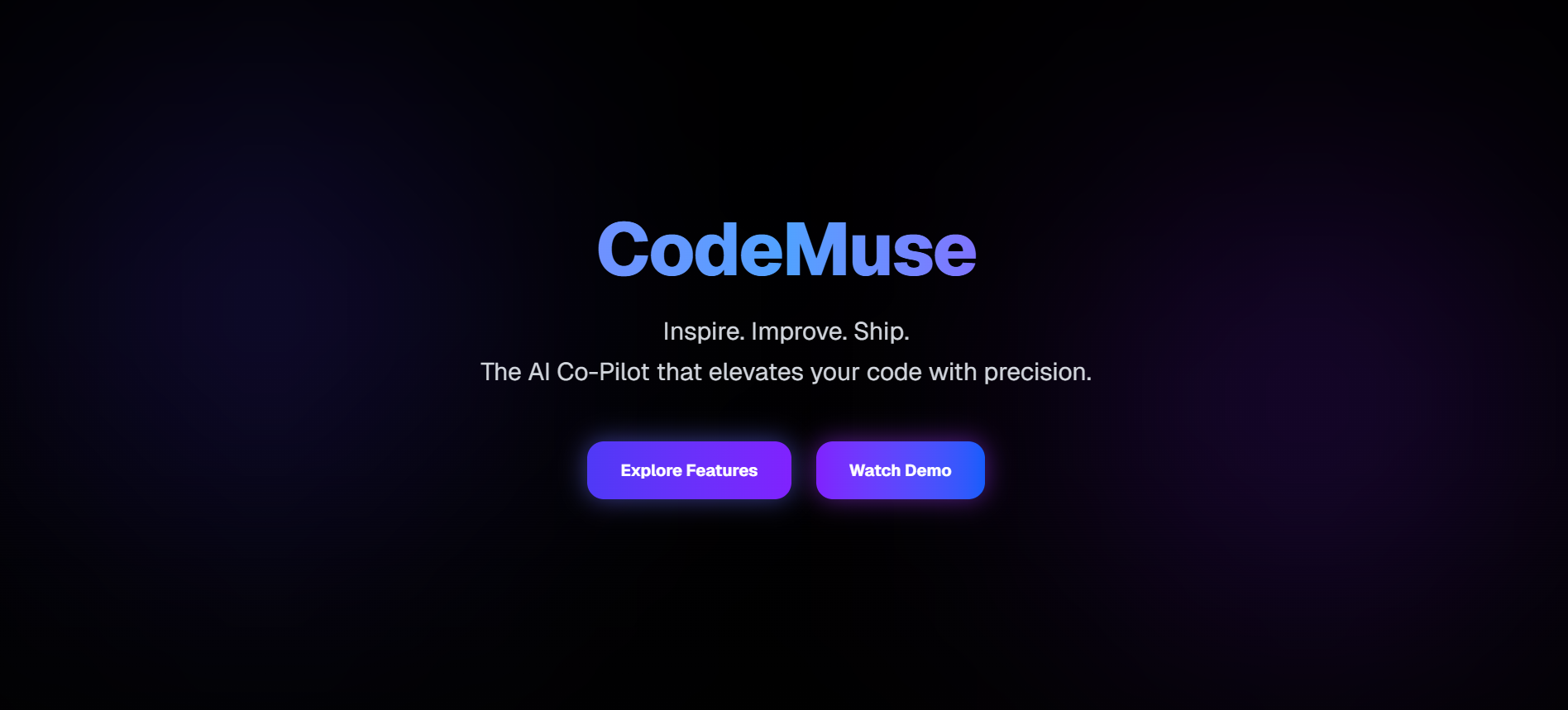


🚀 CodeMuse — Your AI-Powered Coding Companion
Ship faster. Code smarter.
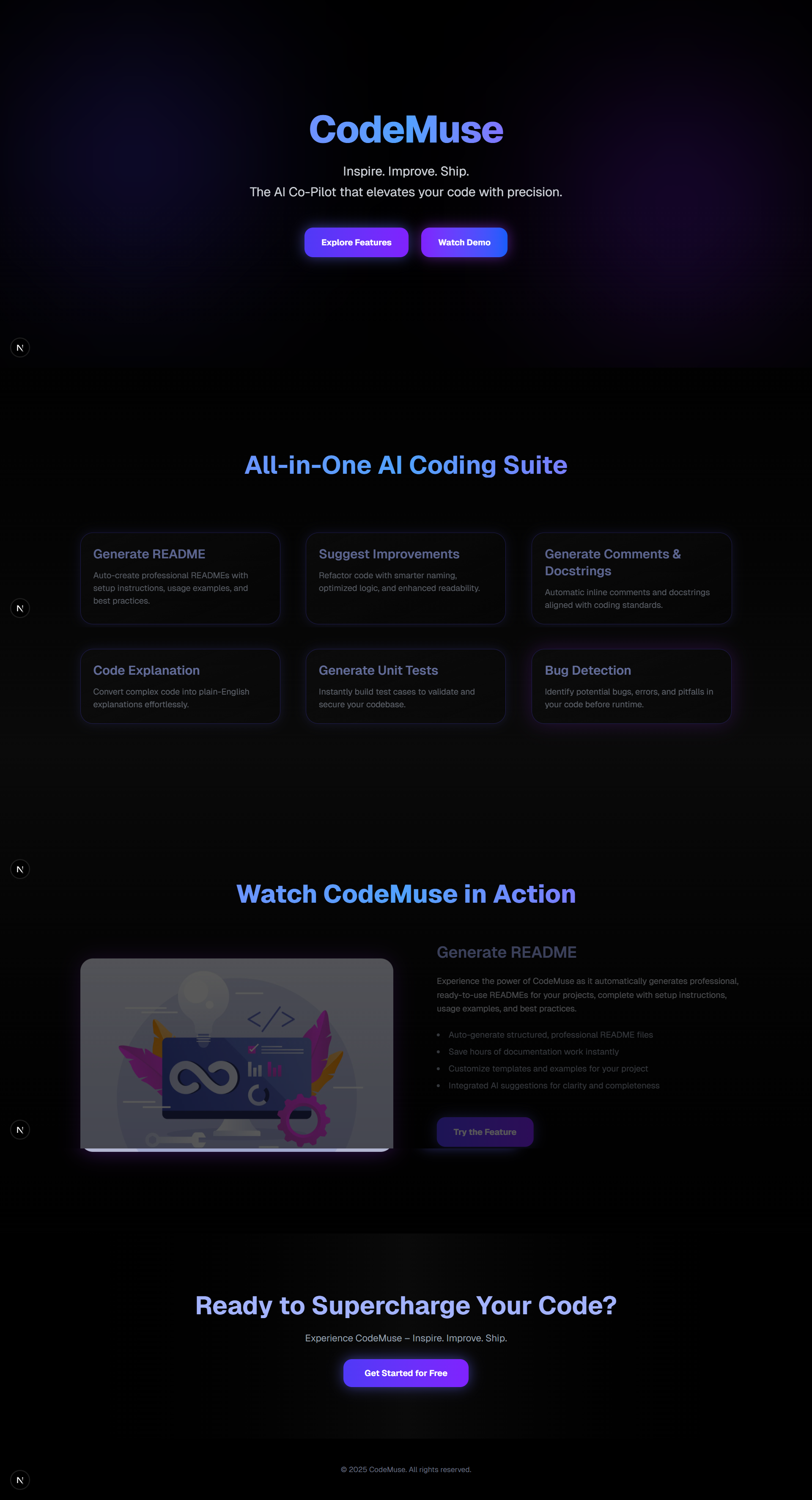
CodeMuse is an AI-driven coding assistant that helps developers write cleaner, more maintainable, and bug-free code. It analyzes your code in real time, explains logic in plain English, generates documentation, catches bugs, and even suggests improvements.
Built for the Octopus Hackathon, CodeMuse is designed to be beginner-friendly yet powerful enough for advanced developers.
✨ Features
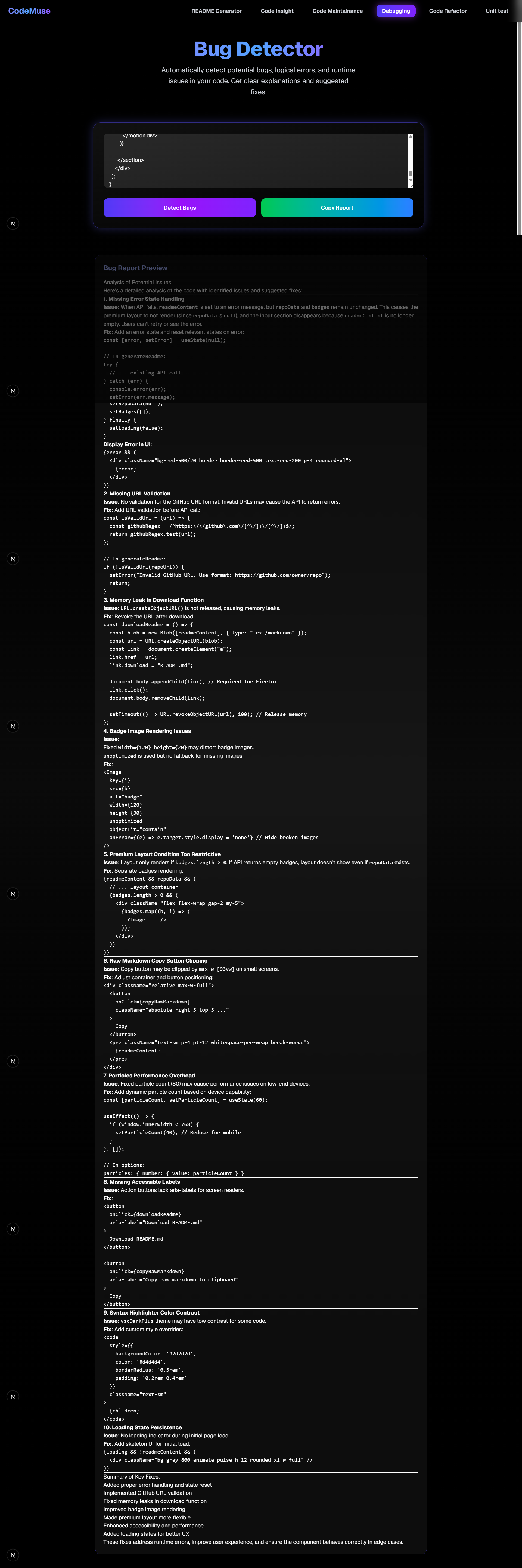
- 🐛 Bug Detection — Catch potential issues and errors before they break your app.
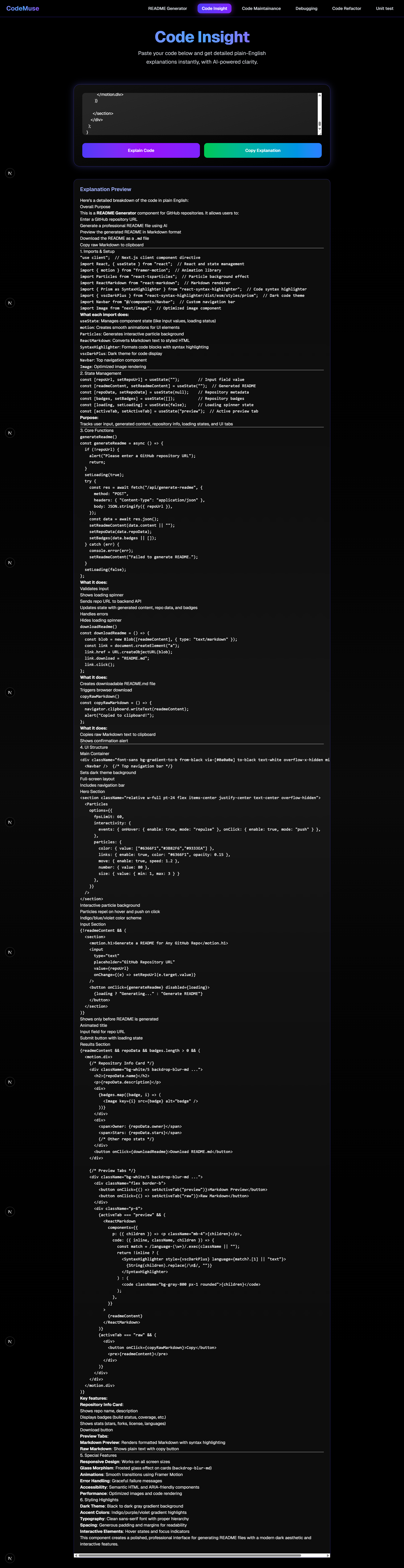
- 💬 Code Explanation — Understand any code snippet in plain English.
- 📝 Comments & Docstrings — Auto-generate meaningful inline comments.
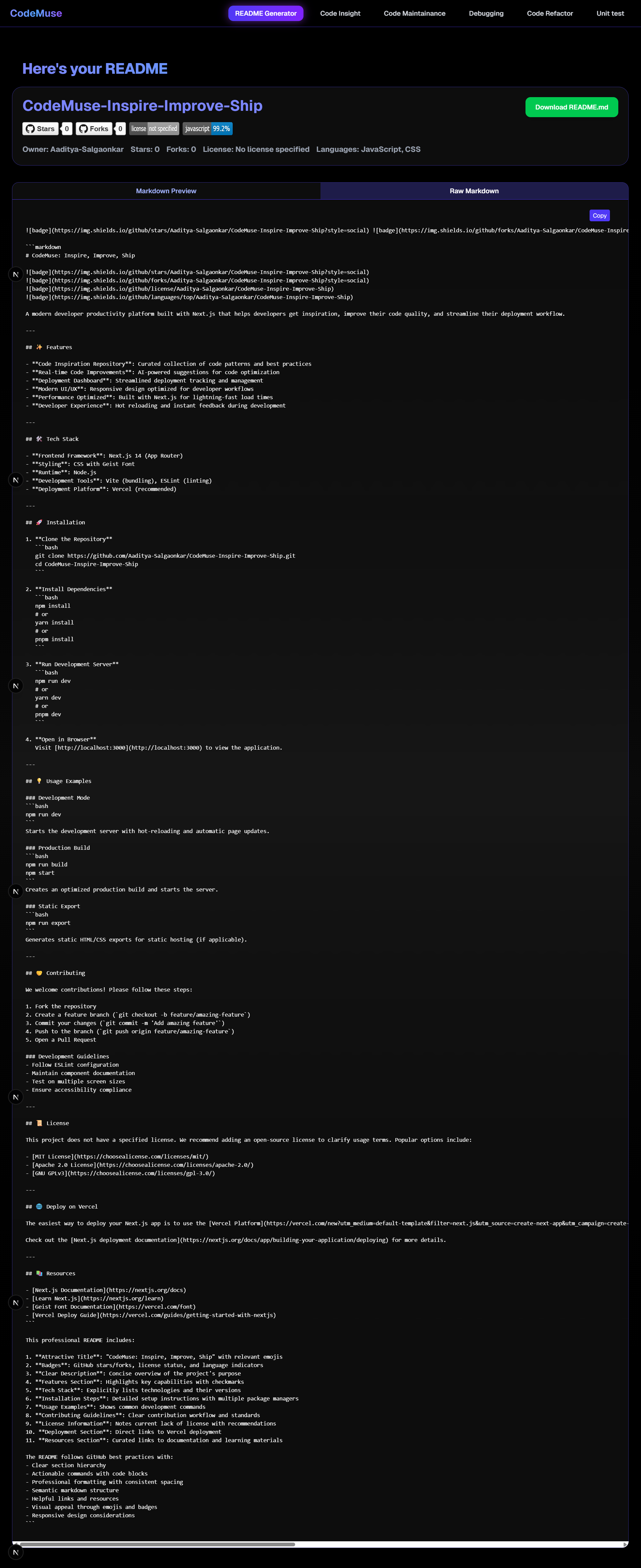
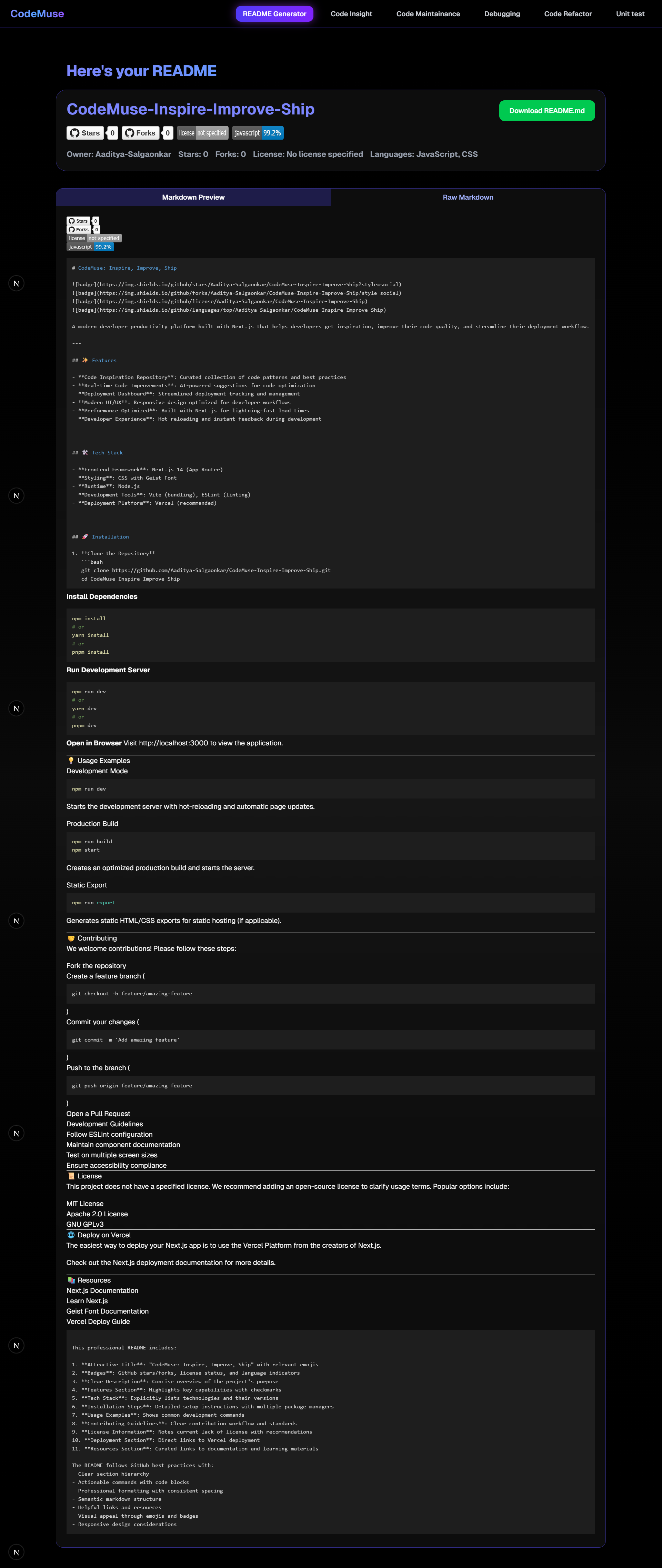
- 📘 README Generator — Instantly generate professional project documentation.
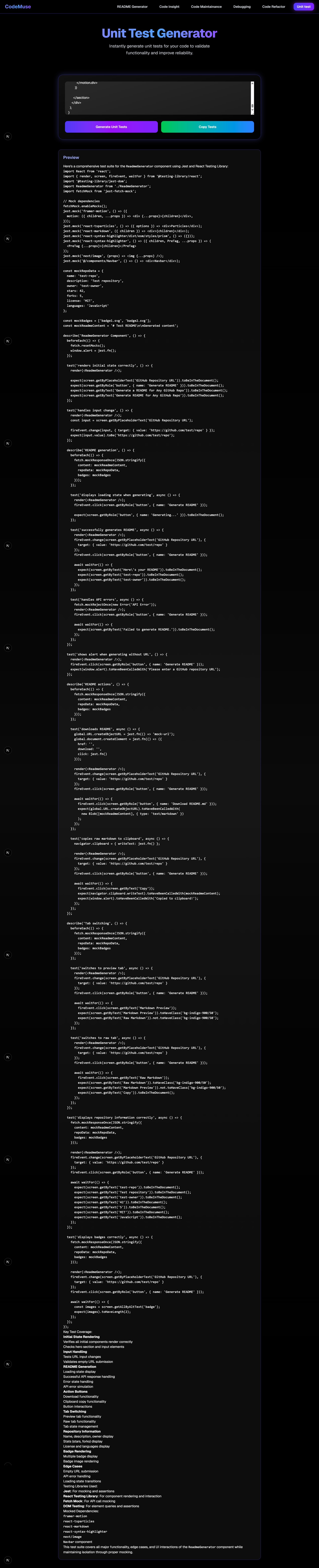
- ✅ Unit Test Generator — Create basic test cases for your functions.
- ⚡ Improvement Suggestions — Get optimization and refactoring tips.
🛠️ Tech Stack
- Frontend → Next.js 14, React, Tailwind CSS, Framer Motion
- Backend → Next.js API routes
- AI Layer → OpenRouter APIs (GLM 4.5 air)
- Deployment → Vercel
🚀 Getting Started
1️⃣ Clone the repo
git clone https://github.com/Aaditya-Salgaonkar/CodeMuse-Inspire-Improve-Ship.git
cd codemuse
2️⃣ Install dependencies
npm install
3️⃣ Set environment variables
Create a .env.local file in the root with:
OPENROUTER_API_KEY=your_api_key_here
4️⃣ Run locally
cd codemuse
npm run dev
Your app will be live at: http://localhost:3000
📖 How We Used AI
CodeMuse uses AI models via OpenRouter to:
- Analyze and detect bugs in code.
- Generate inline comments, docstrings, and README files.
- Explain complex logic in plain English.
- Suggest code improvements and test cases.
The glue logic, UI, and backend are custom-built, ensuring a smooth developer experience.
👥 Team
- Aaditya Salgaonkar — Developer, Designer, AI Integration
📜 License
MIT License — feel free to use, modify, and improve!
🌟 Inspiration
We wanted to create a tool that makes coding easier for beginners while still being useful for experienced developers. Debugging, documentation, and code comprehension often slow down projects, so we built CodeMuse to solve these pain points.
🚀 What it does
CodeMuse acts as your personal AI coding companion, helping with bug detection, explanations, comments, README generation, unit tests, and suggestions for improvements in real-time.
🛠 How we built it
- Frontend → Next.js 14, React, Tailwind CSS, Framer Motion
- Backend → Next.js API routes
- AI Integration → OpenRouter APIs for intelligent code analysis
- Deployment → Vercel
We focused on smooth UX, premium animations, and robust integration with AI models for accurate, actionable outputs.
⚡ Challenges we ran into
- API rate limits and token restrictions
- Ensuring consistent outputs from AI models
- Deploying a full-stack app seamlessly
- Handling complex code scenarios
- Limited time during hackathon
🏆 Accomplishments that we're proud of
- Building a fully working AI coding assistant within hackathon time
- Integrating multiple AI-powered features in a single app
- Deploying with a polished UI/UX and smooth animations
- Auto-generating professional documentation and test cases
📚 What we learned
- Effective API integration and AI prompt design
- Importance of UI/UX polish for adoption
- How AI can accelerate developer workflows
- Real-world challenges like deployment and scalability
🔮 What's next for CodeMuse — Your AI-Powered Coding Companion
- Multi-language support (Python, Java, JavaScript, etc.)
- IDE plugins (VSCode, JetBrains) for real-time coding assistance
- AI-driven bug-fixing and auto-refactoring
- Optimized AI prompts for higher accuracy
- Collaborative coding features for teams
📝 2. A Short Write-up
What we built
A premium AI coding assistant that improves code quality and developer productivity, with real-time suggestions, documentation, and bug detection.
Why AI was used
AI is excellent at pattern recognition and language understanding, making it perfect for analyzing code, generating explanations, and automating documentation.
How it works / how we built it
- Frontend: Next.js + Tailwind CSS + Framer Motion
- Backend: Next.js API routes
- AI Integration: OpenRouter APIs for bug detection, comments, explanations, tests, and docs
- Deployment: Vercel
Tools/Tech we used
- Next.js, React, Tailwind CSS, Framer Motion
- OpenRouter APIs
- Vercel for deployment
What surprised us
- How quickly we could integrate multiple AI features
- The accuracy of AI explanations simplifying complex code
- AI's ability to generate clean README and docstrings almost instantly
Built With
- framer-motion
- glm4.5air
- nextjs
- nextjs-apiroutes
- vercel

Log in or sign up for Devpost to join the conversation.