-
-
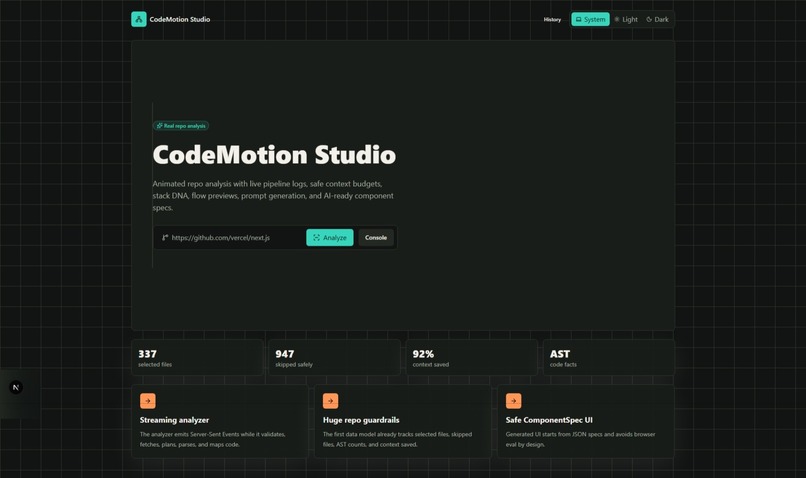
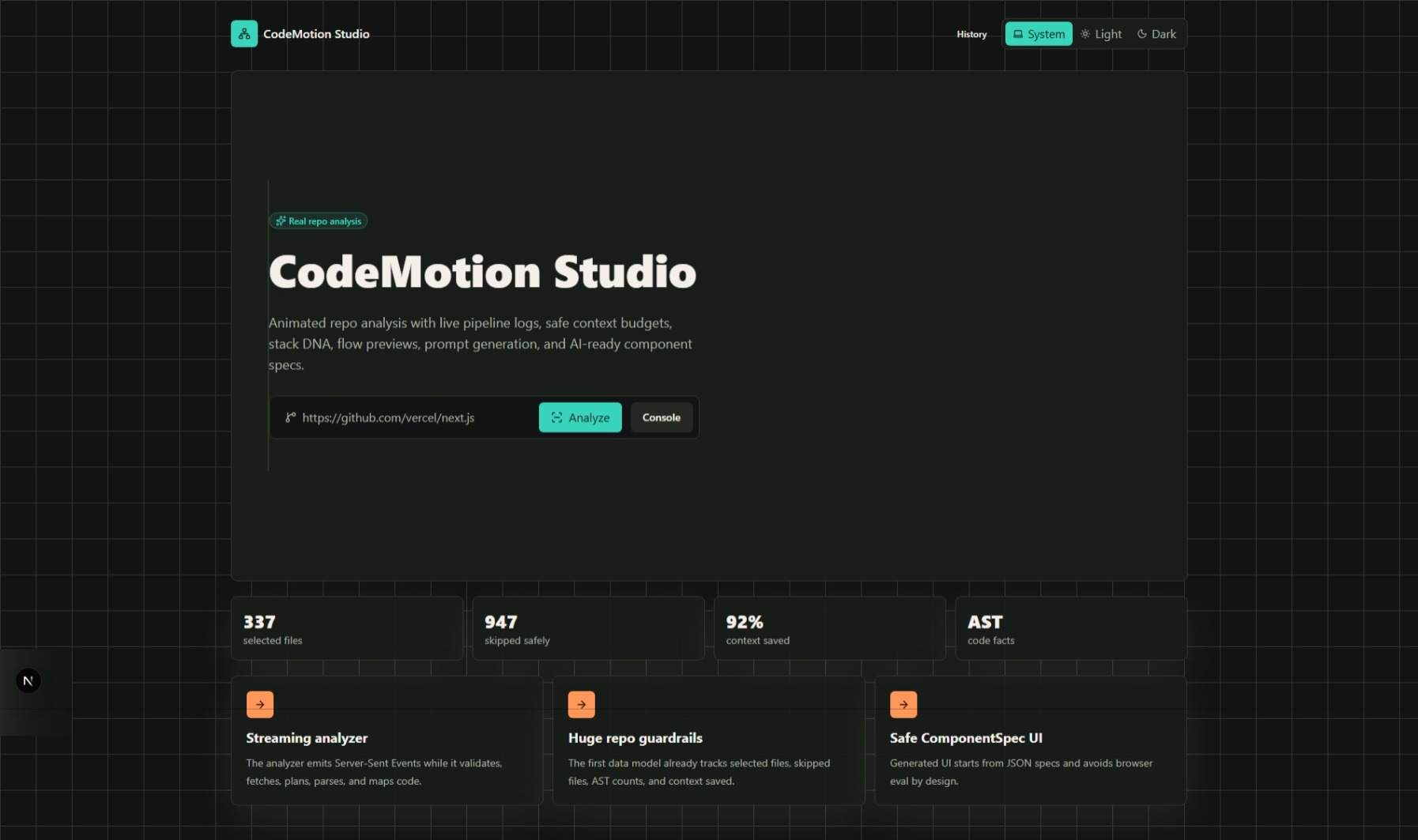
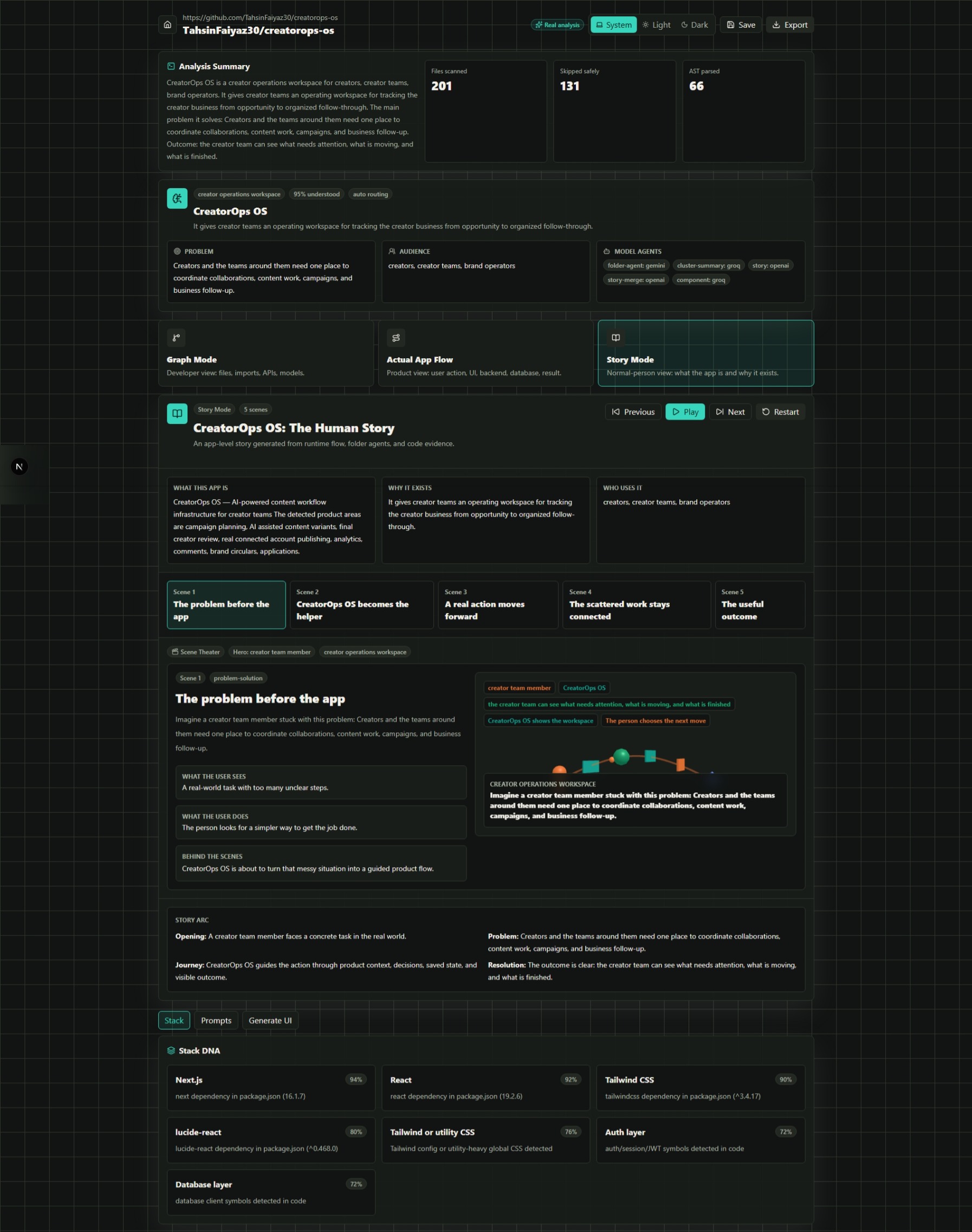
Home Page
-
-
-
-
-
-
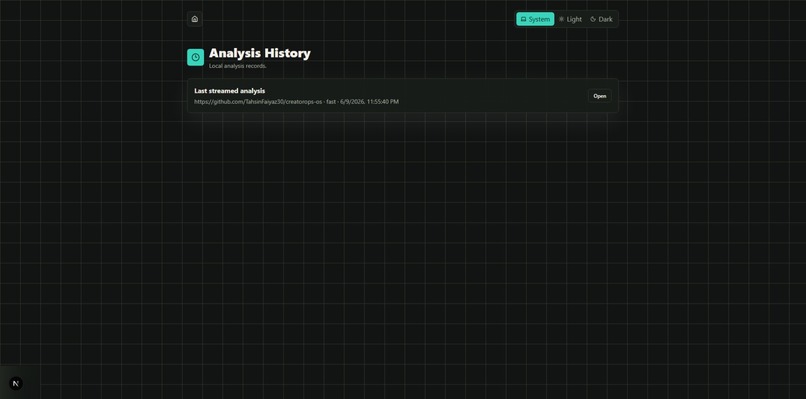
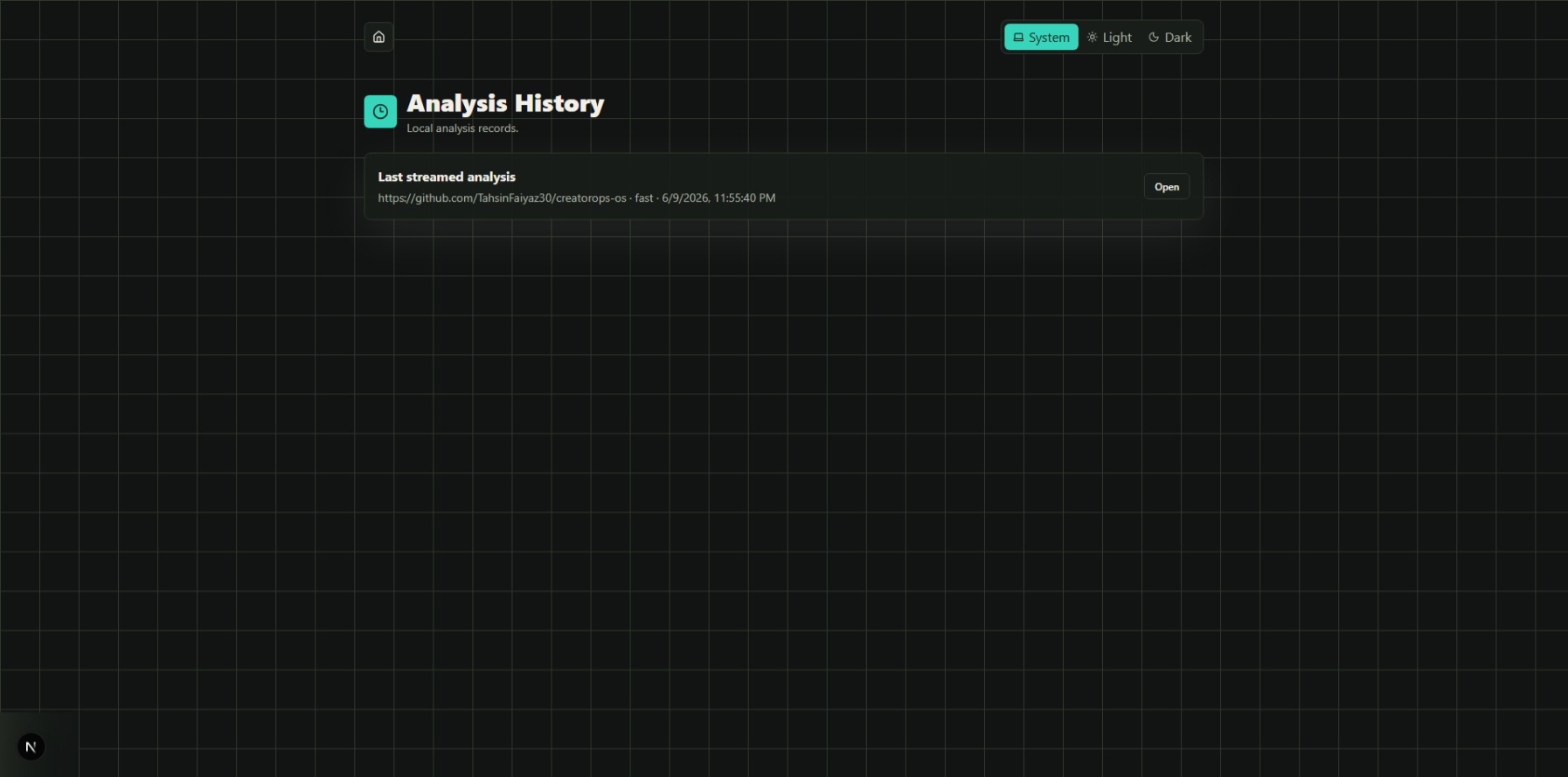
History Page
About the project
Inspiration
CodeMotion Studio was inspired by a simple problem: opening a new GitHub repository can feel overwhelming. A beginner, student, or even an experienced developer may see dozens of folders, components, API routes, models, and configuration files without understanding how the app actually works.
Most code tools explain code file by file, but real applications do not work file by file. They work as flows: a user clicks a button, a component handles the action, an API route runs, a database changes, and the UI updates.
So I wanted to build a tool that turns any codebase into something visual, animated, and understandable.
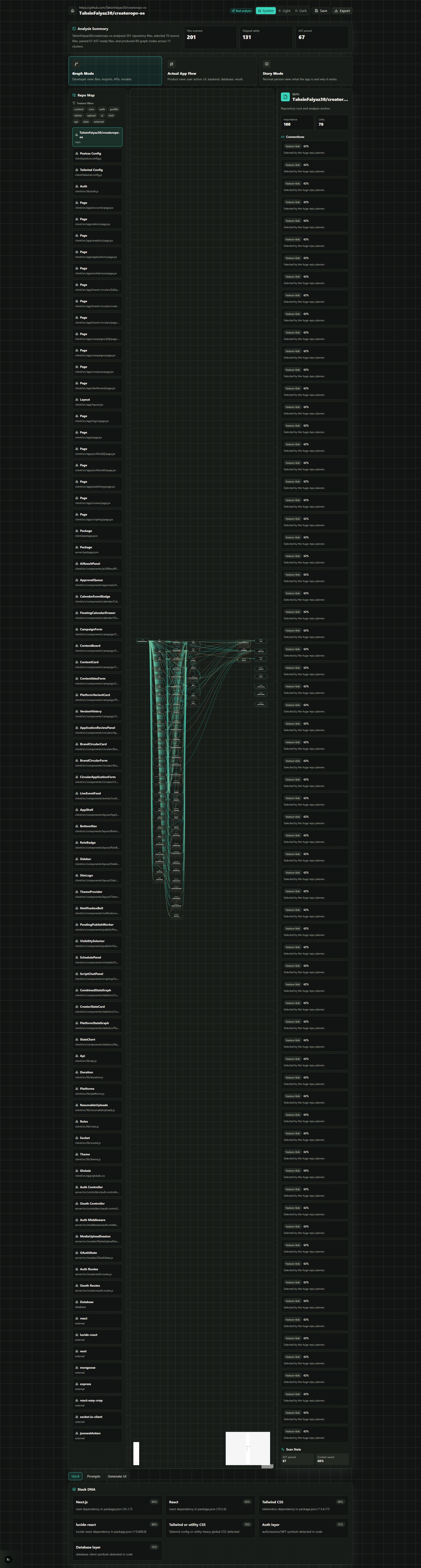
CodeMotion Studio transforms a GitHub repository into an interactive learning experience. It maps the real structure of the project, detects the stack, parses code with AST analysis, builds file connections, explains actual app flows, and turns the result into animated visual scenes.
The goal is to help people not just read code, but understand how the whole app works.
What it does
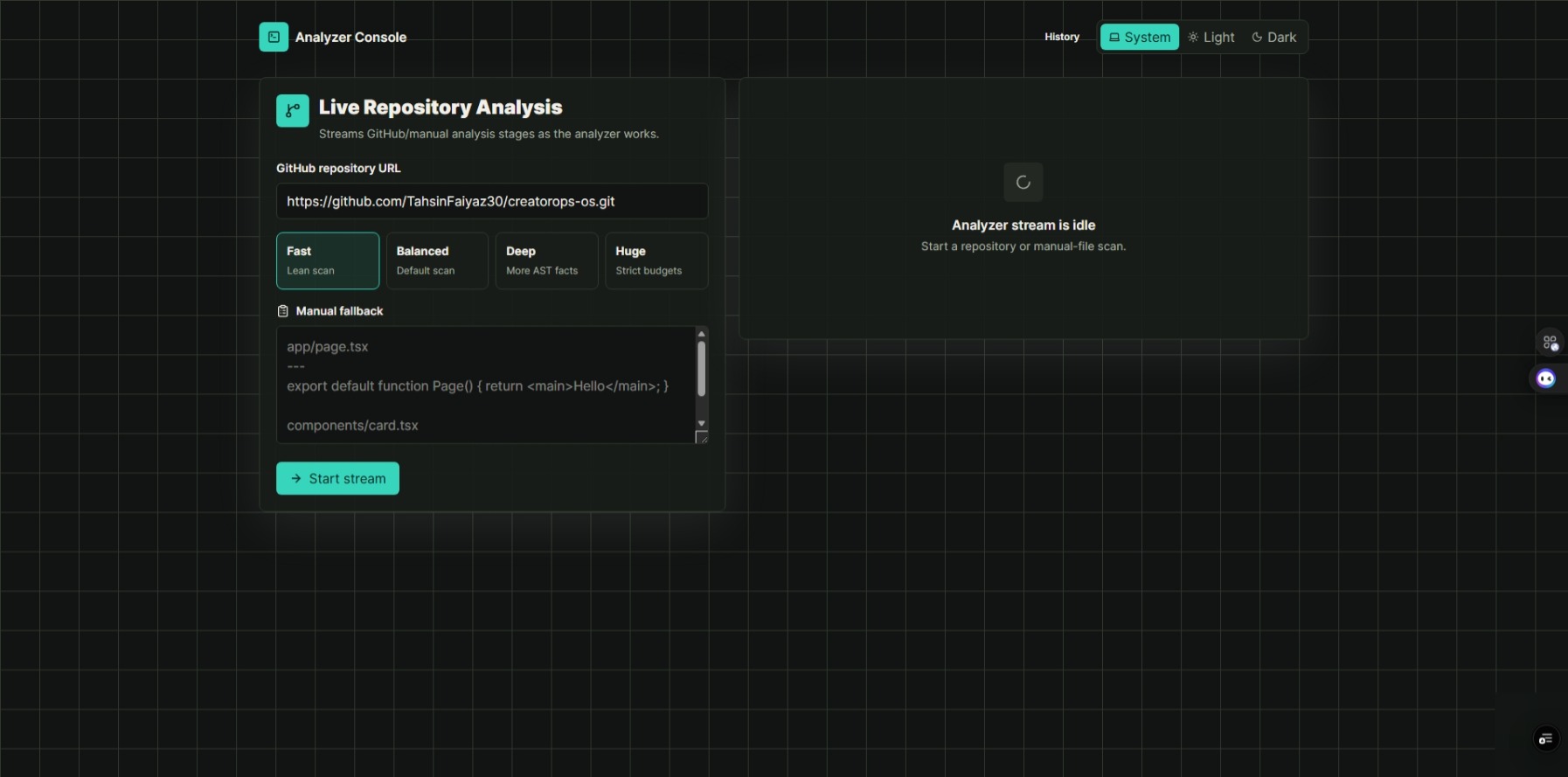
CodeMotion Studio lets users paste a public GitHub repository link or manually paste code files. Then it analyzes the project and generates:
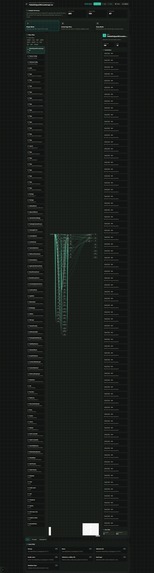
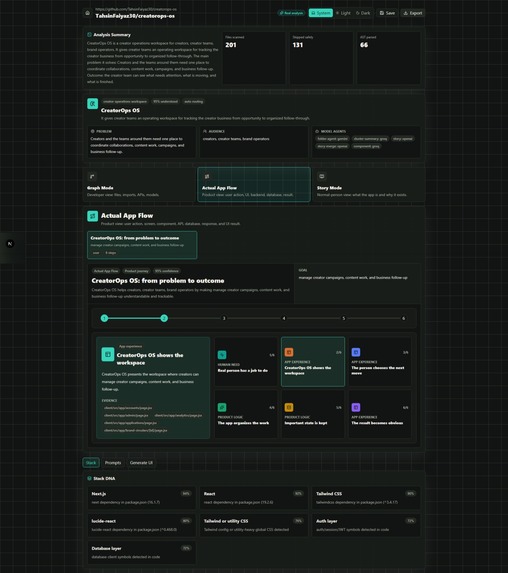
- A visual graph of how files, routes, components, APIs, models, and services connect
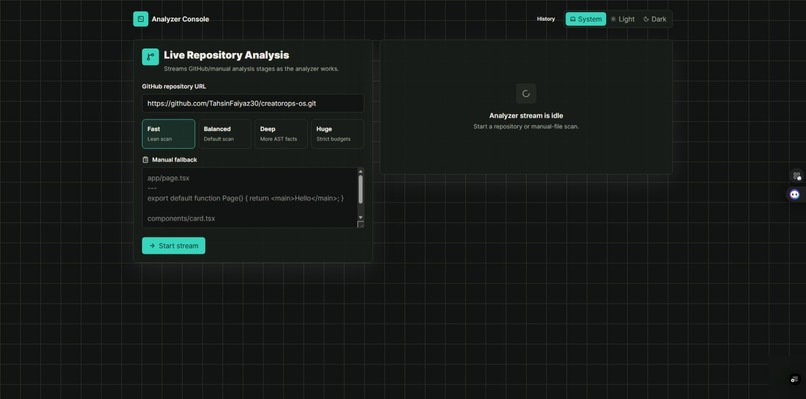
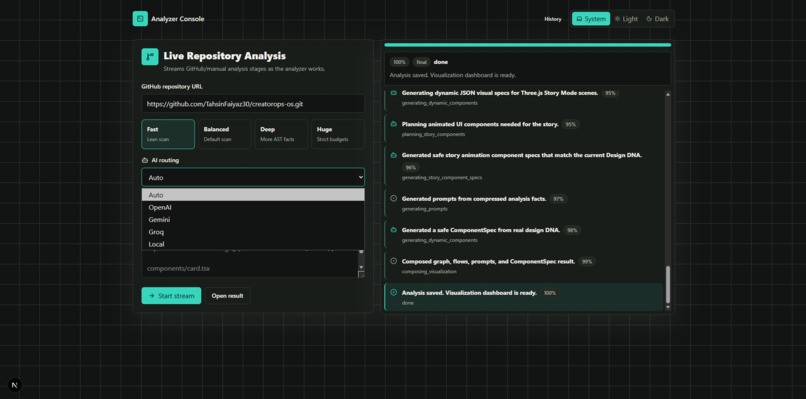
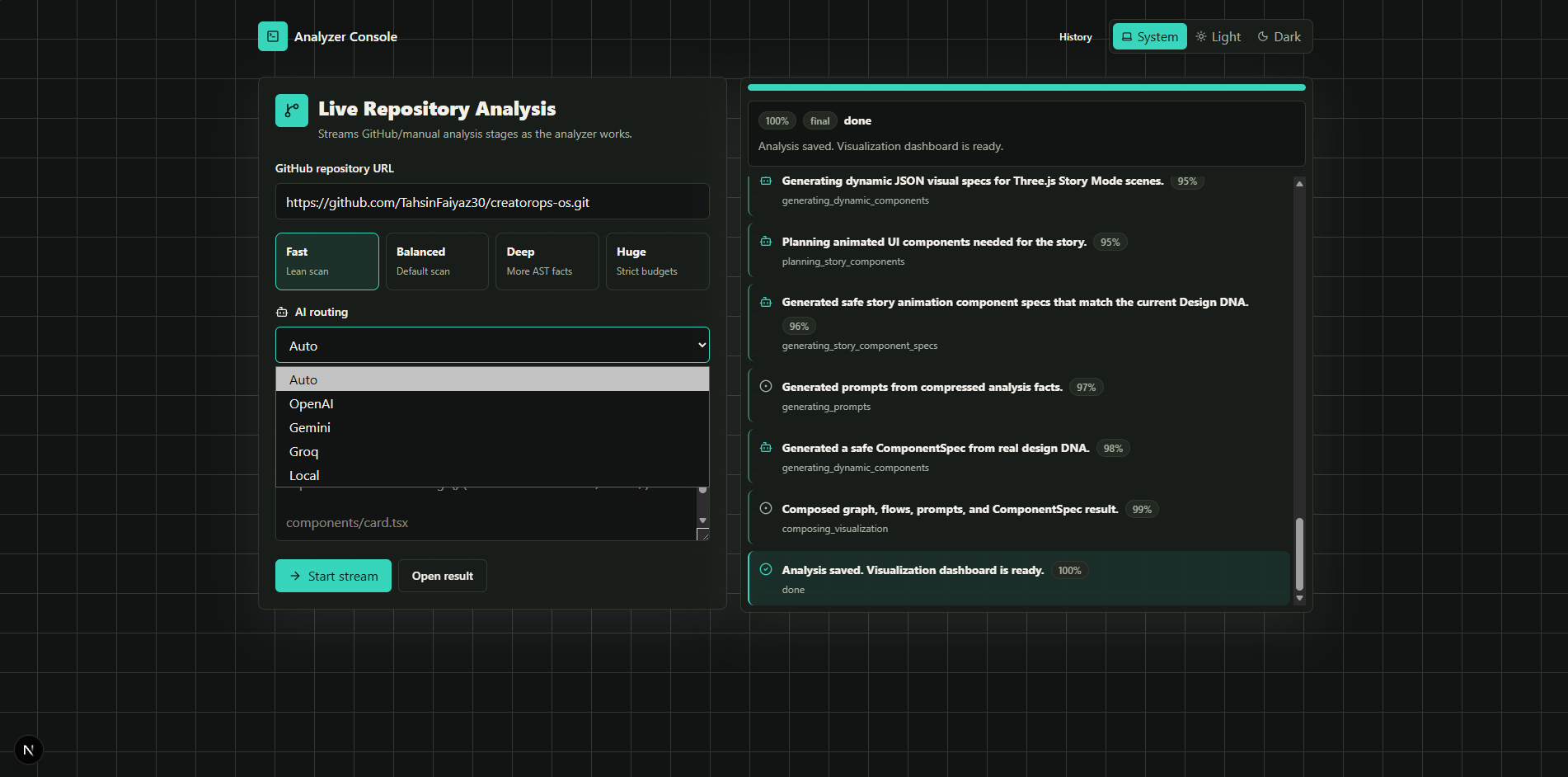
- Real-time scanning progress so users can see what the system is doing
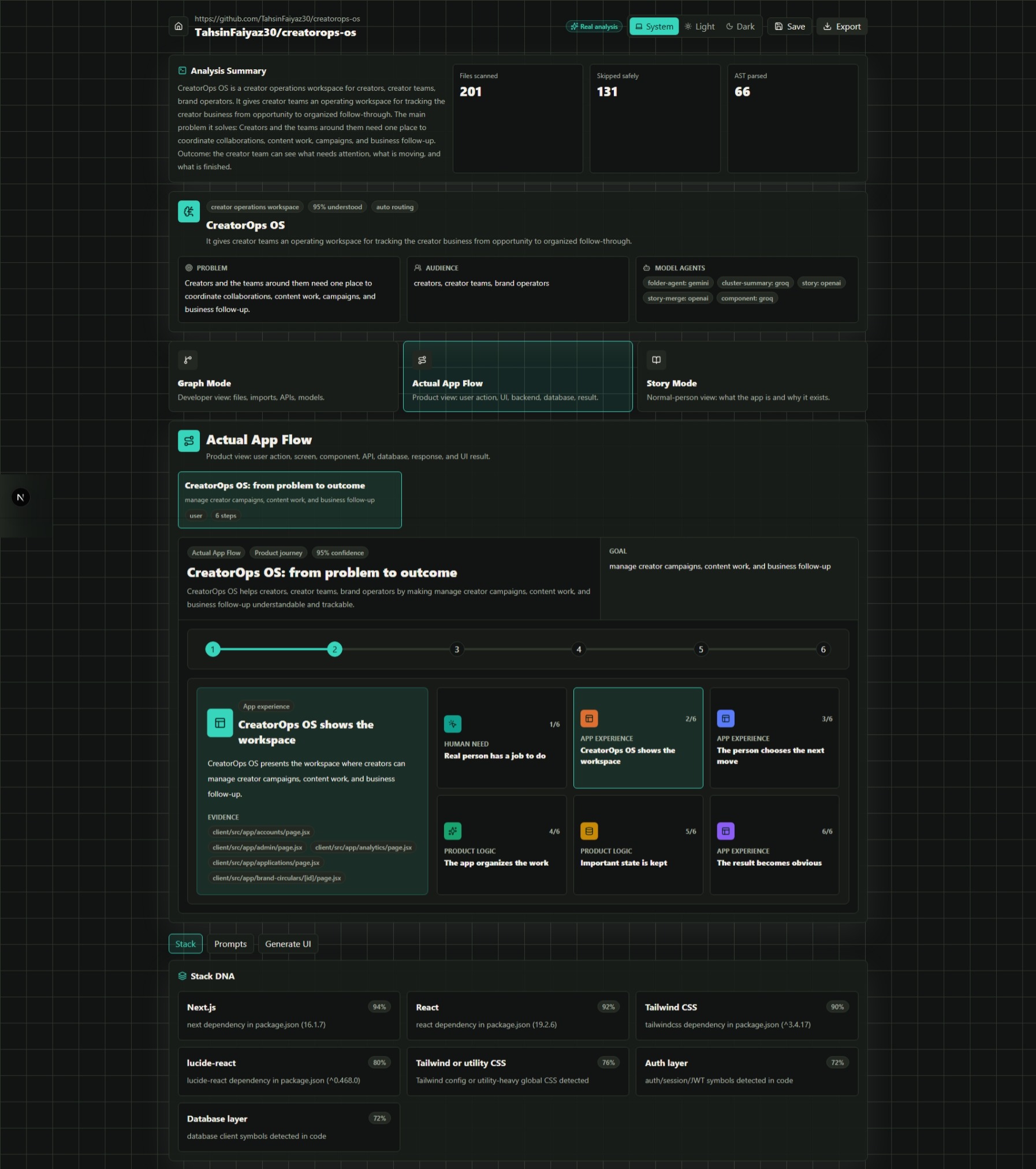
- Stack DNA cards explaining which technologies are used and where
- Actual app flows showing how the app works from user action to backend to database
- A Flow Theater that animates the journey of data through the application
- Component X-Ray panels for understanding individual files and components
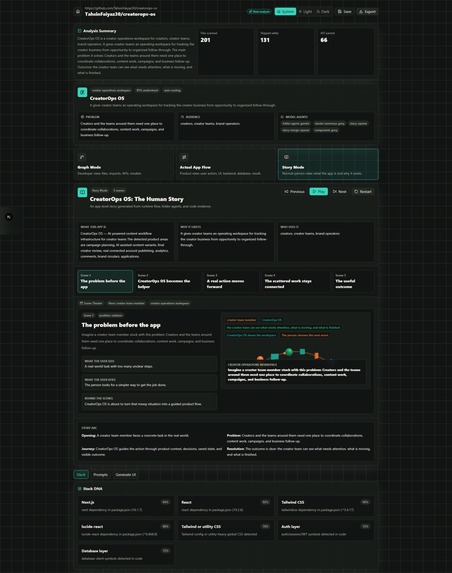
- A Story Mode that explains the app to normal people through animated website scenes
- A Prompt Maker that creates powerful prompts to build a similar project
- ComponentForge, which can generate safe UI component specs that match the current design style
Instead of only saying “this file imports that file,” CodeMotion Studio explains the real product behavior: what the user sees, what they do, what the app does behind the scenes, and how the stack works together.
How we built it
CodeMotion Studio was built as a full-stack Next.js App Router application.
The backend pipeline starts with a non-AI scanner. It fetches a public GitHub repository, plans which files are important, avoids binary/generated files, and handles large repositories safely. Then it parses source files using AST tools to extract imports, exports, functions, components, hooks, API handlers, JSX usage, environment variables, database signals, and authentication signals.
After that, the app builds a code graph and detects possible user flows. Instead of sending the whole repository to AI, it compresses the context into smaller feature clusters. AI is only used after the codebase is reduced into safe, focused summaries.
The frontend focuses heavily on visualization. It uses animated progress stages, responsive layouts, interactive graph views, cinematic flow animations, dark/light/system theme support, and safe generated UI previews.
The most important design decision was making the app visual-first. The graph, flow theater, story mode, and component previews are not extra features — they are the main experience.
Challenges we faced
One major challenge was avoiding AI overload. A full repository can contain hundreds or thousands of files, so sending everything to an AI model would waste tokens, cost more, and reduce accuracy. To solve this, CodeMotion Studio first performs static analysis, AST parsing, file scoring, huge-repo planning, and feature clustering before any AI call.
Another challenge was explaining real application behavior instead of only explaining files. A codebase is not just a list of files; it is a system. We had to think in terms of runtime flows: user action → UI → state → API → service → database → response → UI update.
A third challenge was UI generation. The app can generate components on demand, but it must not execute arbitrary AI-generated code in the browser. To keep it safe, ComponentForge outputs structured ComponentSpec JSON and renders it through controlled internal components.
Responsiveness was also important. The app needed to work on small phones, tablets, laptops, desktops, and ultrawide screens while still supporting complex graph visualizations and animated flow scenes.
What we learned
Building CodeMotion Studio taught us that AI works best when it is not treated as the first step. The strongest approach is to use traditional code analysis first, then use AI on compressed, meaningful context.
We also learned that visualization can make complex software easier to understand. A beginner may not understand an import graph immediately, but they can understand a story where a user clicks “Sign Up,” data travels to an API, the database stores a new user, and the dashboard appears.
The project also showed how useful AI can be when combined with structured outputs, schema validation, and safe rendering instead of unrestricted generation.
What's next
Next, CodeMotion Studio could support:
- Private repository analysis
- Deeper multi-language support
- Better runtime flow detection
- Exportable visual documentation
- Team onboarding mode
- AI-generated learning courses from any repo
- More advanced Story Mode scenes
- Shareable public codebase explainers
- Integration with GitHub pull requests
- Better ComponentForge design matching
The long-term vision is to make CodeMotion Studio the easiest way to understand, learn, present, and rebuild any software project.


Log in or sign up for Devpost to join the conversation.