Inspiration
Codemagic is a CI/CD tool for building, testing and deploying mobile apps. It has integrations with various services (Slack, CodeCov, Fastlane, etc) and publications like Google Play Store, App Store Connect, etc.
For running the build on Codemagic, we had to use CURL requests repeatedly to get information on the builds. This is time-taking and exhausting.
We cannot run multiple similar workflows on Codemagic, which have access to the same environment variables at the same time.
What it does
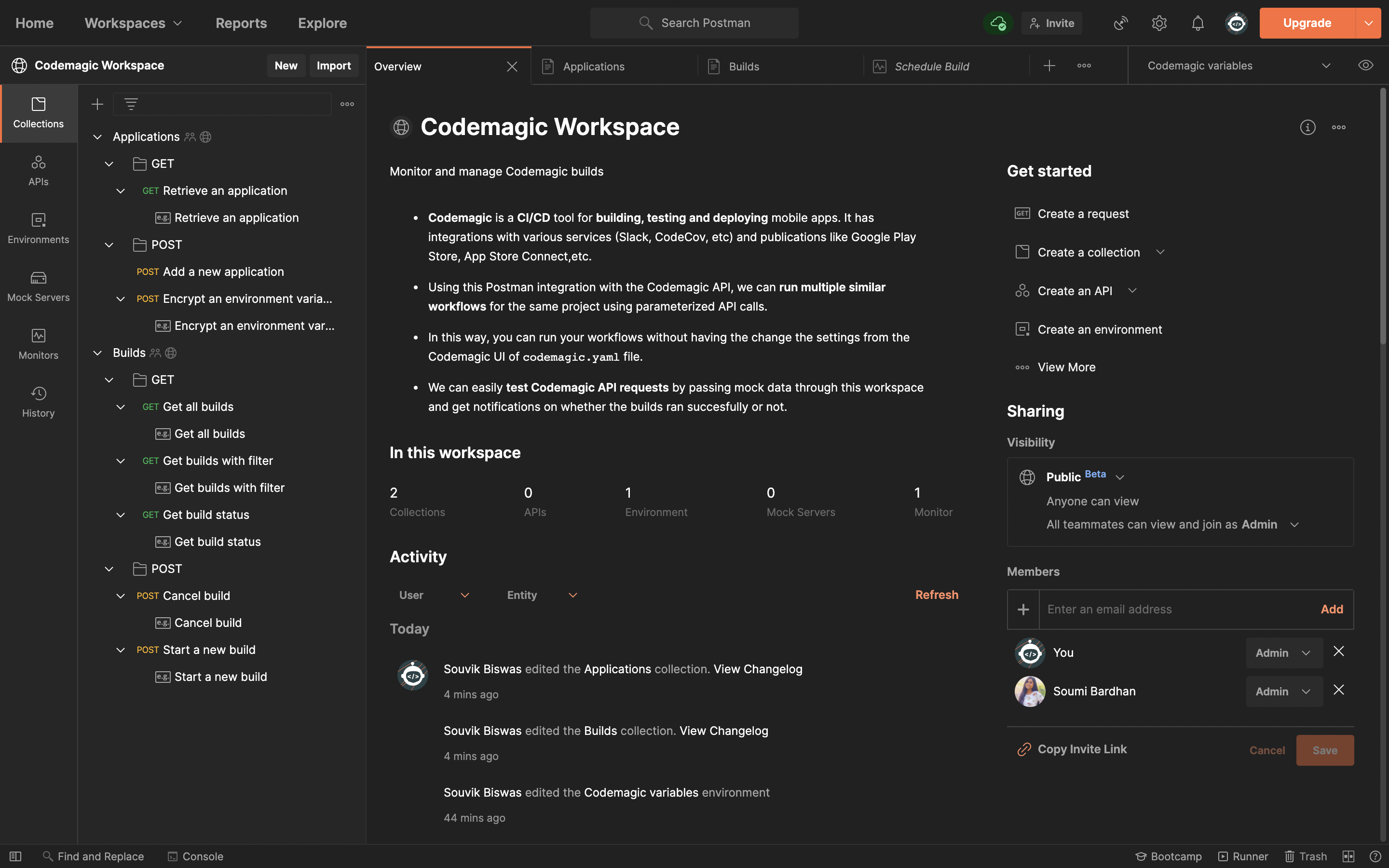
Using Postman integration with the Codemagic API, we can run multiple similar workflows for the same project using parameterized API calls.
In this way, you can run your workflows without having the change the settings from the Codemagic UI of
codemagic.yamlfile.We can easily test Codemagic API requests by passing mock data through Codemagic Workspace on Postman and get notifications on whether the builds ran successfully.
How we built it
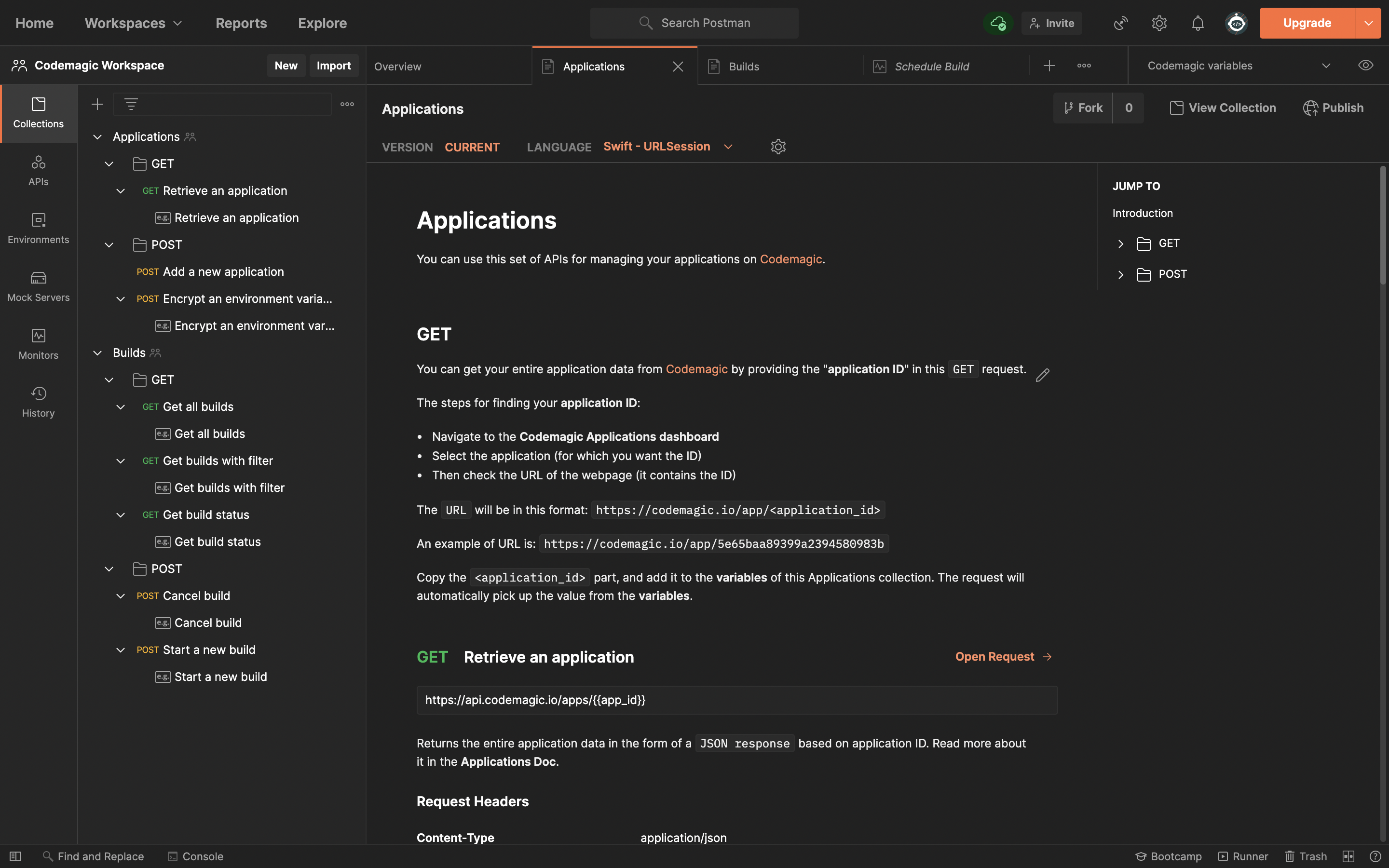
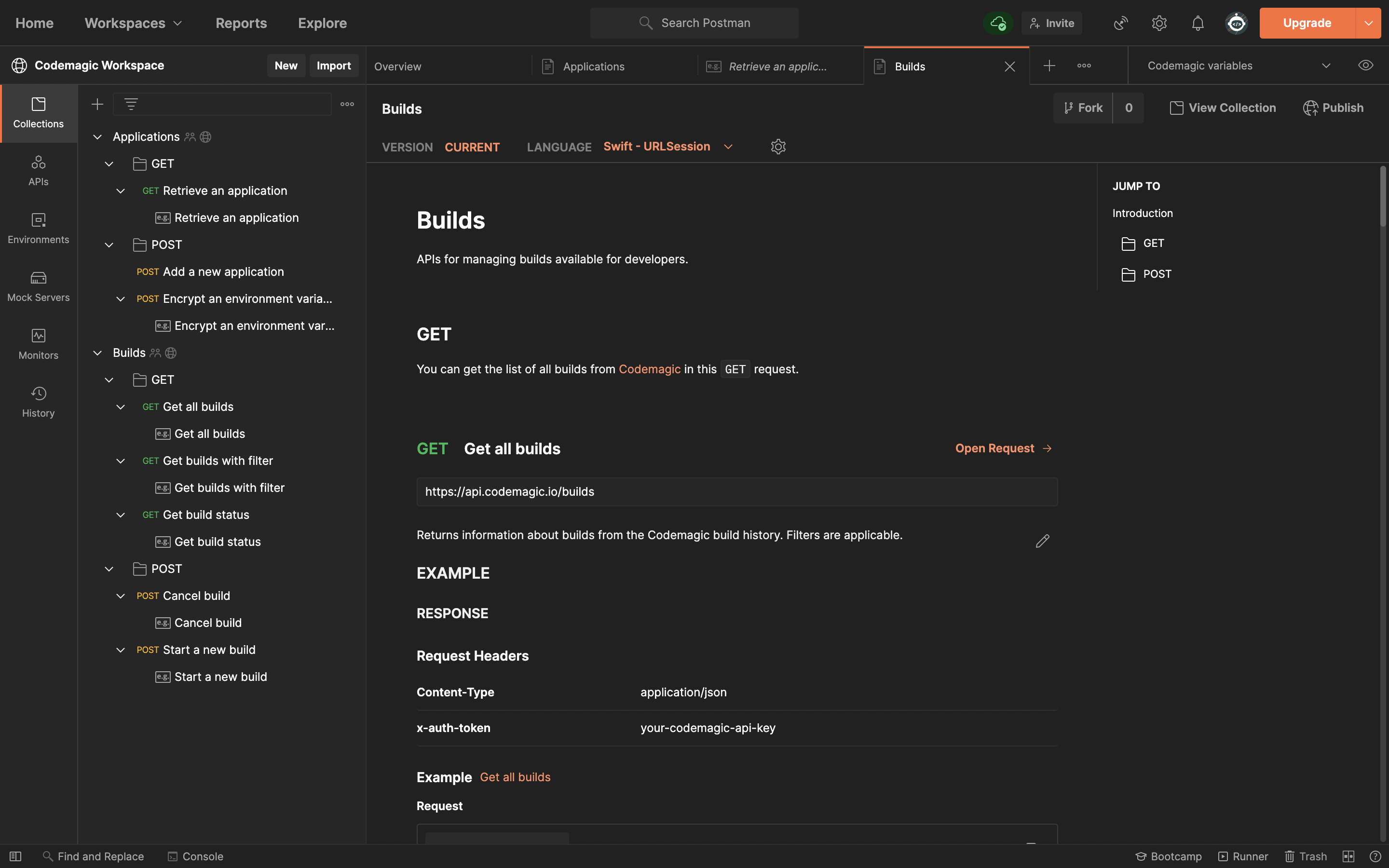
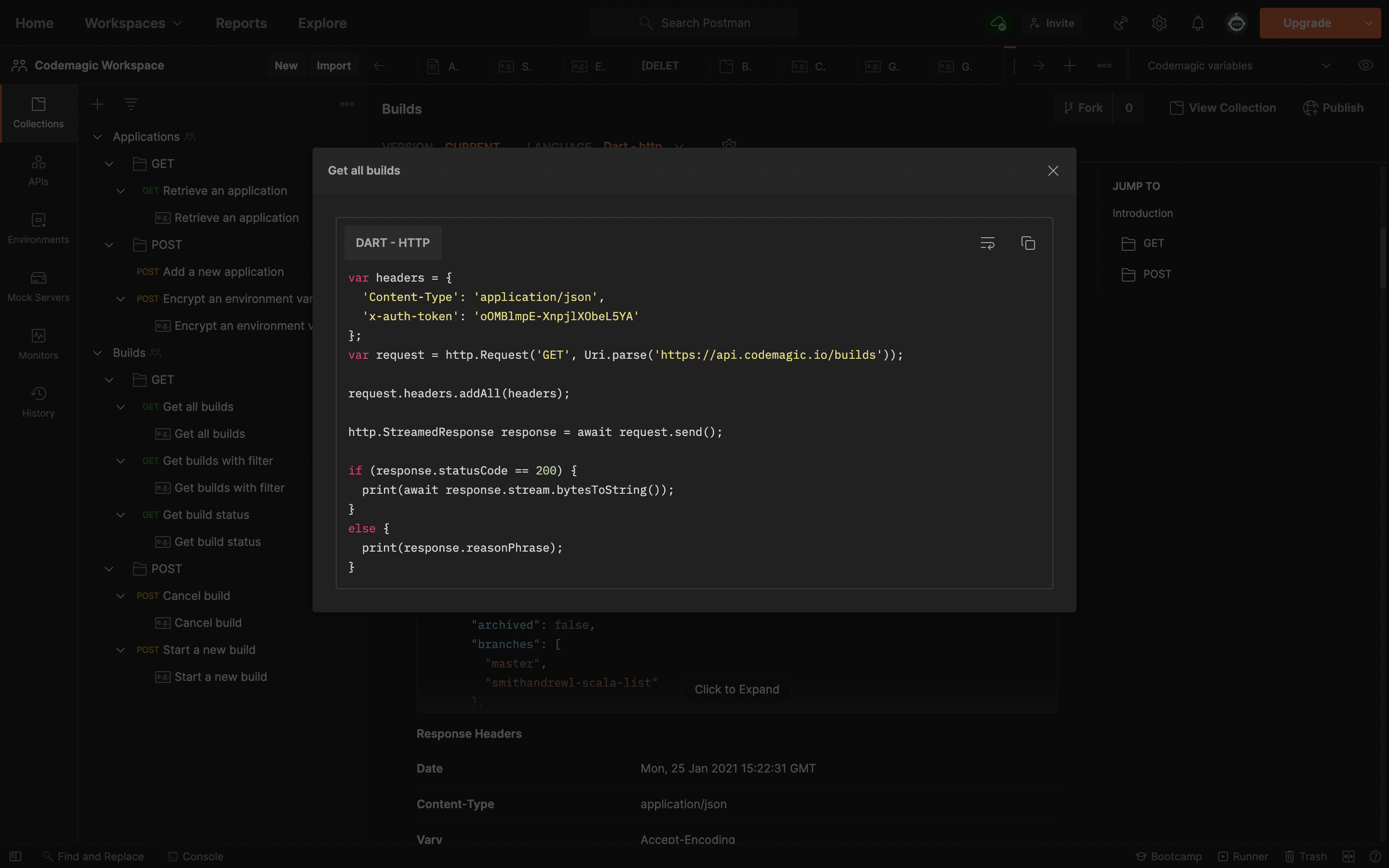
We have integrated Codemagic API with Postman to create a productive developer workspace. There are two collections - Applications and Builds.
Each of these collections has GET and POST requests for several tasks.
Applications collection :
- Retrieve an application returns the entire application data based on the application ID entered by the user.
- Add a new application lets the user add a new project to Codemagic.
- Encrypted Environment variable lets the user generate an environment variable under an application ID.
Builds Collections :
- Get All Builds returns information about all the builds run on Codemagic.
- Get Builds with filter lets the user filter the build response based on the Application ID, workflow ID and branch of the project.
- Get Build Status returns information about a build by passing build ID.
- Start a New build lets the user start a build on Codemagic by passing the Application ID, workflow ID, and branch of the project.
- Cancel build lets the user cancel a build by passing a build ID.
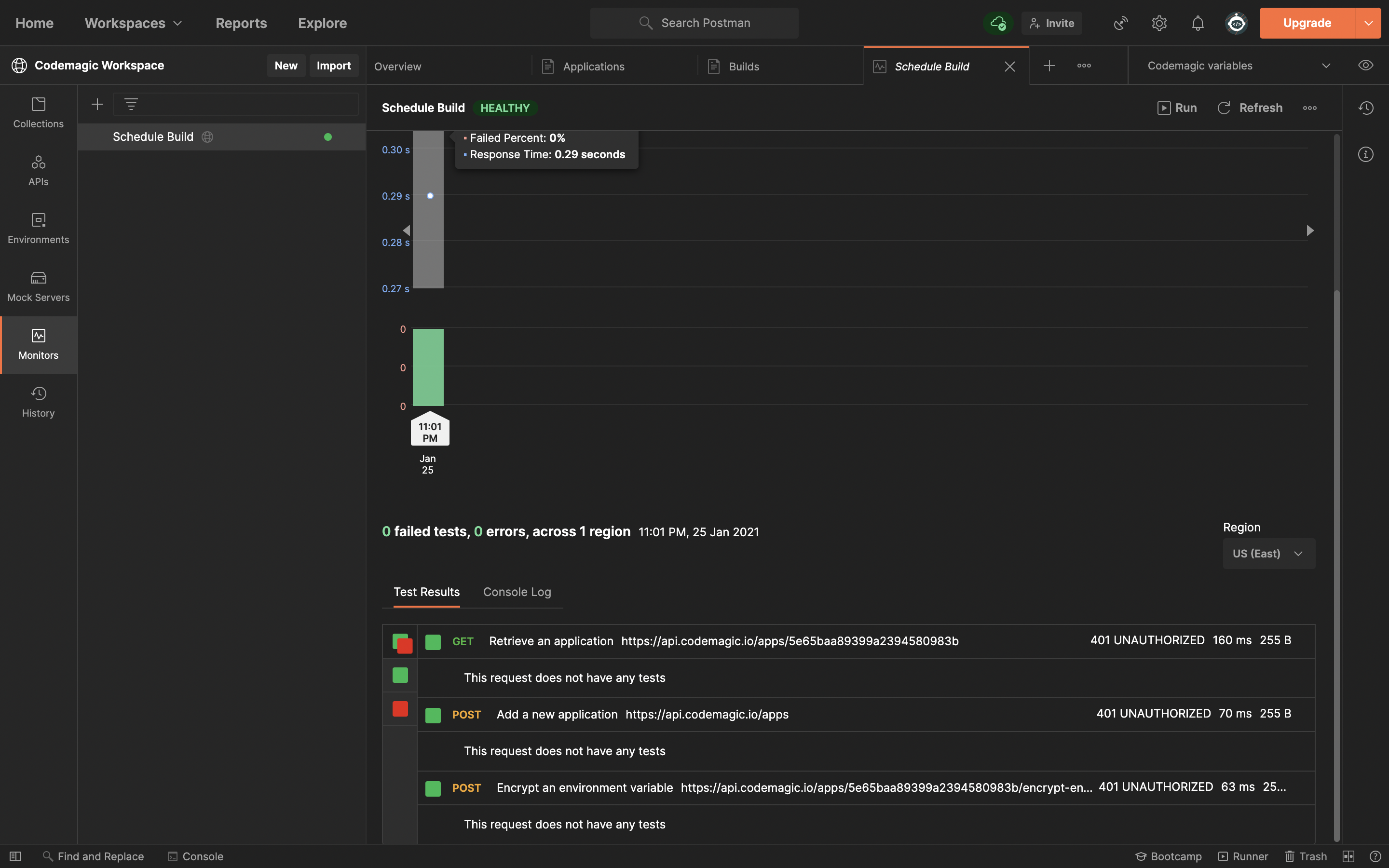
We can schedule the Postman collection to run builds on codemagic after certain intervals specified by the monitor connection by providing a certain frequency.
Accomplishments that we're proud of
Successfully integrated Codemagic API with Postman. It solves a lot of our daily issues as we use Codemagic regularly and this integration makes it way easier! Looks like we are going to keep using this workspace ** every day**!
What we learned
We used Postman for the first time for integrating an API. This makes it so much easier for us to work with mobile app development. The Postman docs were amazing, so well-written!
What's next for Codemagic Build Manager
This workspace can be used by mobile app developers for managing multiple builds easily!
Built With
- ci/cd
- codemagic
- postman


Log in or sign up for Devpost to join the conversation.