Inspiration
The project was inspired by the idea of simplifying the coding journey for developers, especially those who often struggle to understand complex code snippets. While many tools exist to assist developers, we wanted to create something fun and interactive—an extension that doesn’t just explain code but also engages the user through relatable real-life examples and playful flashcards.
What it does
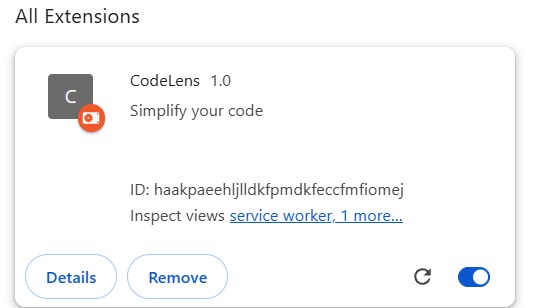
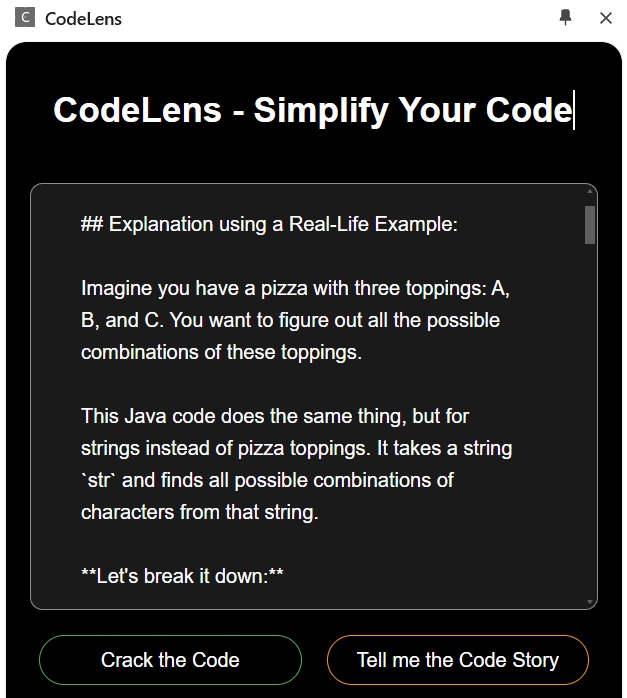
Our Chrome extension enables users to select a piece of code and instantly get an explanation in plain English. For deeper understanding, it provides real-life analogies to make the concepts more relatable. Additionally, users can generate fun and quirky flashcards to reinforce their learning. The aim is to demystify code and make the learning process enjoyable and effective.
How we built it
We built the extension using:
- HTML, CSS, and JavaScript for the frontend, ensuring a simple, responsive, and visually appealing design.
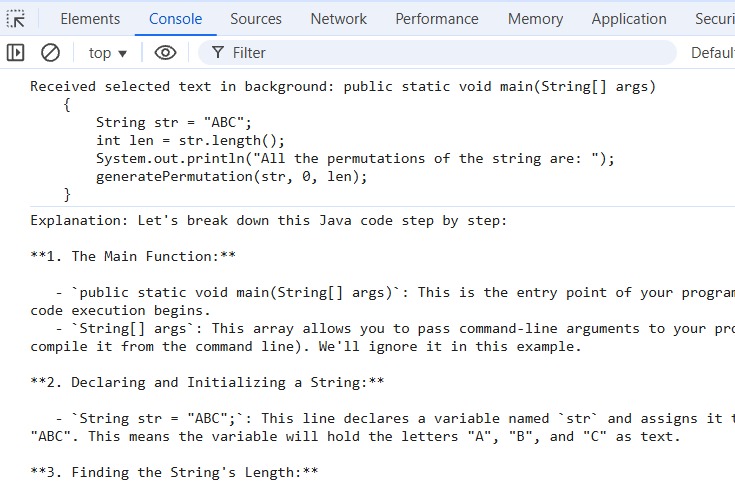
- Prompt API (Gemini Nano) to generate contextually accurate explanations, real-life examples, and flashcard content.
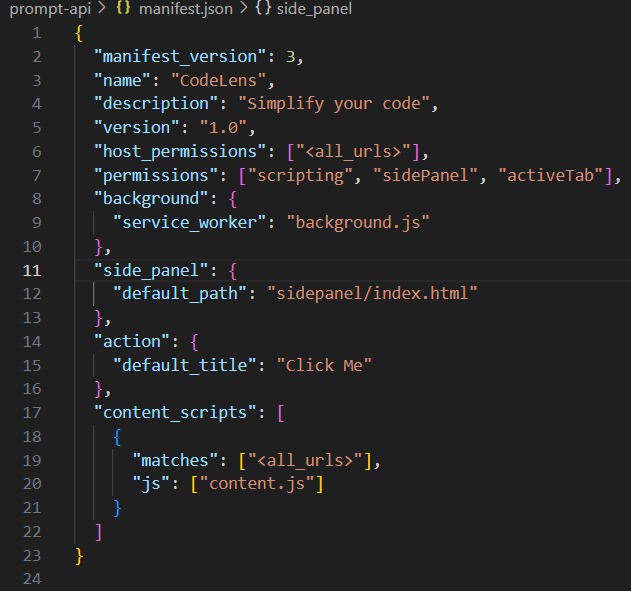
- Chrome's built-in extension development tools for seamless integration with the browser.
- An iterative design approach, focusing on user-friendly navigation a and a distraction-free experience.
Challenges we ran into
- Integrating the Prompt API: Configuring the API to provide accurate and context-sensitive responses for code snippets required fine-tuning.
- Designing an intuitive interface: Ensuring the extension worked smoothly within the browser's side panel without clutter was a constant challenge.
- Balancing creativity with functionality: Keeping the flashcards fun while still being useful for learning took careful thought and iteration.
Accomplishments that we're proud of
- Building a functional extension within a limited time frame.
- Successfully using the Prompt API to generate engaging and accurate responses.
- Designing an interactive and visually consistent UI that enhances the user experience.
- Adding playful flashcards that make learning more enjoyable and unique.
What we learned
- The importance of user-centric design when building tools meant to simplify tasks.
- Hands-on experience with Chrome extension development and API integration.
- Balancing technical accuracy with creativity to cater to a wide range of users.
- Collaboration and iteration to fine-tune the tool's functionality and user interface.
What's next for CodeLens
- Enhanced code parsing: Improving the extension’s ability to handle more complex code snippets and diverse programming languages.
- Customization options: Allowing users to select the tone of responses (e.g., formal, humorous, or beginner-friendly).
- Educational content: Adding tutorials and coding challenges to complement the learning experience.
- Community input: Creating a feedback loop to understand user needs and further refine the extension.


Log in or sign up for Devpost to join the conversation.