Inspiration
We've all been there — staring at an unfamiliar codebase, jumping between files, trying to piece together what
something does and why it's written that way. Existing tools like GitHub Copilot are great for writing code, but
they don't help you understand it. We wanted to build something that turns any codebase into a conversation —
where you can point at any piece of code and get an explanation that actually matches your level, not a
one-size-fits-all answer.
The experience slider was the idea that got us excited. A complete beginner and a senior engineer looking at the
same debounce function need fundamentally different explanations. We wanted one tool that serves both.
What it does
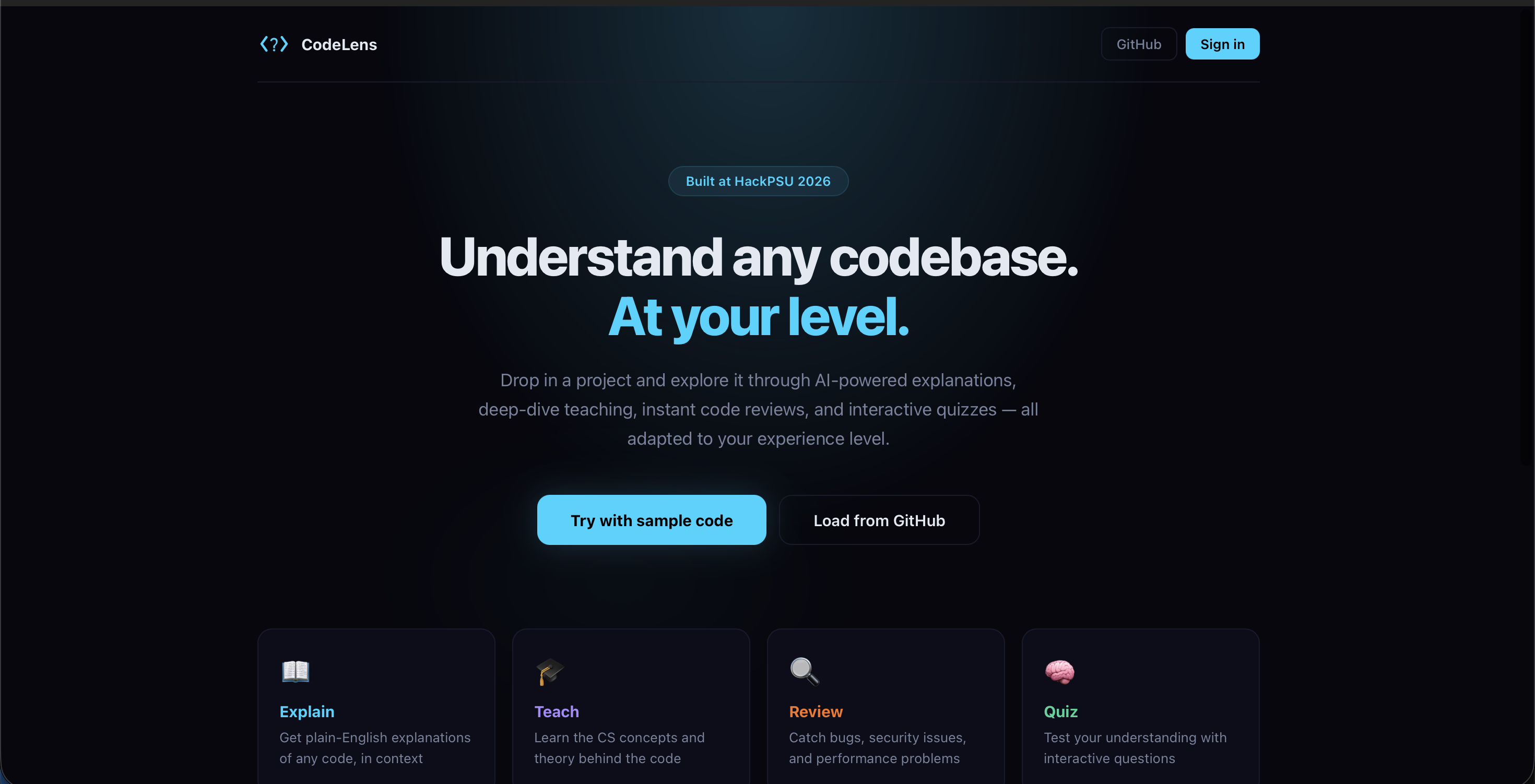
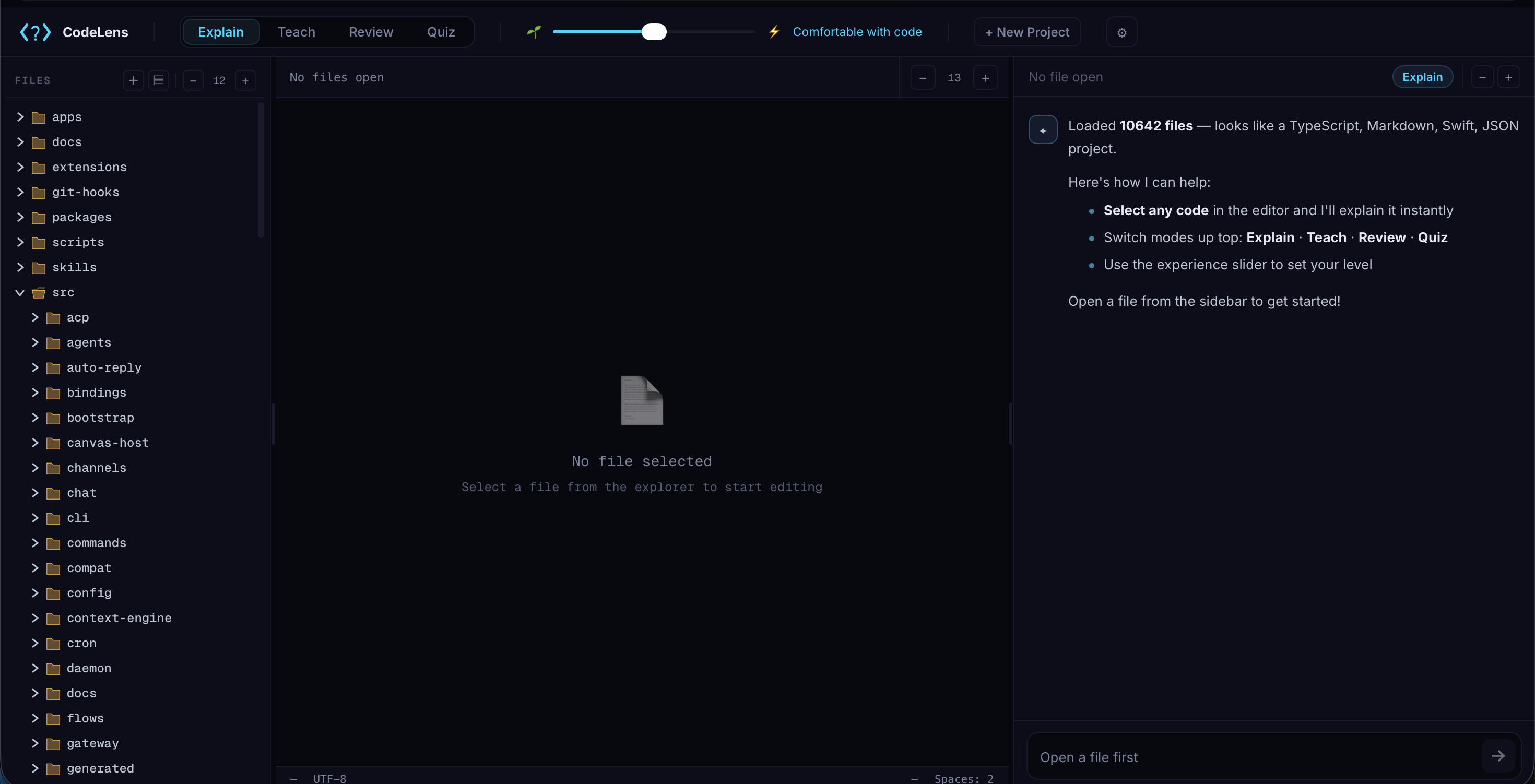
CodeLens lets you drop in any project — upload files, a ZIP, or paste a GitHub URL — and explore it through four
AI-powered modes:
- Explain — what the code does, what it depends on, and why it exists in context
- Teach — the CS concepts, design patterns, and foundational ideas behind the code
- Review — a senior-dev code review flagging bugs, security issues, and performance problems
- Quiz — interactive questions that test whether you actually understood it
An experience slider ($0 \leq x \leq 100$) adapts every single response. At $x = 10$, you get simple analogies and no jargon. At $x = 90$, you get concise, technically precise answers. Same four modes, completely different feel at each end.
## How we built it
Frontend: React (JavaScript) with a fully custom IDE layout — resizable panels, file explorer, tab management, syntax highlighting via highlight.js. No Monaco or third-party editors. All inline styles with a theme system supporting 4 color themes.
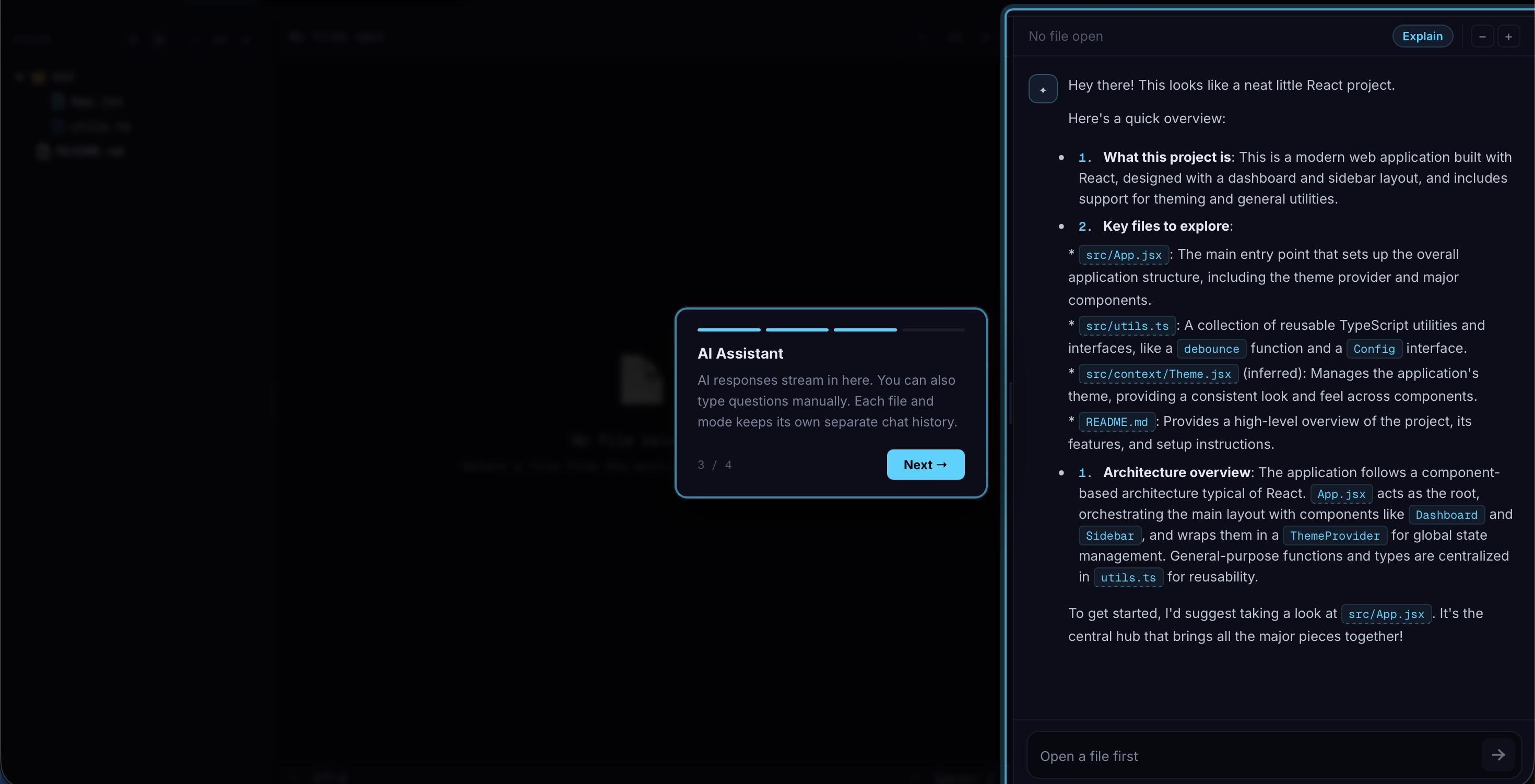
AI Engine: Gemini 2.5 Flash API with SSE streaming. Each mode has its own system prompt that dynamically
incorporates:
- The user's experience level
- The selected code
- Full file content for context
- Other open files in the project
The prompt architecture is modular — each mode is its own prompt builder function, not a giant conditional.
State Management: React Context for everything — AIContext handles per-mode chat isolation using composite
room keys (${fileName}::${mode}), so switching between Explain and Review on the same file keeps separate
conversation histories.
Backend: Express + SQLite with JWT auth. Guest mode by default — no login wall. Accounts are optional, for
cloud-syncing saved projects across devices.
GitHub Loader: Uses the GitHub git trees API to fetch the full file tree in one call, then fetches file
contents in parallel batches from raw.githubusercontent.com. No file cap — handles repos of any size (with smart
filtering to skip binaries, node_modules, lock files, etc.).
Challenges we faced
Prompt engineering at scale. Getting four modes to feel genuinely different — not just "slightly reworded" —
took many iterations. The Quiz mode was especially tricky: getting the AI to ask one question at a time, grade
answers properly, never repeat a question, and adapt difficulty to the experience level required very specific
prompt constraints.
Experience slider calibration. Mapping a continuous $0$–$100$ slider to meaningfully different AI behavior was harder than expected. We settled on five buckets with descriptive labels, each feeding a different persona description into the system prompt.
Manual mode selection preservation. In manual analysis mode, clicking the chat textarea to type a question
causes the browser to deselect text in the code editor. We solved this with a pendingSelection state that
captures the selection before focus changes and displays it as an attached pill in the chat input.
Per-mode chat isolation. We needed each file × mode combination to have its own independent chat history, but
also needed triggerTeachBack to work across mode boundaries. The solution was composite room keys with optional
override parameters on sendMessage.
What we learned
- Prompt architecture matters more than prompt length — structured system prompts with clear constraints outperform long, vague ones
- Streaming UX is critical — responses that flow in live feel dramatically better than waiting for a complete
answer
- Guest-first design removes friction — making accounts optional increased how quickly people could try the tool
- The experience slider is the feature that makes everything click — without it, the four modes are just four
chatbots
Built With
- api
- express.js
- gemini-2.5-flash-api
- github
- highlight.js
- javascript
- jszip
- jwt
- react
- sqlite
- vercel

Log in or sign up for Devpost to join the conversation.