CodeLab
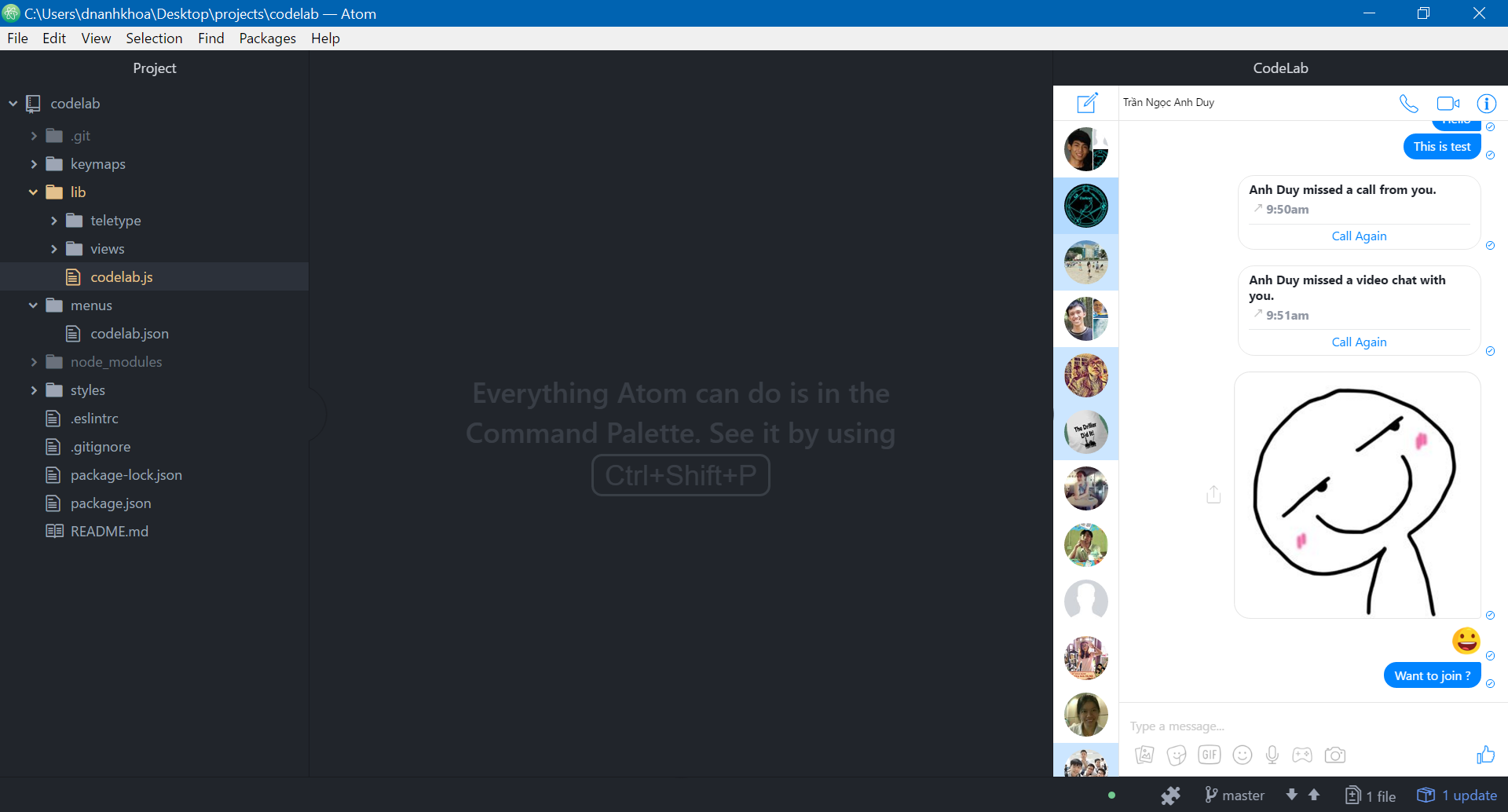
A Facebook Messenger integration for real-time collaboration.
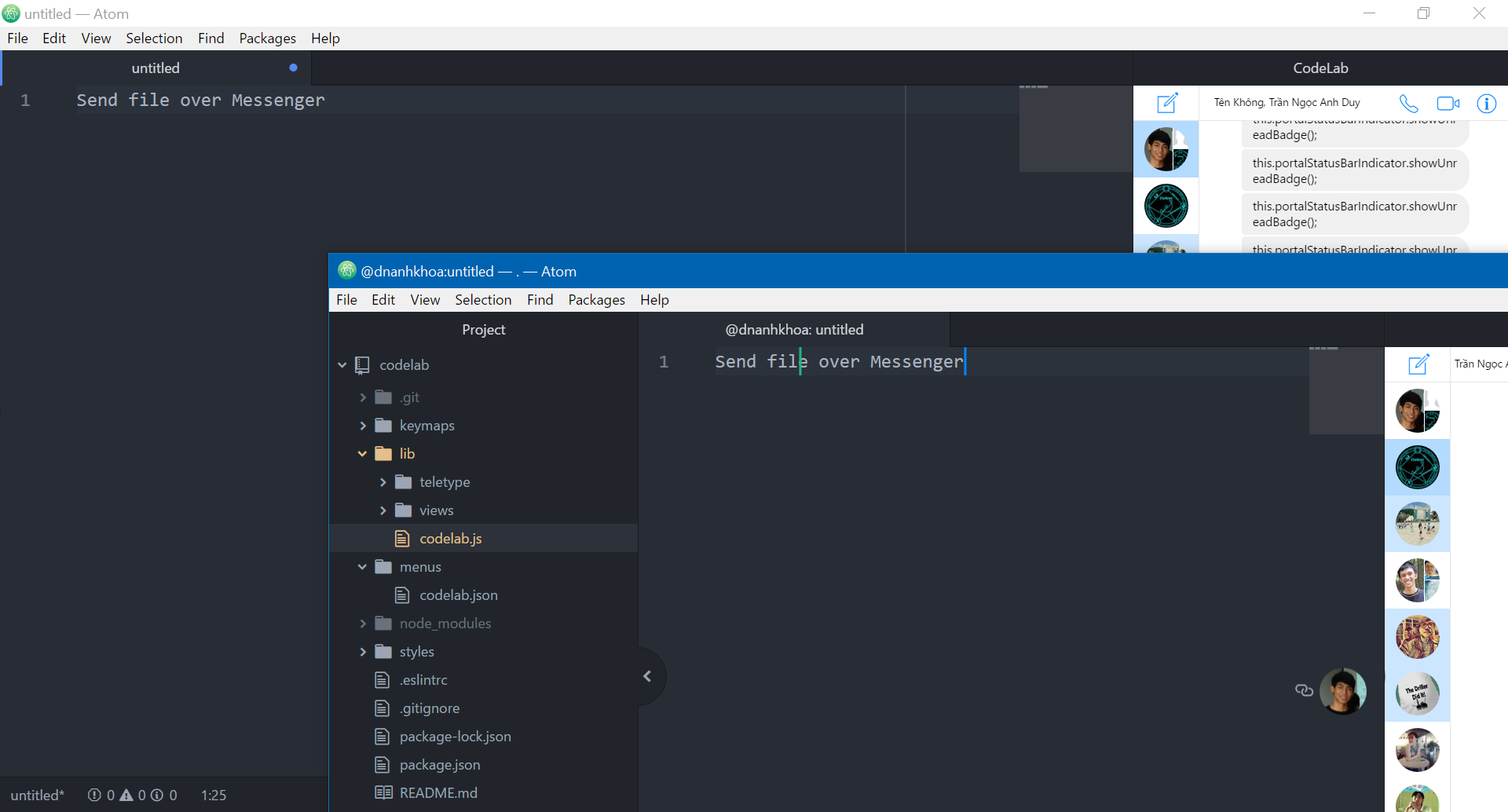
This is an Atom package based on Facebook Messenger and Teletype package that supports developers share their workspace with team members and collaborate on code in real-time.
How to install CodeLab package for Atom?
- Go to Atom homepage (https://atom.io) to download a new version of the best IDE for developers
- Install Atom into your computer
- Open Atom IDE, click on File menu and select Settings
- Then click on Install tab in Settings and type "CodeLab" + Enter in search bar
- Find CodeLab package in the result list and press Install button
Applications:
- Technical interview
- Teaching programming
- Coding collaboration
Features:
- Share workspace in real-time
- Real-time chat using Messenger
- Group chat using Messenger
- Video call using Messenger
- Sending snippets code using Markdown in Messenger
- Sending files using Messenger

Log in or sign up for Devpost to join the conversation.