-
-
CodeKid
Inspiration
After over 6 years of teaching STEM and coding to children using tools like Minecraft, robotics kits, and visual programming environments, I saw a need for something simpler and more focused for younger kids. Many platforms were either too advanced or lacked meaningful logic development. I created CodeKid to help children aged 5–12 take their first steps in understanding computational thinking in a fun and intuitive way.
What it does
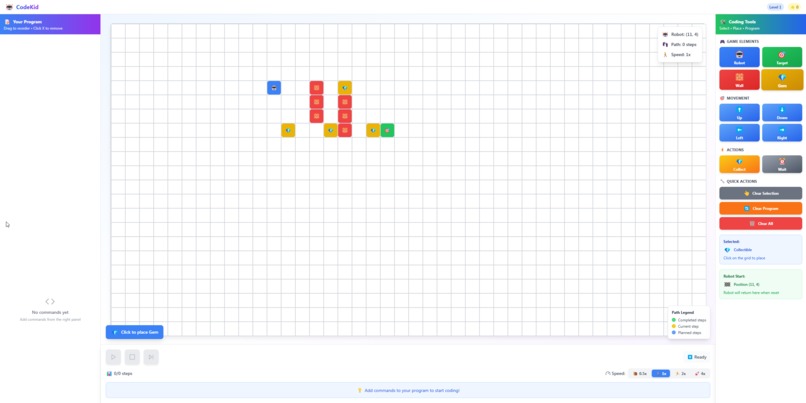
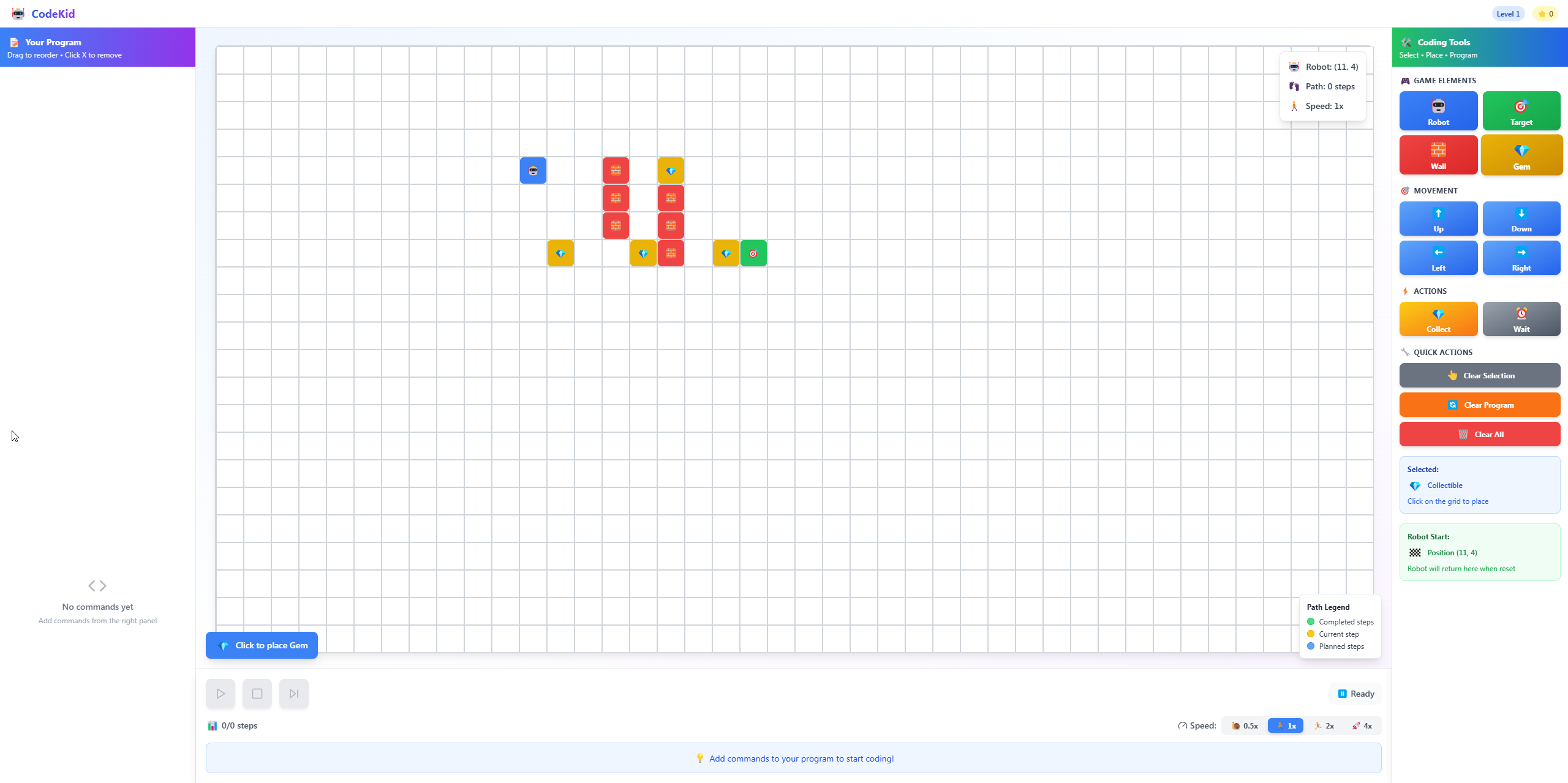
CodeKid is a simple and engaging web-based tool that teaches core concepts like instructions, sequences, and algorithms. Children solve mazes and small logic puzzles by assembling actions in the right order, building a foundation for programming without writing any code. It helps them begin to think like problem solvers.
How I built it
I built CodeKid using HTML, CSS, and JavaScript with a grid-based visual logic system. I applied the same strategies I’ve used in classrooms: breaking down problems, using step-by-step logic, and gradually introducing complexity. I focused on clarity, accessibility for early readers, and making it easy to use for both children and educators with no coding background.
Challenges I ran into
Designing something that’s both intuitive and educational was a major challenge. It had to be simple enough for a 5-year-old, but still teach real logical structures. I also had to carefully balance visual design and usability, especially for non-readers or ESL learners. Testing and tweaking the feedback loop took several iterations.
Accomplishments that I'm proud of
I'm proud that CodeKid distills years of teaching experience into a working, child-friendly tool. It can be used in a classroom or independently by children at home. It’s visually engaging, practical, and introduces real computational thinking concepts in a format even very young learners can understand.
What I learned
Designing for young children is a different challenge altogether. I learned how essential visual language, experimentation, and feedback are for engagement. I also confirmed that logic and creativity can absolutely be introduced in early childhood, with the right design and pacing.
What's next for CodeKid
I'm planning to:
- Add more puzzle levels with increasing difficulty
- Introduce a creative mode where kids can build their own logic sequences
- Include multilingual support and optional voice narration
- Create a printable teacher guide with lesson suggestions
- Explore integration with tools like Scratch or Minecraft: Education Edition
This is just the start CodeKid is part of a bigger vision to make logic accessible, playful, and empowering for every young learner.
Built With
- motion
- react
- react-dnd
- tailwind
- vite


Log in or sign up for Devpost to join the conversation.