Inspiration
I have previously used AI coding tools a lot, and they’re great at generating code, but when a real repo is broken, trust drops fast.
If a build fails, I don’t just want “some fix.” I want to know:
- what failed,
- why it failed,
- what changed,
- and whether it was actually verified.
That’s what inspired CodeGuardian.
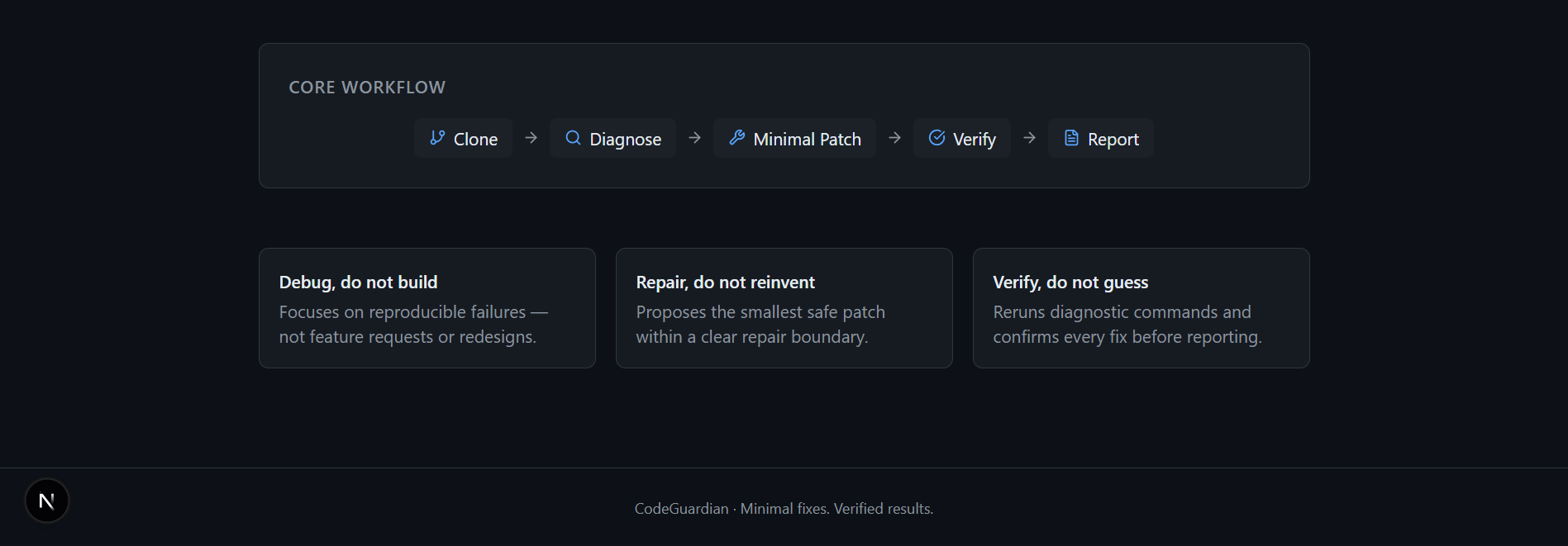
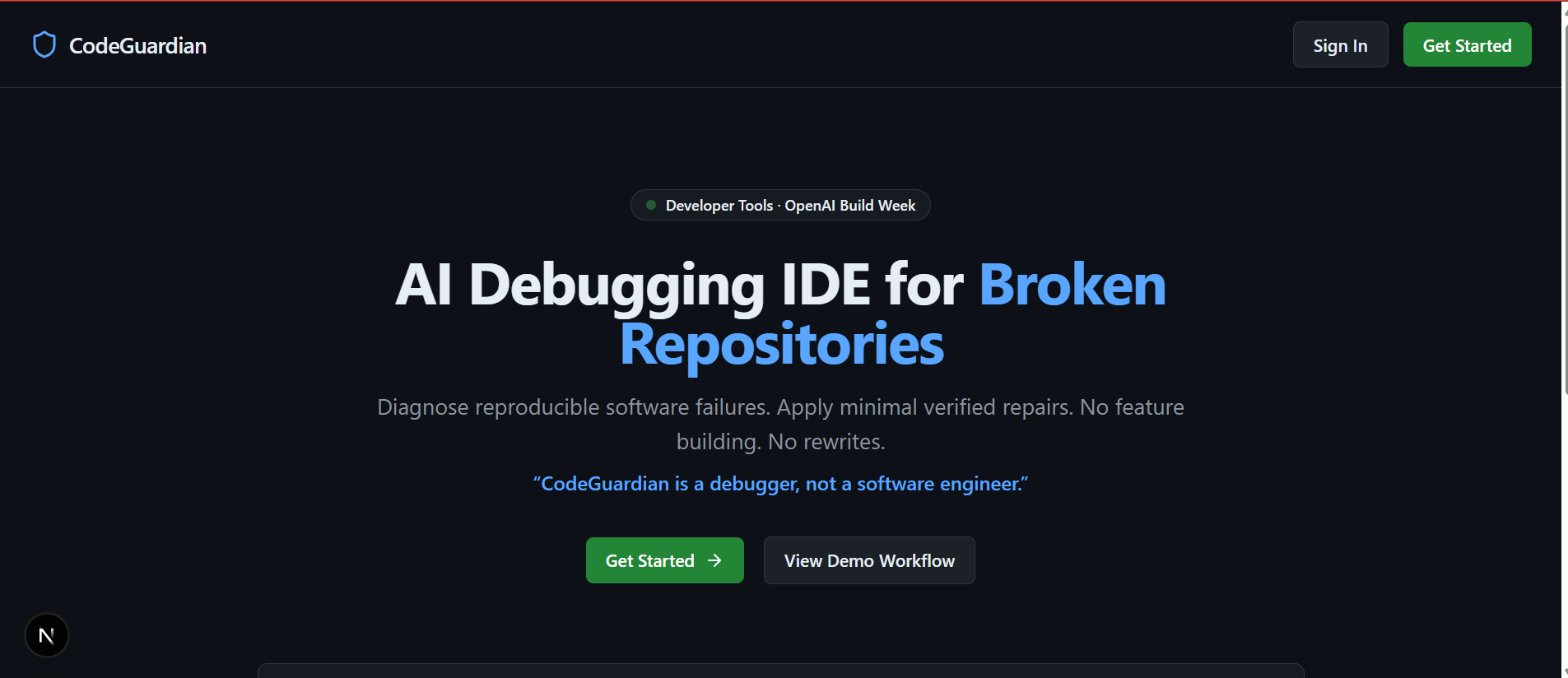
The core idea is: CodeGuardian is a debugger, not a software engineer.
It should repair reproducible failures, not redesign the app, add random features, or rewrite half the codebase.
What it does
CodeGuardian is an IDE-style debugging environment for broken repositories.
Workflow: Clone Repository → Diagnose → Minimal Patch → Verify → Report
In the current version, users can:
- authenticate and open a focused debugging workspace
- load a broken repo workflow and inspect files in Monaco
- run diagnosis flow and see structured issues
- review root cause + repair boundary
- preview patch diffs before applying
- verify repair results
- generate a repair report
- return to previous sessions from dashboard
How we built it
- Next.js (App Router) + TypeScript + React
- Tailwind CSS for product-level UI polish
- Monaco Editor for IDE feel
- Firebase Authentication for account flow
- Local session persistence for “resume previous debug sessions”
- Server-side repo clone route for import flow
- Guardian Chat architecture prepared for server-side AI responses
I used Codex heavily to scaffold and iterate faster across:
- auth flow
- IDE shell layout
- diagnostics/repair UX
- session restore behavior
- report and commit flow interactions
Challenges we ran into
1) Scope control
The hardest part was saying no to “general AI engineer” behavior.
I kept narrowing the product to one job: debug + verify.
2) Product feel
Making it feel like a serious developer tool (not a SaaS dashboard) took multiple UI pivots:
- layout density
- panel hierarchy
- workflow clarity
- reducing unnecessary clicks
3) Reliability under demo pressure
I had to fix practical issues like local environment quirks, stale dev processes, and making the demo path predictable so judges can test without friction.
Accomplishments that we’re proud of
- A working IDE-style debugging product identity
- Clear “debugger, not builder” behavior boundaries
- Repair workflow with issue selection, patch preview, and verification feedback
- Session list + restore flow from dashboard
- A polished end-to-end demo path for judges
- Clean auth + protected routes + practical setup docs
What we learned
The biggest lesson: trust beats flash in AI dev tools.
Developers trust tools that:
- stay inside boundaries,
- explain decisions,
- and verify outcomes.
Also, strong constraints made the product better.
By forcing CodeGuardian to act like a debugger (not a general engineer), the UX became clearer and the value became easier to judge.
What’s next for CodeGuardian
Near-term roadmap:
- full live command execution pipeline for imported repos
- stronger real-time AI diagnosis tied to logs and failing commands
- real patch application against cloned files
- verification reruns per applied repair
- richer Markdown repair export
- optional PR creation flow after verified fixes
Long-term, I want CodeGuardian to become a trusted debugging layer teams can use before merging risky fixes.
Built With
- firebaseauthentication
- git
- javascript
- monacoeditor
- next.js
- node.js
- openai-api
- react
- tailwindcss
- typescript
- ui/ux
- vercel


Log in or sign up for Devpost to join the conversation.