-
-
first run on terminal -- npm run dev then follow the rest API url link
Inspiration
As a developer preparing for technical interviews, I noticed a significant gap in available tools. Most platforms provide static question banks with no real feedback mechanism. I wanted to build something that simulates the actual interview experience — an AI that not only asks questions but evaluates your thinking process and tells you exactly where you stand.
What it does
CodeGrill is an AI-powered technical interview simulator designed for developers who want to practice under realistic conditions.
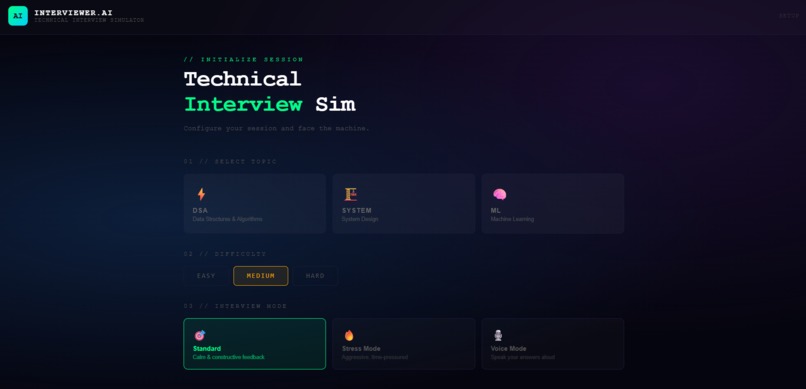
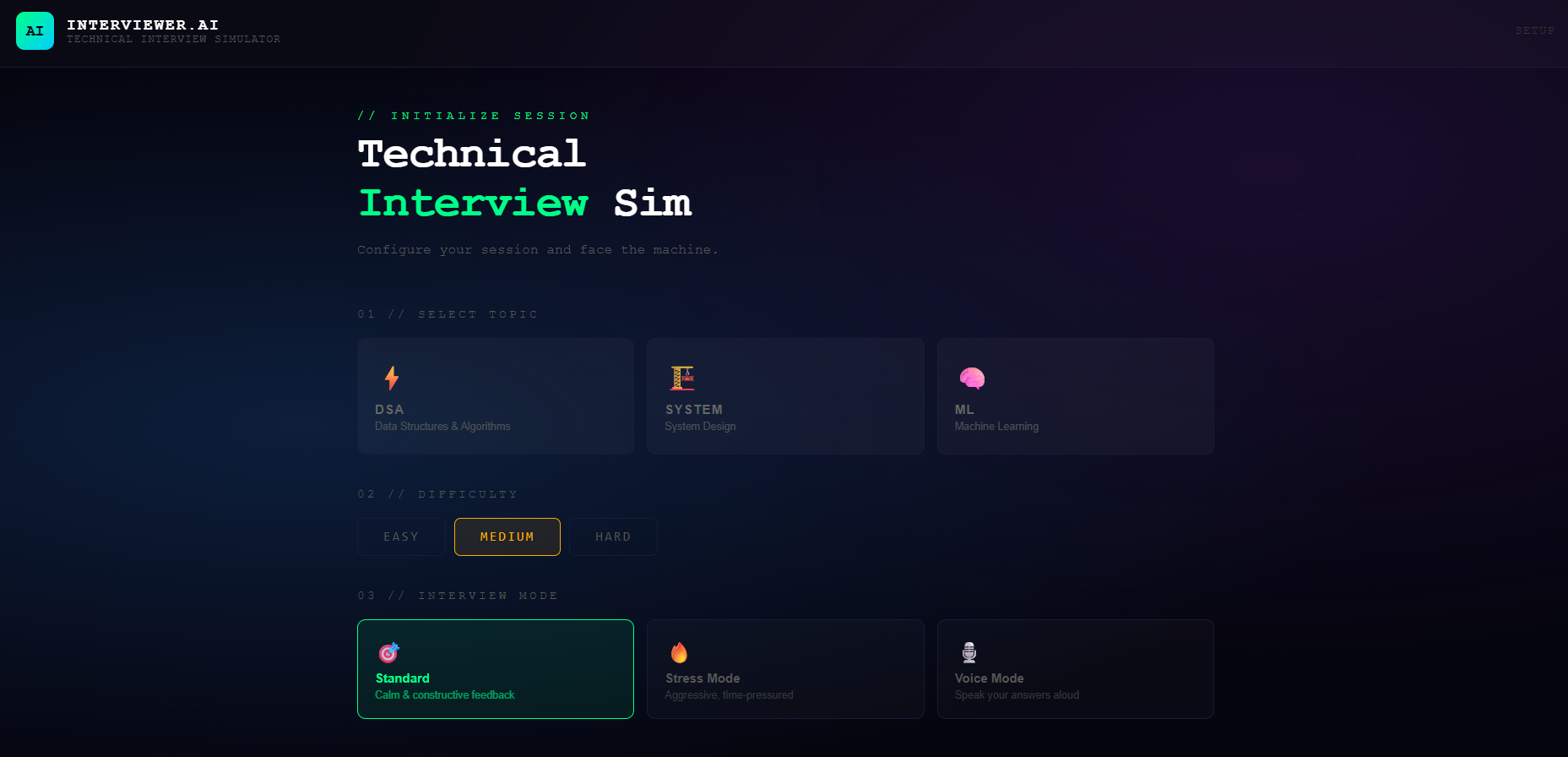
The platform supports three interview tracks: Data Structures and Algorithms, System Design, and Machine Learning. After selecting a topic and difficulty level, the AI generates a relevant question and evaluates the candidate's response across four performance metrics: Correctness, Clarity, Depth, and Efficiency.
It also includes a Stress Mode that simulates pressure interview conditions with an aggressive interviewer persona and a two-minute time limit, and a Voice Mode that allows candidates to speak their answers using the Web Speech API — closely mimicking real interview conditions.
How I built it
The frontend is built with React 18 and Vite, styled with a terminal-inspired dark interface. The AI layer uses the Gemini API for both question generation and answer evaluation, with carefully engineered prompts to ensure consistent and structured responses. Voice input is handled through the browser's native Web Speech API. The project is version controlled and hosted on GitLab.
Challenges I faced
The biggest challenge was getting the AI to return reliably structured JSON for scoring without inconsistencies. Building a timer system that stayed in sync with different interview modes also required careful state management. Integrating voice recognition smoothly alongside traditional text input was another area that needed significant testing and iteration.
What I learned
This project taught me how to integrate AI APIs meaningfully into a product rather than just as a feature. I learned a lot about prompt engineering — specifically how small changes in system prompts dramatically affect output quality. I also deepened my understanding of React state management and real-time UI design.
What's next
Future plans include adding an in-browser code editor with execution support, a session history and performance tracking dashboard, behavioral interview practice, and eventually a mobile version of the platform.
Built With
- css
- gemini-api
- git
- github
- gitlab
- html
- javascript
- react-18
- vite
- web-speech-api


Log in or sign up for Devpost to join the conversation.