Inspiration
Every developer knows the pain: you join a new project and spend two weeks just trying to understand what the code does. No docs, outdated diagrams, nobody has time to explain it.
Students face this even harder handed a 10,000-line codebase and told to "figure it out."
Documentation debt is one of the most expensive, invisible problems in software and nobody was solving it with AI in a way that actually works.
What it does
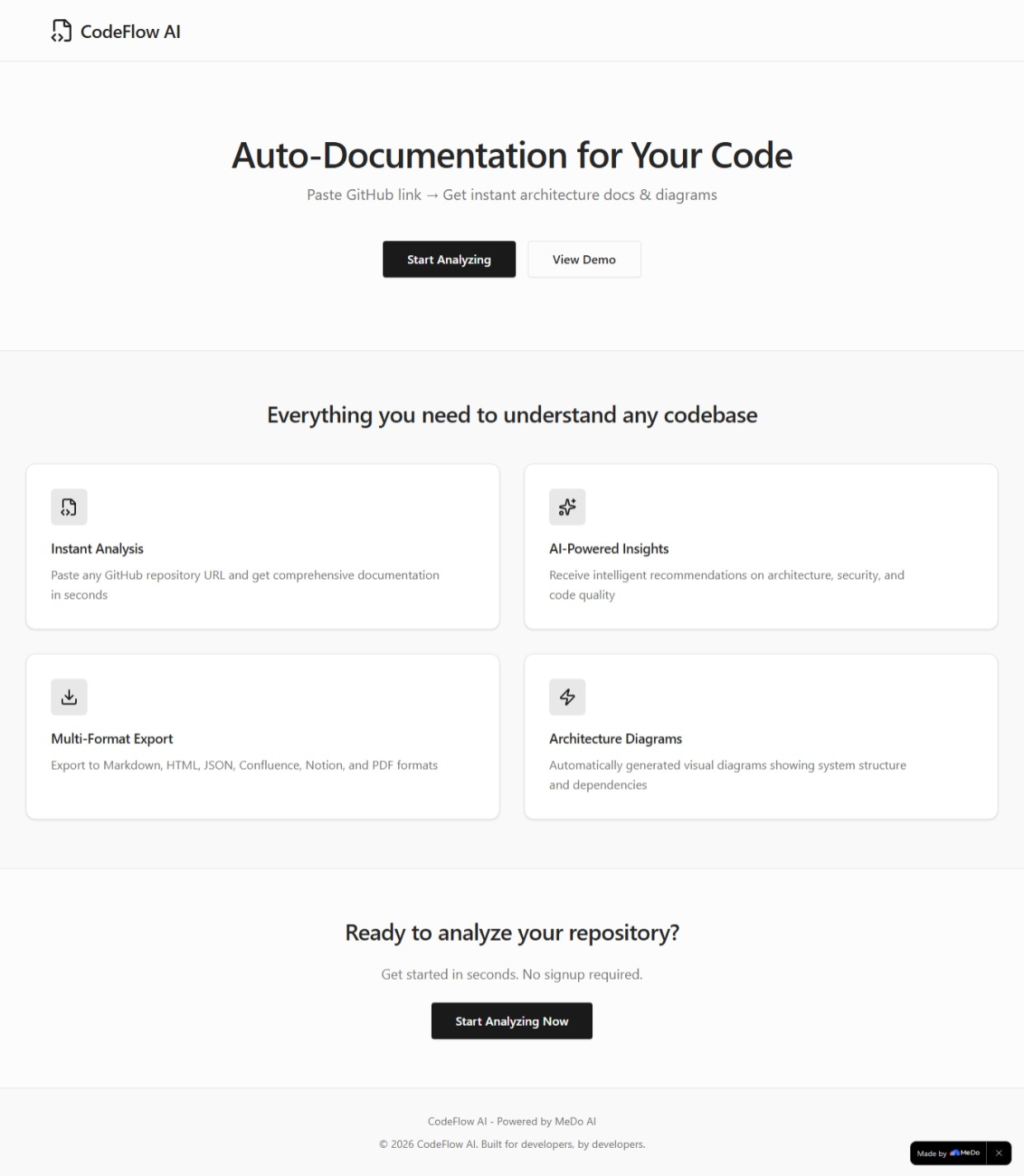
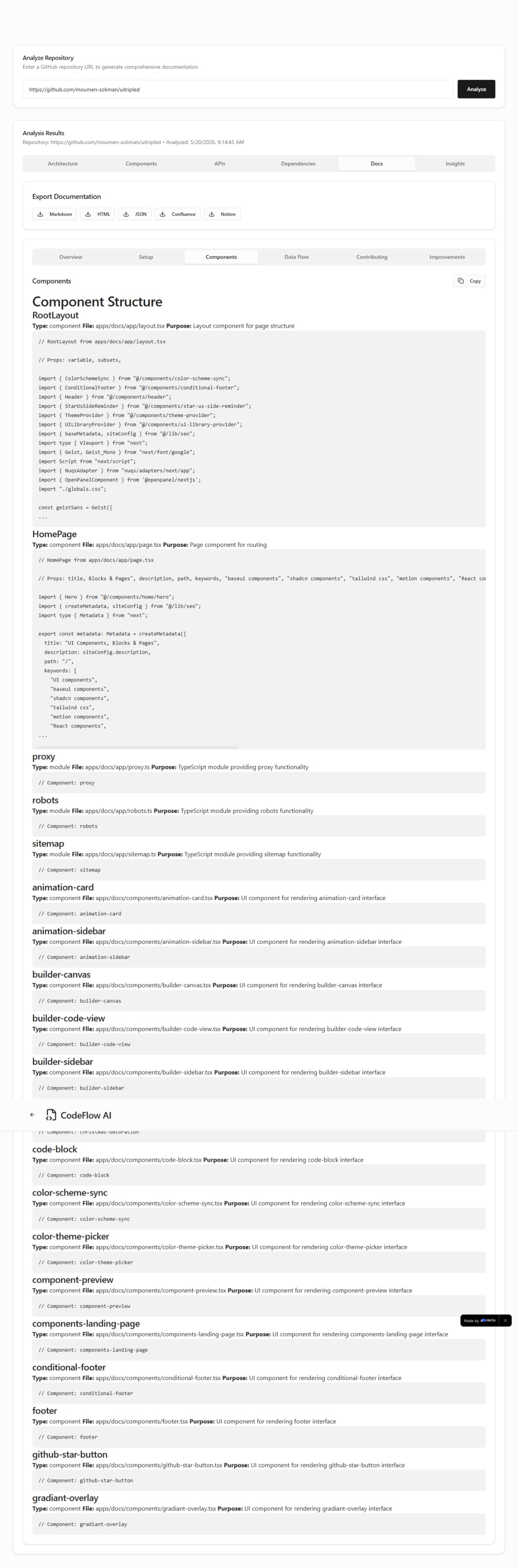
Paste any public GitHub URL → get professional documentation in under 60 seconds:
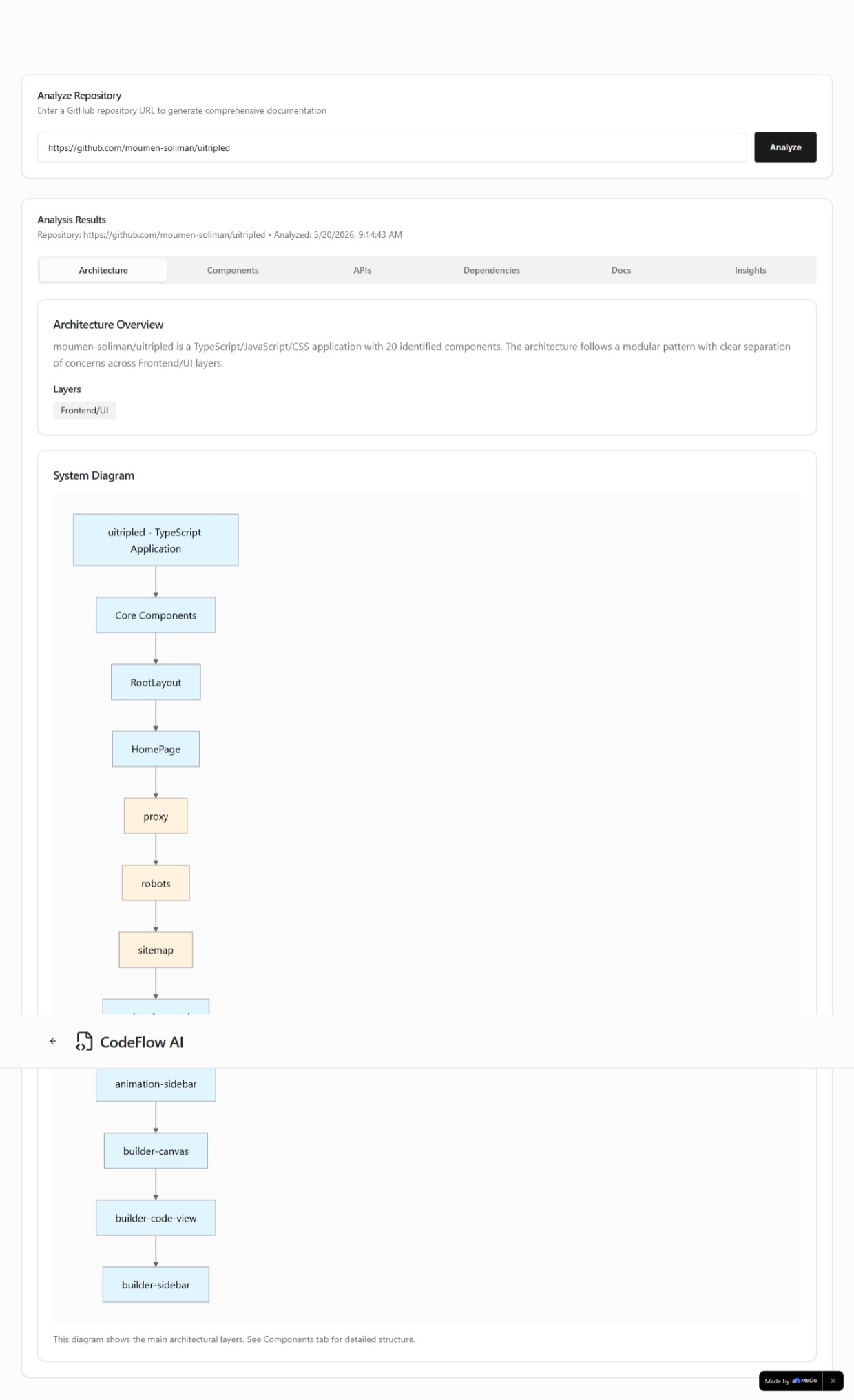
- Architecture diagrams — how components connect and data flows
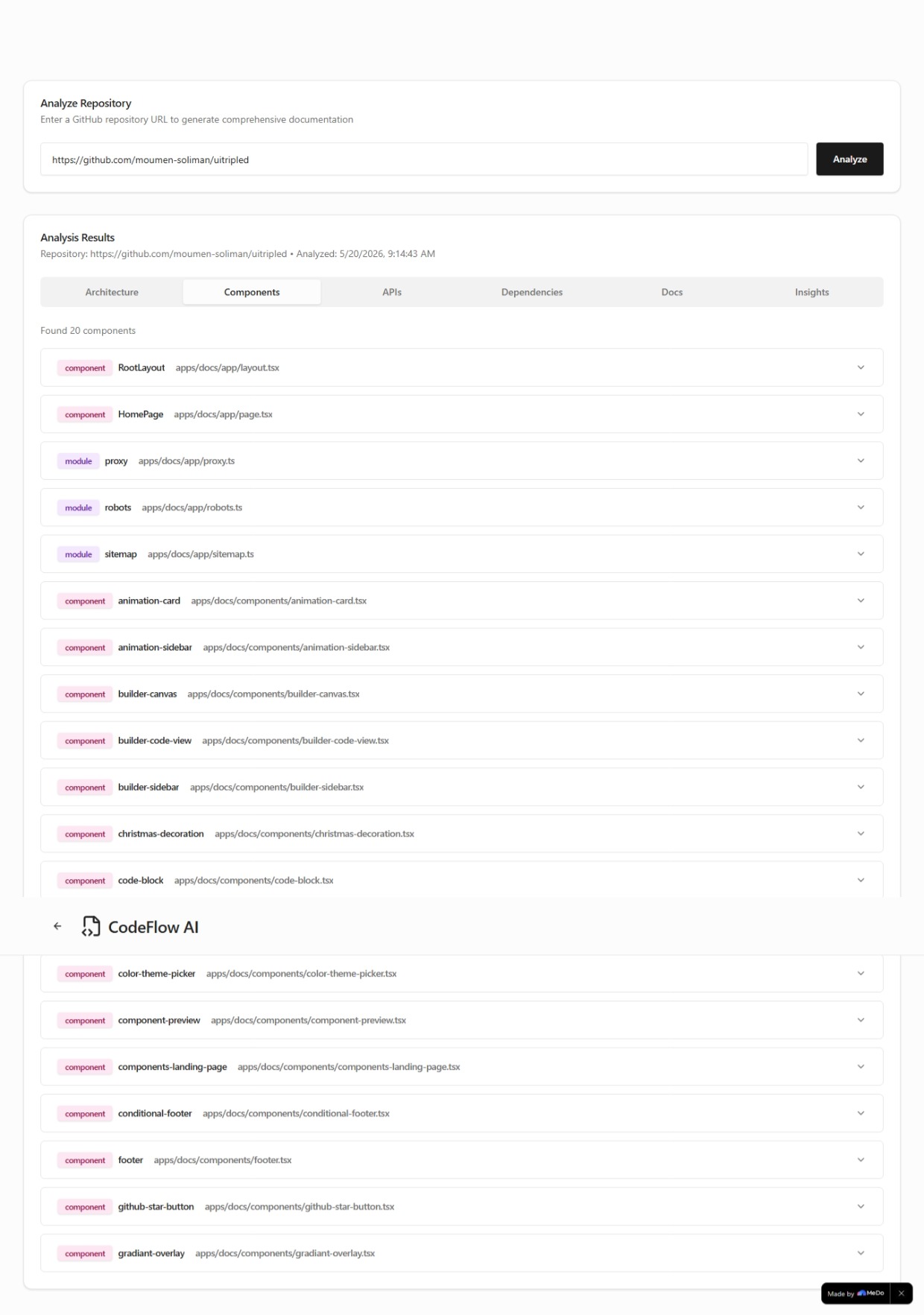
- Component docs — what every class/function does and why
- API specs — endpoints with request/response examples
- AI insights — security risks, design patterns, refactoring opportunities
- Export — Markdown, HTML, JSON, Confluence, Notion
How we built it with MeDo
MeDo is the brain of CodeFlow AI across 5 phases: GitHub URL → Parse real files → MeDo docs → MeDo analysis → MeDo diagram → Export
Phase 1: Code parsing: GitHub API fetches real file trees and source code making every result unique to the specific repo.
Phase 2: MeDo documentation: We send actual component names, file paths, and detected language. MeDo writes specific docs not templates.
Phase 3: MeDo analysis: Detects design patterns (MVC, Factory), circular dependencies, hardcoded secrets, and scalability concerns. Returns 5–7 prioritized insights with difficulty ratings.
Phase 4: MeDo diagram: MeDo describes architecture in structured layers (frontend/backend/database), rendered as an interactive Mermaid diagram.
Phase 5: MeDo README: Writes a complete README using actual component names and setup instructions inferred from detected config files.
MeDo's multi-turn chat was critical each phase builds on the previous one.
Challenges
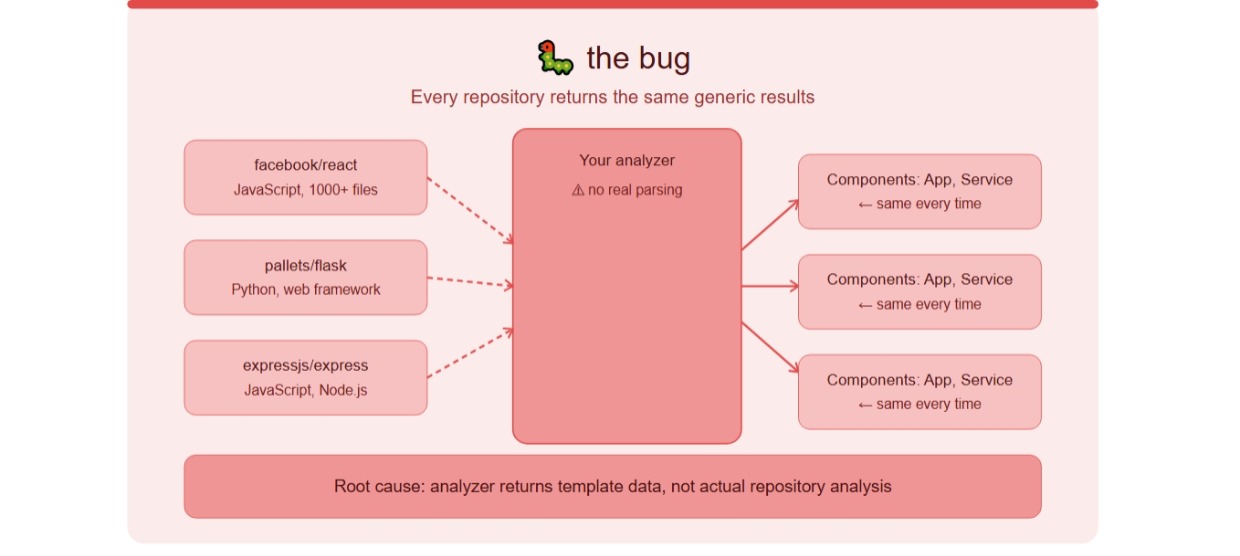
The hardest problem: making results unique per repository.
Early versions extracted only filenames → generic docs identical for every project. The breakthrough was fetching actual file contents and feeding real structure into MeDo prompts. Once MeDo received real component names and architecture patterns, outputs became genuinely useful.
Large repos (500+ files) needed a summarization layer grouping components by architectural layer, limiting diagrams to the 15–20 most important nodes.
Accomplishments
✅ Documentation generated in < 60 seconds
✅ Full analysis for JavaScript, TypeScript, and Python
✅ 5 export formats in one click
✅ Fully responsive mobile, tablet, desktop
✅ WCAG 2.1 Level AA accessible
What we learned
_"The quality of AI output is directly proportional to the quality of structured input you provide."
The difference between:
"document this code"→ useless generic output"document these 7 components from this TypeScript repo with these actual file paths and detected relationships"→ documentation worth shipping
Specific context = specific results.
What's next
- 🔧 GitHub Actions auto-generate docs on every PR
- 💻 VS Code extension
- 🔐 Private repository support with GitHub OAuth
- 🌍 Go, Java, Rust, C# language support
- 👥 Team workspace for collaborative editing
Built With
- developer-tools
- medo
- open-source


Log in or sign up for Devpost to join the conversation.