-
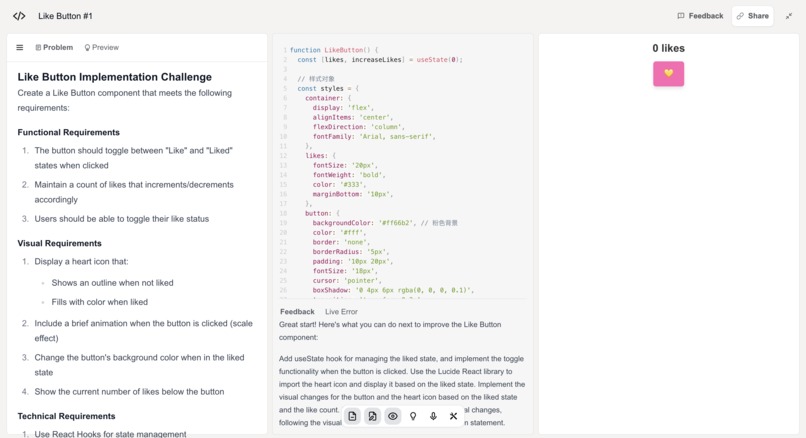
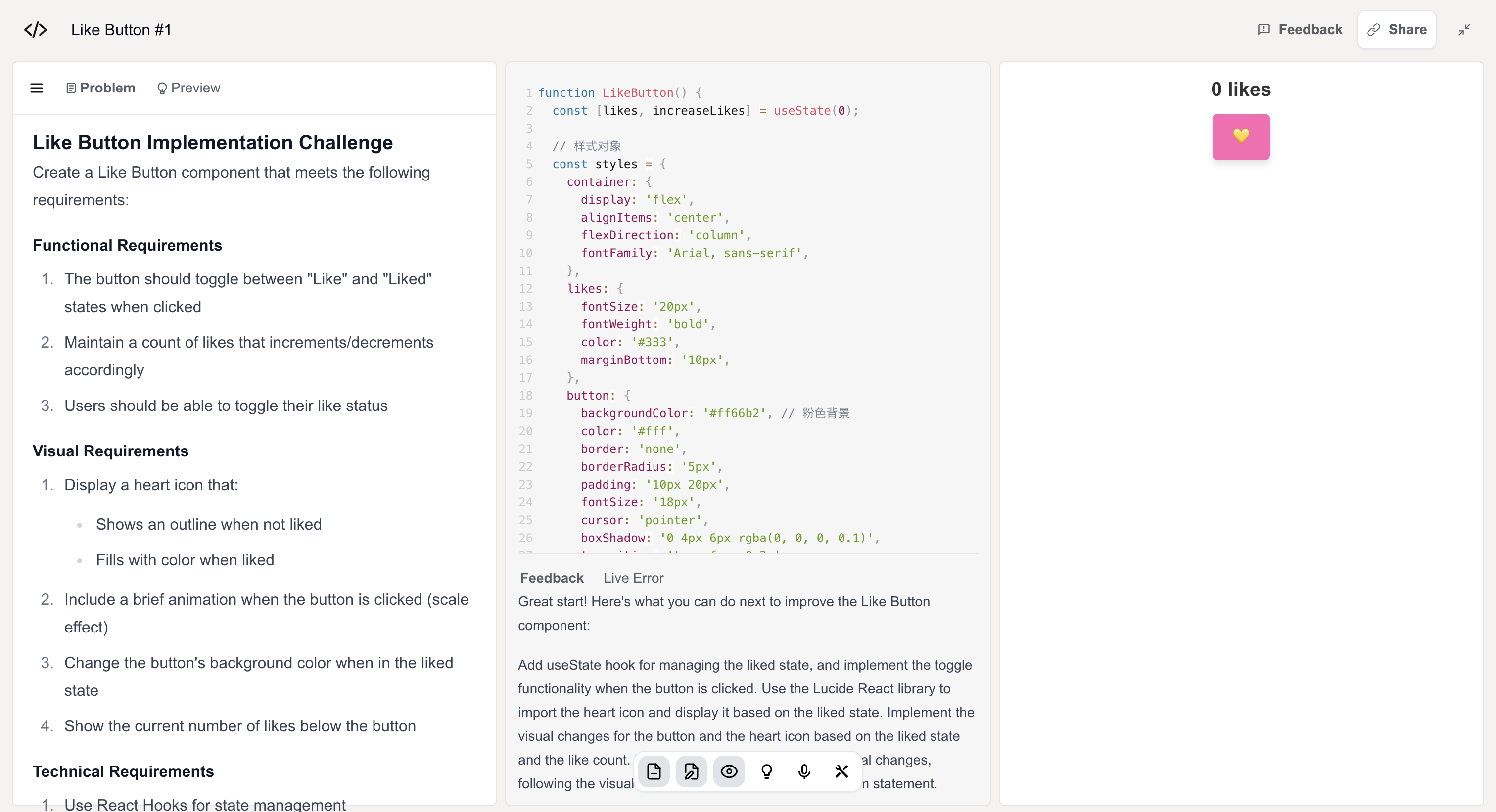
Codeflow platform preview
-
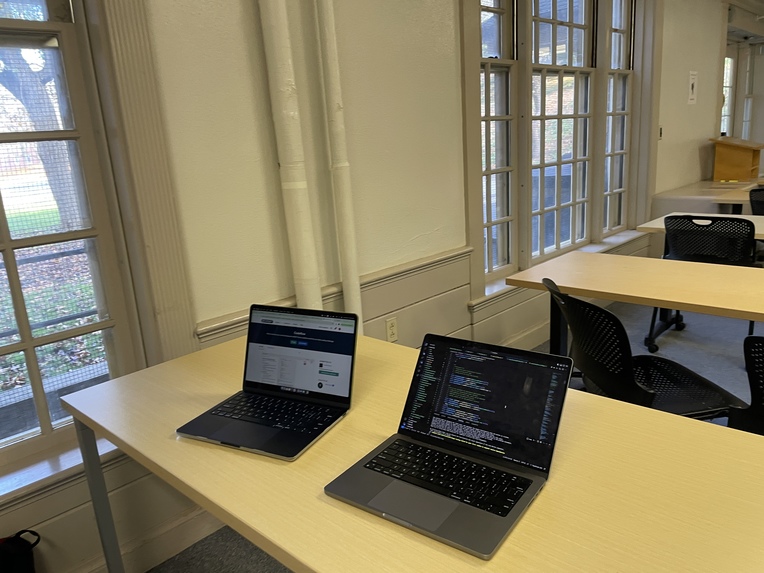
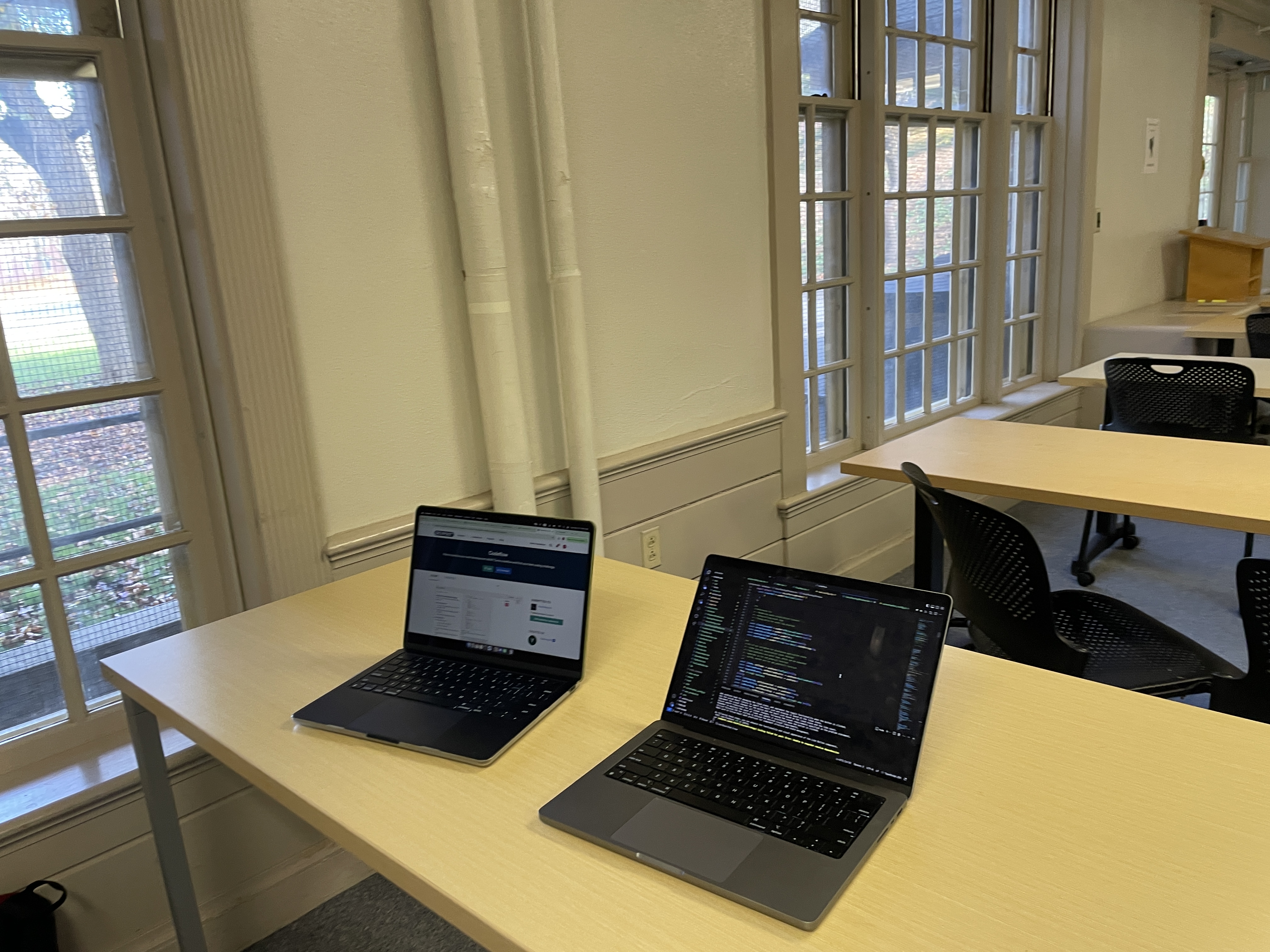
Coding at Mary Lyon Classroom
Inspiration
Building programming skills should be accessible to everyone with an interest in coding. However, many online resources on platforms like YouTube or Udemy can be costly, and video tutorials can sometimes be difficult to follow.
With Codeflow, our goal is to create a user-friendly platform that supports and guides learners throughout their programming journey.
What it does
Codeflow is an AI-powered coding practice platform where you can receive coding guidance from ChatGPT, either automatically or through real-time audio conversation. You can choose from various levels of coding challenges to help you advance your programming skills.
On Codeflow, we provide multiple windows to ensure your coding experience is as seamless as in Visual Studio Code. With features like syntax highlighting and error underlining, the central window is where you can write and execute your code live. The right window displays a real-time preview of your work, showing the rendered output of your code and any web pages you create.
Similar to other coding platforms, we offer a variety of coding challenges for you to choose from, along with previews of each challenge for reference.
Currently, Codeflow supports frameworks like React and libraries like Tailwind CSS, and is compatible with TypeScript. The platform also provides a real-time preview feature, so you can immediately see the results of your code in a separate window. Additionally, Codeflow integrates browser-like developer tools (similar to Chrome DevTools) to help you inspect HTML structures, CSS styles, and console output, making it easier to debug your code effectively.
The most unique feature of Codeflow is the AI tutorial system. Whenever you encounter a problem, our AI automatically offers guidance and suggestions. If you prefer not to use the auto-generated suggestions, you can switch to a countdown feature or choose to have a more interactive conversation with the AI bot to help you work through the issue.
How we built it
Frontend and Backend Technologies
For the frontend, we used Next.js for server-side rendering (SSR), routing, and dynamic pages, ensuring fast performance and scalability. The UI was built with NextUI for customizable components and Tailwind CSS for a responsive, utility-first design. React Live powers the live code editor, allowing users to write and run code in real-time. Prism.js was used for syntax highlighting to improve code readability.
AI-Powered Real-Time Feedback
We integrated OpenAI's GPT-4 to serve as the AI tutor, providing context-sensitive feedback to users. Users can interact with the AI via real-time voice using Whisper (speech-to-text) and Voice Activity Detection (VAD) to improve speech recognition and reduce delays. A memory mechanism tracks user progress, allowing the AI to offer personalized, context-aware advice.
Challenges we ran into
When we were building the ChatGPT-4 real-time audio API, we faced several challenges. The first issue we encountered was a delay in real-time speech recognition. High latency caused pauses during interactions, disrupting the flow of the conversation. To address this, we chose OpenAI's Whisper model, which offers high accuracy in multilingual speech recognition. However, we still experienced delays in inference when processing longer speech inputs.
To optimize further, we integrated VAD (Voice Activity Detection) technology alongside the Whisper model. VAD quickly detects pauses when a user speaks and stops the input, reducing the amount of audio that needs to be processed. This helps significantly lower recognition delay. Additionally, VAD allows for more natural interactions, enabling the system to handle interruptions during conversations.
Another challenge was managing multi-turn conversations within the real-time API. In ongoing interactions, users might ask complex questions or refer to previous exchanges, which requires the system to maintain strong context-tracking. Without this, the system could lose context and provide irrelevant or incorrect answers.
To resolve this, we implemented a memory mechanism that stores key information from user interactions. This allows the system to retrieve context from memory as users continue the conversation, ensuring that responses remain consistent and relevant.
Accomplishments that we're proud of
As a team of just two members, we split the work into front-end and back-end tasks.
As a freshman with no prior experience in web development, our front-end developer started on Friday night by mimicking code from online sources and spending two hours writing a few buttons. Now, they are familiar with Tailwind styling, TypeScript dynamic features, and can independently complete a complex window tab in under an hour.
What we learned
We learned how to collaborate effectively as a team by supporting each other, helping out when needed, and maintaining a fun coding atmosphere. Above all, we had fun coding together!
In the process, we gained valuable knowledge from one another and became more familiar with the technologies we used to build our project.
What's next for Codeflow
We are working to expand Codeflow’s features, starting from supporting only React and Tailwind CSS, to offering multiple frontend frameworks (such as Vue, Angular, etc.) and libraries (like Sass, etc.), allowing users to practice with any tech stack they are interested in on our platform. In addition to focusing on frontend web development challenges, we also plan to extend support to multiple programming languages.
Furthermore, we aim to enhance Codeflow with a suite of features, including code suggestions, auto-completion, and optimization recommendations. These features will help users develop smoother coding practices and write cleaner, more efficient code, with our AI tutor providing code optimizations, flagging redundant code, and offering performance improvement tips.
As a coding practice platform, we also prioritize an engaging and interactive learning environment and community. Codeflow will offer personalized learning paths and progress tracking to guide users in their language learning journey. Additionally, we plan to implement an achievement system, rewarding users with badges or points for completing projects or learning tasks. A key feature will be community engagement—enabling users to share their code or projects, get feedback, ask questions, and collaborate with others. This social interaction will help users learn from each other, build a sense of community, and have fun while coding.
Moreover, we plan to develop a Codeflow extension that allows users to access our AI tutor while coding in their preferred editor, such as Visual Studio Code. This will enable users to apply their knowledge in practical, real-world projects, reinforcing their understanding of the programming workflow.
Our ultimate goal is to make programming accessible to everyone, helping users start and advance their skills with the support of our personalized AI tutor.
Computing for the common good, and making programming accessible for everyone.


Log in or sign up for Devpost to join the conversation.