-
-
Logo
-
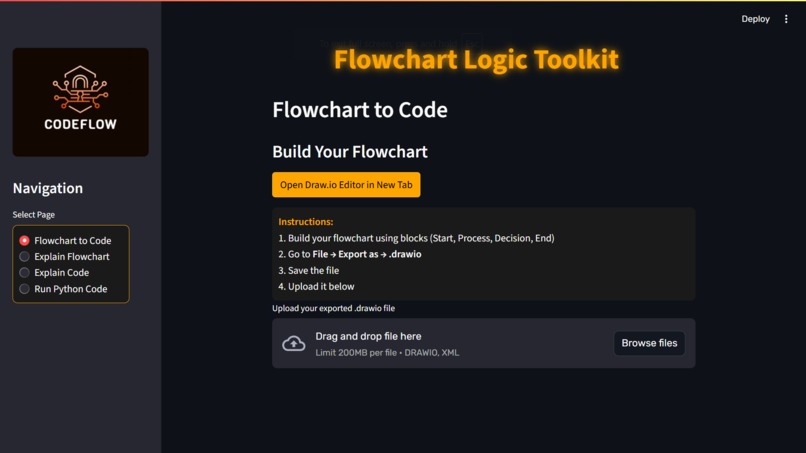
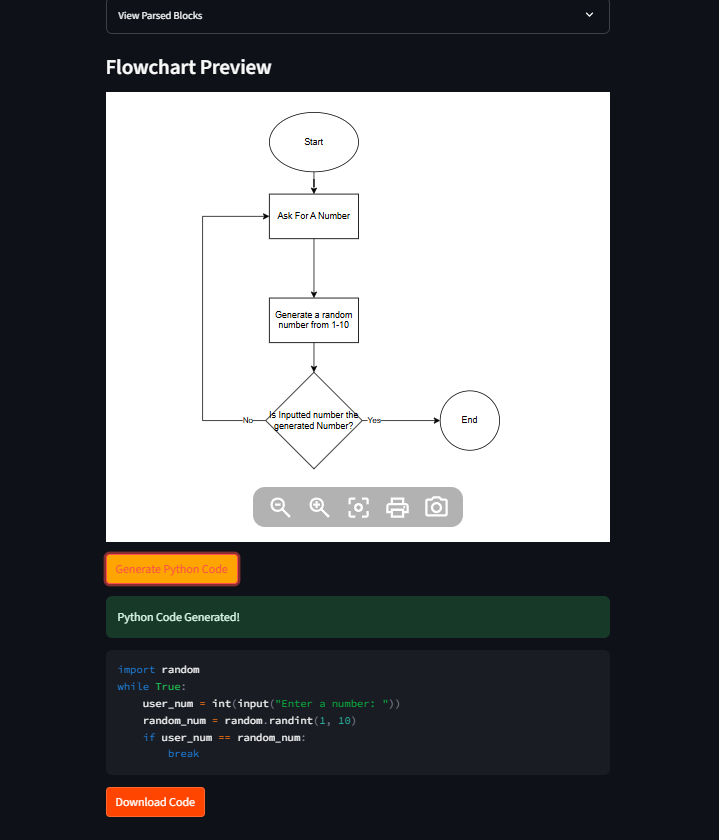
Flowchart to Code
-
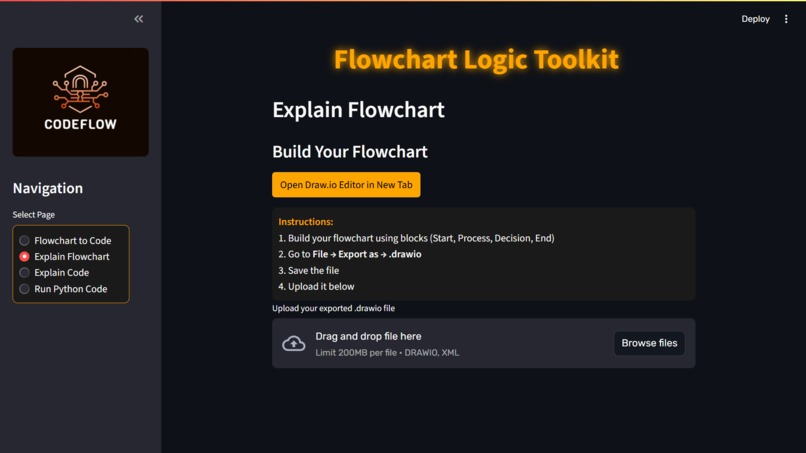
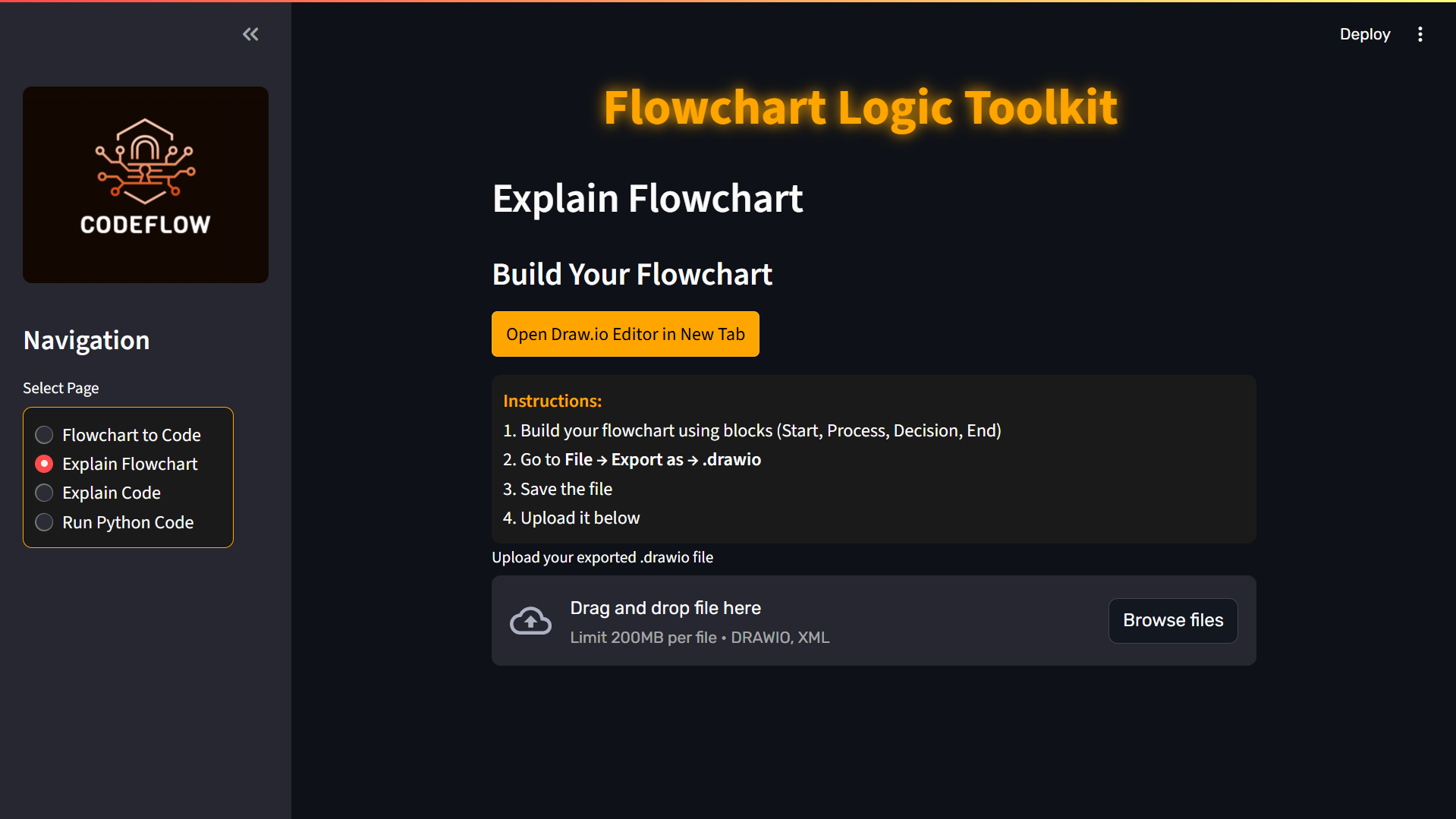
Explain Flowchart
-
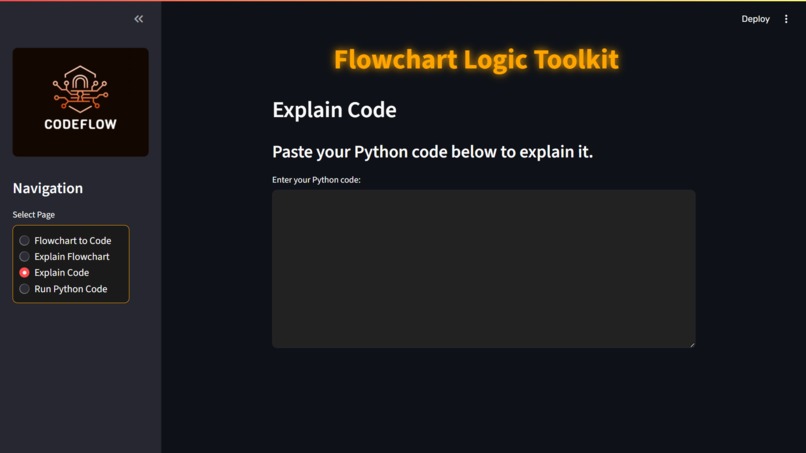
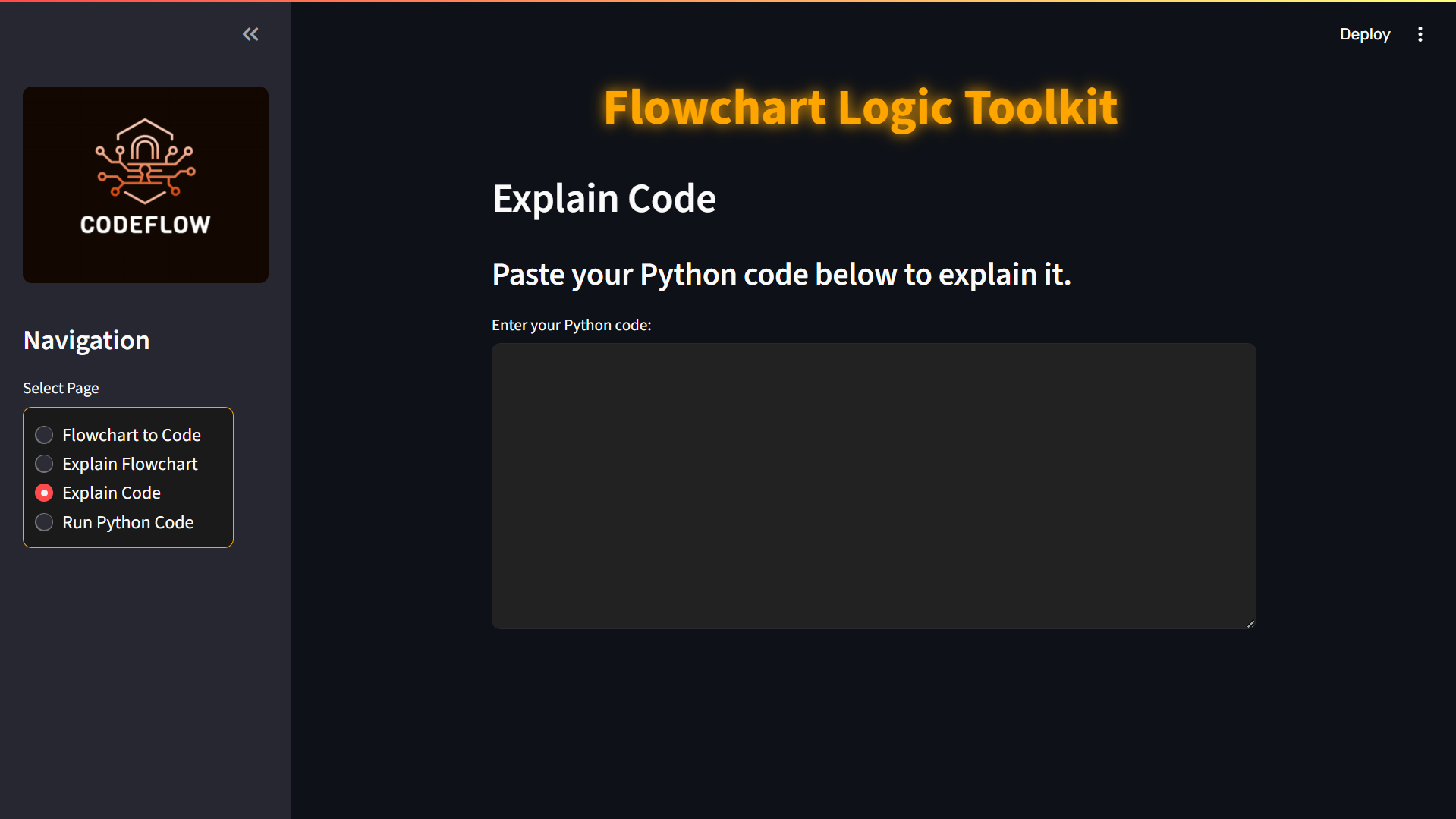
Explain Code
-
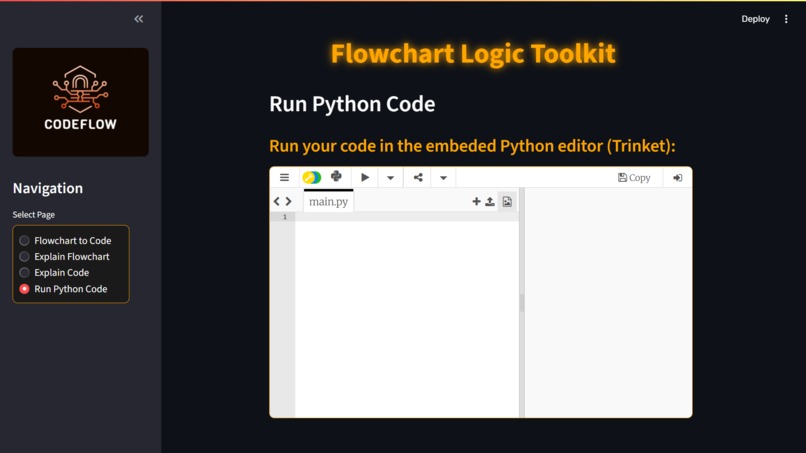
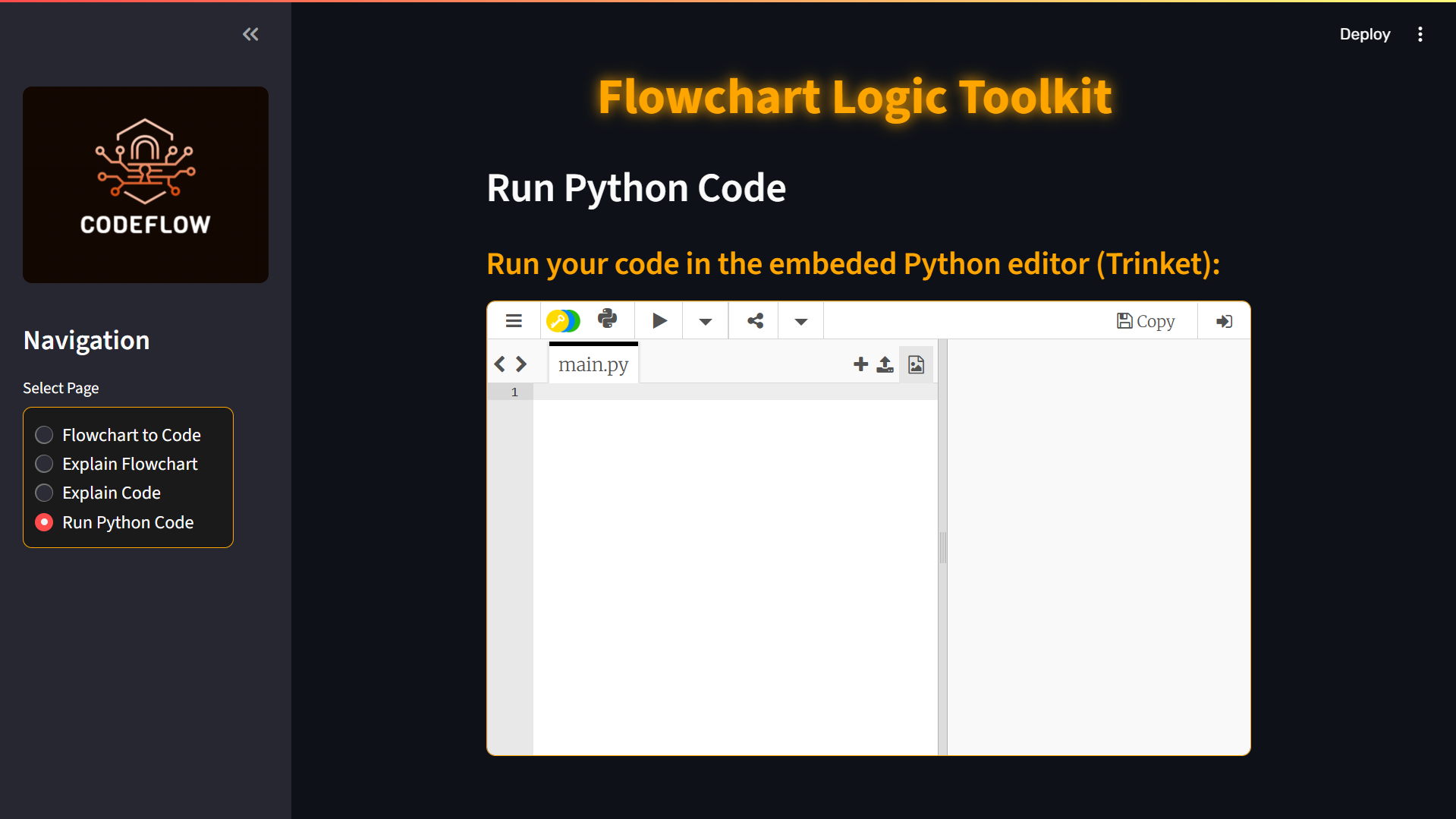
Run Python Code
-
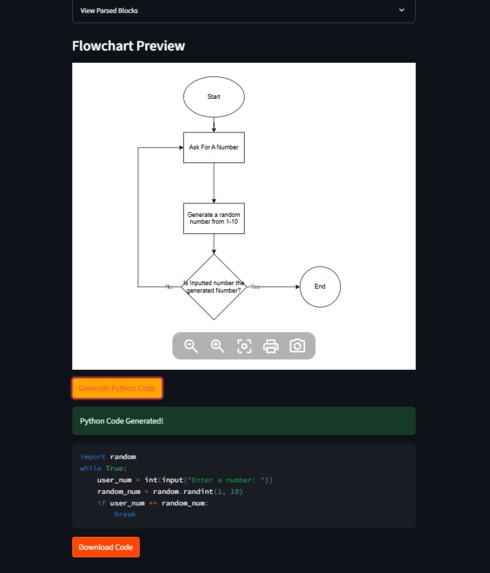
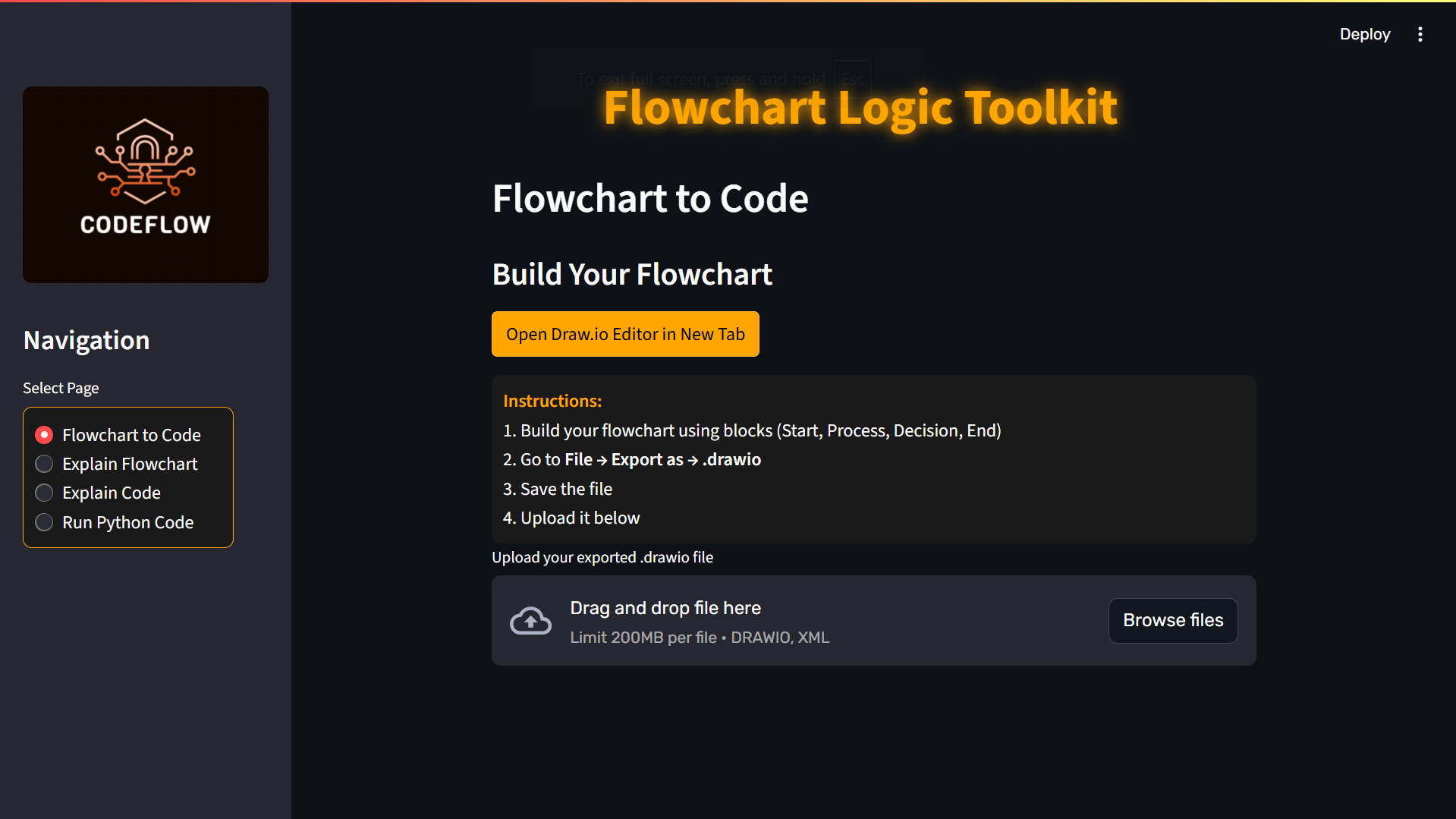
Running Flowchart To Code Conversion
-
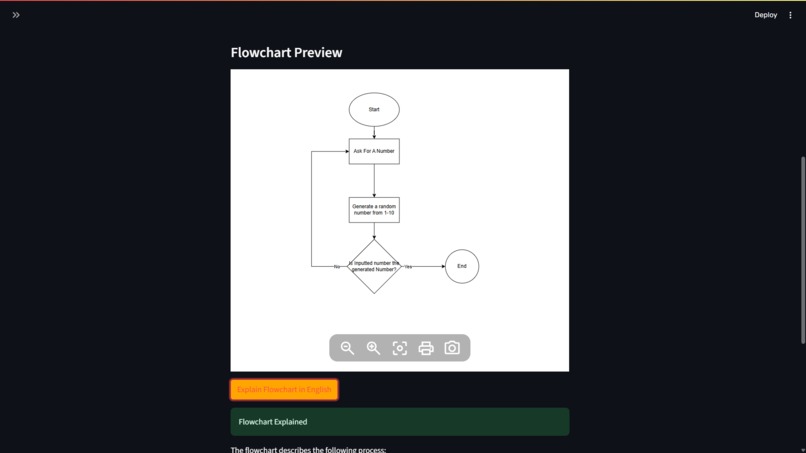
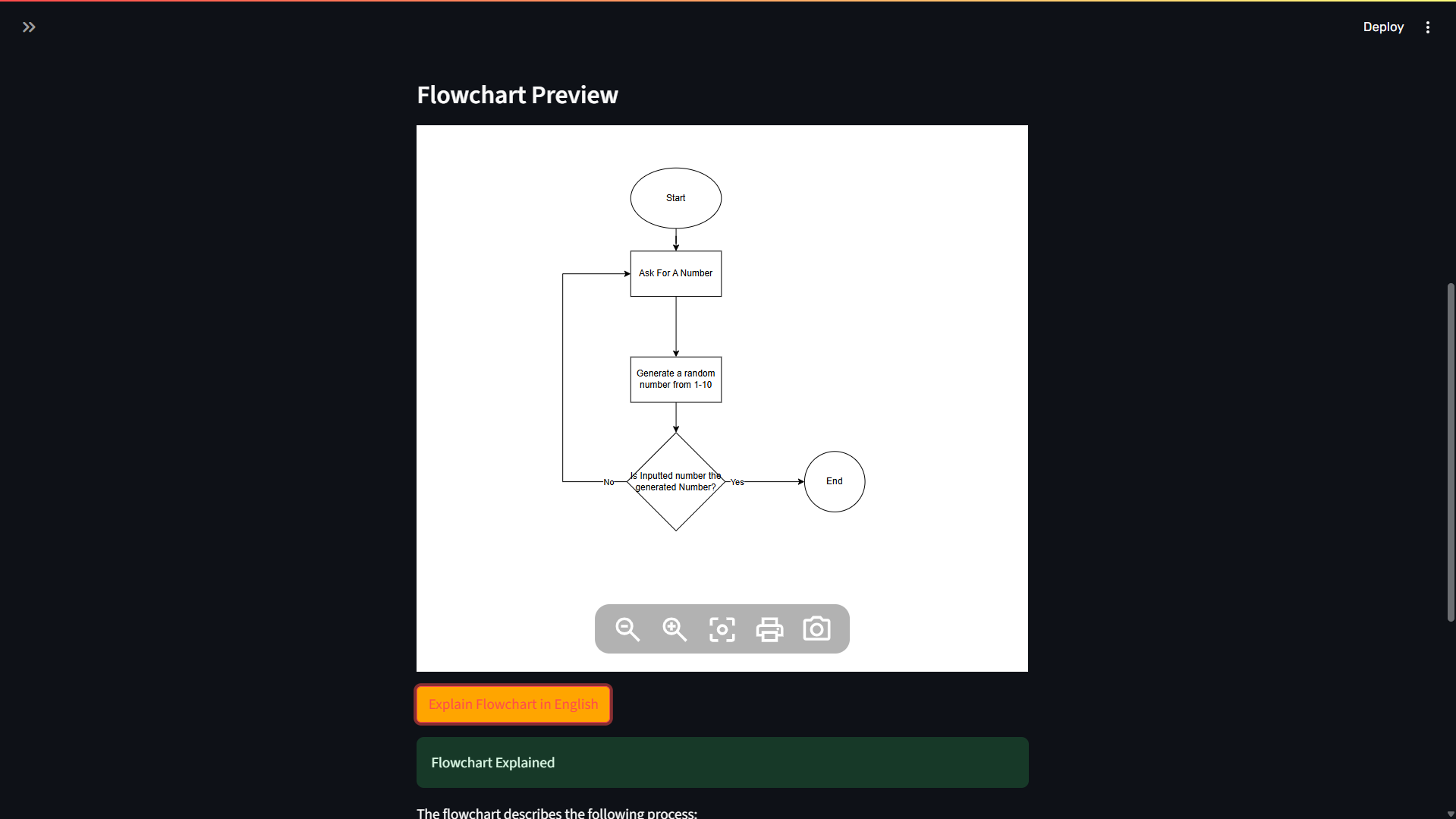
Running Explain Flowchart
-
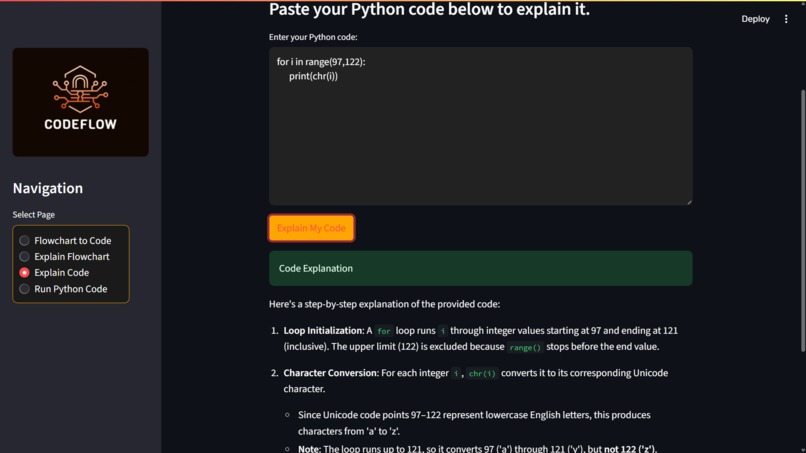
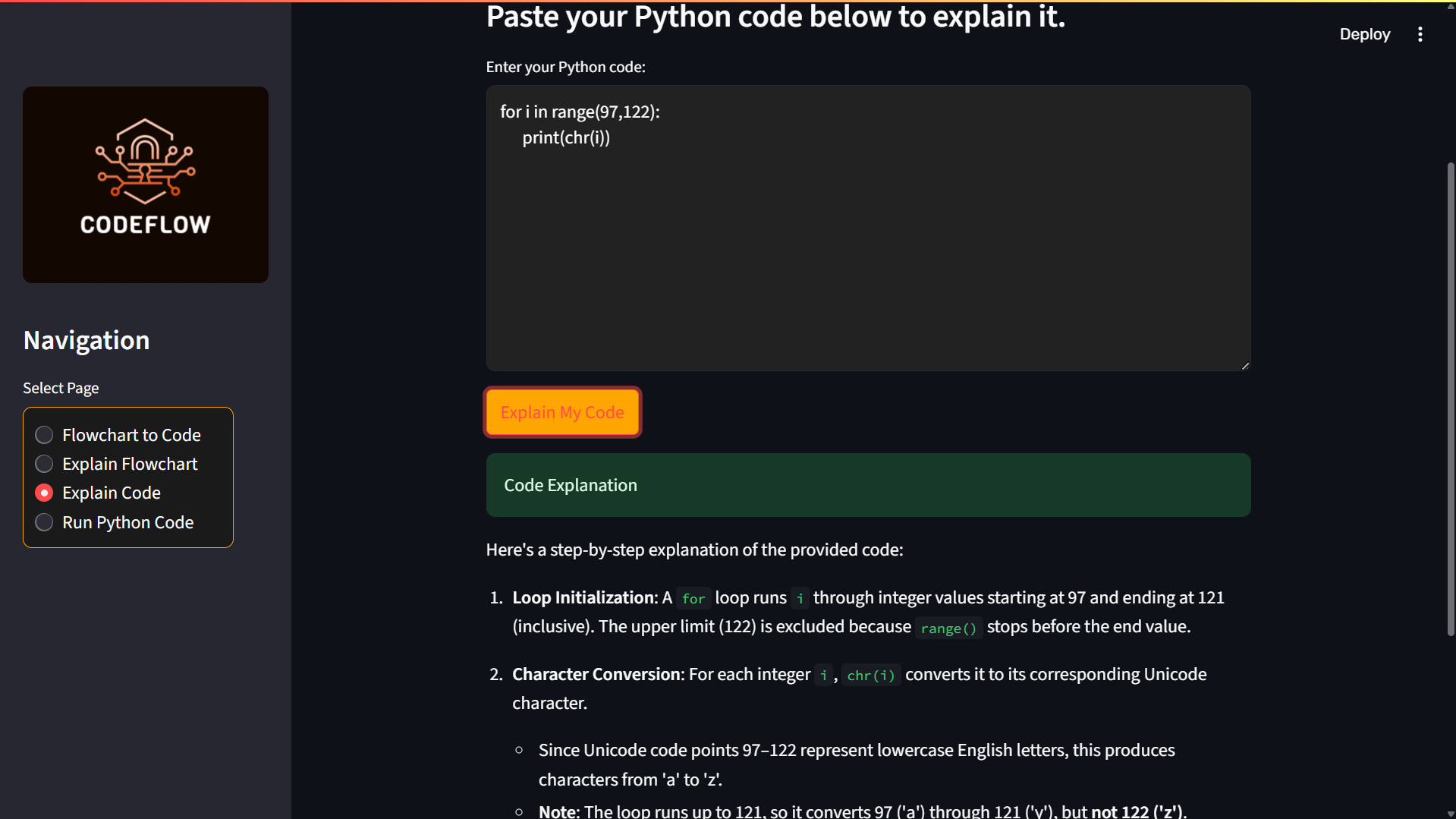
Running Explain Code
-
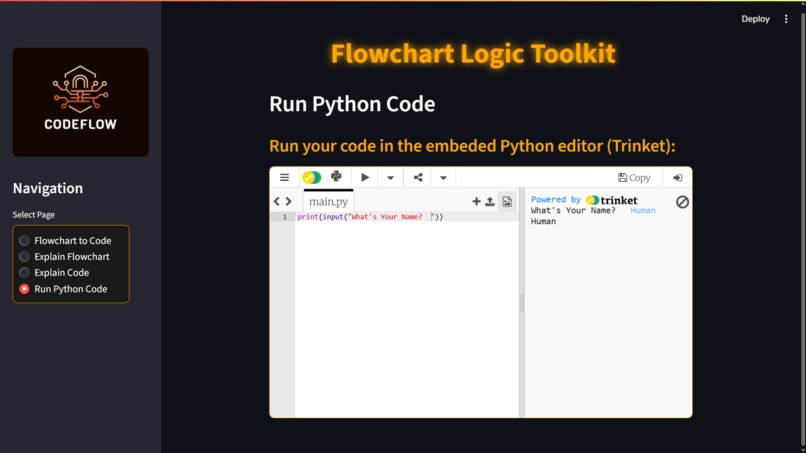
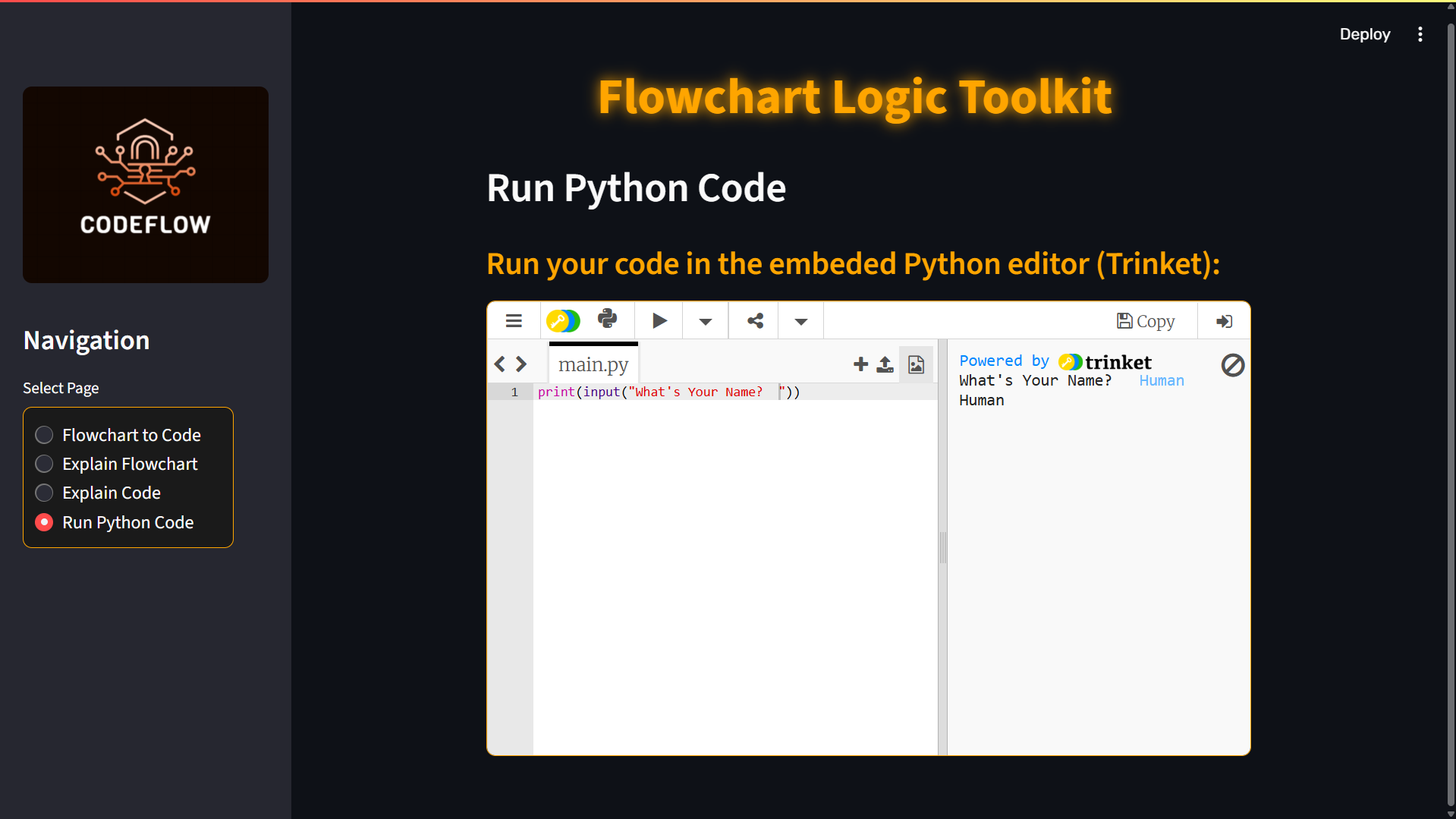
Running Python Editor
-
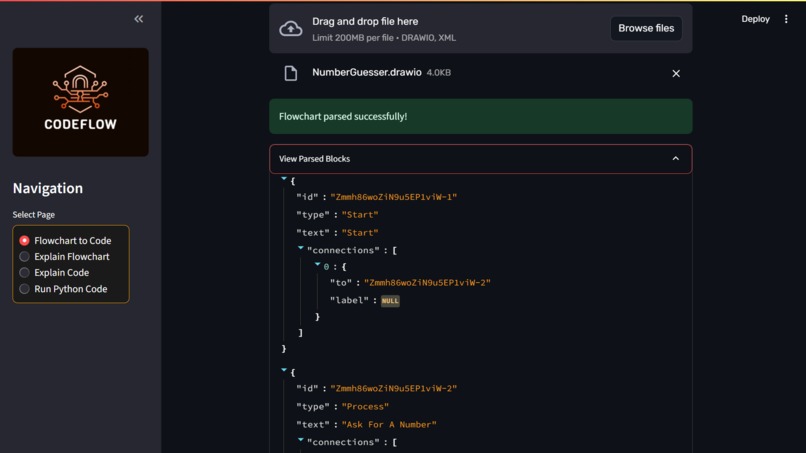
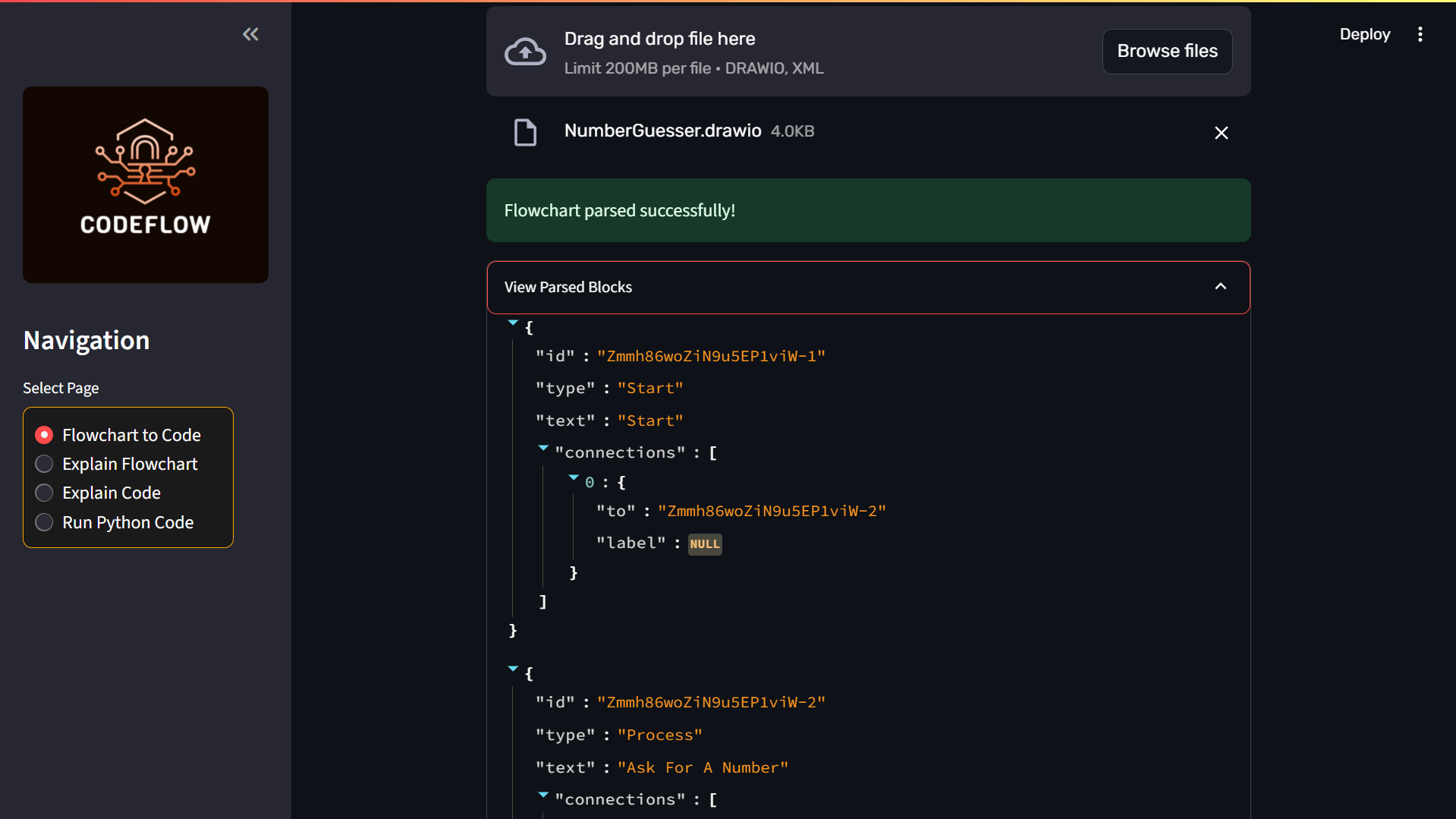
Parsed Blocks
Inspiration
I'm a visual thinker and utilize diagrams as a way of structuring programming logic. I tend to create flowcharts prior to actually writing any code in order to understand the flow of events and architect the logical flow of a program. However, translating the diagrams into Python code has always appeared to be repetitive and not very efficient. I was hoping to bridge the gap between visual planning and coding. This need prompted me to create CodeFlow, a web-based application that allows programmers to directly convert flowcharts to executable Python code, with the extra feature to generate plain-English descriptions and test code right in the browser.
What it does
CodeFlow allows uploading flowcharts created using Draw.io and converts them into clean, executable Python programs. The web application takes the uploaded .drawio files, reads them, decodes the logic flow, and creates code accordingly. Furthermore, it provides natural language explanations of the flowchart and any custom Python code submitted by the user. Finally, the project includes a code runner and an embedded interpreter using Trinket, enabling users to execute and test code in a safe, browser-based environment.
How I built it
I developed the app with Python and Streamlit. I created a custom parser for the XML structure of .drawio files to pull out useful blocks such as Start, Process, Decision, and End. I also built a system to convert the logical structure of the blocks into a simplified form to serve as input for a large language model. With the DeepSeek API, from OpenRouter, I generated Python code from this framework and also implemented logic to explain both flowcharts and user-provided code. To facilitate code execution, I used both a virtual environment and a built-in Trinket editor for browser-safe execution. I designed the user interface with custom CSS to have a dark-themed, modern look.
Challenges I ran into
One of these challenges was dealing with the flexible, and occasionally erratic, structure of .drawio XML files. Ensuring that the parser would be able to handle a vast variety of user-generated diagrams took extensive testing. Converting non-linear flowchart logic into linear Python code was also problematic, particularly in preserving control flow for loops and conditionals. Another challenge was executing user-submitted code in a secure way. I employed Trinket for a more secure production solution.
Accomplishments that I'm proud of
I am particularly proud of the smooth user experience that I was able to achieve. From uploading the flowchart to viewing the executable code, the experience is natural and smooth. With the features of natural language explanations and live code testing, the app is more than just a converter. It is a lightweight development assistant. I am also proud of the clean interface and responsive design, which enhance usability.
What I learned
I learned more about prompt engineering and how to instruct language models in performing reliable code generation through this project. I also gained more knowledge about Streamlit and Python, specifically how to do custom layouts, file uploads, and how to integrate third-party tools. I also learned how to parse XML structures and design systems that transform visual logic into executable code.
What's next for CodeFlow
I plan to make CodeFlow work with other programming languages such as JavaScript, Java, and C++. I'd also like to expand its ability to handle more complex flowchart layouts, such as multi-branched decision paths. Ultimately, I'd like to publish CodeFlow as a fully hosted web application, accessible from any device without download. I also see educational applications for this tool and would be interested in an educational version focused on** teaching programming through visual logic**.
Why CodeFlow?
I believe that this tool is suitable for both students and programmers of any level. For beginners, it simplifies Python by making them view logic first, then the corresponding code, which gives insight into concepts that would otherwise be vague and cryptic. For professional programmers, it serves as a quick prototyping tool, a way for them to produce boring but structurally simple scripts significantly faster by dragging and dropping a flowchart instead of typing out every line individually.

Log in or sign up for Devpost to join the conversation.