Inspiration
I've always liked the idea of teaching people to code, especially after seeing the impact educational YouTubers made on my life and many others, but actually making a tutorial video, recording myself and doing endless takes every time I fumbled, felt really frustrating and demotivating. It was way more work than it should be just to explain a few lines of code. So I decided to build a simpler way myself, something where you just write the code and what you want to say, and the video makes itself. That idea is what became Codecast.
What it does
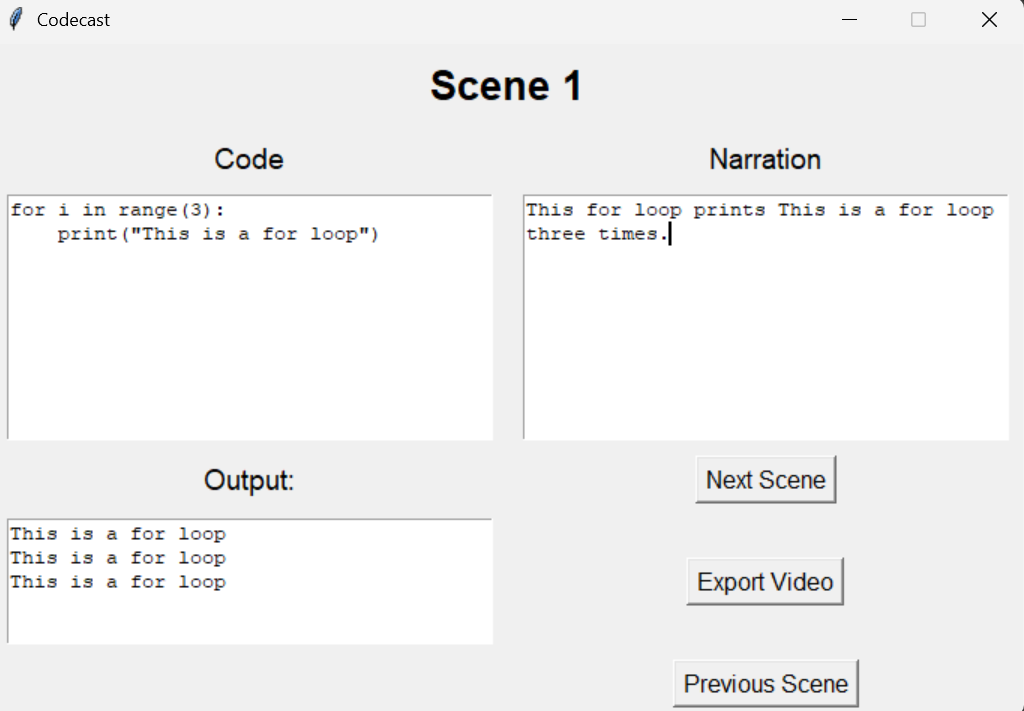
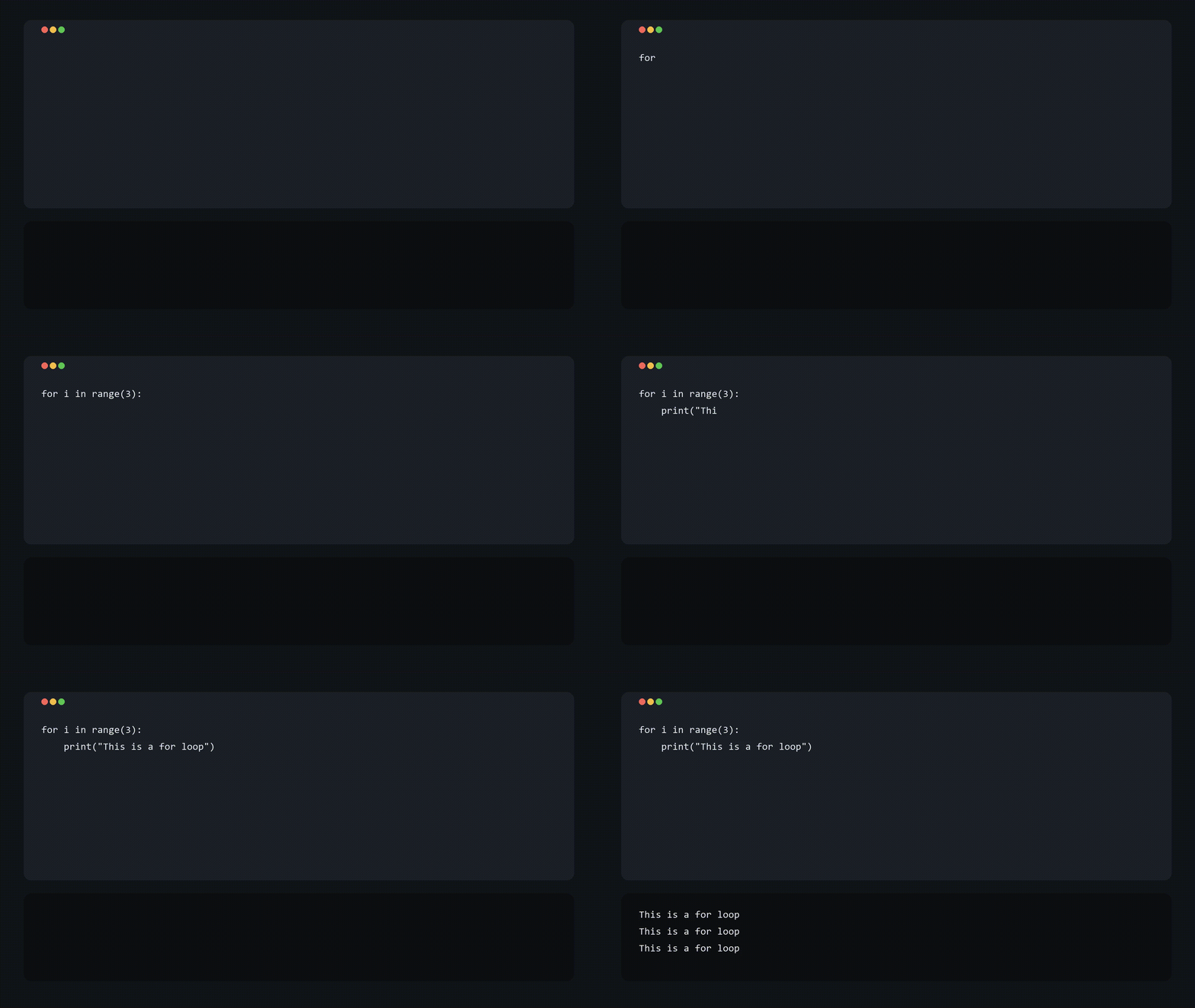
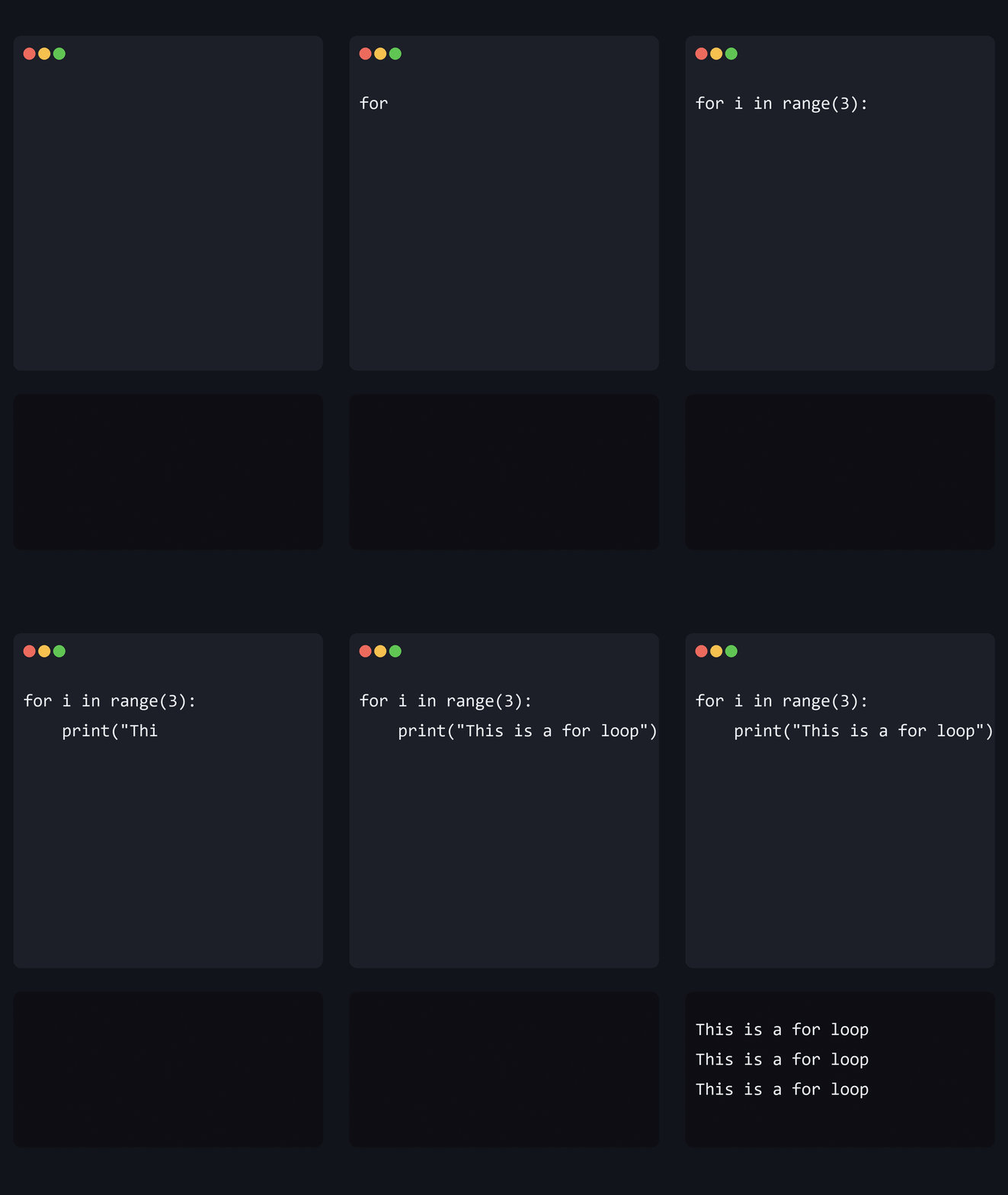
Codecast turns code and narration into a finished video without filming and recording anything. You enter your code and what you want to say scene by scene, and Codecast animates the code being typed out while keeping it timed to your narration so everything stays in sync. Once your scenes are ready, you hit Export Video and it merges the clips into one video file. It's a standalone Windows app, so you just download it and run it with nothing else to install.
How we built it
Codecast is built in Python. The interface uses tkinter, where you enter your code and narration and move between scenes. Behind that, the code draws each frame of the typing animation, turns each scene into its own short video that's timed to its narration, and then joins all the scenes into the final video. It uses ffmpeg to make the video and ffprobe to measure the narration so the typing stays in sync. To make it easy to share, I packaged everything into a single Windows .exe using PyInstaller, with ffmpeg and ffprobe bundled inside so it runs without anything else installed.
Challenges we ran into
My .exe worked on my computer but made no video for anyone else. The problem was that apps packaged with PyInstaller don't search the system PATH the normal way, so even with ffmpeg installed, the .exe couldn't find it. I fixed it by bundling ffmpeg and ffprobe inside the app so it always finds them.
Another challenge was getting multiple scenes to work. At first every scene saved its frames into the same folder, so each scene overwrote the last one and the final video only showed the final scene. I fixed it by giving each scene its own frame folder so they don't clash.
Accomplishments that we're proud of
I'm proud that I made Codecast a standalone application, anyone can download the file and run it without having to worry about setting up anything. I'm also proud about adding multi scene functionality and it felt really satisfying having the ability to make long videos.
What we learned
I learnt more about how PyInstaller actually packages an app into a single .exe file and why a packaged app doesn't see the system PATH in the same way a normal program does, which was the cause of my biggest bug. I also learnt how to bundle external tools like ffmpeg inside a file so the application doesn't depend on what the user has installed, and how to write code that can find these paths when it's running as a script or as an .exe .
What's next for Codecast
I plan to add more to the UI, like a toggle to switch between regular videos and shorts, since I already have the orientation for both types working. I'd also like to add color themes for the code and more narration options for users to pick from. Further down the line, I want to get Codecast into the hands of more people who'd benefit from it, like schools and coding bootcamps that make a lot of tutorial videos, and also make downloads for Mac and Linux so those users get the same no-setup experience Windows users already have.


Log in or sign up for Devpost to join the conversation.