-
-
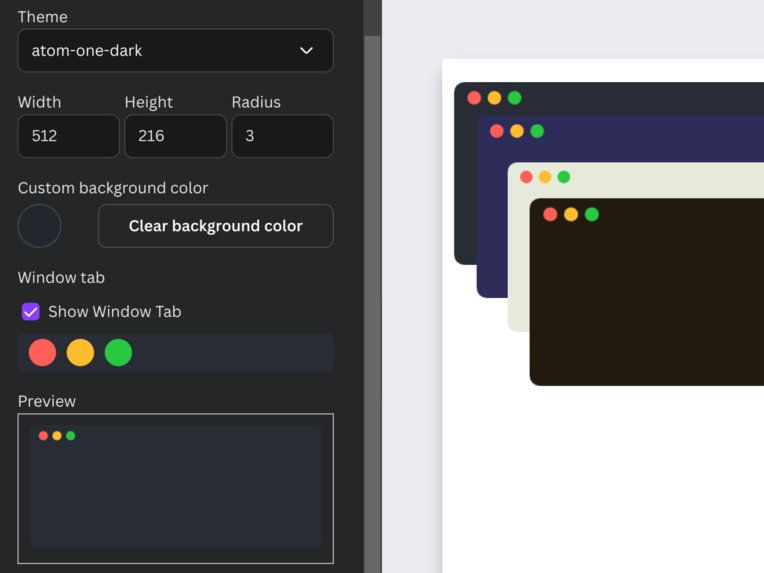
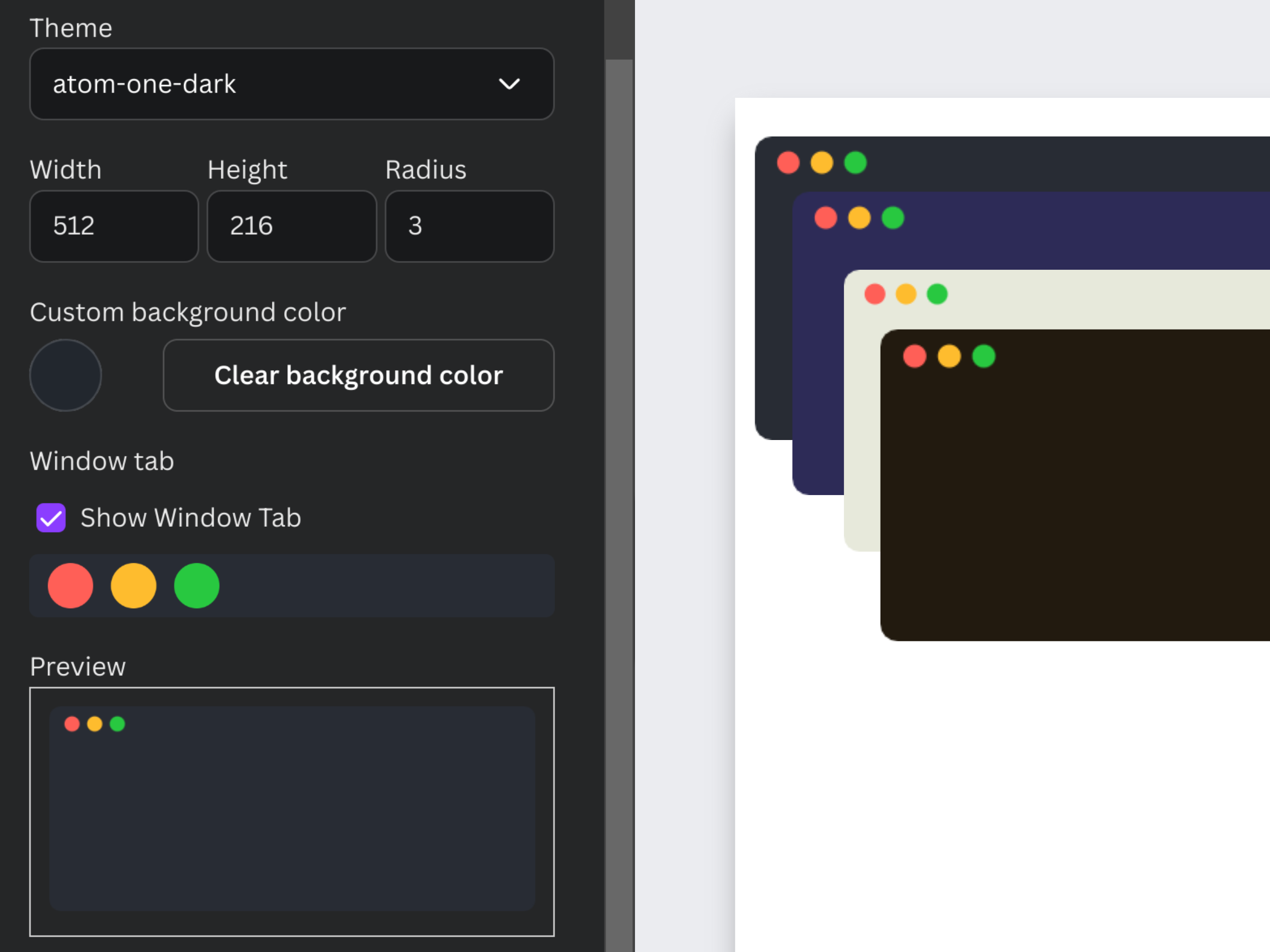
Customizable code editors
-
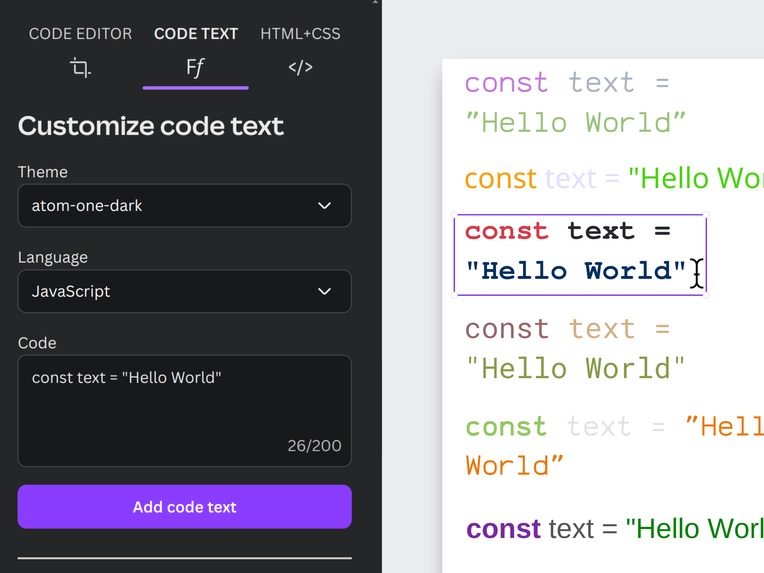
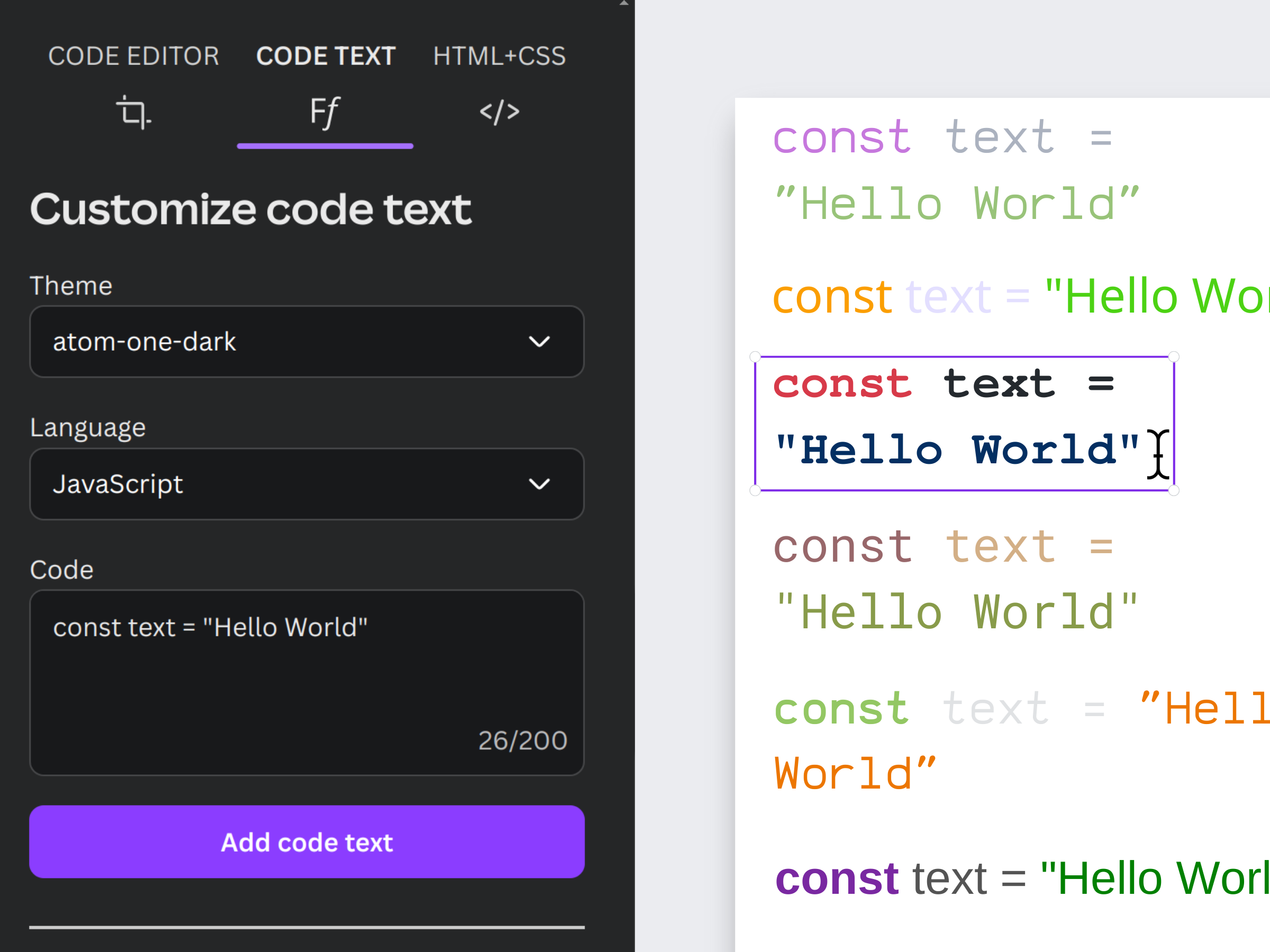
Code text (richtext, can change styling)
-
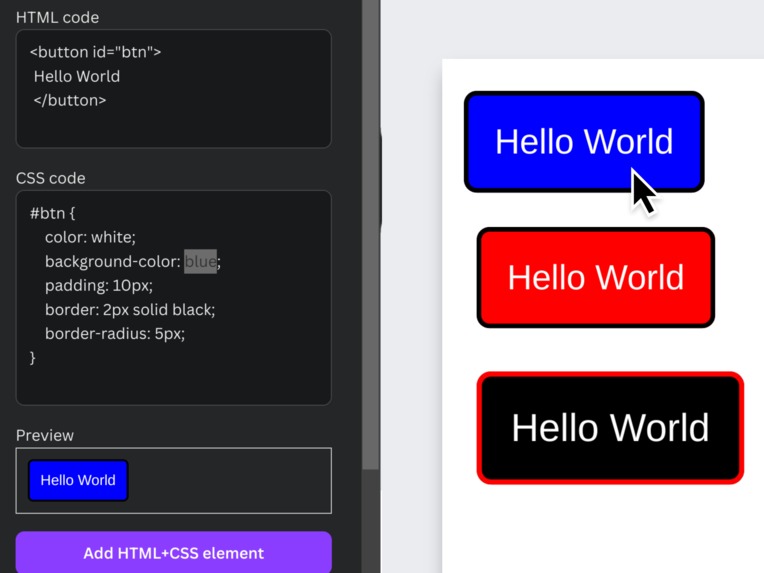
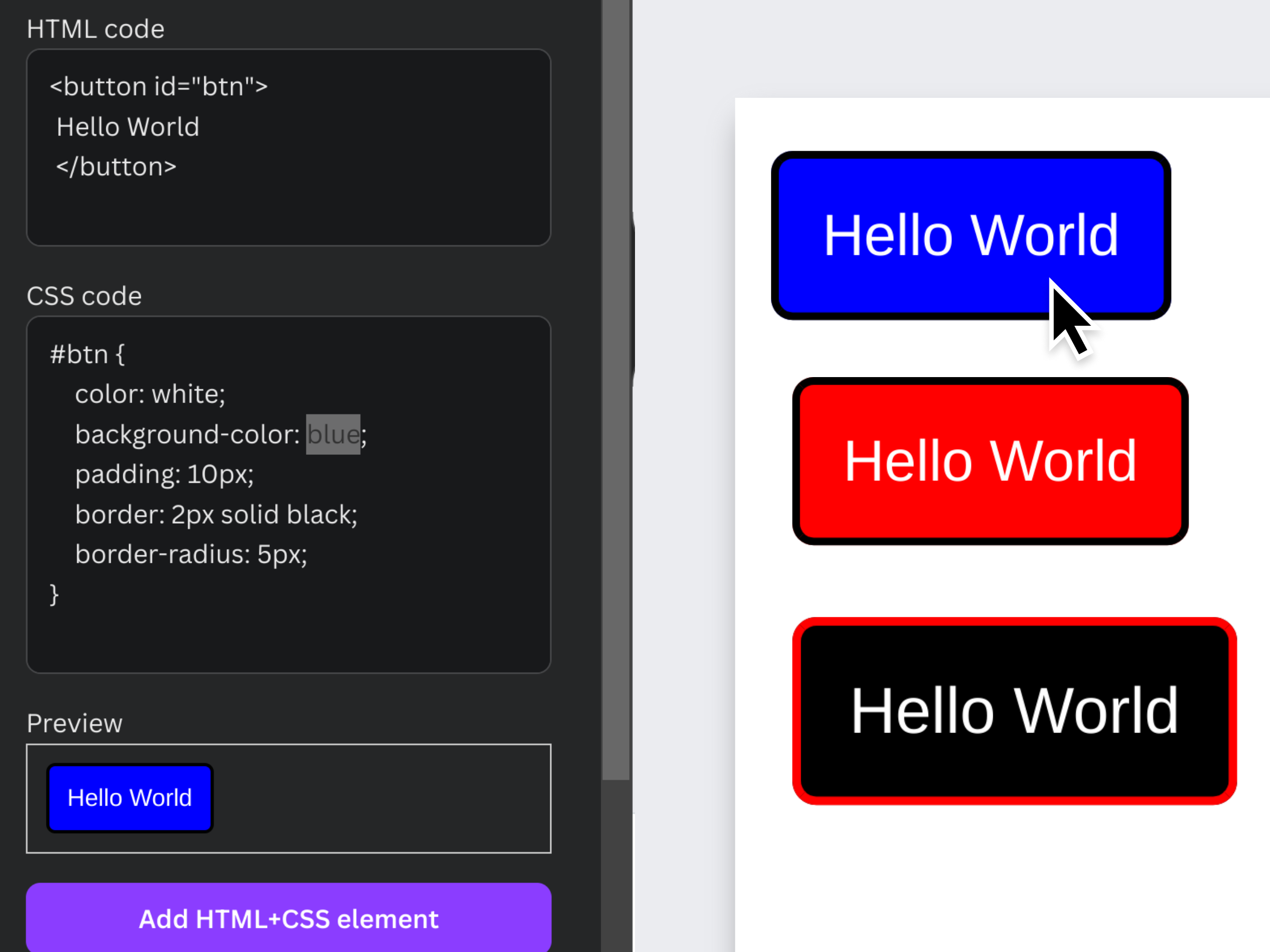
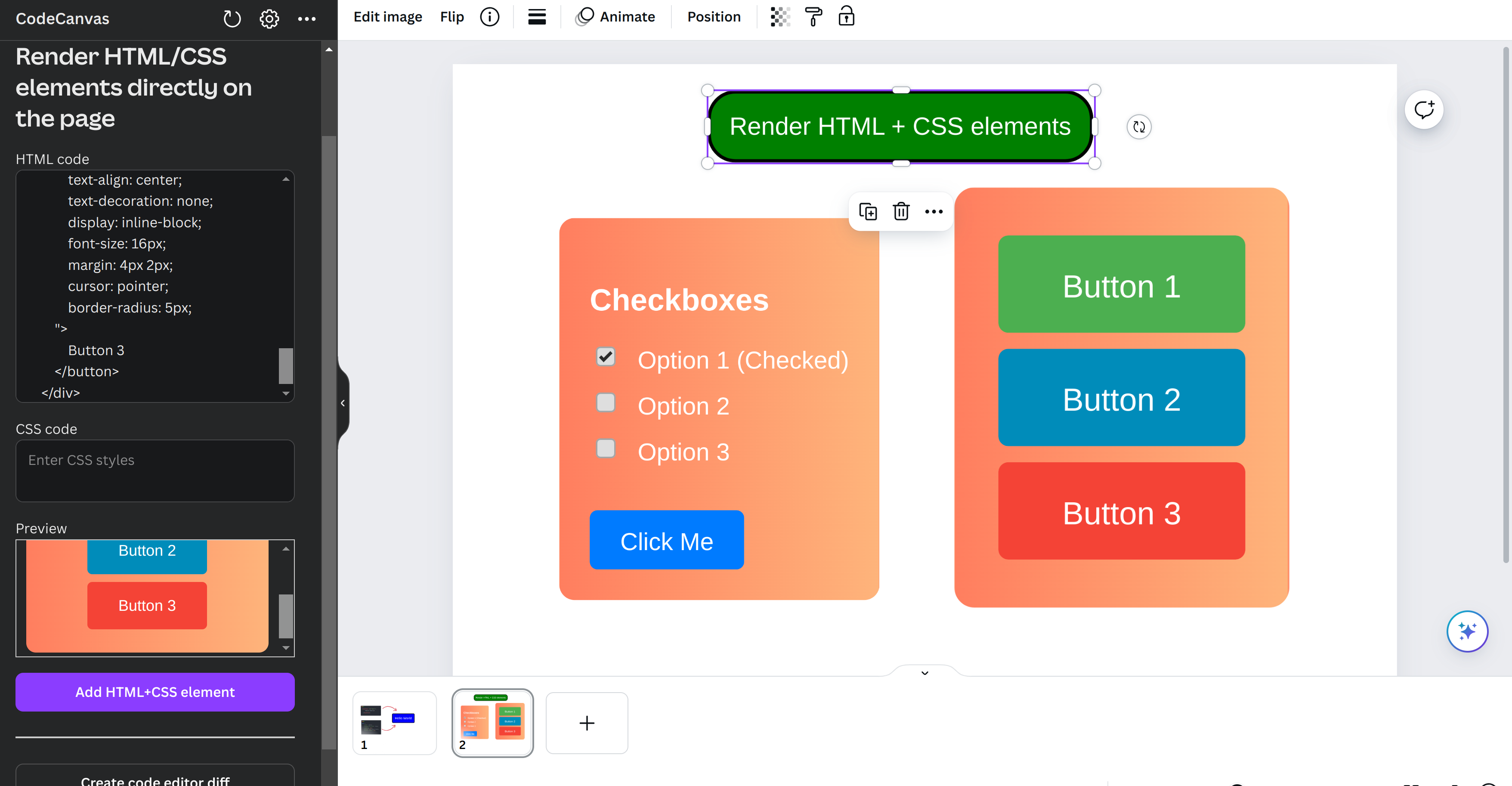
Render HTML/CSS code
-
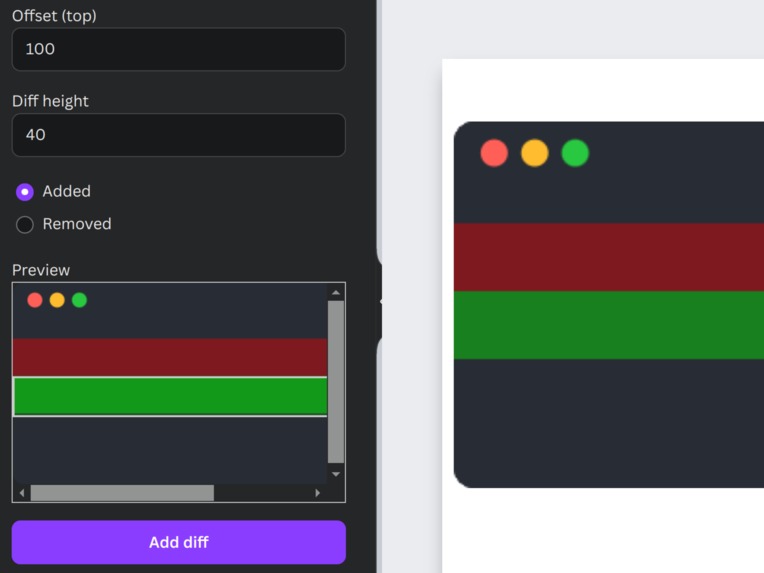
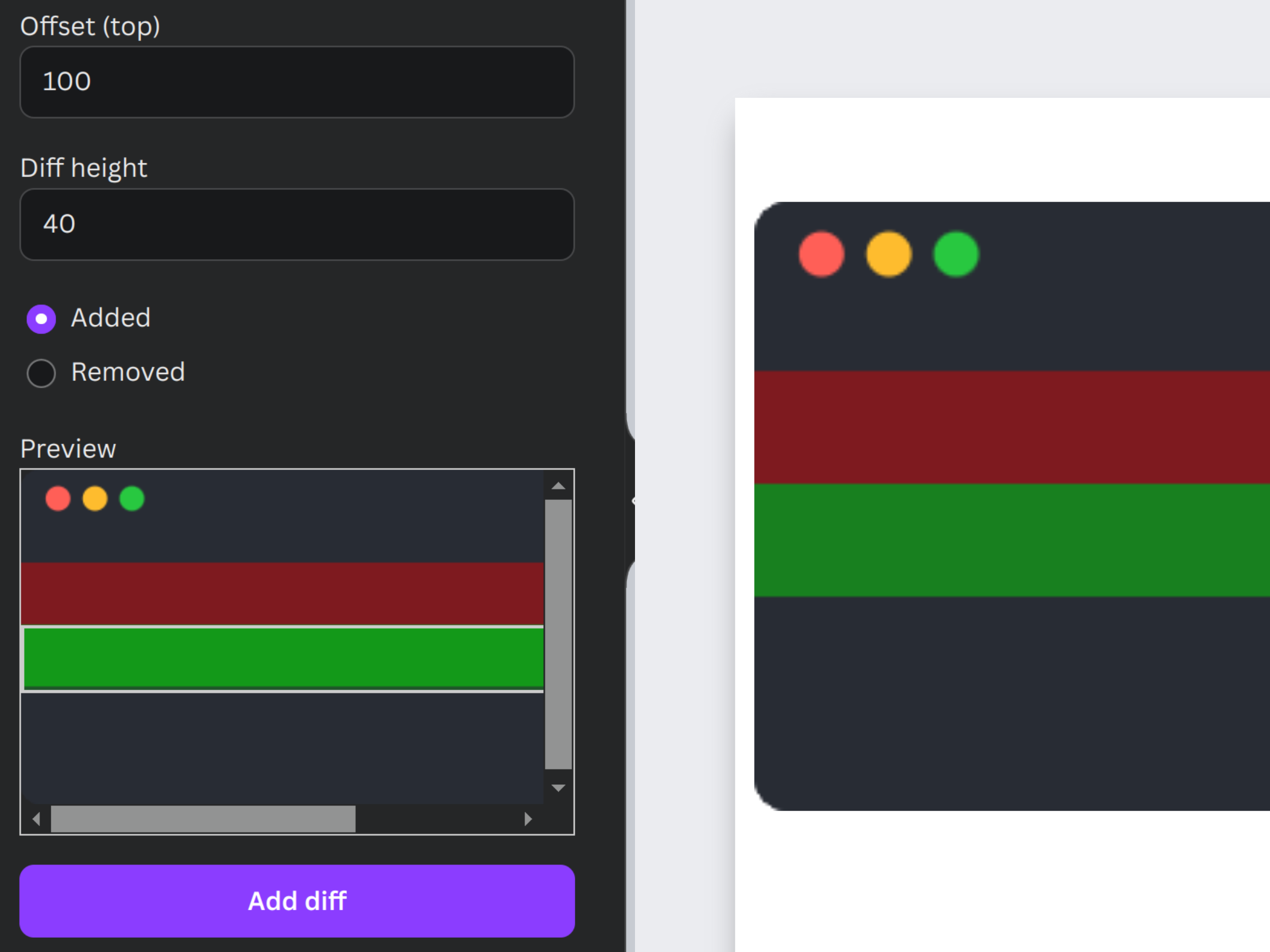
Add a "diff" to a code editor to highlight code
-
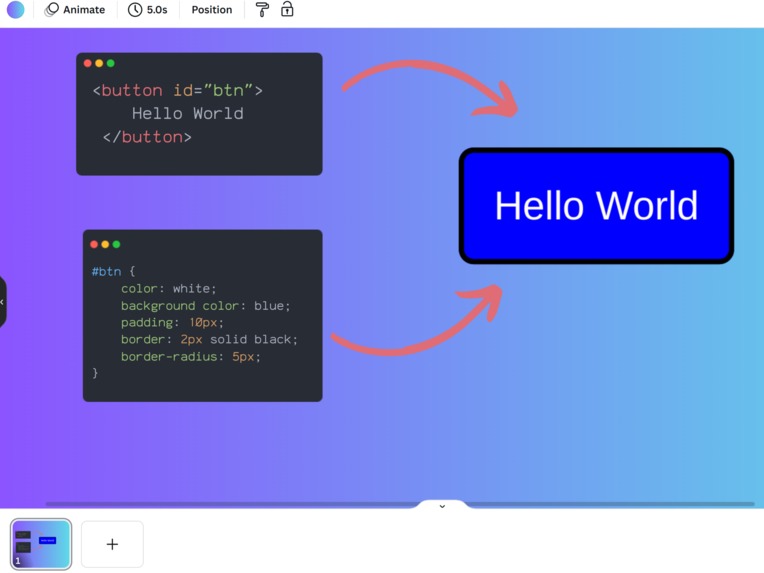
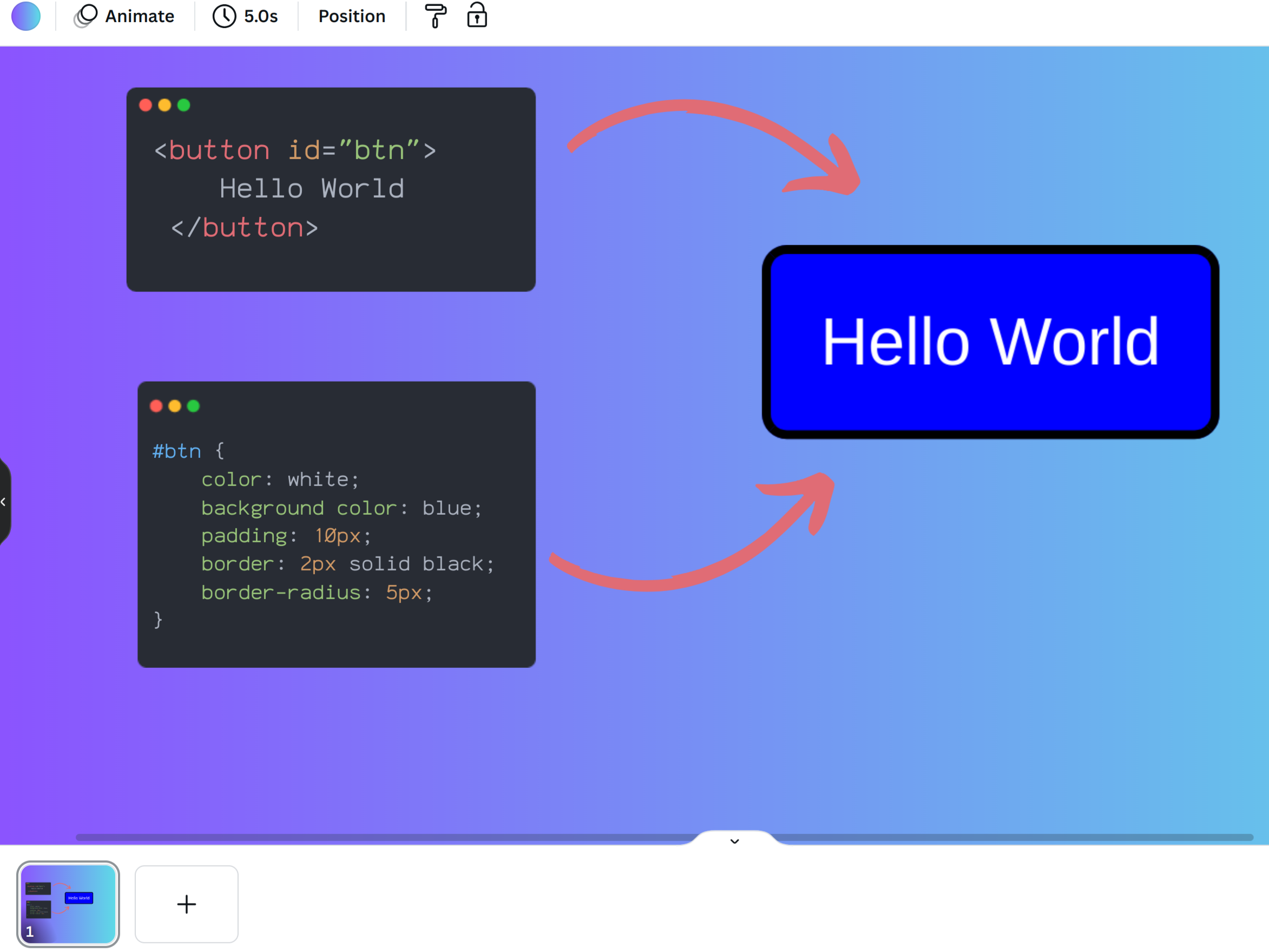
Can create beautiful code presentations
-
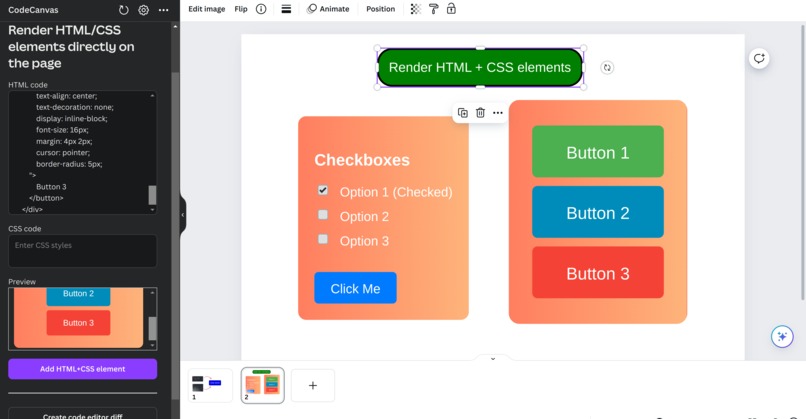
Even complex HTML/CSS can be rendered
-
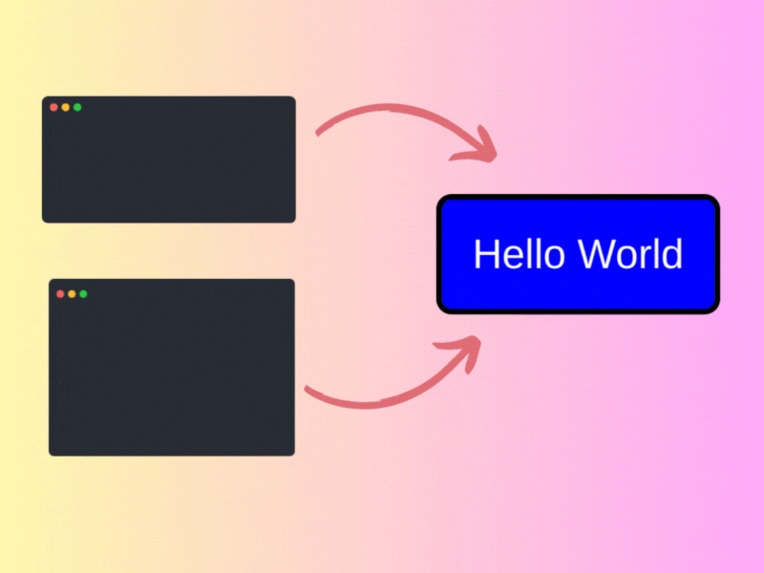 GIF
GIF
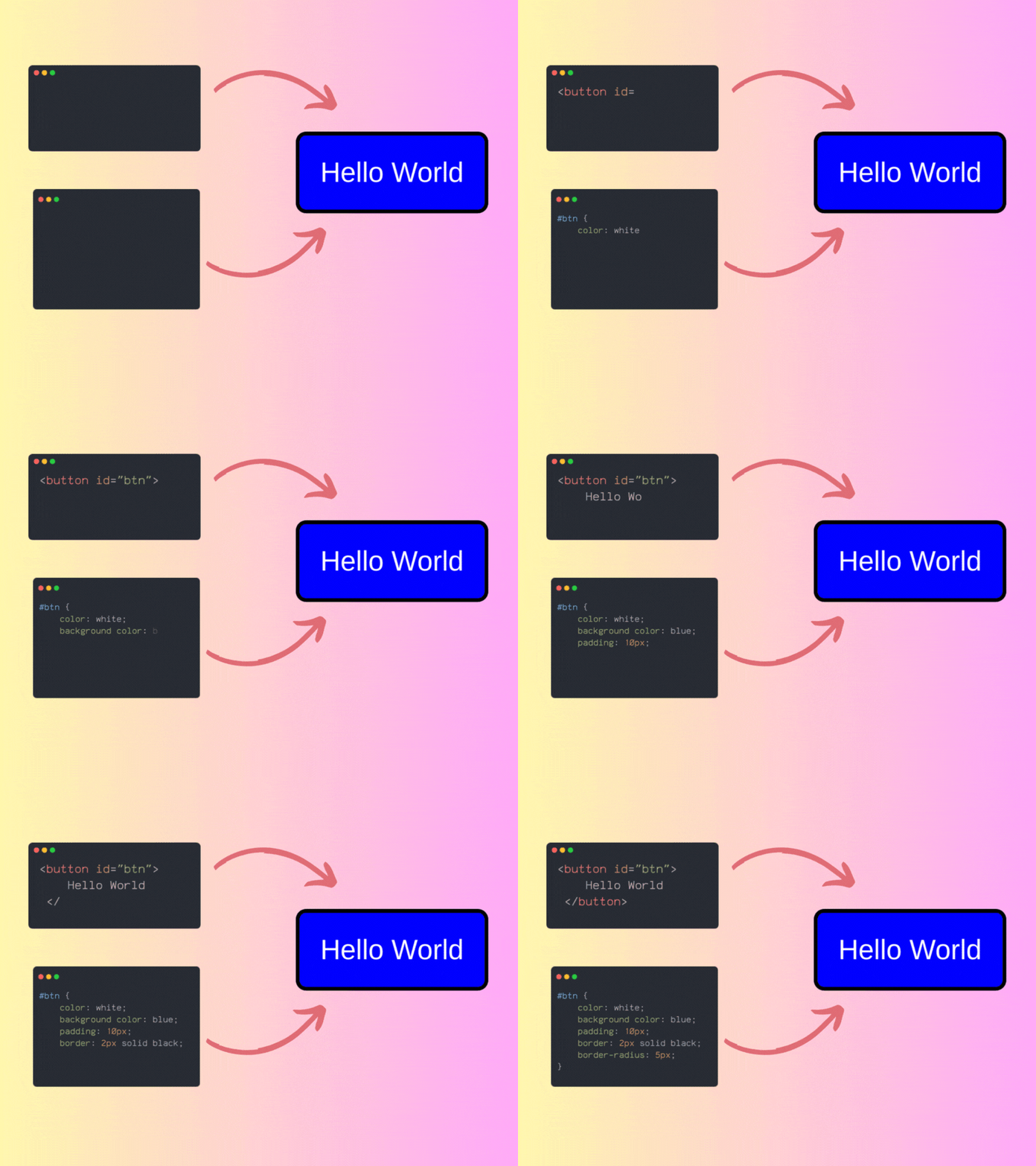
Animated code, since code text is separated from editor! Room for creativity
-
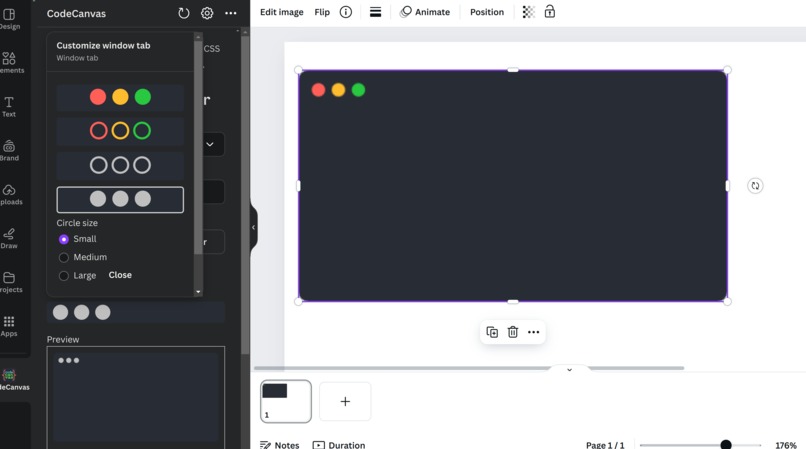
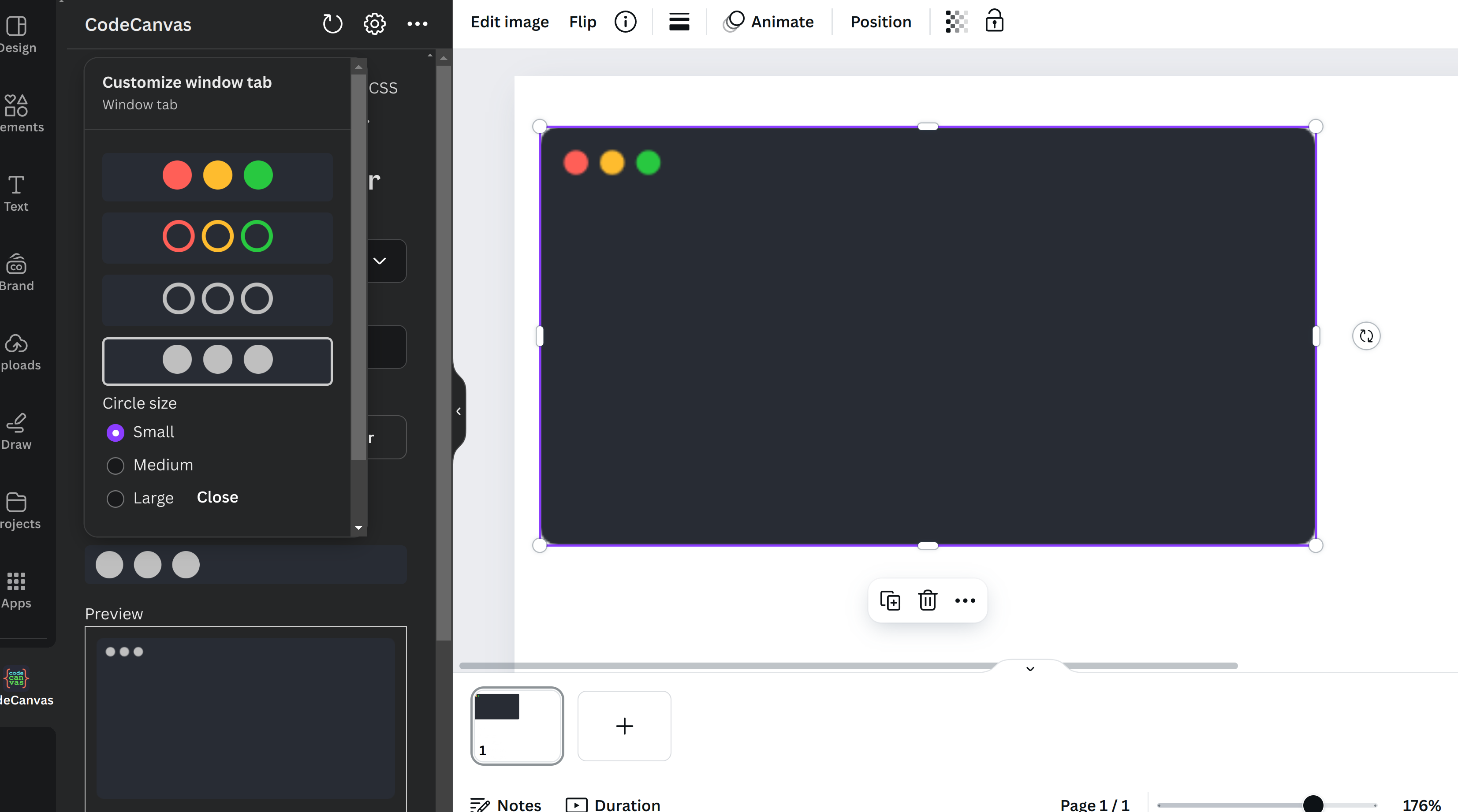
So many customizations!
Inspiration
The idea for CodeCanvas was born out of a personal need to create visually appealing code videos for social meida. As developers, we often find ourselves needing to showcase code in videos, social media, presentations, blogs, or documentation. Similar apps on Canva focus solely on creating code images, and lack customization. Plus, there's no way to easily add an HTML/CSS element directly into a design.
With Canva’s powerful design capabilities, I saw an opportunity to bridge this gap by developing a tool that empowers developers to create stunning code snippets and presentations with ease. Plus, the ability to render HTML/CSS elements from source code opens up a world of possibilities for users, especially web designers/developers.
What it does
- Create Customizable Code Editor Images: Choose from various themes that mimic popular code editors, adjusting the style and layout to fit your needs. Plus, you can also choose a custom color if you want.
- Insert Highlighted Code: Support for multiple programming languages with syntax highlighting to ensure the code is as readable as it is attractive. Unlike other apps, CodeCanvas separates the code editor itself from the code text, instead of joining them into a single image. Since the code text uses Canva's richtext, the user is able to modify the text styling and add text animations. This makes CodeCanvas better than other apps that generate code images!
- Render HTML/CSS Elements: Users can input HTML/CSS code, which is then rendered live on the page. Now, there an infinite possibilies of items that could be added to your design. As a web developer, I often want to showcase what an HTML/CSS code looks like in my presentations, and now, it can be easily done. Before, I would need to screenshot from a website, crop and hope the resolution isn't too bad. Now, I can just paste in the code and get crisp output.
- Highlight relevant code: You can create "diffs" similar to those in code editors like VS Code, that show a piece of code was added or deleted.
How we built it
CodeCanvas was developed using the Canva Apps SDK, which is based on React.js. I was surprised by how easy it was to get started. With the starter-kit, I went from 0 to 1 real fast! Here’s a breakdown of the key components:
- React for UI Components: Used React to build the user interface. The Canva UI Kit enabled us to quickly create UI component while ensuring consistent styling and accessibility.
- Customizable Themes: Used highlight.js to provide themes (e.g github, atom-dark, grayscale, kimbie) that were used for both the code editor image and the code text highlighting.
- Syntax Highlighting: Using highlight.js, we're able to break down a code text into various parts (such as keywords, selectors, comments, numbers) based on the selected programming language. These parts are put together in a RichText while applying different colors/formatting based on the theme and language.
- HTML/CSS Rendering: Used the html2canvas library to draw HTML/CSS code into an HTML canvas. From there, it's easy to convert an HTML5 canvas drawing to an image that can be added to the design. For good UX, there's a preview that renders live based on the code changes.
- Diff: Used the Overlay API when adding a diff line to a code editor image
Challenges I ran into
- The biggest challenge was navigating the limitations imposed by the Canva Apps SDK, particularly editing elements already added to the design. I struggled directly manipulate certain elements as freely as I wanted, which required me to think outside the box. For this reason, I tried to restrict all the customization to before the element is added to the design. I also added a preview that shows what the expected output would be like.
- It was a lot of work to write HTML5 canvas code to draw the code editor and convert it to an image that can be added to the design.
- There were so many customization options for the code editor and code text to think of, and I tried to implement as many as I could. It took a while!
- It was also challenging trying to figure out how to do code syntax highlighting. Sure, the
highlight.jslibrary is useful, but all it does is it breaks down a text into various components. For example, the programming languageJavaScriptand themekimbie-darkand textconst text = "Hello World";, highlight.js gives the output<span class="hljs-keyword">const</span> text = <span class="hljs-string">"Hello World"</span>;. We need to extract the relevant words, the classnames, apply styling and add to a RichText range. Doing this was not trivial! - I struggled with figuring out how to add an HTML/CSS element to the design. The
html2canvaslibrary did help, but we also had another step that converted the HTML5 canvas to an image. - A feature I really wanted to have was a "diff". As in, one can specify which lines of code are added and removed, just like is done in a real code editor. Right now, I use an overlay and a "box" that lets the user add the diff lines one at a time. It was challenging to get this to work, and I still am not satisfied with the user experience yet! It definitely could be improved.
Accomplishments that I'm proud of
I actually did it! When I started building the app, I had a lot of features in mind, and I'm happy I implemented most of them. I learned so much from this, and forced myself to 'finish' a project for once. I'm most proud of actually creating something I use daily. As a Canva user who is a developer, I find myself using my app daily to create images and videos for my job!
What I learned
- UI design principles
- Drawing on the HTML5 canvas (this is hard, lol)
- How to start and finish a project for once (much harder)
What's next for CodeCanvas
- Additional Editor Themes: Providing users with a broader range of themes that cater to different programming environments.
- Better User Experience: I'm especially not happy with the diff feature. Plus, the app has so many features, and I believe the layout could be improved
- Rendering React elements, just like we do for HTML/CSS?. I personally want it for myself!
Built With
- canva
- javascript
- react


Log in or sign up for Devpost to join the conversation.