-
-
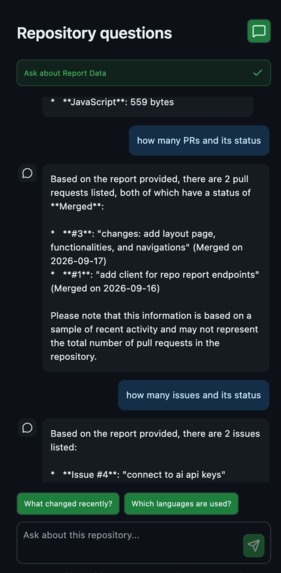
Gemini Powered AI chat
-
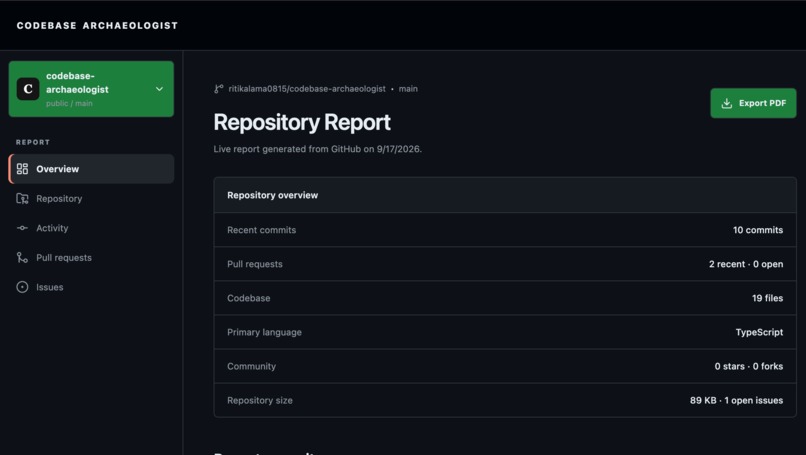
Repository report overview
-
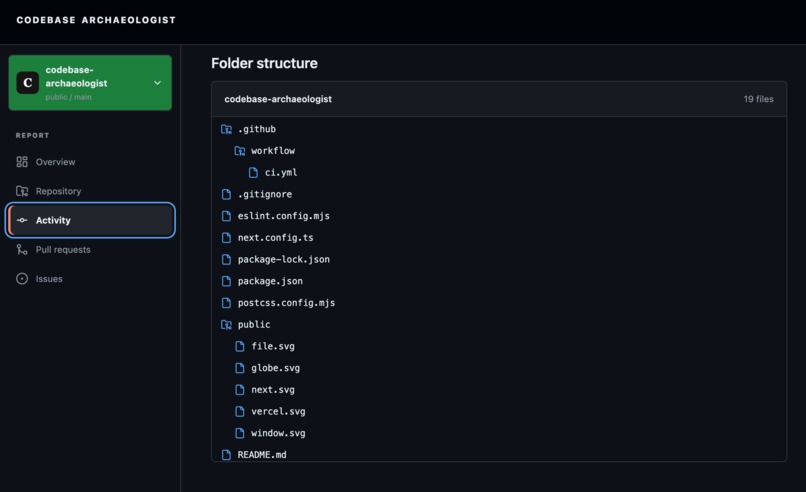
Folder Structure
-
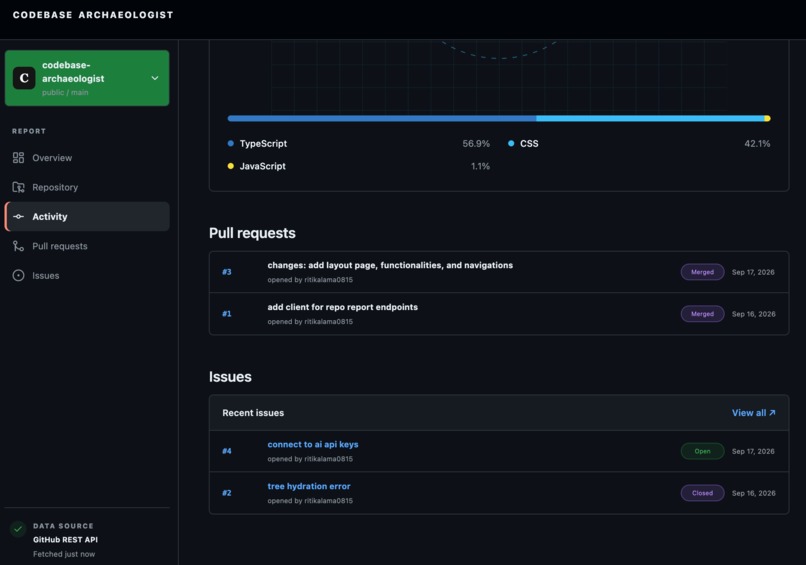
PRs and open issues
-
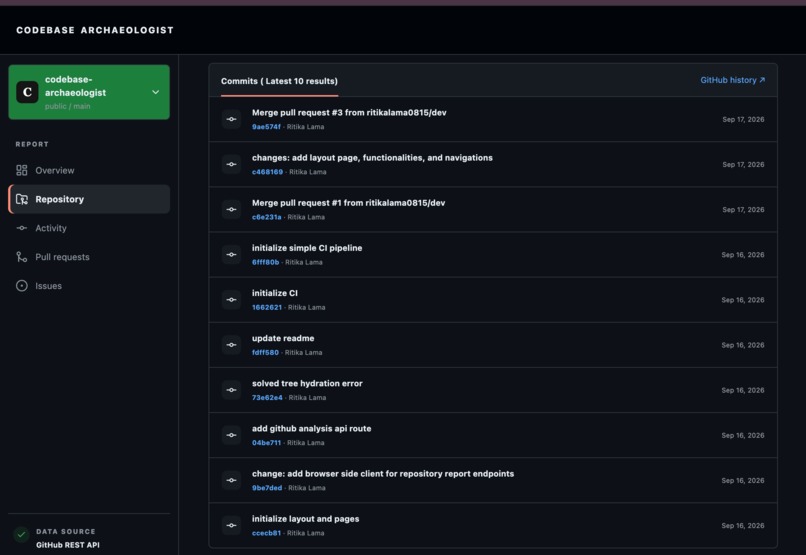
Commits summary
-
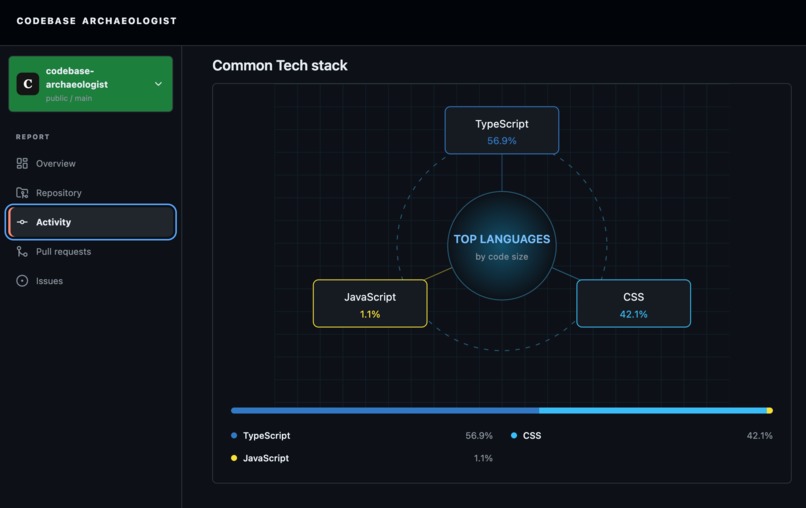
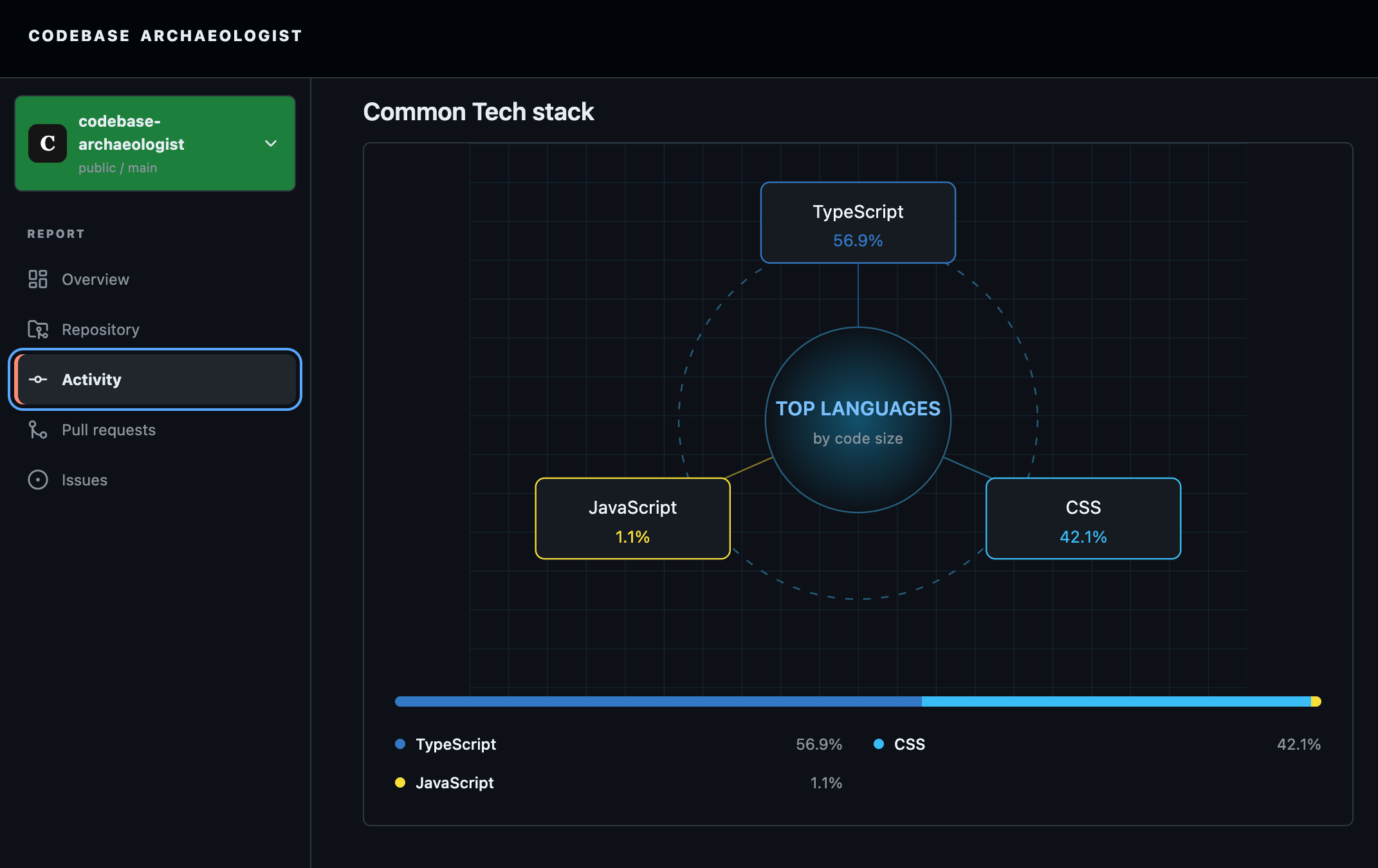
Top Languages
-
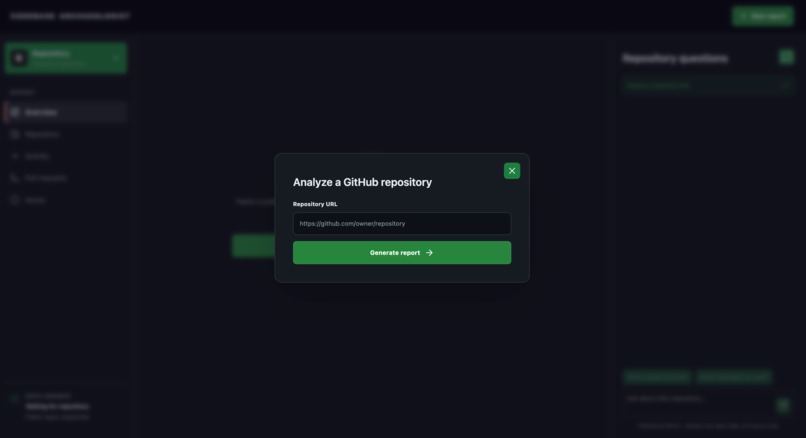
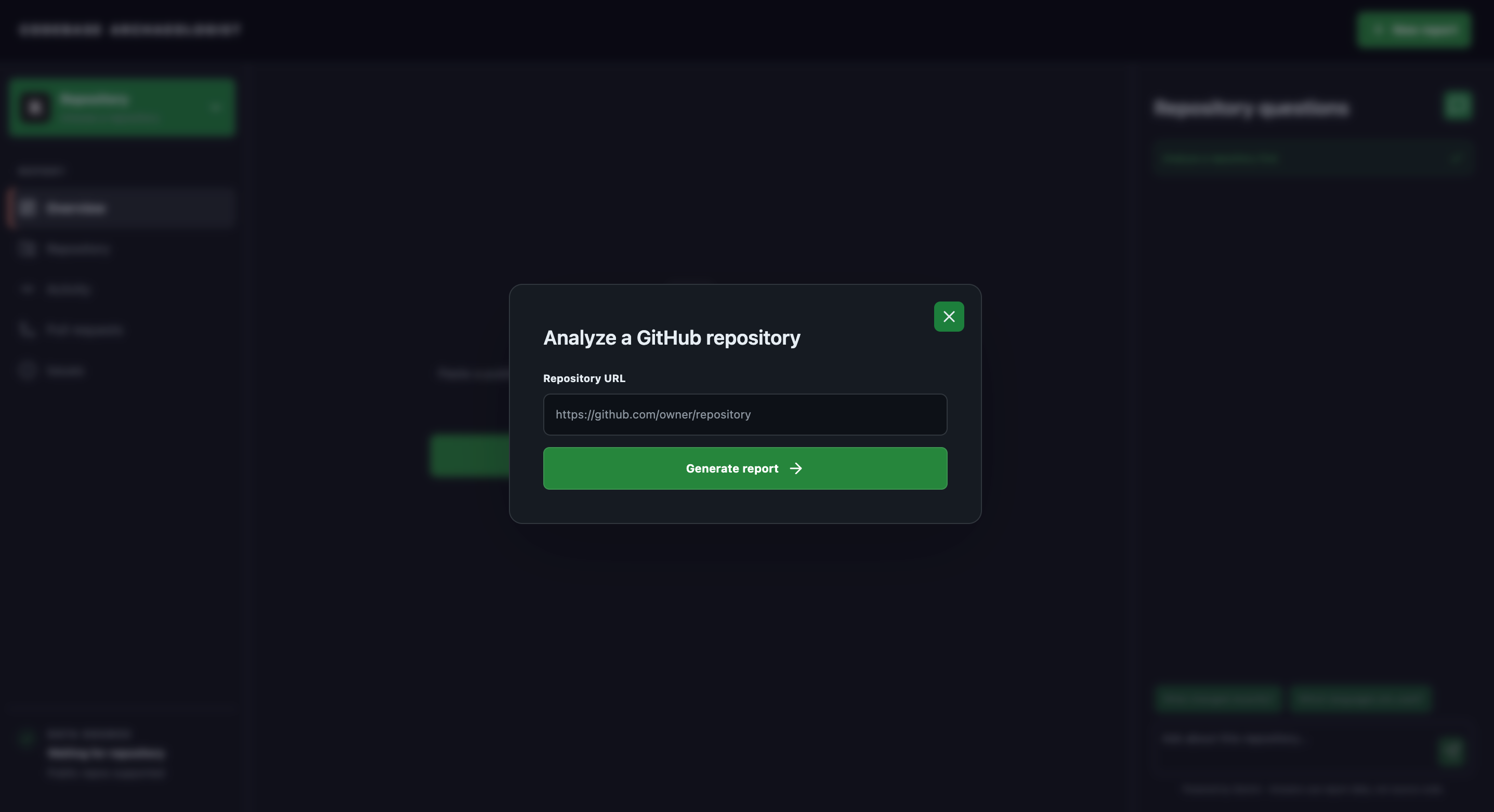
Landing page
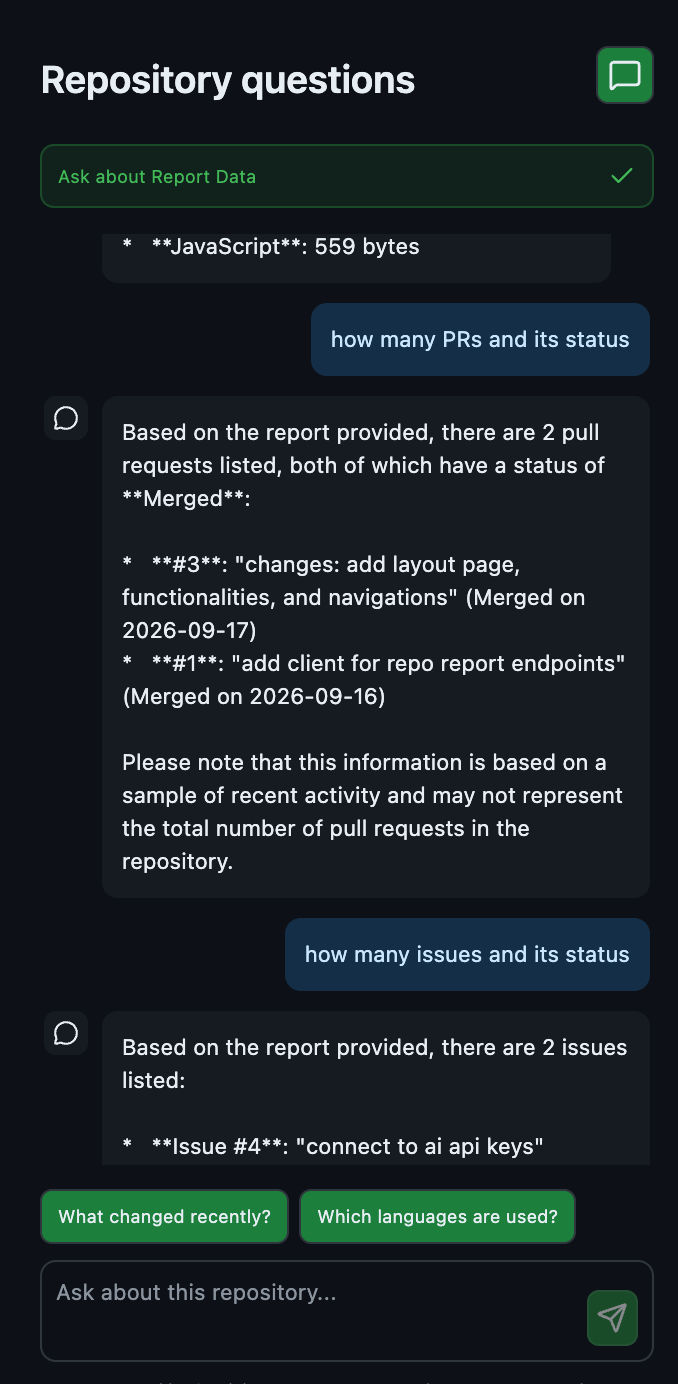
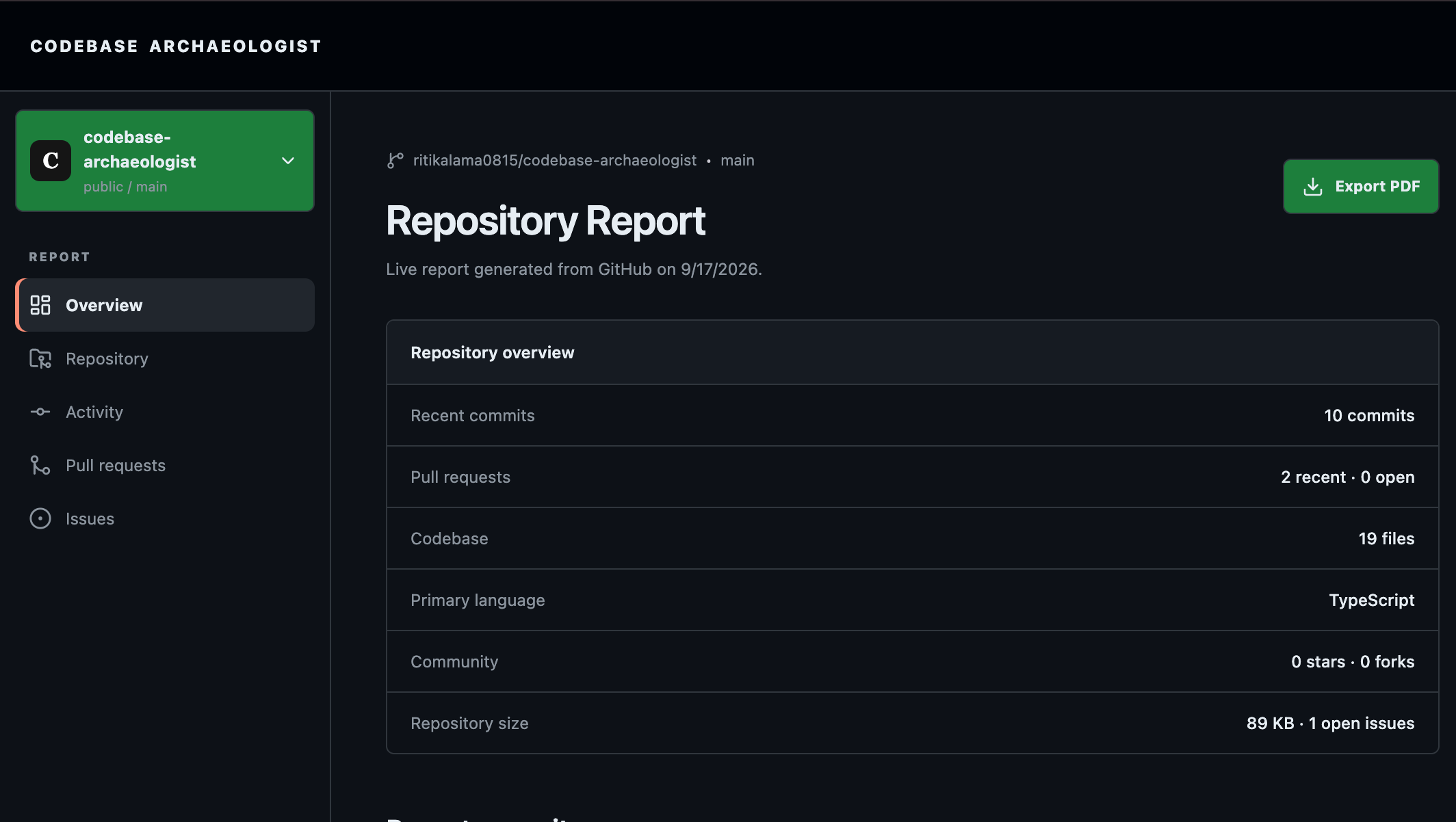
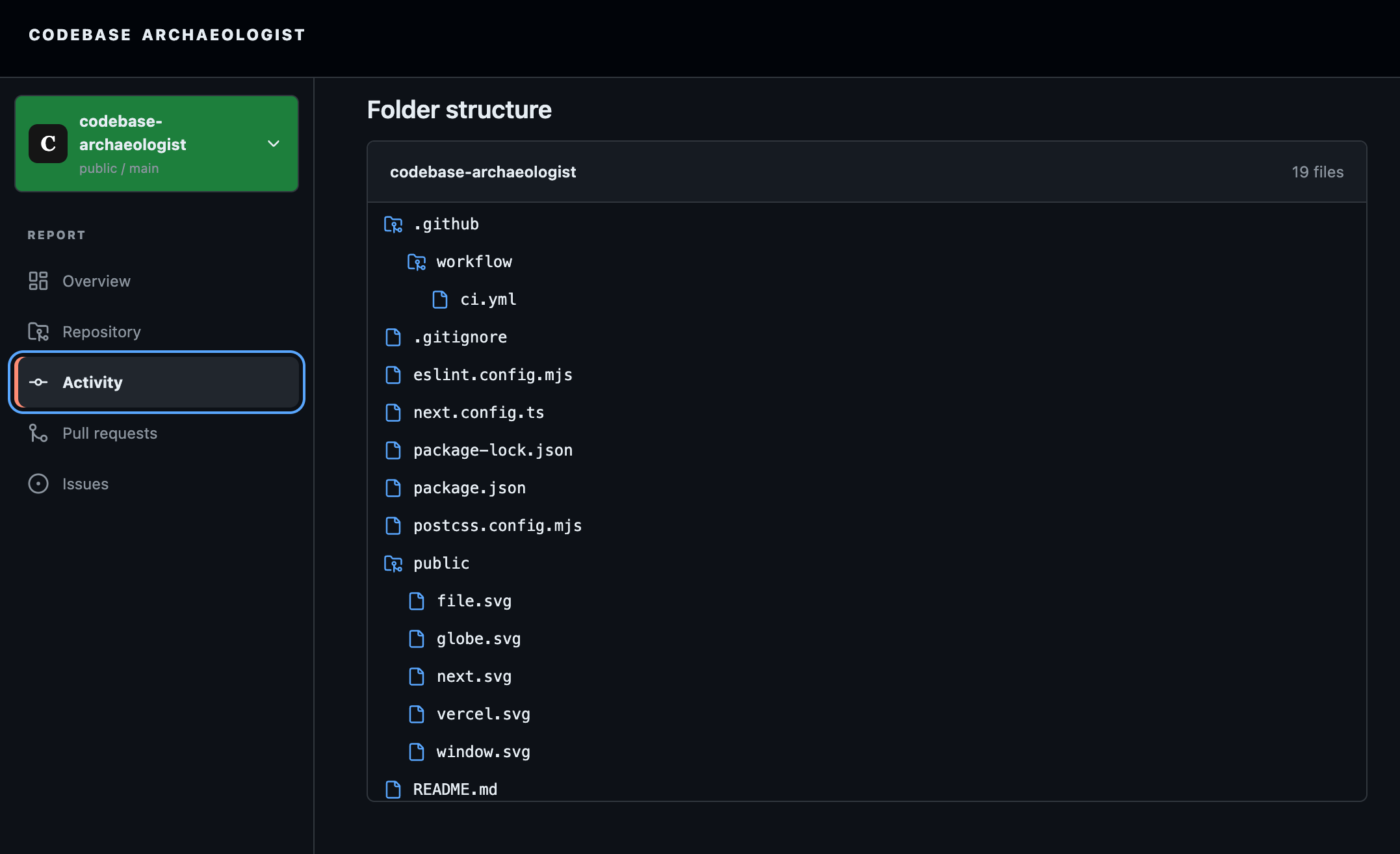
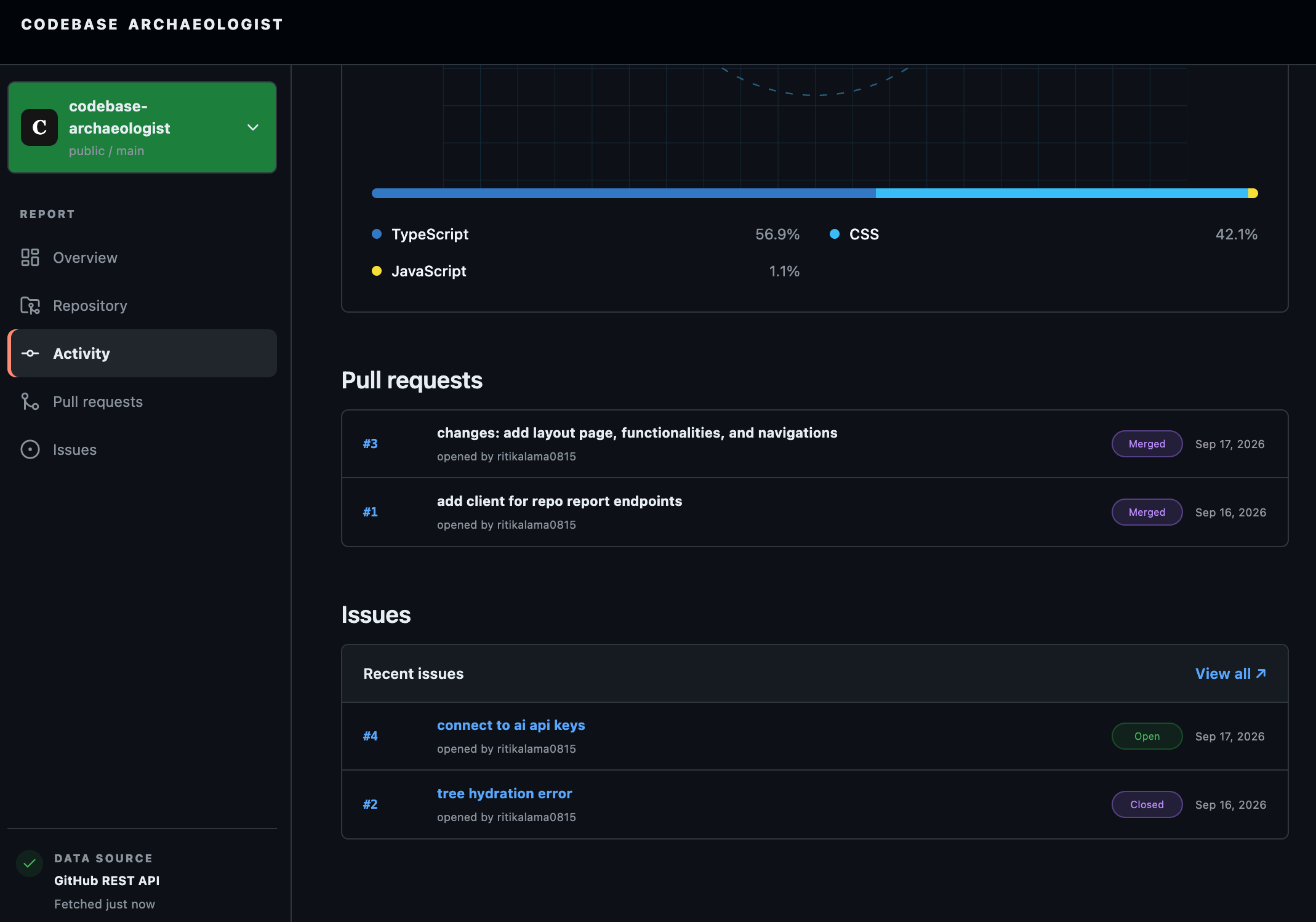
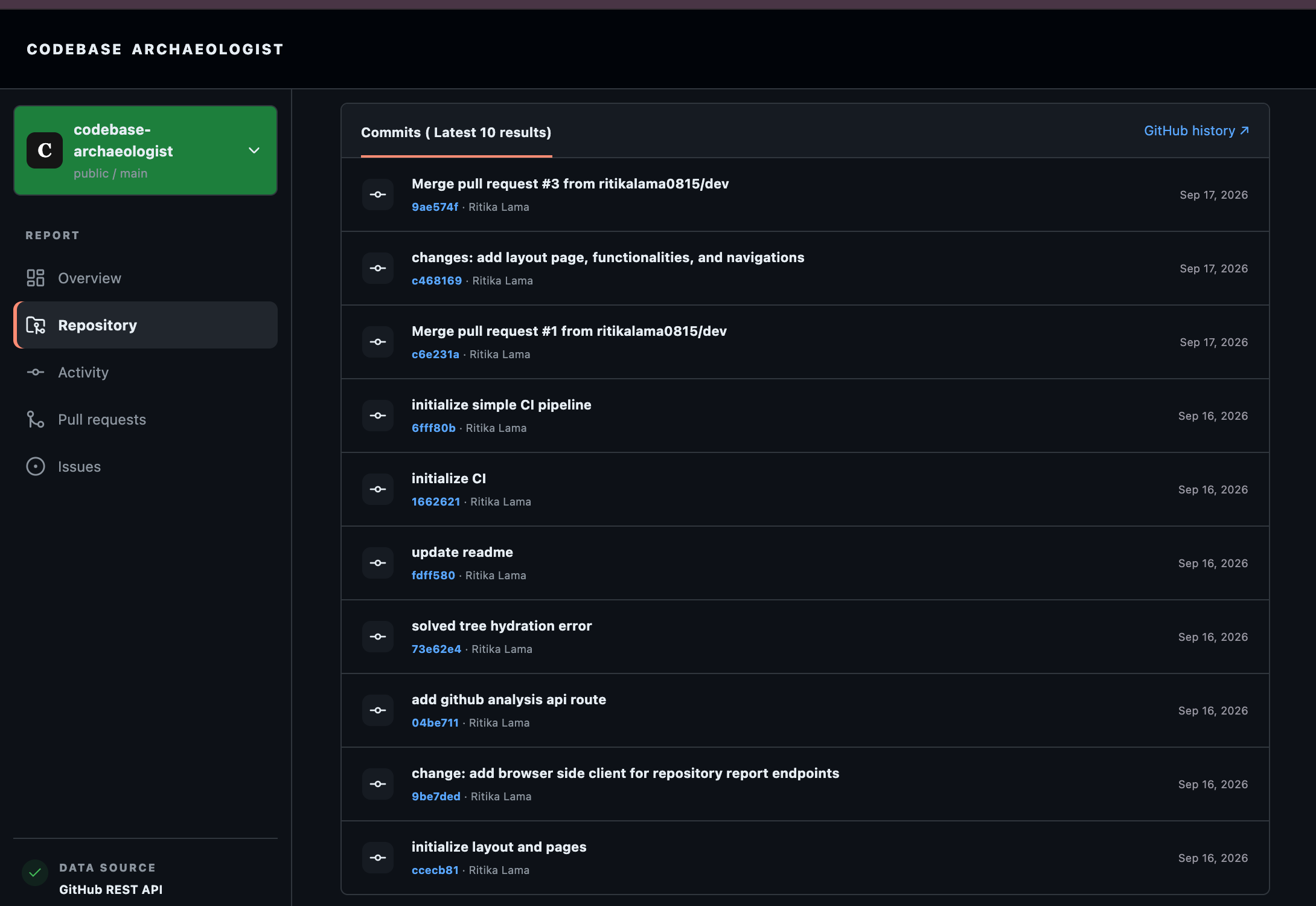
Codebase Archaeologist
Inspiration
The idea came from not being able to understand a new GitHub repository usually means jumping between commits, pull requests, folders, contributors, and other tabs. I wanted a way to paste one GitHub repository URL and get a clear snapshot of what has been happening in that codebase.
That led to development of this tool that takes a public GitHub repository and turns its activity and structure into a technical report that can also be saved as a PDF.
How I Built It
I built the application using Next.js, React, TypeScript, and Tailwind CSS. The user provides a GitHub repository URL, which is sent to a server-side API route. The server communicates with the GitHub REST API to retrieve repository information such as recent commits, contributors, pull requests, stars, forks, open issues, languages, and repository metadata.
One of the main features is the folder graph. I use GitHub's recursive file tree to retrieve the repository structure and transform that data into a visual representation of the codebase. I also use GitHub's language data to automatically display the repository's technology stack.
Instead of storing or cloning repositories, the application requests the information live from GitHub. I also added support for GitHub personal access tokens on the server side, allowing authenticated requests without exposing the token to the browser.
Finally, I designed the report to be print-friendly so users can generate a clean PDF directly from their browser.
Challenges I Faced
One of the biggest challenges was working with the different responses returned by the GitHub API and transforming them into one consistent report. Commits, pull requests, repository statistics, languages, and file trees all have different structures, so I had to normalize the data before displaying it.
Another challenge was dealing with GitHub API rate limits. Public repositories can be analyzed without authentication, but unauthenticated requests are limited. I added optional token support while making sure the token stays on the server and is never exposed through the frontend.
Building the folder graph was also challenging because repositories can contain hundreds or thousands of files. I had to think about how to take a large recursive tree and present it in a way that is still useful instead of overwhelming the user.
What I Learned
This project helped me understand how to build an application around a real external API rather than static or mock data. I gained more experience working with the GitHub REST API, server-side API routes, asynchronous data fetching, TypeScript interfaces, and transforming complex API responses into frontend-friendly data.
I also learned more about security boundaries in Next.js. In particular, I learned why secrets such as GitHub tokens should remain in server-side environment variables instead of being exposed through NEXT_PUBLIC_ variables or frontend code.
Built With
- github
- nextjs
- react
- tailwind
- typescript

Log in or sign up for Devpost to join the conversation.