-
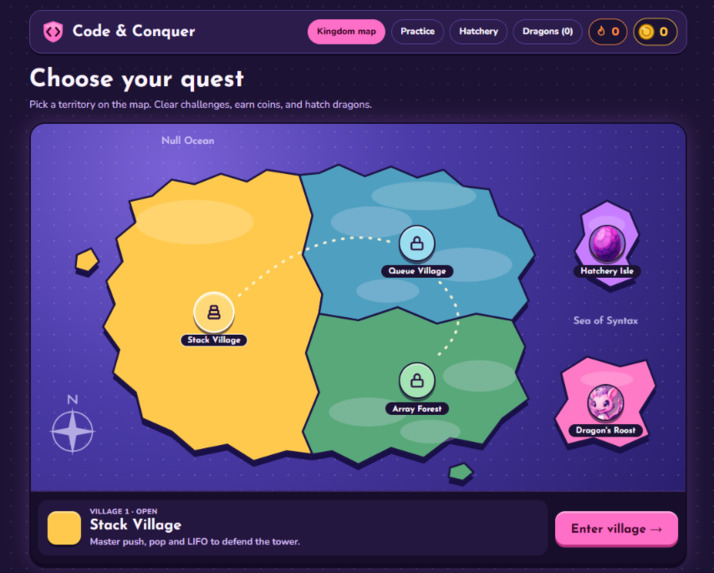
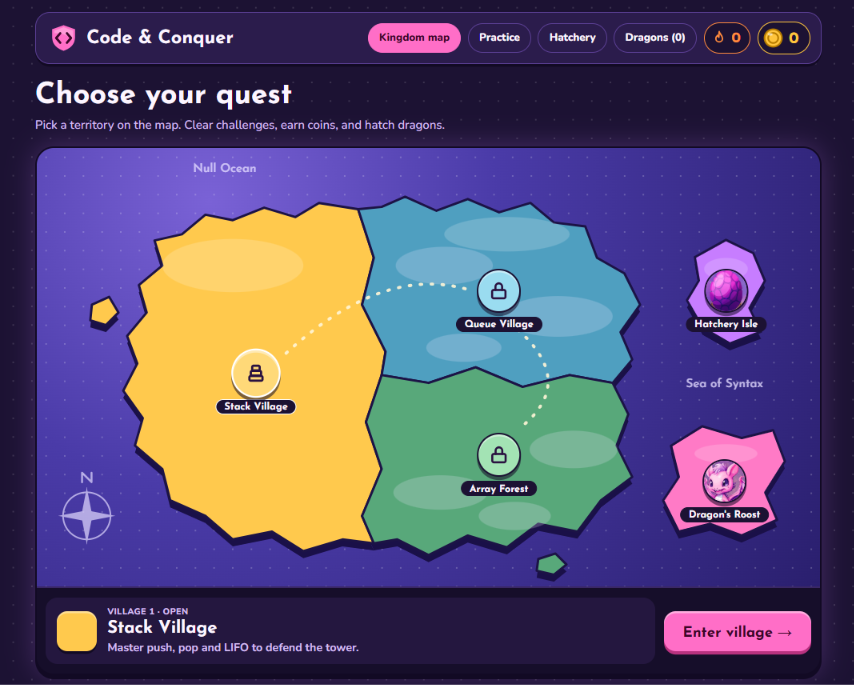
Kingdom map: clear a village to unlock the next one
-
-
-
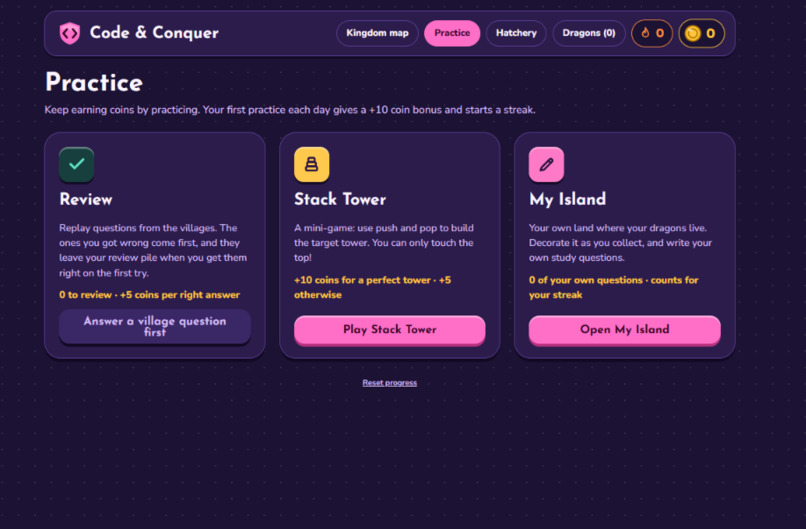
Practice: review missed questions, Stack Tower mini-game, and My Island
-
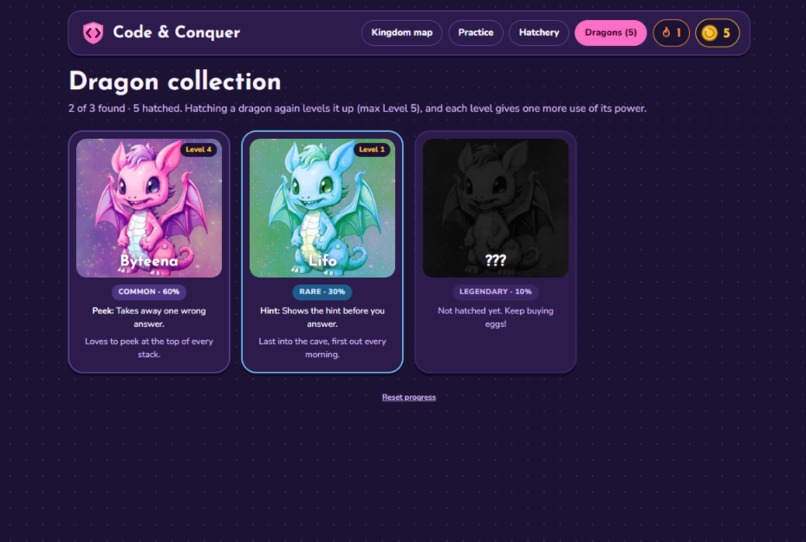
Dragon collection: three dragons with different rarities, levels and powers
-
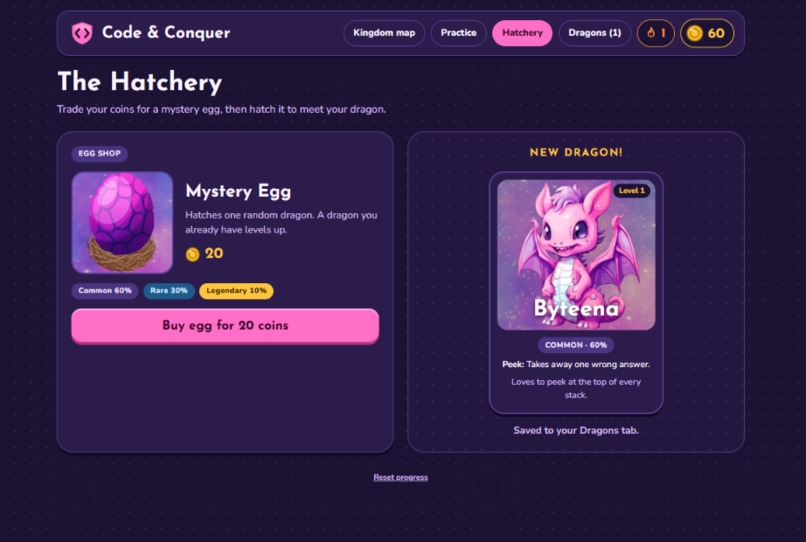
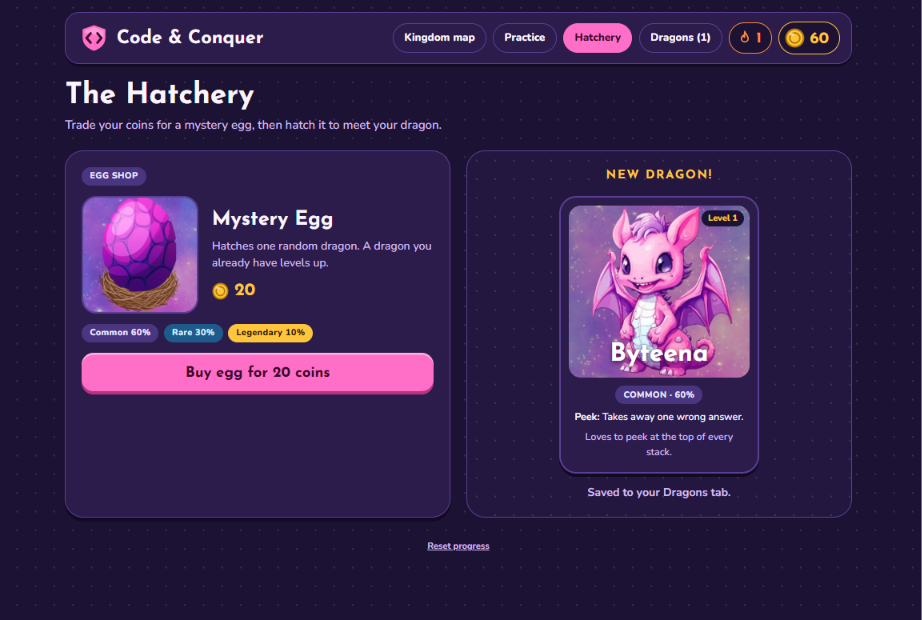
Hatchery: spend 20 coins to hatch an egg, duplicates level your dragon up
-
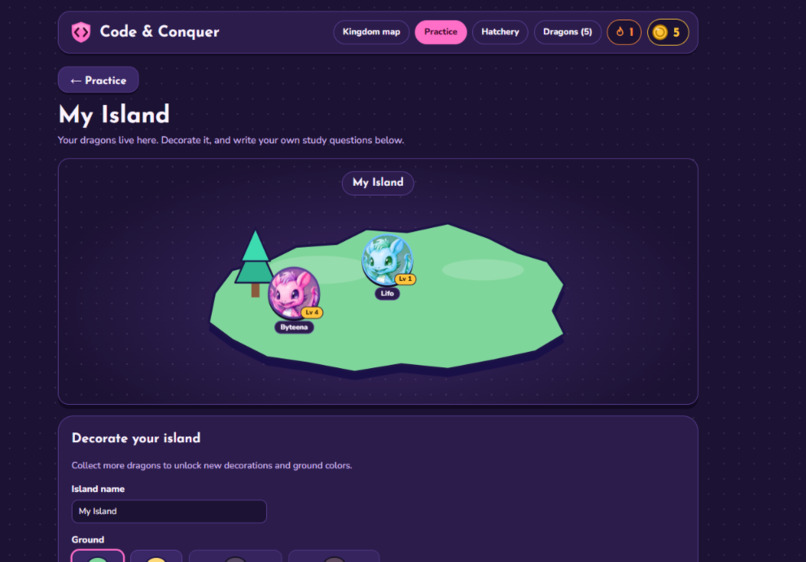
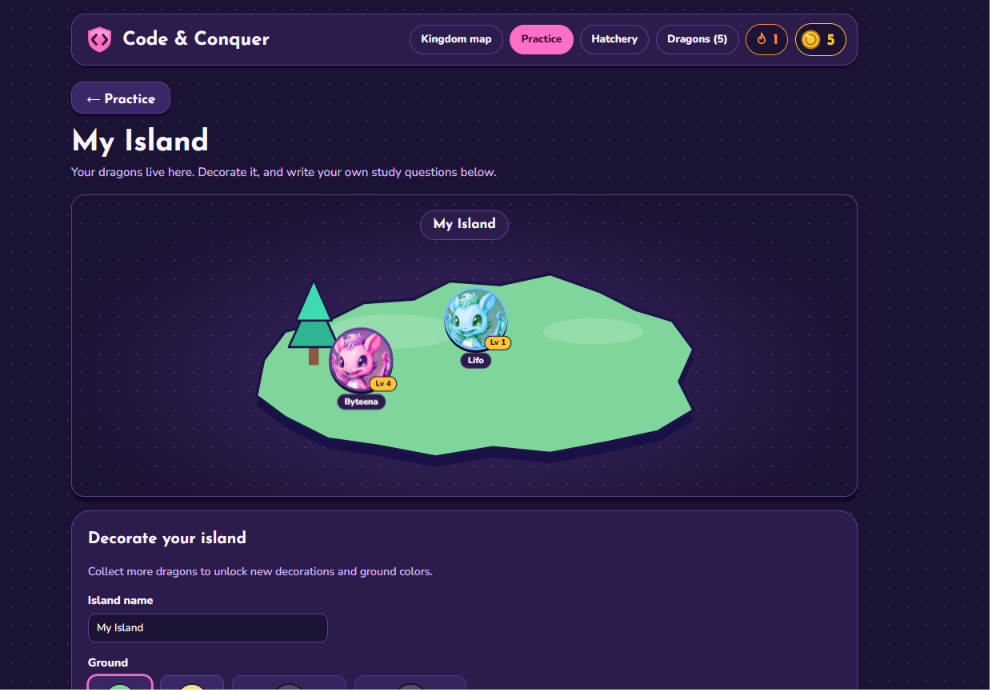
My Island: name and decorate your island, see your dragons, and write your own questions
Inspiration
Stacks, queues, and arrays are some of the first topics in CS1, and they're easy to memorize but hard to picture. We wanted studying them to feel like a game you'd actually come back to: explore a map, unlock new areas, and collect something along the way.
What it does
- Kingdom map: Three villages, one per topic: Stack Village, Queue Village, and Array Forest. Clearing a village unlocks the next one, and the map updates to show it.
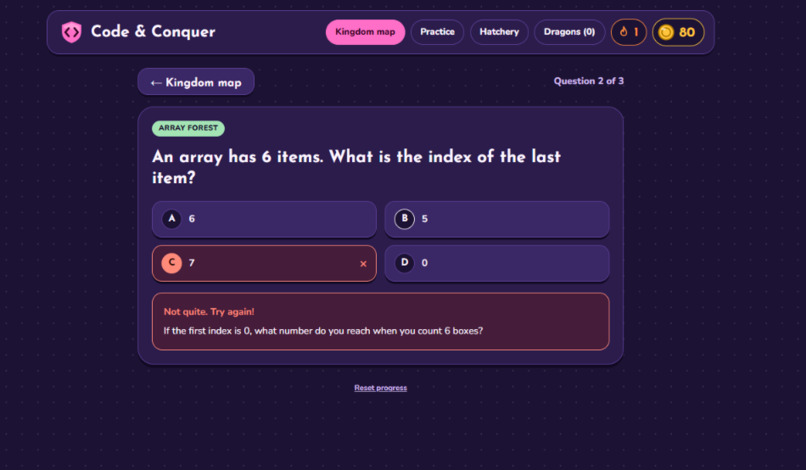
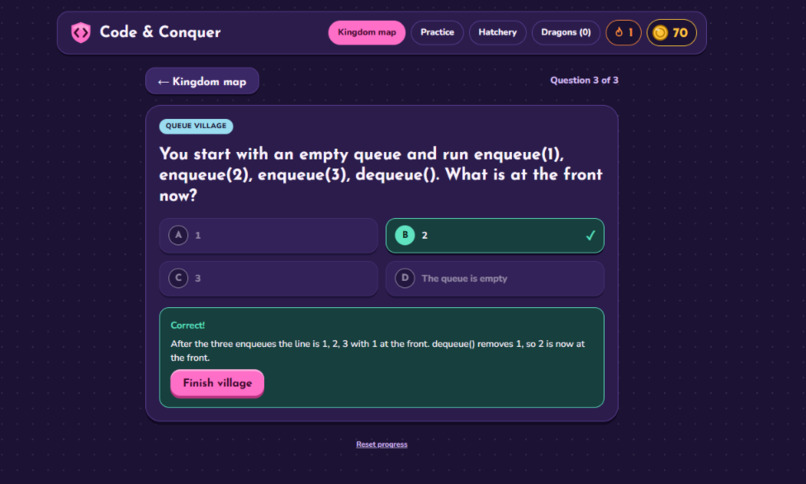
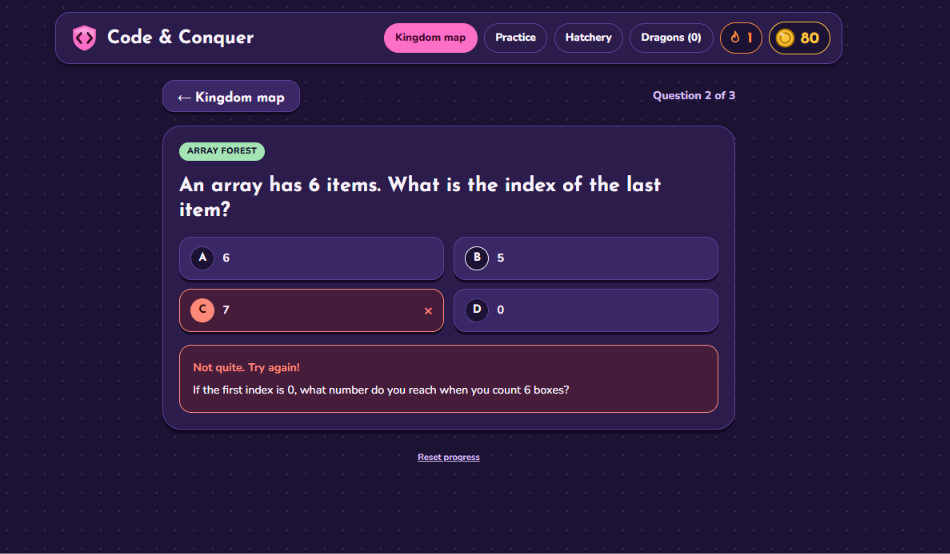
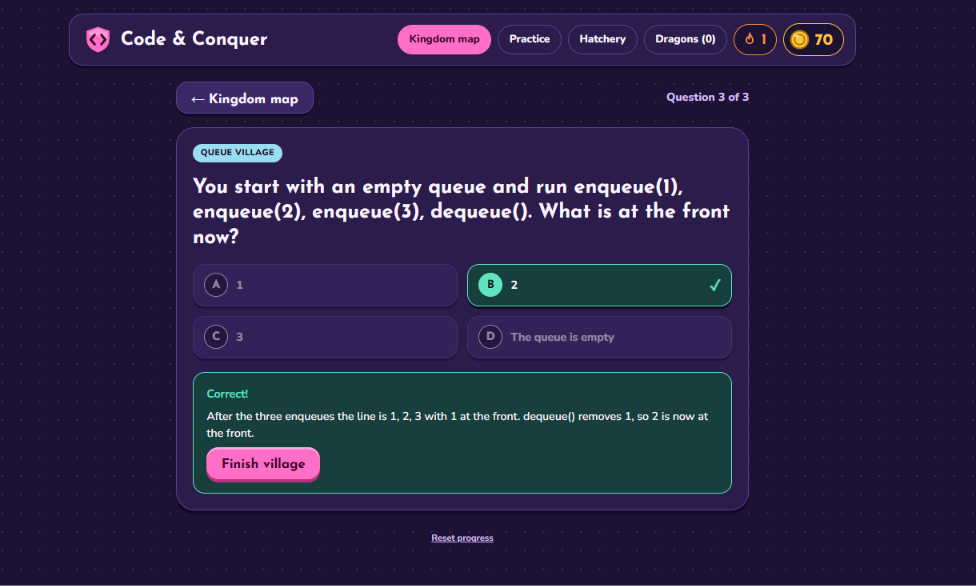
- Challenges: Multiple-choice questions with a picture of the data structure (the stack, the queue with front/back, the array with indexes), hints after a wrong answer, and an explanation for every answer.
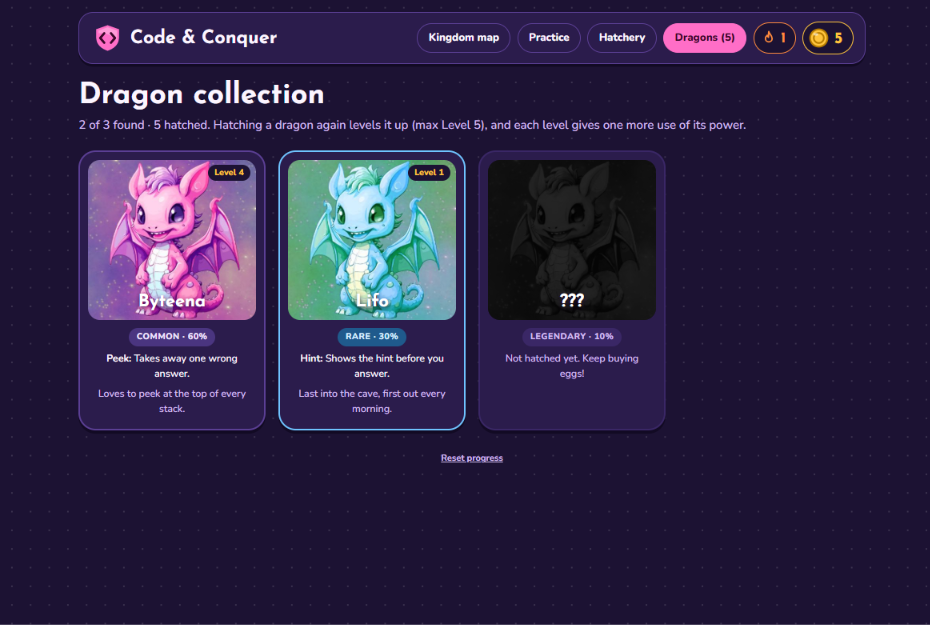
- Coins & the Hatchery: Each right answer earns 10 coins. Eggs cost 20 and hatch one of three dragons: Common, Rare, or Legendary. Hatching a dragon you already have levels it up.
- Dragon powers: Each dragon gives a power you can use during challenges: remove a wrong answer, see the hint early, or double your coins. Higher levels give more uses.
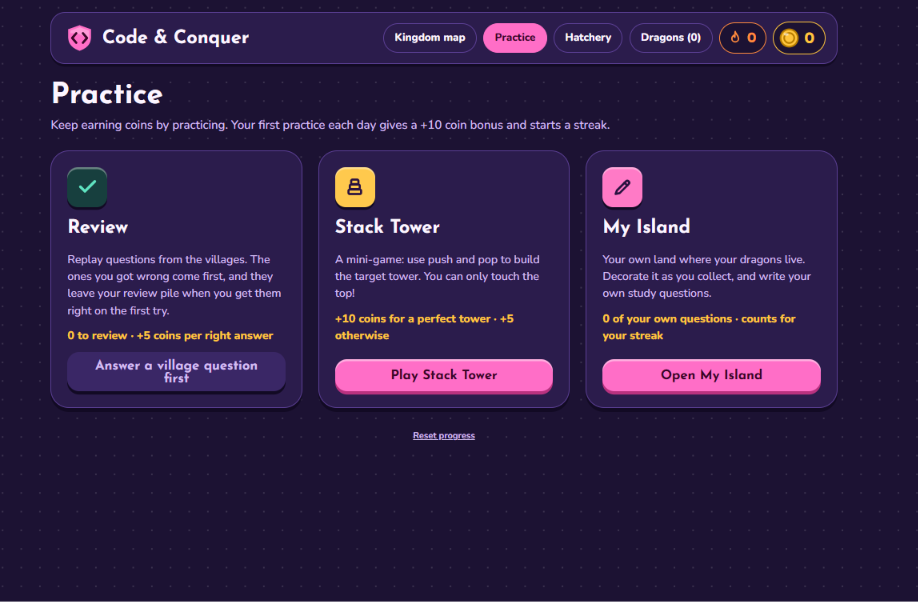
- Practice: A Review mode that brings back the questions you missed, a daily streak, and a Stack Tower mini-game where you solve push/pop puzzles.
- My Island: Your own island where your dragons live. Name it and unlock decorations and ground colors as your collection grows. You can also write your own questions from class notes and practice them.
- Progress saves automatically, so you can close the tab and come back later.
How we built it
- React + Vite, split into components so each of us owned a piece: the Kingdom Map, the Challenge screen and question data, and the Hatchery, Dragon Collection, and Practice screens.
- App.jsx holds the game state (coins, dragons, streak, missed questions, island) and passes it to each screen as props.
- The map is separate SVG pieces (mainland, Hatchery Isle, Dragon's Roost, compass) placed with percentages, so village markers and locks stay in place at any screen size. The mainland image changes as villages unlock.
- Questions are plain data in
challenges.js, so adding a new topic means adding an array of objects. - Saving uses the browser's localStorage: the game state is saved as JSON after every change and loaded when the page opens.
- We designed the screens and assets in Figma first, then built from them.
Challenges we ran into
- Merging three people's work in Git without overwriting each other's files.
- Making the map work at every screen size while showing which areas are locked or open.
- Keeping the game rewarding after you've answered everything once. That led to the review mode, streaks, dragon levels, and the island.
Accomplishments that we're proud of
A full game loop that works: learn, earn, hatch, level up, decorate. It also has a consistent art style, and we each built and understood our own part of a real React app.
What we learned
React components, props, and state; working from a Figma design; Git branches and merges; and that you understand a data structure much better after writing questions about it.
What's next
More CS1 topics (linked lists, recursion, Big-O), more dragons, and possibly generating practice questions from a class syllabus.
