-
-
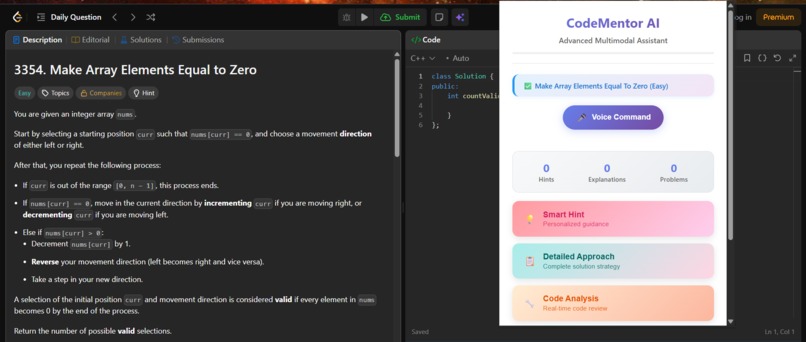
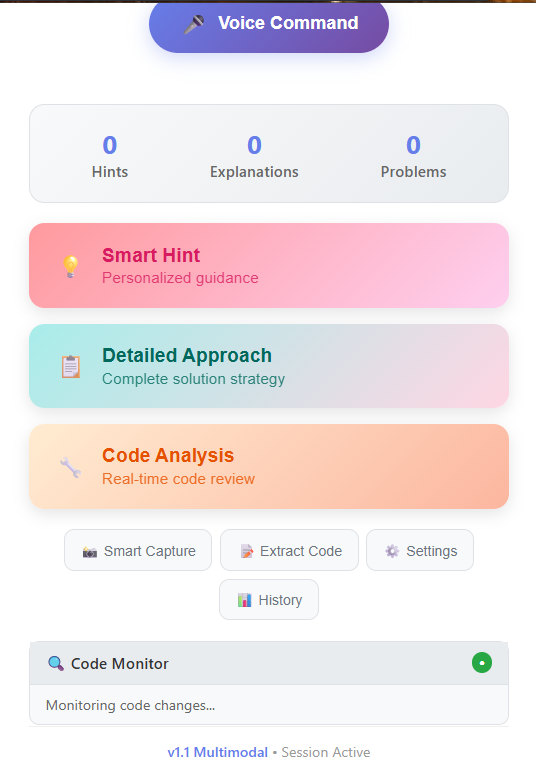
UI
-
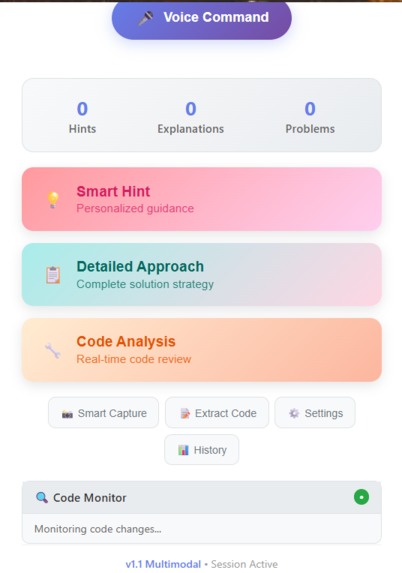
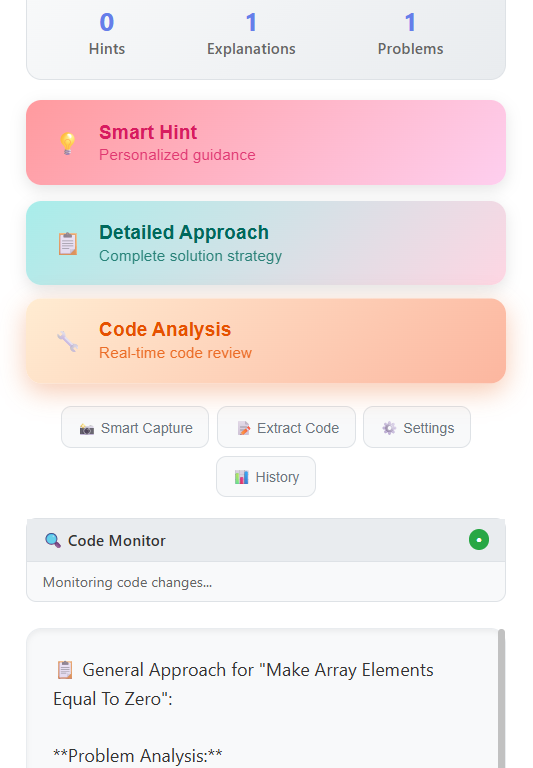
UI2
-
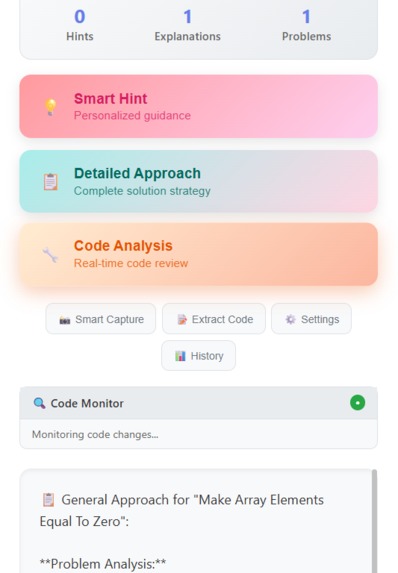
APPROACH
Inspiration
Frustration with context-switching while solving LeetCode/NeetCode problems. Desire for subtle, personalised guidance without revealing full solutions. Curiosity about on-device AI (Gemini Nano) for low-latency, privacy-friendly assistance. Helping beginners build confidence through hints, explanations, and progress tracking.
What it does
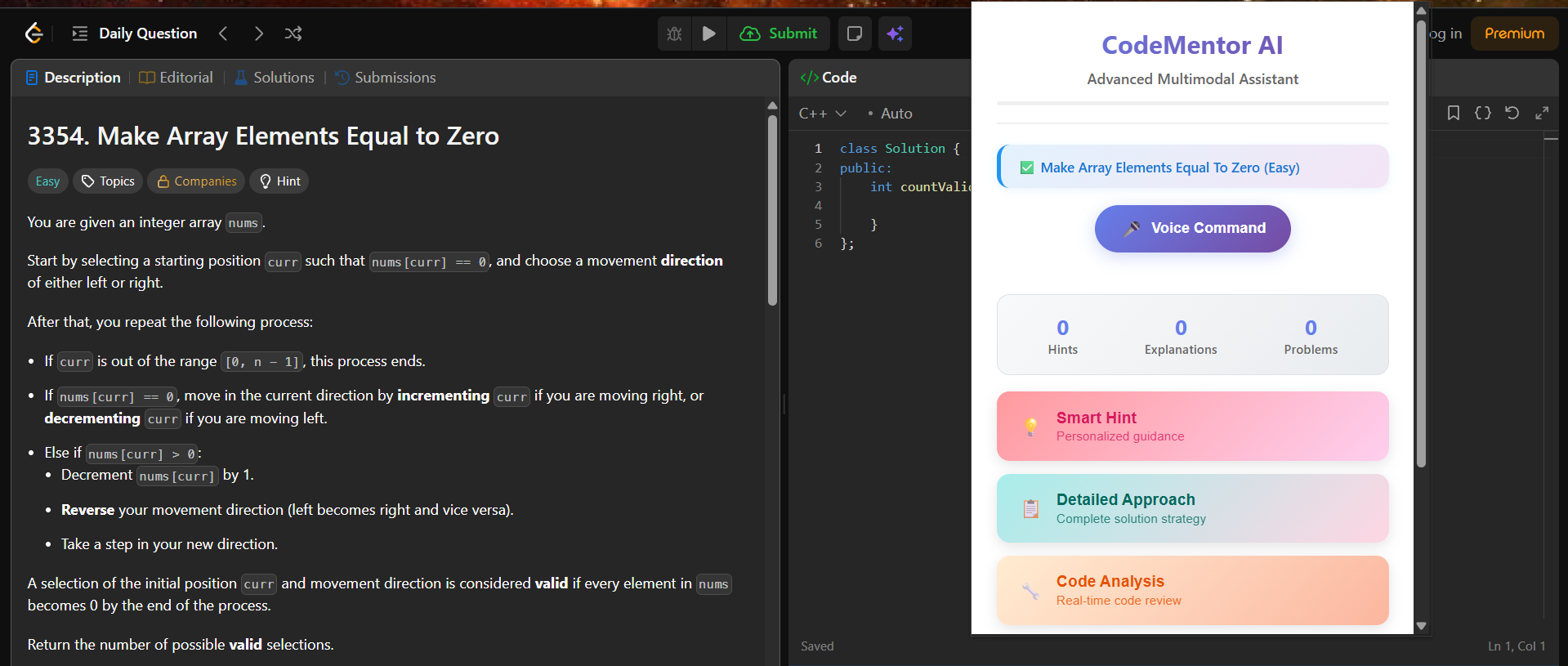
Extracts problem context (title, difficulty, description) from LeetCode/NeetCode. Provides smart hints and detailed approaches, powered by Gemini Nano when available. Analyses your current code in real time and flags issues or optimisations. Supports voice commands for hands-free actions (hint, explain, analyse, screenshot). Tracks your learning progress (hints used, explanations viewed, problems explored). Optional code monitoring and quick code extraction from the editor.
How we built it
Chrome extension (Manifest V3) with background service worker, content_script, and popup UI. DOM parsing and resilient selectors to extract problem metadata and code from Monaco/CodeMirror. Gemini Nano integration via window.ai.languageModel with session capability checks and recovery. Robust messaging between popup, background, and content layers for async actions. Session persistence with chrome.storage.local and periodic auto-save using alarms. Clean, responsive UI with status, progress, and modals; keyboard shortcuts and voice UX.
Challenges we ran into
Handling variability across LeetCode/NeetCode DOMs and editor implementations. Ensuring reliable Gemini Nano availability, session lifecycle, and error propagation. MV3 service worker limitations (lifecycle, screenshot capture constraints). Race conditions and async messaging when tabs reload or content scripts aren’t injected yet. Balancing subtle hints vs. full solutions; making analysis helpful but not spoilery.
Accomplishments that we’re proud of
A smooth fallback system: AI-first with robust non-AI fallbacks for hints, explanations, and analysis. Voice command pipeline that works either in-page or via popup with graceful degradation. Real-time code monitoring without being intrusive; clean status and progress UI. Strong resilience: re-initialising AI sessions, handling content script injection, and caching data.
What we learned
Best practices for MV3 messaging patterns and background lifecycle management. Designing UX for learners: timely feedback, non-intrusive hints, and progress motivation. Building resilient DOM scrapers for third-party UIs with multiple editor types. Practicalities of on-device AI: capability checks, session errors, and recovery strategies.
What’s next for Code Coach
Deeper code understanding: test-case generation, step-by-step debugging, and complexity checks. Personalised learning paths with adaptive difficulty and spaced review of concepts. Multi-language support and richer templates for common patterns (DP, graph, greedy). Cloud sync of session data and optional shareable learning summaries. Accessibility improvements and expanded site support beyond LeetCode/NeetCode.
Built With
- assets:
- chrome.alarms
- chrome.scripting
- chrome.storage-(local)
- chrome.tabcapture-web-speech-api-(speechrecognition-/-webkitspeechrecognition)-on-device-ai:-gemini-nano-prompt-api-(window.ai.languagemodel)-editor-integrations:-monaco
- chrome.tabs
- codemirror-(dom-based-extraction)-target-sites:-leetcode
- css-platform:-chrome-extension-(manifest-v3)-browser-apis:-chrome.runtime
- extension
- html
- icons
- keyboard-shortcuts
- languages:-javascript-(es6+)
- modals
- neetcode-(via-host-permissions)-data/storage:-chrome.storage.local-(no-external-db)-ui/ux:-vanilla-dom
- progress
- ui


Log in or sign up for Devpost to join the conversation.