-
-
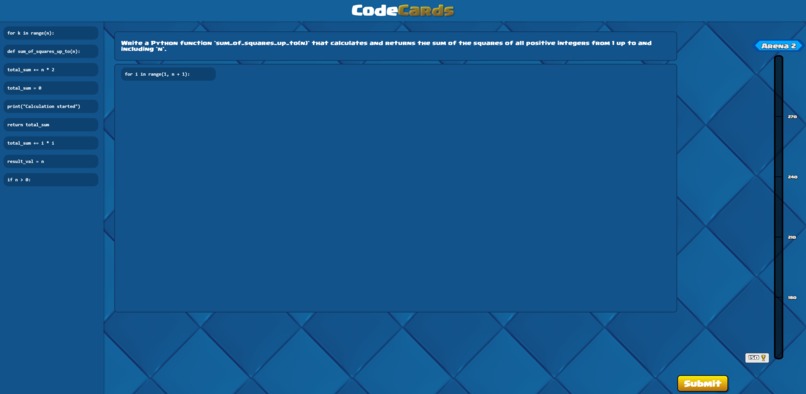
Main Menu
-
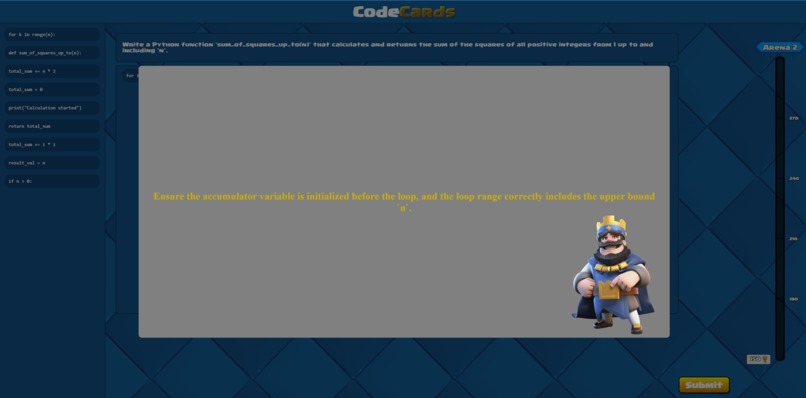
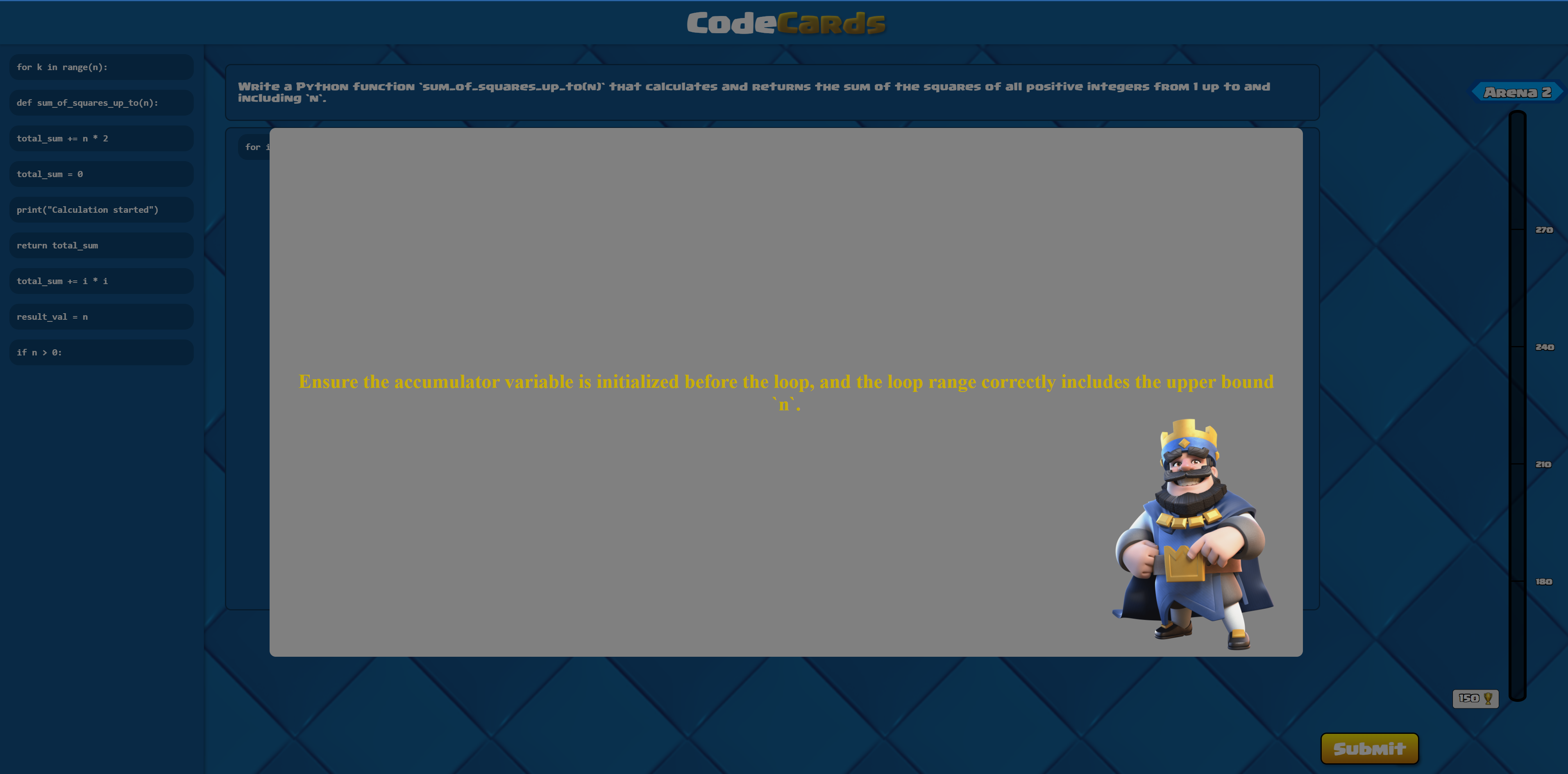
Helpful Tip Created with Gemini
-
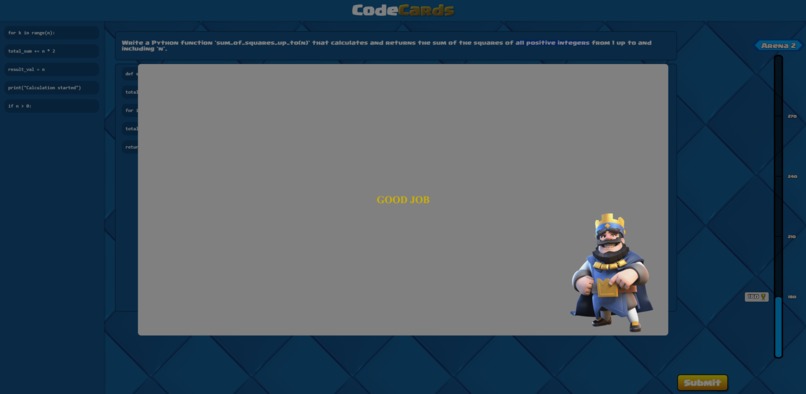
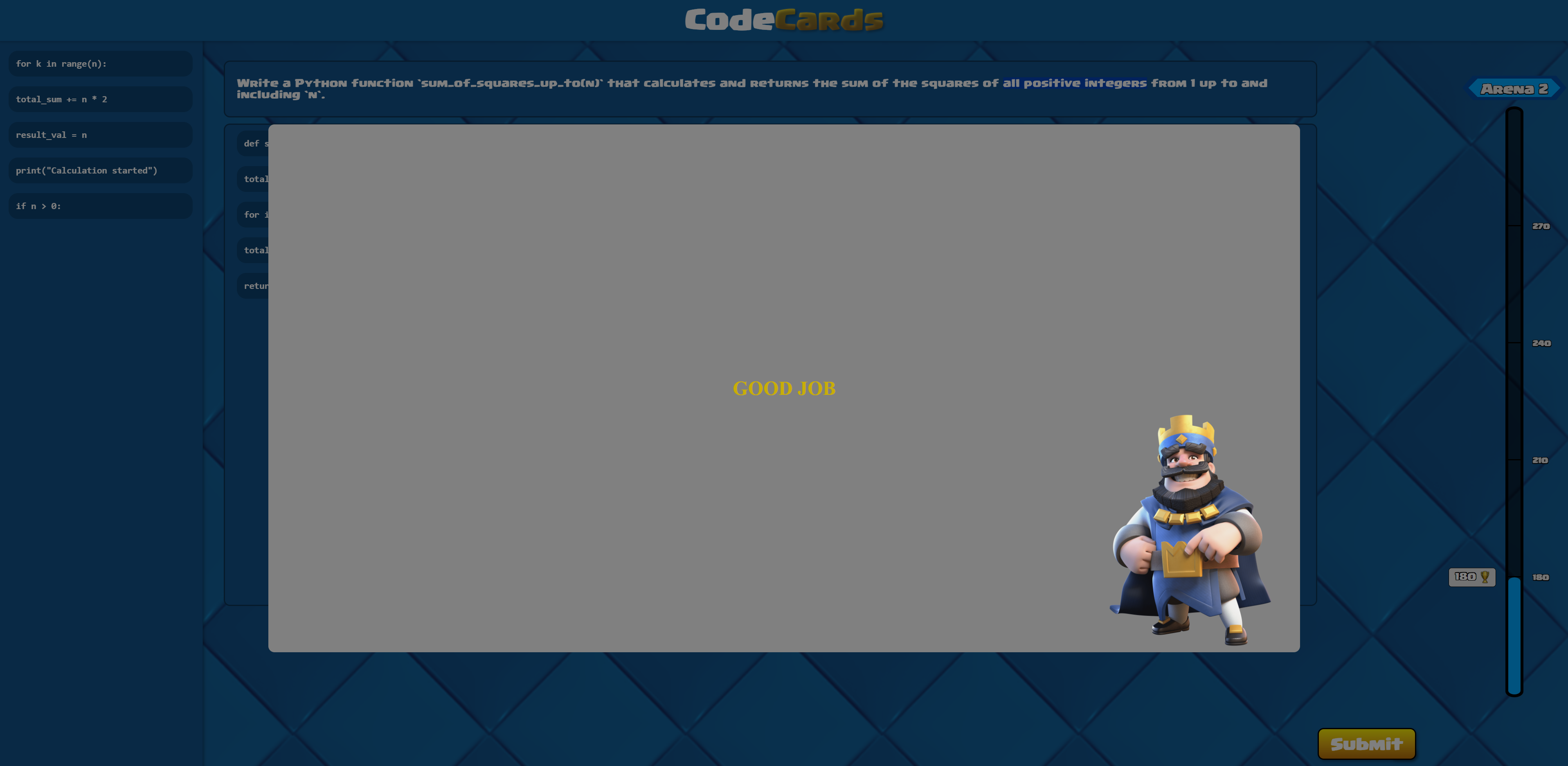
Screen When Correct Answer
Inspiration👑🏆
We were inspired by the mobile game Clash Royale and its gameplay, involving strategically using certain cards at your disposal to deal with challenges. We wanted to apply this to a code learning tool by giving users a deck of cards to choose from that they could use to find solutions to programming problems in the same way.
What it does👑🏆
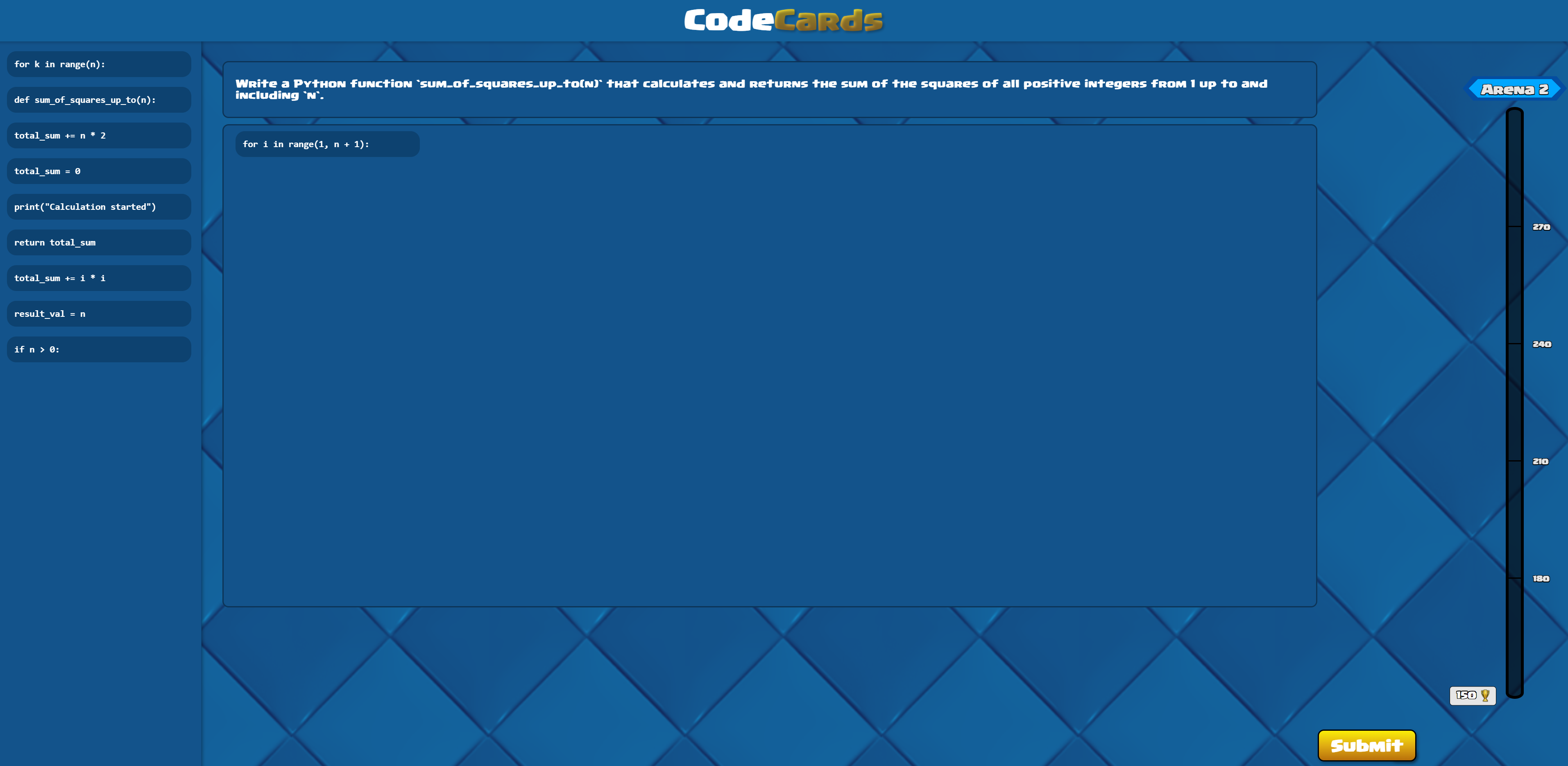
CodeCards is a software that provides coding challenges to the user. It will give the user a challenge and will offer “code cards”. These cards represent pieces of the correct algorithm mixed with distractors. It is the goal of the user to place the correct cards in the correct order to solve the challenge. Each correct challenge gives 30 trophies, and every 150 trophies, the user climbs an Arena, offering harder challenges.
How we built it👑🏆
Frontend: We used React to build the app front end and CSS to style it. We built each part as a component that we mixed into the main App. We used themes from Clash Royale to give it a familiar feeling. Backend: We used a JavaScript Express API to generate questions and cards using Google Gemini, specifically Gemini 2.5 Pro Experimental. A route on our api could be called with a specific, pre-written prompt, which would change based on the arena level. The changes in the prompt would relate to the level of concepts from which the questions would be generated, with Arena 1 featuring arithmetic and print statements, Arena 2 including for loops and if statements, and so on.
Challenges we ran into👑🏆
We had a lot of trouble figuring out the logic and aesthetic of the drag-and-drop functionality of the cards. Although we figured out the dragging pretty quickly, we spent a lot of time trying to have the cards appear correctly in the code area, as they would sometimes disappear or show up in random spots. The solution ended up being two arrays: one kept track of the cards in the menu, while the other kept track of the code area cards. Depending on which one the card was coming from, it would be added to the other array. We had trouble accessing the number of trophies of the user. It was saved and read by a JavaScript file, and we had to get the value into the React frontend. We resolved it by understanding that we needed to call the api route and get the value from there rather than accessing the function directly. We also had trouble reading from a file using JavaScript, as we wanted to save the trophies to a file, but we couldn’t read or write to it. The solution was to add a route to the api to use the library to read from and to files, as that library is only compatible with JavaScript APIs.
Accomplishments that we're proud of👑🏆
Building this project with React, as it is the first time any of us have used it outside of watching videos to get a grasp on concepts. Got better at using git for collaboration and merging different branches. Creating a working JavaScript API that provides the Web App with what it needs to dynamically display questions and cards, and saves trophy data locally Implementing Gemini into our API as it gave us experience in utilizing a new api library in an also new programming language to us.
What we learned👑🏆
How to make an API in JavaScript, how to implement AI models such as Gemini into an API, and how to manipulate files in JavaScript using the fs library. We learned how to create components and have them work together on a webpage, how to style them with CSS, how to connect the React frontend to the JavaScript backend, and how to use states and update them dynamically.
What's next for Code Cards👑🏆
Adding new UI features like different arena themes, and adding user accounts, each with their own trophies and questions completed stored in a database, and adding a ranked mode where actual LeetCode questions can be tested for the most elite.


Log in or sign up for Devpost to join the conversation.