Inspiration
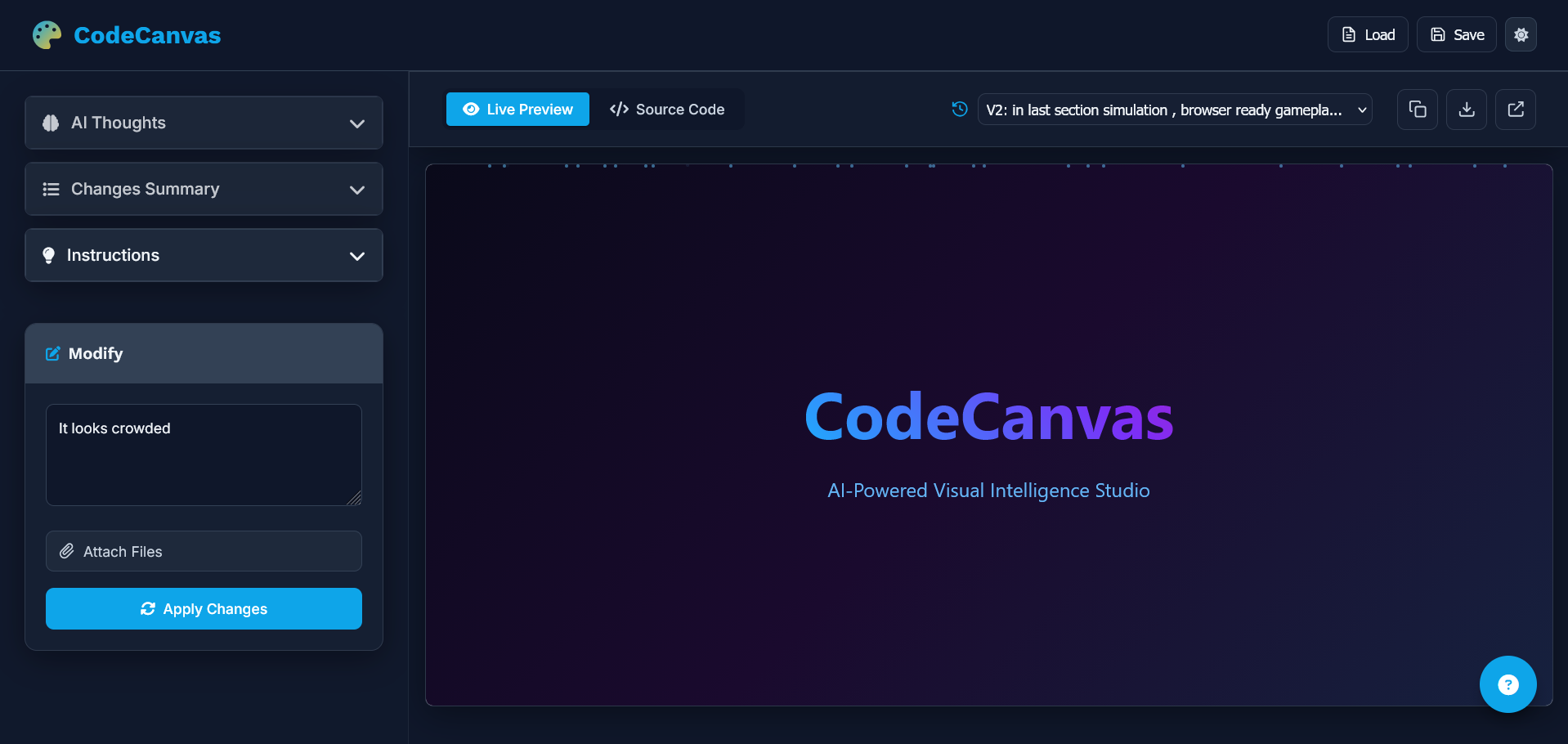
Every hackathon starts with one pain point that keeps haunting developers — “I know what I want to build, but not how to visualize it.” We wanted a way to turn imagination directly into interactive visuals — without touching a single line of code. That’s where CodeCanvas was born — an AI studio that lets anyone describe what they envision, and watch it become an interactive, living visualization.
What it does
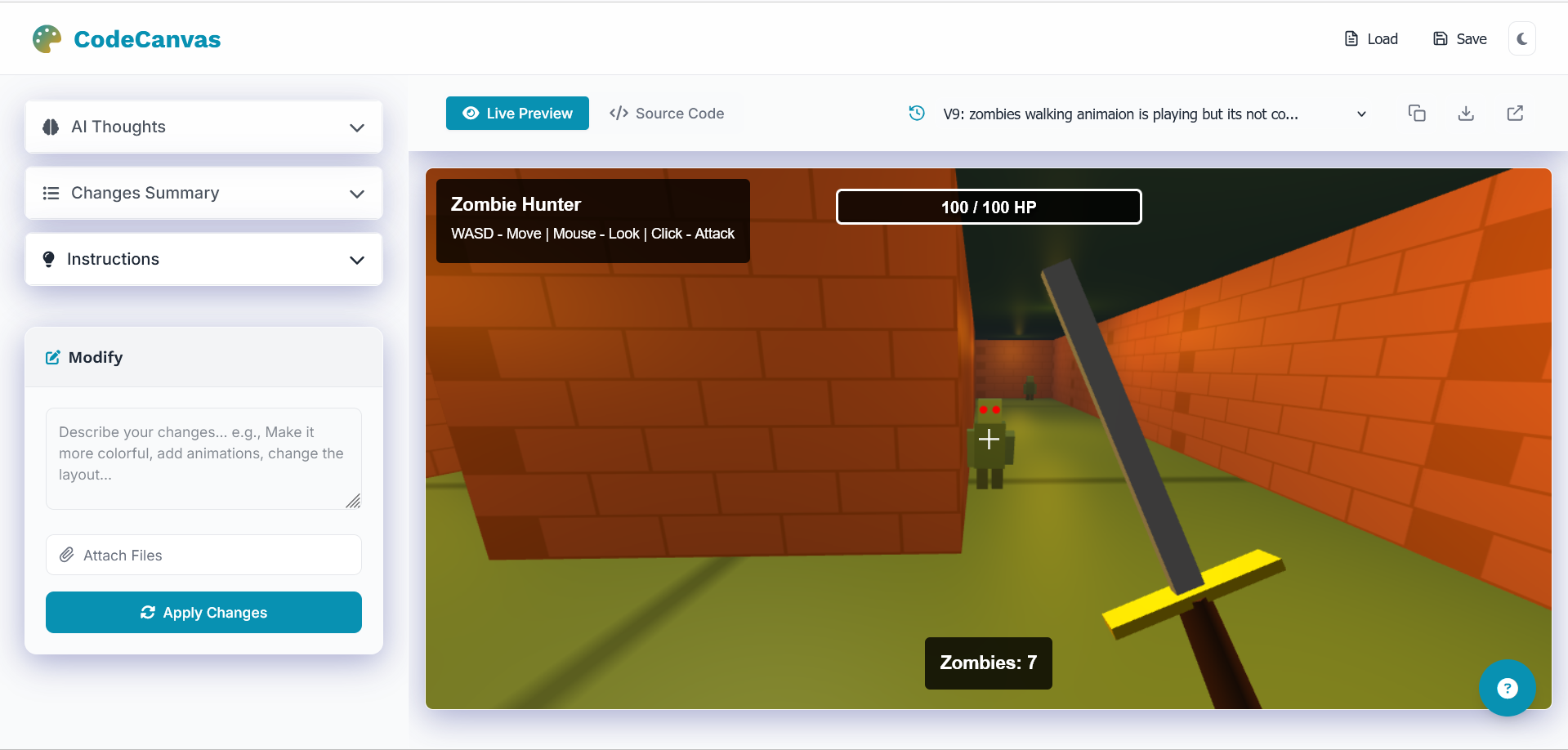
CodeCanvas transforms natural language into browser-ready interactive experiences — from data dashboards and simulations to games and generative art.
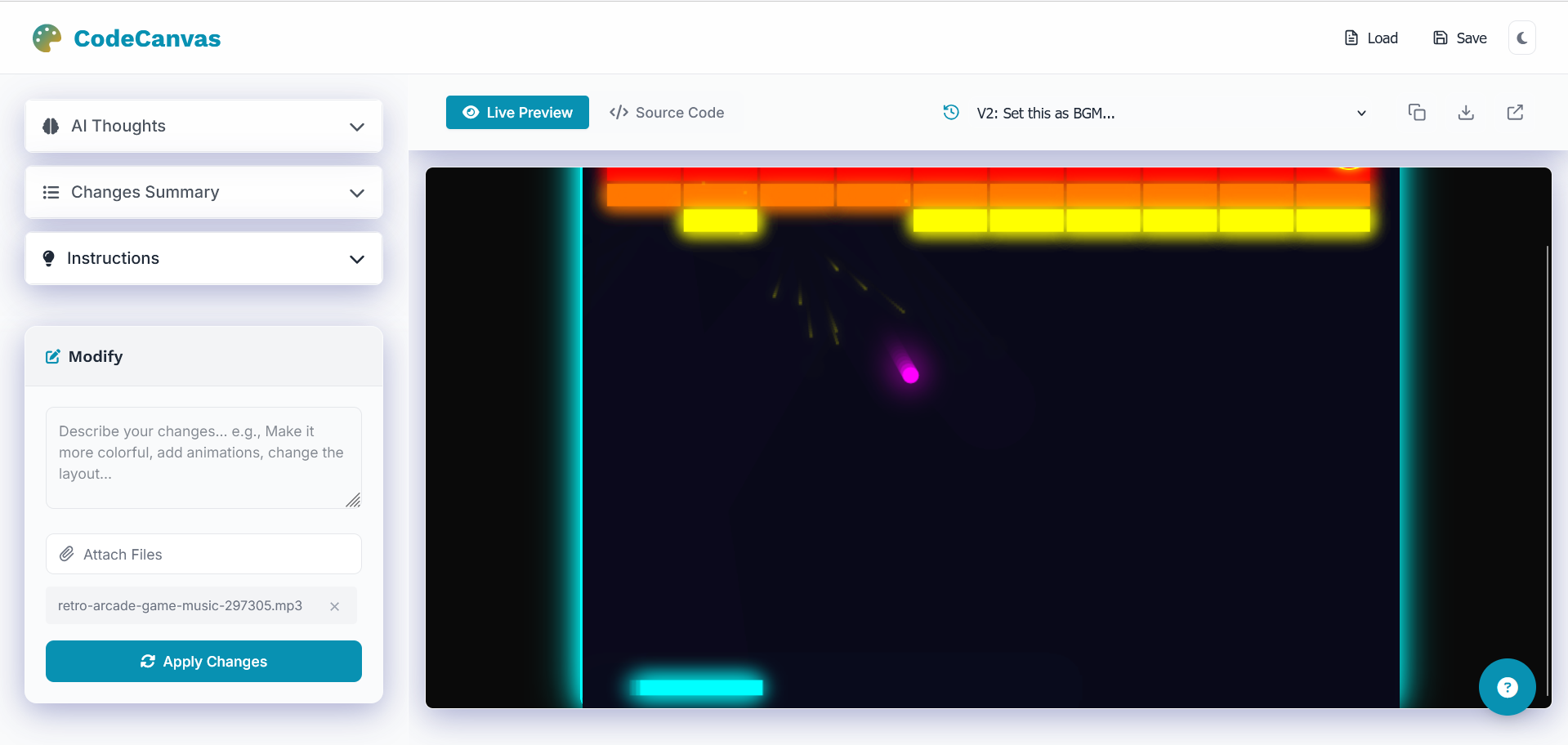
You can upload datasets, images, or audio files, and CodeCanvas intelligently builds visuals that respond, animate, and interact in real time.
It’s not just code generation — it’s AI-powered visual reasoning. You describe your idea; CodeCanvas paints it into existence.
How we built it
We architected CodeCanvas around a modular AI-driven pipeline:
- Backend: Built with FastAPI for high-speed API handling.
- AI Orchestration: Uses Google Gemini for reasoning and generation.
- File Engine: Handles CSV, Excel, and PDF parsing to automatically convert data into visual form.
- Frontend Studio: A Vanilla JS interface featuring a real-time preview, a Monaco Editor for inline code editing, and IndexedDB for persistent session storage.
- Visual Sandbox: Each visualization runs safely in an isolated iframe — ensuring secure, dynamic rendering.
We also added asset upload support — users can include audio, images, or datasets — and the AI integrates them intelligently into the visualization. All projects are tracked with internal version control, and users can download or share them as ZIP bundles.
Challenges we ran into
- Prompt alignment between Gemini different models : ensuring models reason consistently about visuals was tougher than expected.
- Sandbox isolation: Rendering arbitrary JavaScript securely without breaking interactivity took careful iframe sandboxing.
- Streaming output control: We had to handle asynchronous code updates while maintaining a smooth preview experience.
- File-awareness: Getting the AI to infer column meaning and visualize data intuitively was a real puzzle.
Accomplishments that we're proud of
- Created a fully functional AI visual studio that runs right in the browser.
- Achieved real-time generation and editing of visuals from natural language.
- Built a modular AI layer that combines reasoning power from multiple models seamlessly.
- Designed an intuitive Monaco-based workspace that feels like VS Code — but powered by AI.
- Enabled asset-aware visualization, letting users integrate files and media directly into their creations.
What we learned
We learned that true “AI creation” isn’t just generating code — it’s about reasoning visually, understanding user intent, and making that imagination interactive.
We also deepened our understanding of multi-model orchestration, frontend sandbox security, and real-time code streaming.
And perhaps most importantly — we discovered how to make AI collaborative, not just generative.
What's next for CodeCanvas
We plan to:
- Integrate collaborative AI editing, where multiple users can co-create visuals in real time.
- Launch CodeCanvas Cloud, allowing persistent project hosting and public galleries for community creations.
CodeCanvas is just the beginning of a future where you describe your vision — and the web becomes your canvas.
Built With
- claude
- fastapi
- gemini
- javascript
- openpyxl
- pydantic
- pypdf
- python
- requesty
- uvicorn


Log in or sign up for Devpost to join the conversation.