
Inspiration
Every developer knows the frustration of having a spark of inspiration only to watch it die during setup. You have to open a code editor, spin up local servers, install dependency packages, configure styling frameworks, and split your screen across three different windows just to see a simple idea come to life. For beginners and hackathon hackers alike, this friction kills creative momentum. We wanted to build a workspace that removes every barrier between your imagination and a working prototype. That was the spark behind CodeCanvas, a browser based cosmic environment designed to make web development feel fast, visual, and intelligent, powered directly by the reasoning engine of AIs
What it does
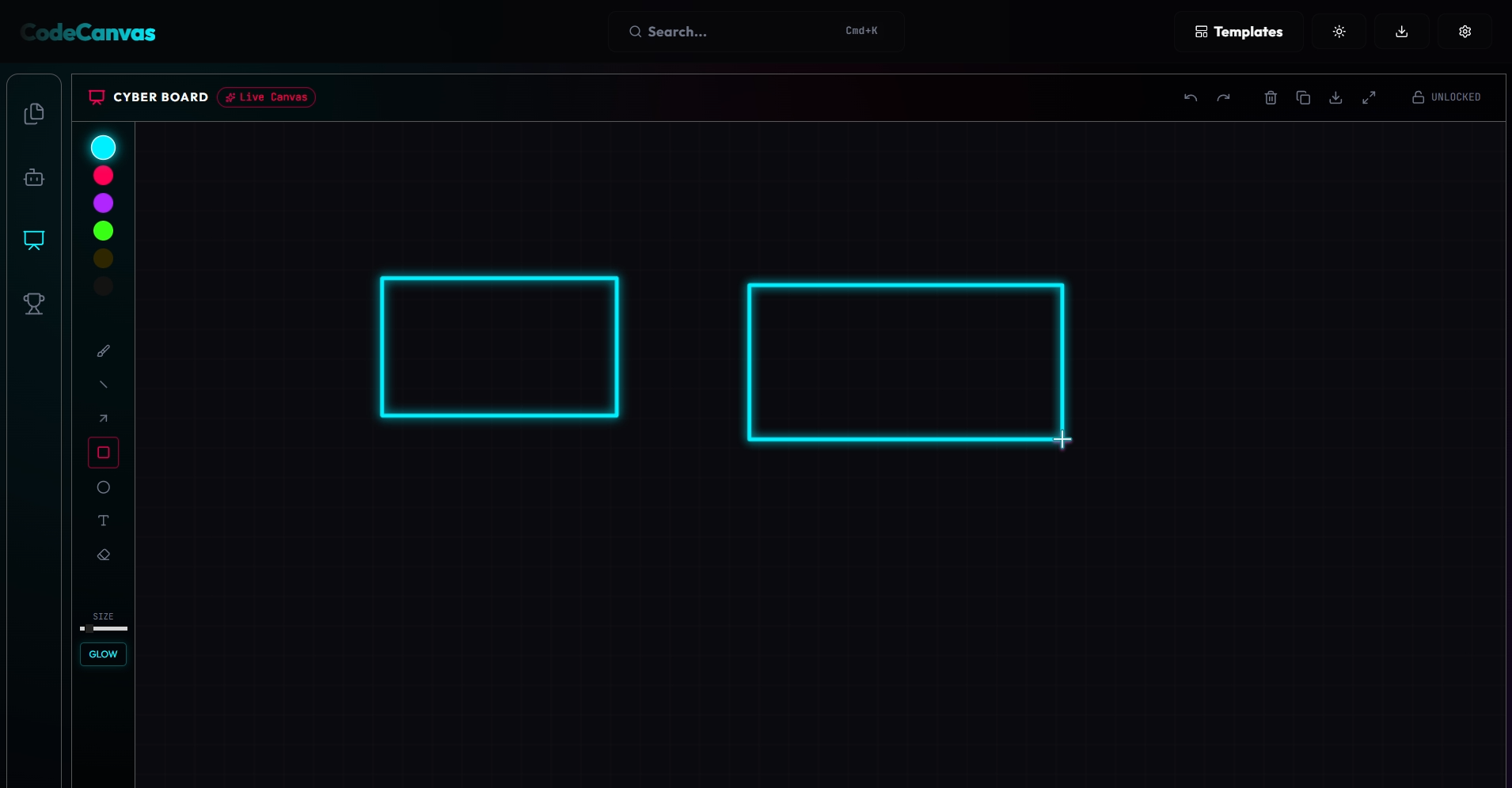
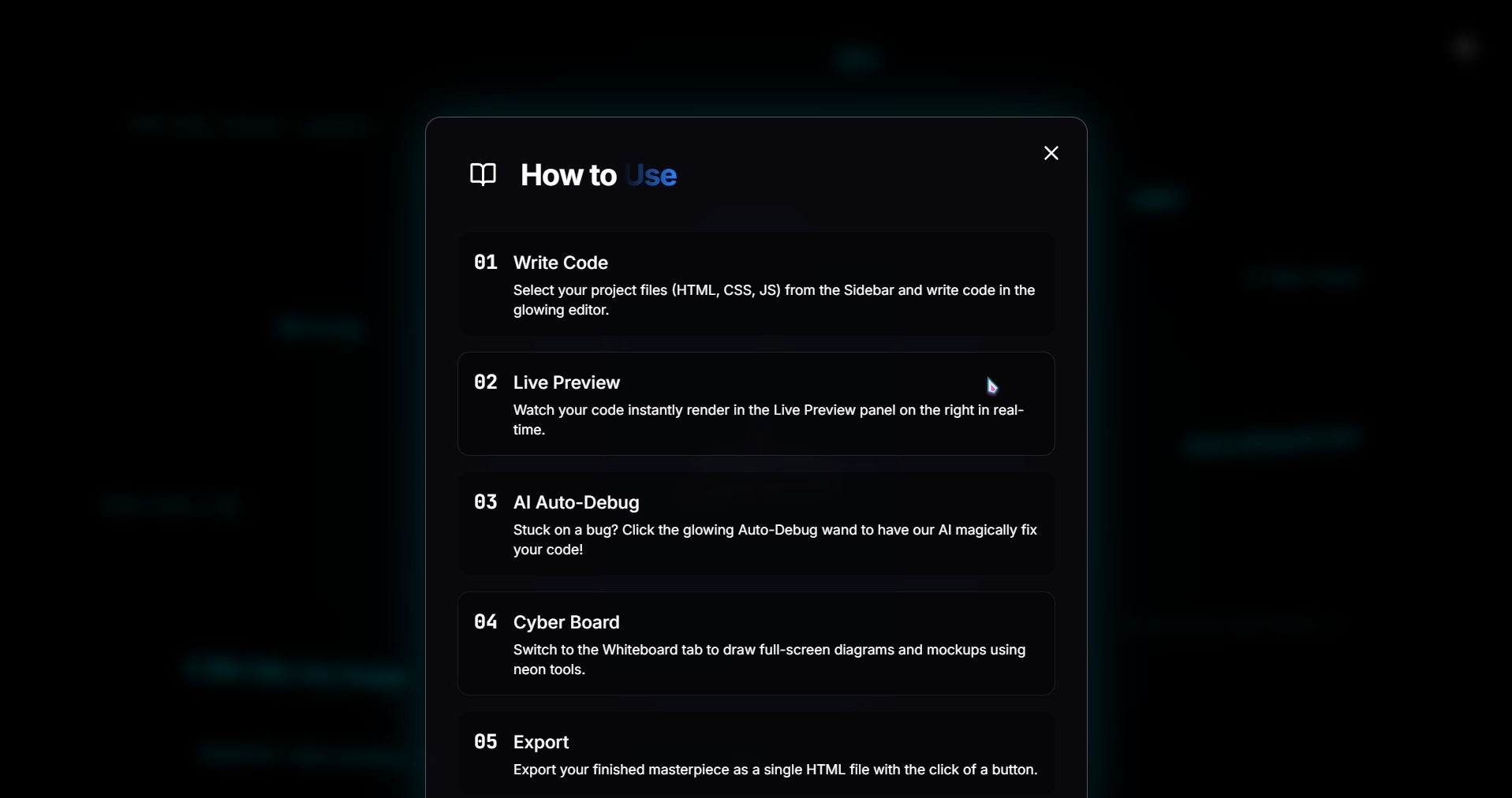
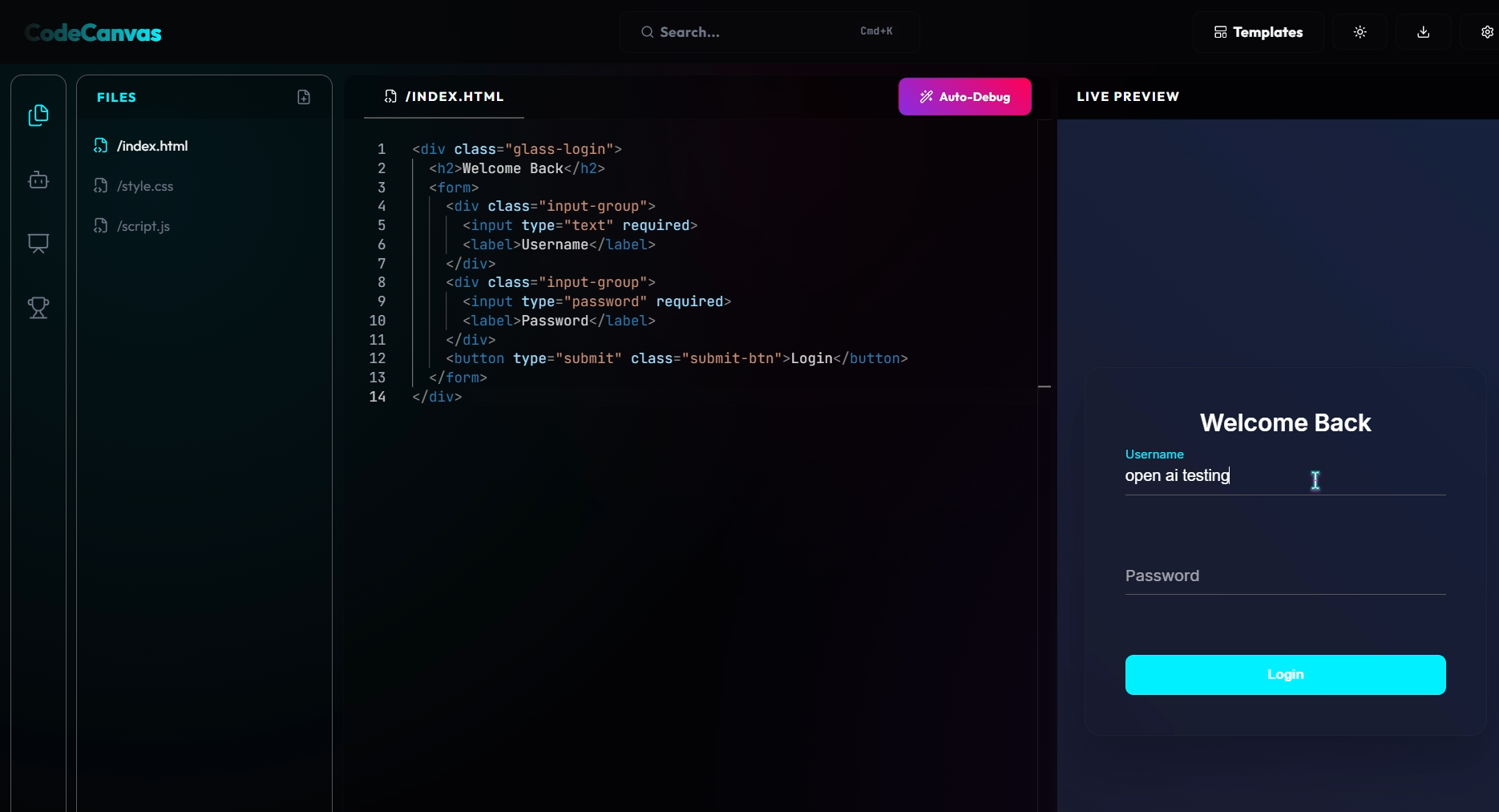
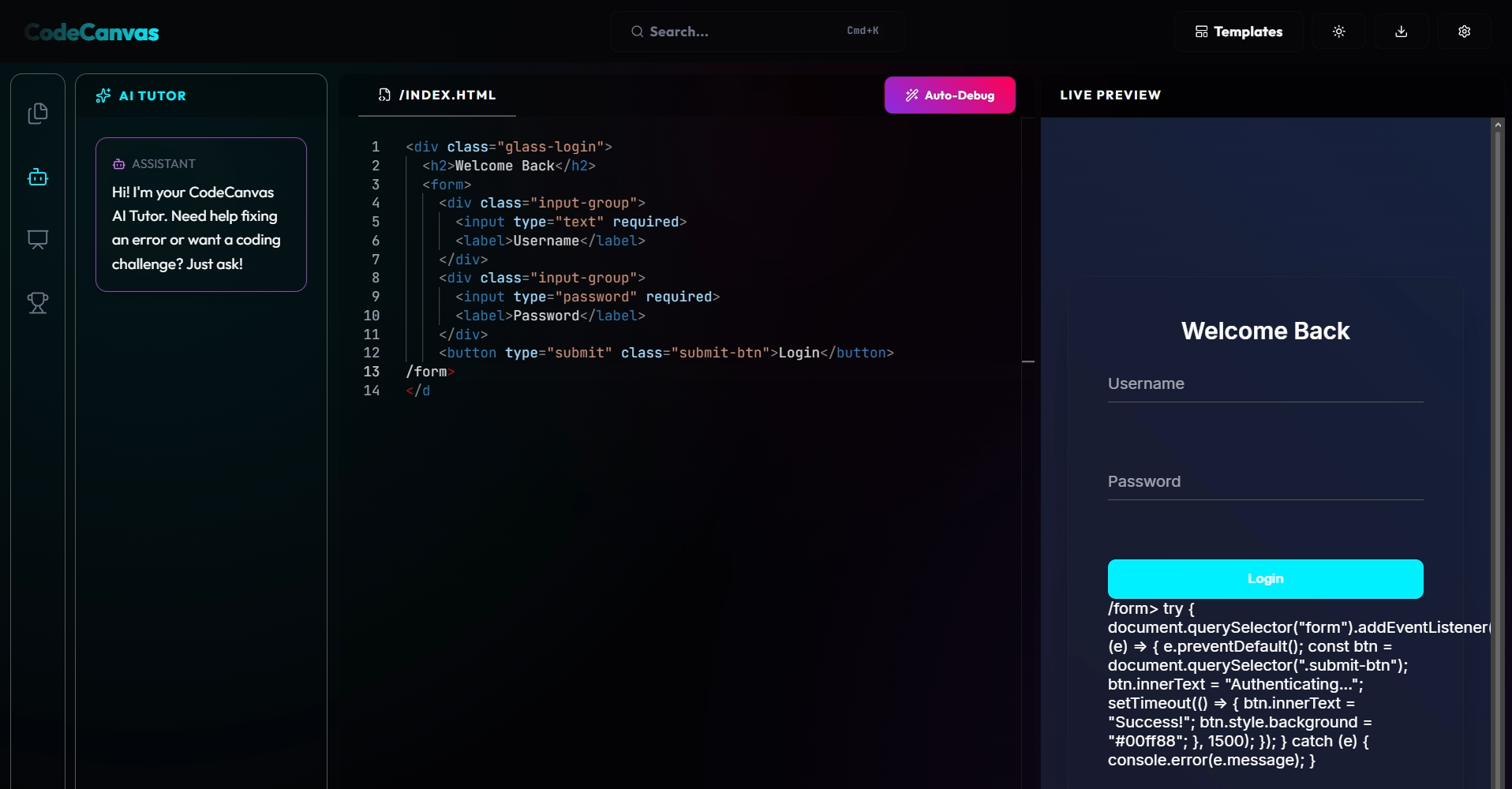
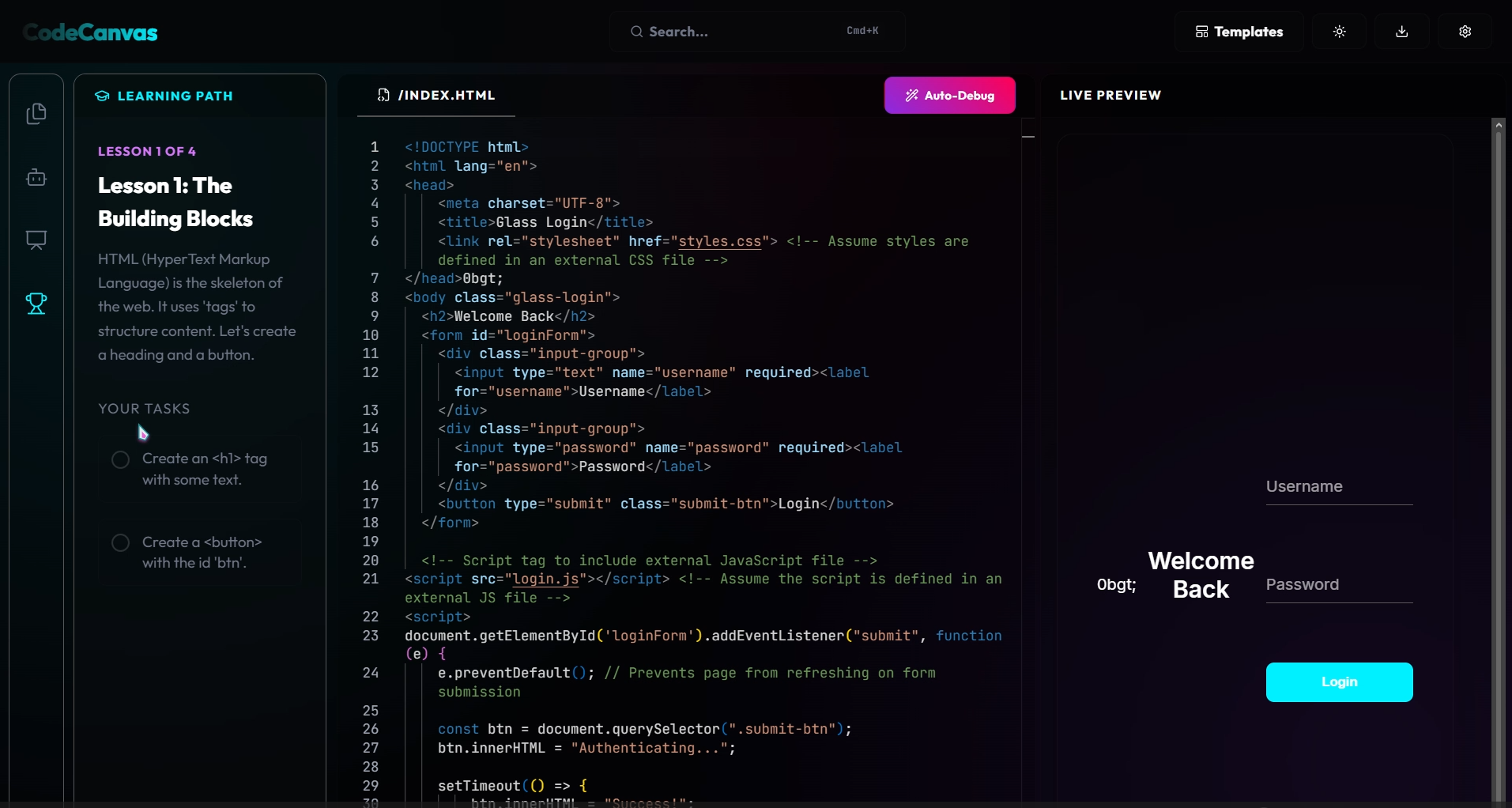
CodeCanvas is a full featured web playground where writing code meets visual design. On one hand, you have a high performance editor with instant hot reloading previews, allowing you to build web interfaces on the fly. On the other hand, you have a personal AI coding partner powered by GPT 5.6. This integration reviews your code, explains complex programming concepts, and fixes syntax bugs automatically with a single click of our Auto Debugger. When you need to step back and think about architecture, you can open the Cyber Board, a full screen infinite whiteboard equipped with neon drawing tools and a locked cursor mode for fluid sketching. It is a unified command center for creating, learning, and brainstorming.
How we built it
CodeCanvas is a full featured web playground where writing code meets visual design. On one hand, you have a high performance editor with instant hot reloading previews, allowing you to build web interfaces on the fly. On the other hand, you have a personal AI coding partner powered by GPT 5.6. This integration reviews your code, explains complex programming concepts, and fixes syntax bugs automatically with a single click of our Auto Debugger. When you need to step back and think about architecture, you can open the Cyber Board, a full screen infinite whiteboard equipped with neon drawing tools and a locked cursor mode for fluid sketching. It is a unified command center for creating, learning, and brainstorming.
Challenges we ran into
Our biggest hurdle was layout math and responsive scaling. When the whiteboard became a full screen application, it kept initializing with zero dimensions inside nested React flexboxes, causing mouse offsets to break and preventing user drawings. We solved this by implementing wrapper boundary listeners that dynamically recalculate the canvas grid coordinates on the fly. We also had to optimize the custom neon glow filters on the canvas context, as excessive shadow blur calculations can drop rendering performance on older machines. We balanced this by caching static drawing paths and drawing shapes in draft preview steps. In both of these engineering challenges, we leveraged the logic reasoning of GPT 5.6 to test multiple UI structures and optimize our canvas rendering loops, saving us hours of manual debugging.
Accomplishments that we're proud of
We are incredibly proud of the visual polish of CodeCanvas. The floating glassmorphic panels and the nebula background glow create a premium developer interface that feels state of the art. The cursor lock feature for drawing is another highlight, letting users right click to lock their mouse into drawing mode so they do not have to hold down clicks. Finally, building alongside GPT 5.6 allowed us to ship a highly complex IDE with a full whiteboard, sandboxed previews, and an integrated AI tutor inside a single build week, a feat that would normally take a team weeks of development.
What we learned
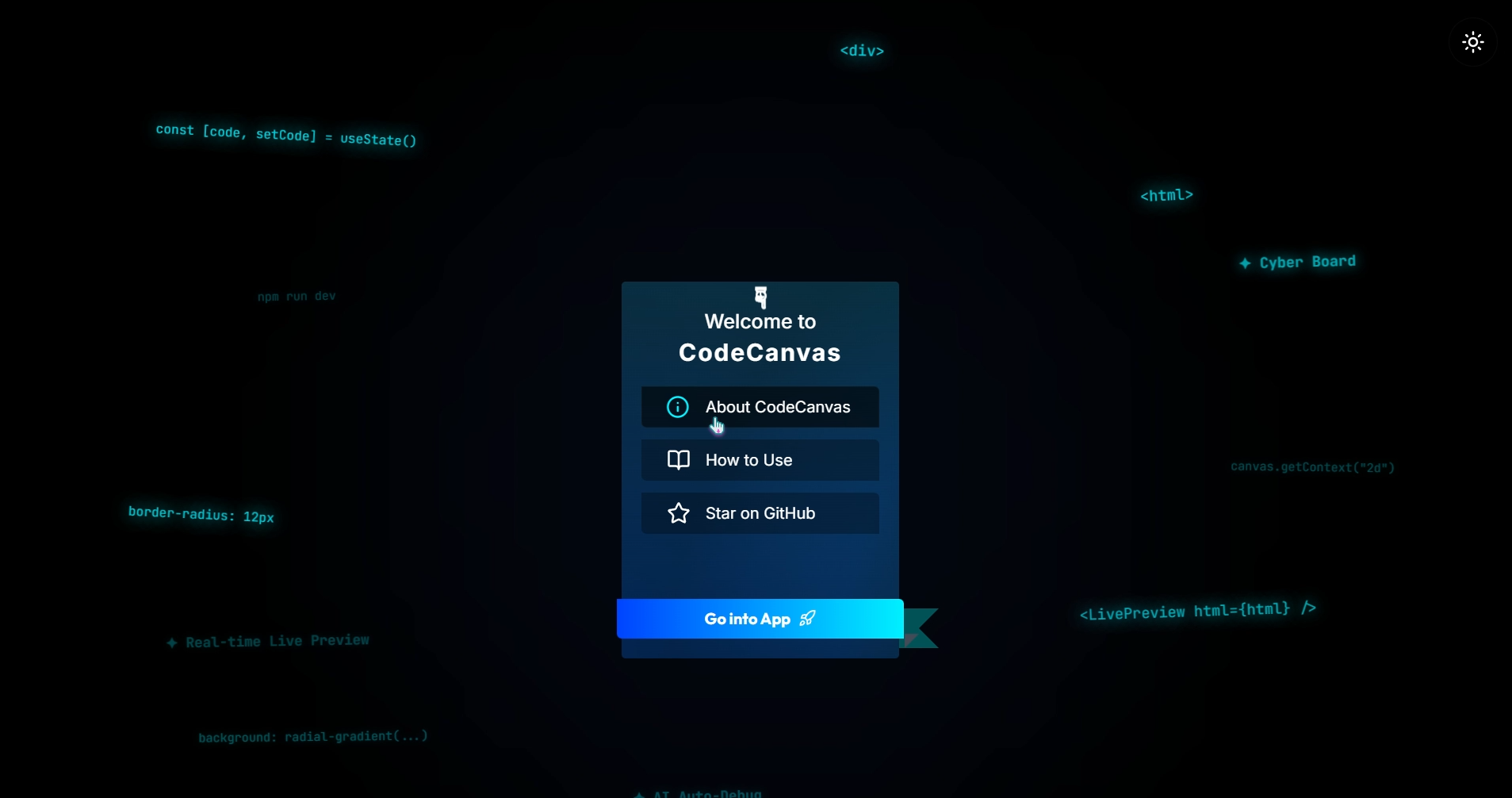
Working with GPT 5.6 taught us a lot about advanced prompt engineering, context window management, and how to harness LLMs for real time code execution safely inside an iframe sandbox. We also learned how crucial default project templates are. Replacing the standard blank editor preview with a beautiful, floating neon welcome card completely changed how inviting the workspace feels when you load it for the first time.
What's next for Code Canvas
We plan to introduce real time collaborative rooms where multiple developers can write code and sketch on the whiteboard together. We also want to integrate cloud deployments so users can host their exported HTML files with one click. Eventually, we want to expand the AI debugger to suggest modular refactors and auto complete entire directories using agentic workflows powered by future iterations of the GPT reasoning models.
Built With
- aitools
- gpt5.6
- promptengineering


Log in or sign up for Devpost to join the conversation.