-
-
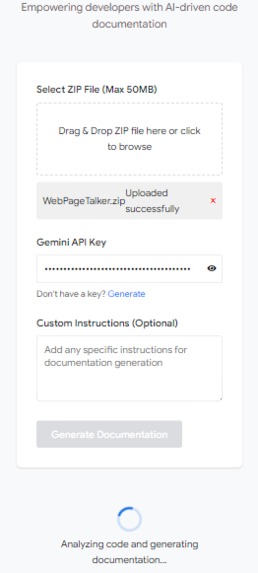
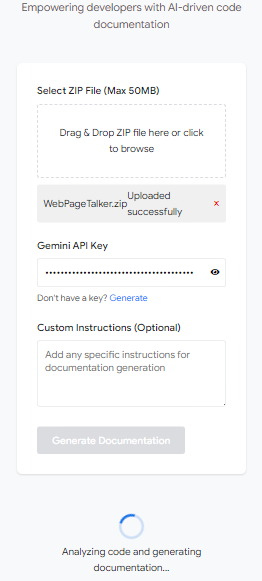
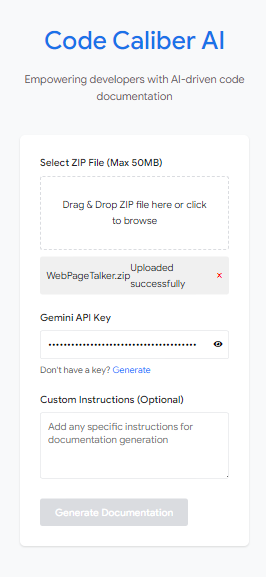
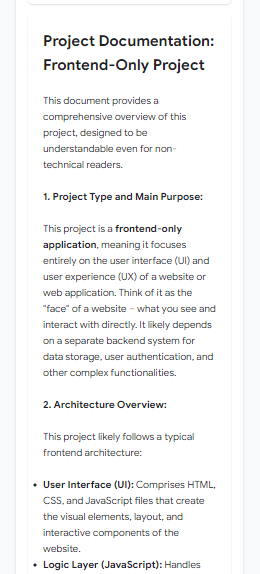
mobile view
-
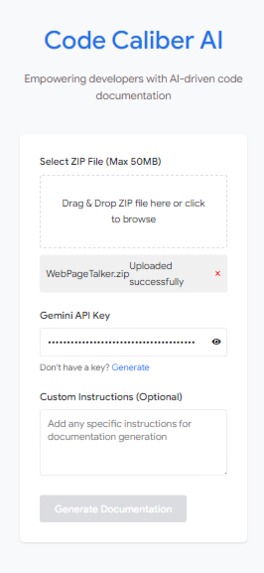
mobile view
-
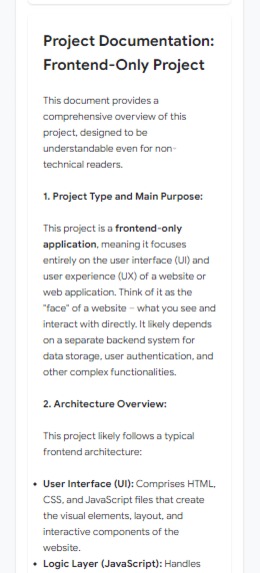
mobile view
-
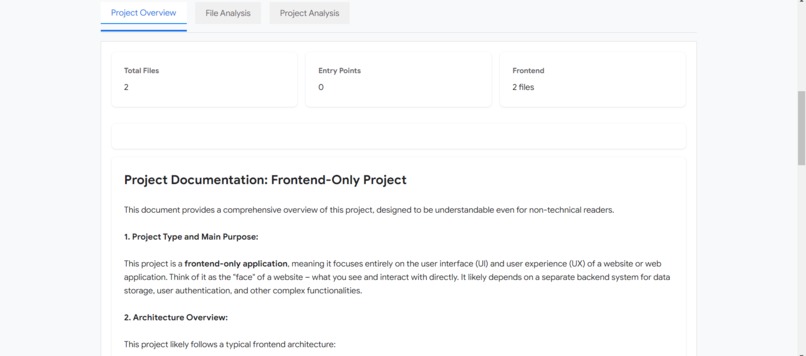
desktop view
-
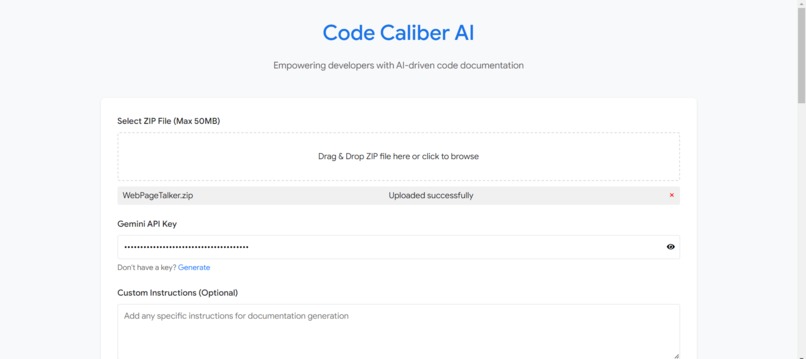
desktop view
Inspiration
As an engineering student, I've spent countless nights battling with online tools that demand logins at every turn and manually documenting complex codebases. It's frustrating and time-consuming. That's why I created Code Caliber AI which is a hassle-free solution to generate efficient, comprehensive documentation. It's the tool I wish I had during those late-night coding sessions.
What it does
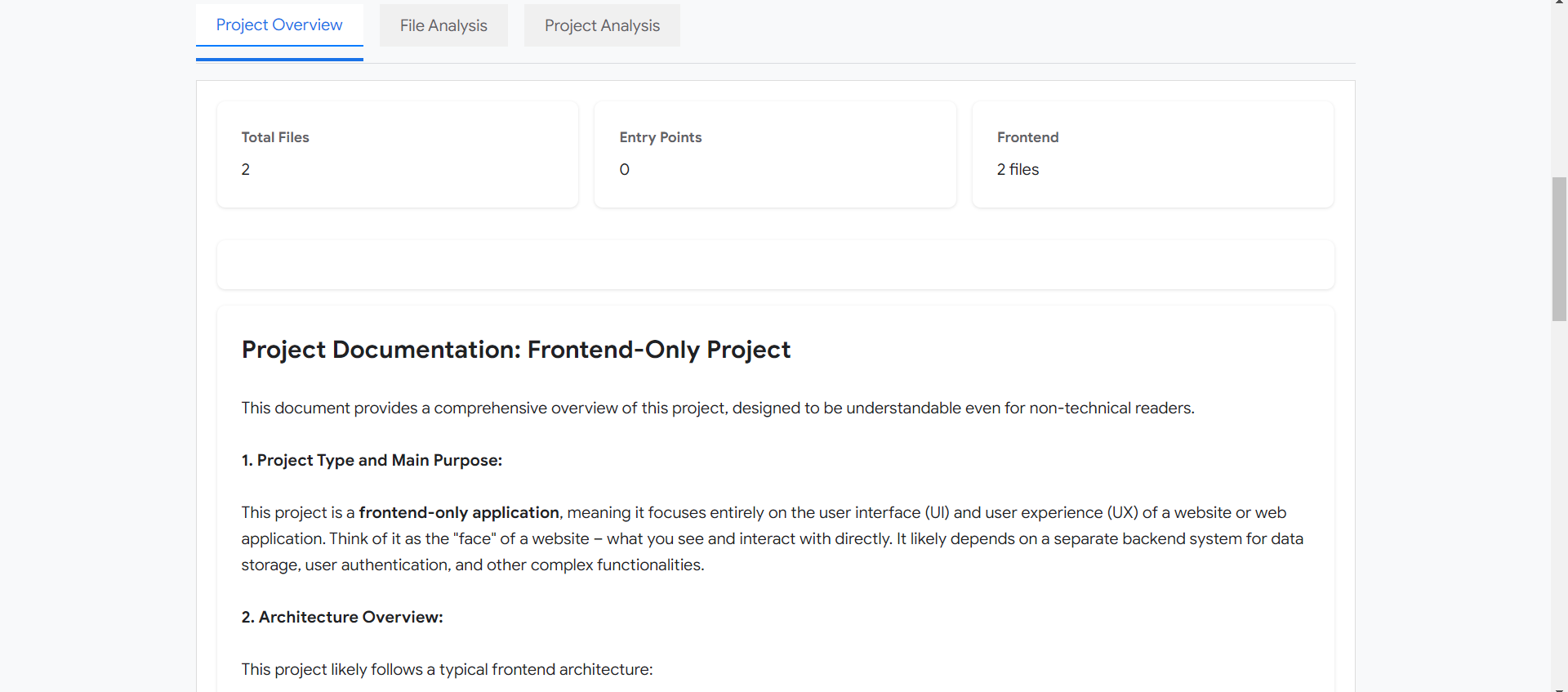
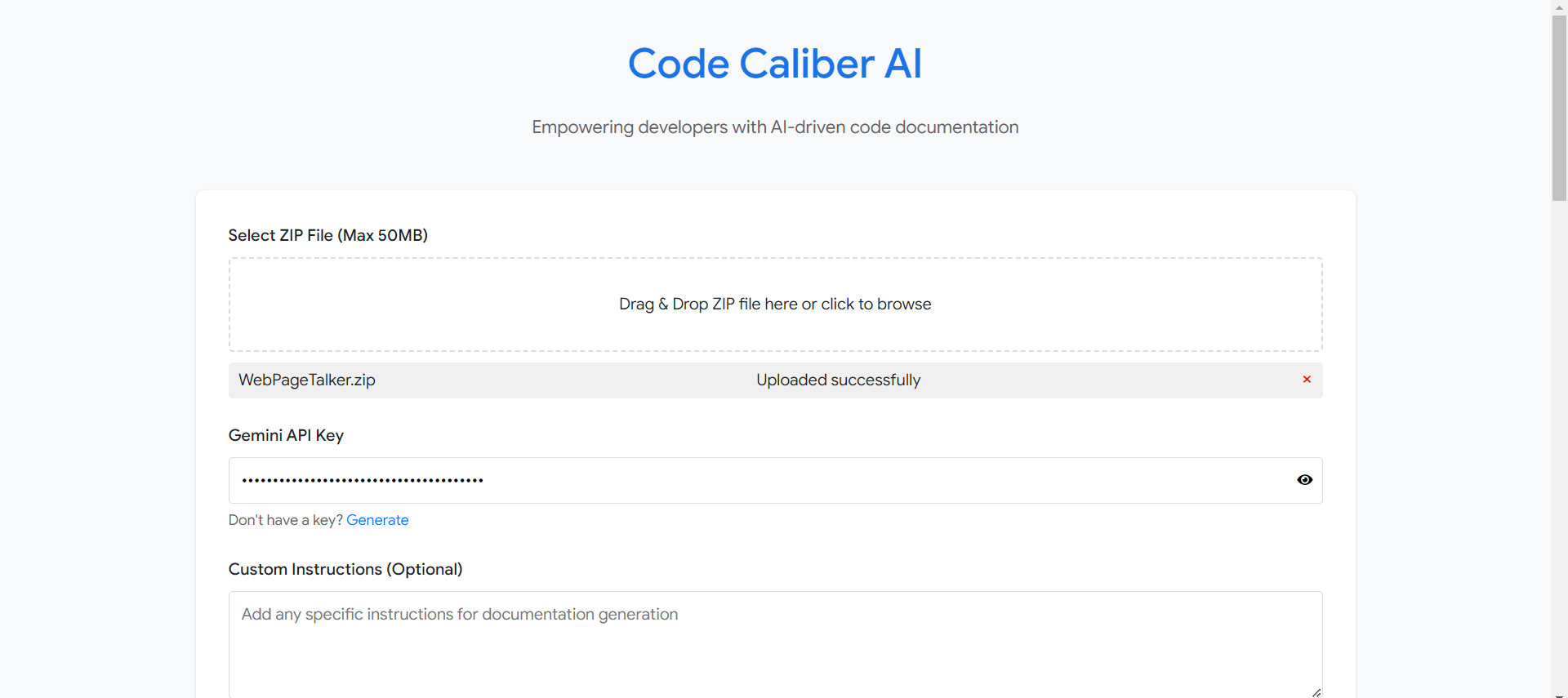
Code Caliber AI is smart tool for code documentation. It analyzes the codebase (up to 50MB) and generates comprehensive, insightful documentation. Here's what it can do:
- Provide a deep understanding of your project structure.
- Generate detailed documentation including Project Overview, File Analysis, and Project Analysis.
- Support over 48+ files with different extensions.
- Allow custom prompts for personalized documentation.
It's designed to be user-friendly and efficient, allowing you to quickly get the documentation you need without the hassle of logins or complex setups.
How we built it
Building Code Caliber AI as a solo project was a complex and challenging process that pushed the boundaries of my technical skills:
Backend Dev: I used Python with FastAPI to create backend which capable of handling complex file processing tasks. This involved building a highly effective file parsing function that can handle 48 different file extensions. it took 1 days to work on backend.
Frontend Dev: The frontend was developed using HTML, CSS and some part of JS within 1 hour, focusing on creating an intuitive and responsive user interface that doesn't require authentication.
AI Integration: I decided to go with Google's Gemini Pro model which is built for complex tasks, I used this model with extensive prompt engineering to fine-tune for complex code analysis tasks. This involved countless iterations to achieve accurate and insightful documentation generation which took around 2 days all I did is lot of dry and run haha!
File Processing: Developing a system to efficiently process and analyze files up to 50MB in size was a significant challenge. This required optimizing algorithms and managing memory usage effectively which is done while working on backend.
Frontend-Backend Integration: Seamlessly connecting the frontend and backend was crucial. This involved careful API design and implementation of asynchronous processes to handle potentially long-running documentation tasks without compromising user experience which took my around 3 days with lots of changes in JS file to make response pretty while handling 3 different output that is 'Project Overview', 'File Analysis' and 'Project Analysis' in single API call.
Challenges we ran into
Frontend-Backend Integration: Ensuring smooth communication between the frontend and backend, particularly for long-running tasks, demanded careful architecture design and implementation of advanced asynchronous patterns.
File Processing Complexity: Creating a universal file parser that could handle 48 different file extensions while maintaining accuracy and performance was a major technical hurdle.
AI Result Interpretation: Converting the AI's output into user-friendly, actionable documentation required developing complex post-processing algorithms.
Resource Management: As a solo developer, managing all aspects of the project from ideation to implementation while ensuring high quality across all components was a significant challenge.
Accomplishments that we're proud of
- Successfully built a tool we wish we had when we started coding.
- Created a tool that simplifies the documentation process.
- Successfully integrated and fine-tuned the Gemini Pro model for code analysis.
- Successfully integrated support for over 45+ file extensions, making Code Caliber AI a versatile tool for developers.
- Lastly I am proud of it because this tool gonna save my lot of time which I used to spent to manually documenting complex codebases.
What we learned
As a solo developer, I gained valuable insights from building Code Caliber AI:
- Saw the potential of AI in practical applications and how it can simplify complex tasks.
- Mastered the art of crafting effective prompts for specialized tasks, like code analysis.
- Learned the importance of optimizing performance in AI-driven applications for efficient processing.
- Discovered how to strike a balance between comprehensive analysis and user-friendly output.
These lessons will help me in future projects and demonstrate my ability to apply advanced concepts in real-world scenarios.
What's next for Code Caliber AI
I have exciting plans to expand Code Caliber AI's capabilities:
- One-click Markdown export for seamless GitHub integration.
- Expanded download options (PDF, Word, and more).
- Enhanced visual representation capabilities for code structures.
- Improve the accuracy of existing system.
- Convert mermaid code into mermaid diagram.
- Focus on formatting response more preciously.
Built With
- ai
- css
- fastapi
- generative-ai
- html5
- javascript
- python


Log in or sign up for Devpost to join the conversation.