
Inspiration
Many 'educational toys' out in the market today do not actually teach in-depth concepts; rather, they are fun for the child and then also posed as educational. Fun first, education second. Hence, the inspiration for our Code Builder toy was to break this stereotype and create something that is both fun and teaches in-depth Computer Science concepts that can be useful for the student later on.
What it does
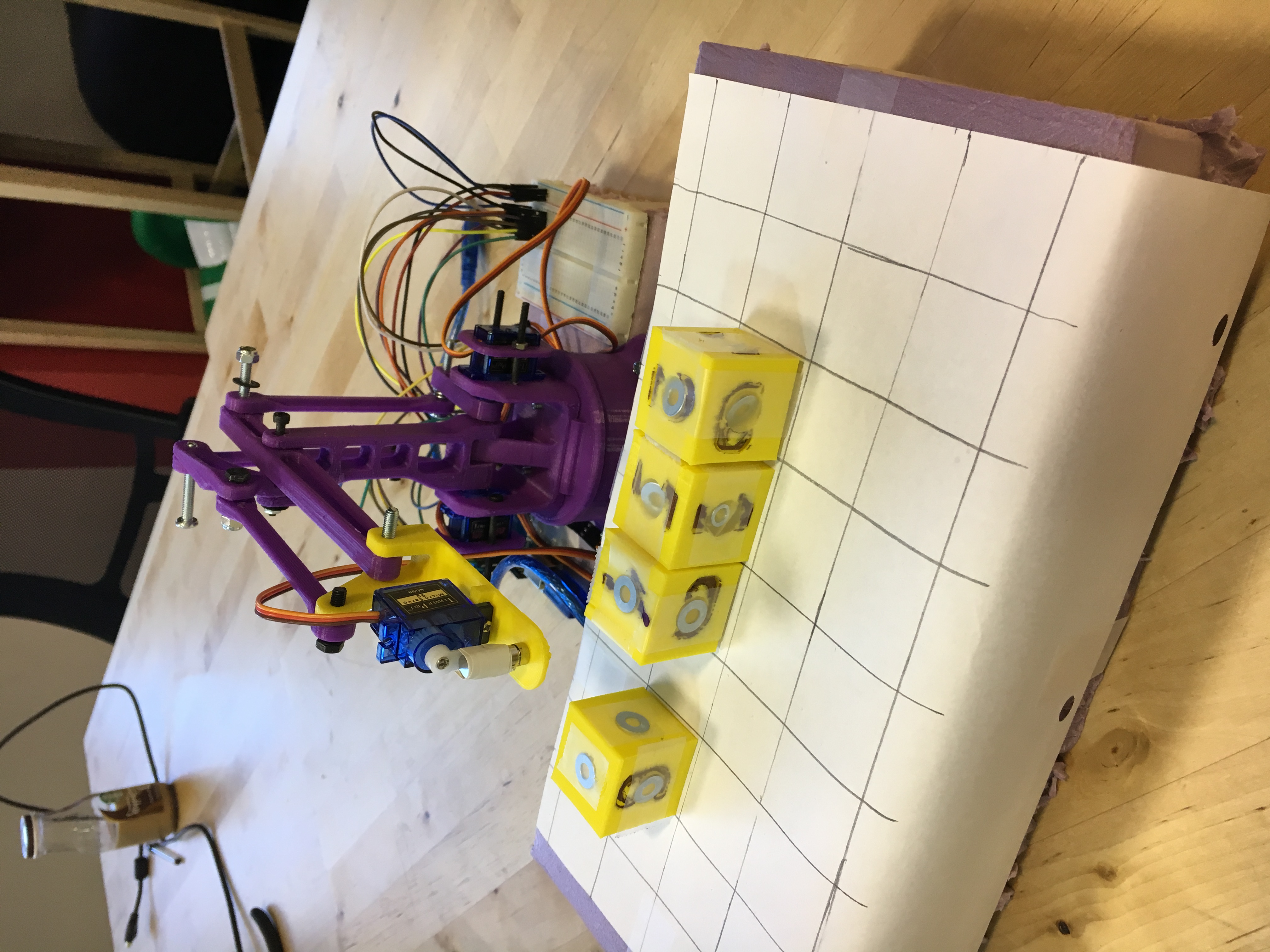
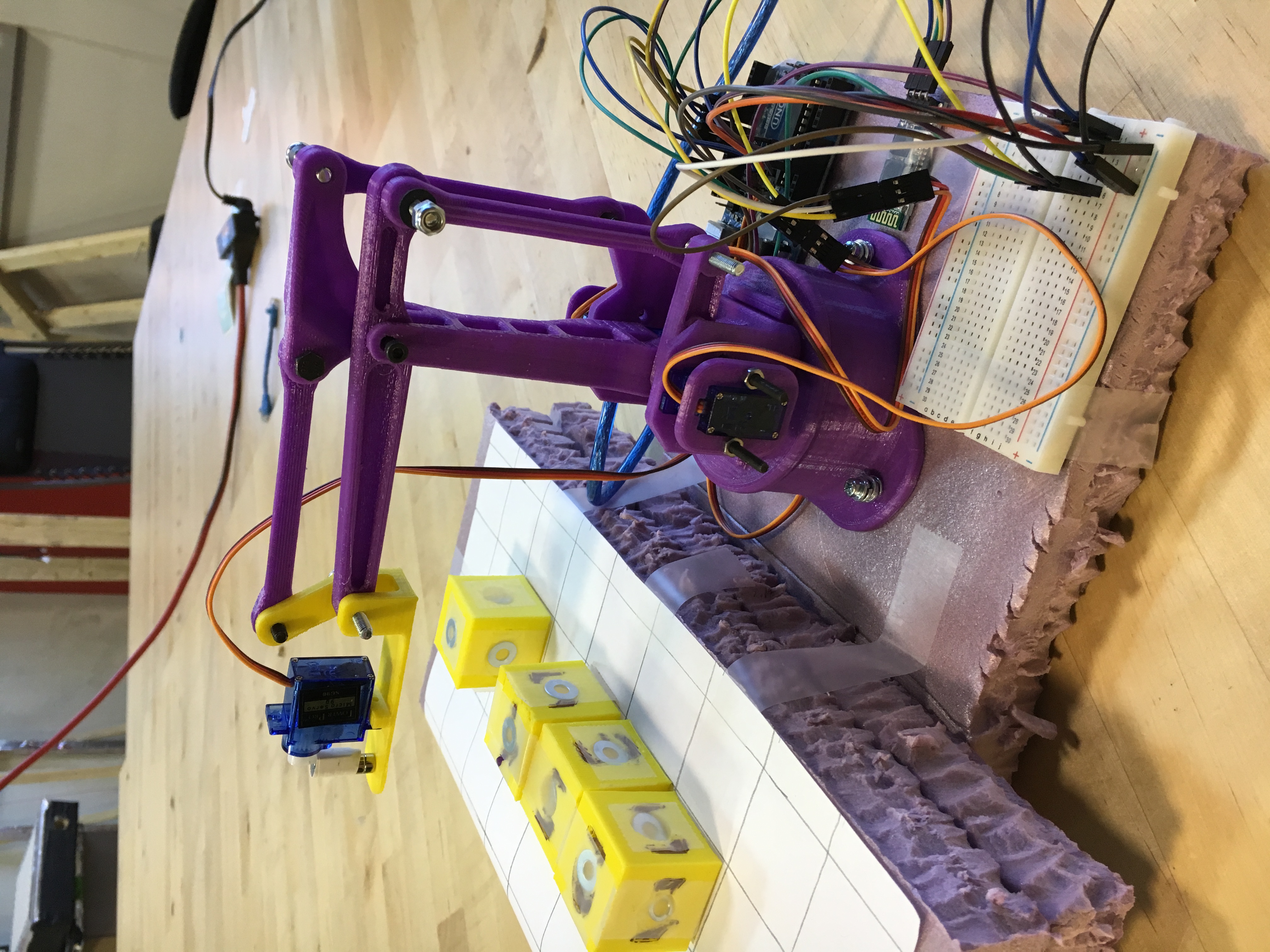
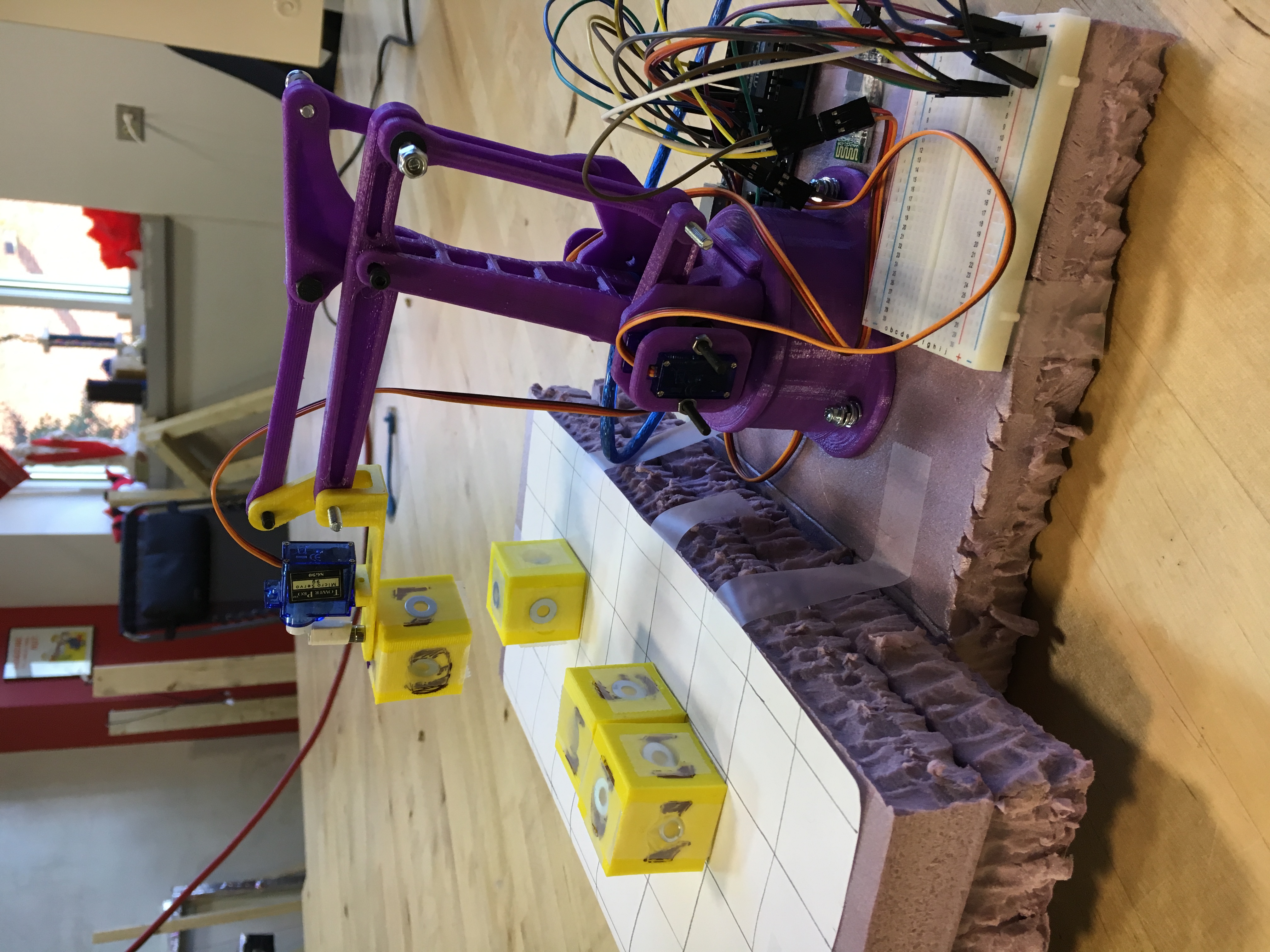
Code Builder is an android app paired with a crane-like bluetooth toy. The idea is, that we will give the user different challenges like sorting a row of blocks or stacking the blocks in order. Then, the user will either drag blocks in our UI or actually program the crane to swap blocks according to different conditionals. This attempts to give a higher-level overview of concepts like sorting algorithms and data structures. Finally, the swapping of blocks is then visualized on a crane that picks up and rearranges blocks on a physical grid.
How we built it
The crane device is 3D printed and has screws to join its various ligaments together. This device is then hooked up to a number of servos, an arduino, and a bluetooth module, which allows a user from a mobile phone to program the crane to actually move. To pick up the different blocks, we CADed up a magnetic dropper mechanism that can pick up metal objects. We then 3D printed blocks and put metal washers inside, which allows for the claw to pick up and drop off blocks with more precision. On the android side, we implemented our own drag-drop interface for interactive puzzles like the sorting blocks without programming. Then, we also implemented Google's Blockly library so that user could actually code the crane to do things.
Challenges we ran into
In order for the crane to pick up blocks, it has to know where the blocks are. This is something we had not thought of before 3D printing everything and going ahead with this idea. So, in comparison with vision detection on the crane, color detection, etc. we decided that it would be okay if the user pre-placed the blocks on a grid. Then, the crane would be able to be pre-calibrated to pick up and drop off blocks at precise locations on the grid. Other challenges we ran into were actually building the crane--getting the right metrics for screws, using super glue, etc.
Accomplishments that we're proud of
Seeing the crane through to completion was an extremely rewarding experience. Likewise, programming something on our mobile phones that can then be sent to this crane-like device which actually does what the user programmed it to do--this reminds us of the future. And, the potential that high-tech educational STEM toys have in the market.
What we learned
We learned android--using Blockly and creating drag-drop interfaces. We also learned a lot of CAD and 3D printing everything--we even 3D printed our own screws at one point.
What's next for Code Builder
We can see the potential for a more polished Code Builder product to go into the educational STEM market. Hence, we will further develop this product as well as other educational STEM products that have the potential for breaking into this market.

Log in or sign up for Devpost to join the conversation.