-
-
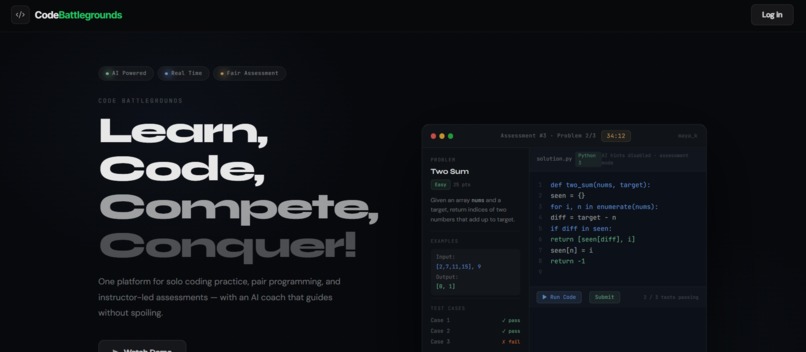
Home page
-
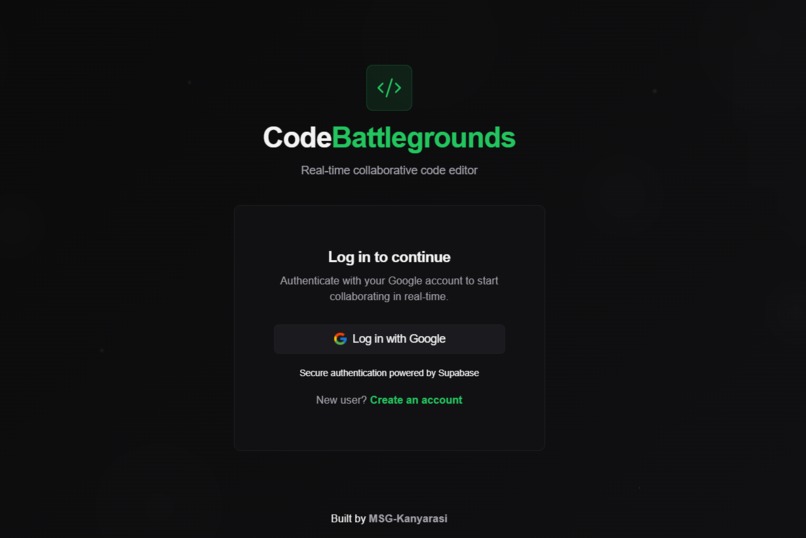
Login Page
-
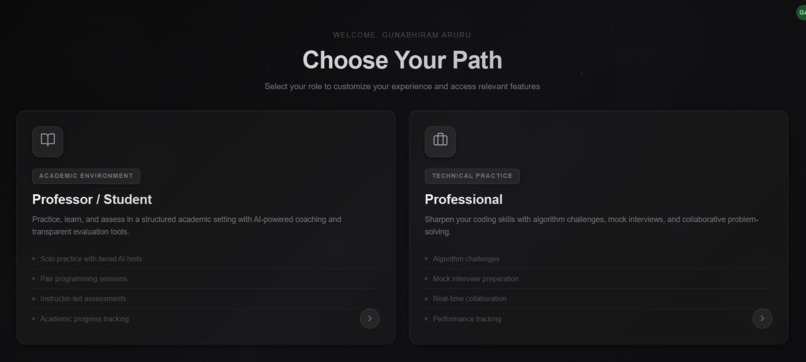
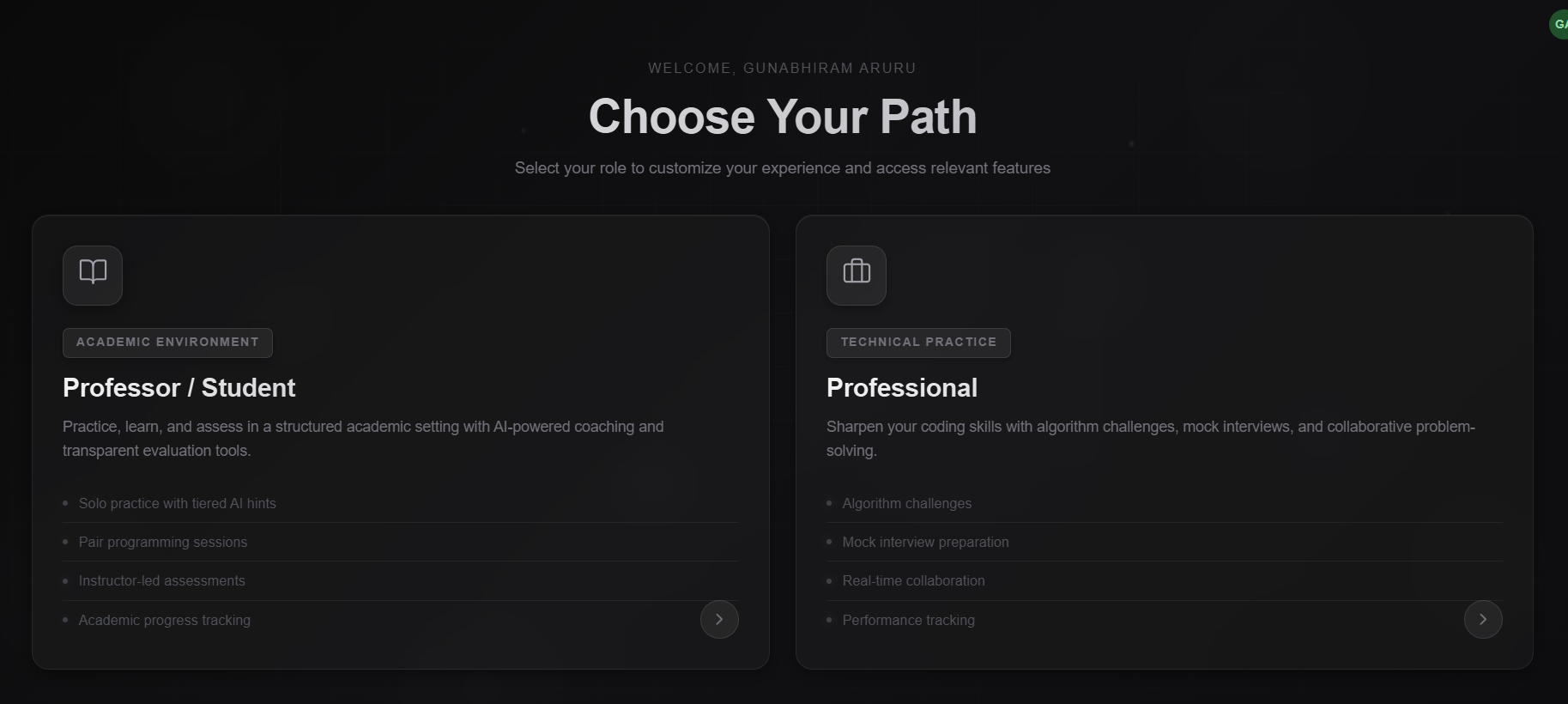
Role Selection
-
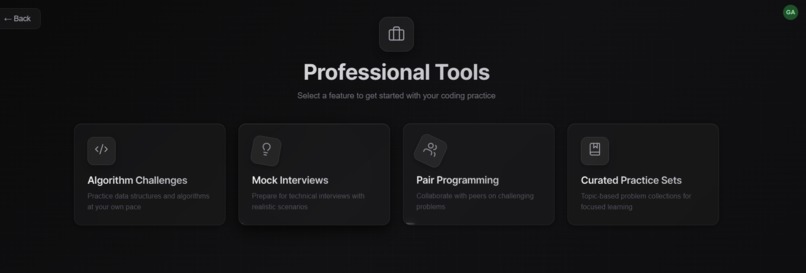
Professional Tools
-
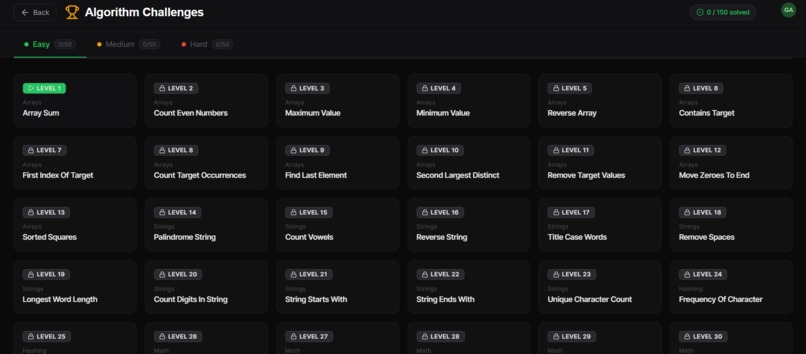
Algorithmic Challenges
-
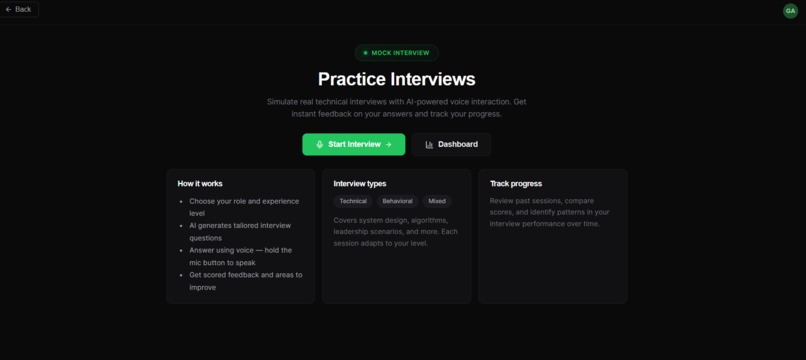
Mock Interview
-
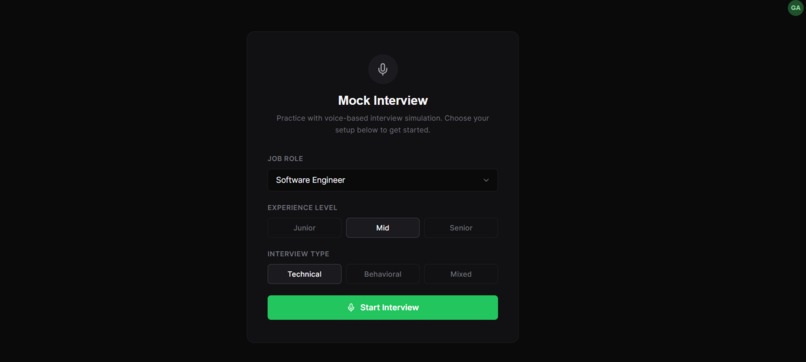
Mock Interview Choice
-
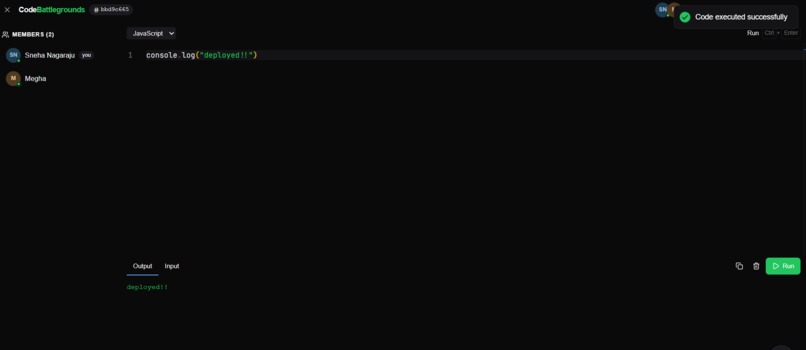
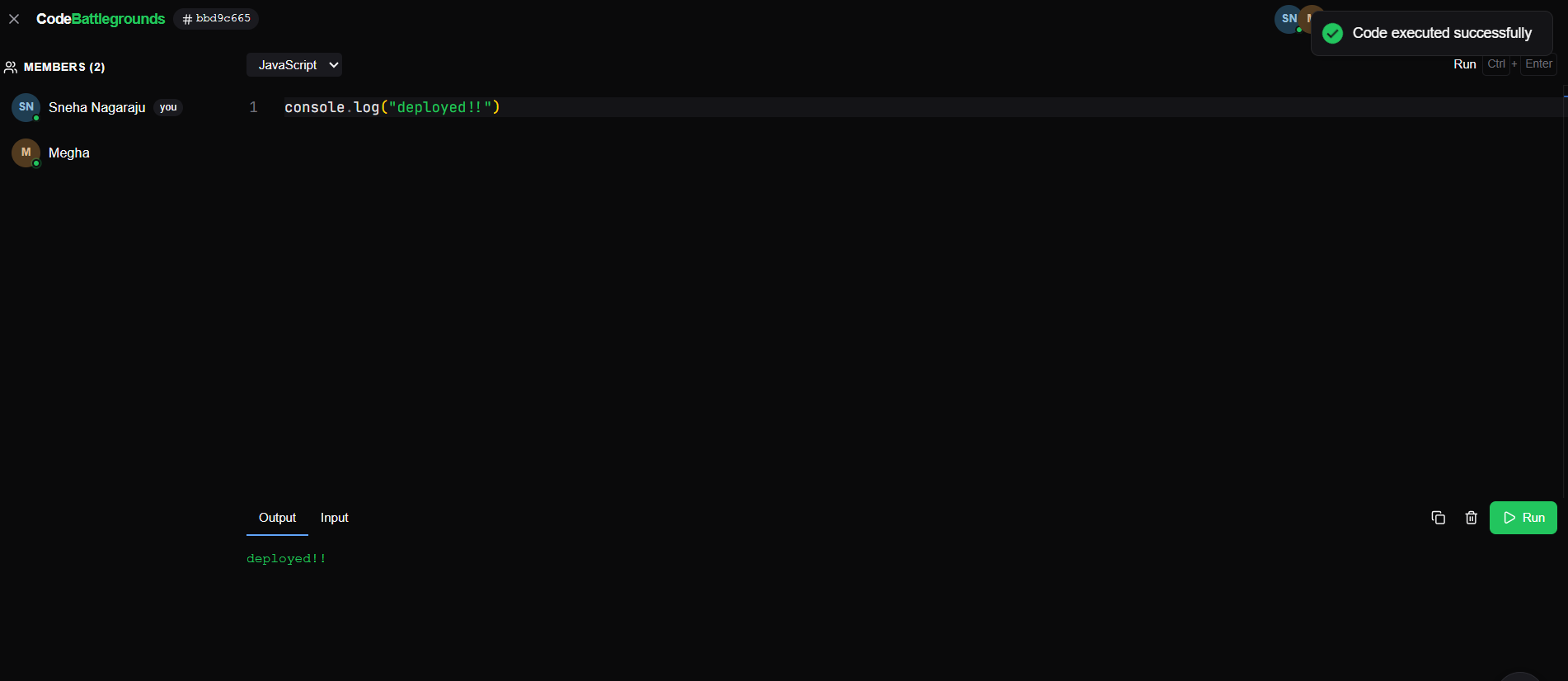
Pair Programming
-
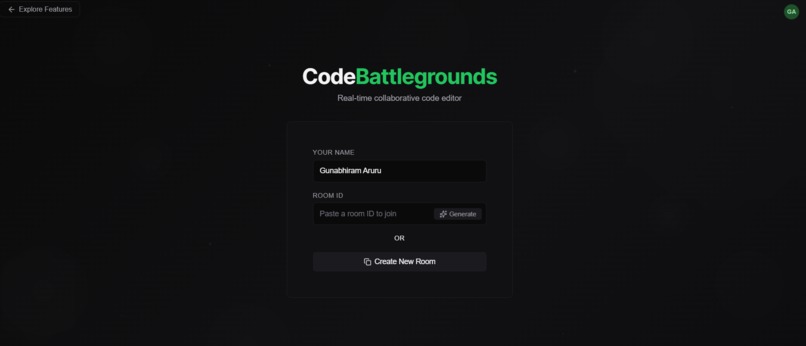
Room Creation
-
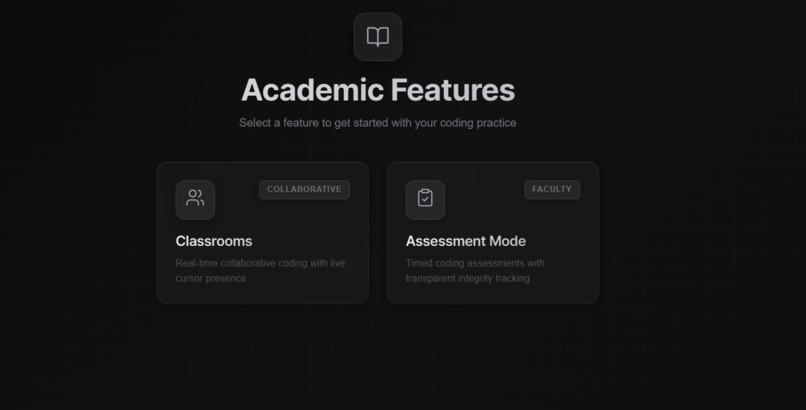
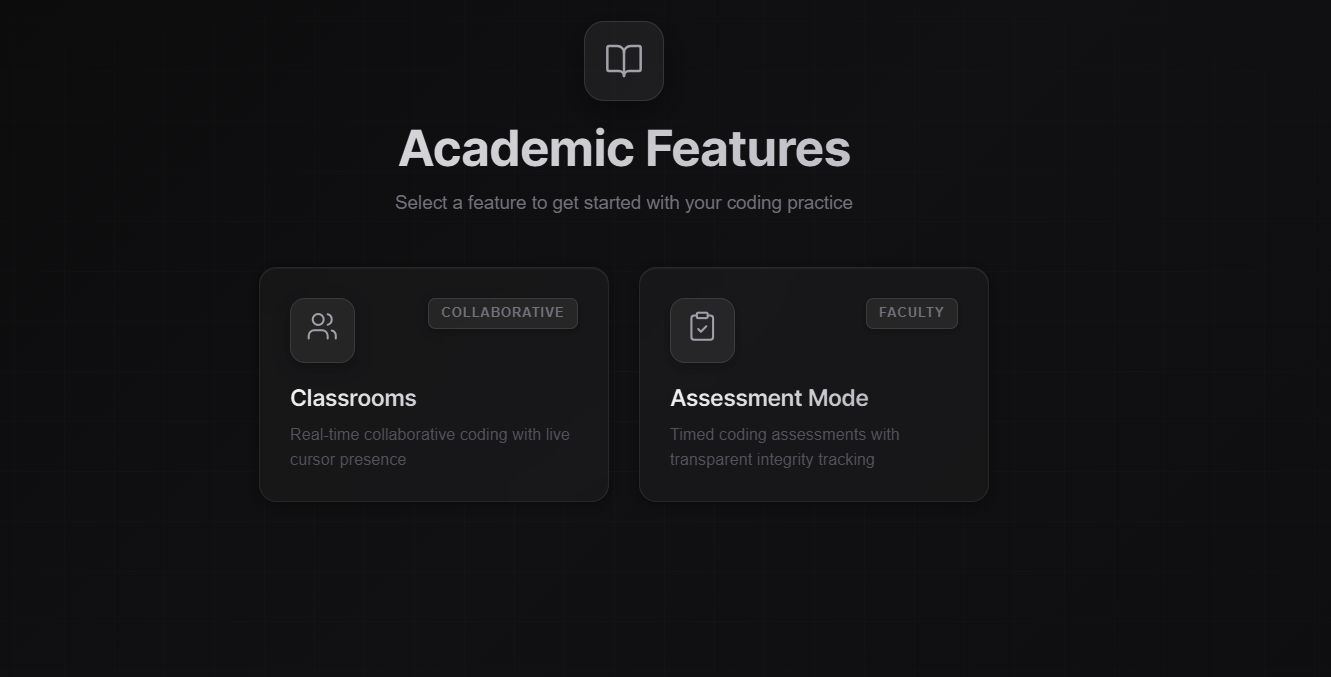
Academic features
-
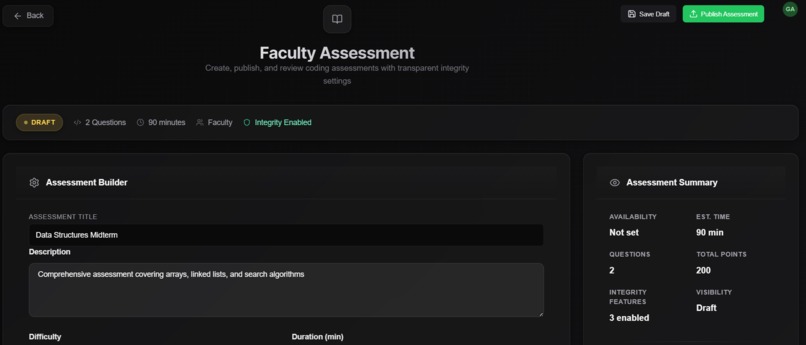
Assessment Creation
-
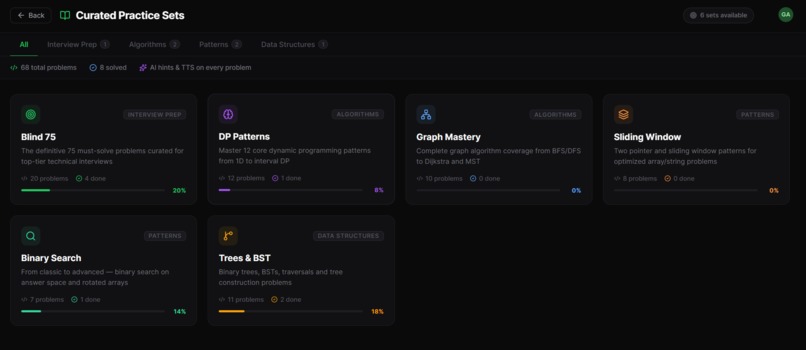
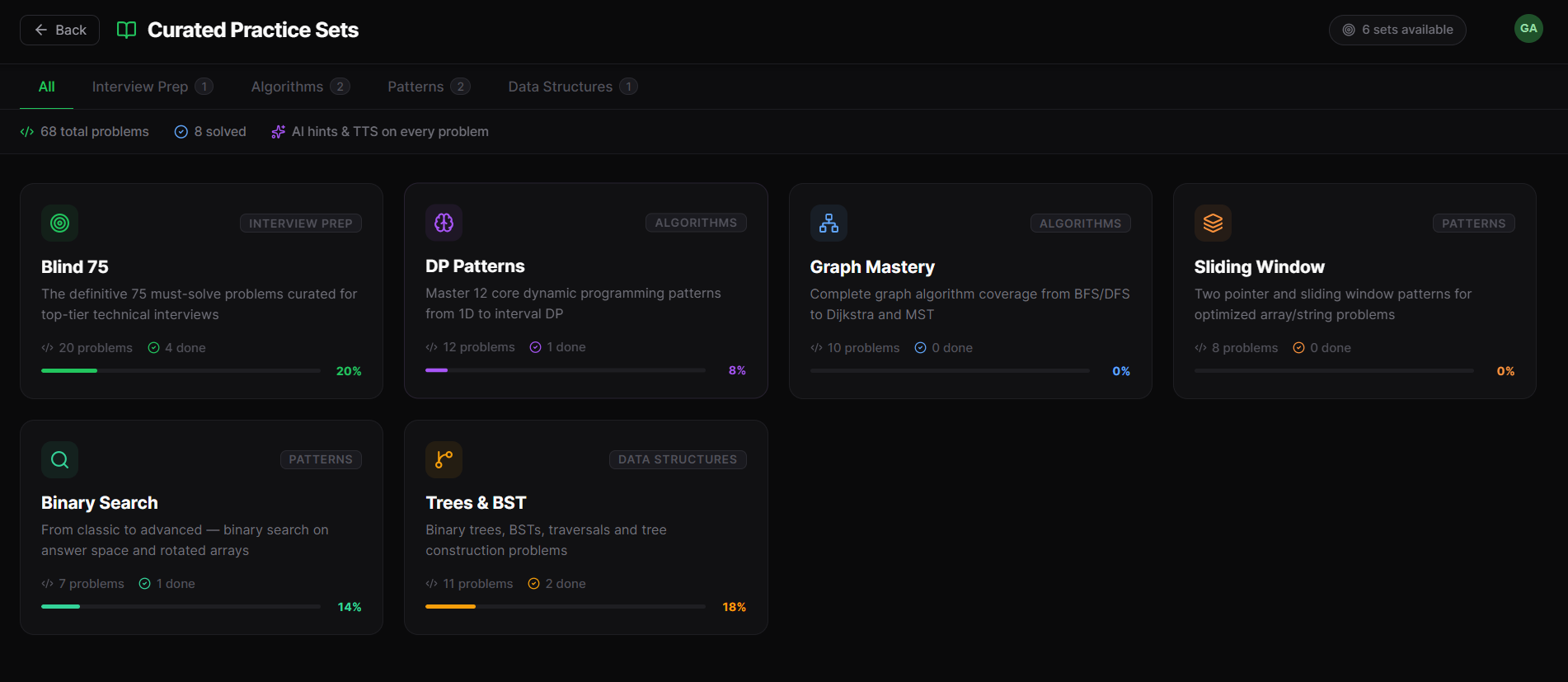
Curative Practice Tests
-
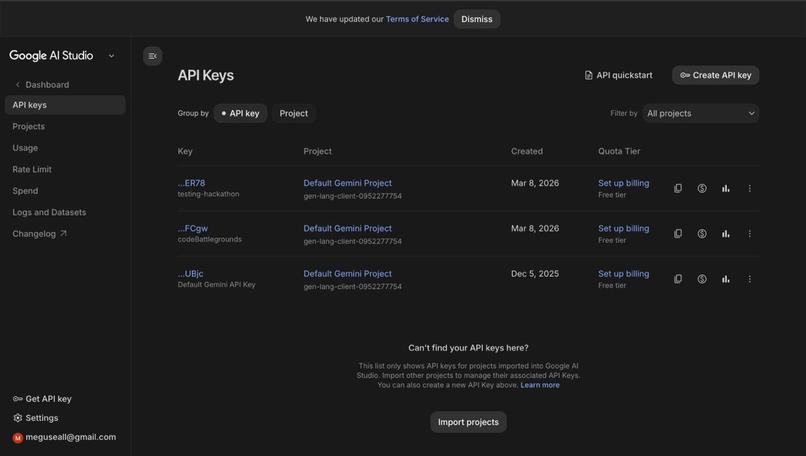
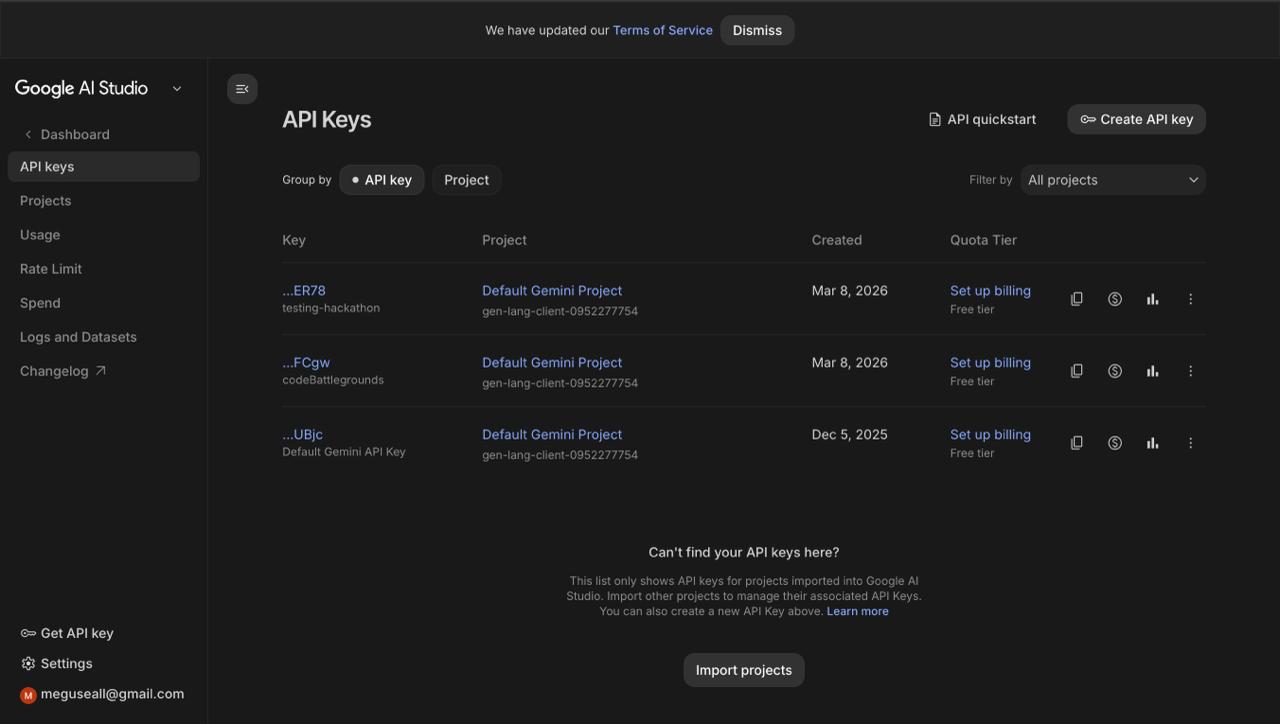
Google AI Studio
-
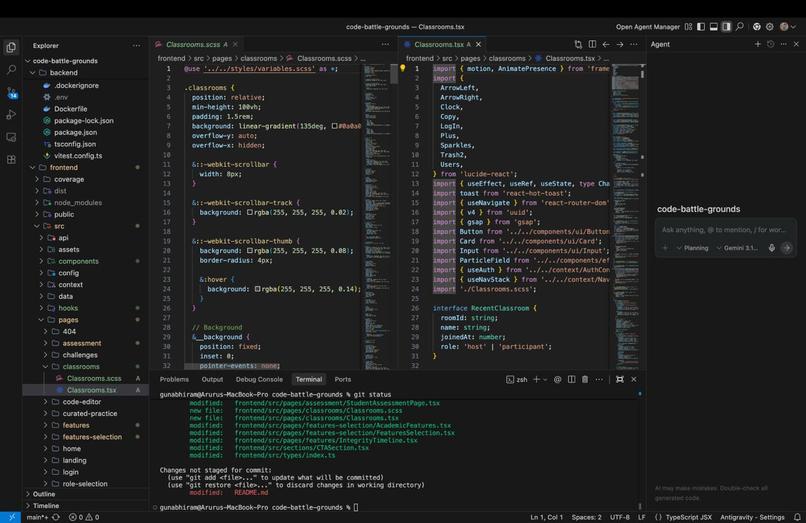
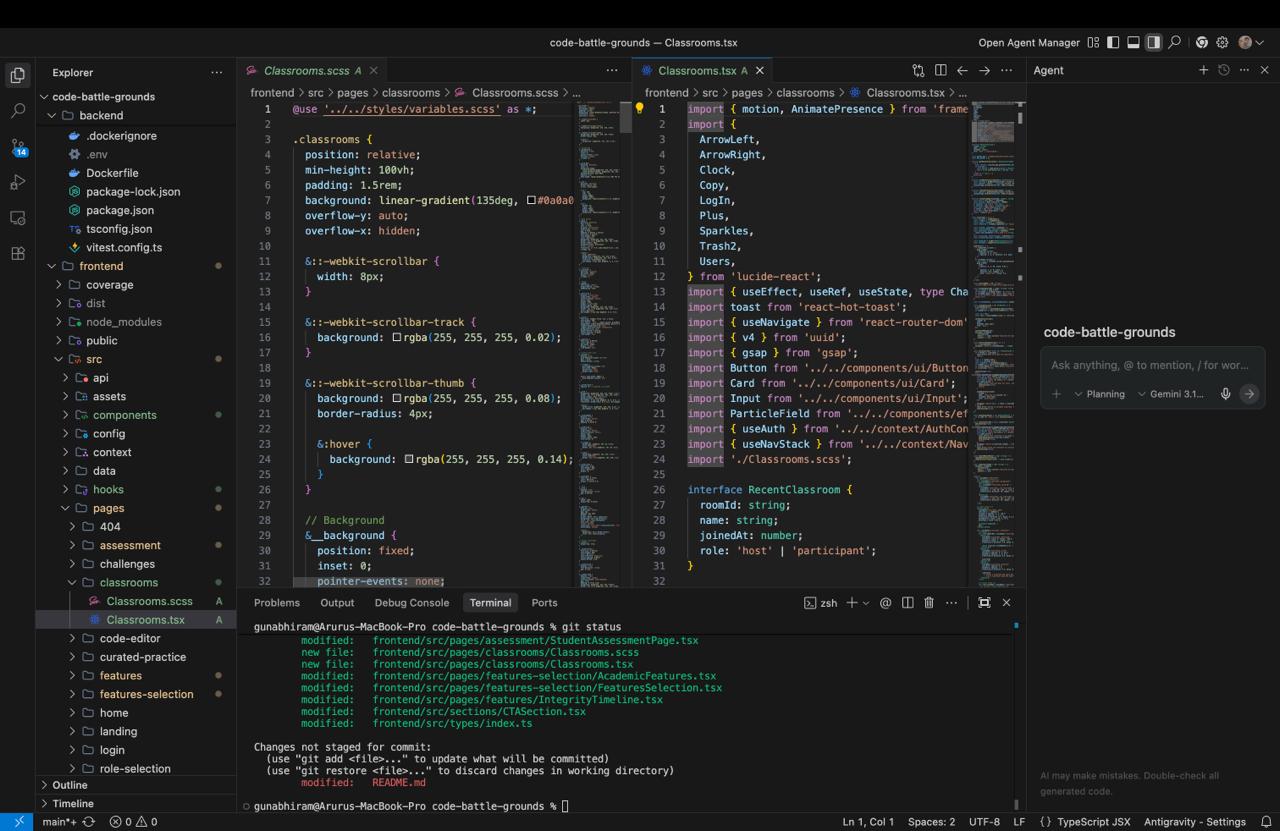
Antigravity
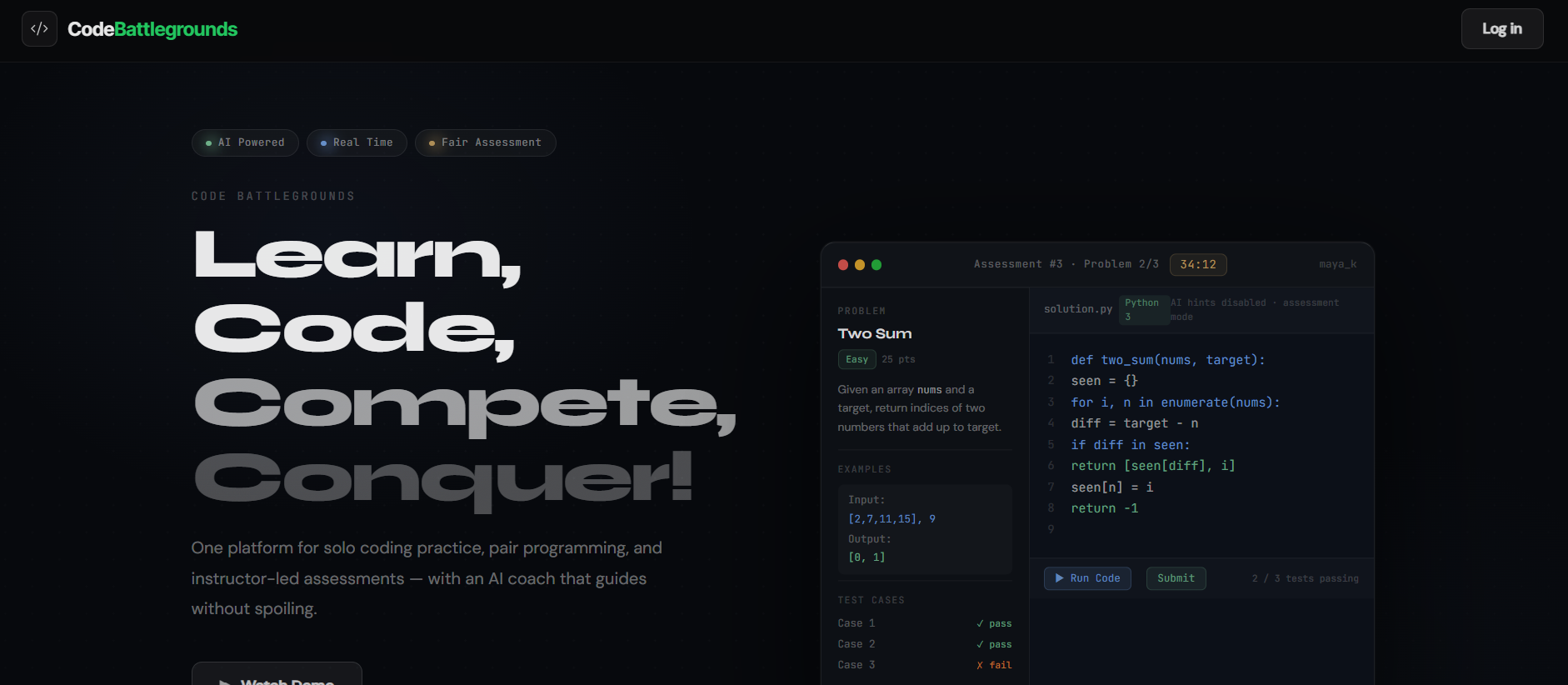





Code BattleGrounds
Inspiration
Most coding platforms solve only one part of the problem. Some are built for solo practice. Some focus on live collaboration. Some are designed for assessments. Some add AI, but often in a way that either overwhelms the learner or makes the experience feel unfair.
We wanted to build something more complete: A platform where students, faculty, and professionals could all use the same system, but in ways that actually fit their NEEDS. That idea became Code BattleGrounds, an AI-powered collaborative coding platform for solo practice, pair programming, mock interviews, live classroom teaching and structured assessments.
The inspiration came from a simple gap we kept noticing: Coding is rarely just about solving problem alone. In real life, people collaborate, ask for hints, get stuck, prepare for interviews, work under pressure or deadlines, and learn through feedback. We wanted a platform that reflects these realities instead of reducing coding to a static editor and a submit/run button.
What it does
Code BattleGrounds is a real-time collaborative coding platform that combines Learning, Practice, Collaboration, Mock Interviews, AI Support, and Evaluation in one experience - Single Platform for Multiple Purposes!
It allows users to:
- run code in multiple programming languages
- code together in real-time shared rooms with voice-based and text-based ChatBot assistance
- get AI-powered tiered hints instead of immediate answer dumps in Algorithmic Challenges
- practice through mock interview workflows
- use role-based experiences for students, faculty, and professionals
- live classroom teaching mode, where faculty can create a classroom, invite students to join, explain code in real time, and let students follow every code change as it happens.
- create and manage coding assessments
- view live collaborative execution output directly in the editor
- thoughtful hints for algorithmic challenges
- curated problem sets for specific plan of the user
At its core, the platform is meant to support multiple kinds of users in a single ecosystem:
- Students can learn, practice, collaborate and complete assessments
- Faculty can create more structured coding assessments and review work
- Professionals can use it for solo practice, pair programming, and technical preparation for interviews and curative practice sets.
How we built it
We built Code BattleGrounds as a full-stack real-time web application with websockets.
Frontend
We used:
- React
- TypeScript
- Vite
- AntiGravity
- Socket.IO client
- ElevenLabs
- Framer Motion / animation tooling
- modern component-driven UI patterns for role-based pages and workflows
The frontend was designed to feel like a modern coding workspace instead of a plain form-based platform. We focused on making the experience feel interactive, clean, and mode-specific depending on whether the user was practicing, collaborating, or entering an assessment workflow.
Backend
We used:
- Node.js
- Express
- TypeScript
- Socket.IO
- AntiGravity
- Supabase for authentication and backend services
- Gemini API for AI hints and support
- ElevenLabs for voice-related interview functionality
Architecture
A major part of the build was separating the experience into multiple product modes rather than forcing everything into one generic interface:
- Algorithmic Challenges
- Mock Interviews
- Pair Programming
- Curated Practice Tests
- Classrooms
- Assessment Mode
- Integrity Insights
That decision made the product much stronger. Practice mode should feel supportive. Collaboration should feel live and shared. Assessment mode should feel more structured and controlled. Trying to make one interface do all of that would have made the product messy and weak.
Challenges we ran into
1. Scope control
This was the biggest challenge.
The project can easily become five products at once: a collaborative editor, an interview prep tool, an assessment system, an AI copilot, and a classroom platform. That is exciting, but it is also dangerous. The biggest risk was building too many shallow features instead of a few strong ones.
We had to decide what needed to be working now versus what should remain clearly defined next steps.
2. Balancing AI help with fairness
Adding AI is easy. Adding it responsibly is hard.
In a learning mode, AI should help users get unstuck, explain concepts, and guide thinking. In an assessment setting, that same behavior can completely destroy fairness. We had to think carefully about how AI should behave depending on context, and how to make it useful without letting it take over the experience.
3. Real-time collaboration complexity
Real-time systems look simple in demos and turn chaotic in implementation.
As soon as multiple users share an editor, we have to think about:
- synchronization
- room state
- user presence
- execution feedback
- session flow
- role-based routing
- edge cases on refresh or reconnect
Getting collaboration to feel natural without breaking the user experience was one of the hardest parts.
4. Designing for different user types
A student, a faculty member, and a professional do not enter the platform with the same goal. One wants to learn, one wants to evaluate, and one wants to sharpen skills efficiently. Designing those flows cleanly was difficult because a weak separation would make the platform feel confusing.
Accomplishments that we're PROUD of
We are proud that Code BattleGrounds is not just a code editor with AI added on top.
What makes it meaningful is the combination of:
- real-time collaborative coding
- multi-language execution
- AI-powered hinting
- role-based workflows
- assessment creation
- mock interview support
- voice based and text based chat-bot
- 4-level hints when stuck in algorithmic challenges
- shared coding rooms and live interaction
That broader vision gives the project depth beyond a typical Hackathon Demo.
What we learned
We learned that a strong project is not built by stacking random features. It is built by creating a clear product story.
We also learned that:
- AI is most useful when it is constrained
- real-time collaboration is much harder than it appears
- role-based product design matters
- good systems need strong mode separation
- learning platforms become more valuable when they support the full journey, not just the final answer
One of the biggest lessons was that coding is not just a technical action. It is also a social and educational process. The moment we started treating the platform that way, the product became much stronger.
What's next for Code BattleGrounds
The next step is to turn Code BattleGrounds from a strong hackathon project into a more complete learning and collaboration platform.
We want to expand and improve:
- instructor-facing dashboards and authoring tools
- richer assessment workflows
- session replay and review features
- learning memory and performance insights
- stronger integrity-focused review systems
- better analytics on coding growth over time
The long-term goal is to make Code BattleGrounds a platform where:
- students learn more effectively
- faculty assess more fairly
- professionals practice more realistically
- collaboration feels natural and productive
Extra: Why this project matters
Most coding tools still treat programming as either a solo activity or a one-time test.
We think that misses the point.
Real coding involves collaboration, iteration, feedback, struggle, and improvement. People pair program. They prepare for interviews. They work with mentors. They ask for help. They debug together. They work under time pressure. They learn over time.
Code BattleGrounds is our attempt to build a platform that reflects that reality better.
Built With
- ai
- apis
- ci/cd
- css
- express.js
- framer-motion
- gemini
- github
- github-actions
- html
- monaco-editor
- mongodb-/-firebase
- node.js
- react
- rest-apis
- sass
- socket.io
- supabase
- tailwind-css
- typescript
- vite


Log in or sign up for Devpost to join the conversation.