-
-

Cocorico's Logo, AKA "Logorico"
-
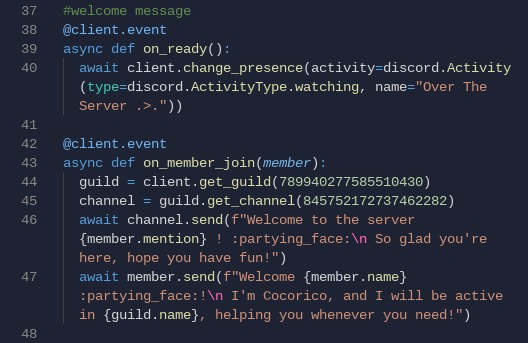
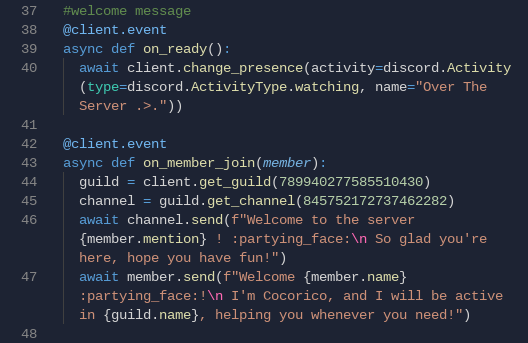
Welcome Message Code
-
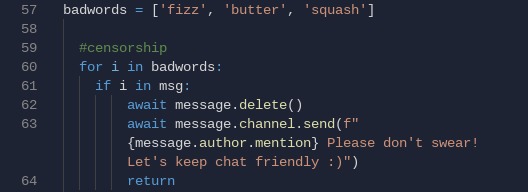
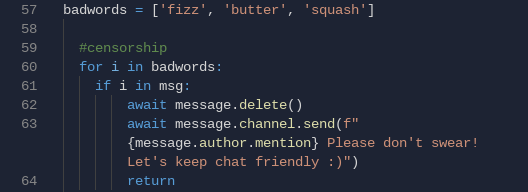
Censoring Bad Words Code
-

Help Messages Code
-
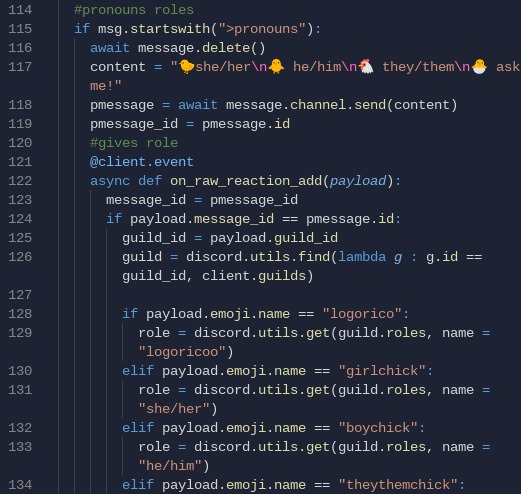
Pronoun Roles Code
-
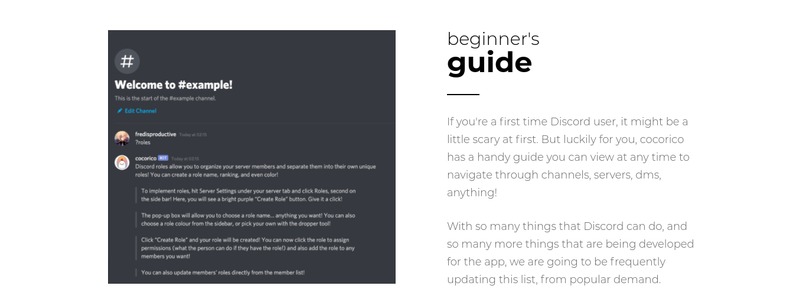
Roles Sneak Peek Website
-
-
-
-
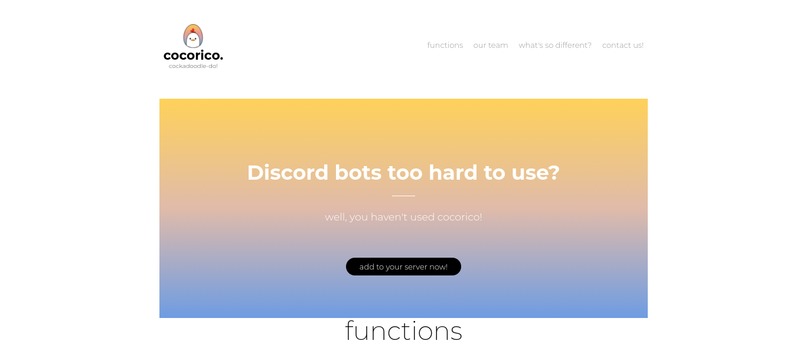
Website Home Page
-
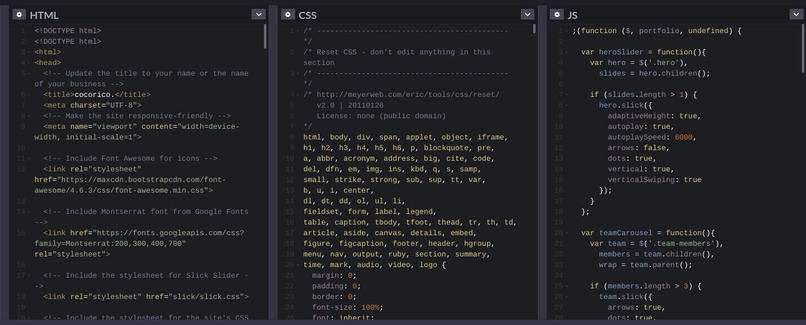
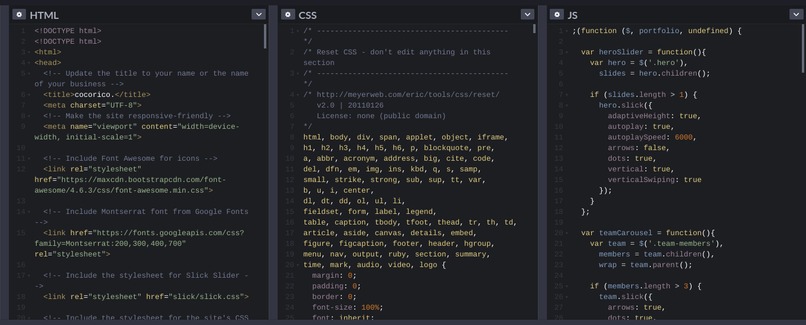
Website Code
-
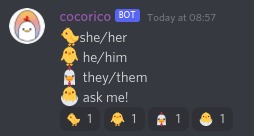
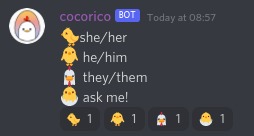
Pronouns Usage in Discord


Inspiration
With the rise of COVID-19, multiple schools and organizations have been forced to move online to a variety of platforms such as Google Meets, Zoom, and (our favourite), Discord. Although Discord is incredibly useful for club and group meets, it does require a fair amount of knowledge in order to run a server. For those not experienced, the program seems like a bunch of scary words, numbers, settings, and people! We identified this problem in the clubs we're in ourselves, watching our poor club execs beg for help in creating a Discord server from those more experienced. Thus came: Cocorico! The dummy proof bot made for server handling ANYONE can use!
P.S: Cocorico is "Cock-a-Doodle-Doo" in French (Vive la Canada?), hence our chicken mascot!
What it does
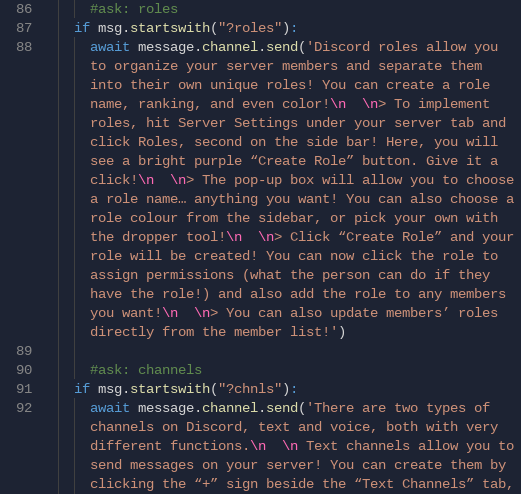
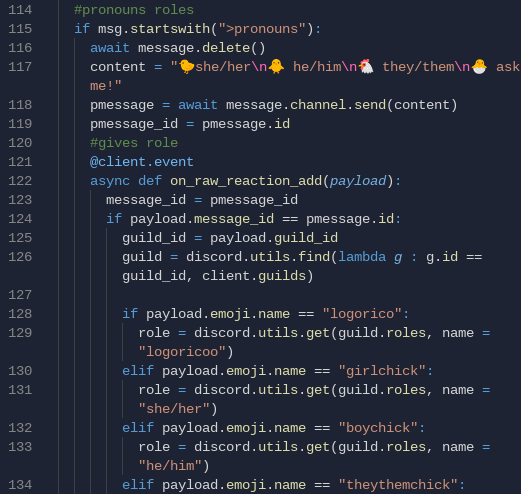
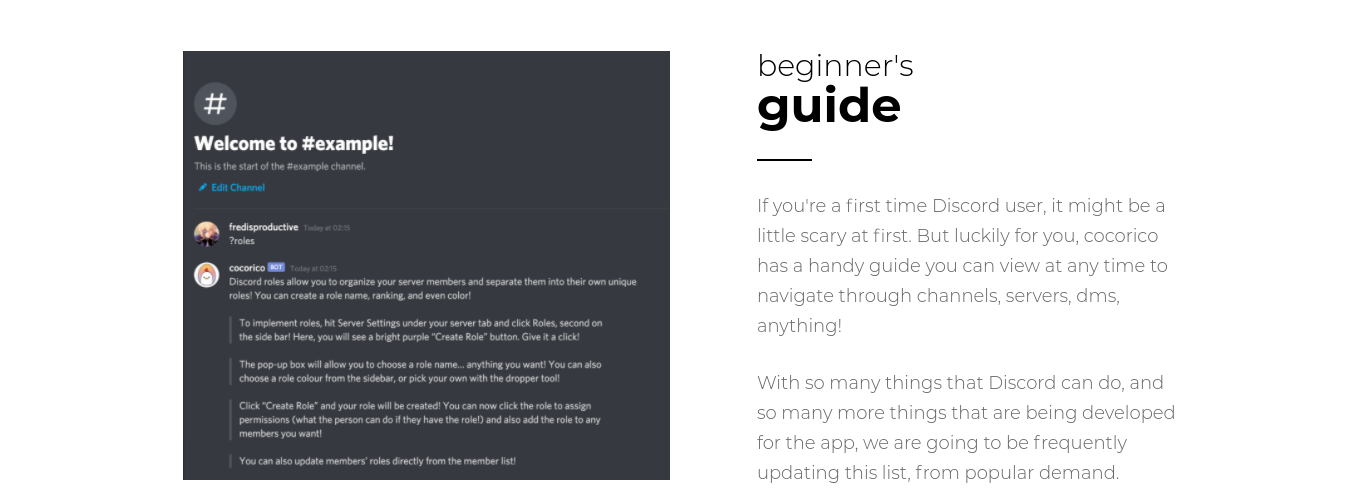
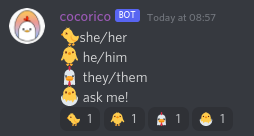
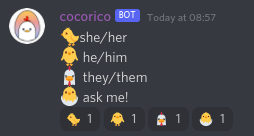
Cocorico is an incredibly simple bot made to guide lost server-owners in creating a Discord server. The bot provides a detailed help system (see images!) that guides Discord newbies with functions such as voice calling, role creation, and inviting members. Beyond this, Cocorico also censors inappropriate words not suited for professional settings or school clubs. Cocorico also runs a pronoun role function that allows users to identify themselves through the click of an emoji, making servers a safe and comfortable space for everyone :)
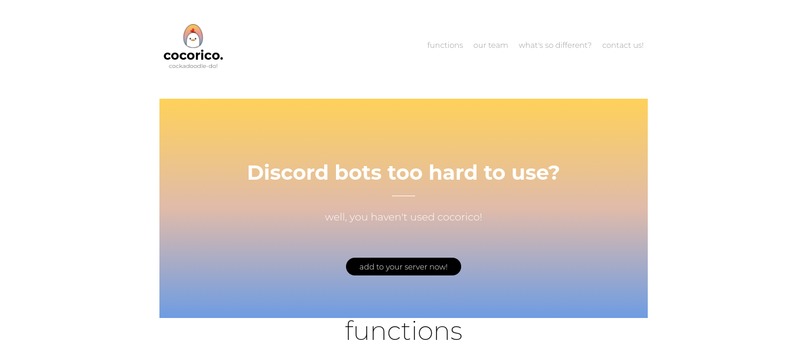
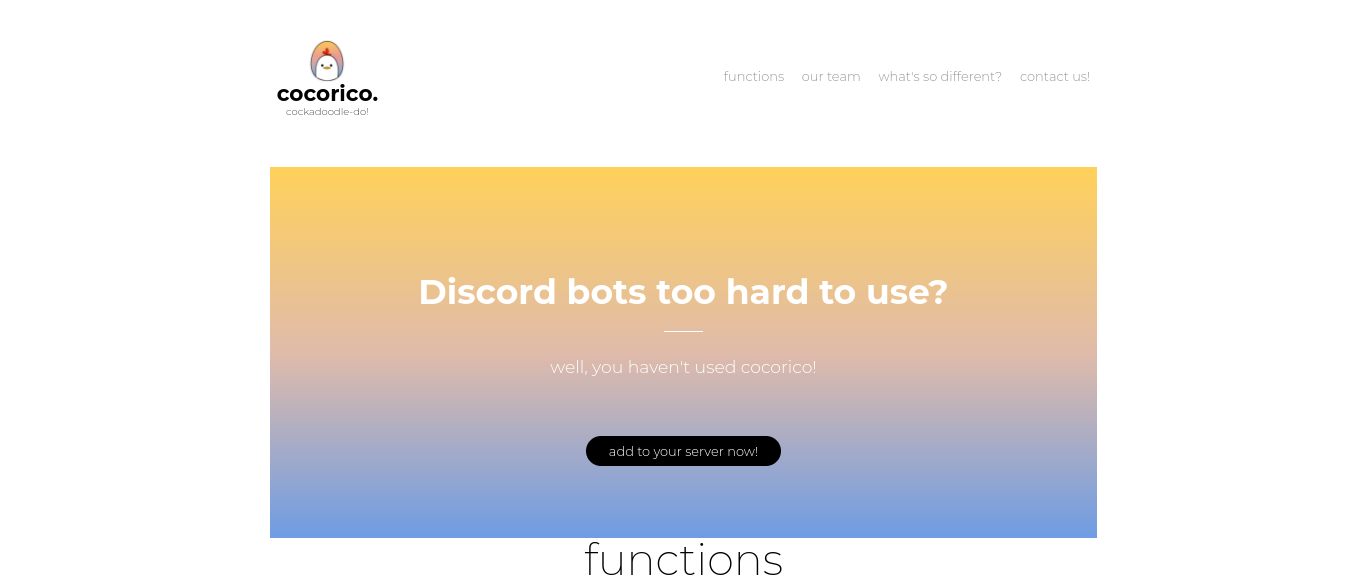
Cocorico ALSO has a website! It guides users through a rundown of our server, introduces us (the creators) to you guys (the people we hope will use our bot)!
How we built it
Building Cocorico was a process. We began by making a bot in the Discord Dev Portal, hooking the bot up to code in a repl.it (I cannot believe that worked) coding in discord.py, then hooking the bot up to an uptime robot to ensure it didn't stop working randomly.
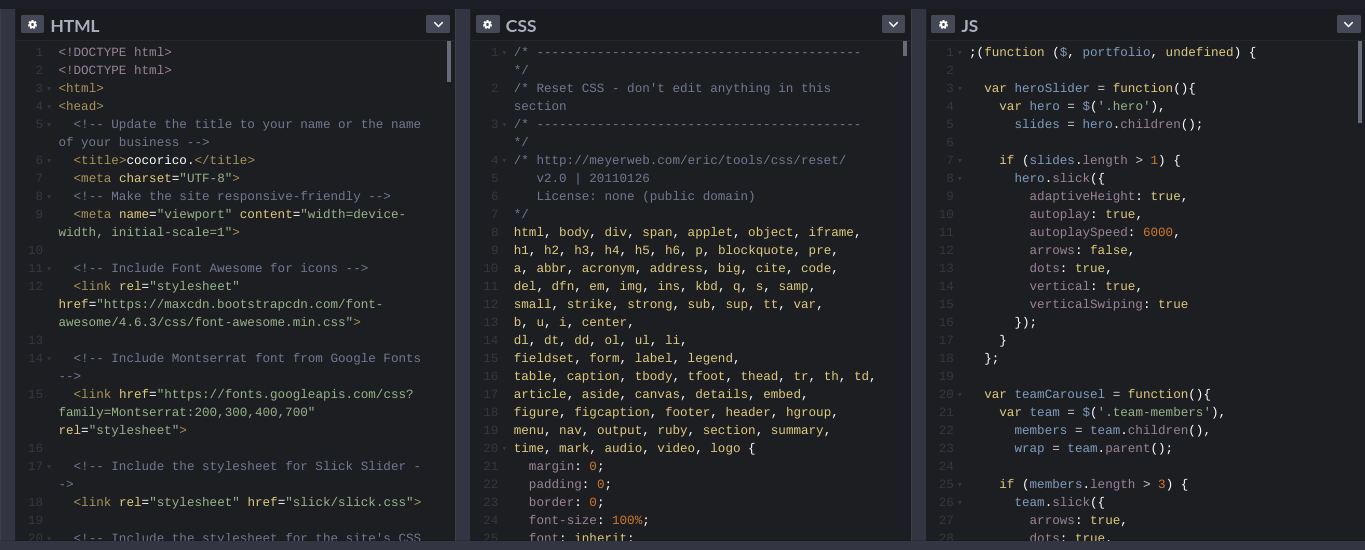
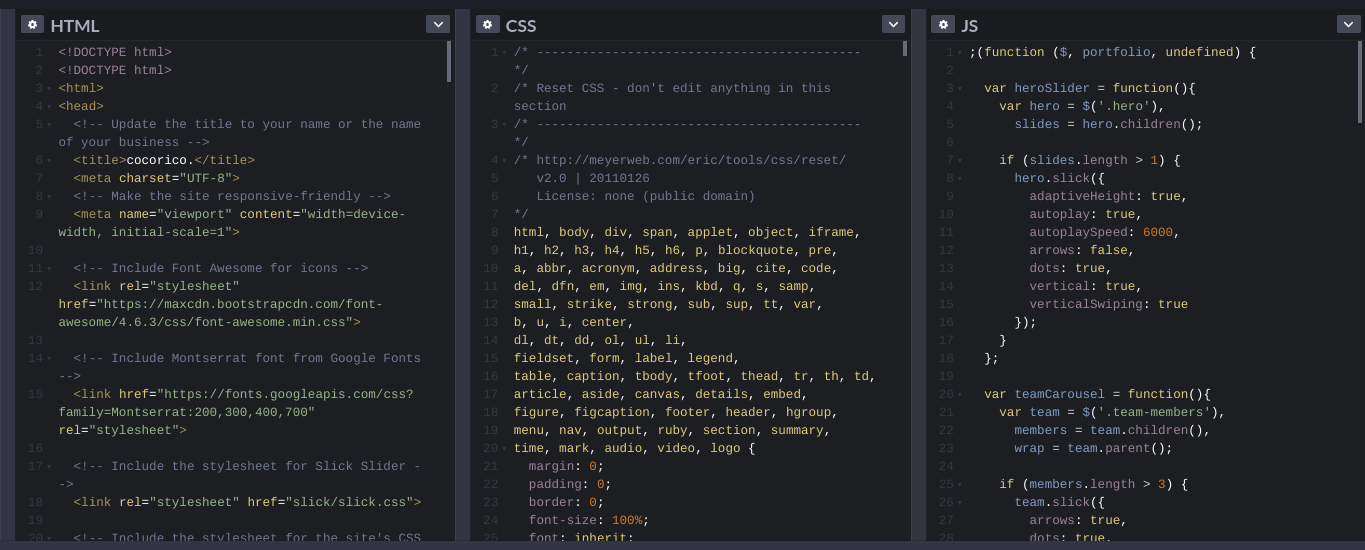
The website was made in codepen.io, and coded with HTML, CSS, and JS.
Challenges we ran into
Fun fact: We've never made a Discord bot before! Almost everything was a challenge. We're all experienced in python, but had no clue how discord.py worked, so I guess our first challenge was actually learning how to get the bot running! It took us an hour just to get the bot set up. (darn .env files!)
After getting the bot set up, we actually had to learn how to code with discord.py. We looked at a bunch of other code and learned the commands through YouTube tutorials, other existing code, and a variety of websites.
Then came the issue of having everything work. Multiple times our bot went down, didn't output, outputted BRIGHT RED error messages for hours on end. Luckily, we persevered and managed to have everything word through blood, sweat, tears, and stack overflow.
Accomplishments that we're proud of
Having never made a Discord bot before, we are proud of our ENTIRE PROJECT! Prior to this project, we only made a Figma prototype and an HTML website that couldn't be ran without databases we didn't have. Everything we did, we considered as a massive accomplishment such as actually running the bot, learning the discord.py language, the intricacies of repl.it (darn .env files again!), keeping a bot online, the whole she-bang!
What we learned
We learned so much through Cocorico, no exaggeration. We learned how to create a Discord bot, code with discord.py, use repl.it to its full extent, hook a repl up to an uptime robot, and that repl.it was actually CAPABLE of all this. Prior to, we used repl.it for purely terminal based python projects, so actually having it be a functional project we can actually use in real life is amazing.
What's next for Cocorico
Next, we plan on furthering Cocorico's capabilites such as more role creation help, the ability to add your own "bad words", and actually running the bot for usage in schools!
Built With
- codepen
- discord
- discorddevportal
- repl
- uptime-robot


Log in or sign up for Devpost to join the conversation.