Inspiration
Personalized AI coding# Coco
Inspiration
Personalized AI coding setups are awesome, but they all tend to hit the same four walls:
- They're boring (sometimes straight-up brutalist)
- Context is a pain in the ass to manage
- They don't get better. Agents that keep improving is one of the coolest things modern AI infra can do, and these setups miss it
- They make stuff up about your code. Ask where something lives in your repo and you get a confident, totally invented file path
What it does
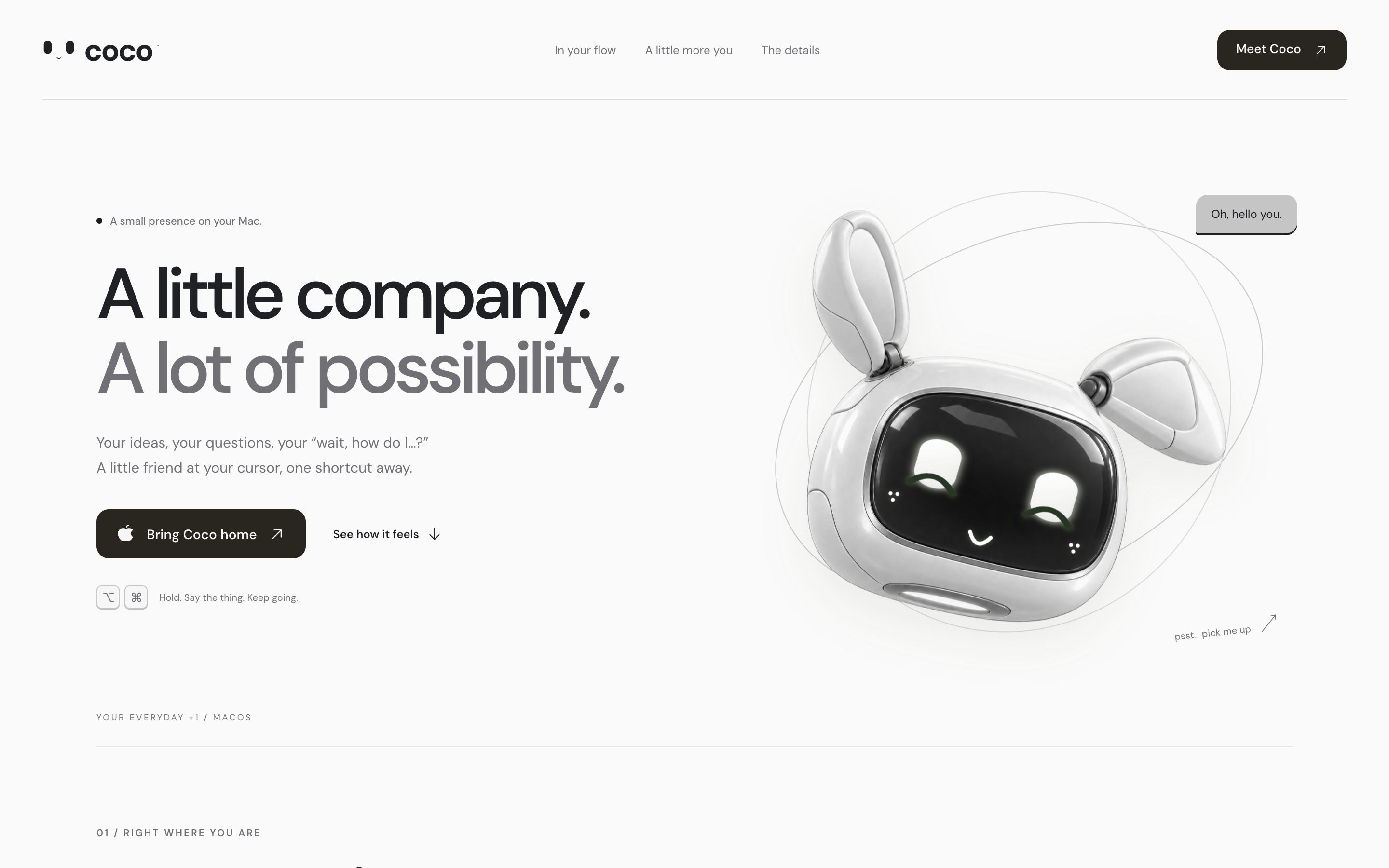
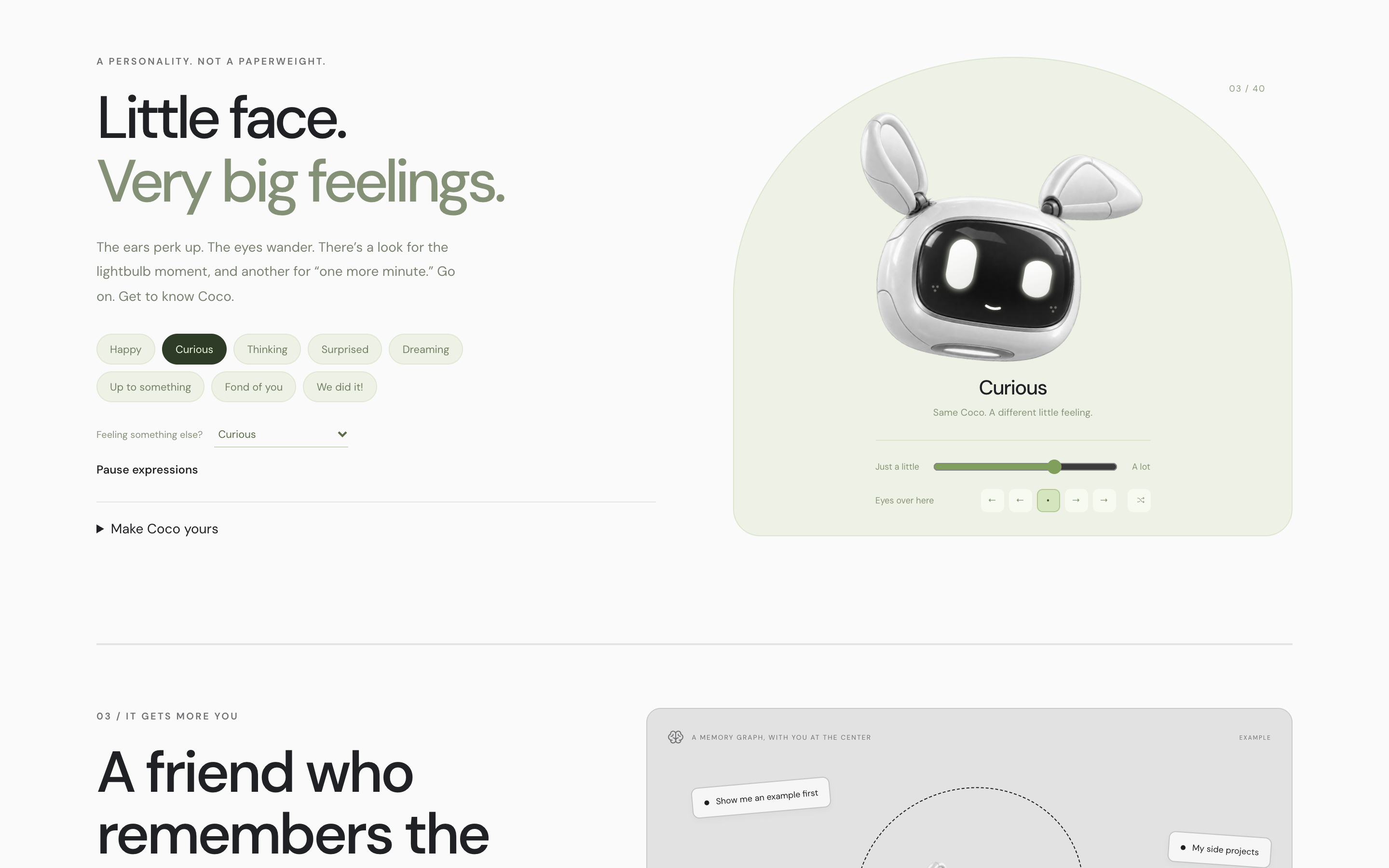
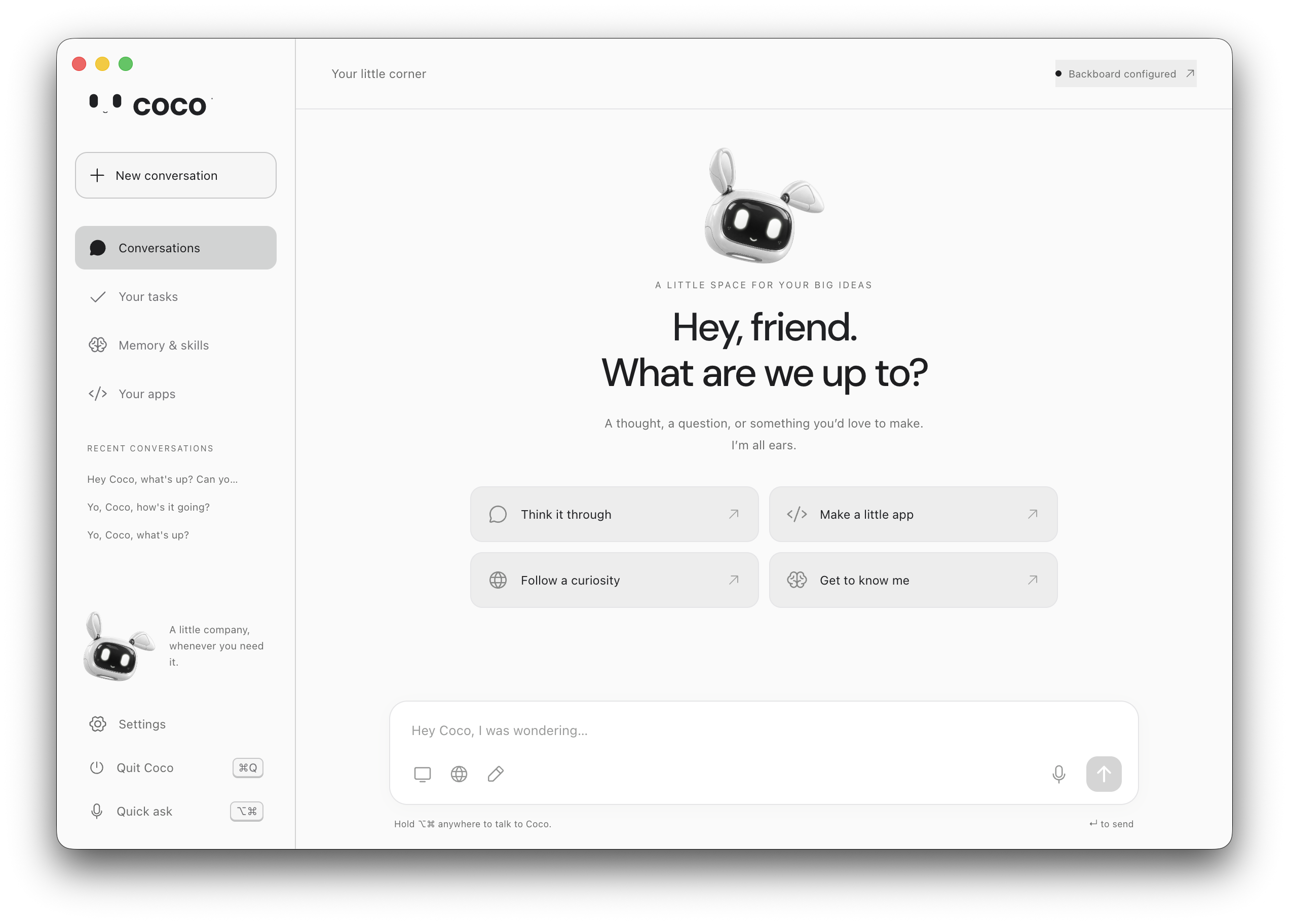
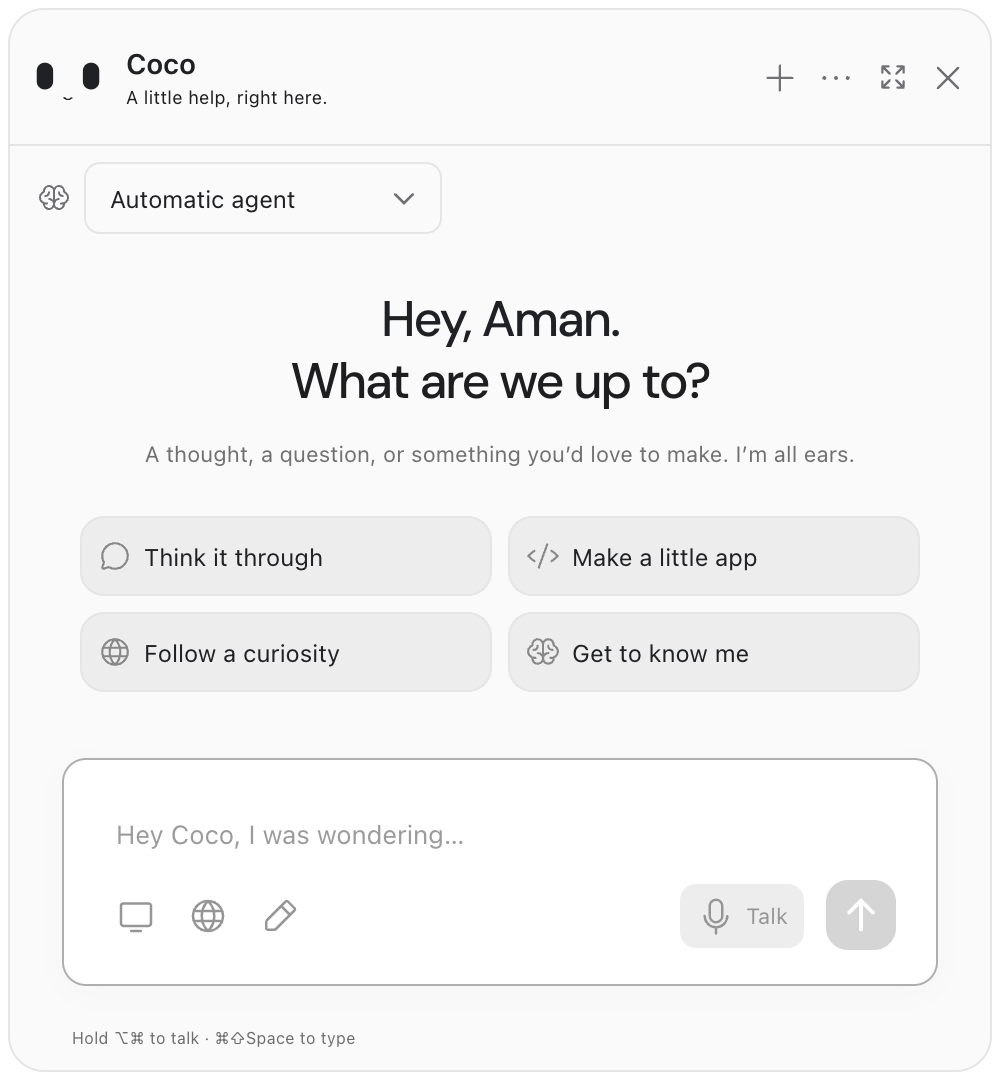
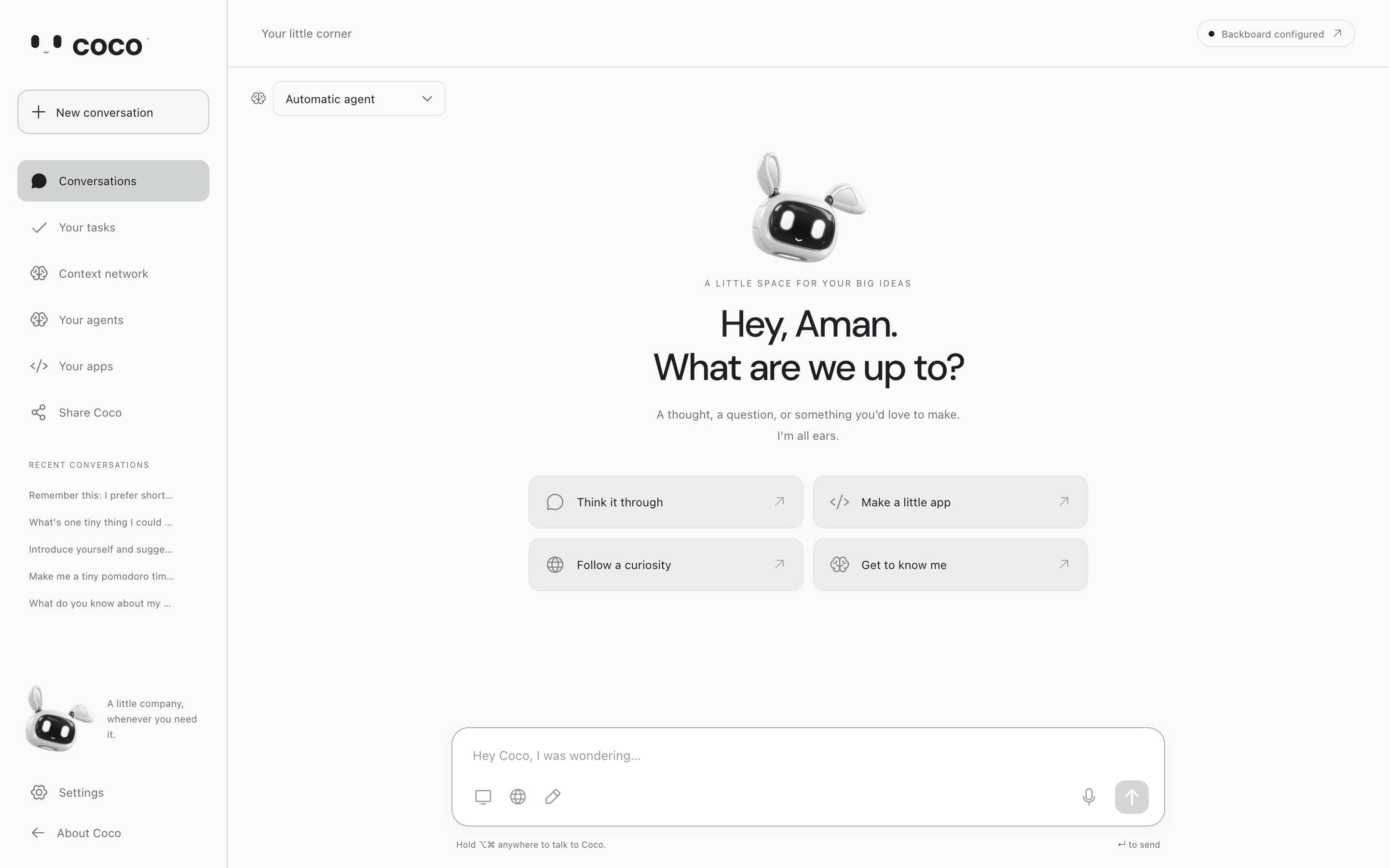
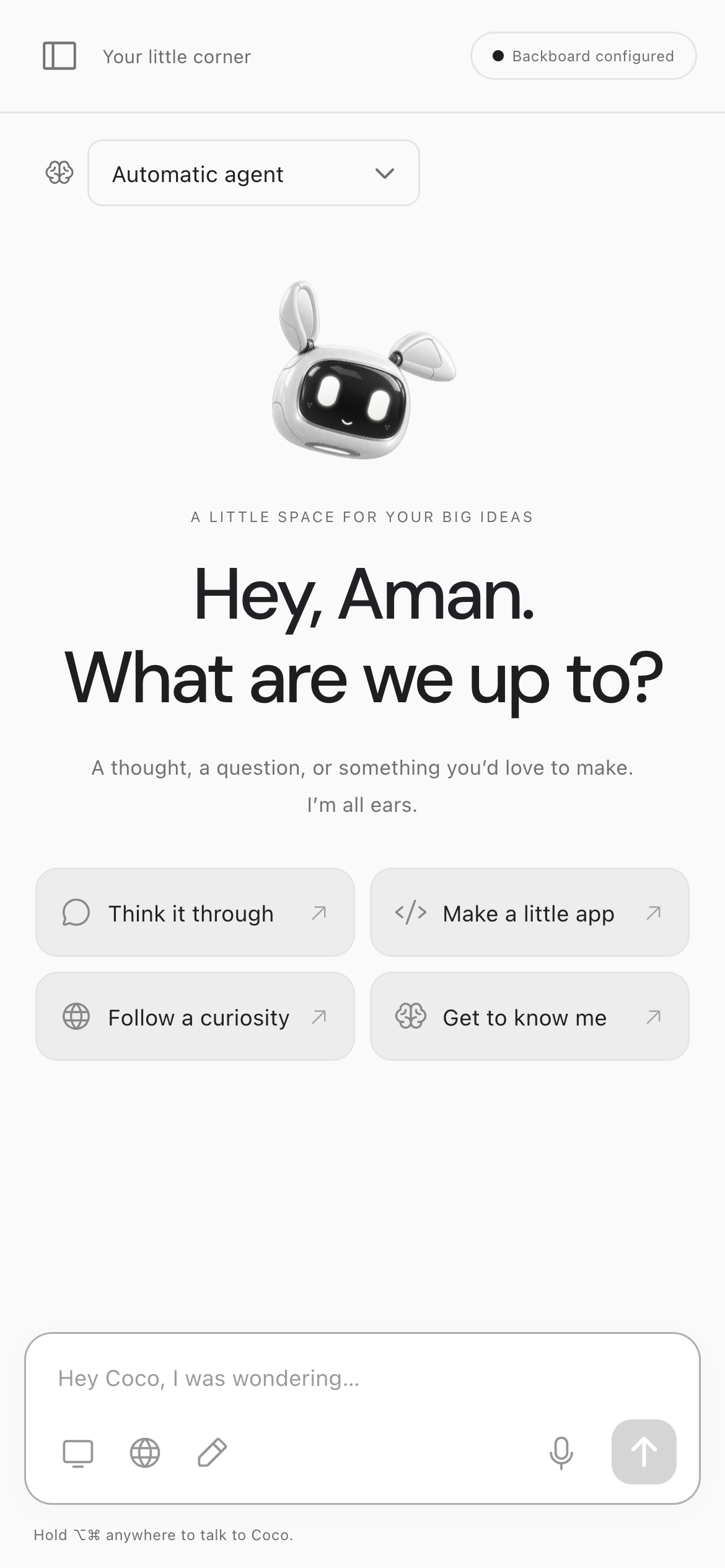
Coco is a little robot buddy that lives quietly in the background of your laptop. It fixes all four of those, wrapped in an interface that I gotta say is sooo clean:
- Boring, brutalist UIs → a robot buddy that talks and draws on your screen
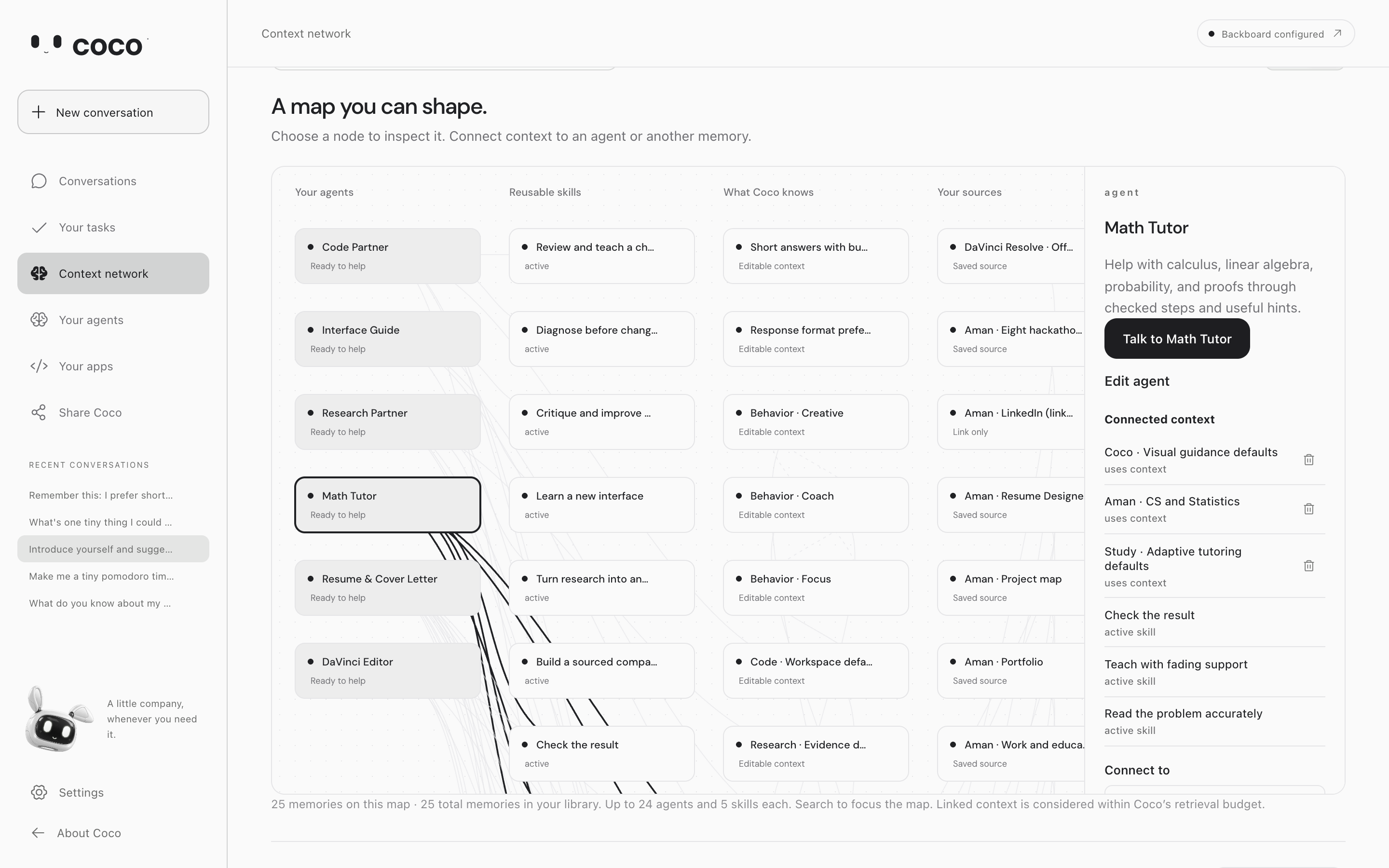
- Context is a pain → vectorless RAG over a graph of you
- Agents never improve → specialist Cocos that learn from feedback
- Made-up answers about your code → answers from your actual repo, powered by Estelle
Let's go from the ground up.
Talk to it
Hold ⌥ + ⌘ and just ask. Coco can do anything through your computer:
- play music
- open videos and files
- pull up recipes
- book things in your calendar
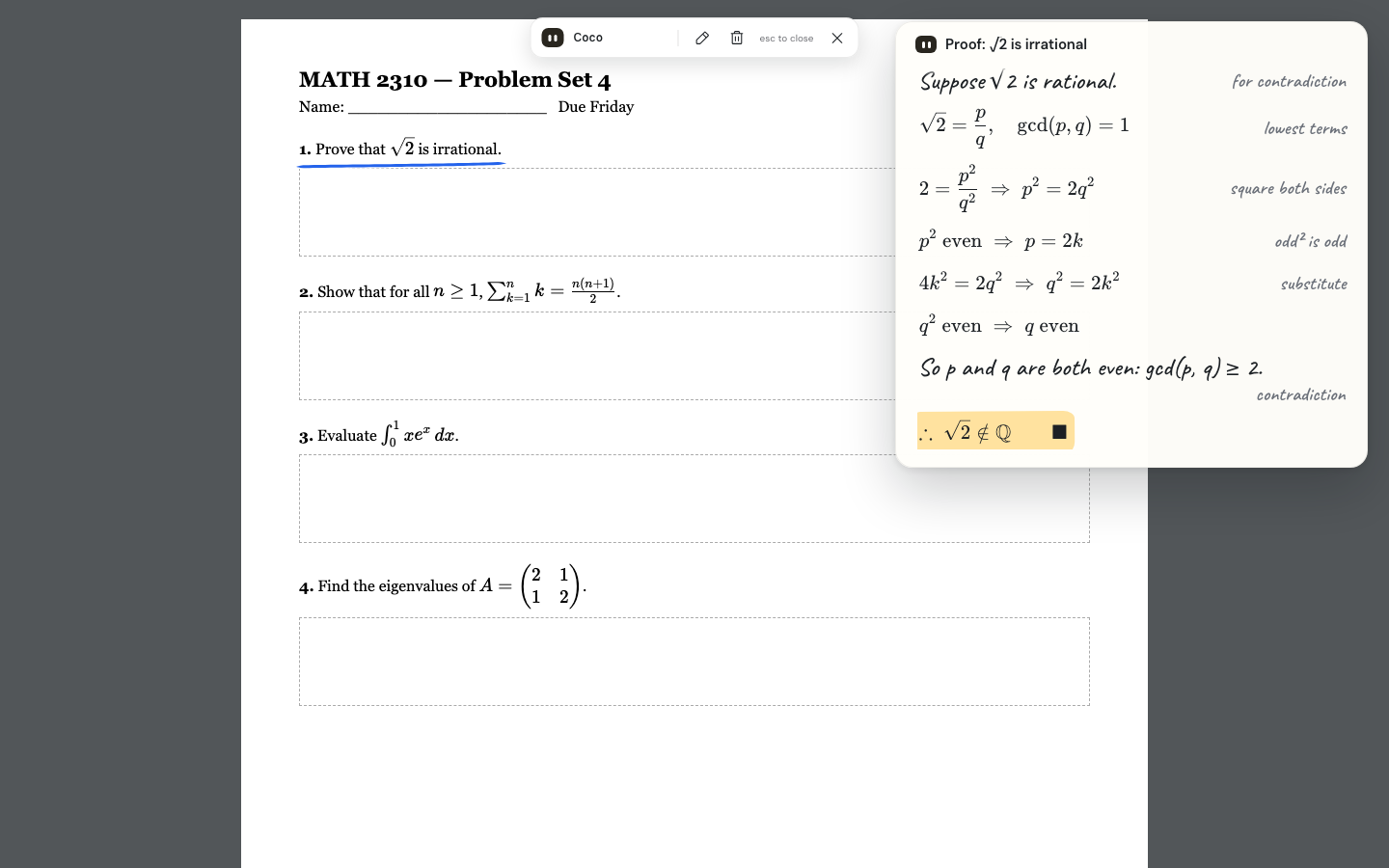
It draws on your screen
Coco can draw directly on your screen and intuit its way through interfaces it's never seen before.
- Drop it into Canva cold and it can walk you through it or use it to help you build whatever you're making
- Stuck on a practice problem or a video? It sketches the explanation right on top of it
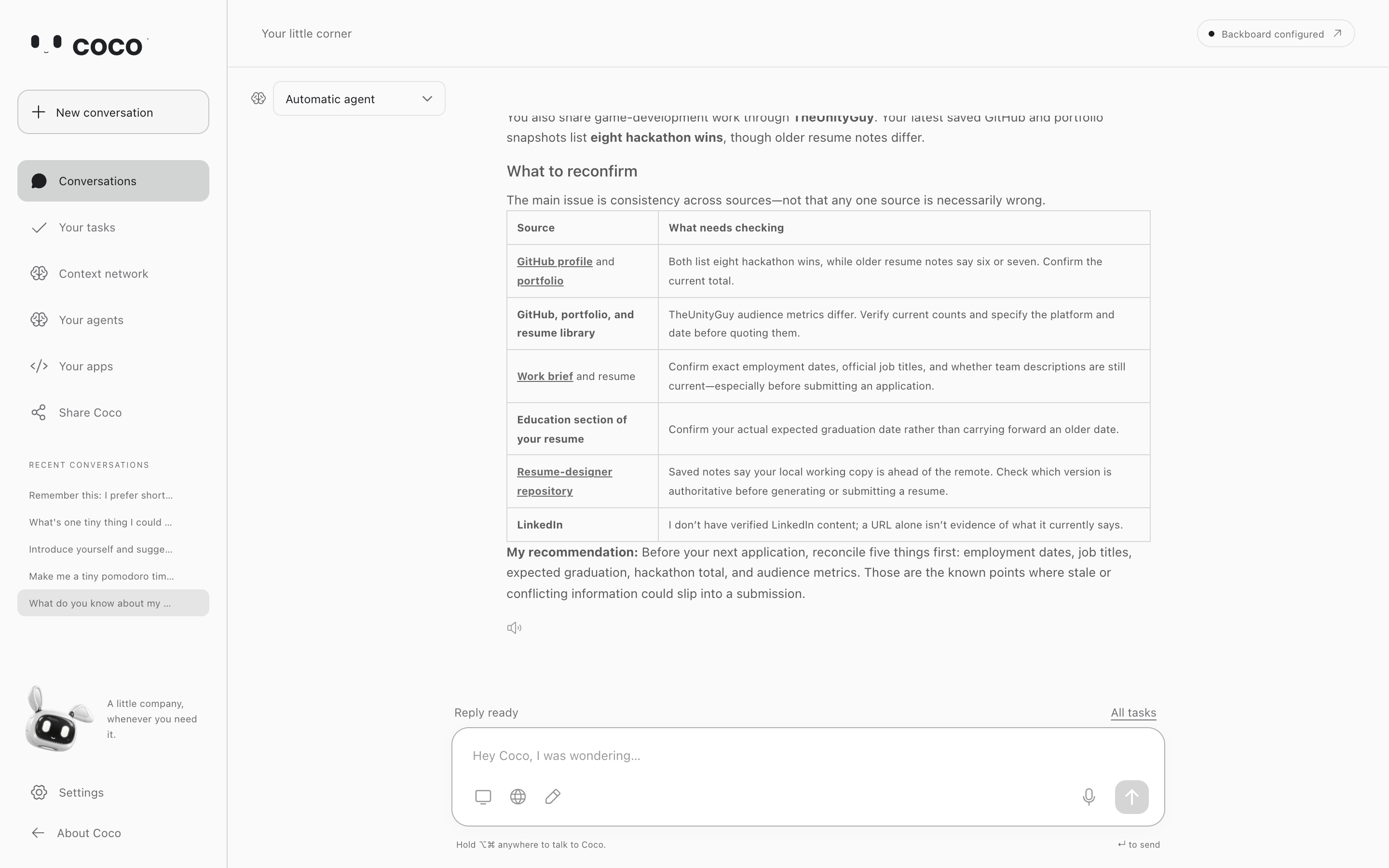
It knows you, without clogging context
Coco uses industry-standard vectorless RAG (Tree DSA) to sift through a context graph it builds about you.
- It knows a lot about you, but only pulls in what's relevant, so your context window stays clean
- The more you use it, the sharper it gets at your personalized tasks
It knows your code, powered by Estelle
Hook up a repo through Estelle and Coco answers from what's actually in it, not what the model half-remembers.
- Ask it anything about your code: "what calls raycastPlane?", "how does my site handle reduced motion?", "what breaks if I change this file?"
- Every line gets double-checked: before Coco shows you a
file:line, it reopens that file on your laptop to make sure the line is really there. If the code moved, it points to the new spot - It won't make stuff up: ask where my portfolio handles Stripe payments (it doesn't) and Coco says it couldn't find any, instead of inventing a file
- It won't hand you broken code: before showing a change, Coco has Estelle check it. Tell it to use a helper that doesn't exist and Estelle flags it, so Coco stops and asks first
Setup is quick: paste your Estelle key in Settings, pick the repo folder, hit Index with Coco. It shows you exactly what it'll send before anything leaves your laptop.
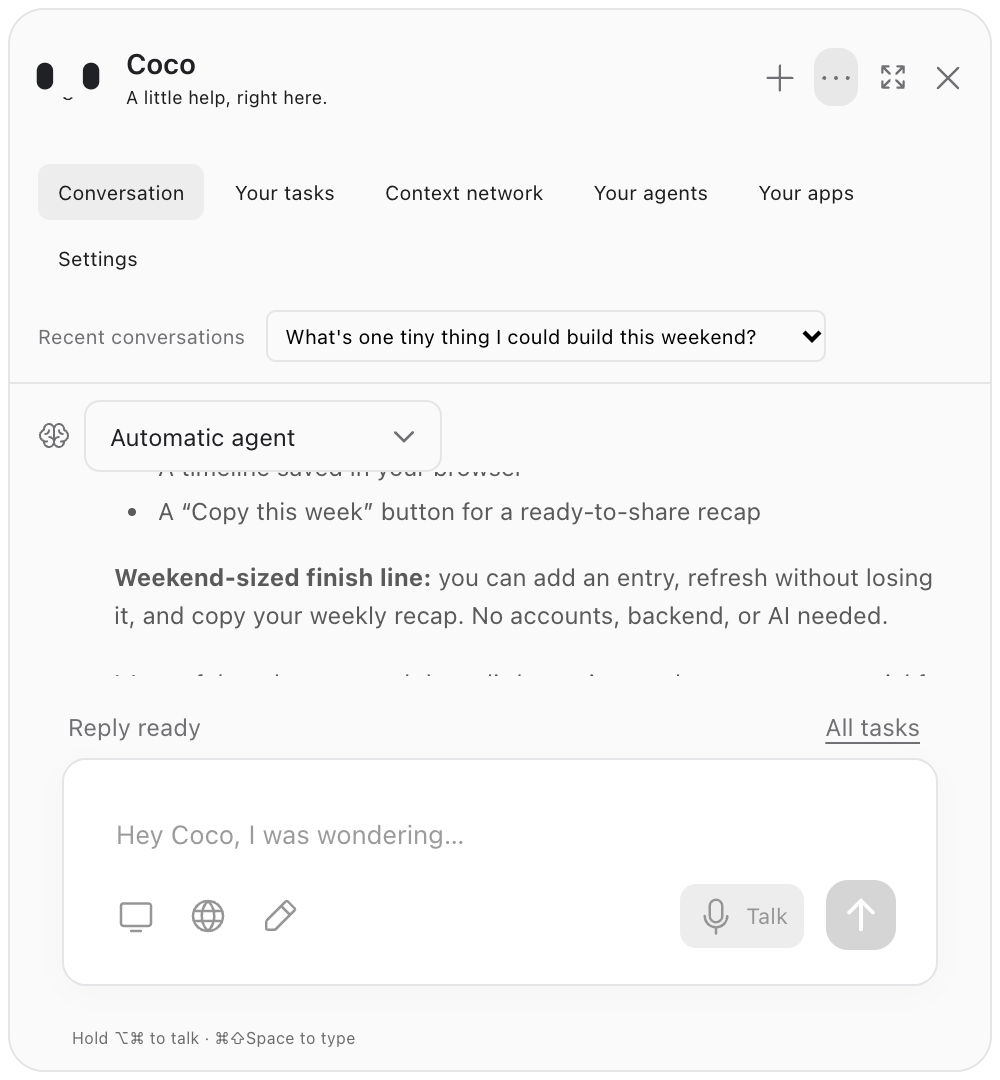
Specialist Cocos that learn
But it gets even better 😂
You know the drill: want an agent to fine-tune resumes? You build up skills, hook up tooling, and then finally get to do the one small task.
With Coco, those skills and configs are saved as versions you can switch between on the fly:
- You: "make me a resume for this job"
- Coco picks your saved resume agent, pulls in everything relevant it knows about you, and writes it
- You: "too wordy, keep it to one page"
- Coco updates the agent and learns from it
Share your Cocos
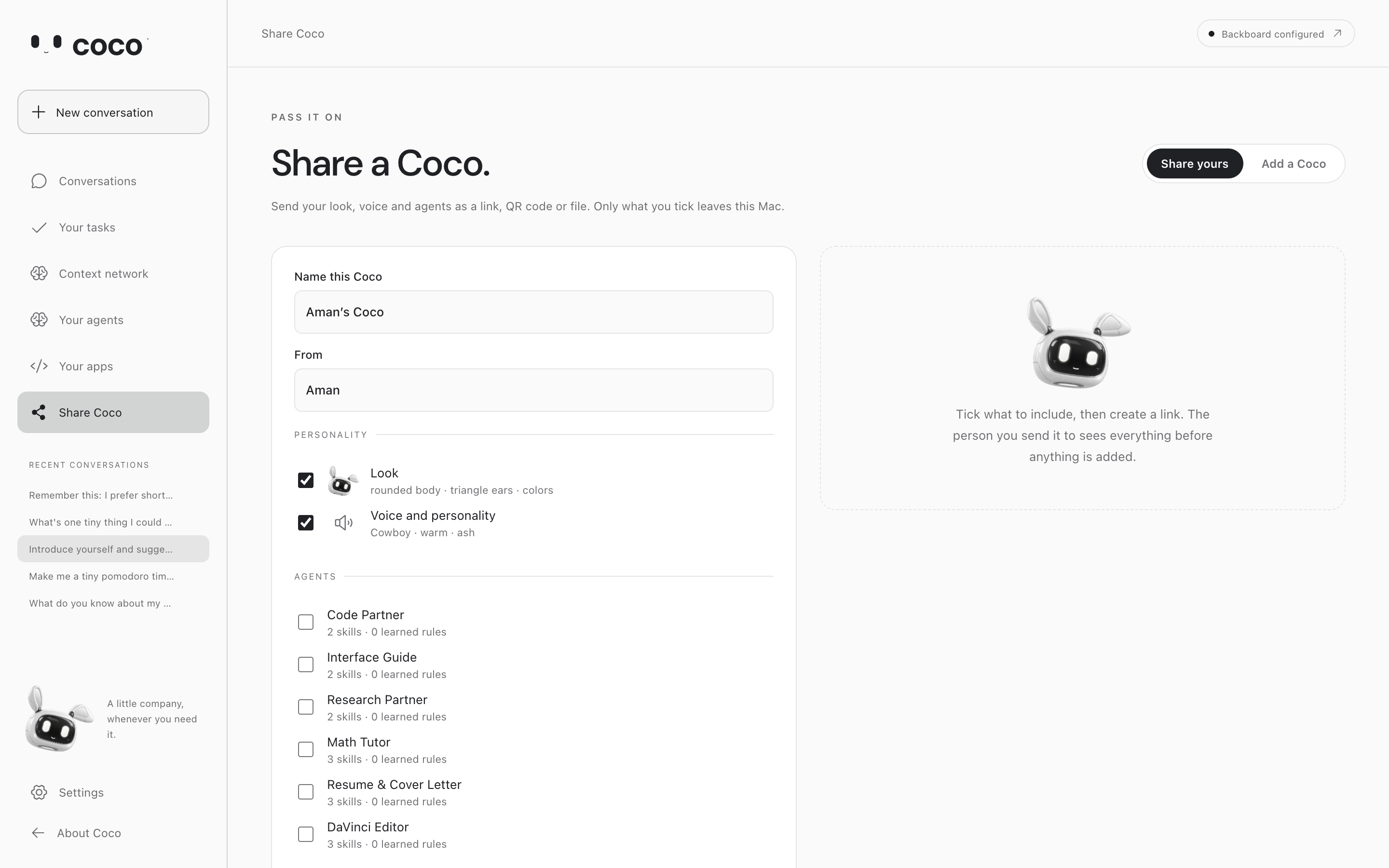
As a cherry on top: built a specialist you love? Share it with a link and anyone can use it.
Challenges we ran into
- macOS permissions: ok I get macOS is trynna stop me from getting a virus, but goddamn these make it hard to autonomously build/deploy/test 😭
- Coco went blind: for some reason it would just start saying it couldn't see the screen, despite all the visual infra built in
- Coco was slow: 20 seconds to respond to a "hi"
- Ugly drawings: the on-screen overlay kept getting built from math-based SVGs, which looked so ahhhh
- Estelle's CLI skipped our whole backend: it ignores
.mjs/.cjsfiles, which is literally all of Coco's server 💀 so Coco indexes repos itself now - "Couldn't find it" ≠ "doesn't exist": keeping those two apart all the way to the UI was way harder than it sounds
Accomplishments that we're proud of
- it works 🙏
- we measured it: same model, same 24 questions about Coco's own code, with and without Estelle, run twice. Without Estelle, Coco can't see the repo, so all it can do is pass or guess. With it: right file 32/32, right line 31/32, zero made-up file paths, and all 648 lines it cited were real
What we learned
- Bruh, pretty much everything here was a first for us. Getting something to work dynamically and autonomously across such a diverse set of tasks was such a pain
- "I couldn't verify that" is a feature, not a bug. A buddy that admits it doesn't know beats one that's confidently wrong
What's next for Coco
- more real-world testing
- more UX polish
- Coco pointing at the exact line on your screen when it cites your code draws on your screen
Coco can draw directly on your screen and intuit its way through interfaces it's never seen before.
- Drop it into Canva cold and it can walk you through it or use it to help you build whatever you're making
- Stuck on a practice problem or a video? It sketches the explanation right on top of it
It knows you, without clogging context
Coco uses industry-standard vectorless RAG (Tree DSA) to sift through a context graph it builds about you.
- It knows a lot about you, but only pulls in what's relevant, so your context window stays clean
- The more you use it, the sharper it gets at your personalized tasks
Specialist Cocos that learn
But it gets even better 😂
You know the drill: want an agent to fine-tune resumes? You build up skills, hook up tooling, and then finally get to do the one small task.
With Coco, those skills and configs are saved as versions you can switch between on the fly:
- You: "make me a resume for this job"
- Coco picks your saved resume agent, pulls in everything relevant it knows about you, and writes it
- You: "too wordy, keep it to one page"
- Coco updates the agent and learns from it
Share your Cocos
As a cherry on top: built a specialist you love? Share it with a link and anyone can use it.
Challenges we ran into
- macOS permissions: ok I get macOS is trynna stop me from getting a virus, but goddamn these make it hard to autonomously build/deploy/test 😭
- Coco went blind: for some reason it would just start saying it couldn't see the screen, despite all the visual infra built in
- Coco was slow: 20 seconds to respond to a "hi"
- Ugly drawings: the on-screen overlay kept getting built from math-based SVGs, which looked so ahhhh
Accomplishments that we're proud of
- it works 🙏
What we learned
- Bruh, pretty much everything here was a first for us. Getting something to work dynamically and autonomously across such a diverse set of tasks was such a pain
What's next for Coco
- more real-world testing
- more UX polish
Built With
- backboard
- docker
- electron
- elevenlabs
- estelle
- express.js
- fate-labs
- node.js
- notion
- react
- swift
- typescript
- vite


