-
-
Main Logo
-
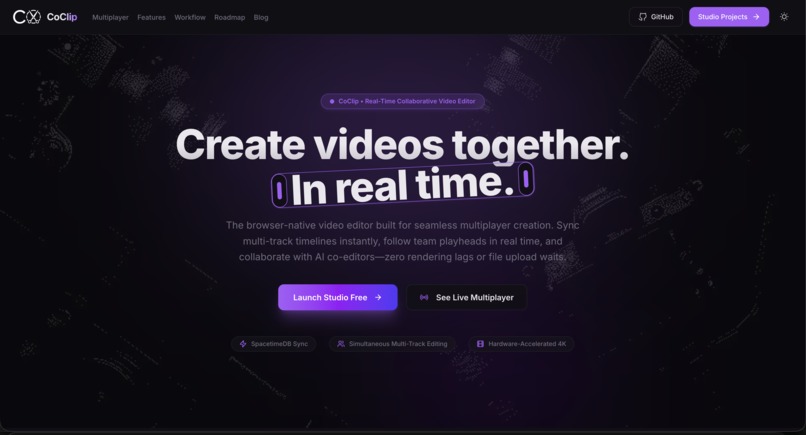
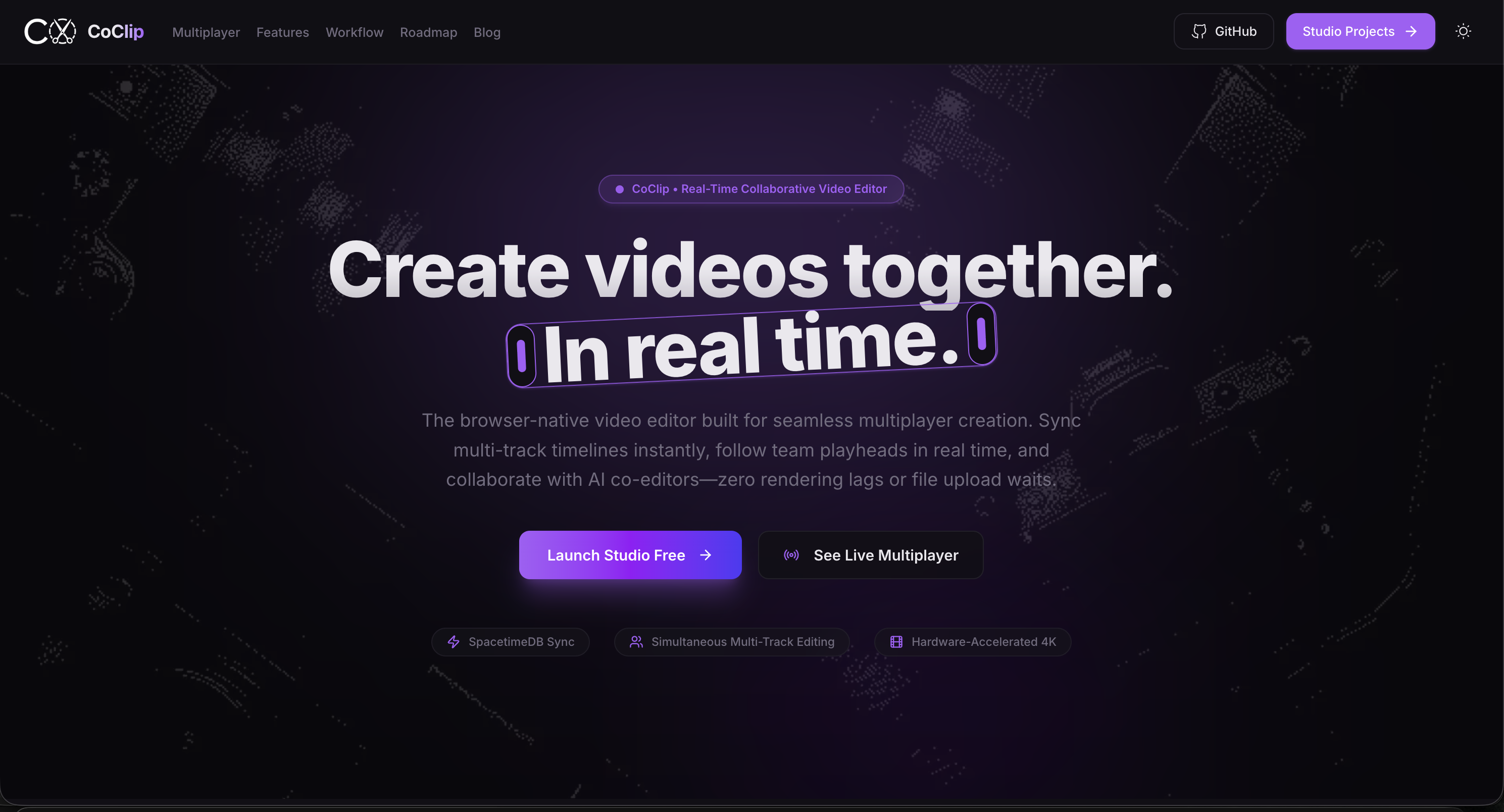
Home Page
-
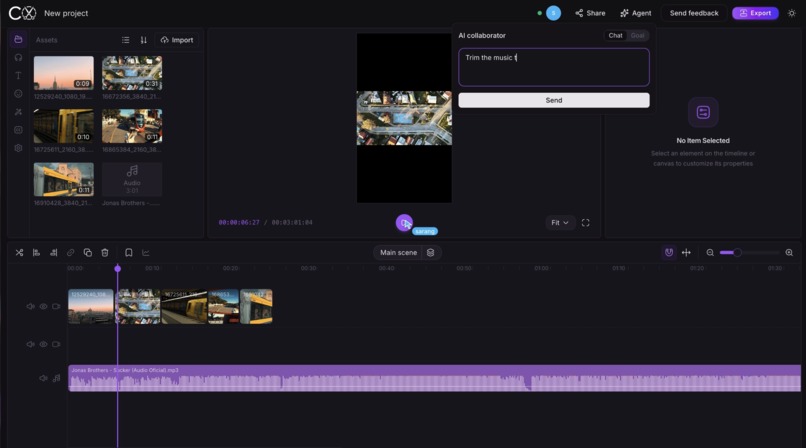
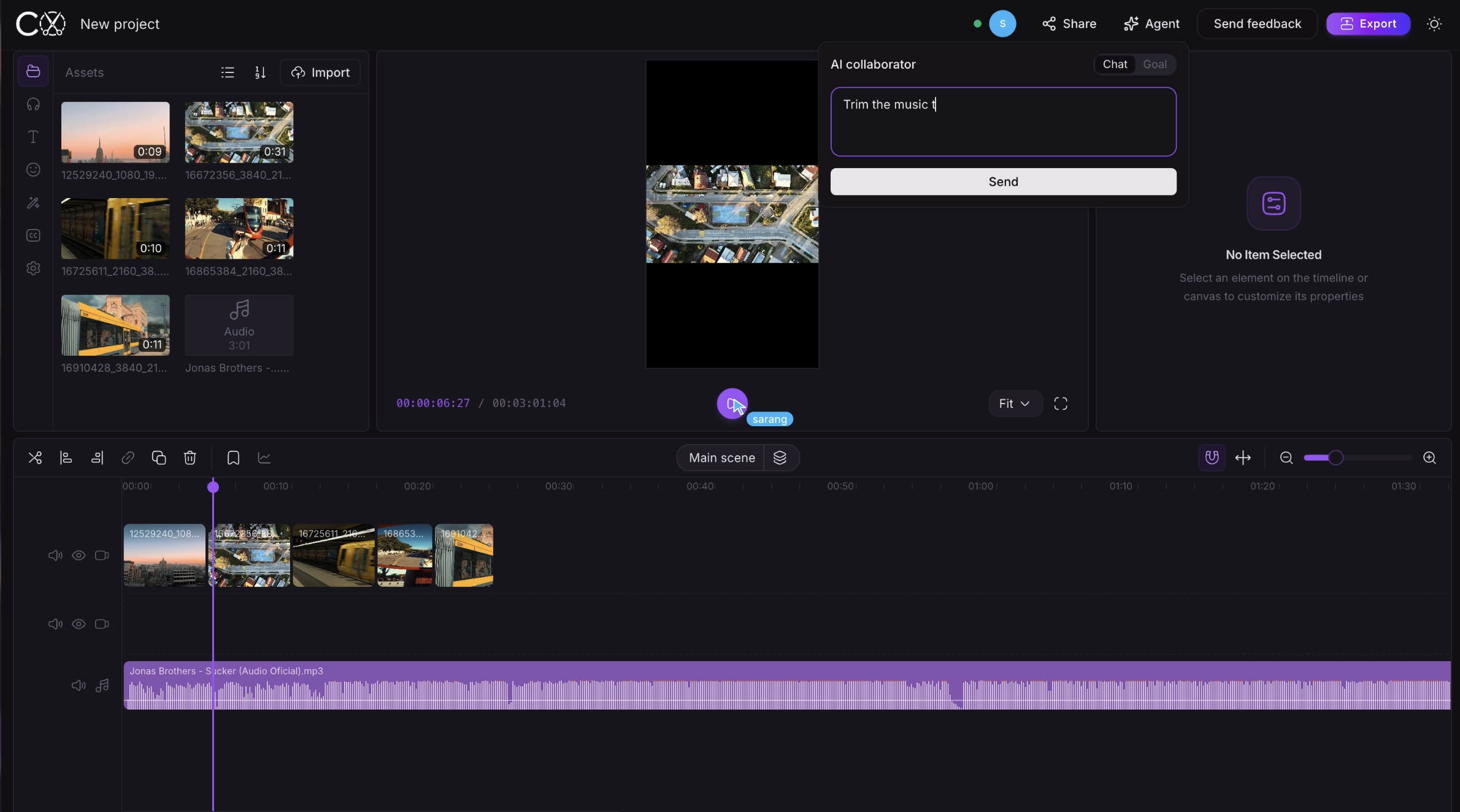
Timeline editor
Inspiration
CoClip started as an idea for a tool that used SpacetimeDB's live shared state to collaborate on AI prompting. After quickly determining that the idea didn't have a broad enough use case, we pivoted and started looking for a domain where real-time shared state could create a genuinely better experience.
After landing on media production, we realized that while collaborative video tools exist, there was still a major gap in editors that allow humans and AI to work together on the same video project in real time.
With that, CoClip was born.
What it does
CoClip is essentially Google Docs for video editing.
With the click of a button, you can share a link with a co-editor and instantly give them access to your timeline, media assets, and project state. Multiple editors can simultaneously work on different parts of the same video without disrupting each other's workflow.
You can listen to audio, edit and rearrange video clips, manage media, and seamlessly prompt your own AI assistant—all while your collaborators are working alongside you in real time.
CoClip also adds the collaborative features you'd expect from a shared workspace, including read/write permissions, user removal, collaborator names, and live cursors.
The AI assistant isn't separate from the editing experience, either. It can understand the project and perform actions directly on the timeline, allowing humans and AI to work within the same shared environment.
With CoClip, video editing no longer has to be a mundane, isolating task. It becomes a collaborative and interactive experience powered by both people and AI.
How we built it
We began building CoClip by identifying which open-source video editor we wanted to fork. We determined early on that our product wasn't the video editor itself, but rather the collaborative experience we wanted to build on top of one.
Once we landed on OpenCut as our editor, we moved on to defining the shared state that CoClip needed to maintain. It quickly became clear that the timeline, media, and core shared application logic needed to be synchronized through SpacetimeDB.
We set up our database around that shared project state and, thanks to the sponsors at SpacetimeDB, were able to host it using their cloud infrastructure. This allowed changes made by one collaborator to propagate to everyone else working on the project in real time.
Next, we integrated Google Gemini into CoClip. We chose Gemini because it gave us access to an intelligent, mainstream, multimodal model while remaining cost-effective enough for a working hackathon demo.
Rather than building an entirely separate workflow for the AI, we first examined the editing tools OpenCut exposed and made those capabilities available to Gemini. This allowed the assistant to understand and manipulate the same project that human collaborators were actively editing.
The finishing touches were mostly focused on the user experience. We completely changed the UI theme to differentiate CoClip from the original OpenCut product, developed our own logo, and redesigned parts of the interface around collaboration.
We also wanted hosting and joining a collaboration session to feel as seamless and modular as possible, so we added features such as:
- Read/write permissions
- Collaborator naming
- User removal
- Live cursors
- Shared project and timeline state
- AI-assisted timeline editing
Challenges we ran into
The biggest challenges we ran into were incorporating media into our shared architecture and making sure the AI assistant could actually accomplish tasks that video editors would find useful.
Real-time media and shared state
The database was the most challenging part by far.
Video projects involve significantly more data than the typical collaborative document. Media files are large, and keeping the timeline, media, and application state consistent across multiple clients requires high throughput and low-latency updates.
SpacetimeDB handled much of the real-time infrastructure for us, but we still had to optimize how CoClip displays, uploads, synchronizes, and deletes media so that collaboration remained responsive.
Building a useful AI editor
Expanding the capabilities of our Gemini assistant was also challenging.
We first had to understand what editing tools OpenCut exposed and determine how to safely make those tools available to Gemini. Once the core functionality was working, we could focus on expanding the assistant beyond basic commands into areas such as audio analysis and direct timeline editing.
The goal wasn't just to create a chatbot inside a video editor. We wanted the AI to behave like another collaborator—one that could understand the project and actually help edit it.
Accomplishments that we're proud of
Our biggest accomplishment was getting shared project state, persistence, and visibility working reliably across collaborators.
We're especially proud of building:
- Seamless real-time timeline collaboration
- Shared media and project state
- Live collaborator presence and cursors
- Read/write collaboration permissions
- A versatile Gemini agent capable of interacting directly with the editing workflow
Most importantly, we were able to make all of these systems feel like parts of the same editing experience, rather than separate features layered on top of one another.
What we learned
We learned a lot about what goes into tracking and synchronizing real-time application state, especially when that state involves something as complex as a video-editing project.
We also saw how broadly this kind of shared-state architecture could be applied. The same concepts could extend into gaming, audio production, communication, fintech, creative software, and many other domains where multiple users—or users and AI agents—need to interact with the same live state.
More importantly, we learned about the growing cost of both storage and AI inference, and how important optimization and budgeting become when designing applications to scale. That matters not only financially, but also from a sustainability standpoint.
It's especially cool to see how access to tools like SpacetimeDB and Gemini can inspire entirely new product ideas that could meaningfully improve people's everyday workflows.
What's next for CoClip
We hope to take CoClip beyond the hackathon and explore how this collaborative model could integrate with mainstream professional video-editing workflows.
Rather than immediately trying to replace the tools editors already use, we want to investigate ways to synchronize Adobe Premiere Pro and DaVinci Resolve timelines with CoClip.
That could allow editors to experience CoClip's real-time human and AI collaboration while continuing to work inside the professional tools they're already comfortable with.
Long term, we see CoClip becoming less of a standalone editor and more of a collaborative layer for creative production—connecting editors, teammates, and AI around the same live project.
Built With
- gemini
- json
- spacetimedb
- typescript
- vercel


Log in or sign up for Devpost to join the conversation.