About the Project: Cobia — The Accessible AI Executive Assistant What Inspired Us
We were inspired by how top executives have access to full-time assistants who manage their calendars, emails, and daily priorities. While most people have to juggle these tasks alone. We wanted to democratize executive productivity by designing an AI assistant that everyone can access, not just CEOs.
Our north star: “In 2025, you shouldn’t have to be a CEO or a top executive to have an executive assistant. Cobia closes the gap and provides that access to everyone--not just the elite.”
What We Learned
We learned how complex “assistant-like” behavior really is — not just coding responses, but designing a system that thinks and communicates like a real team. After the Introduction to AI Agents Seminar, we discovered how to break down an AI assistant into specialized agents that collaborate. This was daunting to understand, but conceptually, the overall logic made sense to us as non-technical partners.
In our brainstorming phase, we wanted to design an assistant that really made users feel like they had an executive team behind them. That idea was the early idea for our multi agent architect structure We imagined what an executive team would look like, and designed an agent around each role:
Orchestrator Agent (The Project Manager): delegates and routes work.
Scheduler Agent (The Calendar Guy): merges and books meetings.
Drafting Agent (Communication Director): writes smart email replies.
Prioritizer (Receptionist): identifies urgent or high-value messages.
Memory Agent (Note Taker): remembers tone and preferences.
Conversational Agent (Executive Assistant): handles natural dialogue; engages with user as an Executive Assistant would talk to their CEO
This exercise taught us the value of system thinking, data flow mapping, and human-AI collaboration design — skills we hadn’t deeply explored before.
🛠️ How We Built It
We divided the project into clear hackathon phases:
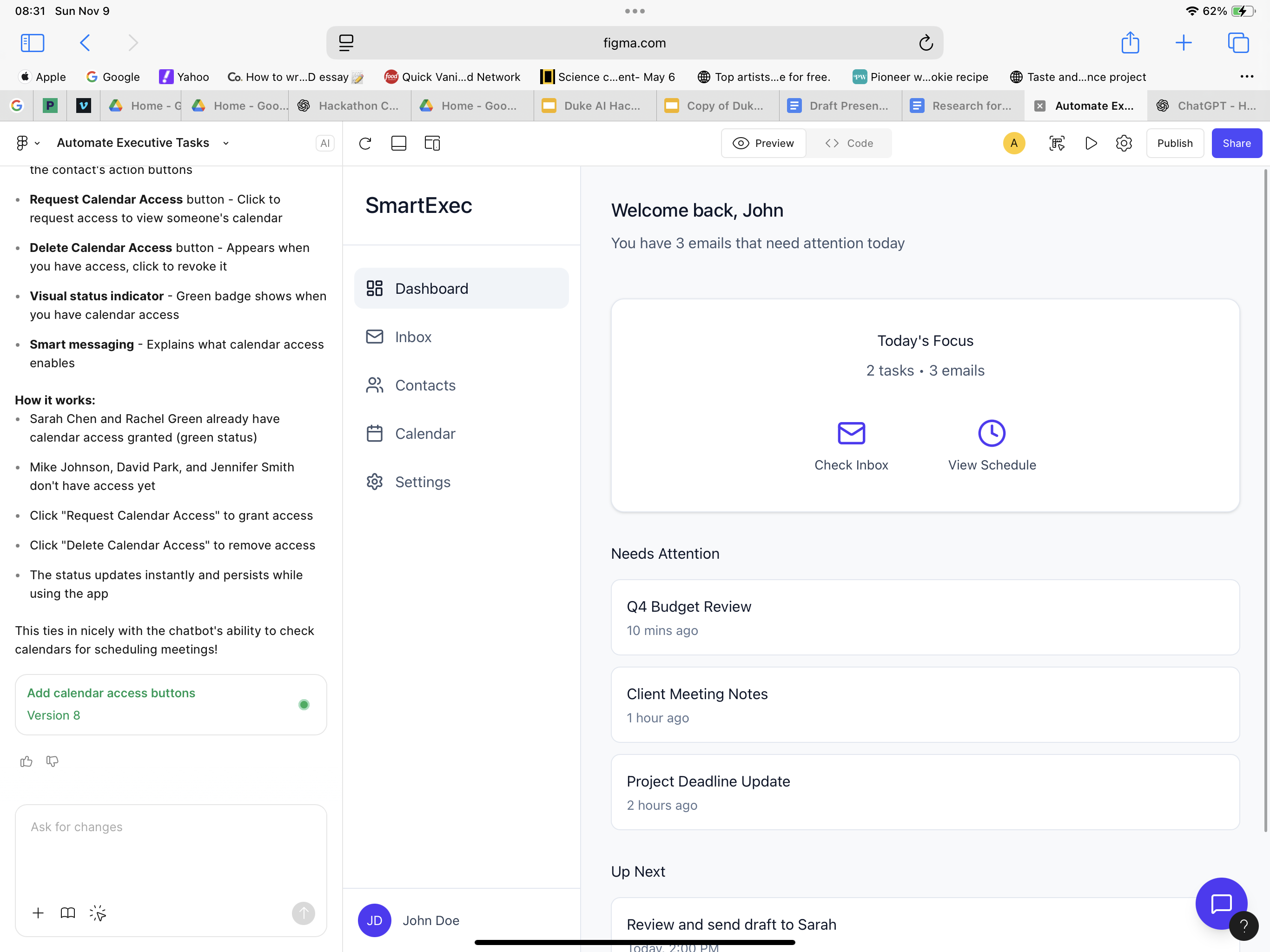
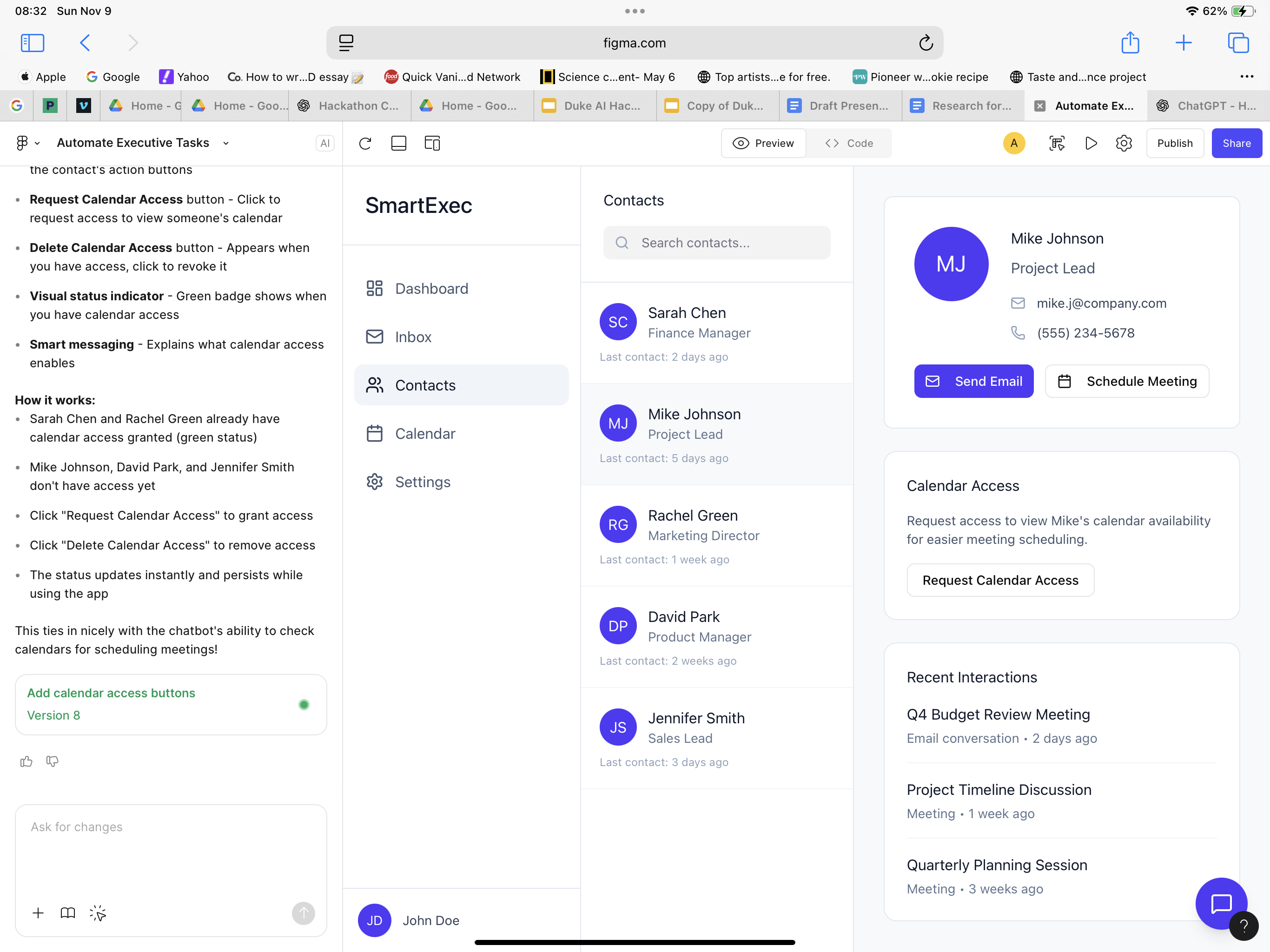
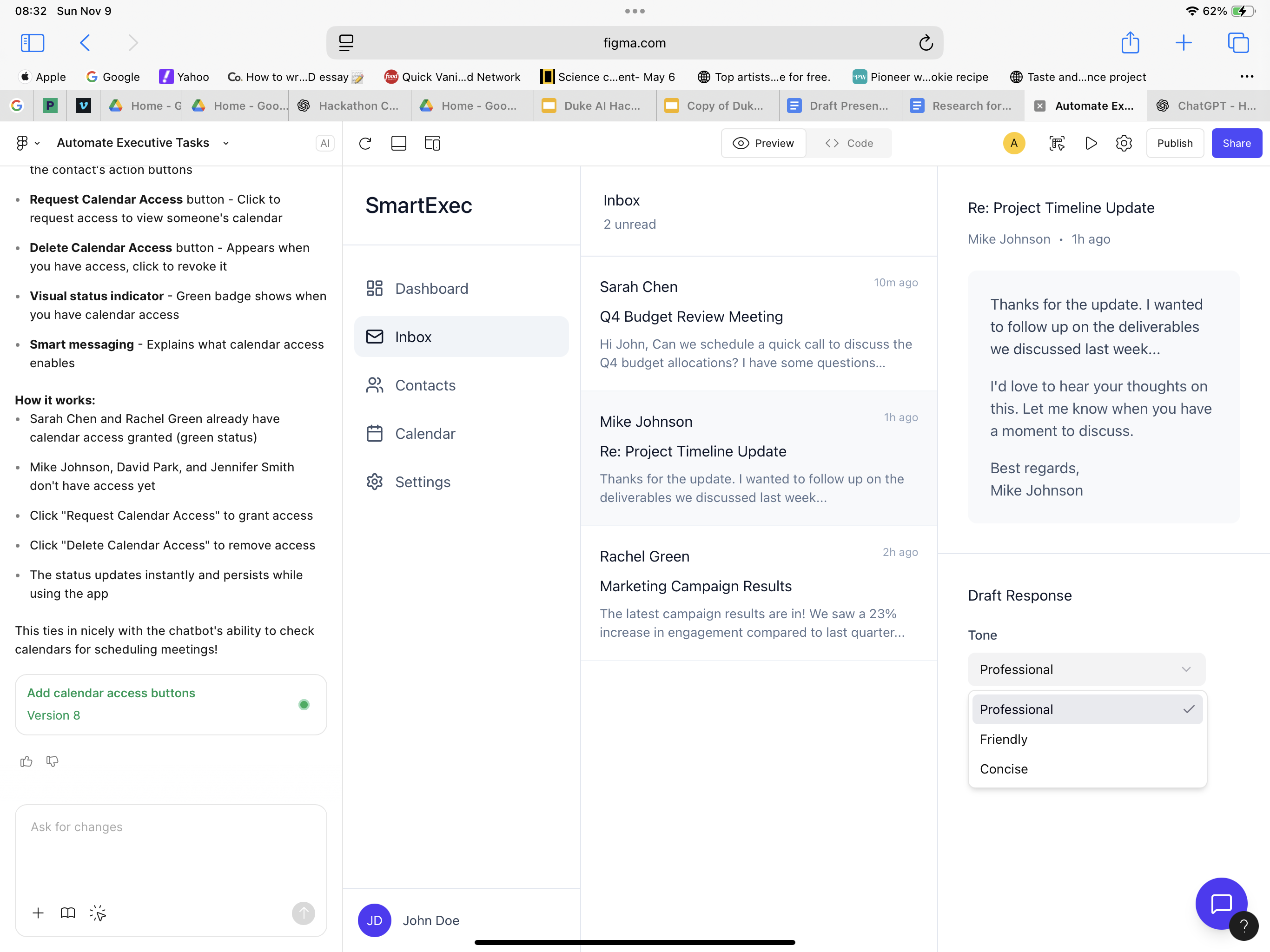
Step 1: Brainstorming Phase: We mapped out the “C-Suite” (agents) and “Mission Control” (dashboard). The two key components of our project is creating a multi-agent architecture, and a clean user interface that was accessible to the lay person, not just technical experts.
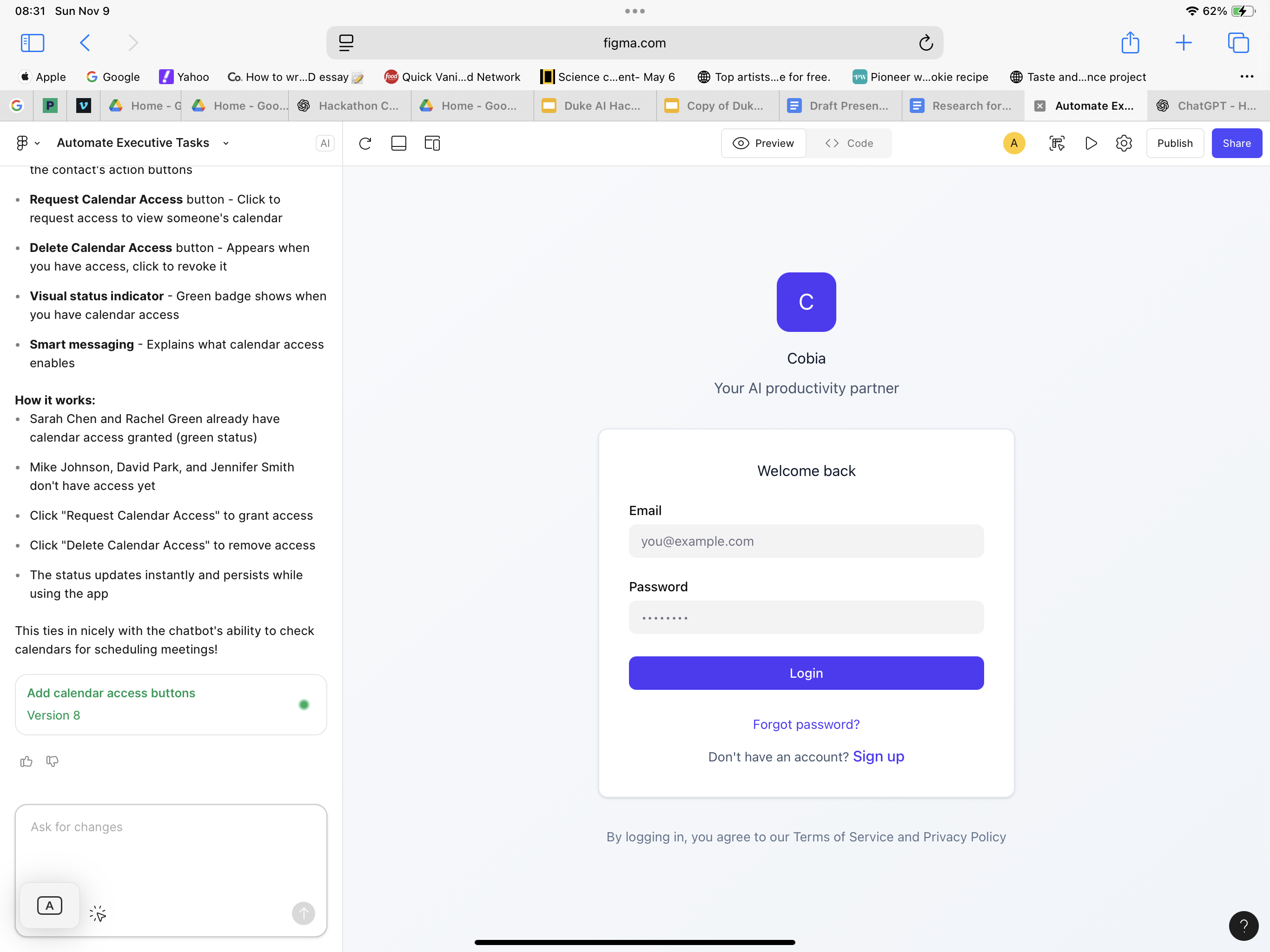
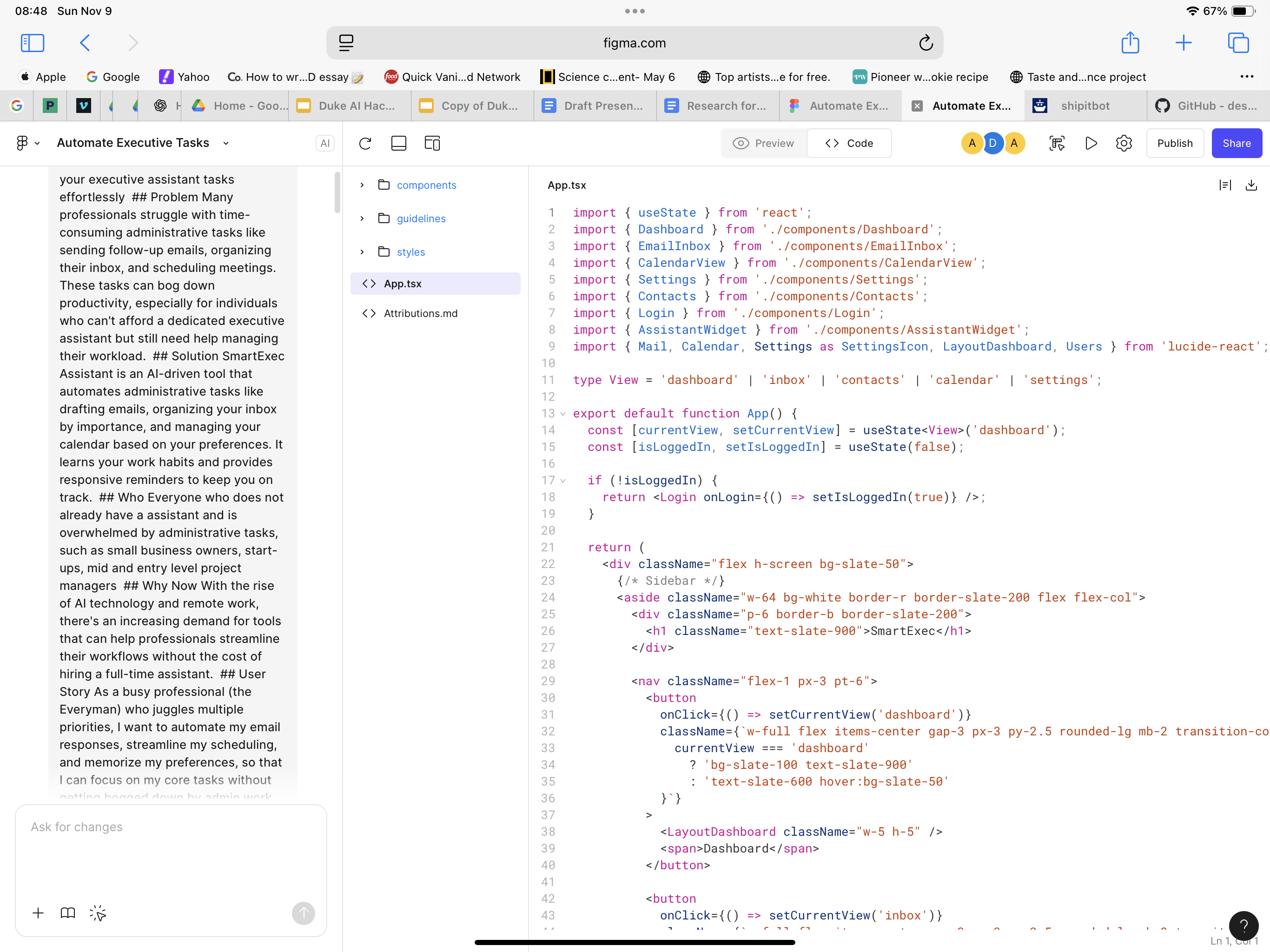
Step 2: Prototyping: We built low-code Figma mockups for the Mission Control dashboard, with sample interactions that can be seen in our figma generated website. I shows the general vision of how we want users to interact with the tool. We used Figma for vibe-coding (visualizing the dashboard without heavy code) and ChatGPT for system scaffolding, treating it as a thought partner to break big AI concepts into small, buildable steps.
Step 3: Build the AI Agents: We already developed the kind of agents we wanted to design earlier. So we used the cursor coding assistant to help create functional ai agents. We wanted to ensure that the project remained accessible to everyday people, that's why agents would work in the background, and users can interface directly with them using the conversational agent (the executive assistant agent).
⚙️ Challenges We Faced Bridging technical gaps — as non-technical builders, we had to learn API logic, prompt chaining, and data flows from scratch. While the initial seminars were helpful, the cursor ai assistant was instrumental in helping us overcome our lack of knowledge
AI agent orchestration — designing how multiple “mini-AIs” communicate like a real team.
Scope control — resisting the urge to overbuild and staying focused on one feature that works.
💬 Reflection
This project taught us that building AI isn’t just about code — it’s about designing conversations between humans and machines.
Our journey reflects this simple formula:
Human Focus +
AI Collaboration
Accessible Productivity
Human Focus+AI Collaboration=Accessible Productivity
We’re proud that our MVP isn’t just functional — it represents a mindset shift: AI should empower everyone, and empower humanity in new and innovative ways.
Built With
- figma
- n/a
- python
Log in or sign up for Devpost to join the conversation.